















BLACK FRIDAY

2× credits · Ends Dec 1

Ends Dec 1, 11:59 pm PTGrab 2× credits
Bicep Heart AI

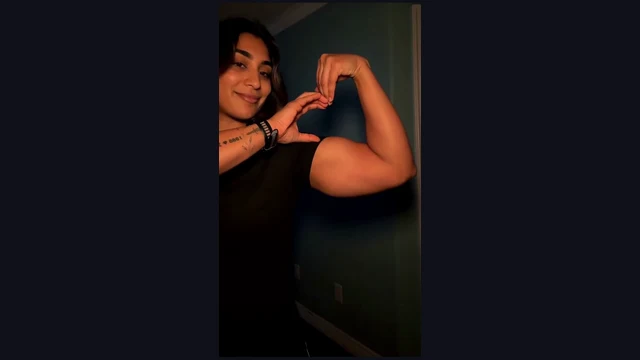
Upload one clear adult portrait to the bicep heart AI video generator. Your face joins the prepared black-shirt arm-and-hand heart scene.

Upload Your Portrait0/1

JPG / PNG / WebP · 1 file · Max 20 MB per file

Styling note (optional)
0/400
Resolution
Number of outputs
Public Visibility
Required credits
224
Sample videos

Bicep Heart AI Video Generator for Your Own Photo

Your face. One small flex. A heart to share.

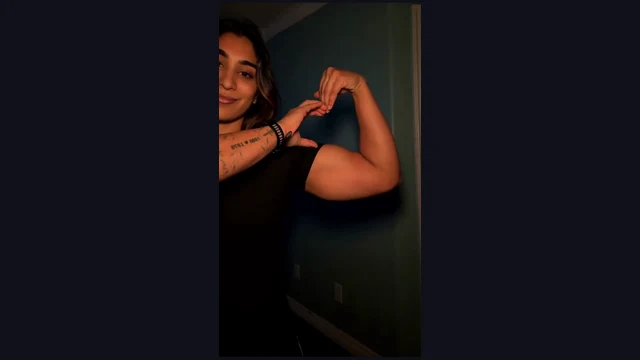
Start with a free portrait upload to the bicep heart AI video generator and create an arm-and-hand heart, with no prompt to write. The prepared scene starts with a relaxed portrait, follows one arm rising into a flex and curves the opposite hand against the bicep to complete the heart. Your face gives the small gesture a personal meaning.

Create a seven-second vertical video with sound for a sweet message, an anniversary reply or a playful post for friends. Upload your portrait, preview the complete gesture and save a little greeting made with the bicep heart AI video generator.

Create My Bicep Heart Video
Bicep Heart personalized scene
1 Clear Portrait|7 Seconds With Sound|Prepared Scene and Motion|No Prompt Writing

How to Make Your Bicep Heart AI Video

Start with a clear photo in the bicep heart AI video generator, then preview the whole gesture before sharing.

1

Choose Clear Photos

Choose one clear adult portrait for the bicep heart AI video generator. Look for a well-lit face, visible hair and a natural view of the features. Check that the image shows the person you want performing the heart gesture before uploading.

2

Place Your Photos in the Workspace

Upload your chosen portrait to the bicep heart AI video generator. Check the photo preview and confirm the face is clear. The prepared scene supplies the setting, clothing and movement around that identity, so your starting photograph can come from another place.

3

Generate the Prepared Scene

Create an arm-and-hand heart with the bicep heart AI video generator’s prepared scene. Check your portrait preview, choose a quality and begin the arm-and-hand gesture. The fixed 7-second sequence brings your portrait into the heart gesture with sound and a complete ending to watch.

4

Watch the Finish and Save

Preview the complete heart gesture from the bicep heart AI video generator before saving it. Follow the arms as the heart takes shape, then watch the final held pose. Save the finished heart gesture and pair it with a short personal message for the recipient.

Bring Your Photo Into the Bicep Heart Scene

Explore how the bicep heart AI video generator brings your portrait, arm movement and final heart into one scene.

Your Face in the Bicep Heart AI Video Generator

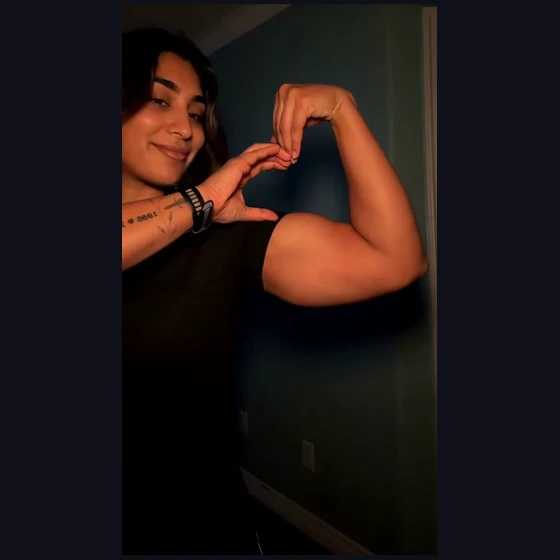
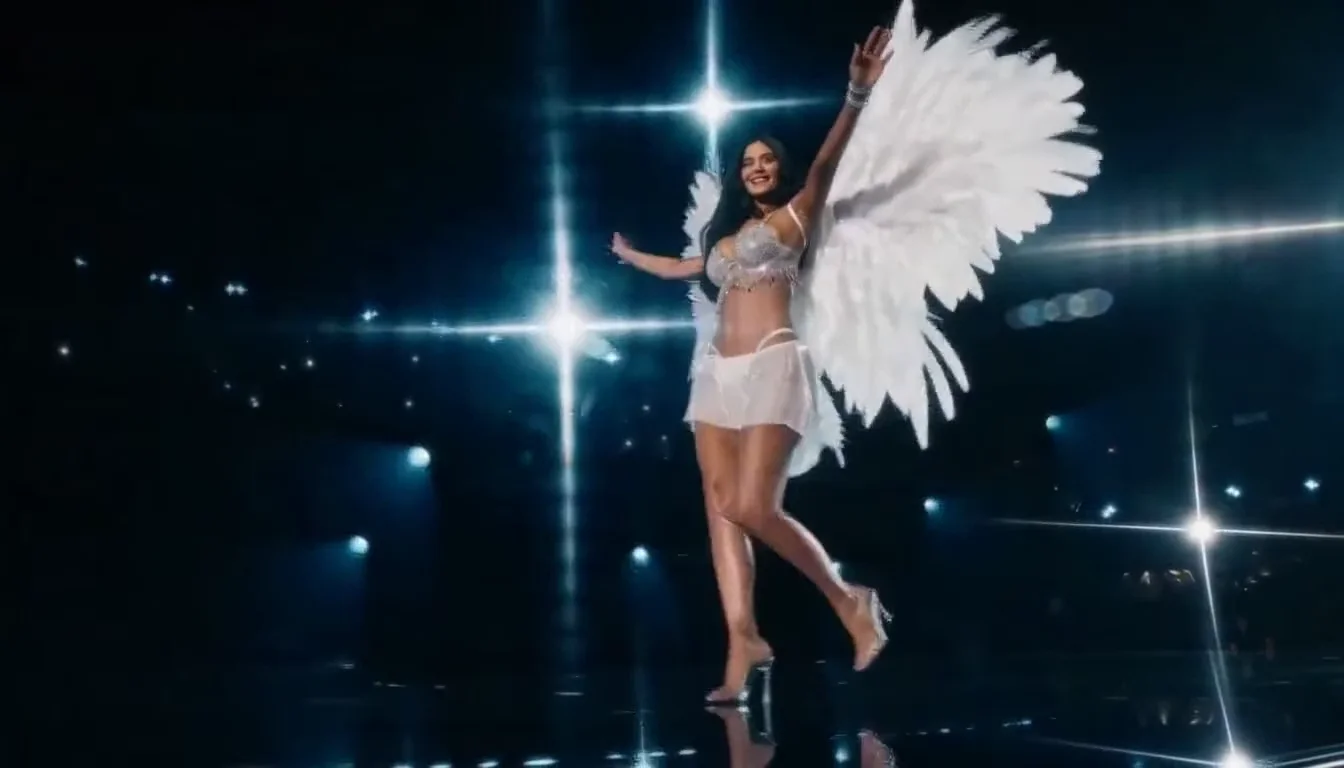
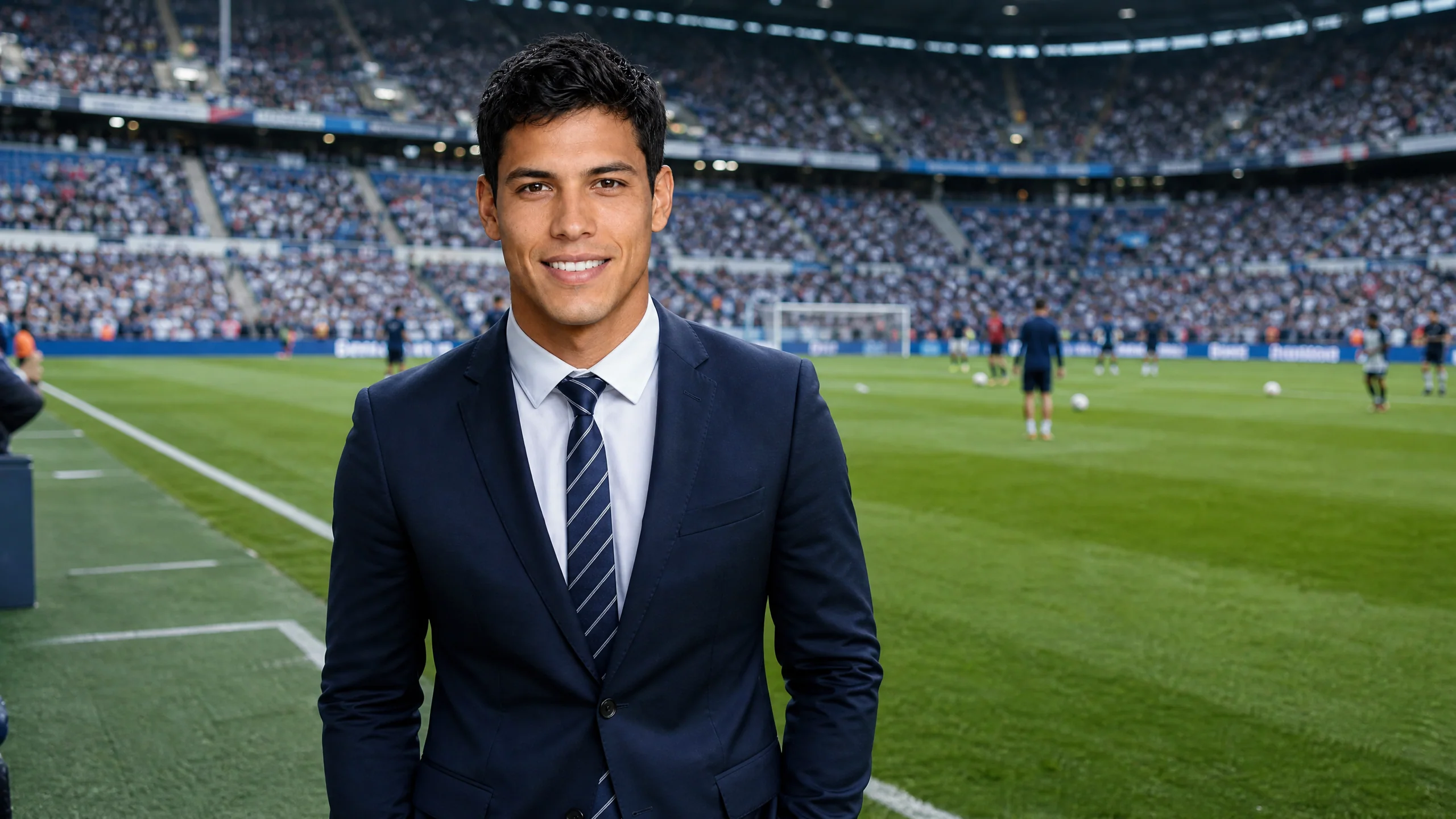
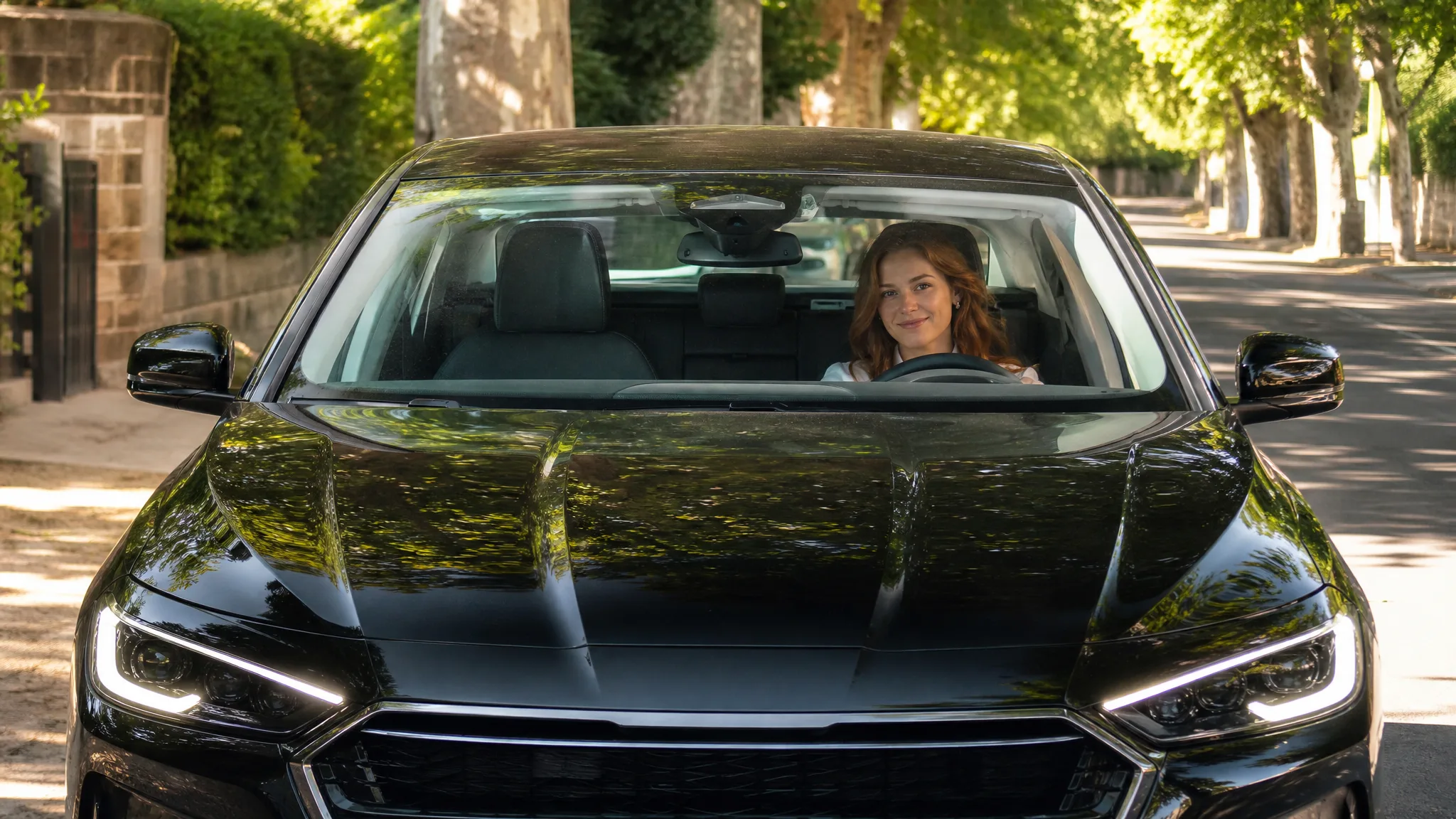
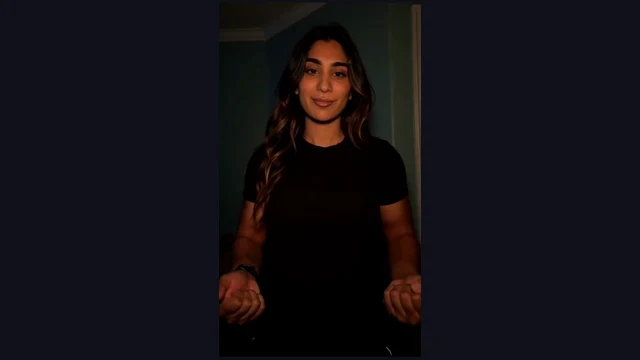
A clear adult portrait gives the gesture a recognizable face. The bicep heart AI video generator places that identity in a simple room scene with a black short-sleeve shirt, keeping the attention on the smile and arms. Choose a photograph with even lighting and visible hair for a personal greeting with an expressive beginning.
Your Face in the Bicep Heart AI Video Generator

An Arm and a Hand Complete the Heart

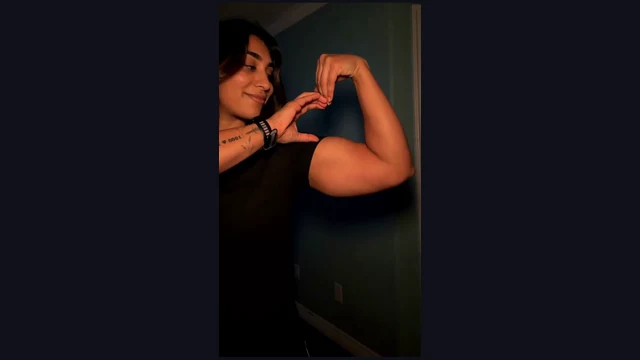
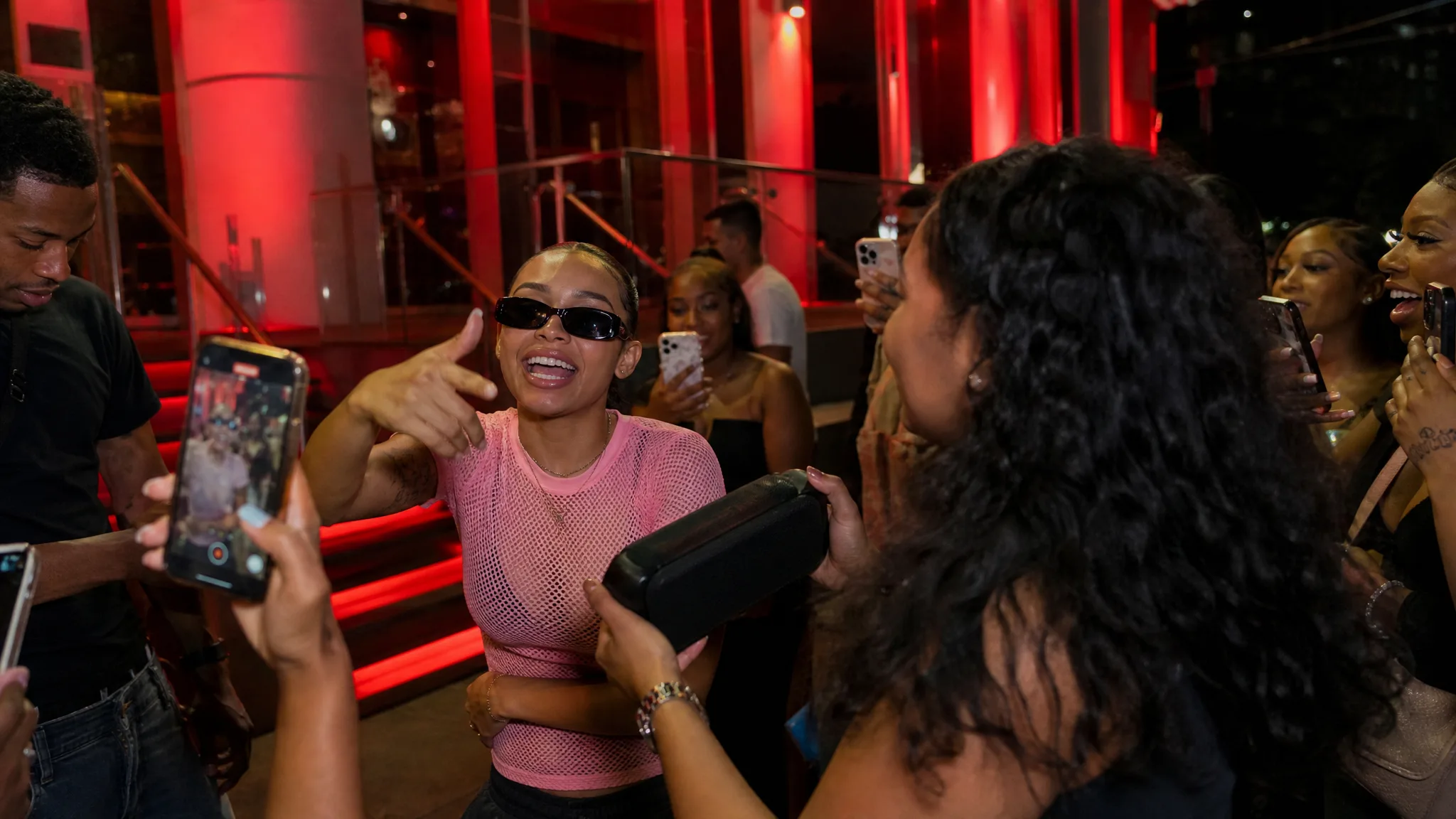
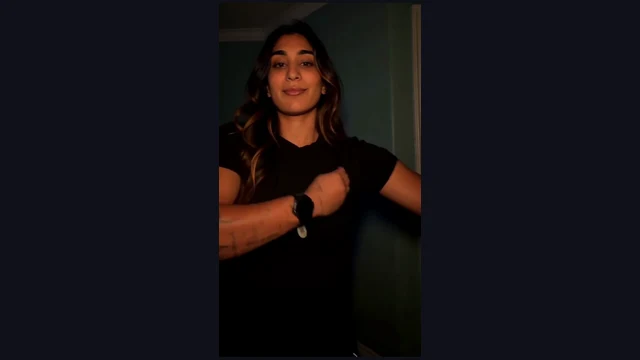
The gesture works through two connected movements: one arm bends into a flex, then the opposite hand curves toward the bicep. The bicep heart AI video generator prepares this sequence around your portrait. The resulting outline makes the affection readable as a physical pose, with the face and arms sharing the same frame.

An Arm and a Hand Complete the Heart

Give the Final Pose a Moment

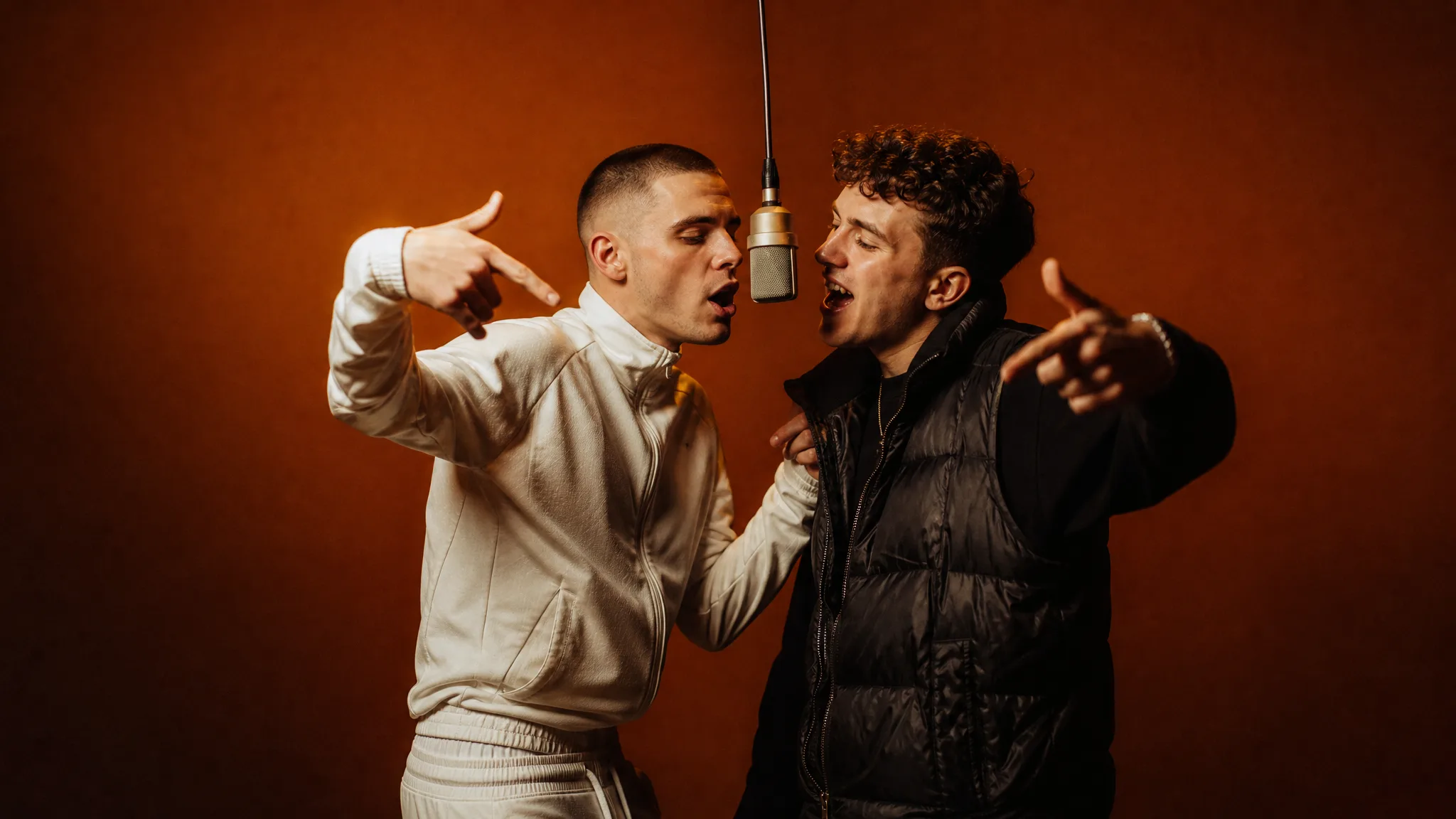
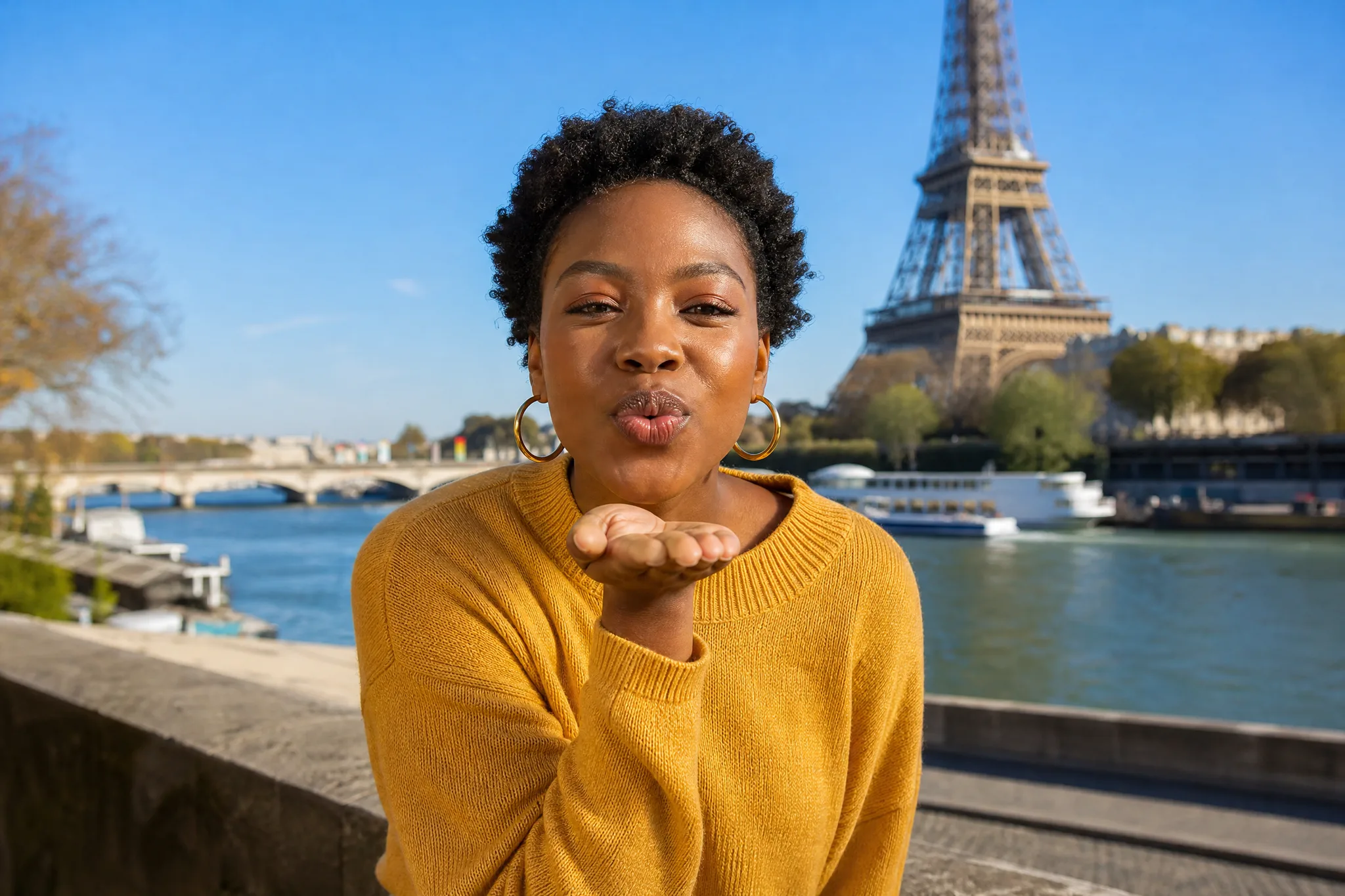
The clip gives the heart shape time to register before the final look toward the arm. The bicep heart AI video generator follows the gesture through that ending, creating a small performance with a beginning and a finish. Preview the whole movement, then choose the moment you want a friend or partner to see.

Give the Final Pose a Moment

A Short Vertical Greeting With Sound

A seven-second bicep heart AI video fits a quick reply, a personal message or a lighthearted social post. The prepared portrait scene keeps the complete arm-and-hand heart in the vertical composition, with sound accompanying the movement. Upload a photo and create a little greeting that says more than a still heart emoji.

A Short Vertical Greeting With Sound

Bicep Heart AI Video Ideas to Share

Use the bicep heart AI video generator for personal messages, anniversaries and lighthearted replies to friends.

A Little Message for Your Partner

Use the bicep heart AI video generator to put your own face into an affectionate reply. The smile, flex and finished heart make a short personal gesture. Send the completed clip with a few words that connect it to an everyday moment you share.

An Anniversary Greeting

Create an anniversary clip with the bicep heart AI video generator. Start with a favourite clear portrait, preview the heart through its final hold and pair it with your own date or memory in the message accompanying the finished video.

A Playful Friend-Group Reply

Try the bicep heart AI video generator for a cheerful thank-you after a friend helps with something. The arm-and-hand heart brings a familiar person into the reply, while the short running time keeps the message easy to watch inside a busy group conversation.

A Sweet Social Story

Turn a portrait into a bicep heart AI video for a personal story about someone you appreciate. Give the complete gesture room to play, then add a brief caption in your social app. The finished heart supplies a visual greeting that feels connected to your own face.

Bicep Heart AI: Creator Perspectives

I picked a favourite clear portrait for the bicep heart AI video generator and used the gesture as a small greeting for my partner. The smile introduced the person before the arm and hand formed the heart. I sent the complete clip with a few words about our day together.

Elena Rossi
Designer

Bicep Heart AI Questions

Find photo requirements, the prepared workflow and the video format for the bicep heart AI video generator.

The bicep heart AI video generator animates a portrait into an arm-and-hand heart. The seven-second vertical clip shows the arm rising, the hand curving toward the bicep and the final held shape, with sound.

The Bicep Heart trend centres on a flexed arm and the opposite hand joining into a heart outline. This bicep heart AI version puts the uploaded person into the prepared room scene and carries the small gesture through its final pose.

Sign up to get free starter credits for the bicep heart AI video generator. Daily check-ins earn more, with higher rewards as the streak grows. Use your credits for images or videos and check the heart scene’s current generation cost before you begin.

Choose one clear adult portrait for the bicep heart AI video generator, with the face and hair visible in even light. A natural view of the features gives the scene a recognizable identity. The prepared reference supplies the black shirt, arm movement and room.

The bicep heart AI video generator already prepares the scene, movement and fixed running time. Upload the required portrait and use the workspace to start. A short optional note can describe the adult whose portrait supplies the heart performer.

Personalize a bicep heart trend AI video with your portrait and the message you send. Pick a familiar face for the recipient, then add a playful greeting that suits the arm-and-hand heart.

The bicep heart AI video generator creates a seven-second vertical 9:16 video with sound. Preview the complete heart gesture in the workspace, then download the finished clip for a personal message or a short social post.

The bicep heart AI video generator works in your phone’s browser. Select a clear portrait from your photo library and check its preview, start the prepared scene and watch the result. Save the heart gesture on your phone and attach it to a message for someone you appreciate.

Create Your Bicep Heart AI Video

Bring one clear adult portrait to the bicep heart AI video generator and turn a familiar face into an arm-and-hand heart. Check your portrait, start the arm-and-hand scene and watch the finished heart before sending your greeting.

Create My Bicep Heart Video
Bicep Heart final moment