




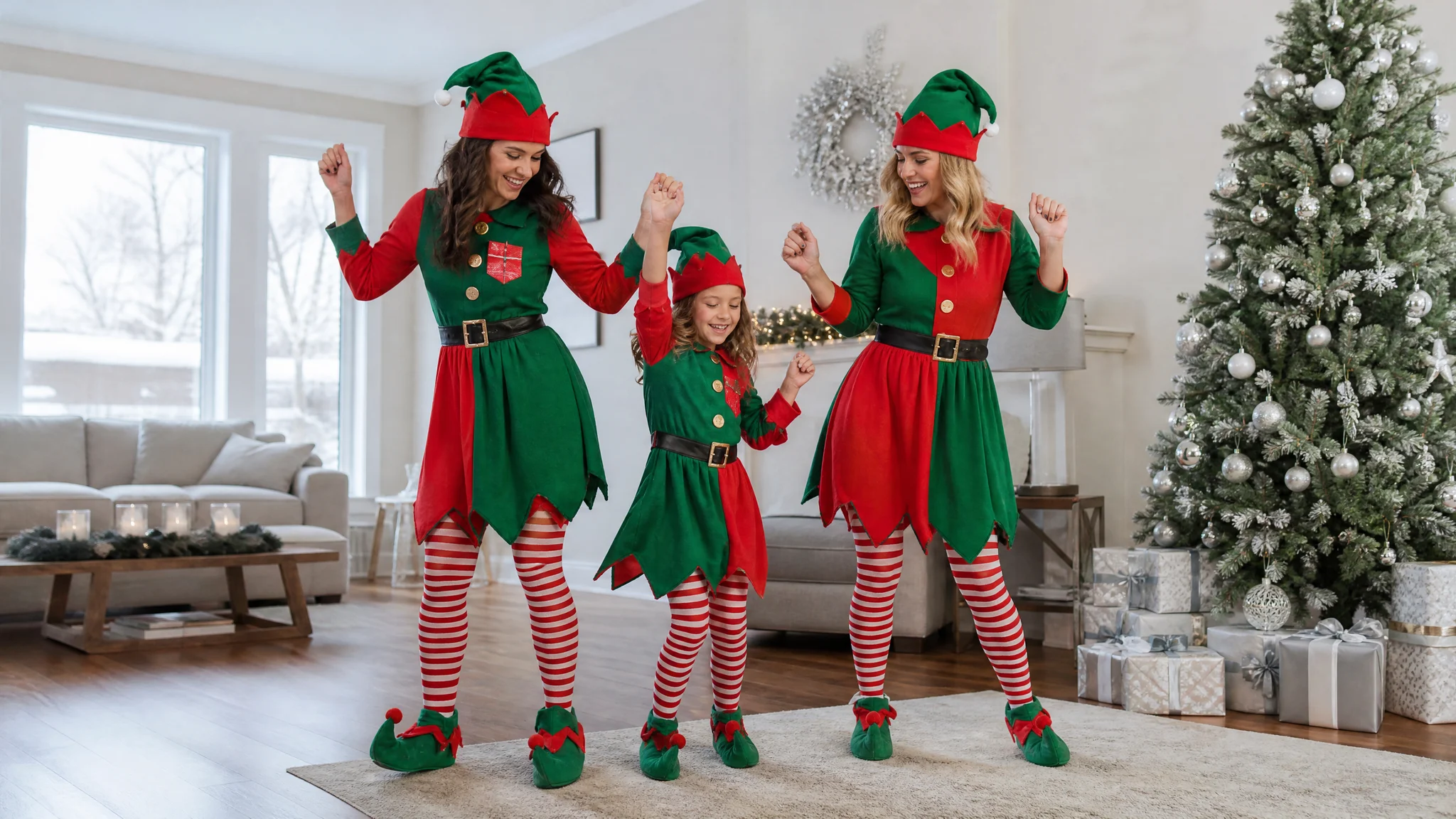
AI Elf Dance Video

Upload three portraits for your AI elf dance video: first the left performer, then the smaller central performer, then the right performer. The scene prepares the elf outfits, tree-side dance and festive sound.

Upload Three Portraits0/3

JPG / PNG / WebP · Up to 3 files · Max 20 MiB per file

Styling note (optional)
0/300
Resolution
Number of outputs
Public Visibility
Required credits
384
Sample videos

AI Elf Dance Video: Bring Your Family to the Christmas Tree

Three familiar faces, one cheerful Christmas dance

An AI elf dance video turns three individual portraits into a twelve-second vertical Christmas greeting with festive sound. Each photo supplies one performer in the tree-side family dance, while the template provides red-and-green elf outfits and coordinated steps. Upload your three portraits above, matching the left, central and right roles.

Pointed hats, striped stockings and little turns bring familiar faces into one cheerful living-room scene. Watch all three performers before saving the clip for a family group chat, a holiday message or your own Christmas edit. Send a personal seasonal hello with an AI elf dance video.

Make My Video
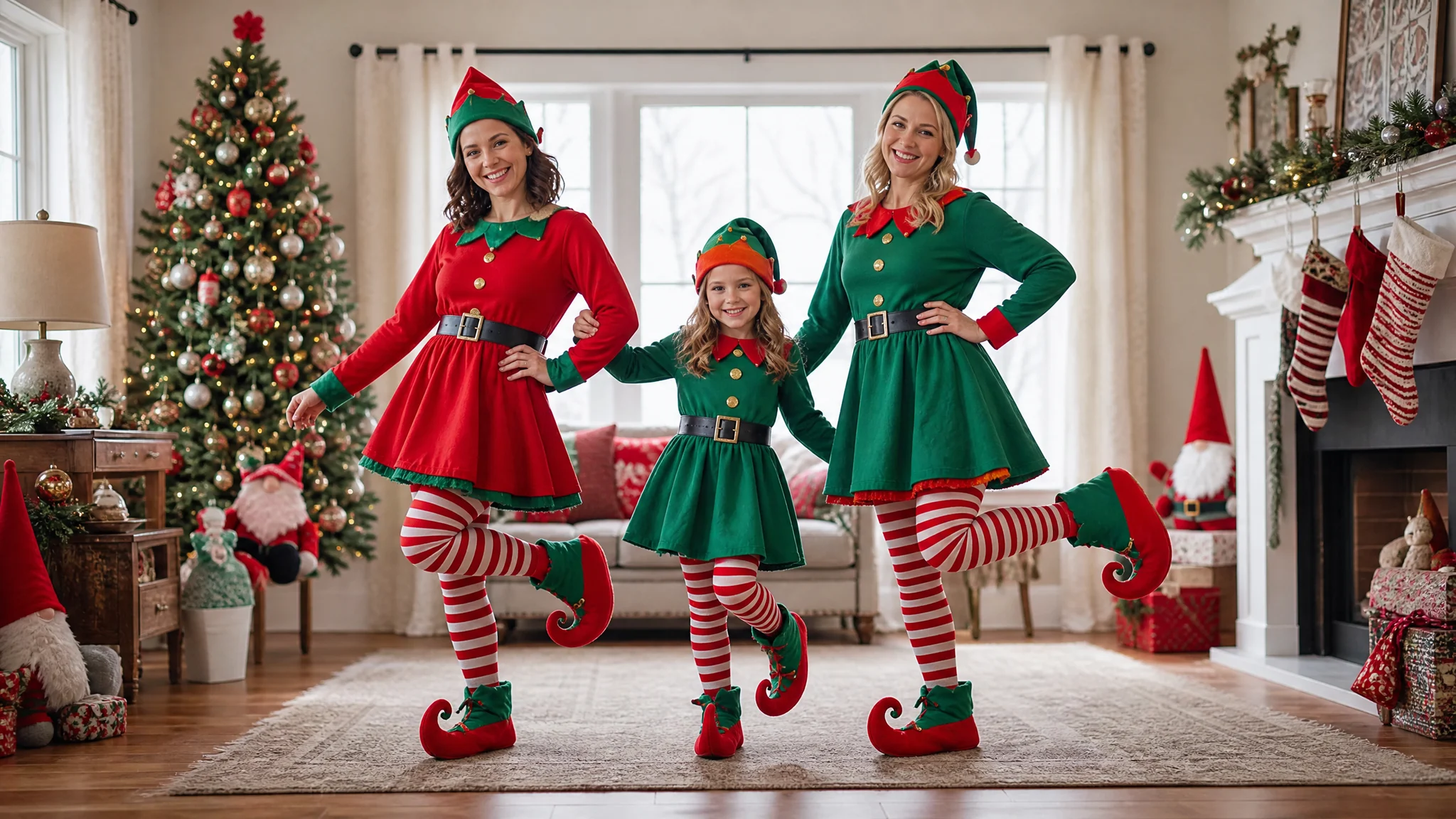
AI elf dance video scene showing three family members in elf outfits beside a Christmas tree
Three Portraits|Family Dance Scene|Elf Outfits Included|Festive Sound

Your Family, Dressed for an AI Elf Dance Video

The AI elf dance video combines three portrait identities with the red-and-green costumes, full-body dance and Christmas living-room scene.

Three Faces for Your AI Elf Dance Video

Choose one portrait for each of the three performers. The left, central and right photo slots give every person a place in the prepared family dance. Your AI elf dance video uses those portraits as identity references, bringing familiar faces into one festive scene while the template supplies the movement and costumes around them.
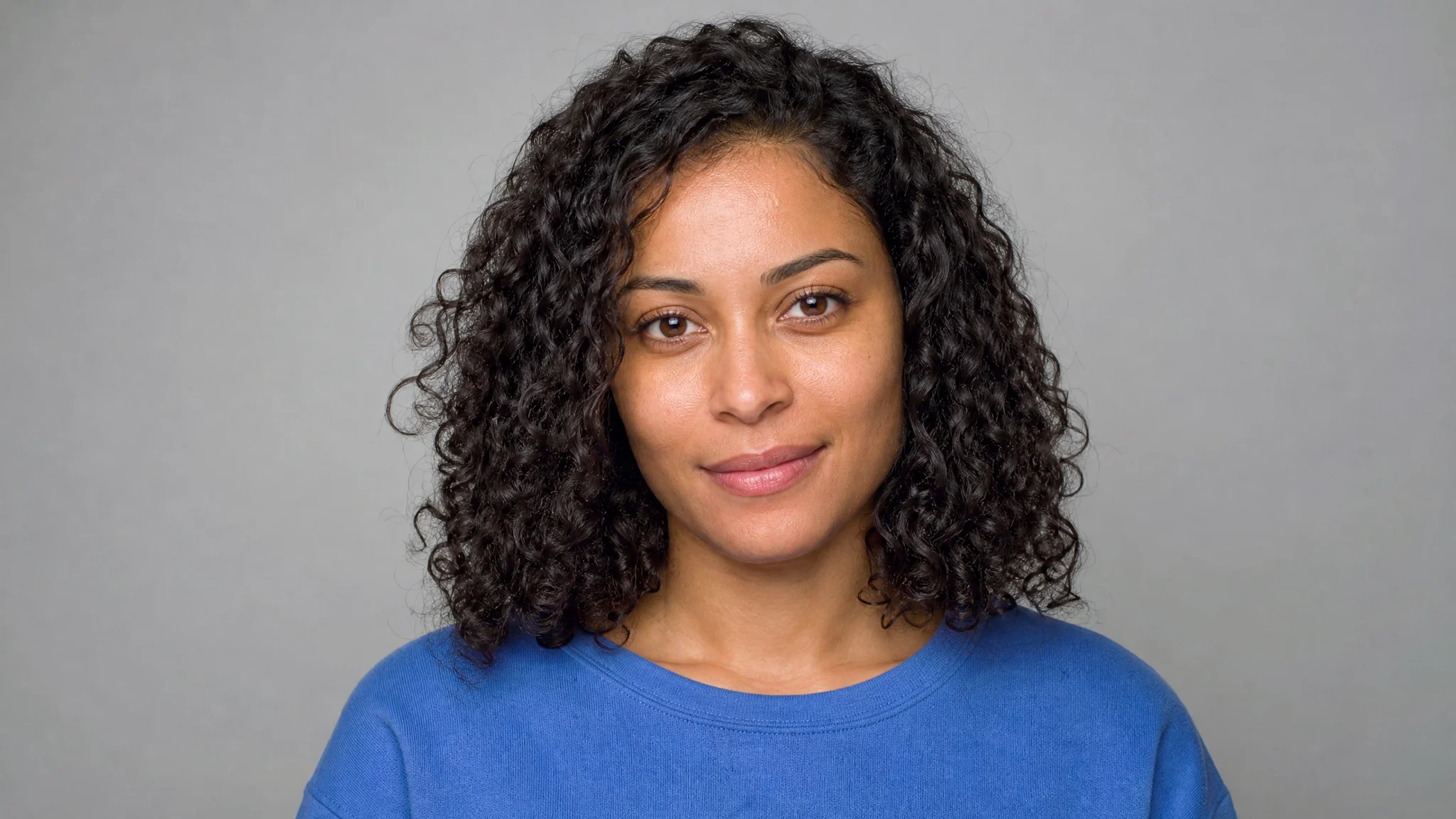
A clear portrait of the left performer before the family elf dance

Red-and-Green Outfits Set the Mood

Pointed hats, red-and-green tunics, striped stockings and curled shoes give the family its Christmas cast. Your source portraits can show ordinary clothes, because the prepared scene supplies the elf outfits. The AI elf dance video template combines those recognizable costume details with the tree and presents, making the seasonal setting clear as soon as the dance begins.

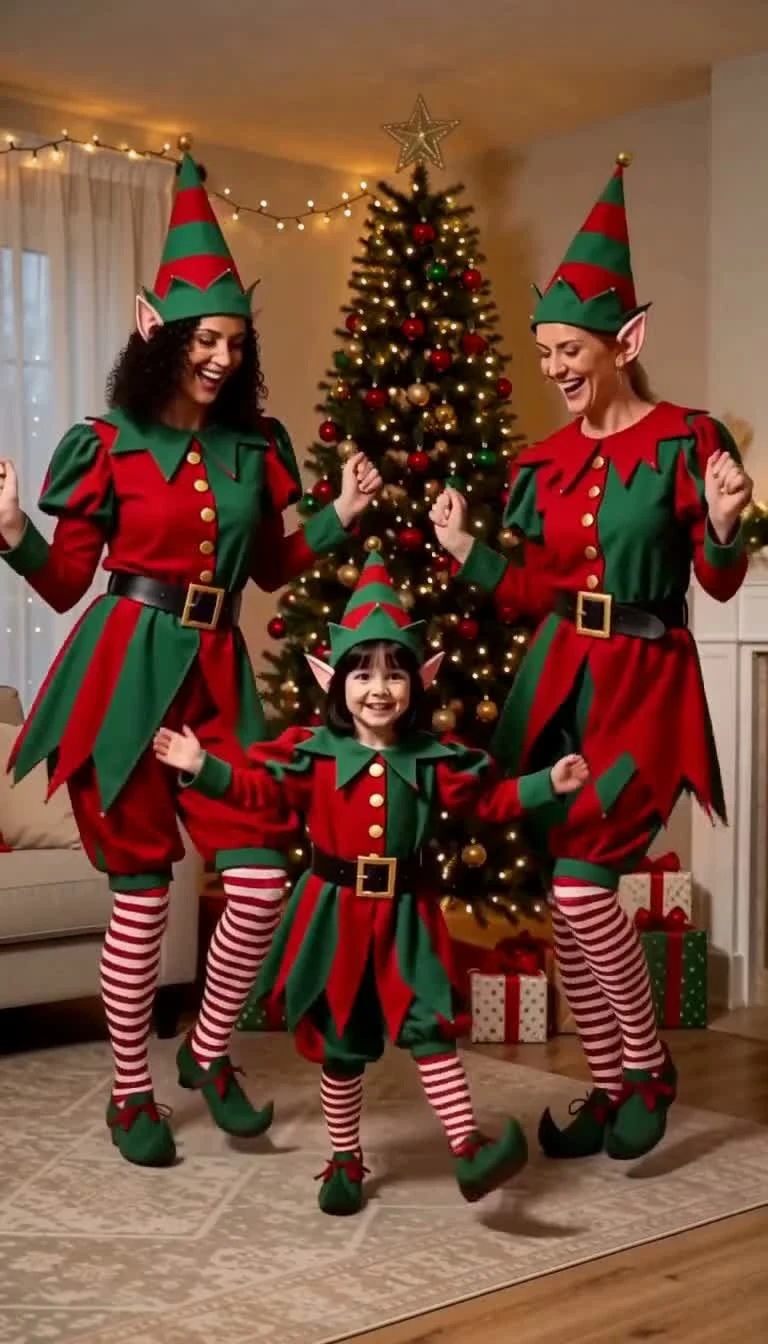
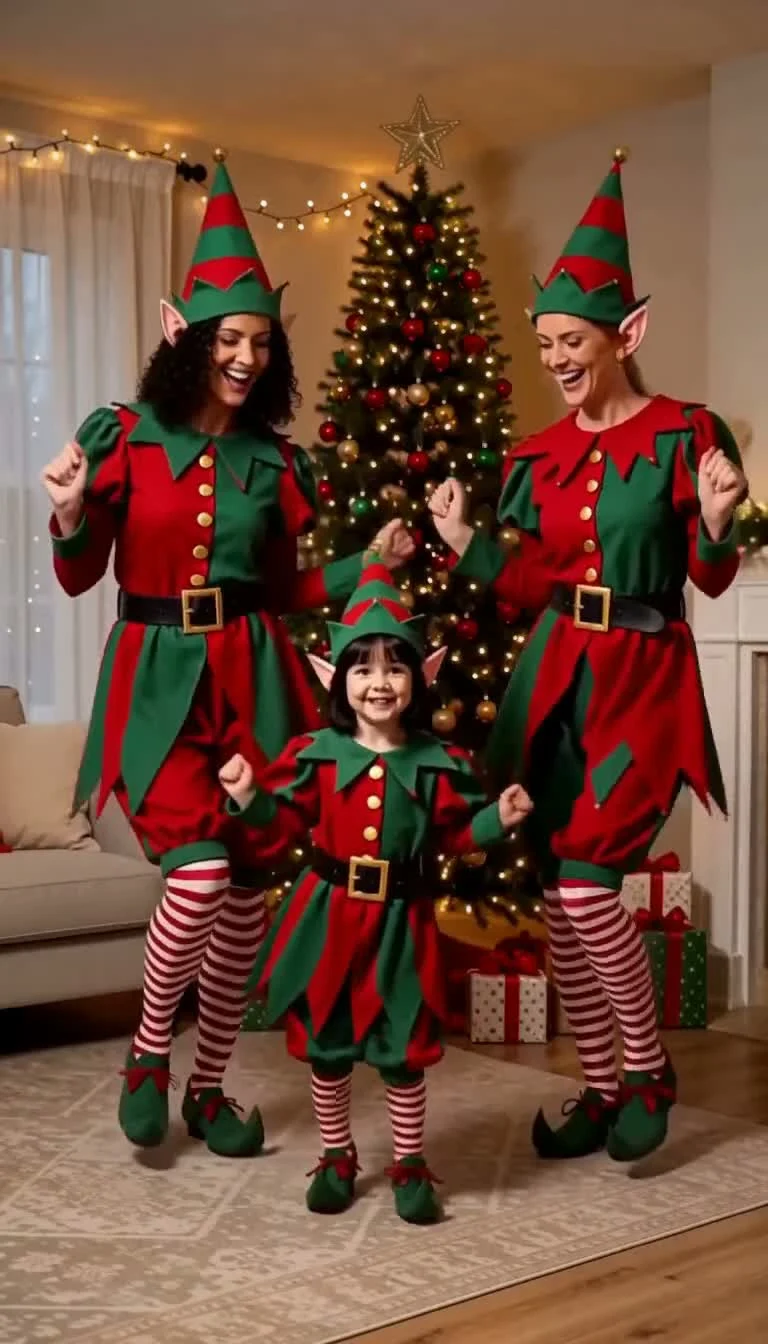
Three performers wearing red and green elf tunics and pointed hats

A Dance Everyone Can Watch Together

Small hops, steps and turns keep the three performers together beside the tree. Your AI elf dance video follows the prepared reference rather than asking you to choose choreography. Watch how the familiar faces, pointed hats and striped stockings move through the same little performance, with the full-body view giving the family room to dance.

Three family members doing small synchronized steps in elf costumes

Festive Sound for the Tree-Side Scene

The Christmas elf dance AI scene brings its festive sound into the short performance. Turn on the sample player’s audio to hear the mood as you watch the outfits and dance together. Your finished clip is prepared as a twelve-second vertical video, ready to review from the opening movement through the last beat before saving.

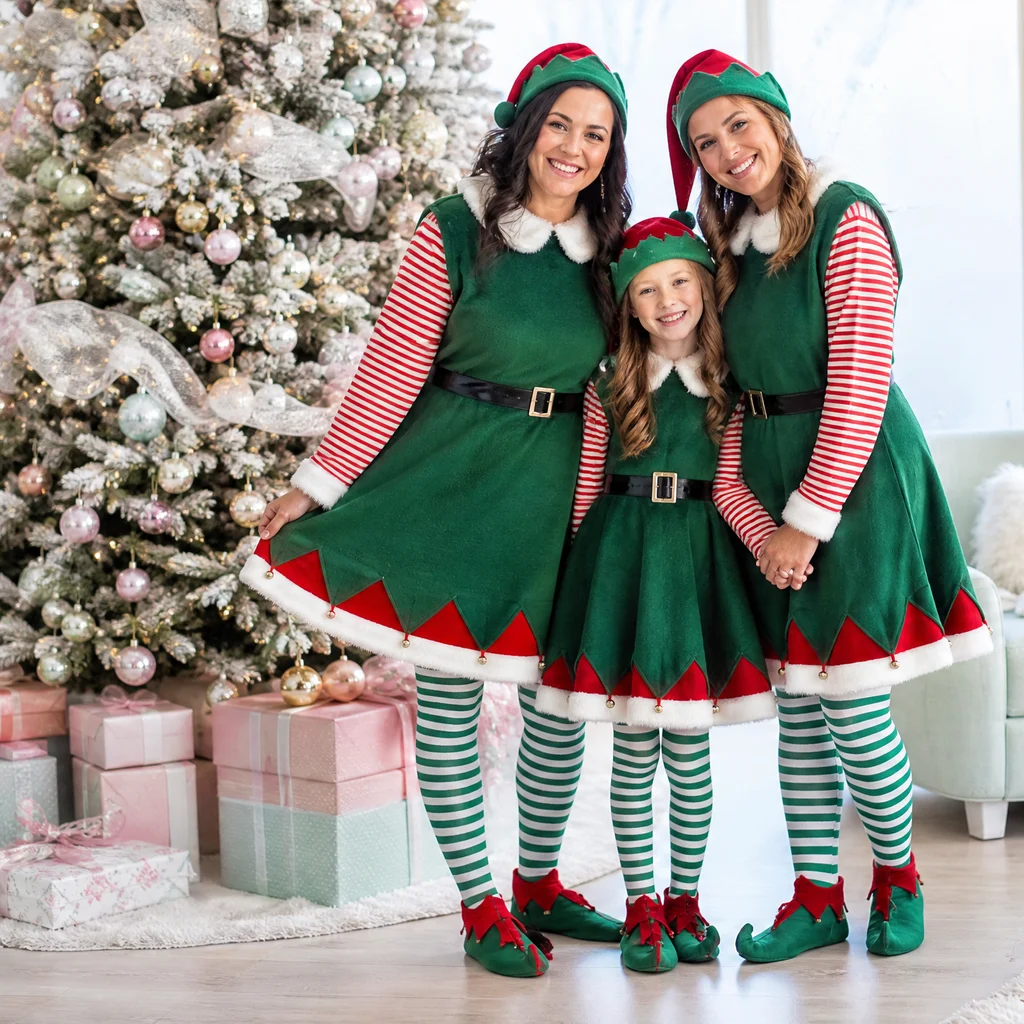
Three elves smiling together beside the Christmas tree at the end of their dance

How to Use the Elf Dance Video Maker

The elf dance video maker prepares the performance. You choose three familiar faces, match the slots and review the finished greeting.

1

Pick One Portrait for Each Performer

Choose three clear portraits for your AI elf dance video, with one person visible in each photo. Look for even light, visible eyes and a recognizable hairstyle. Ordinary clothes are fine: the template brings the red-and-green elf costumes into the dance, so focus on selecting the faces.

2

Match the Slots and Generate

Upload the first portrait for the performer on the left, the second for the smaller central performer and the third for the right. Check the previews in the elf dance video maker and add an optional appearance note. Click Generate Video to start the prepared family performance.

3

Watch, Listen and Save the Greeting

Open your completed AI elf dance video and play the whole twelve-second performance with sound. Watch all three faces, the hats and the feet as the dancers move beside the tree. Download the clip after your preview and send it with your own holiday message to the people you want to greet.

AI Elf Dancing Video Ideas for Christmas Greetings

An AI elf dance video gives three familiar people a shared festive scene to send, keep or include in a personal holiday edit.

A Familiar Trio in One Scene

Bring three relatives or friends together as the performers in your Christmas message. The AI elf dance video gives each portrait a fixed role, making the greeting about the people you selected. The tree, costumes and shared dance provide a single setting for the trio to enjoy together.

A Greeting for the Family Chat

Send a moving Christmas hello alongside the message you would normally type to your family. A twelve-second AI elf dance video keeps the greeting compact, with familiar faces and a decorated tree doing the festive work. Download the file, add your own words when sending and make the moment personal.

A Cheerful Addition to Holiday Memories

Keep your AI elf dance video with the family photos and seasonal clips you collect each year. The same three faces become a small Christmas cast, wearing pointed hats and dancing together by the tree. It gives you another way to remember the people behind the portraits you chose.

A Short Scene for Your Christmas Edit

Use the downloaded family performance between your own tree-decorating shots, holiday photos or celebration footage. The AI elf video generator supplies a compact dance scene, and you decide where it fits in your edit. The vertical frame keeps the three performers together when the clip is watched on a phone.

What Families Make With the AI Elf Video Generator

I wanted our Christmas message to include the three of us, even though we had no matching holiday photo. I chose one portrait each for the AI elf dance video and sent the finished clip with our greeting. The little outfits and dance by the tree made it feel like a family message.

Amelia Fenwick
Nurse

AI Elf Dance Video Questions

Find the portrait, template and output details for your family’s AI elf dance video.

An AI elf dance video brings three portrait identities into a Christmas scene of elves dancing beside a decorated tree. This template uses one photo for each performer and supplies the red-and-green outfits, group choreography and festive sound. The result is a twelve-second vertical family greeting to preview and save.

The Christmas elf dance AI trend turns familiar faces into festive performers in pointed hats and red-and-green outfits. People use the dance as a seasonal greeting or a playful family message. This page prepares a realistic-looking, three-performer living-room scene, with a Christmas tree, presents and a short shared dance.

You can use free account credits with the elf dance video maker at its default 768p setting. Registration and daily check-ins provide credits, and consecutive check-ins add bonuses. Prepare your three portraits and choose the scene above; the generator shows the current estimate for your selected settings before generation.

Use three individual portraits for your family AI elf dance video, with one clear face in each photo. Match them to the left, smaller central and right performer slots. Even light, visible eyes and familiar hairstyles help establish each identity. Your source photos can show ordinary clothes because the template prepares the elf outfits.

The AI elf video generator already includes the Christmas scene, dance reference and generation settings. Upload the three portraits in their marked slots to choose the performers. The optional note lets you highlight an appearance detail while the prepared template directs the group dance and red-and-green costumes.

You can choose the three faces in your AI elf dance video from portraits of relatives or friends. Assign each photo to its marked performer, using a smaller central subject for the middle role. The prepared trio keeps the same tree-side dance and elf outfits around the people you select.

The AI elf dancing video includes festive sound in a twelve-second, vertical 9:16 clip. The template offers 768p and 2K output, with 768p selected by default. Play the finished file with audio and watch all three performers before downloading it for a family message, holiday post or personal edit.

Start your AI elf dance video with three evenly lit portraits that show each face clearly. Use similar camera angles and match the upload slots carefully. When the result is ready, watch the complete group performance, checking each person through the turns and keeping the hats, hands and feet in view.

Make Your Family’s AI Elf Dance Video

Choose the three faces you want in your Christmas greeting and prepare one portrait for each. The AI elf dance video maker brings the family to the tree, with the outfits, group performance and festive sound ready for your personal holiday message.

Make Our Elf Dance
Three family members in Christmas elf outfits standing beside presents and a decorated tree