










Image to Video Ad
Reference images
Prompt
0/3562
Duration
Resolution
Aspect ratio
Translate prompt
Number of outputs
Public Visibility
Required credits
30
Sample videos
Stainless steel water bottle with a bamboo cap on granite by a deep blue alpine lake under snowy peaks

Image to Video UGC Ad Generator for Your Product Shots

Your packshot becomes the first moving shot of a campaign

Upload a product photo you already have, from a serum bottle to a pair of boots. The image to video UGC ad generator adds a product reveal and returns a creator-style clip for your ad edit.

Make My Product Clip
Smiling creator in a sunlit kitchen holding a sage-green ceramic pour-over dripper up toward the camera
Built-In Reveal Direction|Creator-Style Scenes|Any Product Photo|Clips for Ad Edits

How to Use the Image to Video UGC Ad Generator

The image to video UGC ad generator turns one product photo into a moving shot in four steps, from choosing the image to handing the clip to your editor.

1

Pick a product photo with room to move

Choose a packshot or lifestyle photo where the label, shape and texture are easy to read, and upload it to the image to video UGC ad generator. Leave a little space around the product rather than cropping tight, because the motion is built from what the photo shows.

2

Keep the built-in reveal or add an idea

The page already adds a product reveal direction to your request. If you have a sharper idea, type it in: a slow push toward the cap, a hand lifting the mug, morning light sliding across the counter. Veo 3.1 Lite is the default; switch models when you need a different length, resolution or sound.

3

Generate and watch the job

Start the image to video UGC ad generator and follow the status until the preview arrives. One clear action per run, such as a turn or a light sweep, makes it easy to judge whether the take fits your brief and to try a second direction if needed.

4

Check the details and take it to your edit

Watch the whole clip, not just the first frame, and confirm that the logo, label and silhouette match your product. Download the best take from the image to video UGC ad generator, then add your headline, offer, music and timing in the editor you use for ads.

Product Shots With a Reason to Watch

An AI image to video ad generator works best when you know the one thing a viewer should notice; these four directions cover the shots marketers ask for most.

Open on the product itself

A clean packshot with one focal point makes a strong first second. Describe what should catch the eye, a beam of light crossing a frosted serum bottle or a slow approach to the dropper, and the image to video UGC ad generator keeps the label and outline readable while the light and camera move around them.
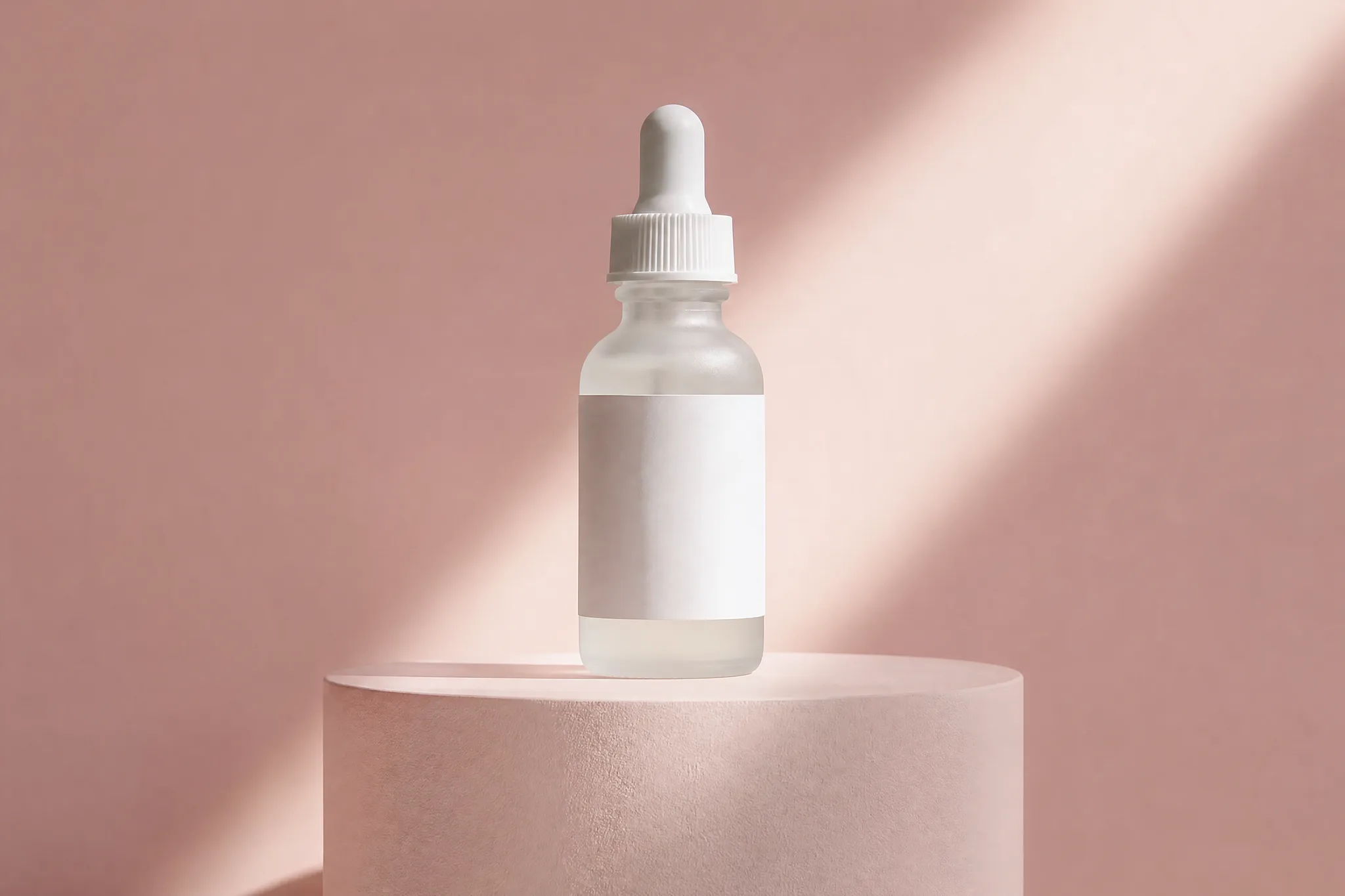

Frosted serum dropper bottle on a pale pink cylinder plinth, a single diagonal beam of light crossing it

Put it in a morning routine

Lifestyle photos give the product a place in someone’s day: oat milk poured over granola, coffee brewing by a window. The image to video UGC ad generator develops that photo into a creator-style moment with natural light and a handheld feel, useful for UGC-style ads on weeks when filming a creator is off the schedule.

Woman in a striped shirt pouring oat milk from a glass bottle over granola and berries at a white kitchen counter

Product photos to video ads for a whole catalog

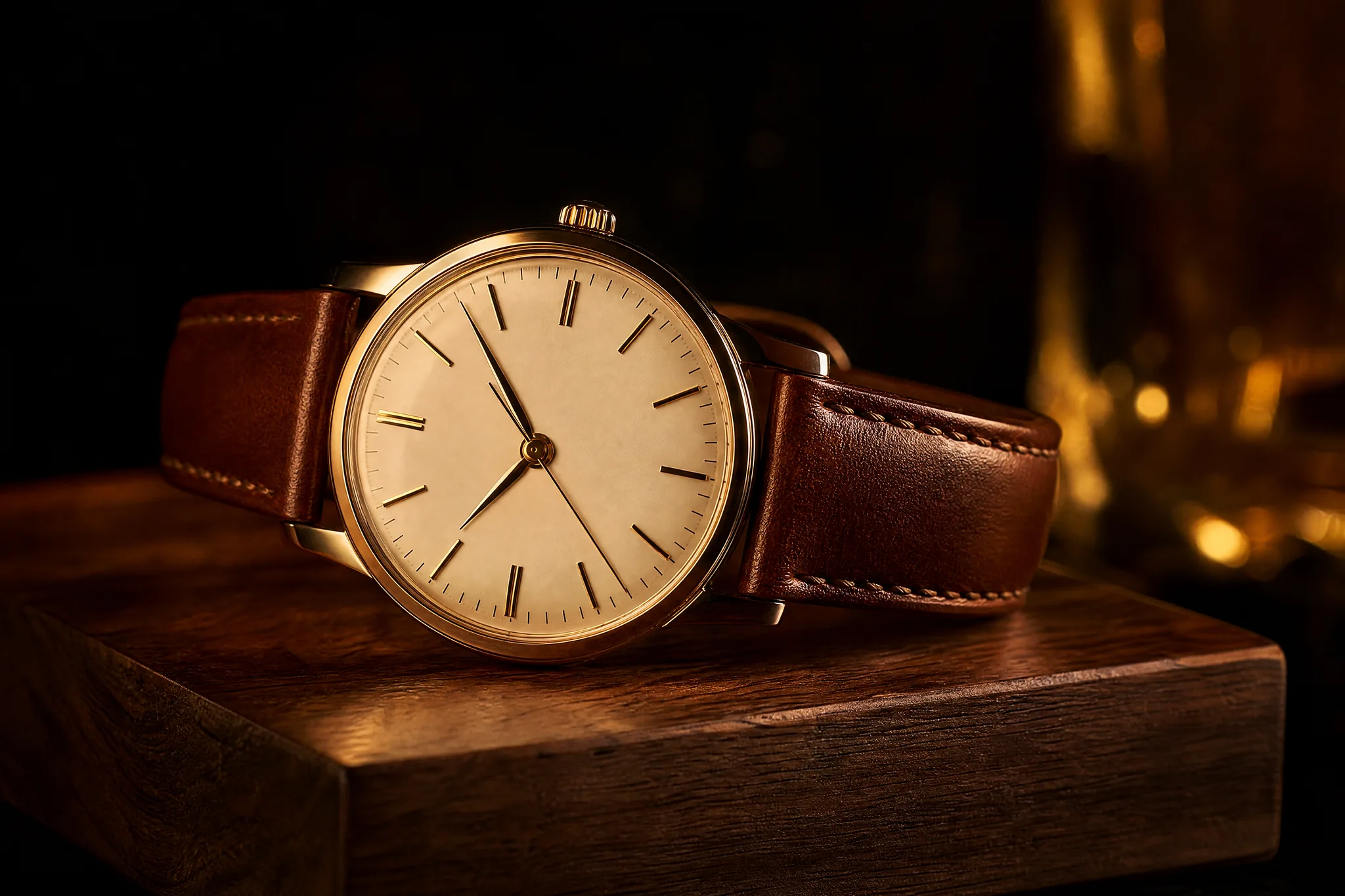
Turning product photos to video ads is the everyday job: one photo per item, one clear motion idea, one clip per product. A watch on walnut gets a warm rim of light, boots get a slow orbit. Repeat the image to video UGC ad generator for each listing and add prices and copy in your editor.

Wristwatch with a cognac leather strap resting on a polished walnut block in warm side light on a dark backdrop

Compare directions before you commit

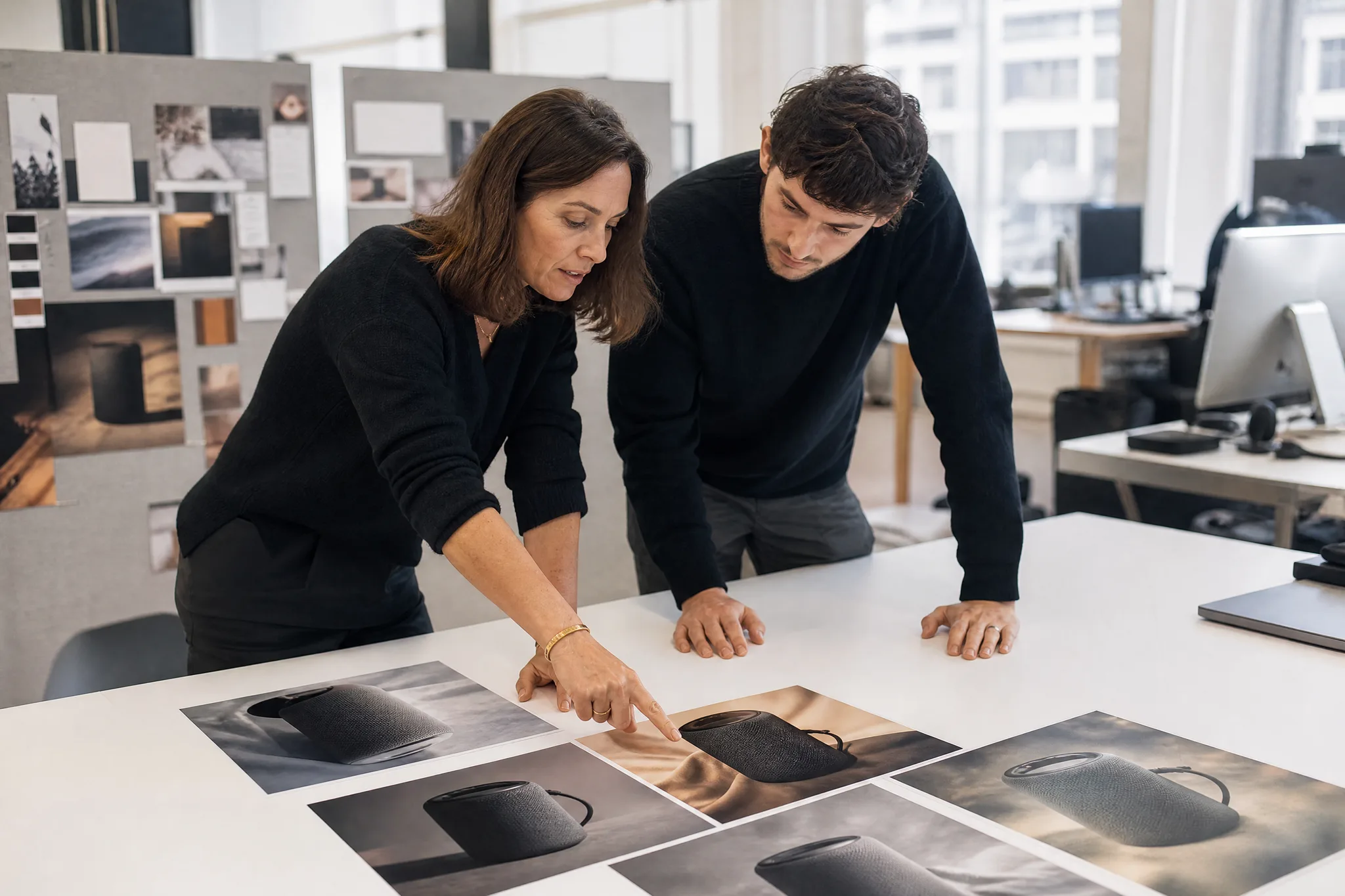
Run the same speaker photo three ways, calm, playful and dramatic, and put the takes side by side in your next review. Moving drafts from the image to video UGC ad generator make it easier for a team or a client to choose a direction before anyone books a studio or briefs an editor.

Two colleagues at a bright office table comparing printed photos of a charcoal portable speaker in different moods

Image to Video UGC Ad Generator Use Cases for Product Teams

Brand teams, sellers, social managers and agencies use the image to video UGC ad generator to move product photos into launches, listings and pitches.

Launch-day openers

Brand teams can turn the hero photo of a new product into a short reveal for launch day. The image to video UGC ad generator gives the first beat of the ad, and your editor adds the name, price and availability you have confirmed.

Reels and short-form ads

Social media managers can generate a vertical take where the chosen model supports it, then pair it with captions and music in a Reel or Story ad. A coffee dripper held up in a sunlit kitchen makes an easy creator-style hook.

Store and listing visuals

Ecommerce sellers can add a moving view to a product page or marketplace gallery next to the regular photos. The image to video UGC ad generator shows the item in light and motion, while specs and sizing stay in the listing text.

Seasonal catalog refreshes

Merchandisers can run one image per product through the image to video UGC ad generator when the season changes, giving each item its own motion idea, from a bottle by an alpine lake to boots on a studio plinth.

Agency pitches

Agencies can use a product image to video generator to show a client how a lighting or camera idea might look before a shoot is booked. Present the draft next to the source photo and use it to agree on the look of the final shoot.

Stories from People Who Tried It on Their Photos

We launched a vitamin C serum with nothing but studio photos and a tight budget. I ran the bottle shot through the image to video UGC ad generator with a note about morning light, and the reveal became the first two seconds of our launch ad. Our freelance editor built the rest around it in an afternoon.

Nora D.
Skincare Brand Founder

Image to Video UGC Ad Generator FAQ

Answers on how the image to video ad generator handles product photos, models, rights and starting free, so your first clip goes straight into the edit.

An image to video UGC ad generator turns a product photo into a short creator-style motion clip for ads. This page adds a product reveal direction to every request, and you can type your own scene or camera idea on top; the result is generated footage for your ad edit.

Upload the photo, keep the built-in reveal or add a one-line idea, and generate. Download the take you like, then build the full ad around it in your editor with copy, music and timing, while the image to video ad generator supplies the moving shot.

Veo 3.1 Lite is the default and a good first pass for most product photos in the image to video UGC ad generator. Switch to another video model when you need a longer clip, a higher resolution or different sound, and compare how each one holds the label and packaging.

A lifestyle photo plus a short prompt gives you creator-style framing, natural light and a handheld feel in the image to video UGC ad generator. Shoot the product in a real hand or on a kitchen counter, and the clip shows it in use the way a creator would film it.

Ecommerce teams use an AI image to video ad generator to give launches, listings and seasonal sales a moving shot from photos they already own. One studio photo can become the hero clip on a product page, a vertical story ad and a teaser for the launch newsletter.

A slideshow moves between existing photos, while the product image to video generator creates new frames from a single photo and a direction. Light can shift, the camera can travel and the scene can come alive around the product.

You own the clips you generate, as set out in the Terms, and your rights in the product photo stay with you. Cut each take from the image to video UGC ad generator to the length a placement needs, from a vertical story ad to a square feed spot, and add the headline in your editor.

You can try the image to video UGC ad generator for free: creating an account gives you free credits, plus a daily check-in reward that grows to 4x on day 7 when you keep a streak. Spend them on Veo 3.1 Lite, the default model, and animate the first product photo on your list.

Your uploaded product photos stay unpublished. Each finished clip from the image to video UGC ad generator follows the Public Visibility setting shown in the workspace.

Make Your First Product Clip Today

Pick the product photo you would put on a billboard and upload it. The image to video UGC ad generator adds a reveal, follows your idea if you give one and returns a short creator-style clip. Finish it with your headline and music, and your next ad has its opening shot.

Animate My Product
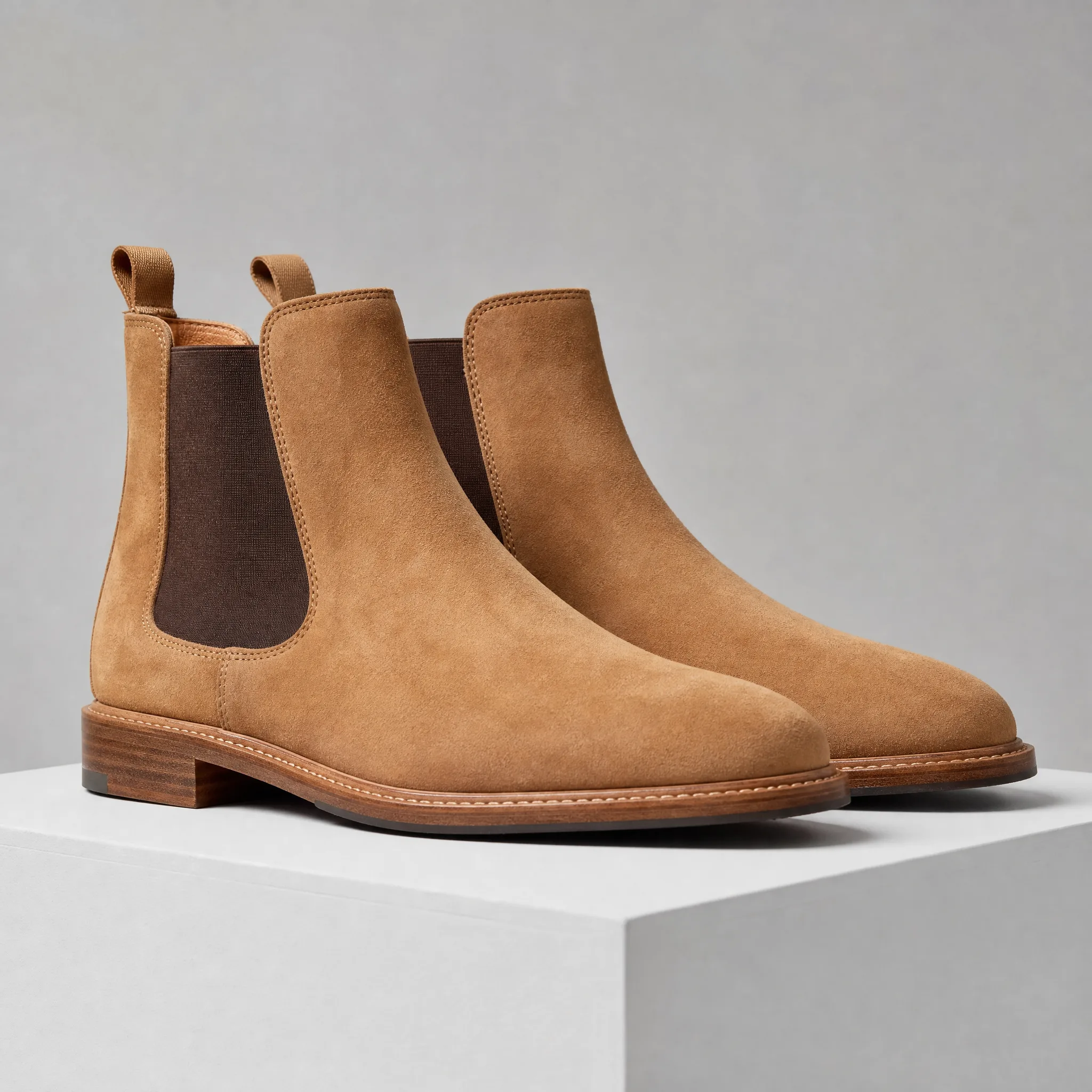
Tan suede chelsea boots standing on a white plinth against a seamless light-grey studio backdrop, softly lit