Image to Image: Give Your Photo a New Look
Reference images

Up to 10 images · JPG, PNG or WebP · up to 20 MB each · max 6000 px per side or choose from

Prompt
0/5000
Aspect ratio
Image size
Number of generations
Public Visibility
Required credits
7
Examples
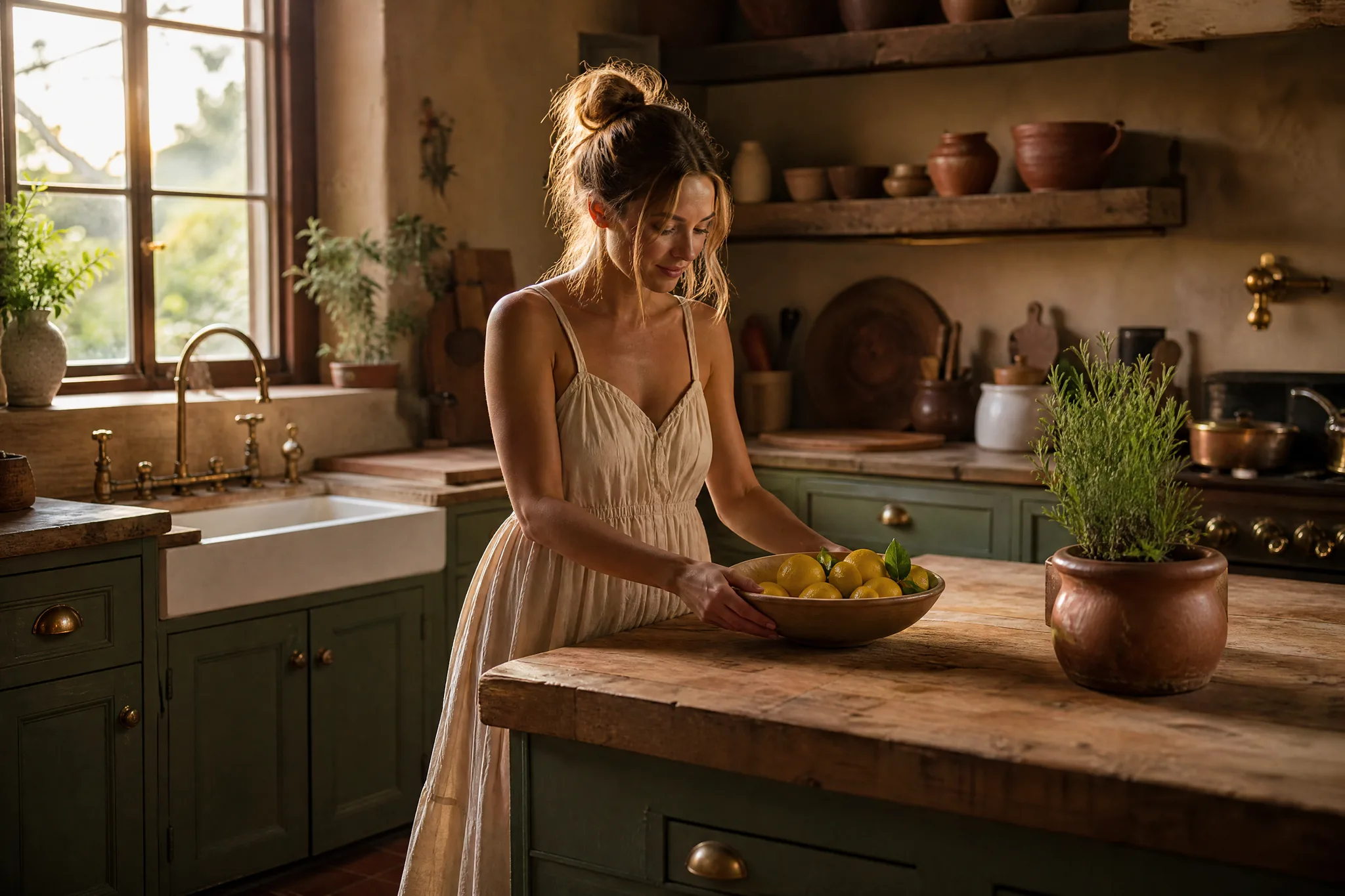
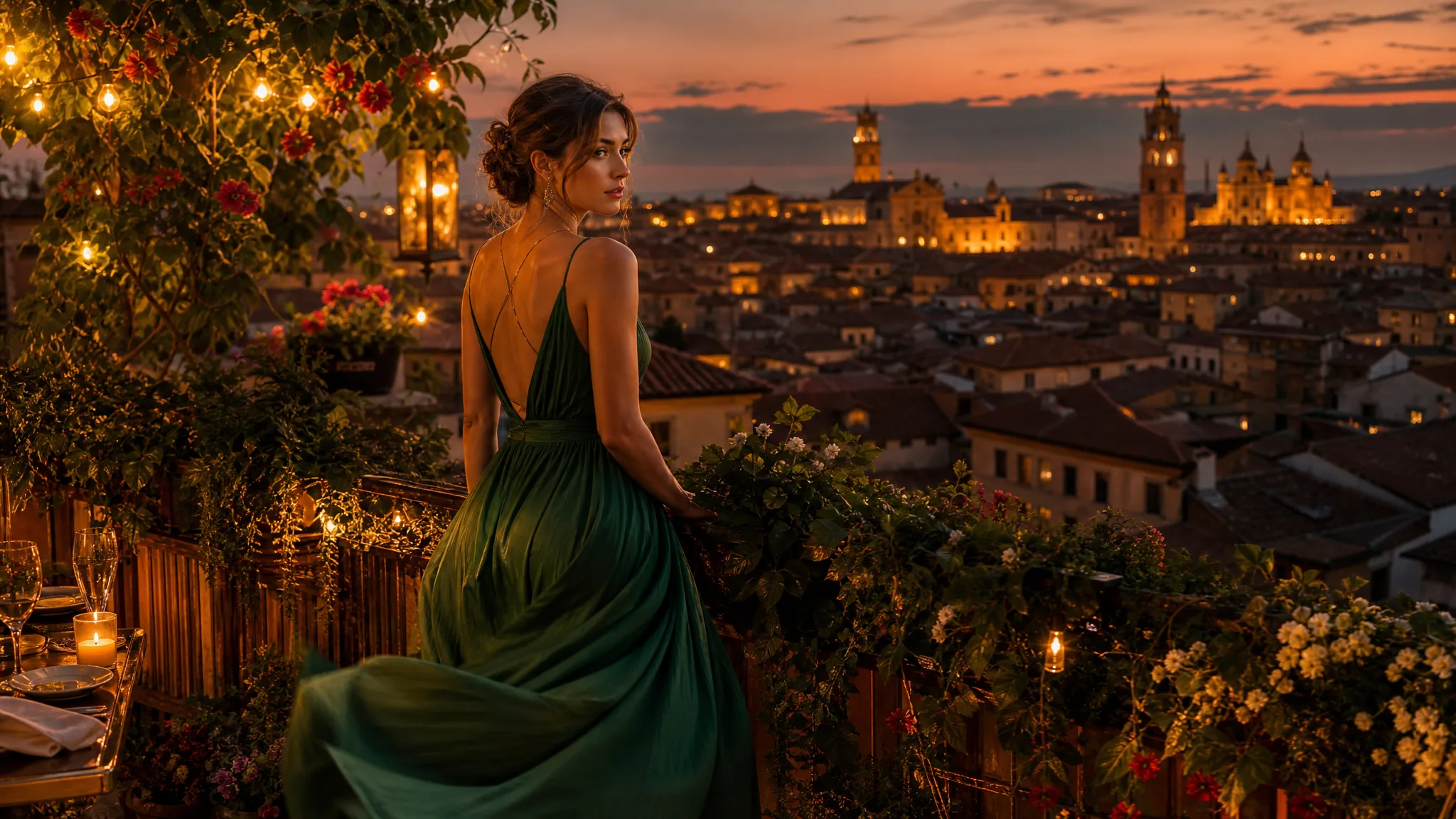
Farmhouse kitchen redone with sage-green cupboards, brass taps and terracotta tiles as a woman places a bowl of lemons

Image to Image: Give Your Photo a New Look

Start from your own photo and change the style, setting or season around it with image to image.

Upload the photo you want to work from and say what should change. Image to image can put your portrait in a new city, paint your dog as a watercolour or move a product shot from the kitchen counter to a sunny café, while your original picture guides the result.

Upload Your Photo
Farmhouse kitchen redone with sage-green cupboards, brass taps and terracotta tiles as a woman places a bowl of lemons

How Image to Image Works in Three Steps

Image to image takes three steps: upload the photo you want to change, describe the new look, then compare the results with your original.

1

Upload your photo

Choose the portrait, pet picture, product shot or room photo you want to build on as the image to image source. JPG, PNG and WebP files work, and a sharp, well-lit picture with the subject in focus makes it easier to describe what should stay the same.

2

Describe the change

Write the new background, style or mood in plain words, for example “same dog, painted as a Renaissance portrait” or “this bag on a marble café table”. Mention the details to keep, such as a face, an outfit or a logo, so the image to image prompt is clear, then pick the framing.

3

Compare and download

Press Generate and follow the status until your images arrive. Put each result next to the source photo, download the one that fits your profile, listing or post, and change a single phrase in the prompt when you want to try another image to image direction.

Image Tools for Prompts and Photo Edits

Start a picture from words, or change the style or setting of one you already have.

What Image to Image Can Do With Your Photo

Start from a picture you already have and describe a new style, setting or finish; image to image turns it into a fresh version for your project.

Turn a Rough Sketch Into a Finished Scene

A quick pencil pose or a doodle from a notebook already holds the composition. Upload it and describe the materials, light and setting you picture, and image to image fills in a finished version you can compare with your drawing. Check that the pose and proportions still match before using it as a reference for a commission, a game character or a story cover.
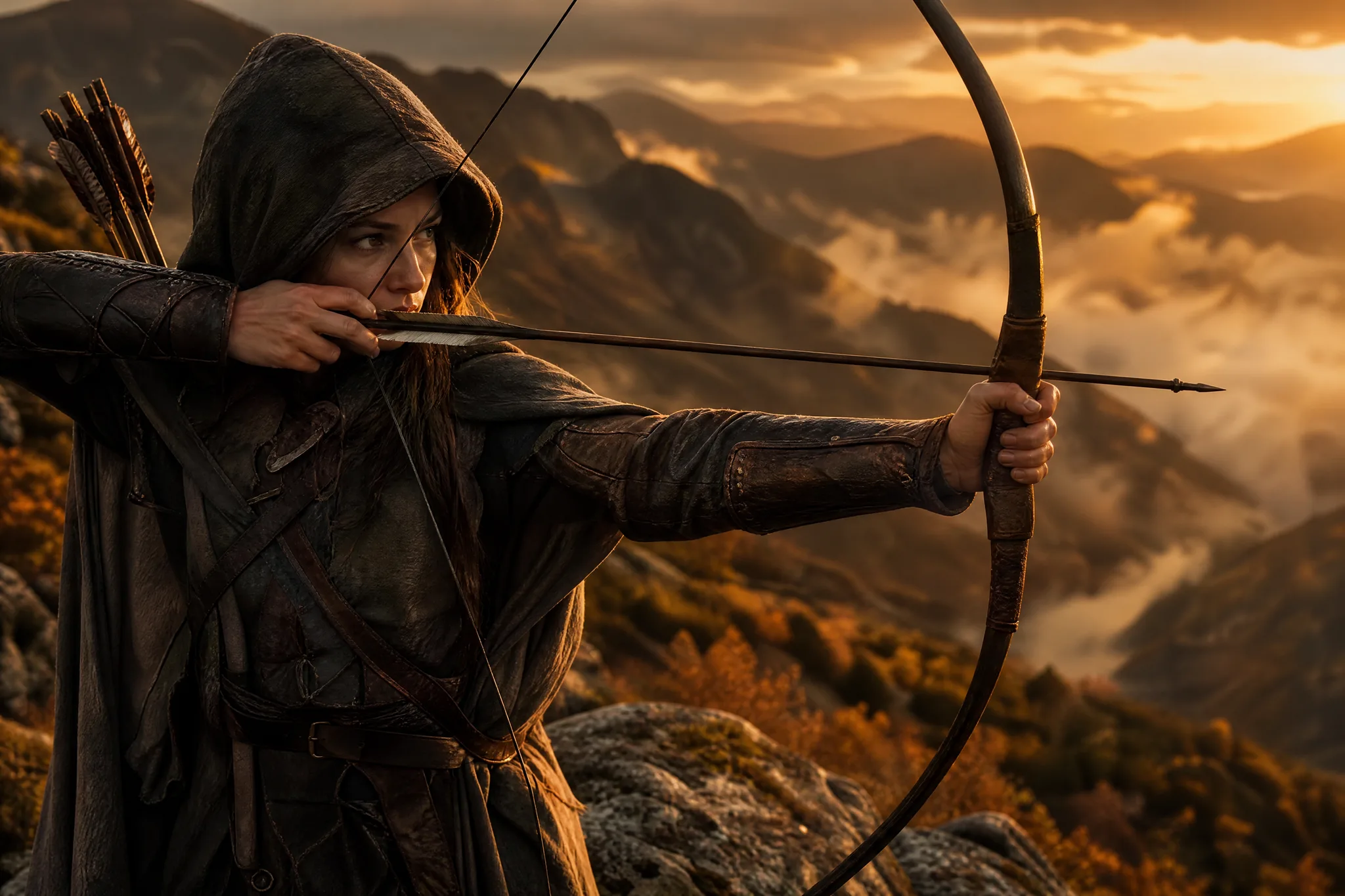
Hooded archer in a leather cloak drawing a longbow on a misty ridge at sunset, a sketched pose made into a full scene

Give a Portrait a Different Era or Art Style

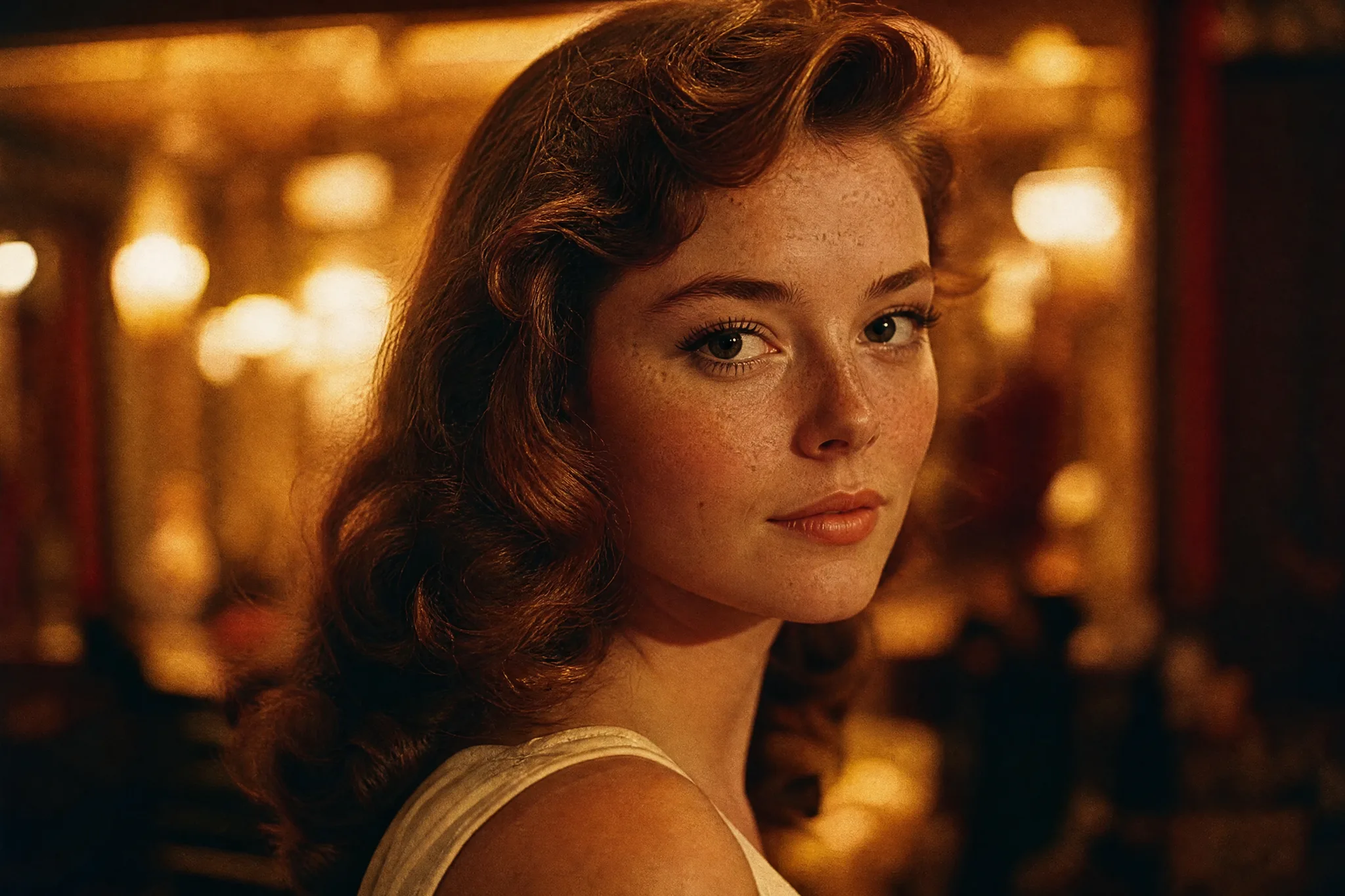
Try a 1960s film still, a watercolour, an anime frame or an oil painting from one headshot. Say which parts of the face, hair and pose should stay and which look should change. Image to image uses your portrait as the reference, so compare the result closely with the original and adjust the prompt until the likeness and the style both feel right for a profile picture or a gift.

Freckled woman with wavy chestnut hair shown in golden 1960s film colours with soft grain and a blurred theatre lobby

Place a Product in a New Setting

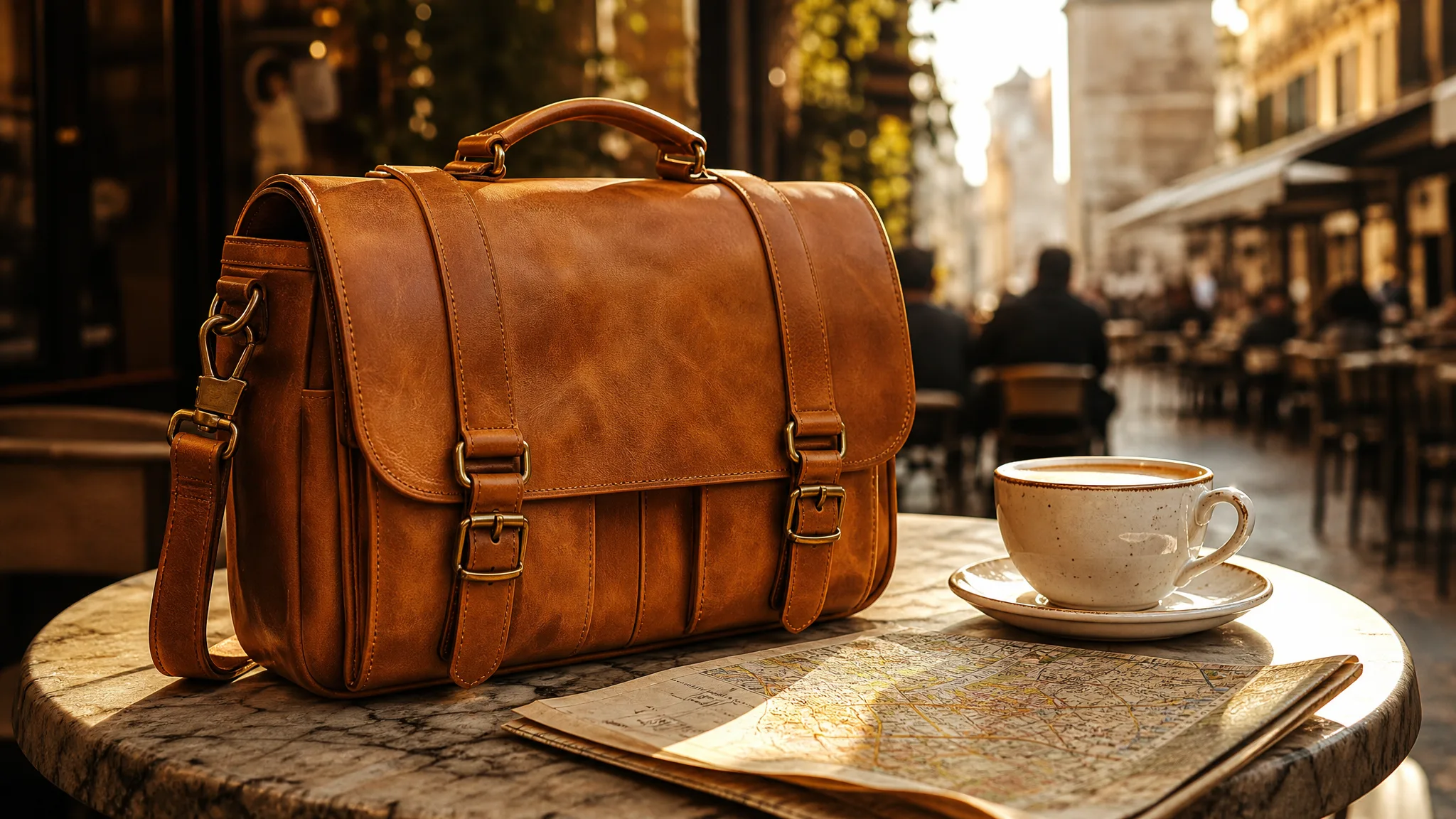
One clean product photo can become a whole set of lifestyle shots. Ask for a café table, a beach towel, a studio backdrop or a holiday mantel, then look at the stitching, colour and shape in each result. Keep the version with the strongest setting and use it as the hero image of the listing or the next sale post.

Tan leather camera bag with brass buckles on a sunny marble café table next to a cappuccino and a folded map

Why Start From a Photo Instead of a Blank Prompt

Your own picture gives image to image a subject, pose and layout to follow, so each new version stays connected to the photo you started with.

Show the Idea Instead of Explaining It

A photo explains the pose, colours and layout faster than a paragraph of description. With image to image, your dog’s tilted head or your sister’s favourite jacket is already part of the brief, so the prompt only has to cover what should change.

Ask in Everyday Words

Write the change the way you would say it out loud: same face and outfit, but on a snowy Kyoto street at night. A good image to image prompt names what to keep and what to swap, and nothing more technical is needed.

Compare a Few Directions

Run the same photo more than once or change one word, such as autumn for spring, and look at the versions side by side. Choosing between three real options is easier than imagining them, especially when friends or a client weigh in.

Make Pictures for Real Plans

Use image to image for a shop listing, a wedding website banner, a pet’s birthday card or a portfolio piece. Each result is a finished picture you can post, print or send the same day.

Refine Step by Step

If the light is too harsh or the background too busy, adjust that one phrase and try again. Each new image to image round starts from a clearer request, so you move toward the picture you want without starting over.

Keep Your Favourites

Download the version you like for a post, a slideshow or a print. Every result also stays in My images and your Asset Library, ready when you want to come back to it or turn it into a short video.

Stories from People Who Tried It on Their Photos

Our silver rings looked fine on white, but nobody stopped scrolling. I uploaded the product shots to image to image and asked for driftwood, sea glass and morning light. The rings stayed recognisable, the beach styling matched our summer drop, and I reused the best four as Instagram tiles.

Chloe B.
Jewelry Shop Owner

Image to Image: Common Questions

Answers about how image to image works, which photos to upload, what it costs and how it compares with starting from text.

Image to image is a way of creating a new picture from a photo you upload plus a short written prompt. Your photo sets the subject and layout, the prompt sets the new style, setting or mood, and the result is a fresh version rather than a hand edit.

Image to image starts from your photo and a prompt, so the subject and composition come from the picture. Text to image starts from words alone, which suits ideas you have not photographed yet.

Portraits, pets, products, rooms and travel shots all work well with image to image, as long as the subject is clear and well lit. Describe the change and the details to keep, and you can get a painted portrait, a new backdrop for a listing or a room in a different style.

The cost depends on the model, its settings and how many generations you run, and the workspace shows the total before you press Generate; some models return more than one image per generation. Photo editing runs on the paid image models, while Z-Image Turbo, the free-plan image model, is ready for pictures made from a text prompt.

Image to image runs online: your photo is uploaded and sent to the model provider you selected, which creates the new version and returns it to your workspace. You can read how uploads are handled in the privacy policy.

Image to image can follow an anime, comic, watercolour or oil-painting direction from your prompt. Say which parts of the pose and face to keep, then compare the result with your photo; the selected model and your reference shape how closely the style follows the original.

You only need a clear photo and a sentence about the change. Image to image creates the new version for you, and you can still open the result in your usual editor for finishing touches such as text or cropping.

Image to image results can support commercial work such as product listings and ads when you have the rights to the photo or artwork you upload. Check faces, trademarks and product details in each result before publishing.

Bring a Photo and Try a New Look

Upload a portrait, pet photo, product shot or sketch, describe what it could become and let image to image create fresh versions. Keep the one that fits your profile, shop or project and download it.

Upload a Photo to Start
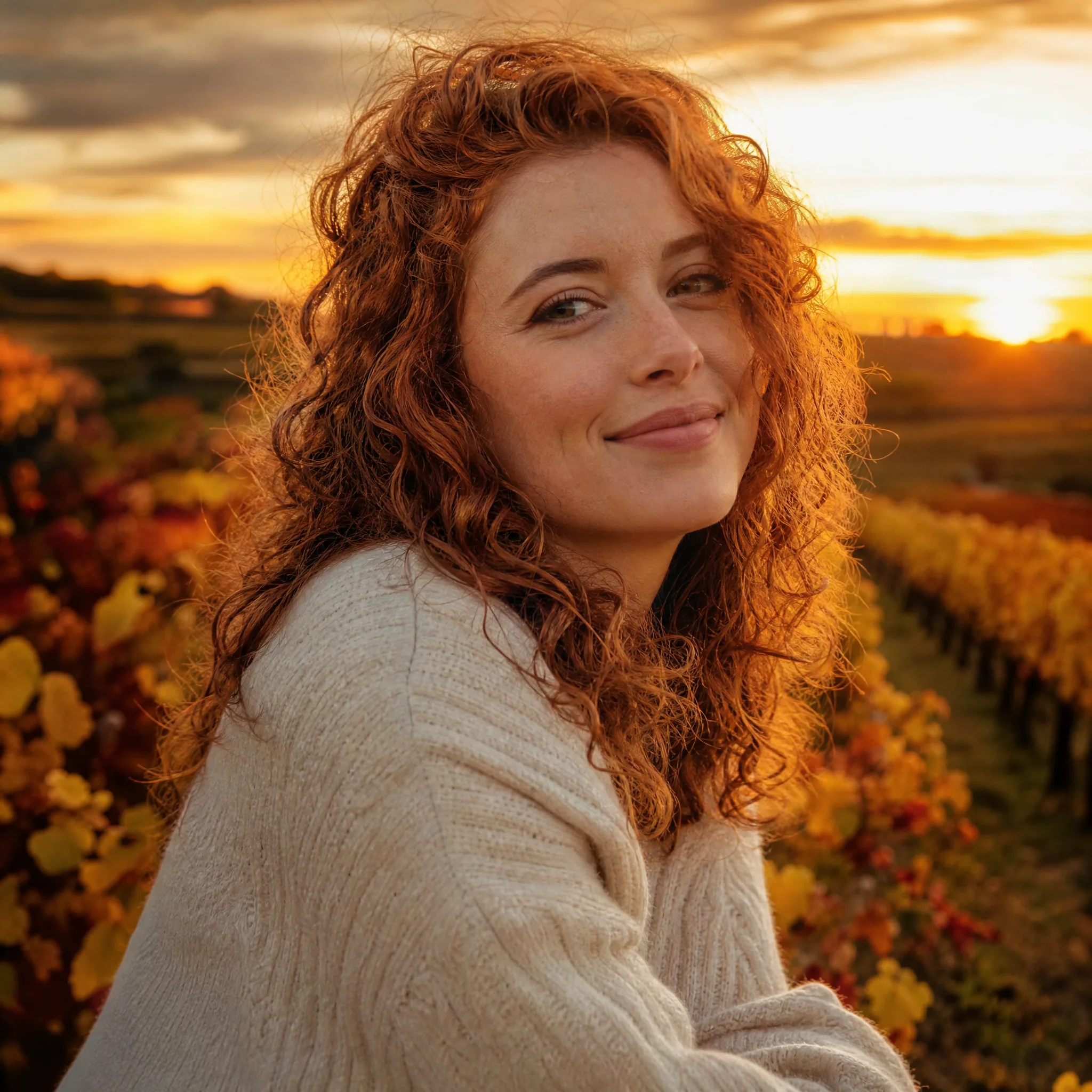
Smiling woman with curly auburn hair and a cream knit sweater set against autumn vineyard rows at sunset