






















Window Peeper AI Video

Upload one clear portrait in the Window Peeper AI video generator: your character eats a burger inside the apartment, notices the camera outside and closes the curtain.

Upload Your Photo0/1

JPG / PNG / WebP · 1 file · Max 20 MiB per file

Styling note (optional)
0/300
Resolution
Number of outputs
Public Visibility
Required credits
480
Sample videos

Window Peeper AI Video Generator: Get Caught Mid-Bite

One portrait, one burger, one very awkward stare

The Window Peeper AI video generator turns one clear portrait into a fifteen-second vertical scene with sound. Your character eats a burger behind an apartment window, notices the camera and closes the curtain. Upload your photo above to start with the prepared scene, then preview the complete performance.

The night exterior and slow camera approach give the snack an ordinary start before the awkward eye contact. Choose a face and expression your friends will recognize, then save the clip for a group-chat joke, a reaction post or your own short edit with the Window Peeper AI video generator.

Make My Video
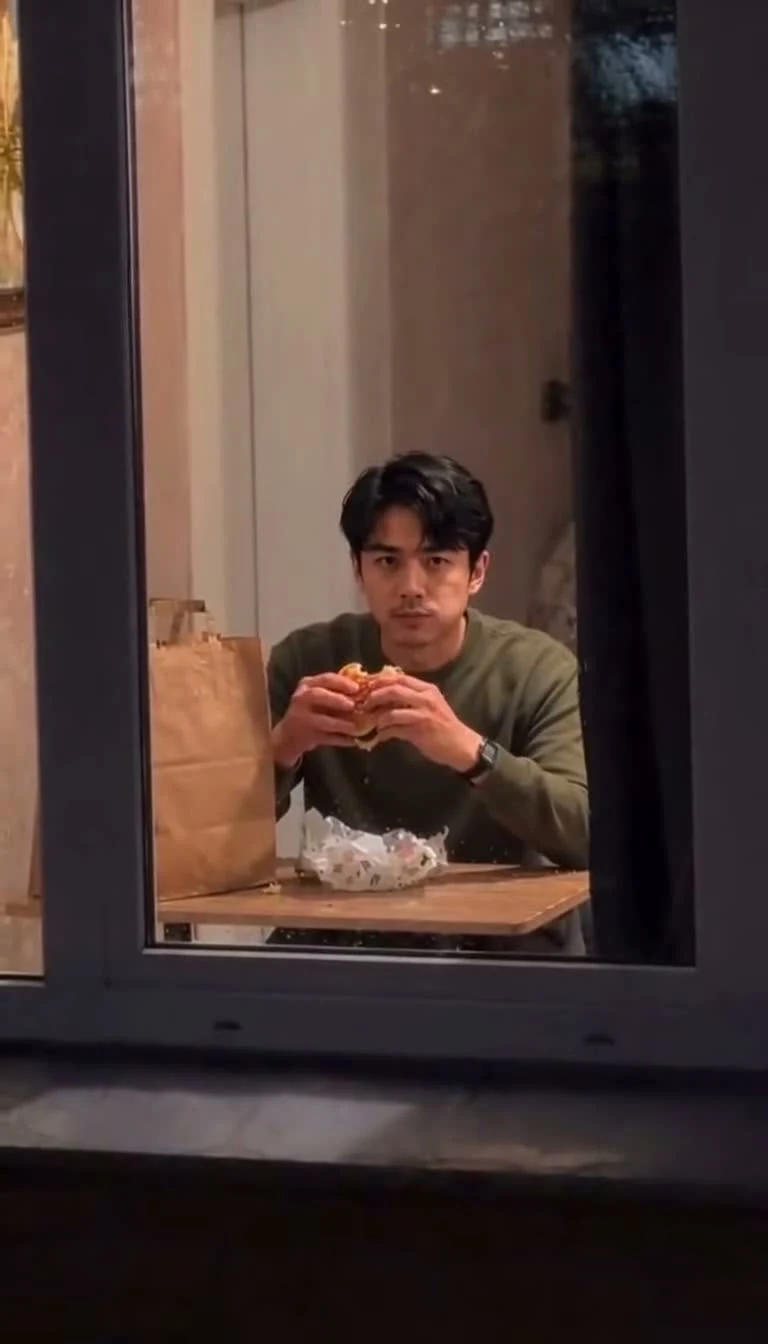
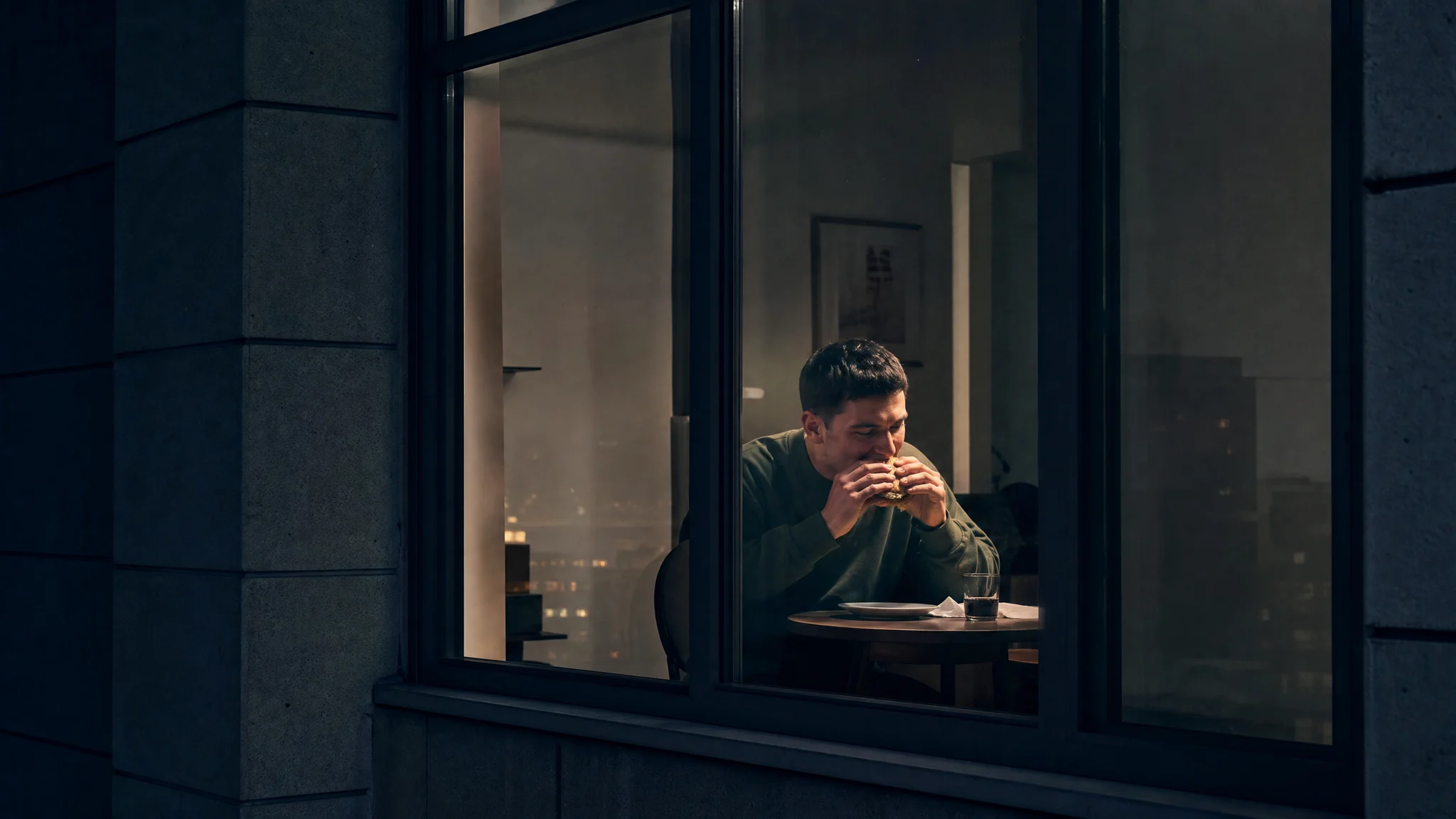
Window peeper AI video generator scene with a man holding a burger behind an apartment window
One Portrait|Prepared Window Scene|Sound Included|15-Second Video

How to Make a Window Peeper AI Video

Your Window Peeper AI video starts with a portrait. The window scene, action sequence and generation settings are already prepared.

1

Choose a Clear Portrait

Pick a photo of the person you want behind the window, with the eyes and face easy to see. A head-and-shoulders portrait gives the Window Peeper AI video generator a clear identity reference. Use even light and leave space around the face so the hairstyle and expression are visible.

2

Upload Your Main Character

Add the portrait to the upload slot above and check the selected image. The Window Peeper AI video generator supplies the apartment, table, burger and curtain, so your source photo can be an ordinary portrait. You can use the optional note to highlight an appearance detail before generating.

3

Generate the Snack-and-Stare Scene

Start the generation and let the prepared reference guide the fifteen-second sequence. Your clip from the Window Peeper AI video generator moves from the exterior approach to the burger, the held stare and the curtain. Open the finished clip and watch the whole performance with sound to see how those beats connect.

4

Save Your Window Moment

Download the completed Window Peeper AI video when you have watched the ending. The vertical frame suits a phone screen, making the snack-and-stare scene easy to place in a reaction post or group message. Add your own accompanying caption when you share the file with friends.

Window Peeper AI: From Burger Bite to Curtain Close

The Window Peeper AI video generator gives a familiar face a small performance, with a camera approach, a burger, a stare and a curtain.

Window Peeper AI Video Generator From a Portrait

Your portrait supplies the character inside the room. Choose a clear view of the face and hairstyle you want to recognize when the camera approaches the glass. The Window Peeper AI video generator uses the prepared apartment performance as the movement reference, bringing that chosen identity into the snack scene while the window frame gives the shot its shape.
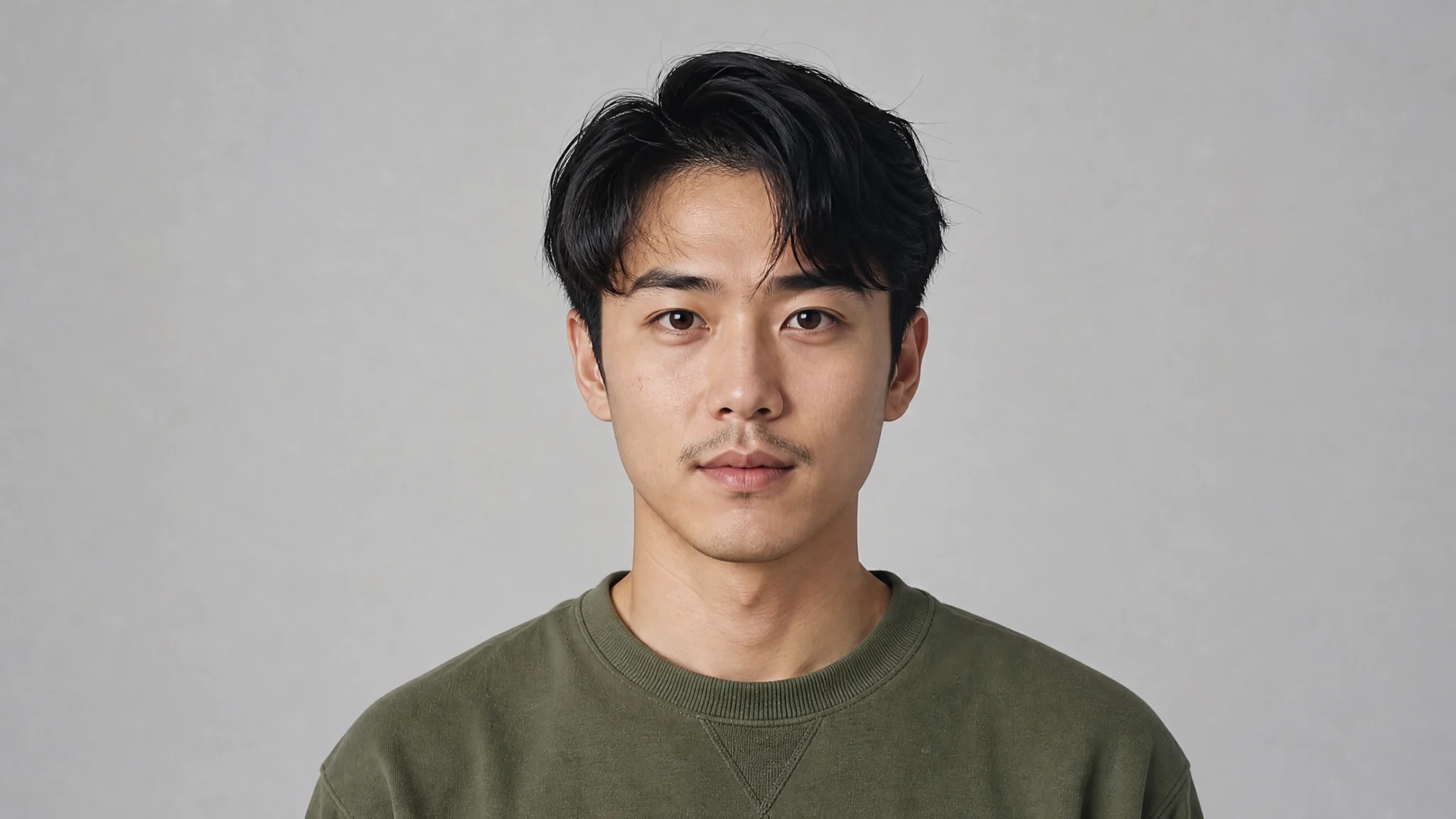
A young man in an olive sweatshirt facing the camera against a grey background

The Approach Makes the Window a Stage

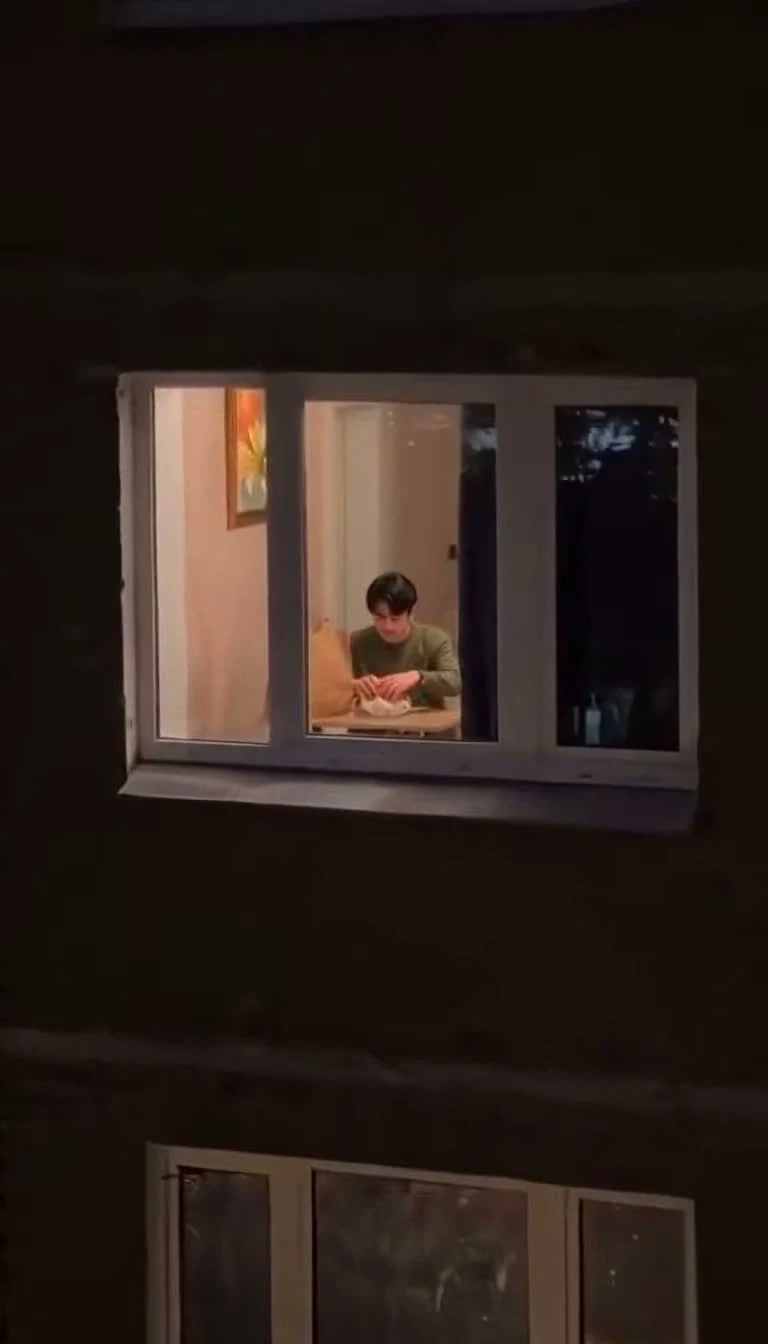
The camera starts outside, where the dark building draws attention to the lit room. As it moves closer, the table and burger come into view before the person notices the lens. The Window Peeper AI video generator uses that change of distance for its setup: an ordinary private snack gradually becomes a moment of unexpected eye contact.

An exterior view approaching the illuminated apartment window

Let the Awkward Pause Land

A look held for a moment is the centre of the joke. The character keeps the burger in view, looks toward the lens and gives the viewer time to notice the reaction. The Window Peeper AI video generator follows that reference timing, giving your chosen face room to carry the expression before the performance moves to the curtain.

A character holding a burger while looking directly toward the window camera

Finish the Scene With the Curtain

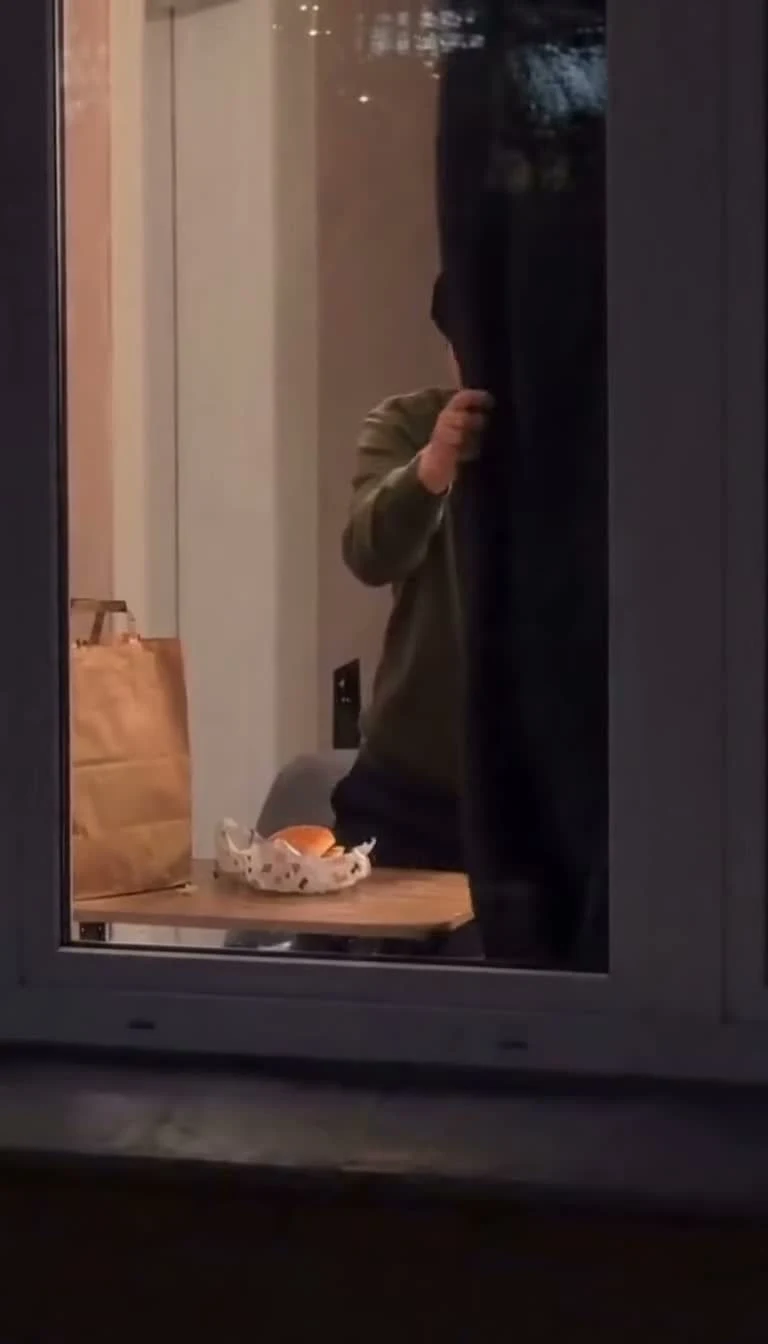
The curtain gives the short performance a visible ending. After the approach and stare, the character moves to close the window view, completing the same small story you watched in the example. Play your Window Peeper AI video through that last movement with sound, then use the full clip wherever the drawn-out snack reaction fits your message.

The window character reaching toward the curtain at the end of the snack scene

Window Peeper AI Video Ideas for Chats and Posts

Use your Window Peeper AI video as a personal reaction, a snack joke or a recognizable character moment in a short edit.

A Late-Night Group-Chat Joke

A familiar face and an oversized pause can give an everyday snack joke a personal twist. Use the Window Peeper AI video generator for a message about the last burger, a quiet evening or a friend who always notices the camera. Your accompanying message supplies the context while the clip supplies the reaction.

A Reaction for Your Next Post

The stare makes a compact response to a surprising message or an unexpected interruption. Use the Window Peeper AI video generator to make a reaction clip, then save it with your other short-post material. The camera approach establishes the scene before the expression, giving your audience a small setup to follow into the pause.

A Personal Take on the Trend

If you are learning how to do Window Peeper AI trend videos, start with the complete prepared scene and choose a face you recognize. The Window Peeper AI video generator changes who gets caught mid-snack while keeping the burger, window and curtain sequence together. Use your own caption to connect the moment to your everyday life.

A Character Interlude in an Edit

Place the downloaded scene between your own shots when an edit needs a quiet comic interruption. Window Peeper AI gives the character a clear entrance through the camera move and a clear exit through the curtain. That little sequence can become a pause in a longer story about food, friends or being interrupted.

What People Make With the Window Peeper AI Video Generator

My flatmates know I always disappear for a late burger. I used the Window Peeper AI video generator with my portrait and sent the clip to our group chat. Seeing my face look up from the table made the joke feel personal, and I kept the curtain ending instead of trimming it out.

Nathan Bellamy
University Student

Window Peeper AI Video Generator Questions

Find the photo, template and output details for your Window Peeper AI video.

The Window Peeper AI video generator turns one portrait into a fifteen-second scene of a person eating a burger behind an apartment window. The camera approaches from outside, the character notices the lens and holds a stare, then the curtain closes. Your uploaded photo provides the main character’s identity.

The Window Peeper AI trend centres on being caught mid-snack through a lit window. The humour comes from the change in attention: the person eating spots the camera, stares back and ends the encounter with the curtain. This page prepares that sequence for a new character from your portrait.

You can use free account credits toward a Window Peeper AI video at the default 768p setting. Registration and daily check-ins provide credits, with consecutive check-ins adding bonuses. Upload your portrait and use the prepared scene in the generator; the current estimate appears with your selected settings before you start.

Choose one sharp portrait with a clearly visible face for Window Peeper AI. Even light, visible eyes and some space around the head and shoulders give the character a useful starting point. Your photo supplies the appearance; the prepared scene supplies the room, burger, window and curtain movements.

The Window Peeper AI video generator already has the scene reference, action sequence and generation settings prepared. Upload your portrait to choose the character. The optional note lets you highlight an appearance detail, such as a hairstyle or facial feature, while the template directs the performance around it.

Choose a portrait with the expression and appearance you want your Window Peeper AI character to bring to the scene. A calm look, a small smile or a distinctive hairstyle can give the held stare its own flavour. The prepared window, burger and curtain keep the same recognizable setup around that new lead.

Your Window Peeper AI video is a fifteen-second vertical clip with sound. The template offers 768p and 2K output, with 768p selected by default. Turn on the player’s audio and watch the approach, burger interaction and curtain ending before downloading the finished file for your own message or short post.

Start your Window Peeper AI video with a well-lit face and an uncluttered portrait. Let the prepared reference guide the scene, then watch the entire clip at normal speed. Check the face during the approach, the hands around the burger and the final curtain movement before choosing the result to share.

Create Your Window Peeper AI Video

Choose one portrait and give the burger-and-curtain scene a familiar lead. The Window Peeper AI video generator prepares the camera move and performance, so you can start with the face you want your friends to recognize.

Make My Window Video
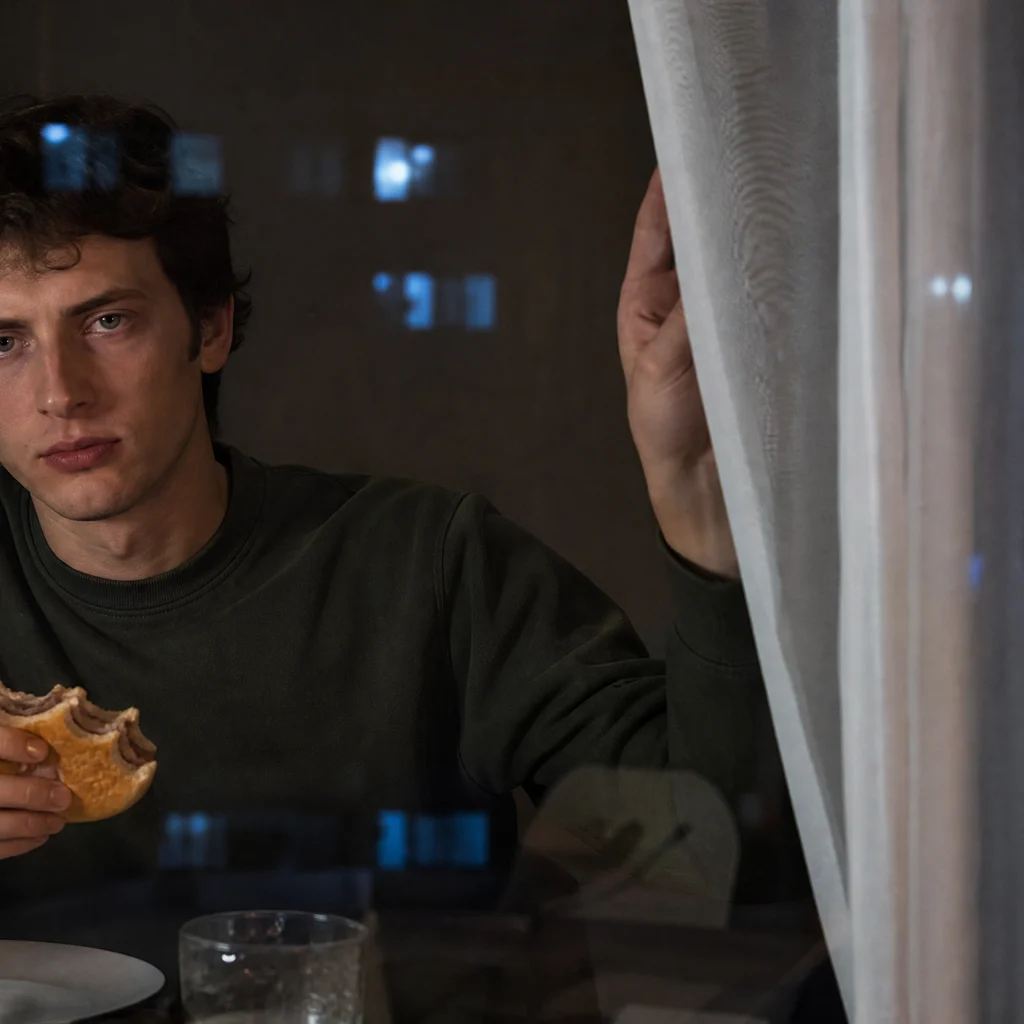
A young man holding a burger and looking out through an apartment window