




















Hit the Road Dude AI

Upload one photo and cast a person, pet or other animal as a grumpy white-pickup driver, with window-side gestures, a fishing-spot argument and the final send-off.

Upload Your Photo0/1
Styling note (optional)
0/300
Web search
Number of outputs
Public Visibility
Required credits
144
Sample videos

Hit the Road Dude AI: Put Your Character Behind the Wheel

A familiar face, a very opinionated driver

Put a person, a pet or another animal in the familiar white pickup. Start with one clear photo: a friend’s portrait, a dog with a serious stare or a cow ready for a comedy role. The prepared scene supplies the fishing question, listening pauses, window-side gestures and spoken send-off while your chosen subject gives the driver a new identity. Preview the fifteen-second conversation with sound, then download it for a personal message, a pet-channel post or a short creative edit. Watch the cat example for the scene and timing, then cast your own lead with Hit the Road Dude AI.

Put My Character Behind the Wheel
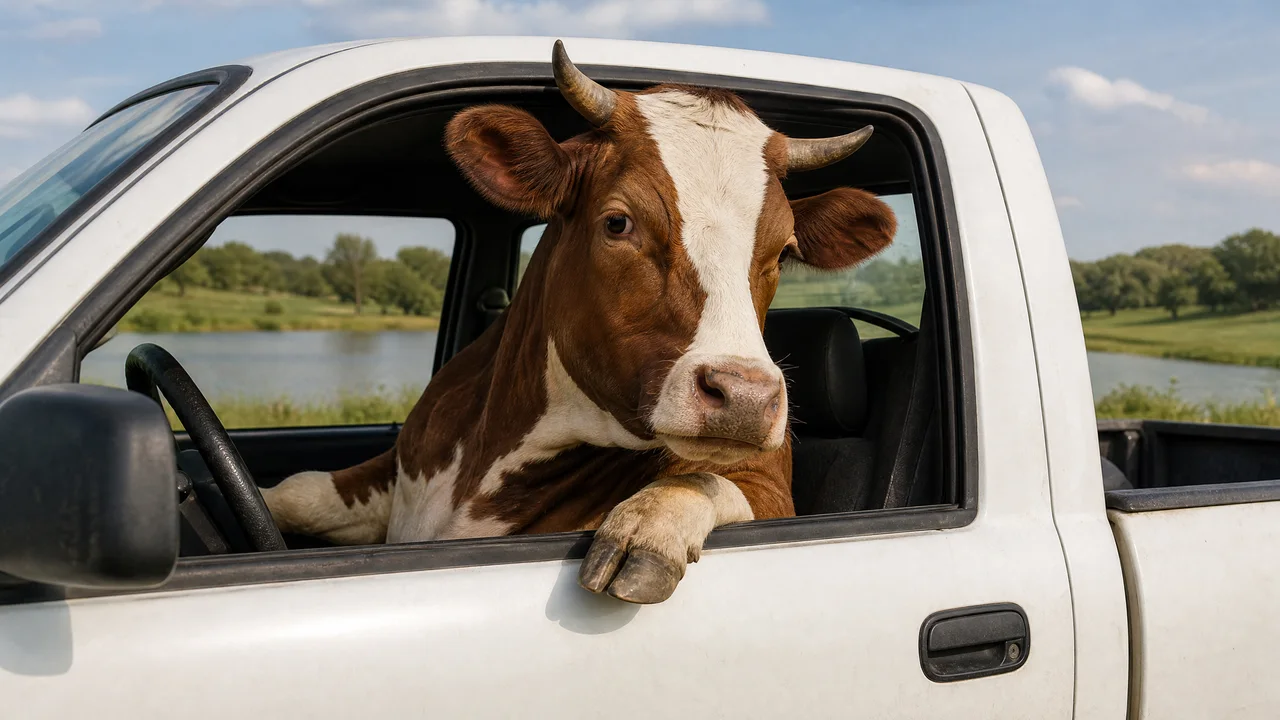
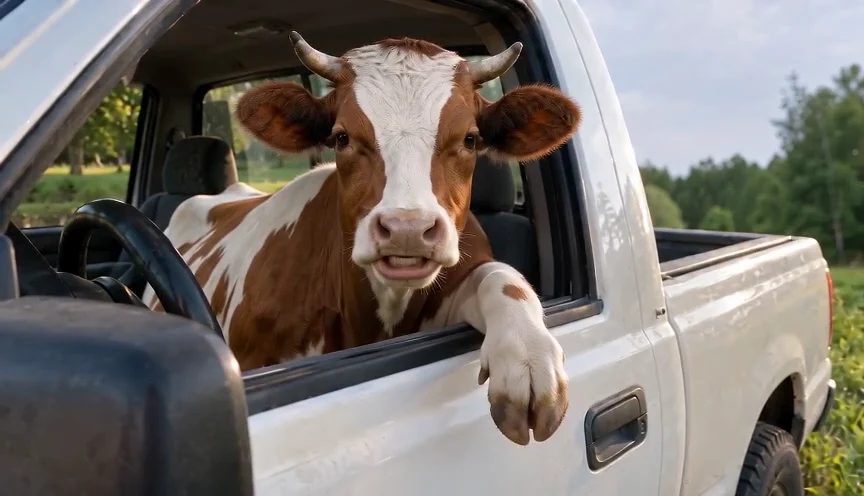
A brown-and-white cow speaking and gesturing from a white pickup window
One Subject Photo|Dialogue Included|No Prompt Writing|15-Second Scene

How to Use the Hit the Road Dude AI Generator

Use the Hit the Road Dude AI generator to choose your lead, preview the exchange and save the performance.

1

Choose One Clear Subject Photo

Pick a well-lit portrait of one person, pet or other animal, with the face easy to see. A friend’s headshot, a dog portrait or a cow looking toward the camera can give the driver a distinct identity. The Hit the Road Dude AI template supplies the pickup setting and reference performance, so begin with the subject you want to cast.

2

Add Your Lead to the Prepared Scene

Upload your photo in the slot above and check that the preview shows the right subject. The Hit the Road Dude AI generator has the fifteen-second truck conversation ready. You can add a short note to highlight an appearance detail, such as a hairstyle or a patch of fur, before starting the generation.

3

Watch the Dialogue With Sound

Open your finished Hit the Road Dude AI video and turn on the sound. Follow the driver’s speech, the visitor’s replies and the listening pauses between them. Watch how the chosen face and window-side gestures carry the reaction, then decide which part of the exchange best suits your message or edit.

4

Download Your Driver’s Performance

Save the completed clip when you have reviewed the conversation. The wide framing keeps the steering wheel and open window in view. Send a familiar face to your group chat, add an animal character to a channel post or place the performance in your own short edit.

A New Lead for the Hit the Road Dude AI Template

The Hit the Road Dude AI template combines your chosen subject with the truck-window performance, reaction timing and spoken exchange.

Cast a Familiar Face With Hit the Road Dude AI

Start with a person’s portrait that shows the eyes, hairstyle and facial features clearly. A visible beard or a familiar expression can give you a strong choice for the driver’s identity. Hit the Road Dude AI uses your photo for the lead character while the reference supplies the pickup setting and performance, bringing that chosen appearance into a scene with prepared head turns, reactions and conversation.

A bearded man with short curly hair wearing a teal shirt

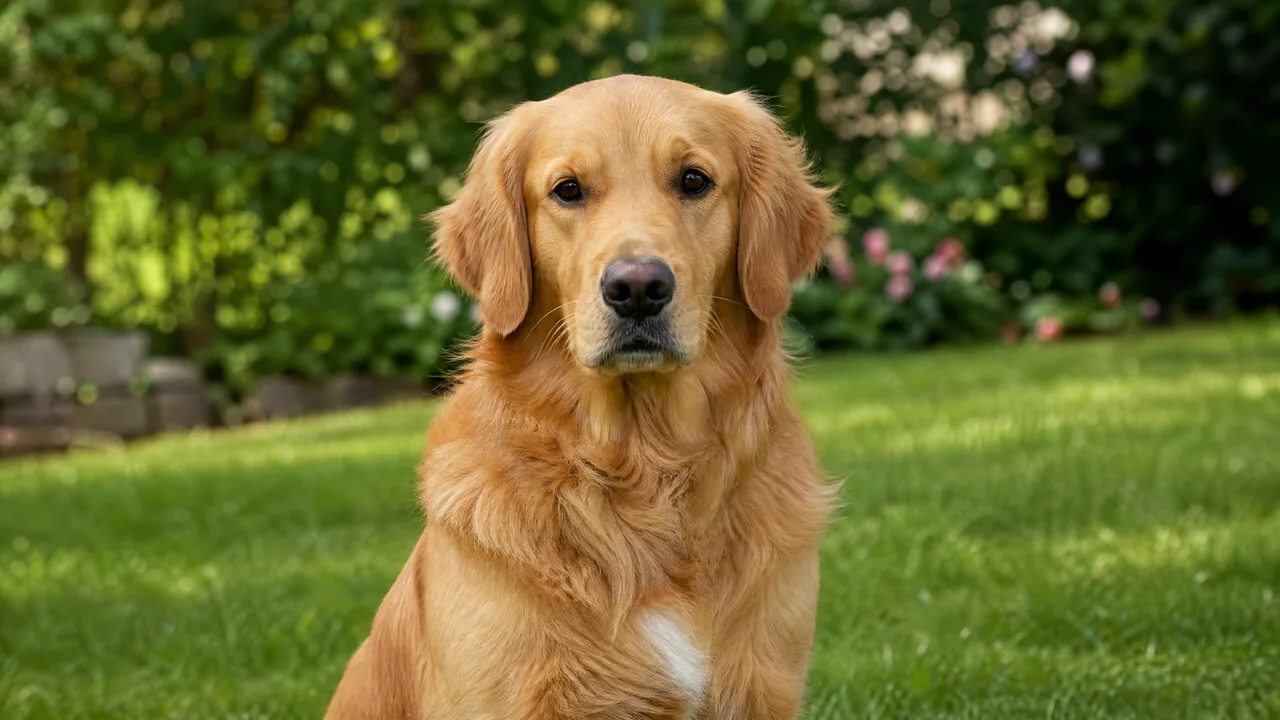
Give a Pet the Driver’s Attitude

A clear pet portrait lets you choose the face and personality before making the scene. Try a dog with an alert gaze or a cat with a naturally unimpressed expression. The Hit the Road Dude AI template supplies the white pickup, open window and reference gestures, giving your chosen animal a comedy role to build around rather than asking you to stage the whole performance.

A golden retriever outdoors on grass

Give the Listening Pause Some Personality

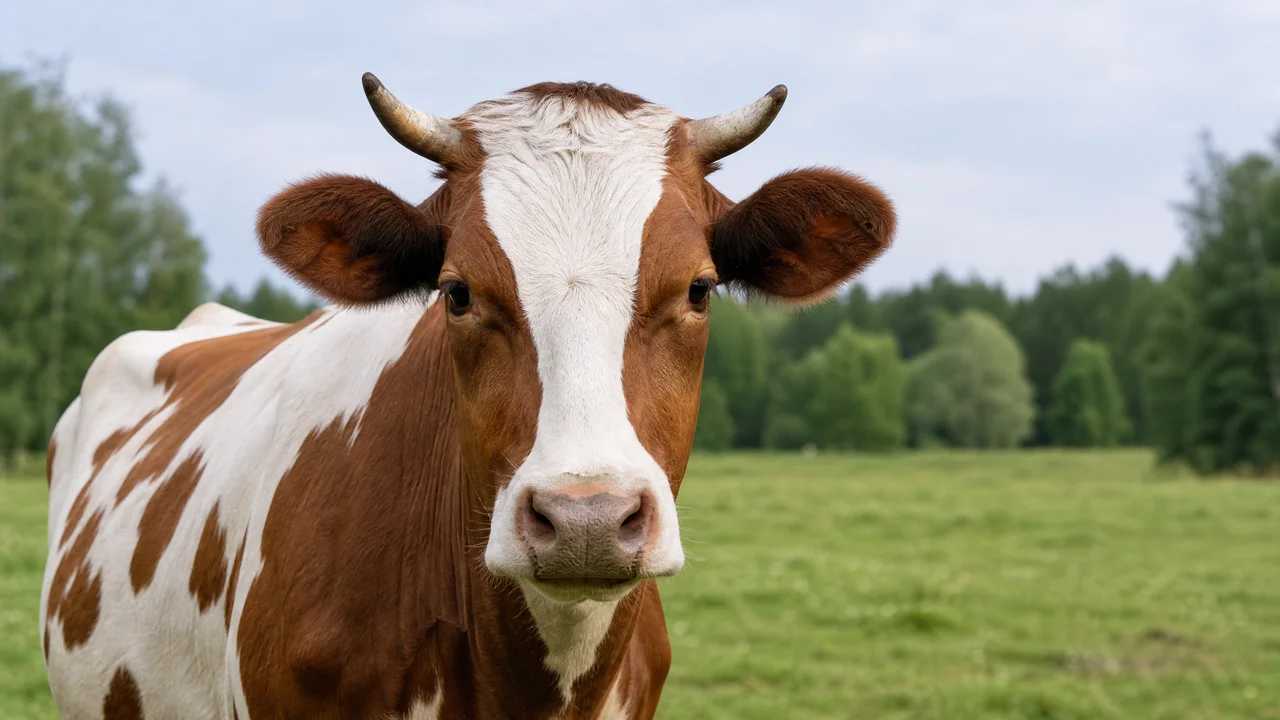
A held stare can carry as much of the joke as the spoken send-off. Cast a cow with a calm expression, a curious cat or a straight-faced friend, then watch the pause before the next reply. Your Hit the Road Dude AI video follows the reference scene’s listening beats, giving the new lead room to react within the same recognizable exchange.

Portrait of a brown-and-white cow in a pasture

Hit the Road Dude Video Generator With Dialogue

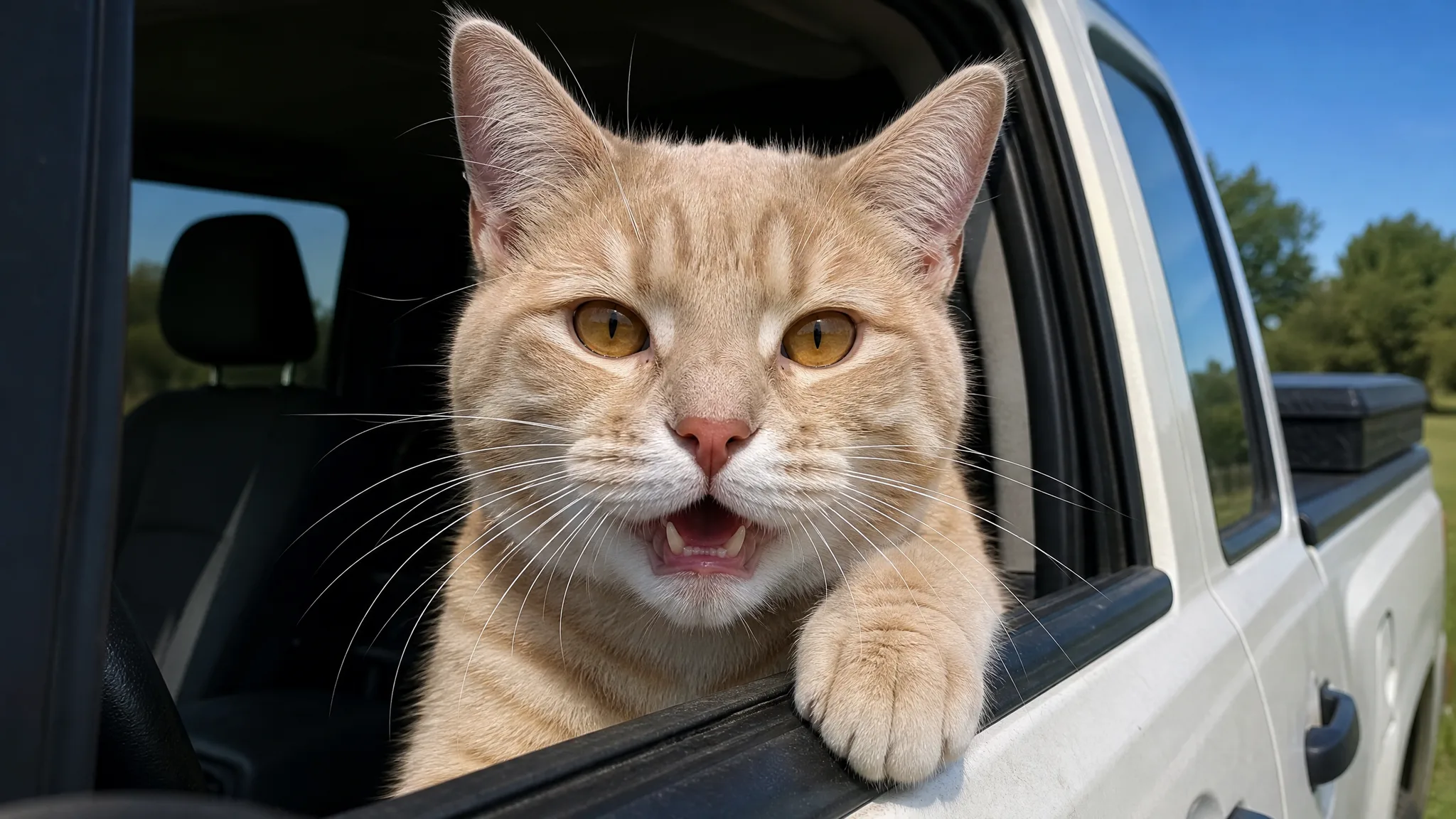
The fishing question, driver’s replies and final request for a name give the scene its shape. The cat clip on this page lets you hear that exchange and watch the timing before casting a different lead. This Hit the Road Dude video generator prepares a fifteen-second clip with sound; play the finished version with audio, then save the performance for your own message or edit.

A cream tabby cat opening its mouth beside the pickup window

Where Your Hit the Road Dude AI Video Fits

Use Hit the Road Dude AI to build a personal joke, an animal-character post or a short edit around someone your audience will recognize.

A Familiar Face for the Group Chat

Turn a friend’s serious portrait into a driver with strong opinions about the fishing spot. Hit the Road Dude AI puts that familiar face into the pickup conversation, giving your group chat a personal version of the joke. Pair the downloaded scene with an invitation, a weekend plan or your own caption.

A New Role for a Pet-Channel Lead

Give a dog or cat a change of setting between everyday pet clips. A Hit the Road Dude AI video can serve as a short character introduction: the same animal your followers know, now holding court at the truck window. Add your own opening footage or captions when assembling the channel post.

Farm Characters With a Comic Twist

A cow’s patient stare can give a familiar farm character an unexpected speaking role. Use the Hit the Road Dude video generator to build a pickup-window interlude for a farm diary or countryside comedy edit. The question, pause and send-off provide a compact scene to place alongside your own footage.

A Cast for Your Reaction Collection

Plan a collection around contrasting personalities: a deadpan person, an alert dog or an unimpressed cat. Start each Hit the Road Dude AI template version with one subject photo and keep the scene consistent. Save the reactions with your other clips so you can choose the lead that fits your next conversation.

Creators With a Character in Mind

That deadpan photo of my friend finally found its role. I uploaded it to Hit the Road Dude AI, and the pickup-window conversation made his serious expression part of the joke. The pause before the last reply was my favorite bit. I sent the clip with our weekend fishing invitation instead of another plain group message.

Marina Solis
Photo Blogger

Hit the Road Dude AI Video Generator Questions

Find the photo, template and output details for making a Hit the Road Dude AI video.

Hit the Road Dude AI turns one photo of a person, pet or other animal into a talking pickup-driver scene. Your chosen subject takes the lead at the open window, with gestures, listening pauses and spoken dialogue following the prepared reference performance.

The Hit the Road Dude trend recreates a pickup-window argument about a fishing spot and state property. AI versions give the driver a new identity. A person, dog, cat or another animal can become the lead while the white truck, close camera and conversation establish the joke.

The Hit the Road Dude AI video generator works with free credits. Sign up to collect them, then return for daily check-ins; consecutive check-ins earn larger rewards. You can use those credits for images and videos, including your chosen character’s turn in the truck scene.

Choose a sharp portrait of one person, pet or other animal for a Hit the Road Dude AI video. Show the face and eyes in even light, with some space around the head and shoulders. Clear facial features, hair or coat markings give the new driver a recognizable starting point.

The Hit the Road Dude AI template already includes the scene, reference performance and generation settings. Upload one subject photo and start from the prepared direction. Use the optional note to highlight an appearance detail, such as a hairstyle, coat color or distinctive facial marking.

The Hit the Road Dude AI generator lets you cast a person, a pet or another animal from one photo. Try a friend’s portrait, a dog, a cat or a cow as the pickup driver. The cat video on this page shows the reference scene and performance you can build on.

The Hit the Road Dude AI video template includes the spoken dialogue and listening pauses in a fifteen-second clip with sound. The page starts at 480P in wide 16:9 framing, using Seedance 2.0 Mini. Turn on the player’s audio to preview the conversation before downloading it for your own post or edit.

Start your Hit the Road Dude AI video with one clearly visible face and a natural expression. Keep the camera near eye level, with room around the subject’s head. Preview the complete exchange with sound, paying attention to the driver’s appearance, mouth movement, listening expression and gestures at the window.

Give Your Hit the Road Dude AI Driver the Last Word

Choose a person, pet or other animal and upload one clear portrait. Let Hit the Road Dude AI bring a familiar face into the pickup conversation, ready for your next message or creative edit.

Create My Driver’s Clip
A cow at the open window of a white pickup