AI Baby Video

Add one clear baby photo and your little one giggles on a white bed while reaching both hands toward you.

Upload Your Baby Photo0/1
Styling note (optional)
0/300
Aspect ratio
Resolution
Number of outputs
Public Visibility
Required credits
256
Sample videos

Baby AI Video Generator for Giggles Worth Sharing

One favourite baby photo becomes a giggle and a reach toward you

Pick the baby photo you keep showing everyone, whether it is a phone snapshot from bath time or a portrait from a newborn session. Upload it once and your baby appears on a bright white bed, lying on their tummy among cream plush toys, breaking into a big laugh and stretching both little hands toward the lens. The low, close camera, the soft curtain light and the sound come ready, so there is no prompt to write. Send the 8-second result to grandparents, tuck it into a birth announcement or save it for the first-year album, all from one upload to the baby AI video generator.

Create Your Baby Video
Dark-haired baby laughing on a bright white bed with both arms stretched forward, cream plush toys and sheer curtains behind
Scene Already Set|One Baby Photo|Laugh and Reach Moment|Sound Included

How to Make a Clip with the Baby AI Video Generator

Making a clip with the baby AI video generator takes three moves: add one baby photo, start the built-in scene, then watch the takes and download the one that looks most like your child.

1

Choose and upload one baby photo

Pick a photo where your baby faces the camera with open eyes and the whole head in view, then drop it into the upload box. The baby AI video generator works from this single picture, so a sharp phone shot in daylight serves you better than a blurry close-up taken at night.

2

Set the options and start

The white bed, the plush toys, the close camera and the giggle are already part of the template, and MiniMax H3 handles the rendering. Type an optional note of up to 300 characters, such as "keep the yellow bow", pick 768P or 2K, an aspect ratio and one to four videos, then press Generate on the baby AI video generator.

3

Watch, compare and download

A status card tracks each run while it renders. Play every take with the sound on, look at the eyes, the smile and the little fingers as they reach out, and keep the version that feels most like your baby. Download it and add a name or a date in any editor if you like.

Turn a Still Baby Photo into a Joyful Little Moment

Every clip from the baby AI video generator follows one joyful moment: a giggle, two reaching hands and a cosy white bed. Here is what each part adds to your photo.

A giggle that starts from your photo

Your baby lands on a bright white bed, lying on their tummy in a soft white top with cream plush toys and pastel pillows around them. The baby AI video generator then turns the still expression into a full giggle, so a calm picture from the changing mat becomes a moment that looks caught at exactly the right second.
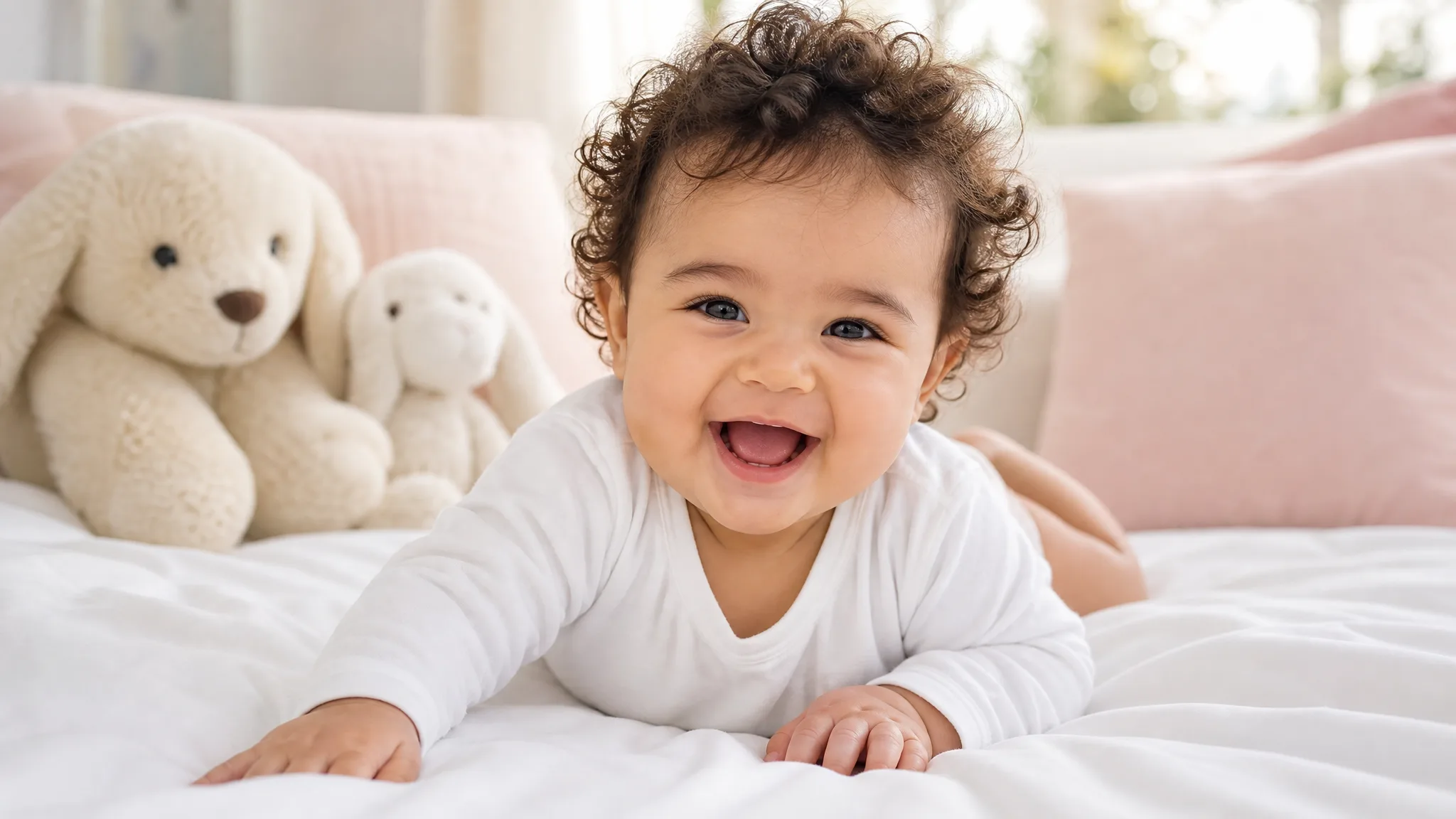
Baby with dark curls in a white top lying on a white bed and laughing toward the lens, plush toys and pillows behind

Two little hands reaching for you

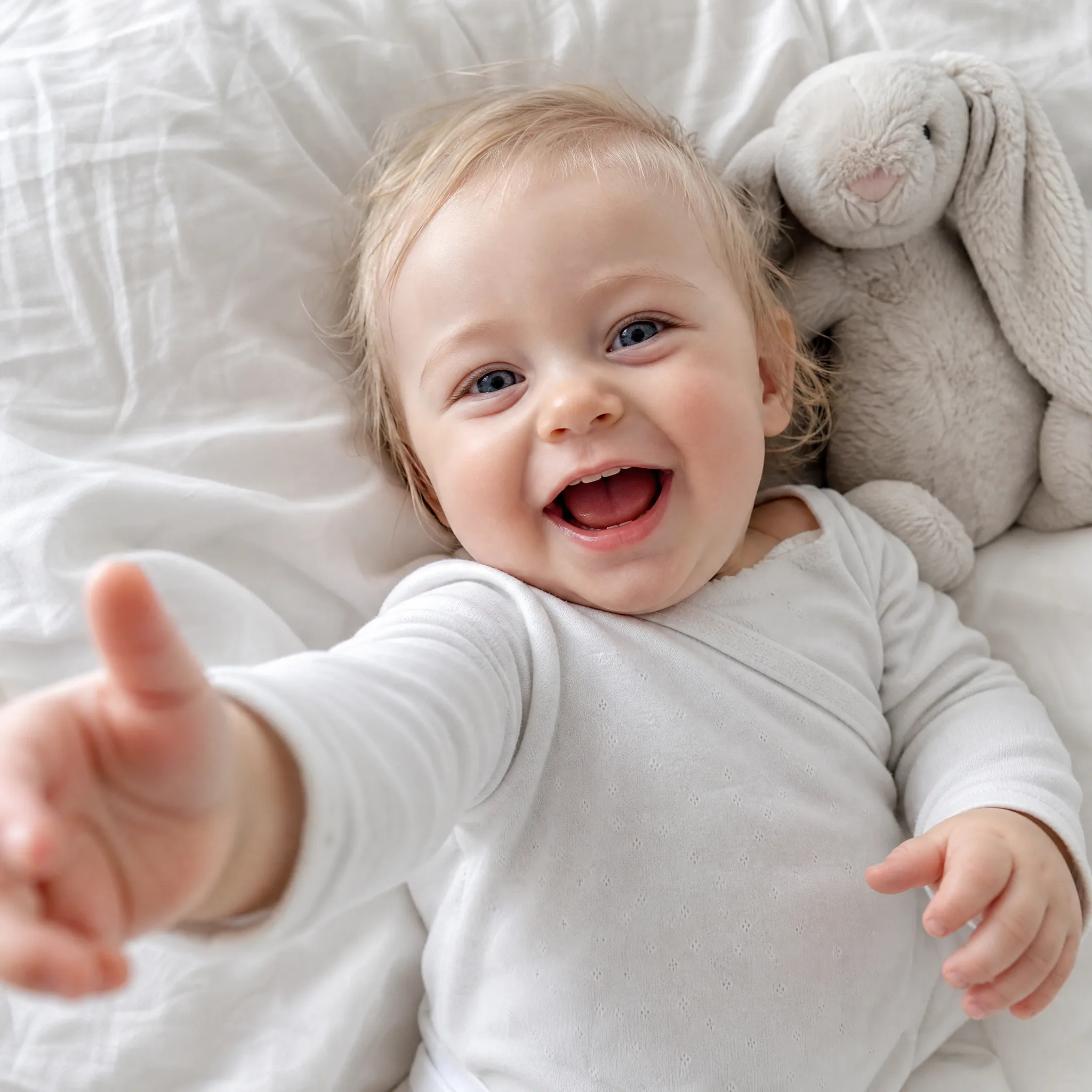
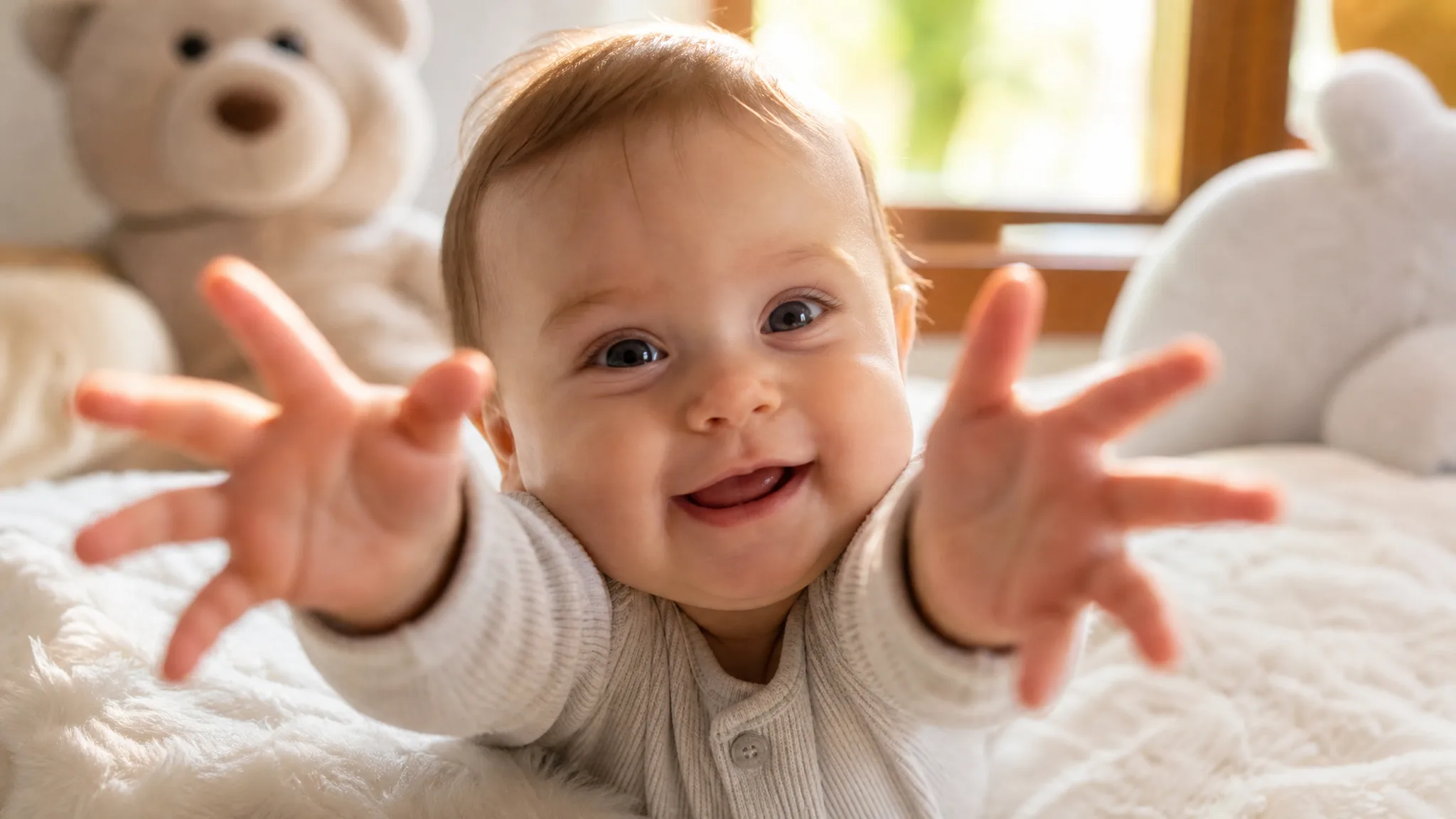
Halfway through, both open hands stretch toward the lens as if your baby wants to be picked up. The camera sits low and close at eye level, so whoever watches the baby AI video generator clip on a phone feels the reach is meant just for them, which is the beat that makes a far-away grandparent feel included.

Smiling baby with light brown hair stretching both small hands toward the camera on a white blanket in window light

Pick the right photo for the baby AI video generator

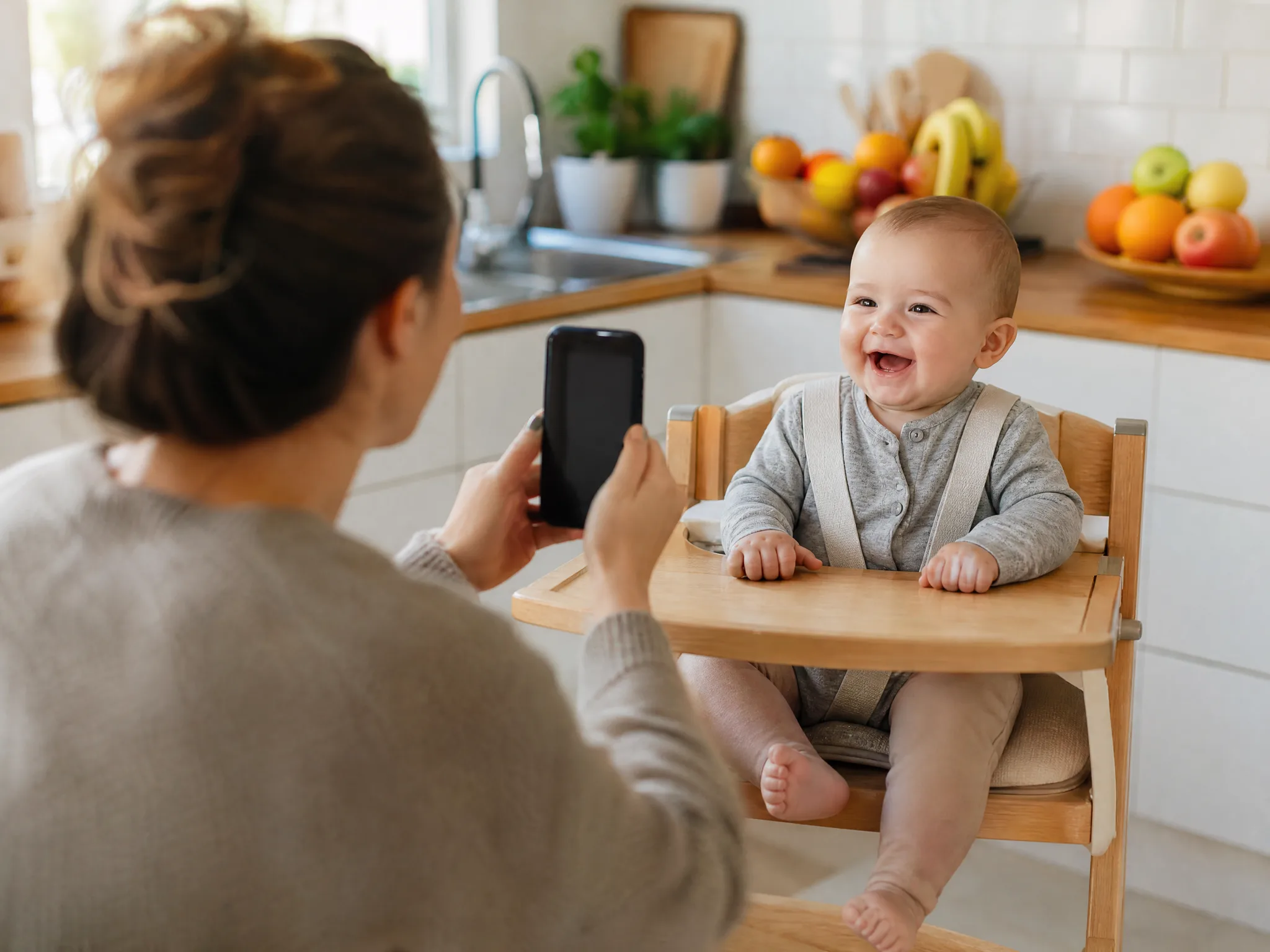
Any clear shot of your baby works as the starting point: a high-chair snapshot at breakfast, a print from a newborn session scanned on your phone, or a picture a relative sent after a weekend visit. The baby AI video generator carries over the face shape, hair and eye colour from that photo, so choose the one where the eyes are open and the face is front-on.

Parent holding up a phone to snap a smiling baby in a wooden high chair, bright kitchen and fruit on the counter behind

A moment the whole family gathers around

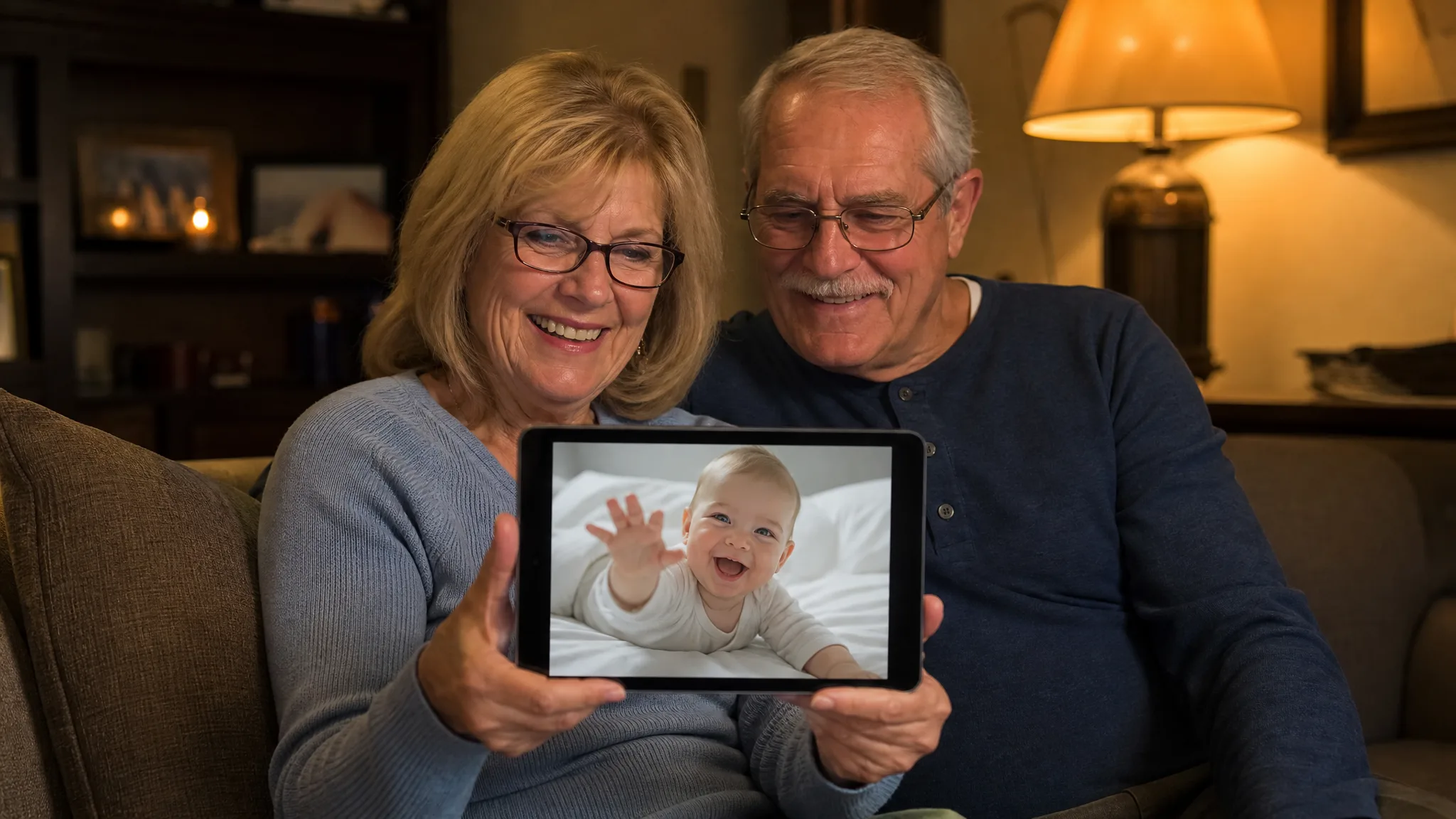
A finished clip slots into the places your family already meets: the group chat, a birth or birthday announcement, a digital photo frame or the first-year memory book. Download your favourite take, add a name, a month count or a short greeting in any editor, and send a baby AI video generator moment grandparents can watch again on the sofa.

Grandparents on a lamp-lit sofa smiling at a tablet that plays a laughing baby reaching out from a white bed

Why Families Pick the Baby AI Video Generator

Parents, aunts and grandparents choose the baby AI video generator because one favourite photo is enough to give the whole family a cheerful moment to watch together.

Your own baby in the starring role

The face that giggles and reaches out is the one from your photo, which is why the clip feels personal from the first second. Pick the picture your family already loves and the baby AI video generator keeps that look through the whole laugh.

Photos from any month work

A newborn portrait, a six-month snapshot on the sofa or a scanned print from a family visit can each be the starting point. Choose the version with open eyes and a front-on face, and the baby AI video generator builds the rest of the scene.

One upload during nap time

The scene, the camera and the giggle are prepared in advance, so there is no script to write and no timeline to edit. A tired parent can upload one photo to the baby AI video generator while the baby naps and come back to a finished clip.

A moving keepsake for milestones

Monthly milestones, a first birthday or the day you came home from hospital each deserve more than one more still. Place the clip next to the original photo in a digital album or slideshow so the milestone can be watched again on the next birthday.

Closer for family who live far away

Relatives in another city or country can see the baby reach toward them on their own screen. Send the baby AI video generator clip along with your news, from a first tooth to a first step, and it feels like a small visit home.

Sound and shape ready to share

Each clip arrives with sound and the aspect ratio you picked, vertical for stories or wide for a slideshow on the TV. Download it at 768P or in sharper 2K and it is ready for the family chat without any extra conversion step.

Stories from People Who Tried It on Their Photos

Night shifts mean I miss a lot of daytime moments with my son. I uploaded a photo my husband took at breakfast to the baby AI video generator, and there he was on a white bed, giggling and reaching toward me. I watched the 8-second clip on my break, then sent it to my mom in Ohio.

Hannah L.
Pediatric Nurse

Baby AI Video Generator Questions

Short answers about the baby AI video generator: what it makes, how to start free, which photo to pick, the built-in template, the clip format and tips for a lovely result.

The baby AI video generator is a photo effect that turns one picture of your baby into a short video clip. Your little one lies on a bright white bed among plush toys, laughs at the camera and stretches both hands toward the person watching.

You can start for free: sign up to collect free credits, then check in each day for more, with the streak bonus climbing to 4x on day 7. Spend those credits on baby AI video generator clips and the other free-tier models, then upload the photo you want to see giggle first.

A sharp, front-facing photo of one baby with open eyes and the whole head in frame works best. Soft daylight and a calm or smiling expression help the baby AI video generator match the face, hair and eye colour through the laugh and the reach.

Your photo is all you add, because the template already holds the white bed, the low camera and the giggling, reaching performance, and MiniMax H3 renders it. An optional note of up to 300 characters lets the baby AI video generator keep a detail such as a hair bow or curls.

Any clear baby photo works, so aunts, uncles and grandparents can use the baby AI video generator too. Run one baby per clip, and build a little series by uploading pictures of each cousin or of the same baby at different ages.

Every clip runs about 8 seconds and plays with sound. MiniMax H3 renders it at 768P or at sharper 2K, and you can keep the frame on Auto or choose 21:9, 16:9, 4:3, 1:1, 3:4 or 9:16 for stories, chats or a slideshow on the TV.

Use a photo taken at your baby’s eye level in soft window light, with no hands, pacifiers or blankets covering the face. A happy or relaxed expression blends best with the giggle. Generate up to four videos in one run and keep the take that looks most like your baby.

Make Your Baby’s Giggle Clip Today

Upload one clear photo and the baby AI video generator shows your little one laughing on a white bed and reaching both hands toward the camera. Keep the take you love and send it to the people who ask for baby updates every week.

Create Your Baby Video
Blond, blue-eyed baby giggling on white sheets and reaching one hand toward the camera beside a grey plush bunny