























Crazy Frog AI Video

Upload two portraits and cast your own pair in a fast city chase with a hovering lead and a separate pursuing character.

Upload Two Portraits0/2
Styling note (optional)
0/300
Aspect ratio
Resolution
Number of outputs
Public Visibility
Required credits
368
Sample videos

Crazy Frog AI Video Generator for Your Chase Duo

Bring two portraits into a fast city chase with a hovering lead and a separate pursuing character, with the sequence and sound prepared.

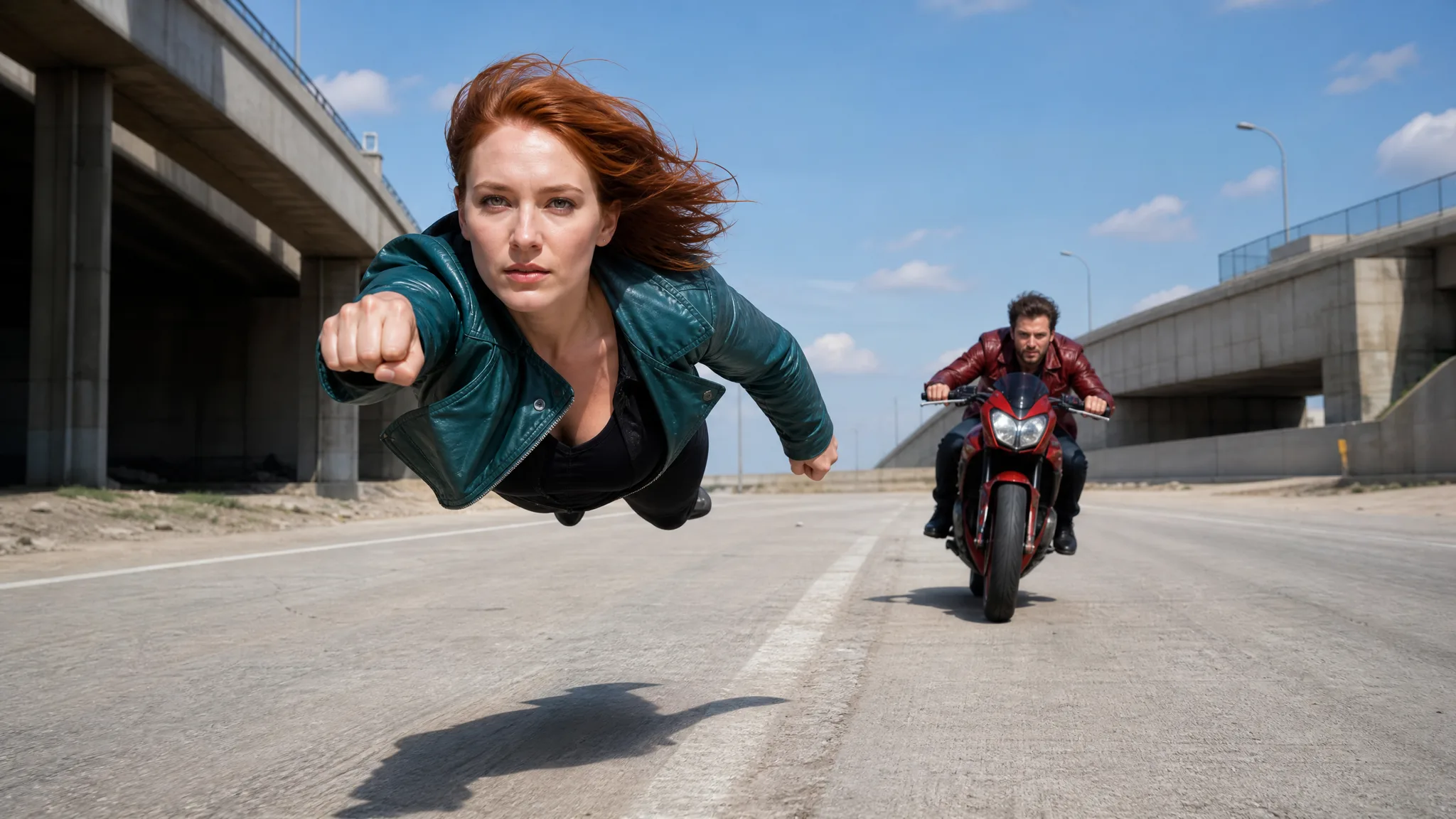
A chase becomes more memorable when your own duo takes the two roles. Upload separate portraits for the hovering lead and the character following behind, using the labels beside each slot. The prepared Crazy Frog sequence supplies the fast industrial-road movement, changing camera distance, pursuit and sound. Your photos give each character a distinct face throughout the action. Generate the fifteen-second clip, watch both characters through the turns and download the result for a funny friendship post, a birthday edit or an opening scene for a reaction video. Put your pair on the road with the Crazy Frog AI video generator.

Create My Video
A red-haired woman hovering above an industrial road ahead of a man on a red motorcycle
Two Portraits|Prepared Sequence|Scene Sound

How to Create Your Crazy Frog Video

Set up the Crazy Frog AI Video Generator with a hovering lead and a motorcycle pursuer, then create and inspect your personalized chase.

1

Choose the Two Portraits

Pick two separate face photos for the Crazy Frog AI video generator. The first person leads the chase in a hovering running pose; the second follows on the red motorcycle. Use clear facial detail so both roles have distinct identity references.

2

Match the Upload Slots

Load the lead portrait first and the pursuer second in the Crazy Frog AI video generator. Compare the labeled previews with the sample’s chase roles before submitting, especially if you want a particular friend to be the one trying to catch up.

3

Generate the Prepared Sequence

Choose your output resolution in the Crazy Frog AI video generator and leave Auto selected to follow the roadway sequence. The reference already supplies the pursuit, tracking shots and sound; an optional note can guide a small styling preference.

4

Preview and Download the Video

When generation finishes, watch the hovering lead and motorcycle pursuer throughout the clip. Check the close views as well as the wide chase shots, then download the fifteen-second result for a running joke, birthday opening or reaction edit.

Build Your Own Crazy Frog Moment

The Crazy Frog AI Video Generator puts your pair into a hovering run and motorcycle pursuit, following a prepared roadway sequence with sound.

Your Portrait Leads the Crazy Frog Chase

The Crazy Frog AI video generator casts your first portrait as the hovering lead. The prepared action keeps that role at the head of the chase as the viewpoint shifts. A sharp portrait with visible eyes and an unobstructed face gives the Crazy Frog AI video generator a clear reference for the lead character.
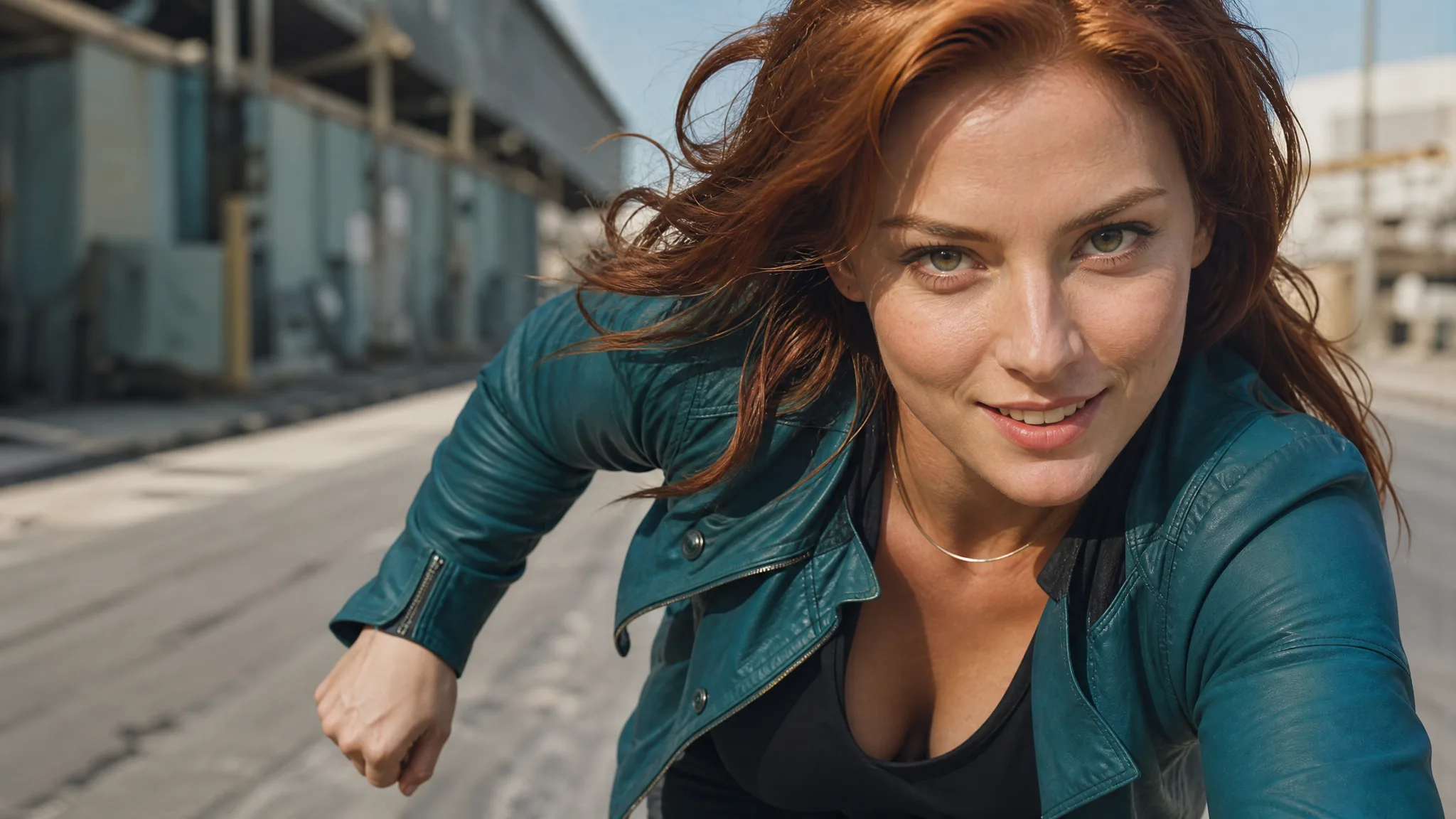
A red-haired woman in a teal jacket moving forward above a sunlit industrial roadway

A Separate Face for the Pursuer

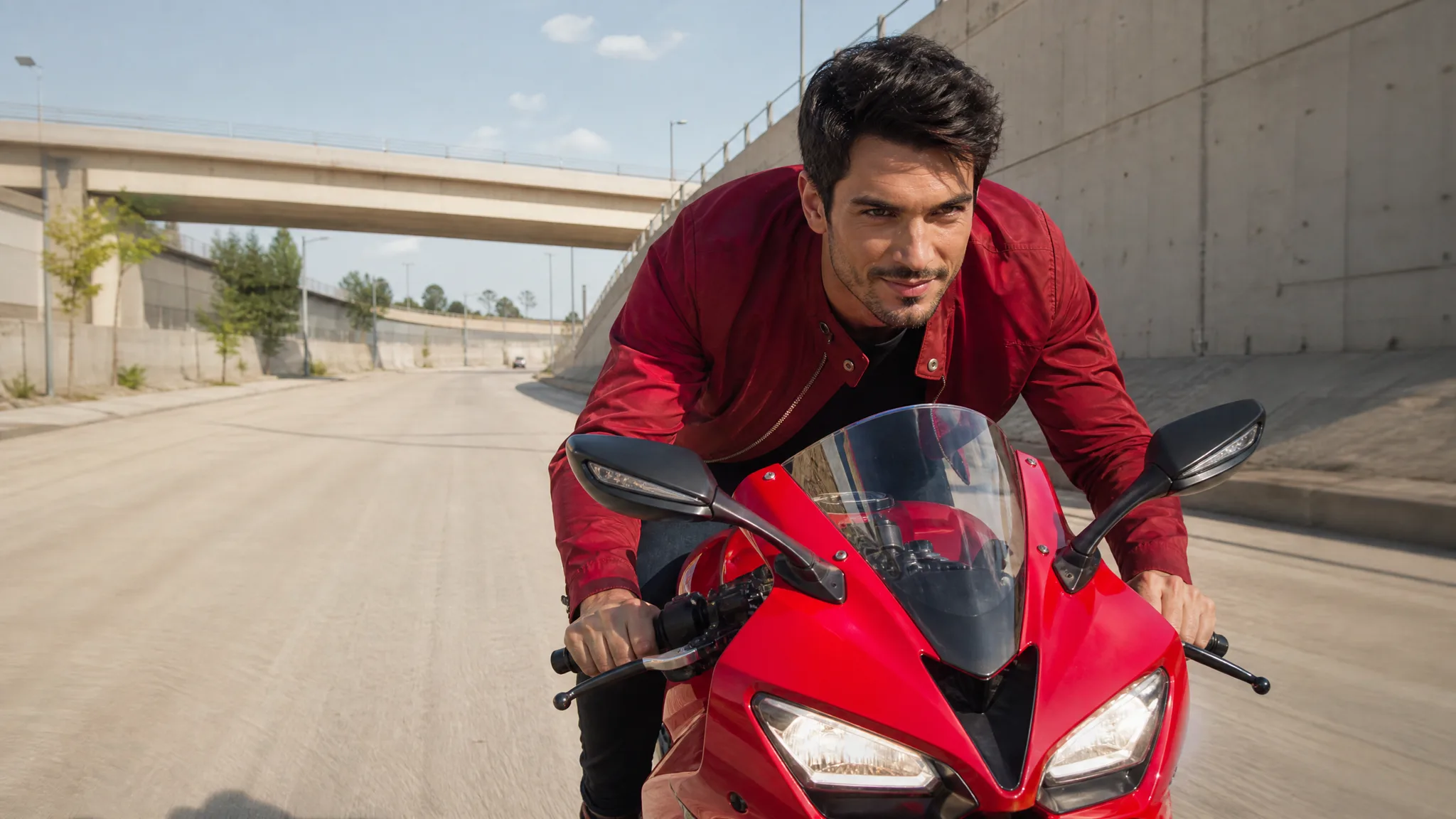
Your second upload identifies the motorcycle pursuer in the Crazy Frog AI video generator. Upload a different portrait for the pursuer, keeping the order shown in the workspace. Distinct faces and hairstyles make the pairing easier to follow when both characters appear together and when the camera cuts closer to the motorcyclist behind.

A dark-haired man in a red jacket leaning over a red motorcycle on an empty road

A Prepared Route Through the Action

The Crazy Frog AI video generator uses a prepared roadway chase for its action. You bring the cast rather than planning each turn or writing a shot list. Follow the example with Auto framing, then check the lead character and pursuing motorcycle across the entire fifteen-second result before choosing the part to share.

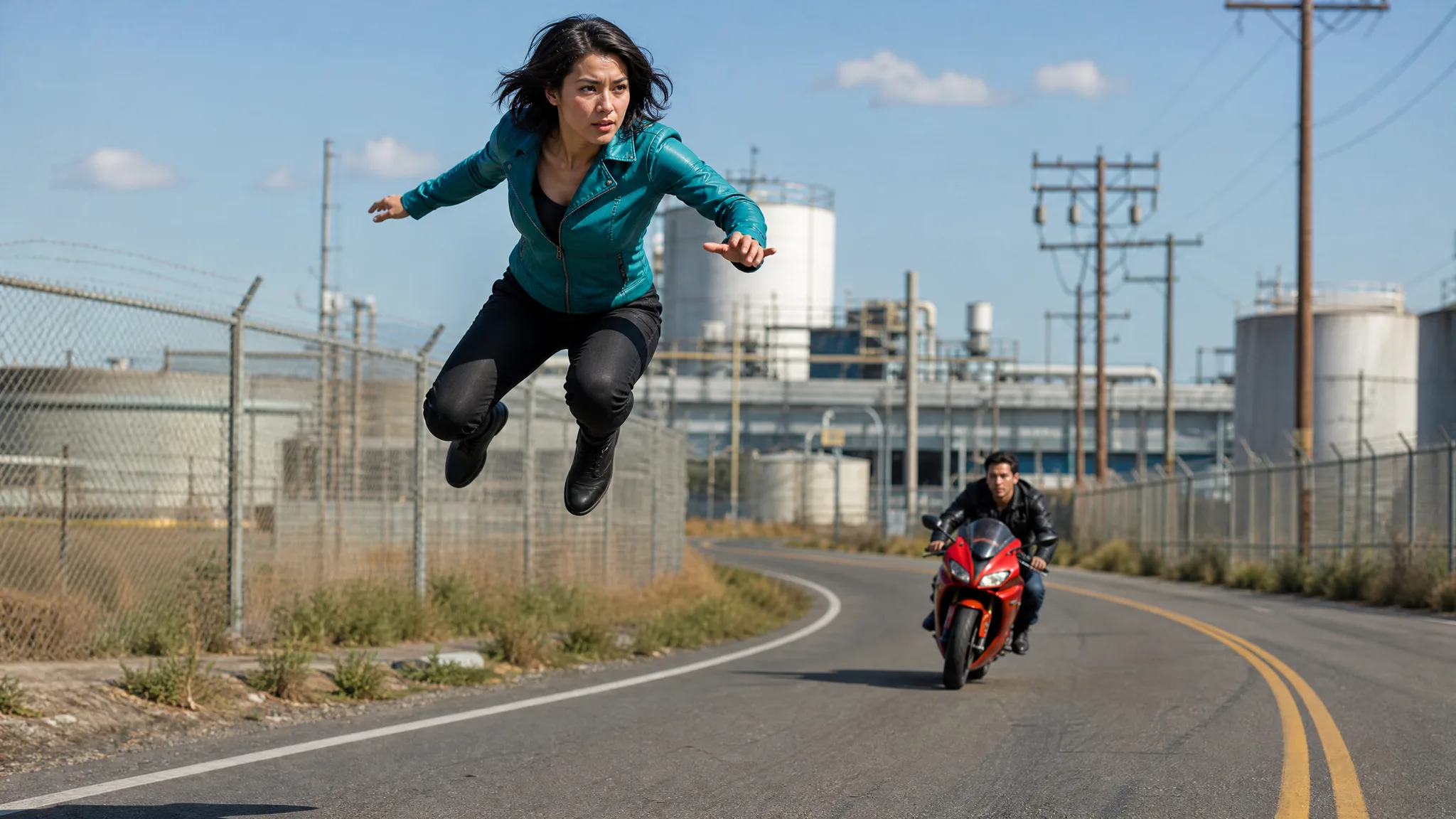
A woman in a teal jacket hovering over a road bend with a motorcycle pursuer behind her

Expressions That Give the Clip a Story

The characters’ expressions can turn the same pursuit into a rivalry, a friendly race or a joke between partners. The Crazy Frog AI video brings those faces into a moving scene with sound. Add your own caption after downloading to explain the relationship without covering the faces or the chase.

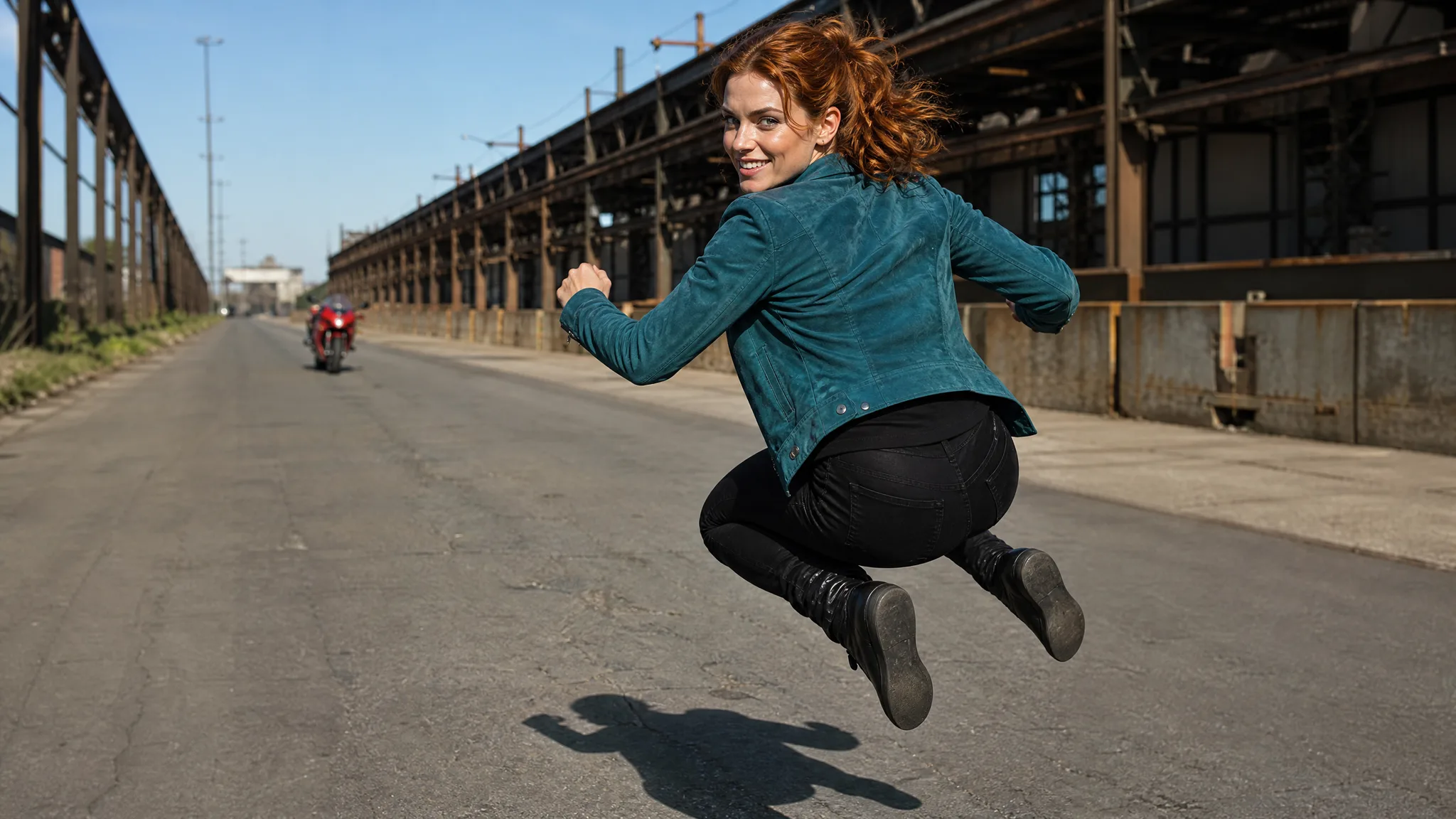
A red-haired woman looking back while hovering over a road with a motorcycle in the distance

Ideas for Your Crazy Frog Clip

Use the Crazy Frog AI Video Generator for a friendship rivalry, a birthday pursuit or the opening chase in a longer comedy edit.

A Friendship Rivalry

Stage a friendship rivalry with the Crazy Frog AI video generator: one friend hovers ahead while the other chases on a red motorcycle. Add a short caption about trying to keep up, using the two recognizable roles to make the joke personal.

A Birthday Chase

Give the birthday person the lead role in the Crazy Frog AI video generator and cast a friend as the pursuer. Use the chase before your greeting, then cut to a favorite photograph so the fast opening leads into the celebration.

A Couple’s Running Joke

Turn a couple’s joke about late arrivals or endless plans into a Crazy Frog AI video generator scene. Decide who should lead and who should follow, then use the finished pursuit as a playful illustration of that familiar situation.

A Fast Reaction Intro

Open a reaction edit with the moment the motorcycle closes the gap on the hovering lead. Choose a section where both faces remain readable, and leave the next cut for your own response rather than adding several unrelated visual changes.

Stories from People Who Tried It on Their Photos

Our running joke is that I make the plans and my brother tries to catch up. I chose our two portraits for the Crazy Frog AI video generator, with me as the hovering lead and him on the pursuing motorcycle. The chase became the opening of a birthday edit before the photos and our family’s message.

Leah Wren
Comedy Video Editor

Crazy Frog Generator Questions

Learn how portrait order, prepared movement and output settings work in the Crazy Frog AI Video Generator before starting your two-person chase.

The Crazy Frog AI video generator turns two face photos into a roadway chase with a hovering lead and a motorcycle pursuer. Your uploads choose the cast, while the prepared reference guides the action, camera cuts and accompanying sound.

This Crazy Frog AI format reworks a fast pursuit scene into a personalized two-character clip. The example shows a hovering runner ahead of a red motorcycle, so the lead and pursuer are separate roles rather than two people sharing one bike.

Available free credits can help you try the Crazy Frog AI video generator. You can collect additional credits through daily check-ins and growing streak rewards. Review the workspace’s current quote before generating, since output choices affect the required credits.

Use two clear individual photos for Crazy Frog AI, with visible eyes and no large objects covering the face. Upload the hovering lead first and the rider second; a group image can make the intended character harder to identify.

You do not need to describe the chase from scratch in the Crazy Frog AI video generator. The roadway action and sound are built in. Upload the cast, choose your settings, and add a short optional styling note only if it helps your version.

You can change the Crazy Frog AI cast by choosing different portraits for the lead and pursuer. Look at both identities in close views and moving shots; distinct uploads improve the starting references, but the finished result still needs review.

The Crazy Frog AI workspace makes a fifteen-second scene using MiniMax H3, with 768P selected initially and 2K available. Scene sound follows the reference. Use Auto to retain its composition or select one of the supported fixed frame shapes.

To improve a Crazy Frog AI chase, start with sharp faces and verify which person occupies each slot. Inspect the lead during the hovering run and the rider behind the handlebars; choose a different photo if either face becomes difficult to recognize.

Create Your Crazy Frog Video

Turn two familiar faces into a hovering lead and motorcycle pursuer with the Crazy Frog AI video generator. Upload your portraits, review the chase with sound, and download the scene for your next joke.

Create My Video
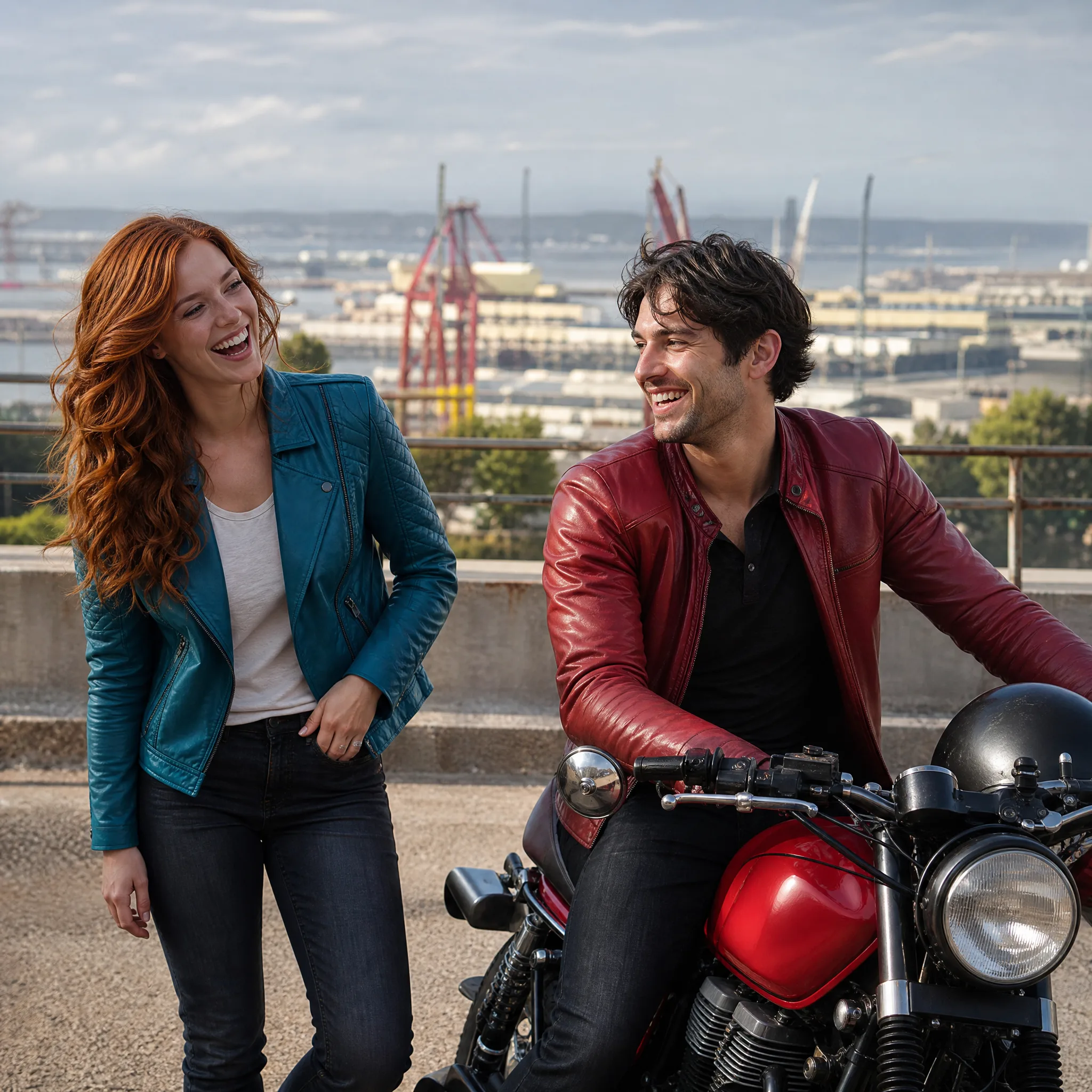
A red-haired woman and a dark-haired man smiling beside a parked red motorcycle at an industrial overlook