























Talking Pet Video
Reference images
Prompt
0/4000
Duration
Resolution
Aspect ratio
Translate prompt
Number of outputs
Public Visibility
Required credits
30
Sample videos

Talking Pet AI Video Generator for Dog, Cat and Bunny Photos

The look your pet gives you, now with motion and sound

Every pet owner has the photo: the head tilt at the treat jar, the side-eye from the couch, the bunny frozen mid-chew. Upload that dog, cat or bunny picture, then write one line about the reaction you want, such as a slow tilt, a wide-eyed stare or a mouth that moves as if your pet is answering back. Veo 3.1 Lite, the default model, turns the still into a short clip with generated sound. Download the take with the best timing for a birthday message, a pet-account post, a grooming salon reel or the family chat, all made with the talking pet AI video generator.

Make My Pet React
Red Shiba Inu sitting on a light grey sofa, head cocked and mouth half open as if answering a question
Any Pet Photo|One-Line Brief|Clip with Sound|Ready for Pet Posts

How to Use the Talking Pet AI Video Generator

Four steps take your pet from a still photo to a reacting clip. The talking pet AI video generator needs one clear picture and one line about what your pet should do.

1

Pick the photo with the best face

Choose a picture where your dog, cat or rabbit faces the lens with both eyes, the nose and the mouth in view. Daylight from a window works well. The talking pet AI video generator builds the reaction from that face, so a sharp, uncluttered shot gives it the most character to work with.

2

Write one reaction in plain words

Describe a single beat, for example "tilts head left, then opens mouth as if answering" or "slow side-eye toward the camera". One action per brief keeps the joke readable. Add a short note about the sound you want, such as a curious little bark.

3

Pick a model and generate

Keep the default Veo 3.1 Lite model or pick another model in the workspace, then press Generate. The talking pet AI video generator shows the job status while it works, and the preview appears in the same panel when the clip is ready.

4

Compare the face and save your take

Play the clip with sound and compare the ears, eyes and fur markings with your photo. If the movement feels too big, trim the brief to one smaller action and run it again. Download the take from the talking pet AI video generator and add a caption or voiceover in your editor.

Why a Pet Photo Makes the Best Punchline

People already know your pet’s face, so a small reaction lands fast. Here is why a talking pet animal video built from one photo gets the laugh.

The face does the talking

A husky staring at an empty bowl already says everything. The talking pet AI video generator adds the ear flick and the slow turn toward you, so the reaction plays as a reply to whatever caption you write, from "who ate my dinner" to "it is Monday again".
Your pet gets the lead role

A hiking photo of your terrier on a rock can become the opening shot of a little adventure story. The talking pet AI video generator follows the setting already in your picture, so a trail, a beach or a sofa each give your pet a different part to play.

Space in the frame keeps it natural

A puppy shot from a step back, with grass around every paw, leaves room for a trot or a tail wag. Photos that show the whole animal give a talking pet animal video more believable movement than a tight crop where ears and tail are cut off.

Reactions, Dances and Splashes from One Pet Photo

Pick the idea that fits your pet. Each tab shows one direction the talking pet AI video generator can take a single photo, from a chatty head tilt to a lake dive.

A Head Tilt That Answers Back

Start with your Labrador mid-stare in the hallway and ask for a slow head tilt with the mouth opening and closing. The talking pet AI video generator turns it into a talking pet animal video with generated sound from Veo 3.1 Lite. Post it as a reply in the family chat, or caption it with the line your dog would definitely say.

Who Uses a Talking Pet AI Video Generator

Owners, shelters and pet accounts each find a reason to make a talking pet animal video. These six uses start from a photo already on your phone.

Birthday Wishes from the Dog

Your mom loves the family beagle more than anyone. Make a clip in the talking pet AI video generator where the beagle tilts its head toward the camera, then add "Happy birthday from your favorite child" in your editor and send it on the morning of her birthday.

Reaction Memes for Pet Accounts

Pet accounts post reactions to news, weather and Monday mornings. A talking pet AI video generator clip of your cat narrowing its eyes gives you a reusable reply, and the caption carries the topic of the day.

Standing-Pose Reveals

A photo of your dog begging on its back legs can become an AI pet standing split video effect reveal. Describe a slow rise into the upright pose, check the legs in the preview, and post it as a before-and-after style clip.

Adventure Series for Kids

Parents can turn a family dog’s beach photo into a short dive scene with the talking pet AI video generator, then string several clips into a bedtime adventure starring the pet the kids know best.

Shelter Adoption Posts

Rescue volunteers can give an adoptable cat’s intake photo a curious head turn and a soft meow. A clip from the talking pet AI video generator helps the listing stand out on social feeds and gives future families a sense of the cat’s personality.

Memories of a Pet You Miss

A favorite portrait of a dog who has passed can get a gentle ear twitch and a familiar look. Families keep the talking pet AI video generator clip beside the original photo, or share it with relatives who loved the dog too.

Stories from People Who Tried It on Their Photos

Our clinic page needed a friendlier vaccine reminder than another graphic. I photographed Pickles, the office cat, glaring at the wall calendar and used the talking pet AI video generator to add a slow head turn and a meow. We captioned it "you are overdue," and it was our most-shared post that month.

Dana W.
Veterinary Receptionist

Talking Pet AI Video Generator FAQ

Answers about the talking pet AI video generator: starting free, picking a pet photo, writing the brief, dance and adventure ideas, sound and tips for funnier clips.

A talking pet AI video generator turns one photo of your pet into a short moving clip with a reaction you describe. Your dog, cat or rabbit can tilt its head, move its mouth or give the camera a look, and the default Veo 3.1 Lite model adds generated sound.

You can use the talking pet AI video generator with the free credits you collect when you sign up for PicVideo. A daily check-in adds a few more, and keeping the streak going for a week earns 4x on day 7. Spend the credits on pet clips with Veo 3.1 Lite or on other AI videos and images.

A sharp photo with your pet facing the camera makes the best talking pet animal video. Keep the eyes, nose and mouth fully visible and the light soft and even. For dances or dives, use a wider shot that shows the whole body and the setting you want.

One sentence is enough for the talking pet AI video generator. Name a single action, such as a head tilt or a slow blink, and mention a sound if you want one. Veo 3.1 Lite is selected by default, and other models in the workspace offer more duration and resolution options.

You can make an AI cat dancing video by uploading a cat photo and describing a sway or paw wave. An AI pet standing split video effect works the same way: start from a picture where your pet already stands or begs on its back legs, then describe the rise.

The talking pet AI video generator follows the setting in your photo, so water and sky scenes work well. A dock or beach picture suits an AI pet diving video generator scene, and a photo with open sky suits an AI pet air combat video generator idea. Describe one leap or swoop for each clip.

A talking pet animal video from the default Veo 3.1 Lite model comes with generated sound. That can include barks, meows and room tone. The sound control in the workspace shows what each other model offers. Download the clip and add captions or your own voice for a birthday wish or reaction post.

Pair one small reaction with a strong caption. A slow side-eye or a head tilt reads better than lots of movement, and a photo with space around the ears and tail keeps your pet looking like itself. Generate a few takes and keep the one with the best timing.

Turn Your Pet’s Best Look into a Clip

Upload the pet photo that always makes people laugh, write one reaction, and the talking pet AI video generator returns a short clip with sound. Add your caption and send it to the birthday thread, the pet account or the family chat.

Animate My Pet
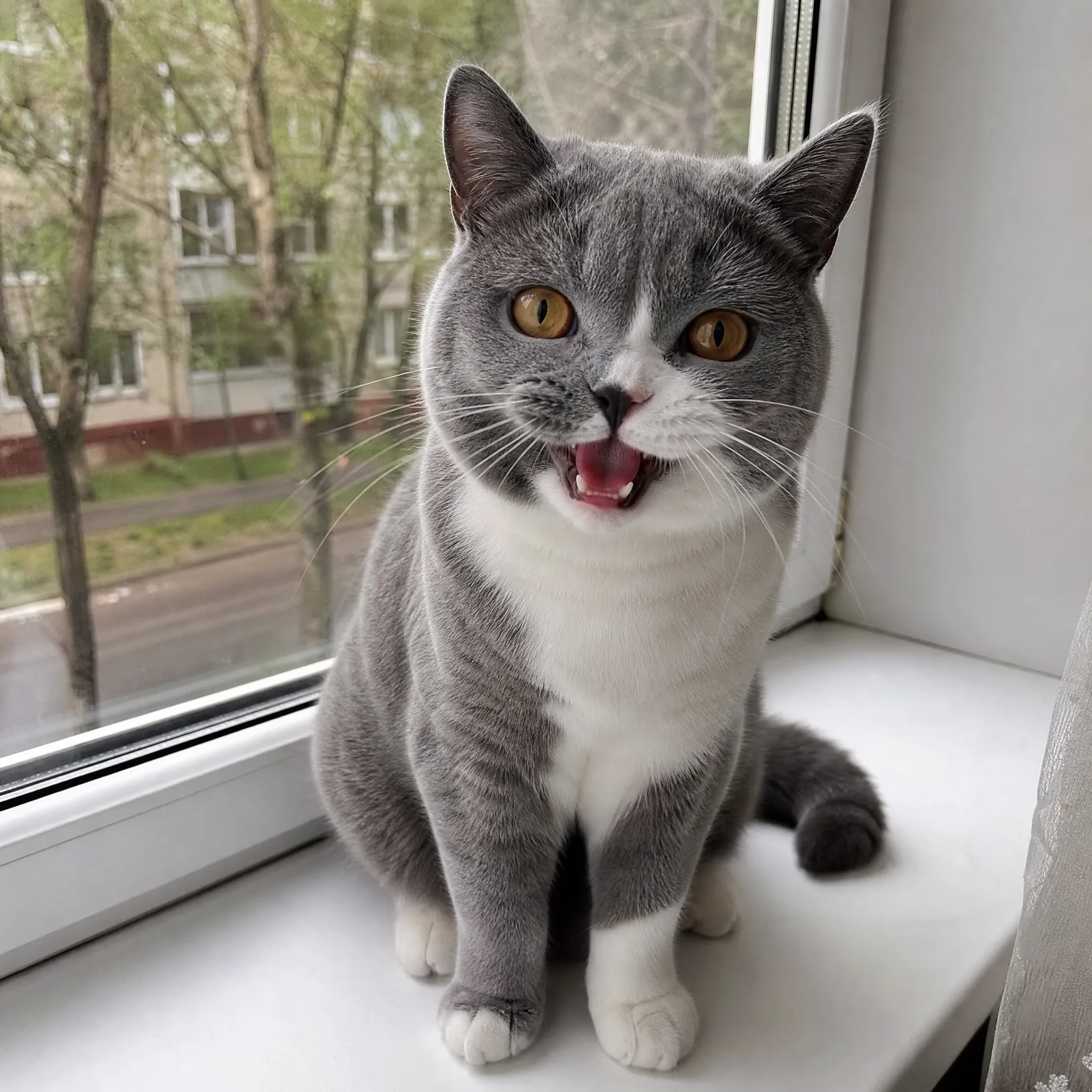
Grey-and-white British Shorthair with amber eyes on a white windowsill, mouth wide open mid-meow