






















A2O LITE NEON AI Video

Upload two portraits and cast your own pair in a synchronized two-dancer NEON pop routine in a rehearsal studio.

Upload Two Portraits0/2
Styling note (optional)
0/300
Aspect ratio
Resolution
Number of outputs
Public Visibility
Required credits
368
Sample videos

A2O LITE NEON AI Dance Generator for Two Portraits

Bring two portraits into a synchronized two-dancer NEON pop routine in a rehearsal studio, with the sequence and sound prepared.

Make the NEON dance a performance by your own pair. Upload one clear portrait for the dancer on the left and a second portrait for the dancer on the right. The prepared studio sequence brings the matching steps, arm movements, camera framing and sound, while the two photos supply distinct identities. Follow the example framing with Auto, generate the fifteen-second dance and watch the full routine before downloading. It works as a friendship performance, a duo challenge or a lively opening for a social edit. Cast both sides of the choreography with the A2O LITE NEON AI dance generator.

Create My Video
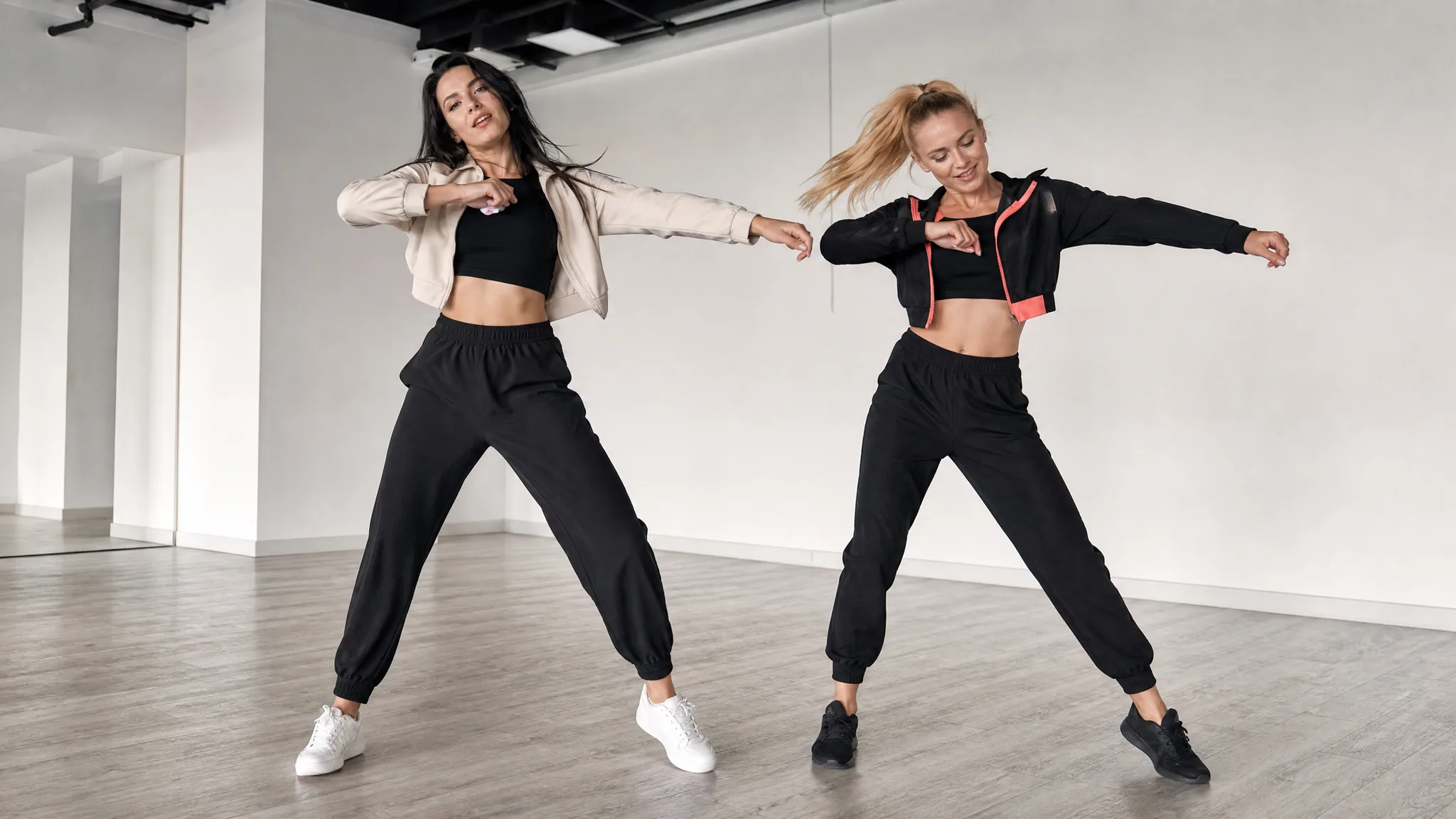
Two women dancing in a bright studio, one in a cream jacket and one in black with coral trim
Two Portraits|Prepared Sequence|Scene Sound

How to Create Your A2O LITE NEON Video

Build a NEON duo dance with the A2O LITE NEON AI Dance Generator, assigning each portrait to a costume role before making the studio routine.

1

Choose the Two Portraits

Select two distinct portraits for the A2O LITE NEON AI dance generator, with one clearly visible face in each photo. Think of them as the light-jacket and black-and-coral dancers from the sample, so you can check their identities during the routine.

2

Match the Upload Slots

In the A2O LITE NEON AI dance generator, place the light-jacket dancer’s portrait first and the black-and-coral dancer’s portrait second. These costume roles help you follow the pair when they cross or change position in the rehearsal studio.

3

Generate the Prepared Sequence

The A2O LITE NEON AI dance generator follows the built-in studio reference, including its choreography and scene sound. Leave framing on Auto to follow the sample, choose 768P or 2K, then check both portrait previews before starting the synchronized studio routine.

4

Preview and Download the Video

Review the fifteen-second duo performance from its opening pose through the final steps. Compare both faces with their input photos after turns and camera cuts, then download a result that keeps the pairing clear for your dance post.

Build Your Own A2O LITE NEON Moment

The A2O LITE NEON AI Dance Generator brings two faces into matching steps, arm movements and alternating studio shots.

Two Portraits, Two Distinct Dancers

The A2O LITE NEON AI dance generator gives each uploaded face a separate costume role. Choose one portrait for each dancer and keep the order consistent with the example. Clear faces, different hairstyles and separate photographs give the prepared performance useful identity references while both people move together in the studio frame.
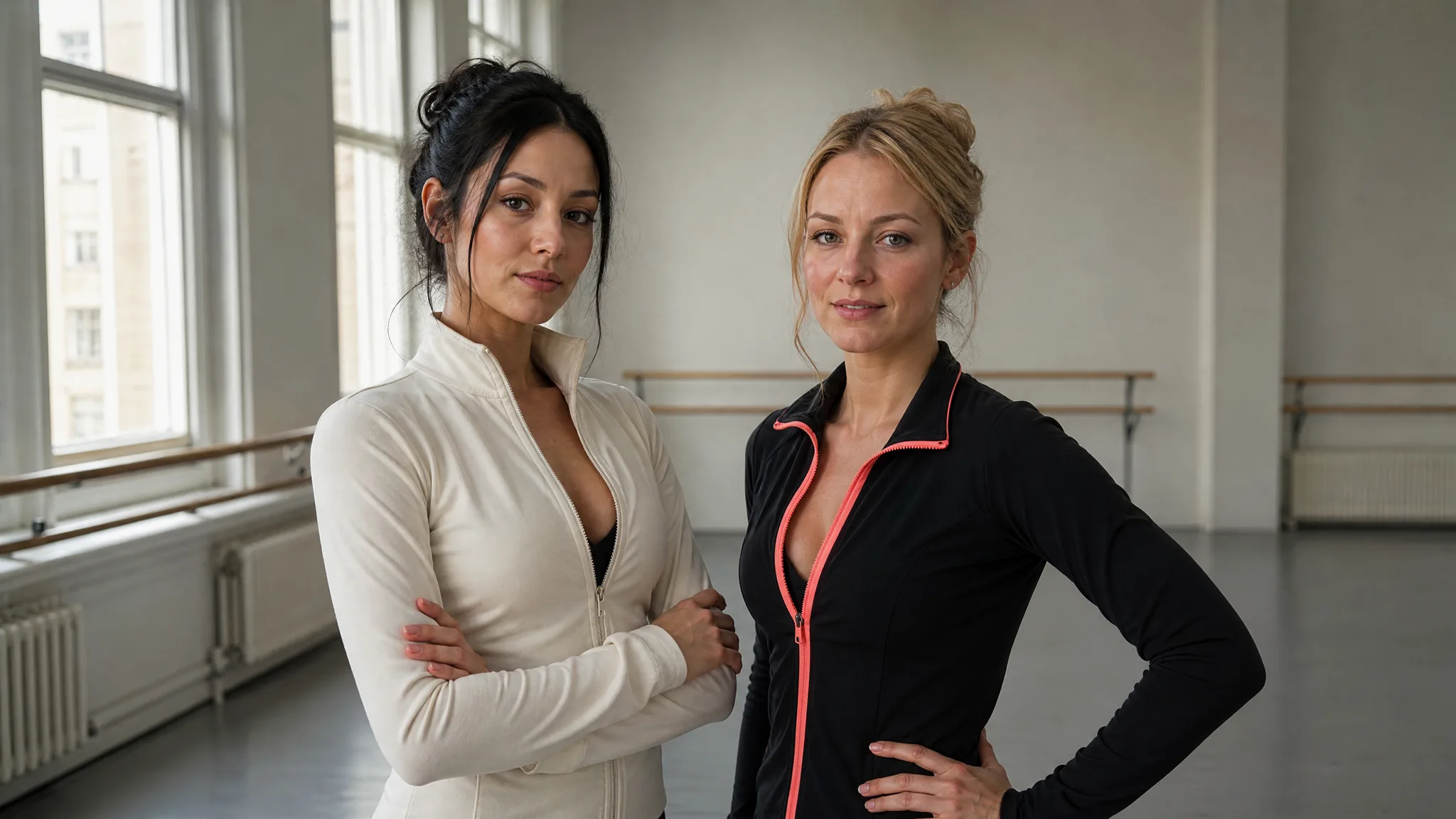
Two women standing side by side in a daylight dance studio, wearing cream and black jackets

Follow the NEON Choreography Together

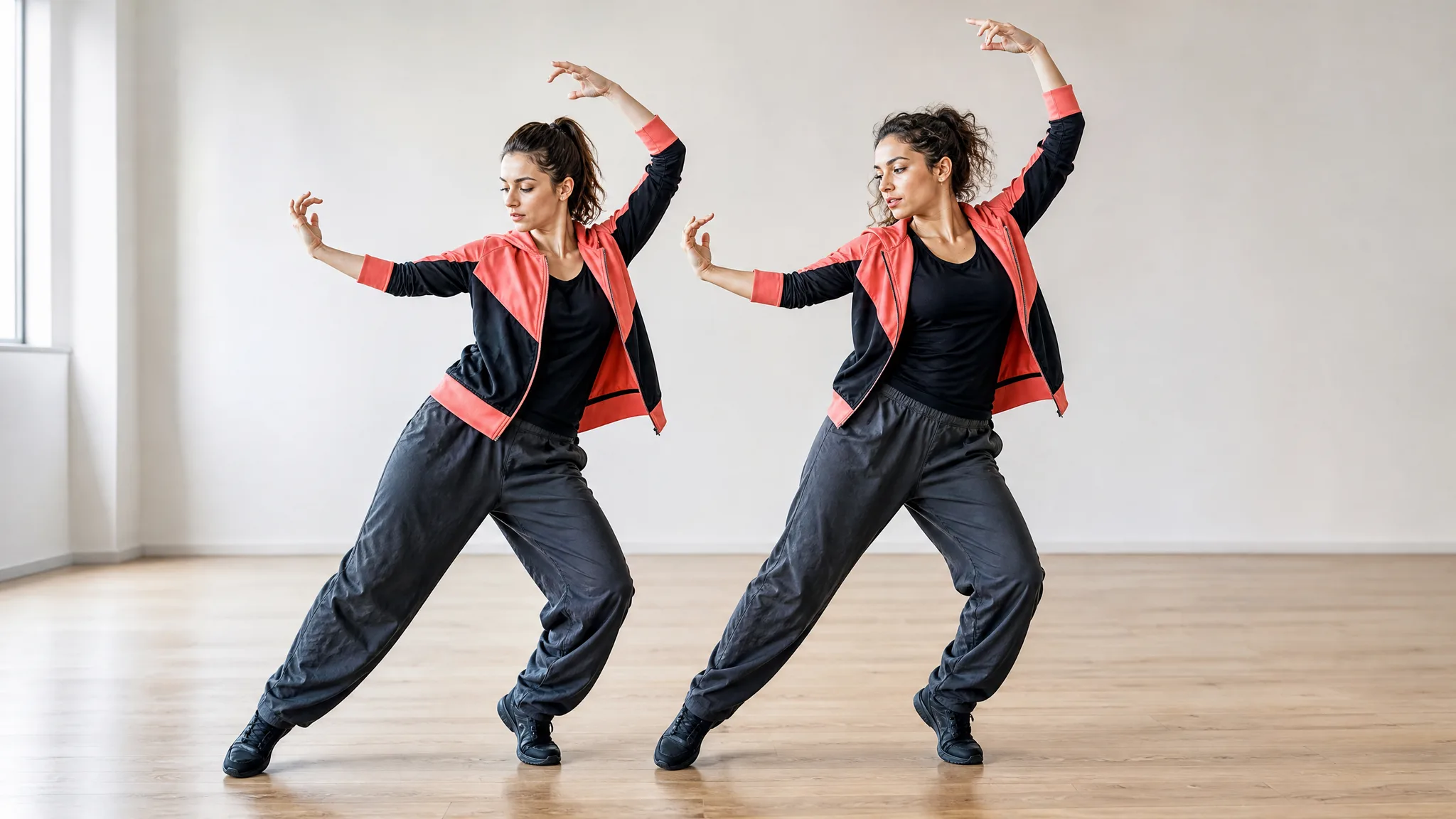
The A2O LITE NEON AI dance generator follows synchronized studio steps from its reference. You do not need to describe every beat of the routine. The sequence gives the pair a shared rhythm, with both dancers visible as they move through the studio performance and finish the clip.

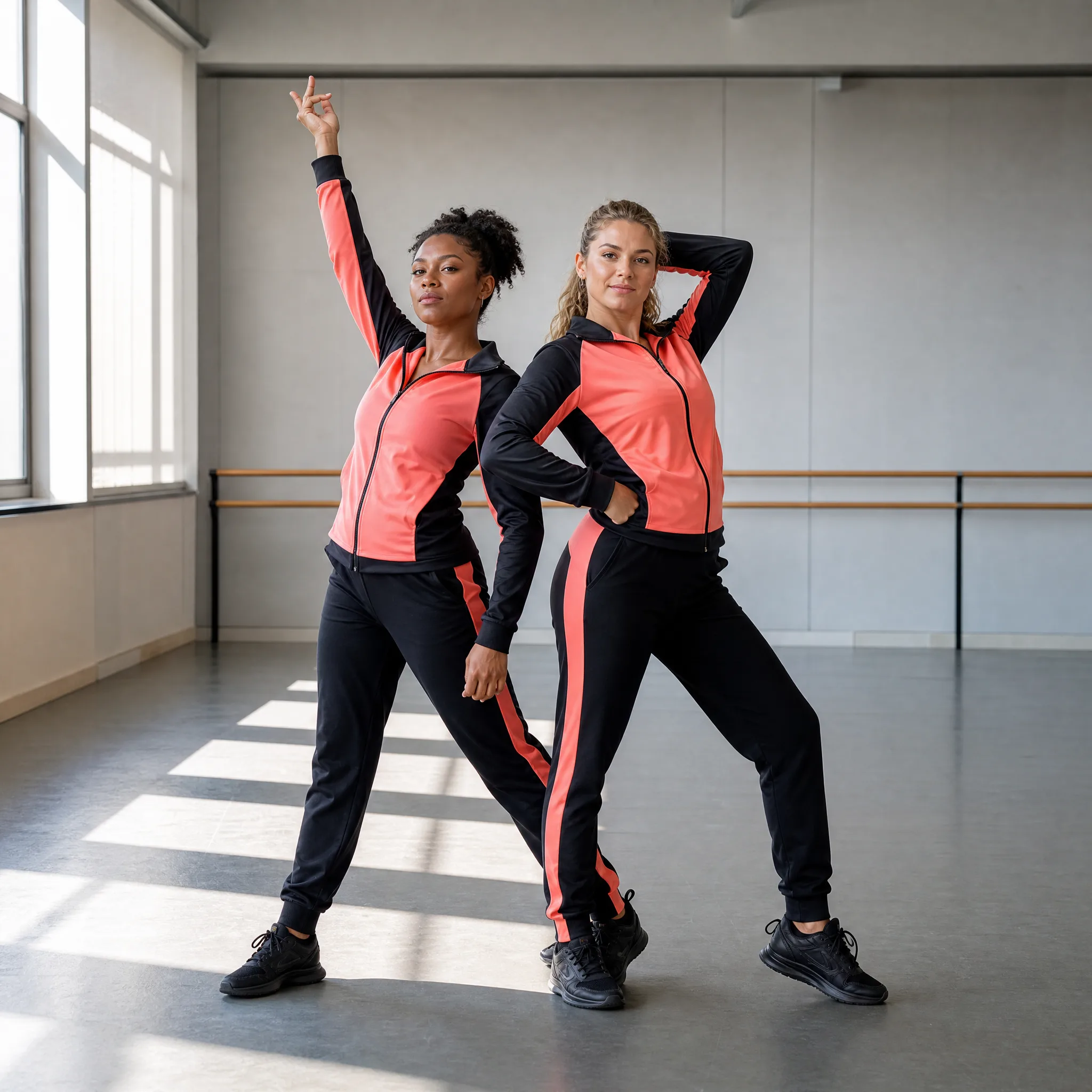
Two dancers stepping sideways with raised arms in matching coral and black jackets

Make a Personal Duo Performance

A friend pairing gives the choreography a personal connection. The NEON AI dance includes scene sound, and the workspace lets you preview the result before downloading. Watch the two faces and their positions through the routine, then use the finished clip on its own or place it beside your own rehearsal footage.

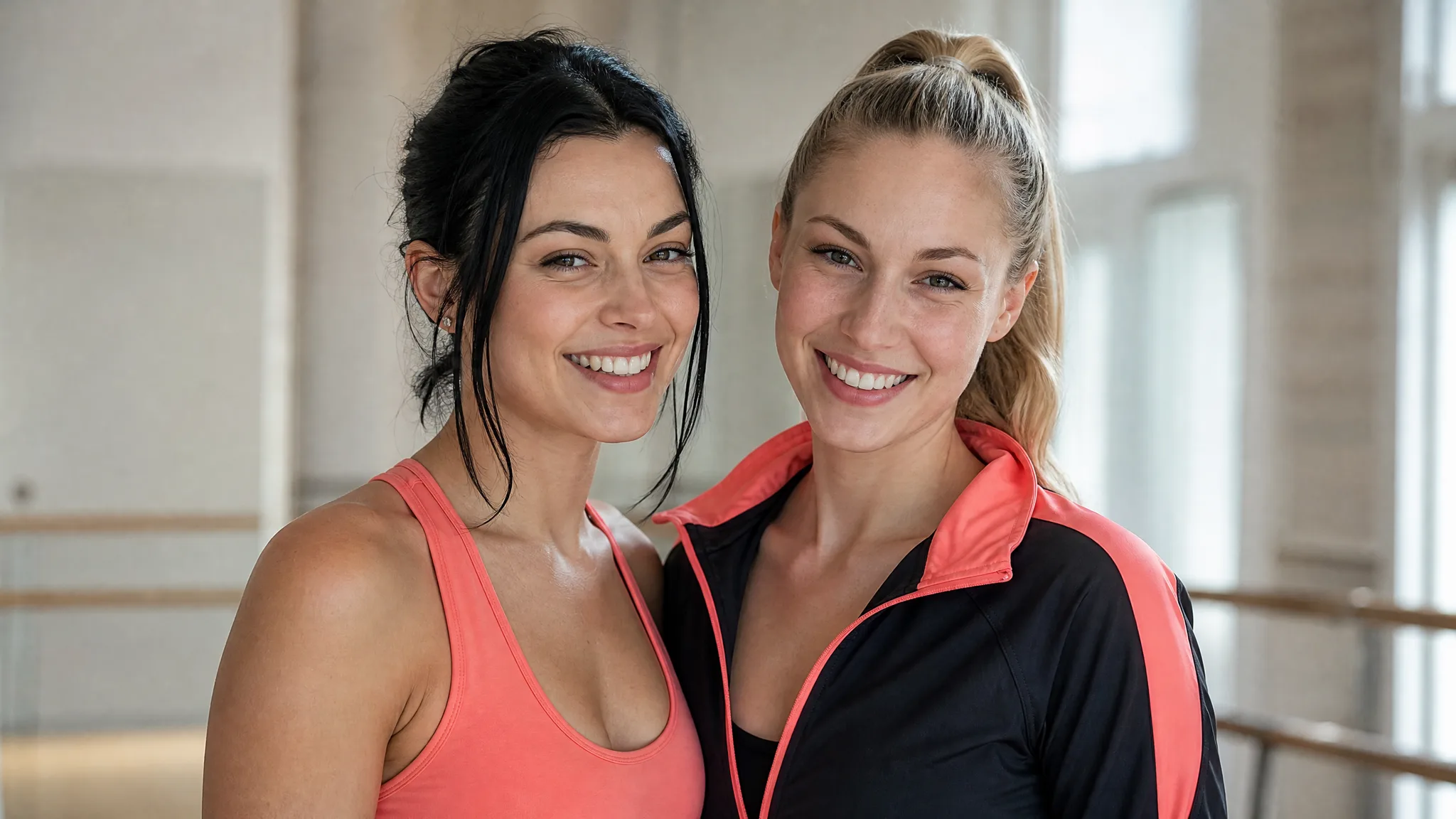
Two smiling women after rehearsal, one in a coral top and one in a black jacket with coral trim

Ideas for Your A2O LITE NEON Clip

Make a NEON duo dance for a friendship post, a birthday opening or a scene in a longer choreography edit.

A Best-Friends Dance Challenge

Pair two friends in the A2O LITE NEON AI dance generator for a shared choreography post. The matching arm movements and side steps give both people a role in the studio routine, with space to add your own challenge caption after download.

A Dance Club Introduction

Introduce a creative pairing with the A2O LITE NEON AI dance generator before showing your collaboration footage. Choose the two portraits in costume order, then cut from the prepared rehearsal scene to a real moment that explains who the duo are.

A Celebration Duo

Make a lively birthday opening with the A2O LITE NEON AI dance generator. Cast the birthday person and a close friend in the two dancer roles, watch for recognizable faces through the sequence, and follow the routine with your greeting.

A Side-by-Side Social Edit

Use the synchronized steps as one scene in a longer dance edit. Match your next cut to an arm movement or a turn, retaining enough of the studio shot for viewers to see the pair moving together before the setting changes.

Stories from People Who Tried It on Their Photos

Two members of our club wanted a shared performance clip for a celebration post. I used the A2O LITE NEON AI dance generator with one portrait for each side. The left and right labels made the pairing clear, and I watched the arm movements and both faces before placing the clip ahead of our rehearsal photographs.

Sora Bennett
Dance Club Coordinator

A2O LITE NEON Generator Questions

Find out how to cast the NEON duo dance, follow the studio choreography and check faces through turns and close-ups.

The A2O LITE NEON AI dance generator places two portrait identities into a prepared duo routine in a bright rehearsal studio. Its reference guides synchronized steps, arm movements, shot timing and sound, while your two uploads provide the cast.

NEON duo dance here refers to the two-person choreography shown in the example, with a light-jacket dancer and a black-and-coral dancer. It is a studio performance format; the page name does not mean adding neon lighting to an unrelated clip.

You can use available free credits toward a NEON duo dance. Daily check-ins provide more credits, with rewards that grow through a streak. The workspace shows the credit requirement for your chosen resolution before you submit the routine.

For a NEON duo dance, select one sharp portrait for each dancer with eyes and facial detail visible. Follow the costume-based labels: light jacket first, black and coral second. Check each person after cuts and turns in the finished video.

The A2O LITE NEON AI dance generator includes the movement and studio sequence, so a complete dance prompt is unnecessary. A short optional styling note can guide a preference; the reference remains the starting point for the choreography.

Different portraits can become the NEON duo dance cast. Use the costume roles to tell them apart as positions change. AI output may vary across shots, so inspect face and hair consistency before choosing a clip to download or share.

The NEON duo dance output is fifteen seconds with sound, generated through MiniMax H3. The initial resolution is 768P, with 2K offered in the workspace. Auto uses the reference framing, and supported fixed frame shapes remain selectable.

For a clearer NEON duo dance, compare each dancer with the corresponding portrait throughout the routine. Pay particular attention to hair and faces after occlusion or a close-up; if either identity changes noticeably, a sharper or differently styled photo may help.

Create Your A2O LITE NEON Video

Create a studio performance for your pair with the A2O LITE NEON AI dance generator. Assign both portraits to the labeled roles, preview the full synchronized routine, and download your duo clip with sound.

Create My Video
Two women posing after rehearsal in coral and black dancewear beside studio windows