AI Hugging Video

Add two portraits and watch the pair walk toward each other and hug on a sunny walkway.

Upload Two Portrait Photos0/2
Styling note (optional)
0/300
Aspect ratio
Resolution
Number of outputs
Public Visibility
Required credits
208
Sample videos

AI Hugging Video for Two Friends Meeting in the Sun

Two separate portraits meet halfway for a smiling, open-armed hug

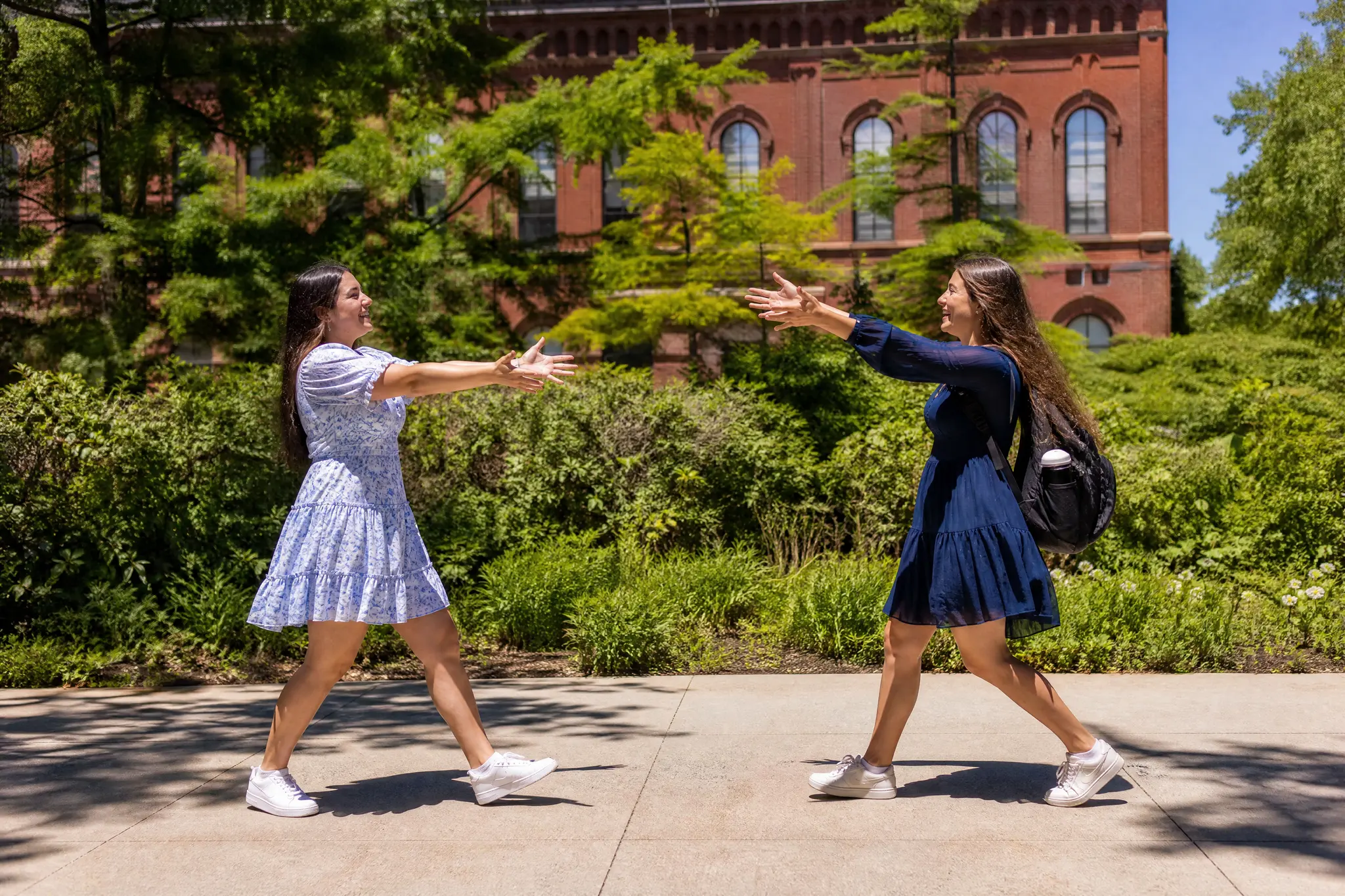
Have two people who rarely end up in the same photo? Upload one portrait of each and they meet on a sunny walkway shaded by trees, a red-brick building with arched windows behind them. They step toward each other with arms wide, wrap up in a tight hug and smile over each other’s shoulders while a gentle camera follows along. The setting, the movement and the sound are prepared for you, so no prompt is needed. Send the 5-second result to a friend far away, open a birthday message with it or post it for an anniversary with the AI hugging video.

Create Your AI Hug Video
Two young women, one with a black braid and one blonde, hugging and smiling on a leafy walkway by a red-brick building
Hug Scene Ready to Go|Two Portraits, One Embrace|Sunny Brick Walkway|Sound in Every Clip

Why an AI Hugging Video Means So Much

An AI hugging video gets its feeling from the two faces you choose; the sunny walkway, the movement and the hug take care of the rest.

Faces the recipient knows at once

The hug matters because of who is in it, so choose portraits the person receiving the clip will recognize straight away. A relaxed snapshot from a phone gallery often works better than a stiff studio shot, and the AI hugging video keeps both faces familiar from the first step to the final smile.
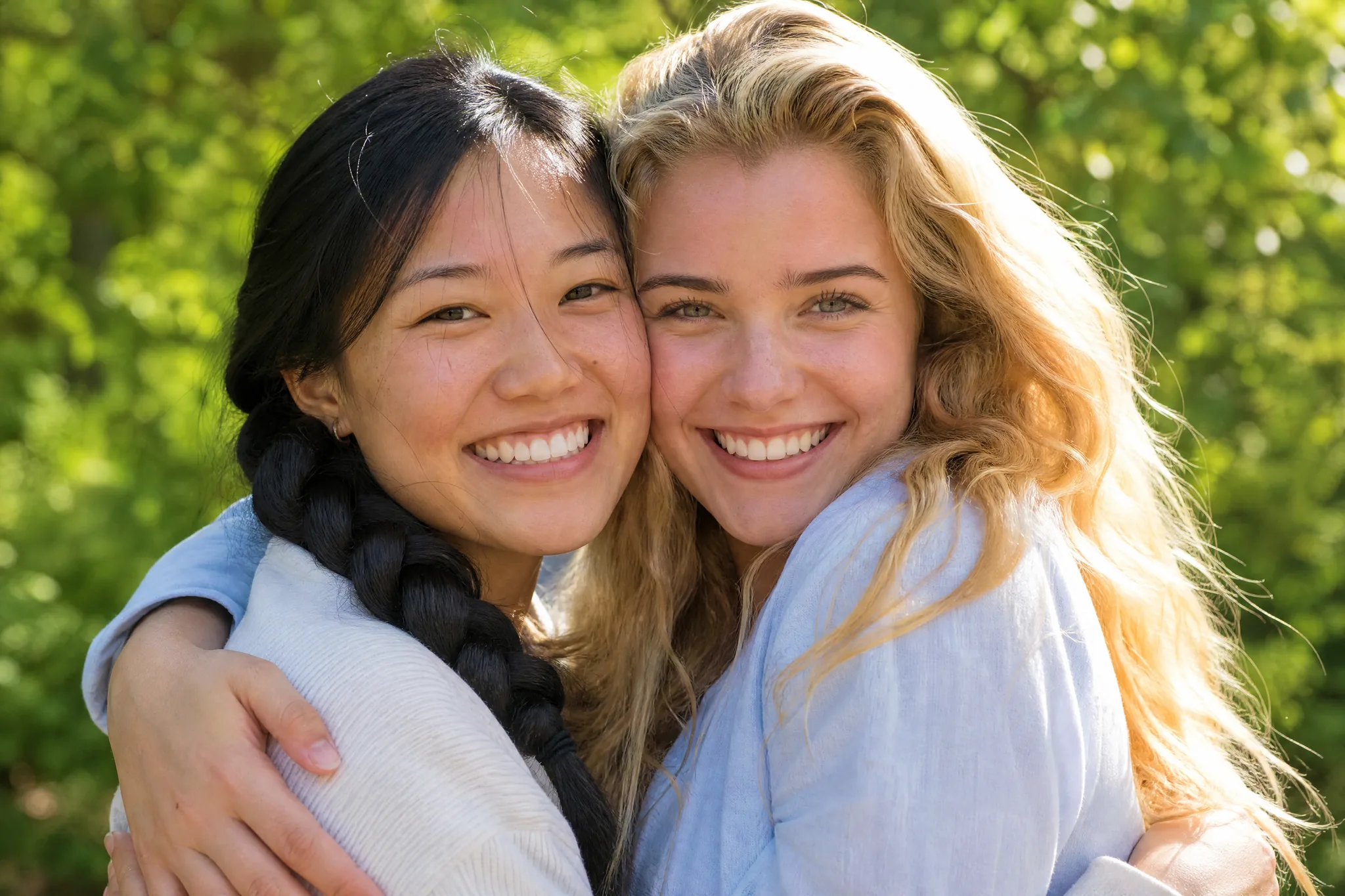
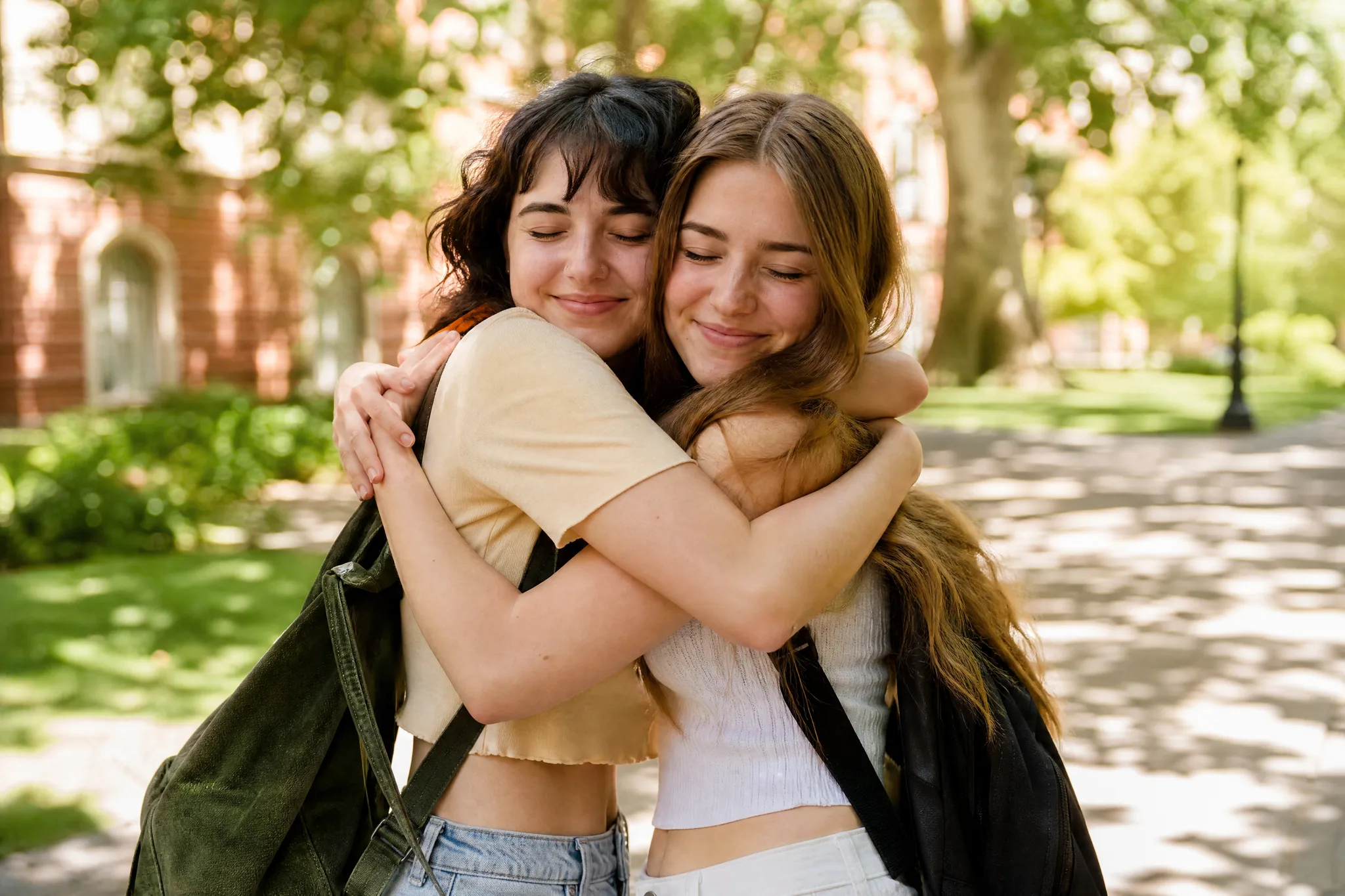
Two young women smiling cheek to cheek in the middle of a hug, one with a black braid, green trees in the afternoon sun

Two separate photos are enough

The two people never need to stand in front of the same camera. One portrait from each person, even taken years apart or in different countries, is enough for an AI hugging video that shows them together on the same sunny afternoon.

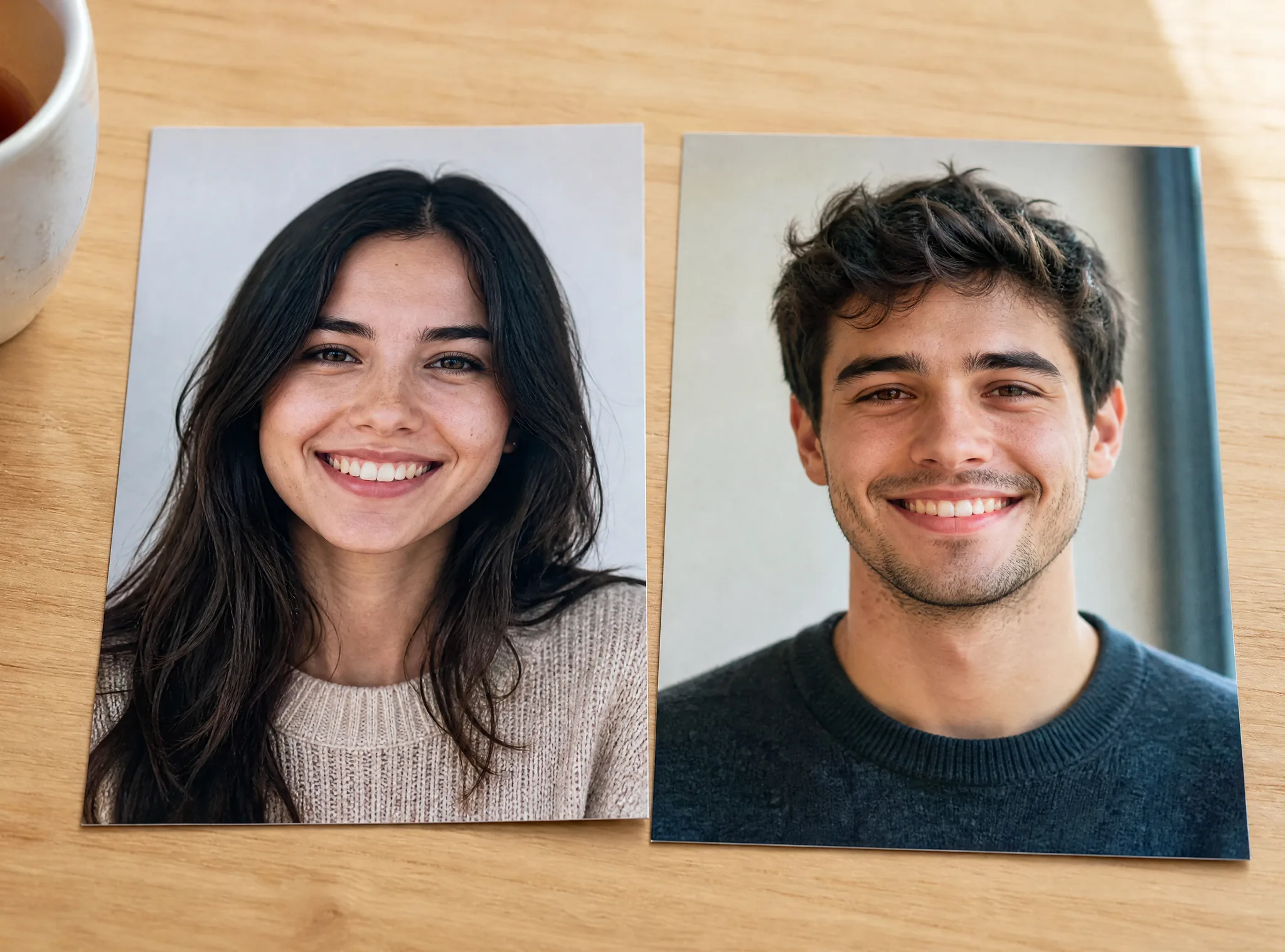
Two printed head-and-shoulders portraits, a young woman and a young man, lying side by side on a light wooden table

The whole reunion in one clip

Each clip plays the full moment rather than a single frozen pose: both people walk in, open their arms, hold the hug and break into smiles. Because the AI hug generator handles that performance, the finished AI hugging video feels like two friends meeting after a long time apart.

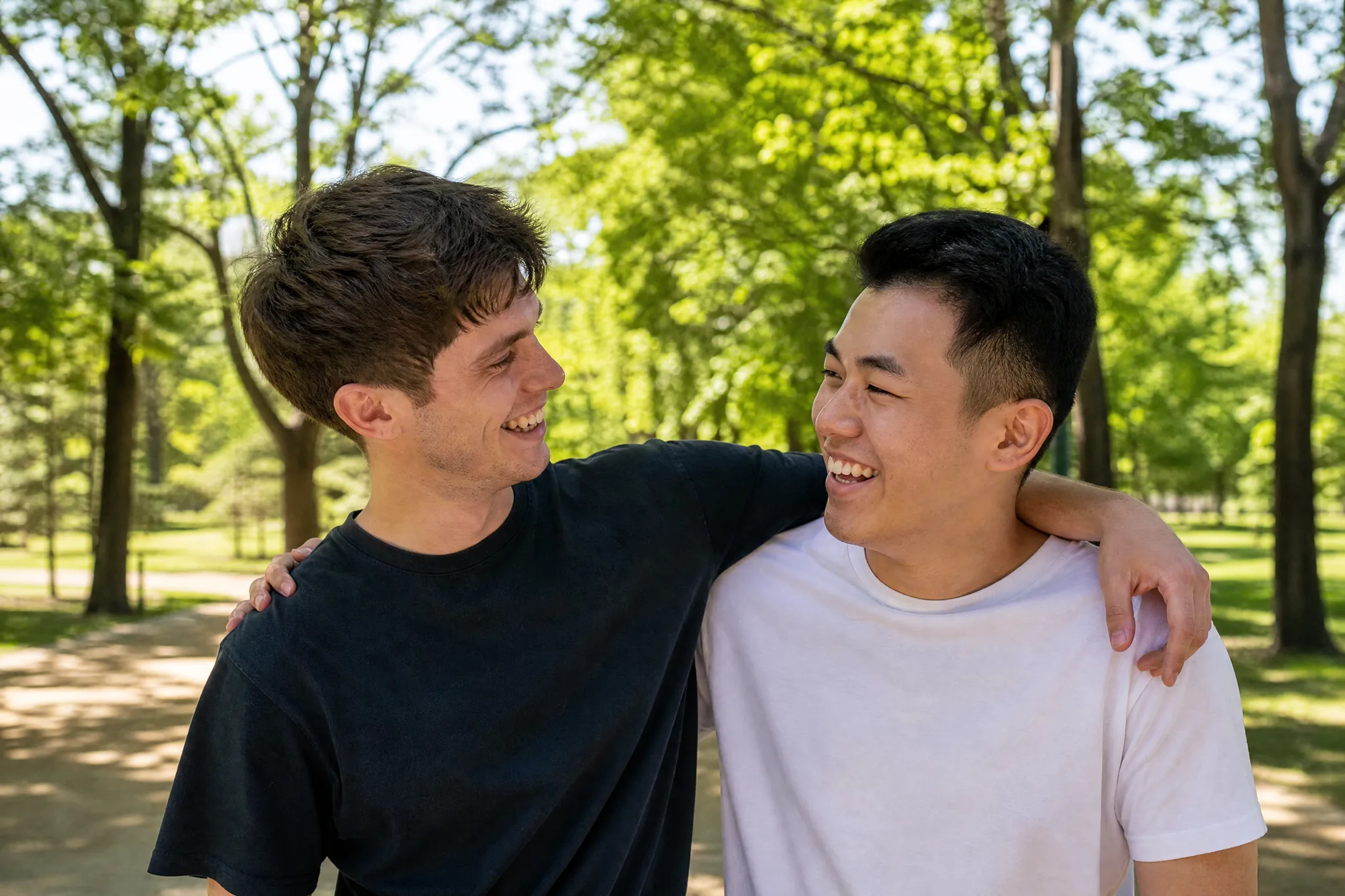
Two young men laughing with hands on each other’s shoulders just after a hug on a sunny path under green trees

A warm opening for bigger news

A short hug sets the mood for a birthday greeting, a reunion invitation, a graduation slideshow or a get-well message. Place your words, dates or photos after the AI hugging video in any editor and the embrace introduces everything that follows.

Family of three on a lamp-lit sofa smiling at a TV that shows two friends hugging on a sunny walkway

Bring Two Portraits Together in One Scene

Two people, one sunny afternoon and a single embrace: this is what the AI hugging video builds from your pair of photos, part by part.

Two young women with eyes closed holding each other in a big hug on a sunlit walkway, trees and red brick blurred behind

Two photos become one AI hugging video

Pick one portrait for each person, whether they come from last week or a decade ago, from the same town or different continents. The AI hugging video places both people in the same sunlit scene and closes the distance with a big, eyes-closed hug, the kind of moment neither original photo could show on its own.

How to Create an AI Hugging Video Step by Step

An AI hugging video needs one portrait per person and four short steps, from ordering the photos to picking the hug you want to send.

1

Upload the two portraits in order

Add two clear photos with one person in each. The first becomes the person on the left and the second the person on the right, so upload them in the order you want the pair to appear in the AI hugging video.

2

Set the options and start the hug

The walkway, the camera and the open-arms embrace are already in the template, and MiniMax H3 renders the scene. Add an optional note of up to 300 characters, for example "keep his glasses", choose 768P or 2K, an aspect ratio and one to four videos, then start the AI hugging video.

3

Follow the render status

A status card tracks each video while MiniMax H3 works. When the AI hugging video is ready, play it with sound and watch both people walk in, embrace and smile on the sunny walkway.

4

Pick the best take and download

Look at both faces before, during and after the hug and keep the take where each person looks most like their photo. Download it and add names, a date or a short line in any editor before you share it.

AI Hugging Video Ideas for the People You Love

An AI hugging video suits any moment when two people want to feel close; these six ideas show where a short embrace says the most.

Friends in different cities

Two friends living far apart can each send a portrait and meet on a sunny walkway for a few seconds. Share the AI hugging video with a note about the next visit, or play it at the start of your next video call.

Birthday morning messages

Pair the birthday person with their best friend or sibling and send the AI hugging video first thing in the morning. A short line of birthday text added in your editor turns the hug into a greeting they can keep.

Graduation and reunion slideshows

The red-brick building and leafy path look at home in a graduation slideshow or a class reunion invite. Make one AI hugging video for each pair of roommates or teammates and run them back to back as an opening sequence.

Siblings and cousins far apart

Brothers, sisters and cousins scattered across cities can share a hug in a single clip from the AI hug generator. Post it in the family chat for a holiday or a new job, with a few words about when everyone will meet again.

Anniversaries and long-distance couples

Partners can upload a portrait of each other for an anniversary or a goodnight message across time zones. Watch both faces in the preview, keep the take that feels most like the two of you and add a line that belongs to your story.

A lift during a hard week

When someone you care about is having a rough few days, a hug between two familiar faces says a lot without many words. Add a short personal message after the AI hugging video and send it on the day they need it.

Stories from People Who Tried It on Their Photos

My best friend and I have not been in the same country for two years because of my rotations. I took her selfie and mine, made an AI hugging video, and watched us walk into each other's arms on that sunny walkway. I sent it from a hotel in Doha, and she answered with a teary voice note.

Elena V.
Flight Attendant

AI Hugging Video Questions

Answers about making an AI hugging video from two photos: what it creates, starting free, photo order, the built-in scene, who you can pair, clip format and tips.

An AI hugging video is a photo effect that turns two separate portraits into one short clip of the pair hugging. Here, the two people walk toward each other on a sunny tree-lined walkway beside a red-brick building, embrace warmly and smile.

You can make one for free: sign up to collect free credits, then come back for the daily check-in, where a streak builds the reward up to 4x on day 7. Use those credits on AI hugging video clips or on any other image and video effect.

The AI hug generator needs two clear portraits with one person in each. Upload them in order, because the first photo becomes the person on the left and the second the person on the right; front-facing faces in similar light give the closest likeness.

Hugging video AI on this page only asks for the two portraits. The walkway, the camera move and the hug are built into the template that MiniMax H3 renders, and an optional note of up to 300 characters can keep a detail such as glasses or a hair clip.

Any two people can share the hug: best friends, siblings, cousins, a parent and a grown-up child or a couple. Make one AI hugging video per pair and collect them for a slideshow or the family chat.

Each clip runs about 5 seconds and plays with sound. MiniMax H3 renders it at 768P or at sharper 2K, and the frame can follow Auto or switch to 21:9, 16:9, 4:3, 1:1, 3:4 or 9:16 for chats, stories and slideshows.

Choose two sharp, front-facing portraits taken in similar light, with one person in each and nothing covering the faces. Relaxed smiles match the ending of the hug best. Generate up to four videos in one run and keep the AI hugging video where both faces look most like their photos.

Send a Warm Hug Made from Two Photos

Upload one portrait for each person and the AI hugging video walks them into a smiling embrace on a sunny path beside a red-brick building. Keep your favourite take and send it to someone who would love a hug today.

Create Your AI Hug