



























Kung Fu Cat AI Generator

Use the Kung Fu Cat AI generator with one clear photo of your cat. The prepared nine-second scene supplies the owner’s lap, supporting hands, paw blocks and two tissue-chopping moments.

Upload Your Cat Photo0/1

JPG / PNG / WebP · 1 file · Max 20 MiB per file

Styling note (optional)
0/300
Resolution
Number of outputs
Public Visibility
Required credits
288
Sample videos

Kung Fu Cat AI Generator for the Tissue-Chopping Trend

Your cat. Two tissues. A very serious training session.

The Kung Fu Cat AI generator turns one cat photo into a nine-second tissue-chopping video with sound. Upload a clear picture of your cat to join the seated scene, where an owner's hands guide playful paw blocks and two tissue chops before the little training session comes to an end.

Give your pet a new group-chat moment, surprise a friend with their favourite cat or save a short post for fellow cat people. The prepared scene supplies the lap, hands, tissues and action, while your photo brings the familiar face and fur to the Kung Fu Cat AI generator.

Make My Cat Chop Tissues
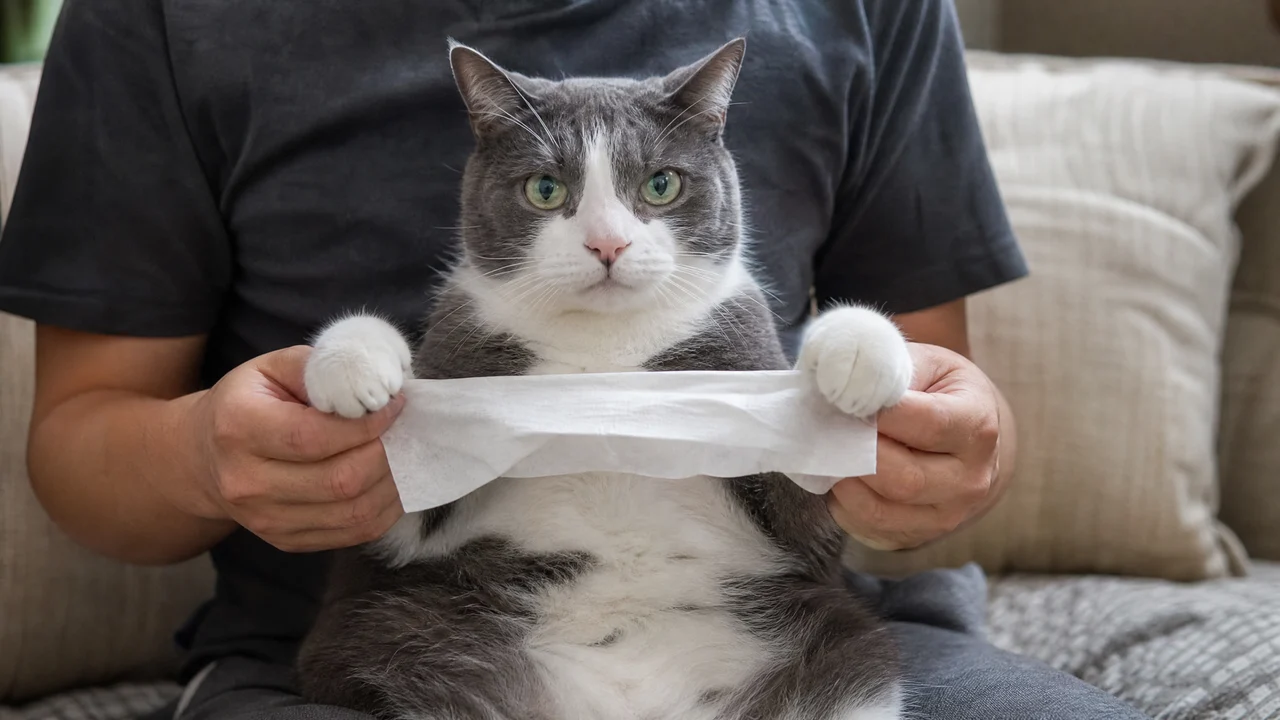
A grey-and-white Kung Fu Cat AI character seated on an owner’s lap with a tissue
One Cat Photo|Sound Included|9-Second Scene|Tissue-Chop Template

How to Make a Kung Fu Cat AI Video

Make a Kung Fu Cat AI video by choosing a clear cat photo, adding it to the template and checking the full scene before sharing.

1

Choose a Clear Photo of Your Cat

Choose one clear photo of your cat with the eyes, ears and fur markings easy to see. A seated image with the front paws visible is a useful starting point for the Kung Fu Cat AI generator. Check that another animal or a hand is not hiding the face before you upload your chosen picture.

2

Add Your Cat to the Tissue Scene

Upload the photo to the cat slot. The Kung Fu Cat AI generator supplies the owner’s lap, guiding hands and paper tissues, so you can start with a normal pet picture. Use the optional note for a distinctive appearance detail, such as a white muzzle or dark ear, that you want the scene to preserve.

3

Generate the Paw Blocks and Chops

Choose the available quality and press Generate when your photo is ready. The Kung Fu Cat AI generator uses a prepared action sequence, so you do not have to upload a tissue video or write a choreography prompt. Wait for the completed scene to appear in your generation history.

4

Watch Both Tissue Chops With Sound

Play the finished Kung Fu Cat AI video from the first paw blocks through both tissue chops and the settling ending. Look at the cat’s face and fur while you listen to the scene. Download the complete vertical clip, then add your own message when sharing your pet’s training session with friends.

Kung Fu Cat AI: From Paw Blocks to Tissue Chops

Kung Fu Cat AI combines your cat’s familiar look with a supported seated pose, playful paw movements and the two tissue-chopping beats.

Your Cat Stars in the Kung Fu Cat AI Generator

The photo gives the seated cat its face, fur colours and distinctive markings. The Kung Fu Cat AI generator builds the scene around that familiar pet, so the joke can belong to your own cat rather than a random animal. Pick a clear picture where the eyes, muzzle and ears are readable before you start.
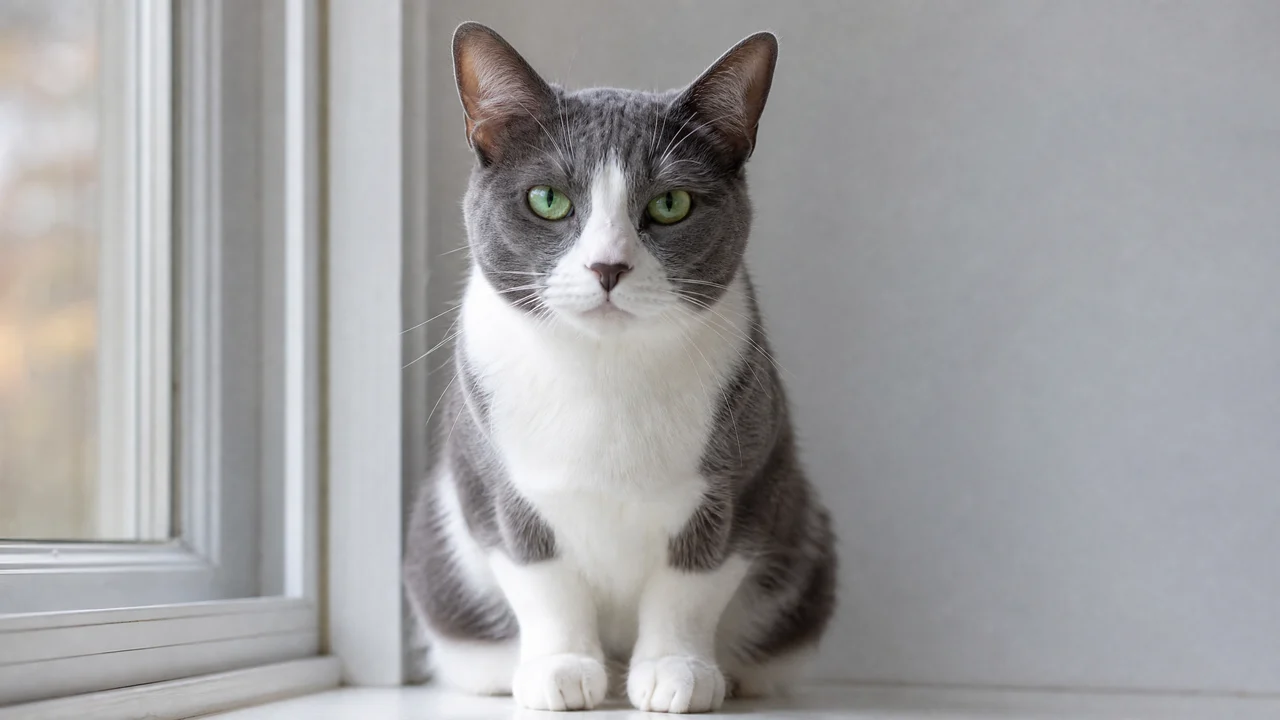
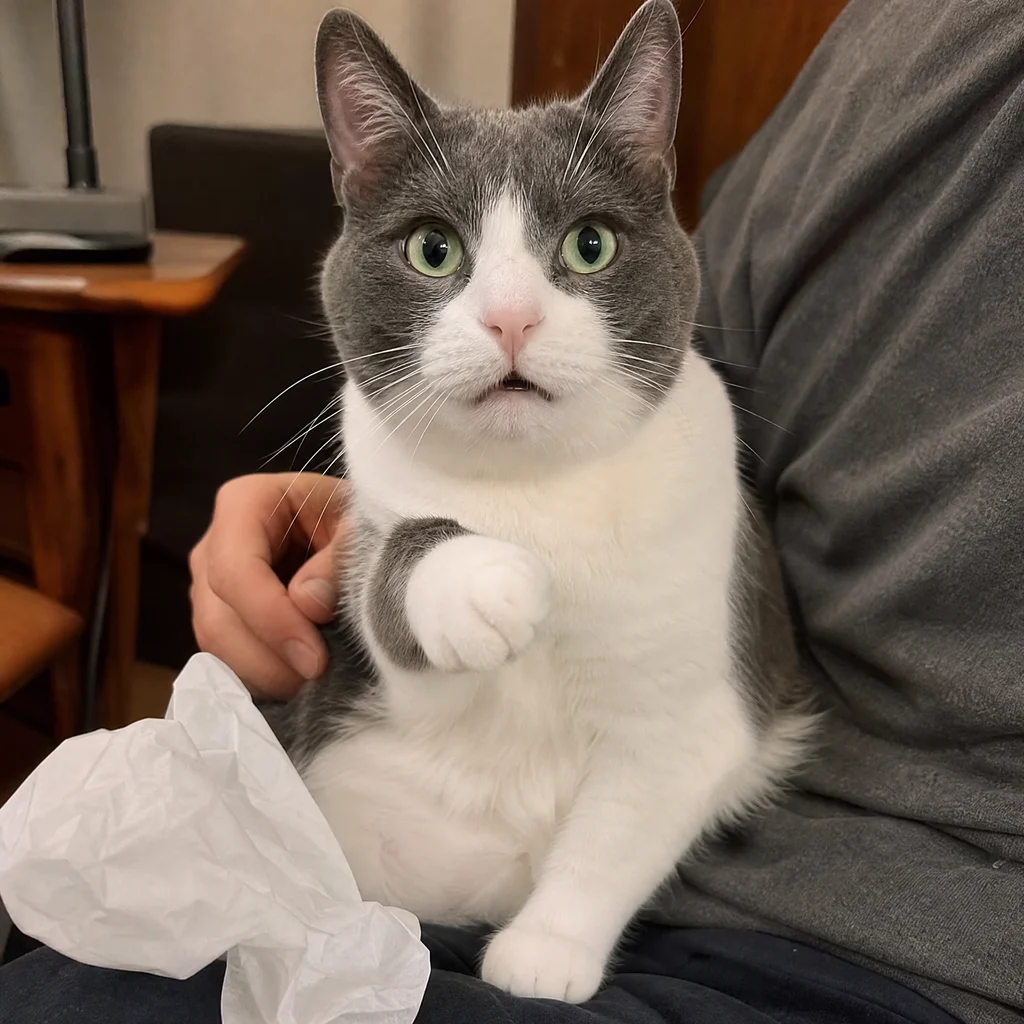
A grey-and-white cat with clear eyes, ears and front paws

Playful Paw Blocks on the Owner’s Lap

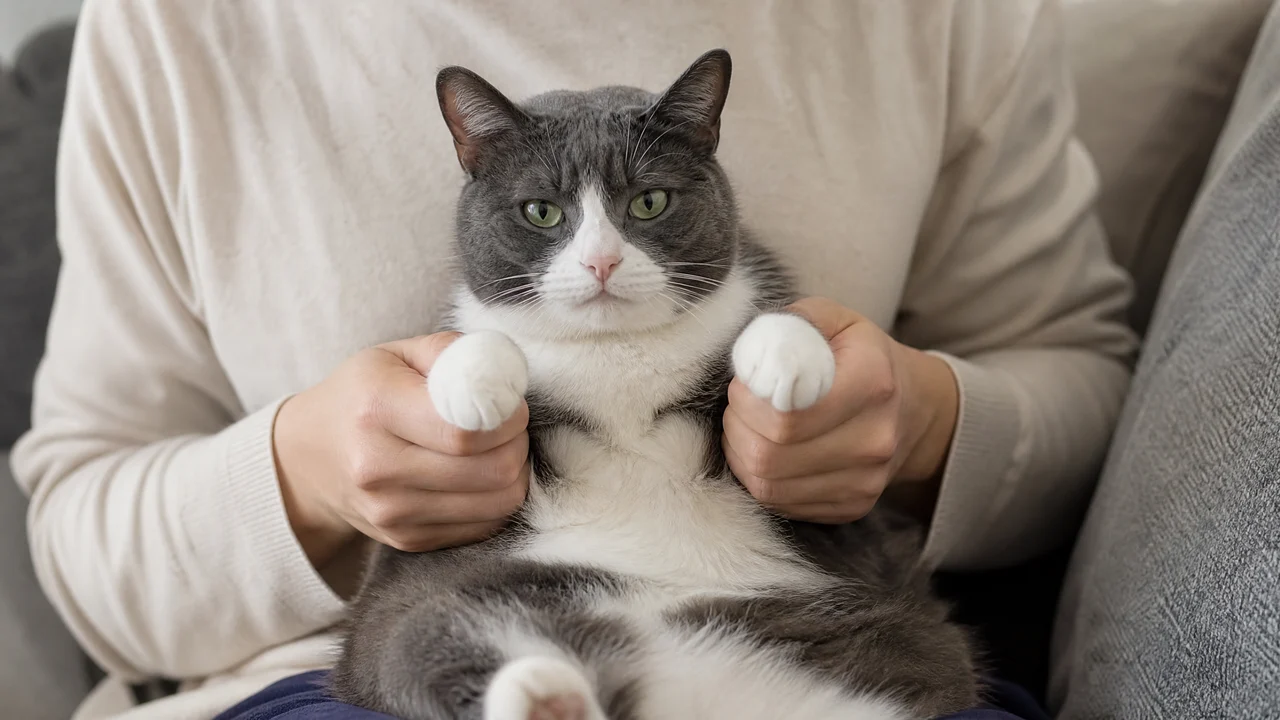
The seated pose and supporting hands give the scene its playful training-session feel. With the Kung Fu Cat AI generator, your cat joins the lap setting while the paws move through the opening blocks. The contrast between a familiar pet and the serious little routine sets up the tissue chops that follow.

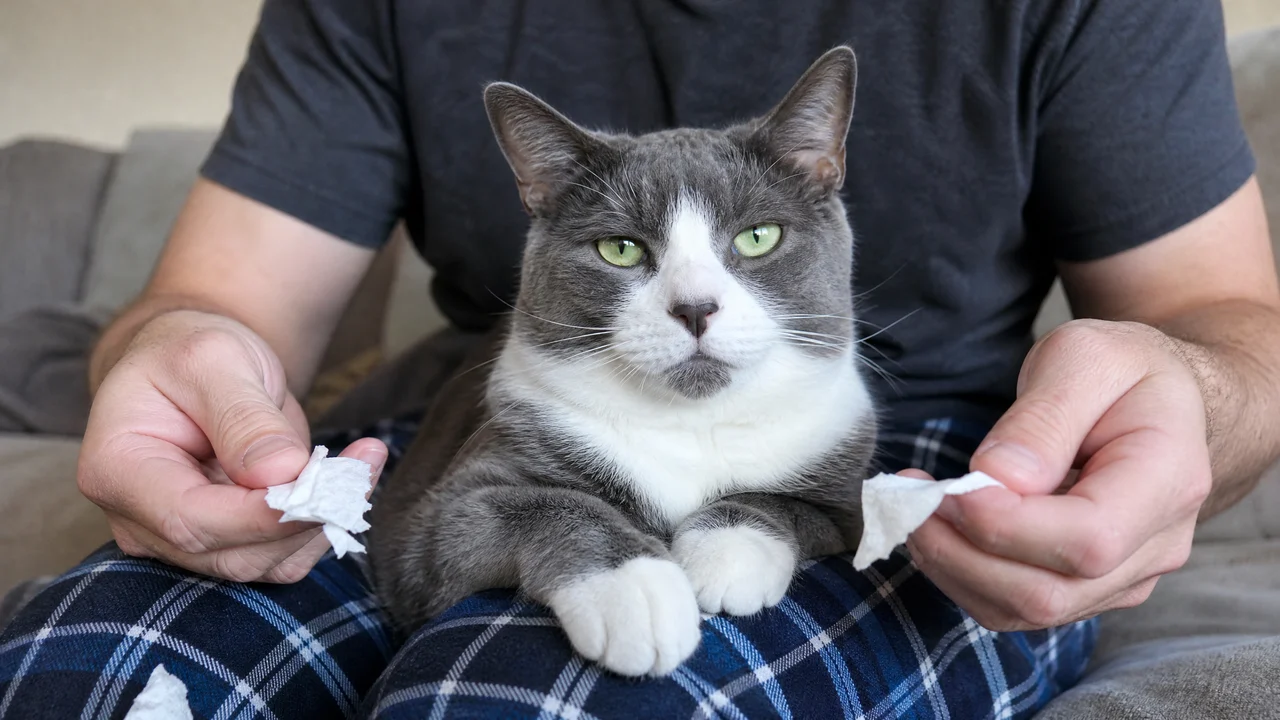
A grey-and-white cat on an owner’s lap with supported front paws

Two Tissue Chops Make the Joke

The paper tissues give the small paw movements a clear punchline: a setup, a chop and a second tissue moment to follow. The Kung Fu Cat AI generator uses this specific sequence, so the clip has more to watch than a single raised paw. Let both chopping beats finish when you preview your version.

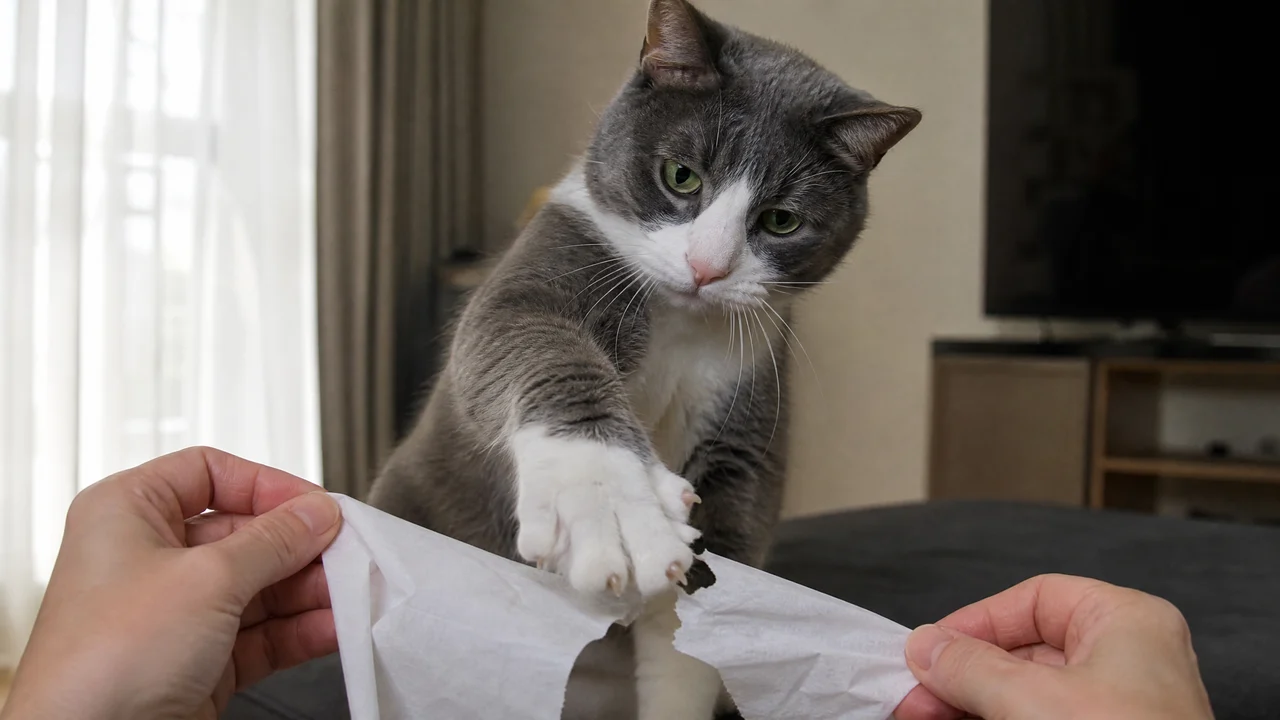
A cat paw meeting a white paper tissue held by separate human hands

A Short Scene You Can Watch With Sound

The nine-second vertical clip carries the routine through to its ending with sound. Kung Fu Cat AI gives the paw blocks and tissue moments room to play as one scene, ready for a pet chat or short post. Listen to the full preview and save the complete file when you want friends to catch both chops.

A grey-and-white cat resting on an owner’s lap after a tissue trick

Kung Fu Cat AI Video Ideas for Pet Chats and Posts

Use a Kung Fu Cat AI video to give pet chats, birthday messages and everyday posts a specific little scene to smile at.

The Pet Group’s New Training Champion

Share the clip in the chat where everyone already knows your cat’s expressions. The Kung Fu Cat AI generator adds a new routine to that familiar face, so friends can enjoy the paw blocks and tissue chops together. Send the complete scene with a caption that sounds like your pet.

A Birthday Message for a Cat Person

Choose a clear photo of the birthday person’s favourite cat and make a short training-session greeting. The Kung Fu Cat AI generator gives you a playful scene to send alongside your own birthday words. Preview both tissue chops before saving the file, so the little joke arrives with its ending.

A New Moment for Your Pet Feed

Give your regular cat-photo posts a short change of pace. A Kung Fu Cat AI generator clip puts the pet your followers recognise into a seated tissue routine, with sound and an ending to watch. Download the vertical video and add your own caption when you prepare the post.

A Reply From the Household’s Tiny Boss

Make a Kung Fu Cat AI video for the friend who jokes that your cat runs the house. The supported pose and two tissue chops turn that attitude into a small scene you can send as a reply. Pick the photo with the expression you most associate with your cat before making the clip.

What People Make With the Kung Fu Cat AI Generator

Our family chat already gets plenty of cat pictures, so I tried the Kung Fu Cat AI generator with a seated photo of mine. I watched both tissue moments before sending it. Seeing the familiar face in such a serious little training pose gave me a much better reply than another picture of him asleep.

Sophie Carter
Nurse

Kung Fu Cat AI Generator Questions

Find answers about the Kung Fu Cat AI generator, including cat photos, the tissue template and the finished video.

The Kung Fu Cat AI generator turns one cat photo into a nine-second vertical video with sound. Your cat takes the seated role on an owner’s lap, moving through playful paw blocks and two tissue chops in the prepared scene.

The Kung Fu Cat tissue-chopping trend shows a seated cat performing a playful training routine with an owner’s help. The paws block and chop at paper tissues, creating a small martial-arts joke. This template uses that lap-and-tissue scene for your own cat photo.

Sign up to receive free credits for the Kung Fu Cat AI generator and collect more with daily check-ins. Consecutive check-ins bring bigger rewards. Use your credits for your cat’s video, then choose a quality setting in the workspace to see the current estimate before making the clip.

Upload a clear photo of one cat with readable eyes, ears and fur markings. For Kung Fu Cat AI, a seated picture with visible front paws is a helpful choice. Use even lighting and a view that shows the face rather than a distant silhouette or a heavily covered pose.

The Kung Fu Cat AI prompt and tissue-chopping reference are already built into the template. You only need to upload your cat photo and choose the available quality. An optional appearance note can highlight a fur marking without making you describe the full action sequence.

You can choose a clear photo of a black-and-white or long-haired cat for Kung Fu Cat AI. Make sure the face, ears and distinguishing fur are visible in even light. A picture where the paws are easy to see also gives the seated role a useful starting point.

Your Kung Fu Cat AI video is a nine-second vertical clip with sound. It includes the opening paw blocks, both tissue-chopping moments and the settling ending. Play the whole preview with sound before downloading the file for your pet chat or post.

Choose a sharp photo with the cat’s face and front paws visible, then check those features in the completed preview. For the Kung Fu Cat AI video, even light helps make the muzzle, eyes and fur readable. Watch through the faster paw movements as well as the opening pose.

Make Your Kung Fu Cat AI Video

Choose the cat photo that makes you smile and give your pet a new little routine. The Kung Fu Cat AI generator prepares the lap, tissues and action, so you can start with one clear picture and make a clip for your next pet chat.

Upload My Cat Photo
A grey-and-white cat on an owner’s lap with supported front paws