AI Car Video Generator

Add one clear portrait and take the driver’s seat of a black luxury sedan on a sunny, tree-lined street.

Upload Your Portrait0/1
Styling note (optional)
0/300
Aspect ratio
Resolution
Number of outputs
Public Visibility
Required credits
288
Sample videos

AI Car Video Generator for a Sunny Black-Sedan Drive

One portrait puts you behind the wheel on a sunlit, tree-lined street

Choose a portrait, maybe a selfie from a weekend trip or a crisp profile headshot, and upload it once. You appear in the driver’s seat of a glossy black luxury sedan parked on a sunny street lined with trees. The camera opens in front of the bonnet, glides through the windshield and lands on you as you smile, close your eyes for a beat, glance to the side and wave. Afternoon light and the scene’s own sound come with every take, so there is no prompt to plan. Use the 10-second clip to open a reel, surprise a friend or introduce your profile with the AI car video generator.

Generate Your Car Video
Front view through a black sedan’s windshield of an auburn-haired woman in a white shirt at the wheel on a leafy street
Ready-Made Driving Scene|One Portrait at the Wheel|Windshield Camera Glide|Scene Sound Included

How to Make Your AI Car Video in Three Steps

The AI car video generator turns one portrait into a driving scene: upload the photo, start the ready-made template, then compare the takes and download your favorite.

1

Upload a clear portrait of one person

Pick a photo of one person facing the camera, with the eyes, hairline and jaw in good light, and add it to the upload box. The AI car video generator places exactly this person in the driver’s seat, so a sharp selfie works better than a group shot cropped down to one face.

2

Pick the options and generate

The sedan, the leafy street, the windshield camera move and the driver’s smile and wave are part of the template, and MiniMax H3 renders them. Add an optional styling note of up to 300 characters, like "denim jacket", choose 768P or 2K, an aspect ratio and one to four videos, then start the AI car video generator.

3

Track the job and choose a take

A status card follows each video while it renders. Play the finished takes with sound, check that the face, the smile and the wave look like your portrait, and download the favorite. Captions, music or a logo can go on top later in any editor you like.

Put Yourself in a Cinematic Car Video

Each AI car video generator take is one short, polished drive built around your face. These four parts explain what the scene adds to a plain portrait.

Your portrait takes the driver’s seat

Upload a headshot and the AI car video generator seats that person behind the wheel of a glossy black luxury sedan, one hand resting on the steering wheel and a relaxed smile toward the lens. Leaf-filtered daylight falls across the windshield, so even a simple selfie from your camera roll ends up looking like a frame from a car commercial.
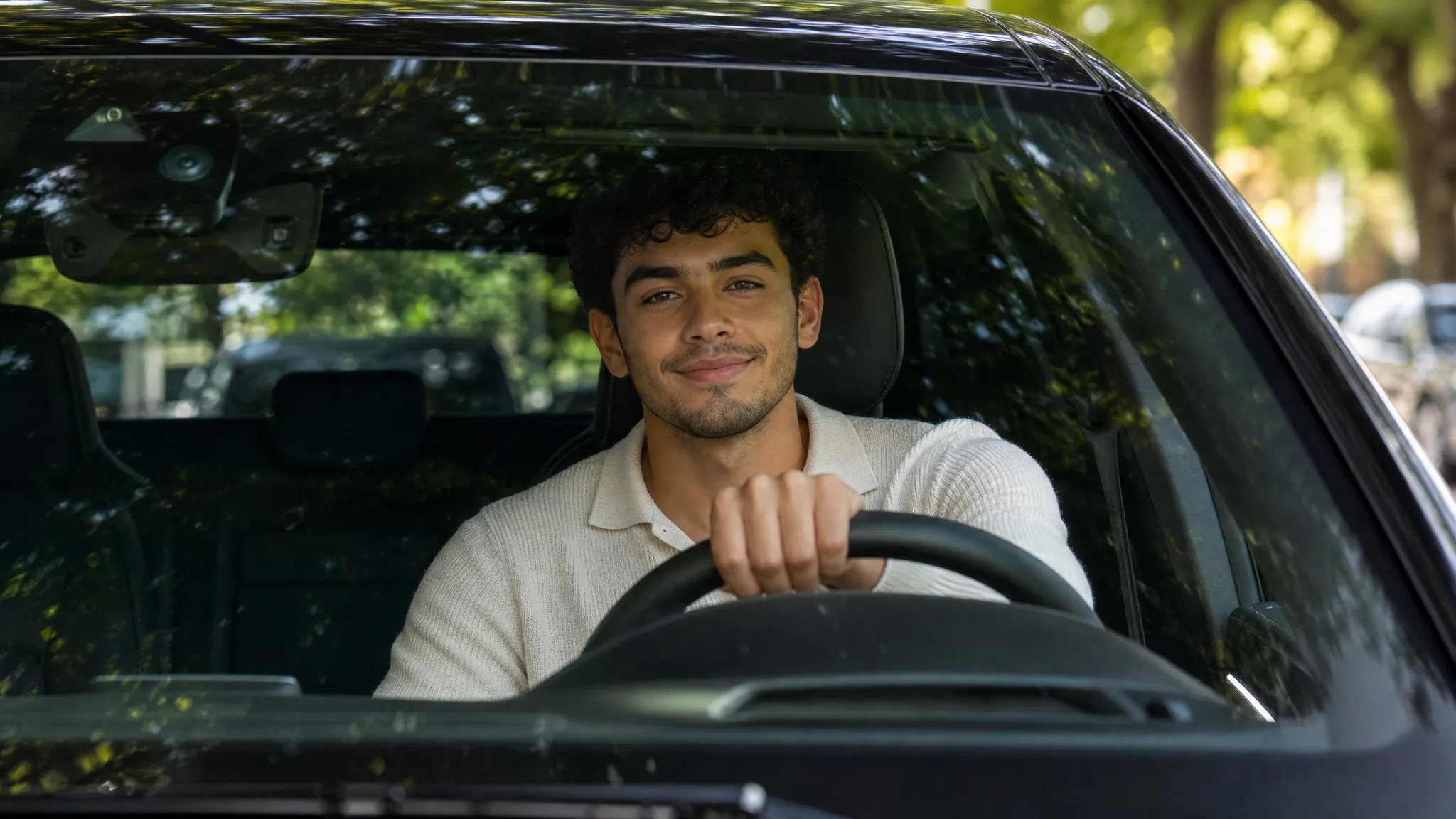
Curly-haired young man in a cream knit polo smiling through a car windshield, one hand on the wheel under leafy light

A few seconds of easy expression

The performance is short and natural: a warm smile, eyes closing for a moment as if enjoying the music, a glance out of the side window and a casual wave. Because the AI car video generator handles all of those beats, your only real choice is the portrait, so pick one where your expression already looks relaxed.

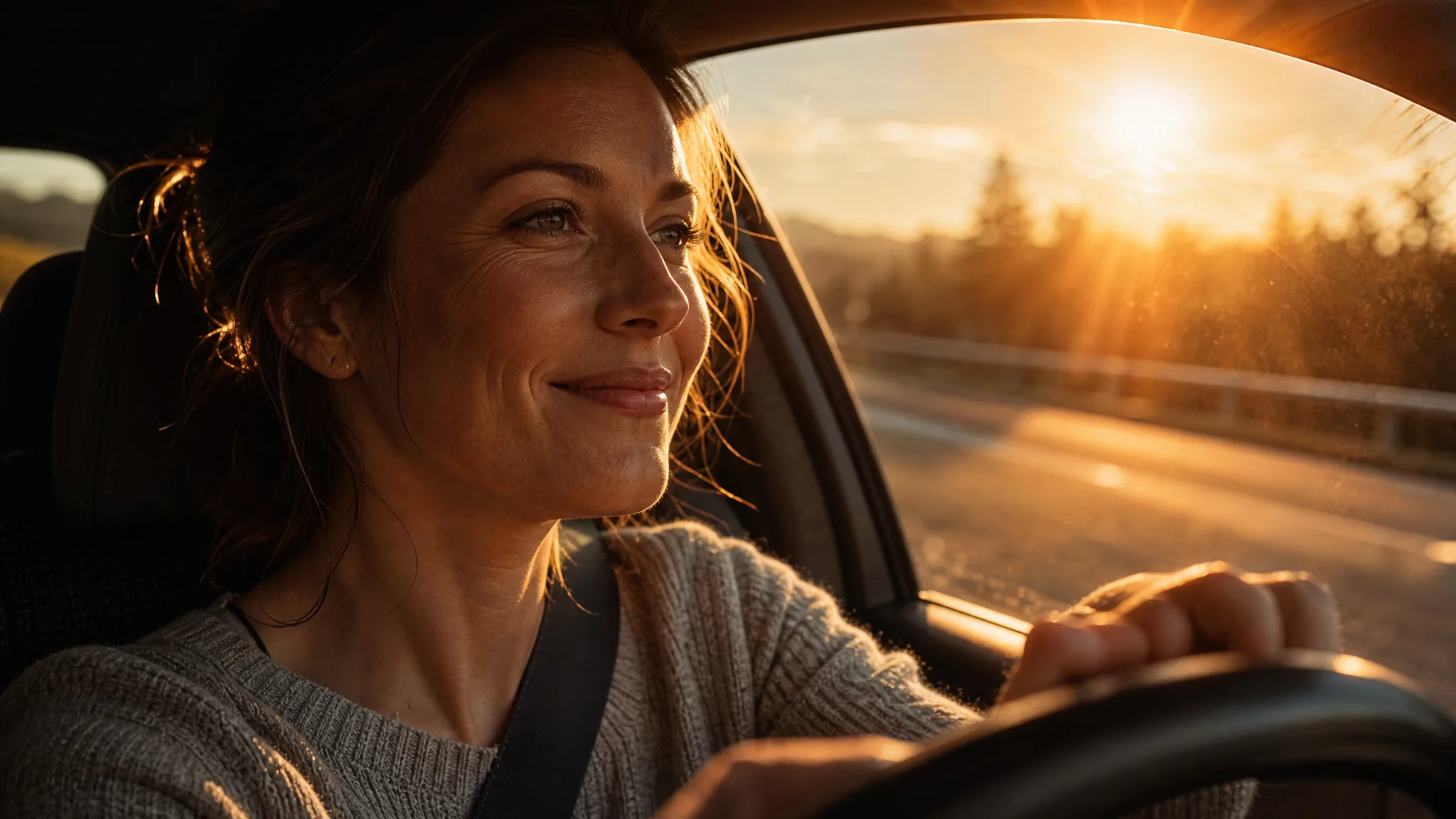
Woman in her thirties smiling behind the wheel while low evening sun flares across her face through the windshield

A camera move with a filmic finish

For anyone after car photo to video with a filmic look, the camera does the heavy lifting: it starts low over the polished bonnet, glides forward and pushes through the glass to the driver. Tree shadows slide over the black paint and the scene’s sound plays underneath, giving the AI car video generator clip the feel of a real shoot.

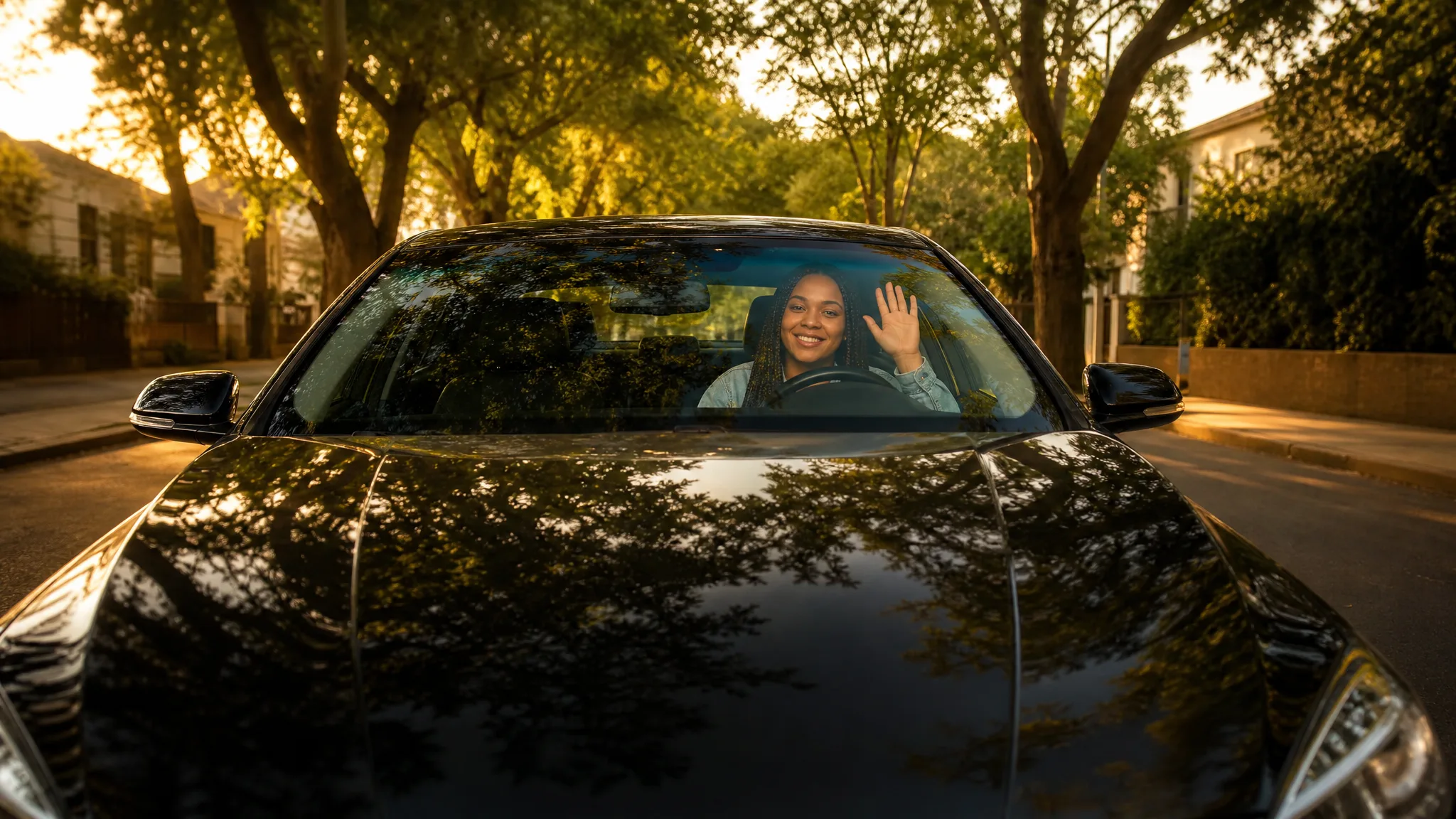
Low view over the polished bonnet of a black sedan toward a smiling woman with box braids waving from the driver’s seat

AI car video generator clips as story openers

A ten-second drive makes a strong first shot for a road-trip recap, a travel reel or a pitch for a lifestyle idea. Download the take from the AI car video generator, then build the rest of the story in your editor with scenery such as a sunset lookout, captions and a soundtrack of your own.

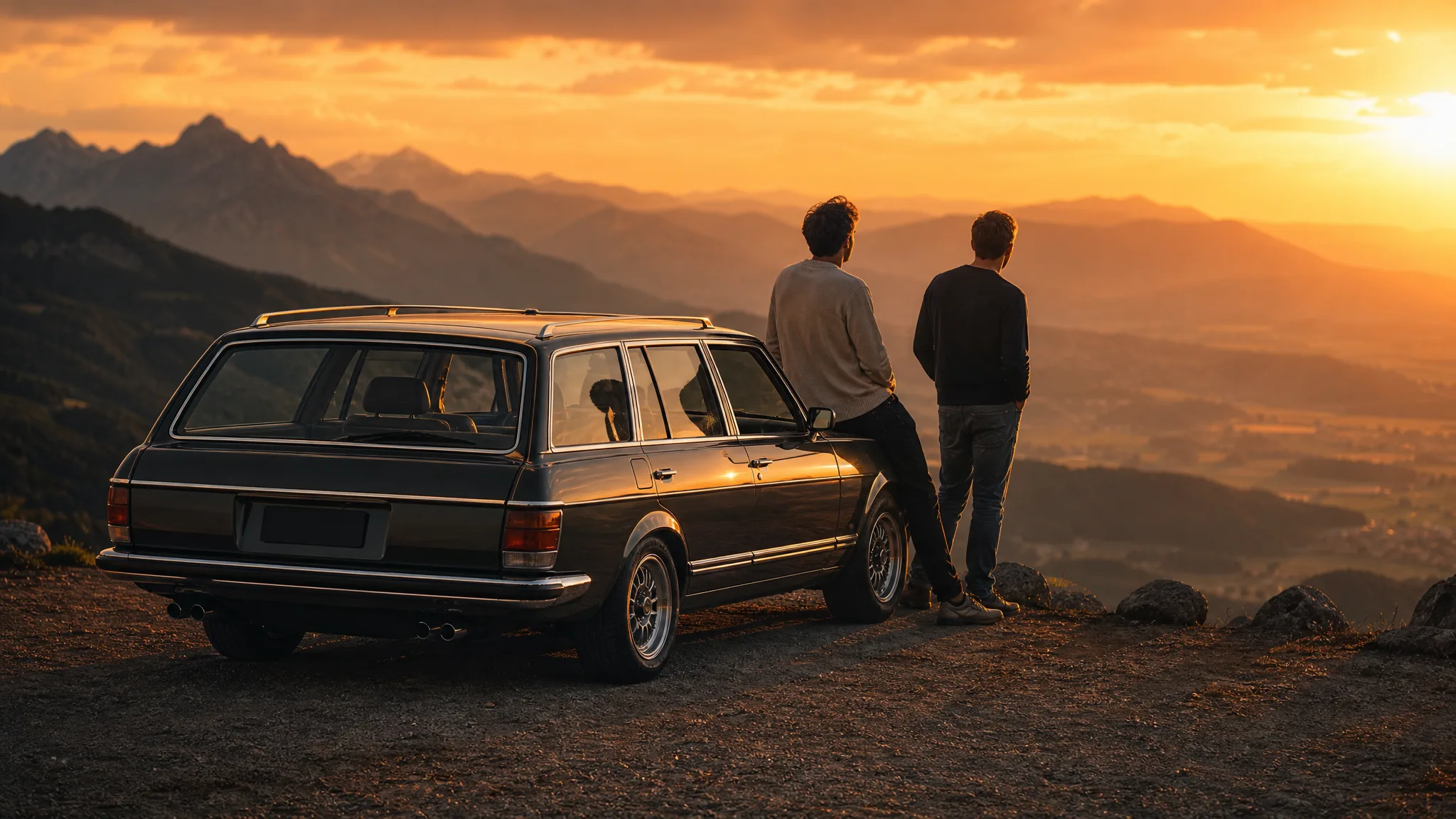
Two friends leaning on a classic estate car at a mountain lookout, watching layered ridges glow at sunset

Where an AI Car Video Generator Clip Fits Best

From a profile intro to a group joke, an AI car video maker clip gives one person a starring moment. Pick the idea that matches the portrait you have.

Profile and channel intros

Creators can open a channel trailer or a link-in-bio video with themselves smiling and waving from the sedan. Generate the scene with the AI car video generator from a clean headshot, then add your name and handle as text in your editor before posting.

Birthday and new-license surprises

Turn the guest of honor’s portrait into the driver for a birthday, a passed driving test or a first-car celebration. Play the AI car video generator clip at the party, or send it in the morning with a short message from the whole group.

Mood shots for lifestyle concepts

Marketers and freelancers sketching a travel or lifestyle concept can drop a warm, sunlit driving shot into a mood reel. Start from a portrait of the talent in the concept, generate a few versions with the AI car video generator and keep the one that sets the tone.

A friends series with matching drives

Run each friend’s portrait through the template one at a time so everyone gets the same sunny street and a wave of their own. Post the cinematic car video set as a carousel or a story series, in 9:16 for phones or 16:9 for a wider feed.

Stories from People Who Tried It on Their Photos

I wanted my listing reels to open with something friendlier than my usual headshot. I uploaded that same headshot to the AI car video generator, and the clip showed me smiling and waving from a black sedan on a leafy street. It now plays at the start of every neighborhood tour I post.

Lena M.
Real Estate Agent

AI Car Video Generator Questions

Quick answers about the AI car video generator, covering what it creates, starting free, the best portrait, the built-in scene, variations, clip format and tips for a sharper result.

The AI car video generator is a photo effect that turns one portrait into a short driving scene. Your face appears behind the wheel of a black luxury sedan on a sunny, tree-lined street, while the camera pushes in through the windshield and you smile and wave.

You can try it for free: create an account to receive free credits, then claim more with the daily check-in, where a streak raises the reward up to 4x by day 7. Use the credits for AI car video maker clips and for other photo and video creations.

One clear portrait of a single person works best for car photo to video. Face the camera, keep the eyes and mouth visible and use even daylight, so the face stays recognizable as the camera reaches the windshield and you begin to wave.

The cinematic car video scene is already written into the template, so you only bring the portrait. MiniMax H3 renders the sedan, the street, the camera move and the driver’s performance, and an optional styling note of up to 300 characters can change details like a jacket or a shirt color.

Any clear portrait works, one person per run, so each friend or relative gets a drive of their own. A styling note lets you vary outfits, which makes a matching series for a group chat or a family birthday.

Each AI car video generator clip lasts about 10 seconds and keeps the sound of the scene. MiniMax H3 delivers it at 768P or at sharper 2K, with Auto framing or a fixed ratio of 21:9, 16:9, 4:3, 1:1, 3:4 or 9:16 for reels, stories and wide posts.

A sharp, front-facing portrait in soft, even light gives the cinematic car video its best start. Keep hair and hands away from the face, choose a natural smile so the wave feels relaxed, then generate up to four takes and keep the closest match.

Take the Wheel in Your AI Car Video

Upload one portrait and the AI car video generator puts you in the driver’s seat of a black luxury sedan, smiling and waving as the camera glides in through the windshield. Download the take you like and post it as your next intro or surprise.

Create a Car Scene
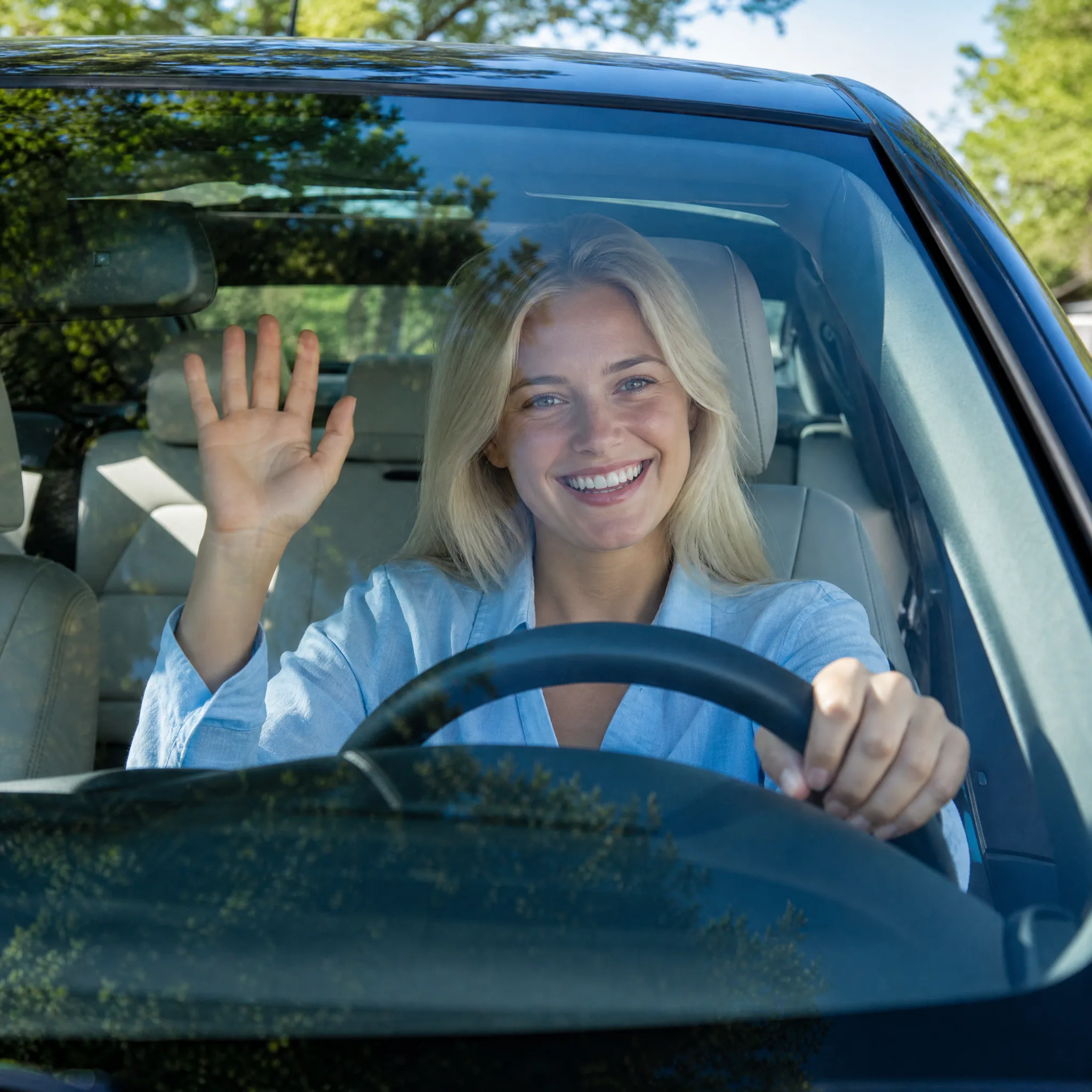
Platinum-blonde woman in a pale blue linen shirt laughing and waving through a windshield, green trees reflected in the glass