 Tools
ToolsComic Book Generator
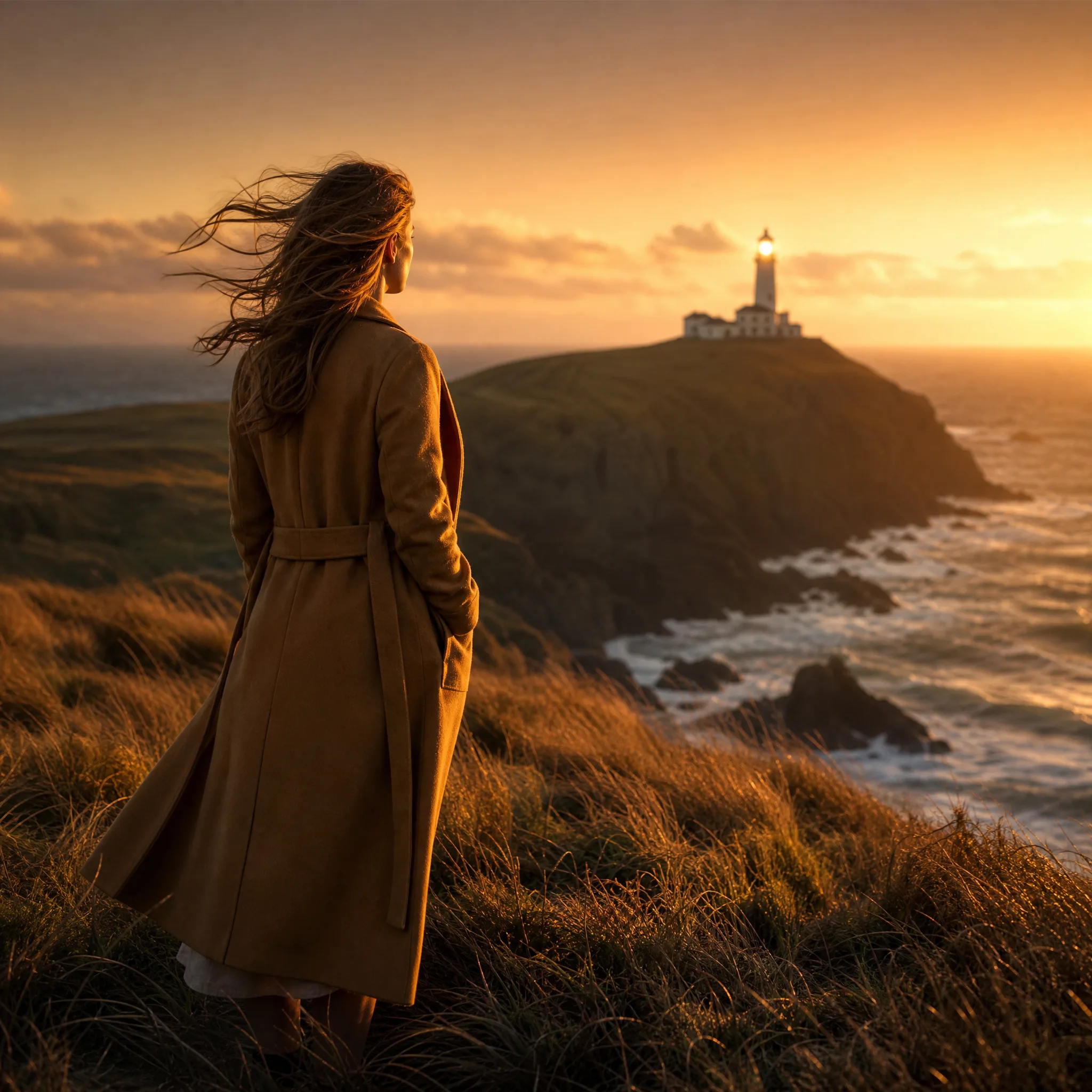
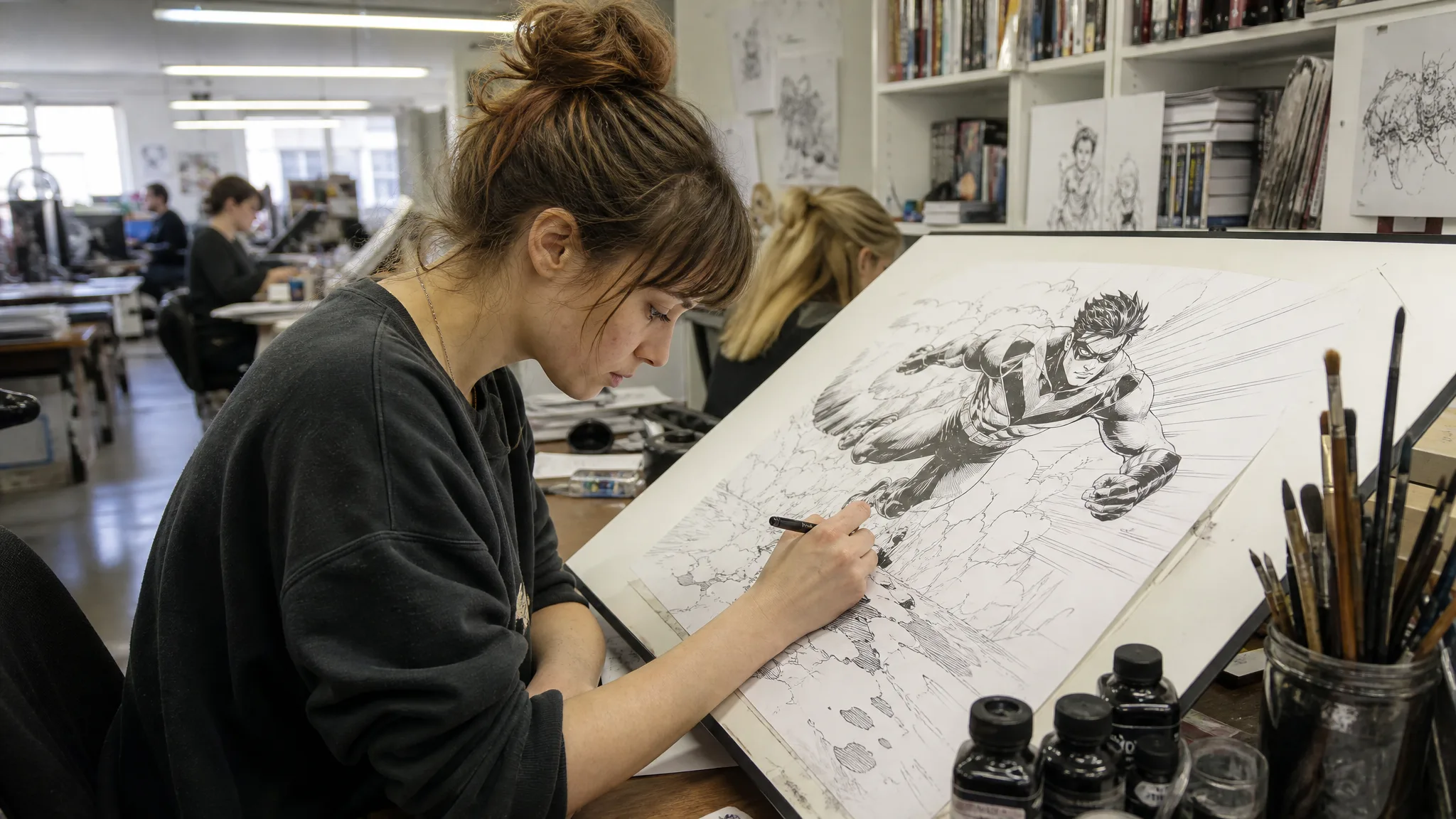
Write one story beat, add a clear photo of a child, partner or pet when the model takes references, and the comic book generator draws a comic-style panel to letter, arrange and share.
ExploreImage Models to Compare
Image tools and effects to open
Pick a card to restyle a photo or draw something new.
ToolsComic Book Generator
Write one story beat, add a clear photo of a child, partner or pet when the model takes references, and the comic book generator draws a comic-style panel to letter, arrange and share.
Explore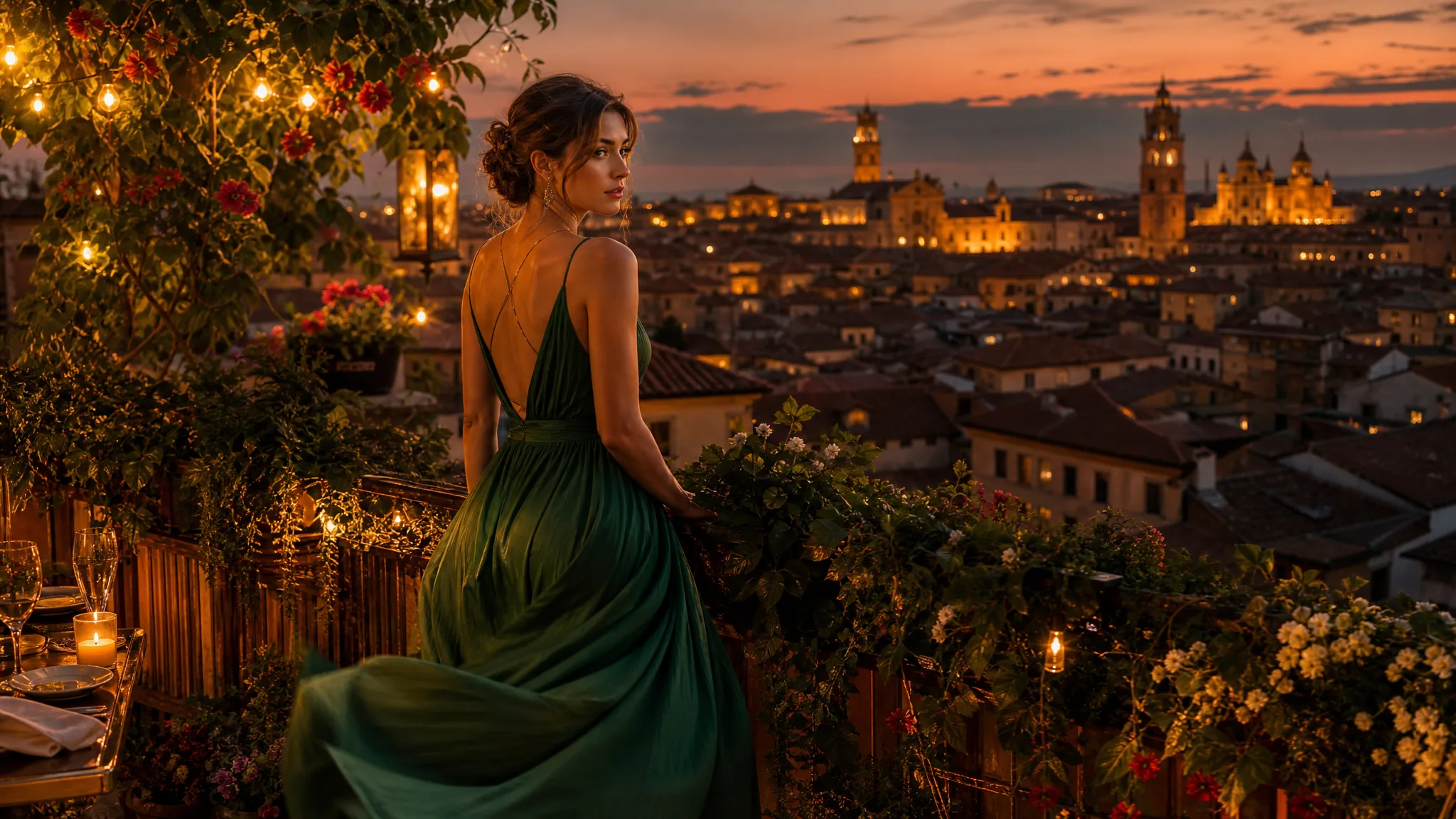 Tools
ToolsText to Image
Write who or what you want to see, where it sits and how the light falls. The text to image AI generator renders portraits, product scenes and travel views you can post, pitch or animate next.
Explore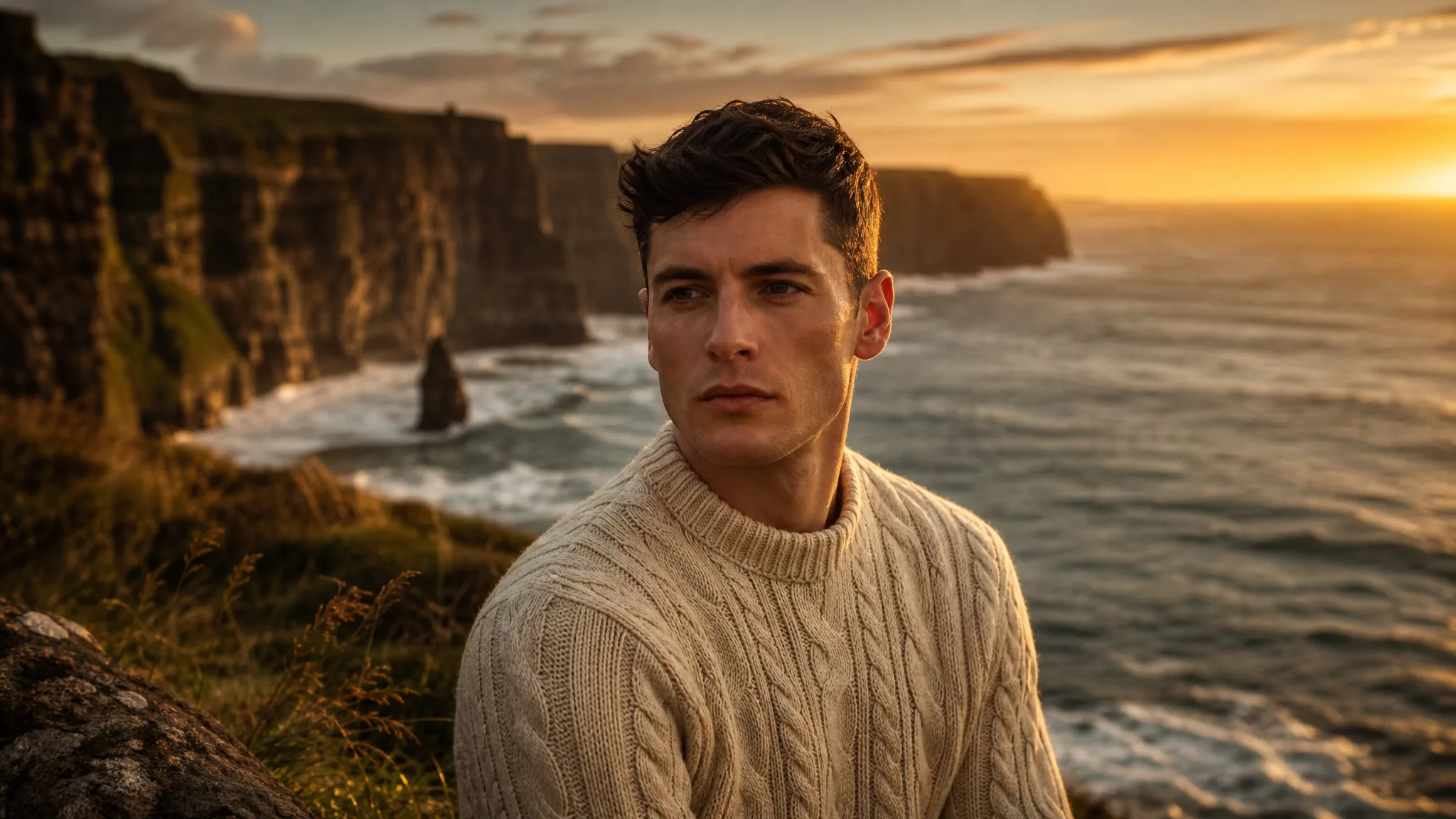 Tools
ToolsImage to Image
Start from your own photo and change the style, setting or season around it with image to image.
ExploreStart with a photo you like or a sentence about a picture you want. Restyle a portrait as a painting, set a product on a café table or turn a travel shot into a postcard scene, then keep the versions that suit your post, shop or album with these AI image tools.
Create a PictureBegin with a written idea or a photo you already have, and use the AI image tools for any of the six results below.
Describe a scene you have no photo of yet: a corgi in a raincoat at a bus stop, a lemon cake on a garden table, a cabin on a frozen lake. Text to Image, one of the AI image tools, turns that sentence into a picture you can keep refining.
Turn a headshot into a watercolour, a vintage film still or a comic panel. Describe the look in Image to Image, and your subject comes back in that style from the AI image tools, which works nicely for profile pictures and handmade gifts.
Move a product from a kitchen counter to a marble café table, or place a travel portrait in front of a sunset coast. With Image to Image in the AI image tools, your photo stays the reference while the background, light or season changes.
A picture from the AI image tools can become the first frame of a short clip. Open Image to Video, select the image from your assets and describe the motion, such as hair lifting in the wind or a slow camera push.
Mock up a wedding invitation background, a menu cover or a slide for Monday’s meeting with Text to Image in the AI image tools. Pick the version that says what you need and carry it into the design app you already use.
Every picture you finish in the AI image tools lands in My images and your Asset Library, so you can come back to a favourite, download it again or pick it up for the next step.
Browse Every Image and Video Tool
Jump from a still picture to a moving clip, or from a written idea to a restyled photo.
Five choices to settle in the AI image tools before you download, from the visual style to where the picture will live.
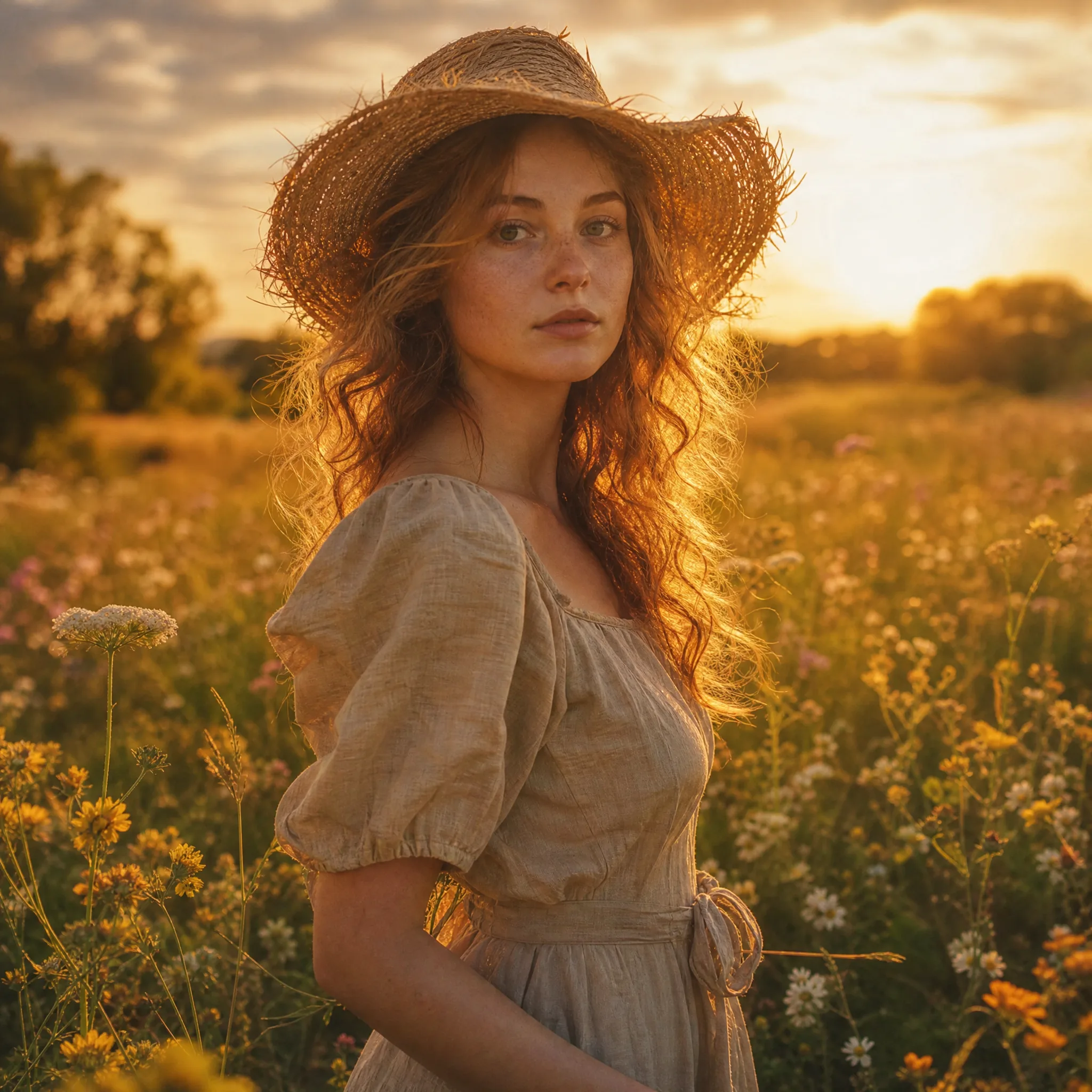
Painterly, photographic or illustrated
A meadow portrait can look like an oil painting, a magazine photo or a storybook drawing. Name the style in your prompt and you get versions from the AI image tools to compare side by side.
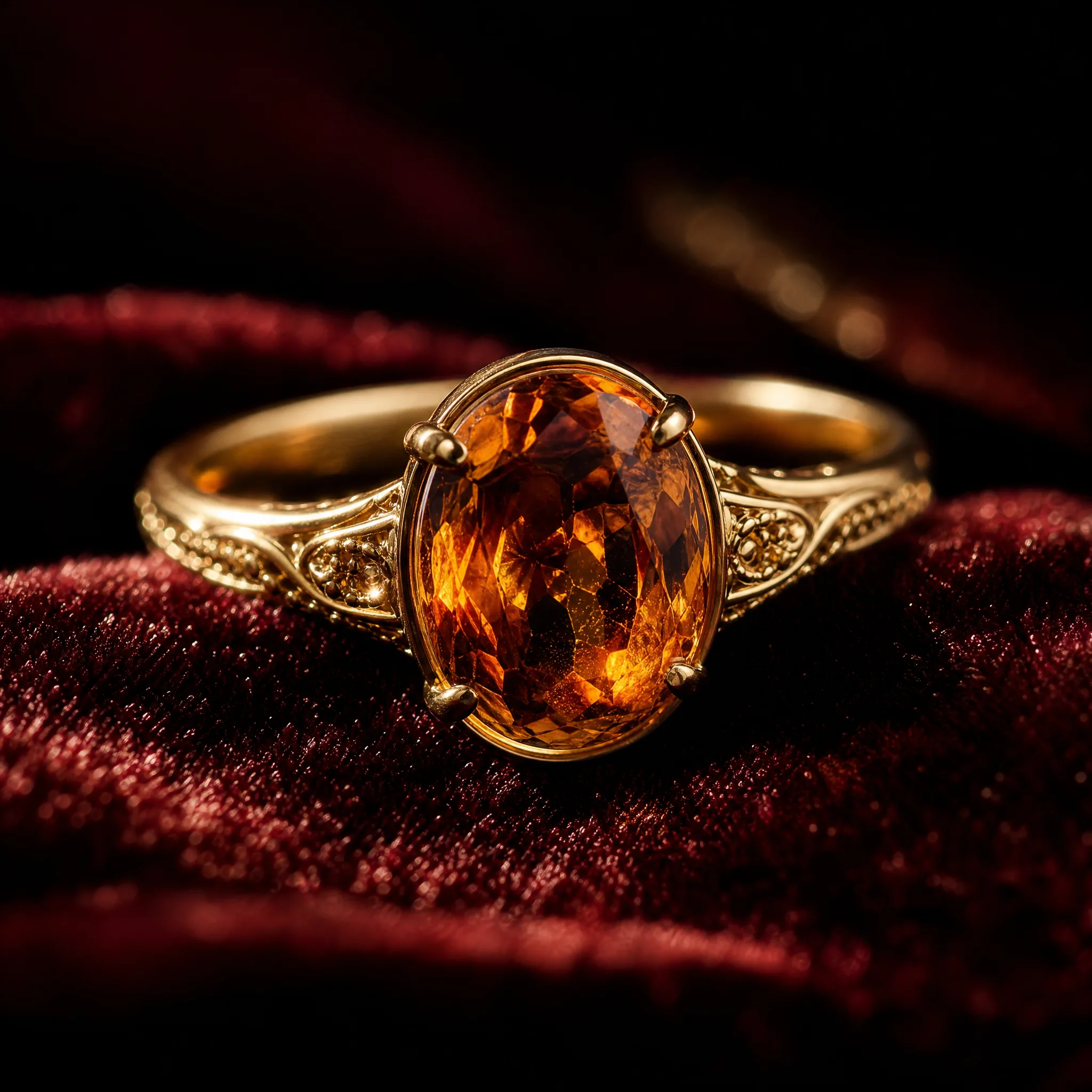
Sized for where it will appear
A ring listing needs a tight close-up; a banner needs room for text. Describe the focal detail, choose the ratio and resolution your model offers in the AI image tools, and view the result where it will be used.
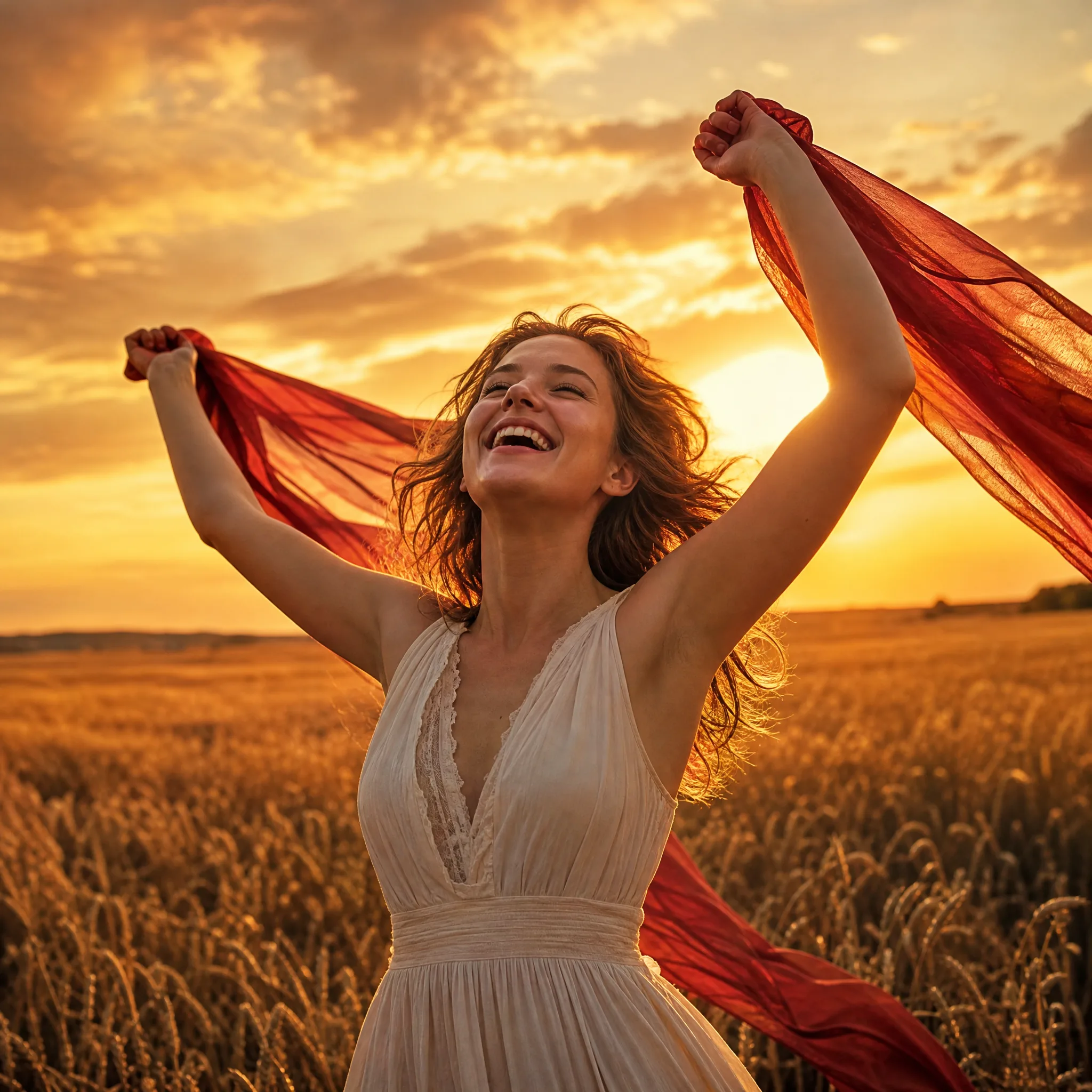
Small edits, clear comparisons
Swap the season, the light or the pose one step at a time. A focused prompt makes each new version easy to compare with the last one.
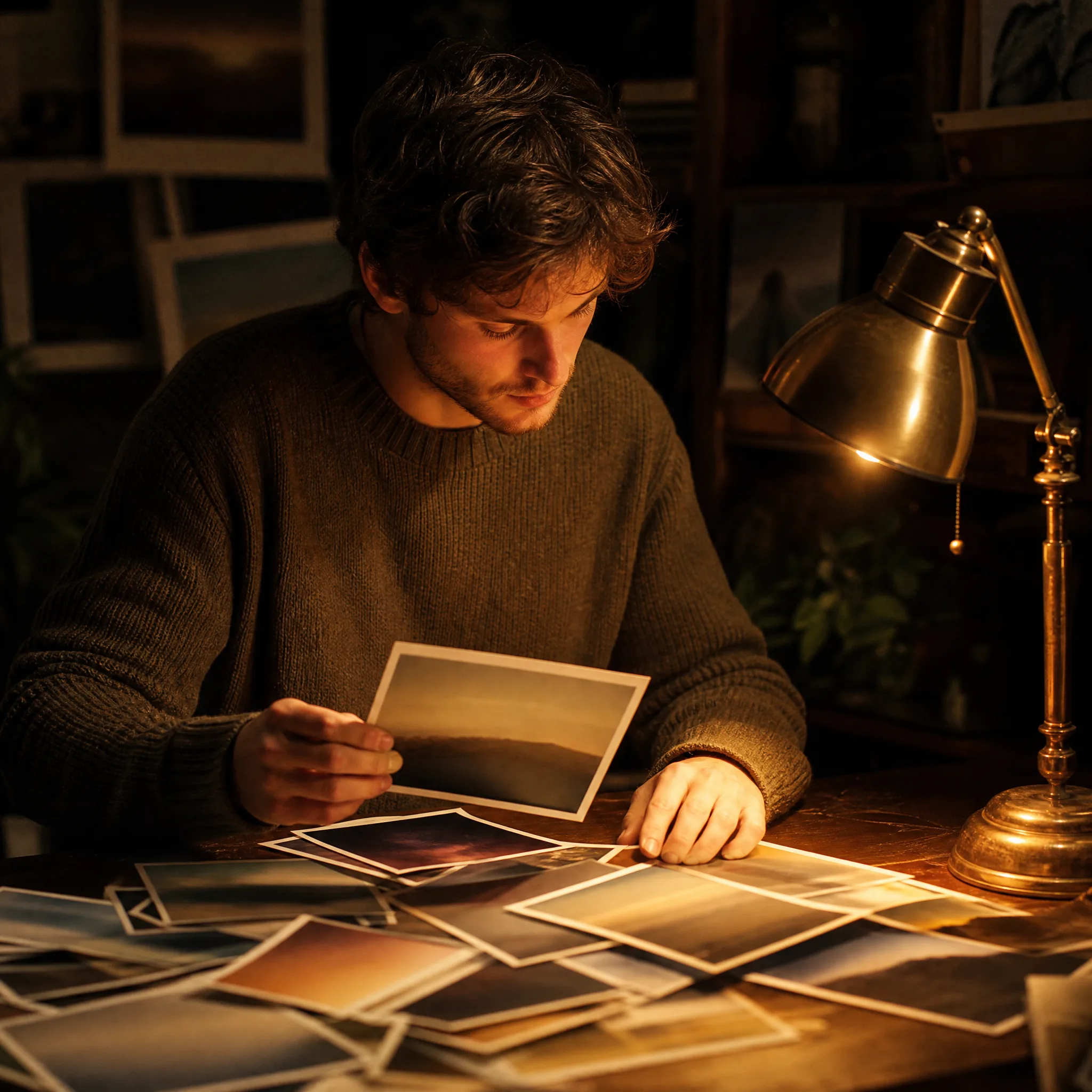
Saved for the next step
Finished pictures from the AI image tools stay in your account, ready to download again or to use as the starting photo for a short video.
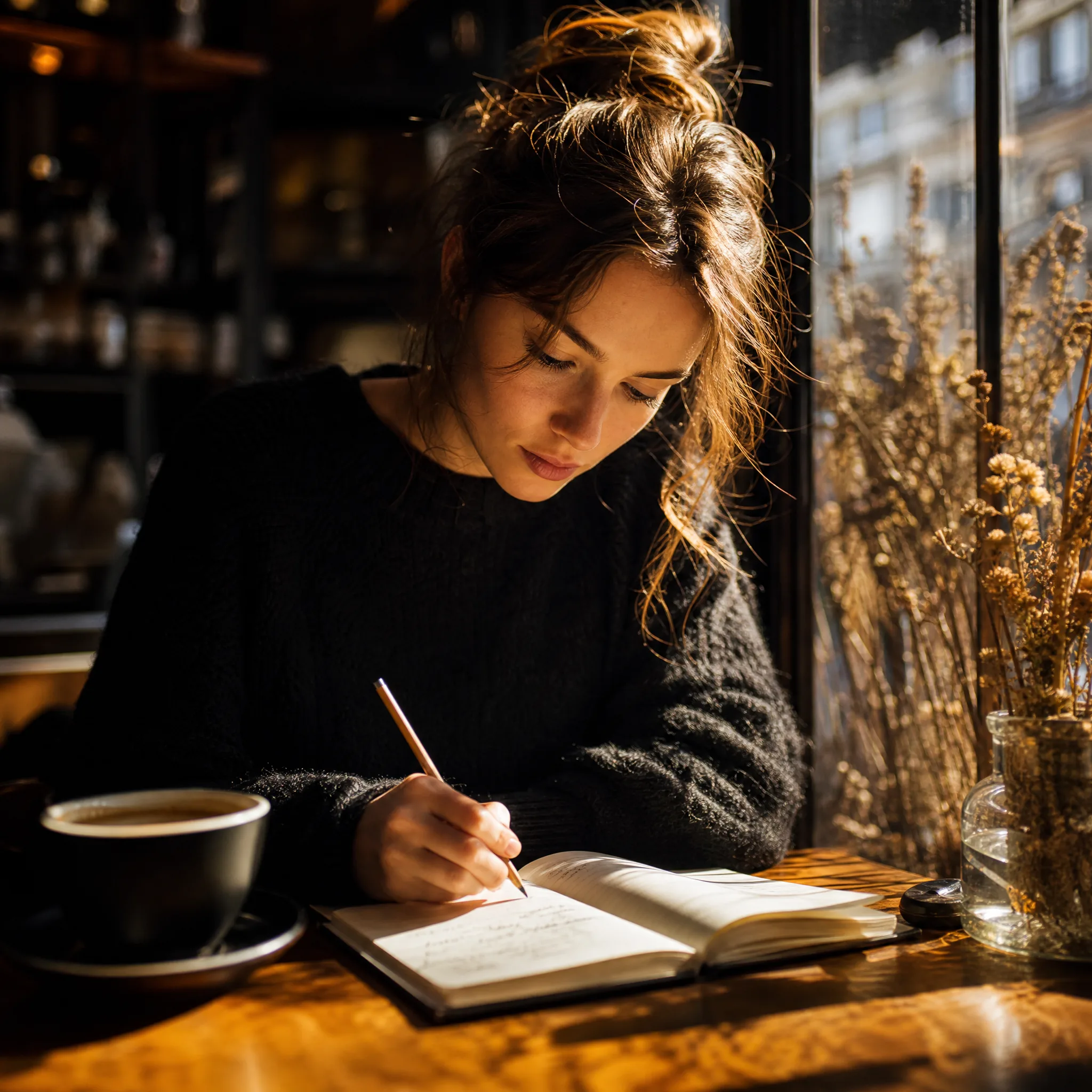
No design jargon needed
Say who or what is in the picture, where it is and the mood you want, the way you would describe it to a friend. The workspace keeps the prompt, model and settings together in one place.
Four ways people carry a picture from the AI image tools into real work, from a house sketch to a garden party invitation.
Upload a pencil drawing of a house, a room or a piece of furniture and ask for real materials and evening light. Image to Image in the AI image tools follows your lines as a guide, so you can show a client or a friend how the idea could look once built.
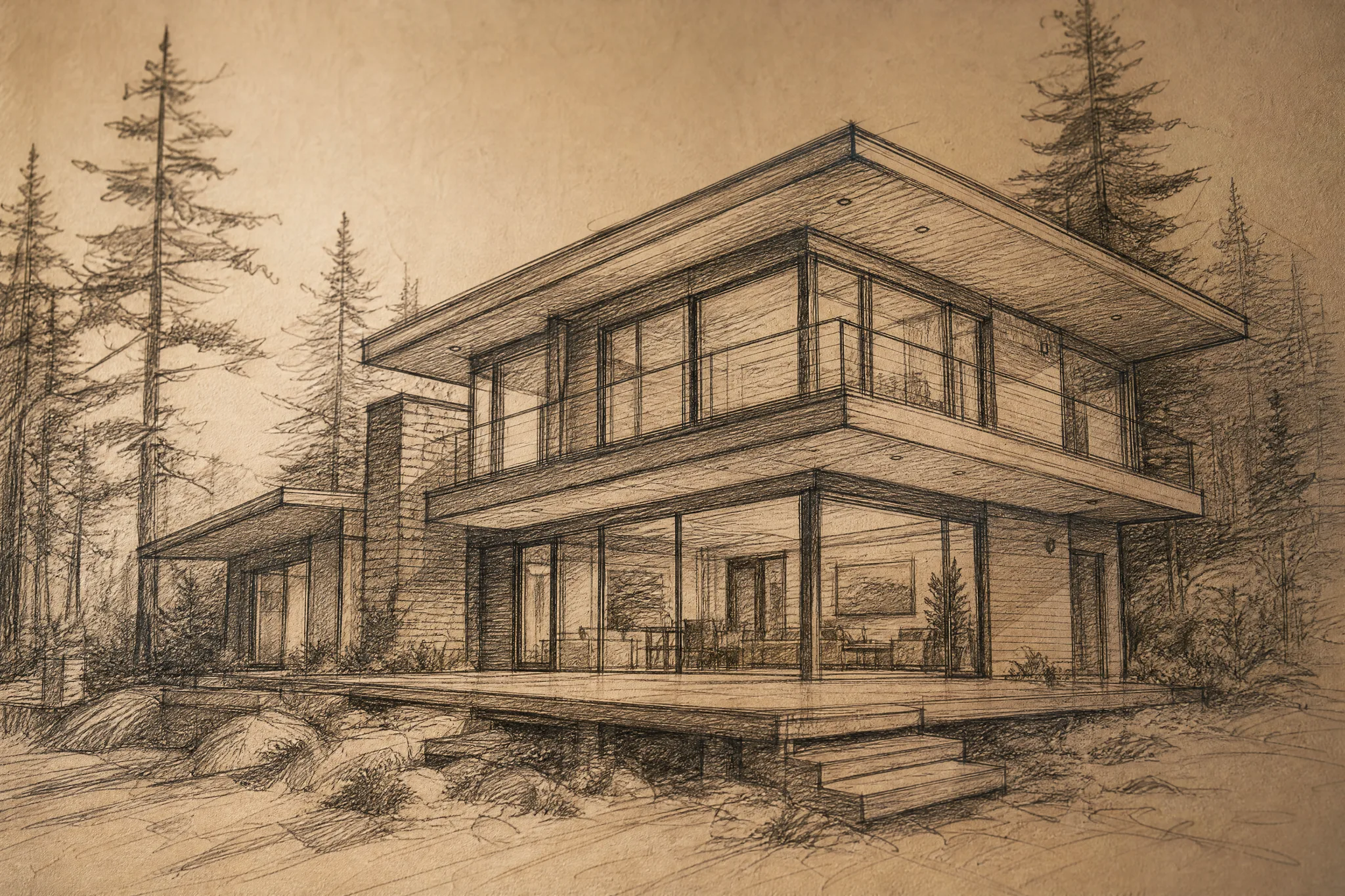 Before
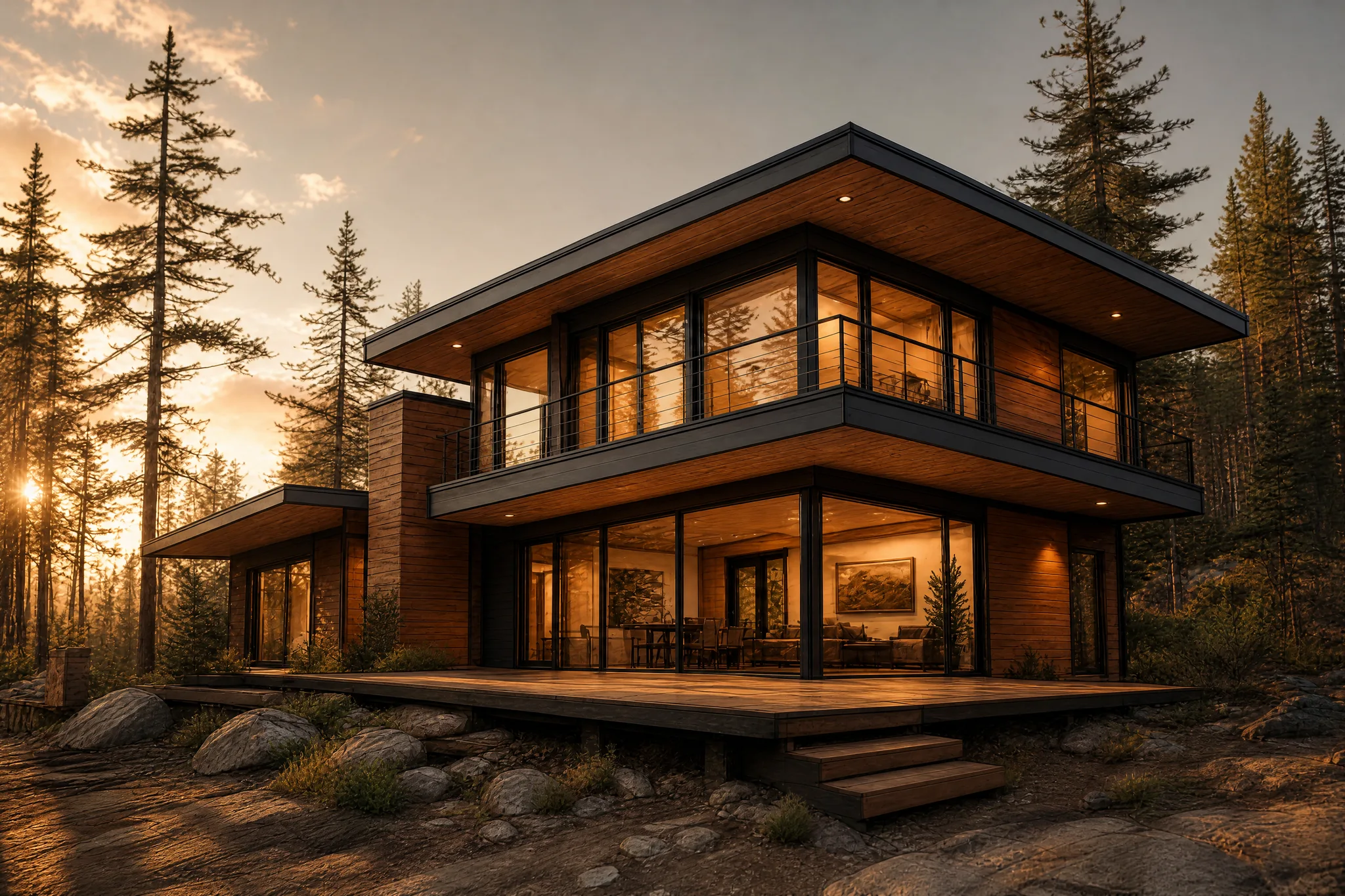 After
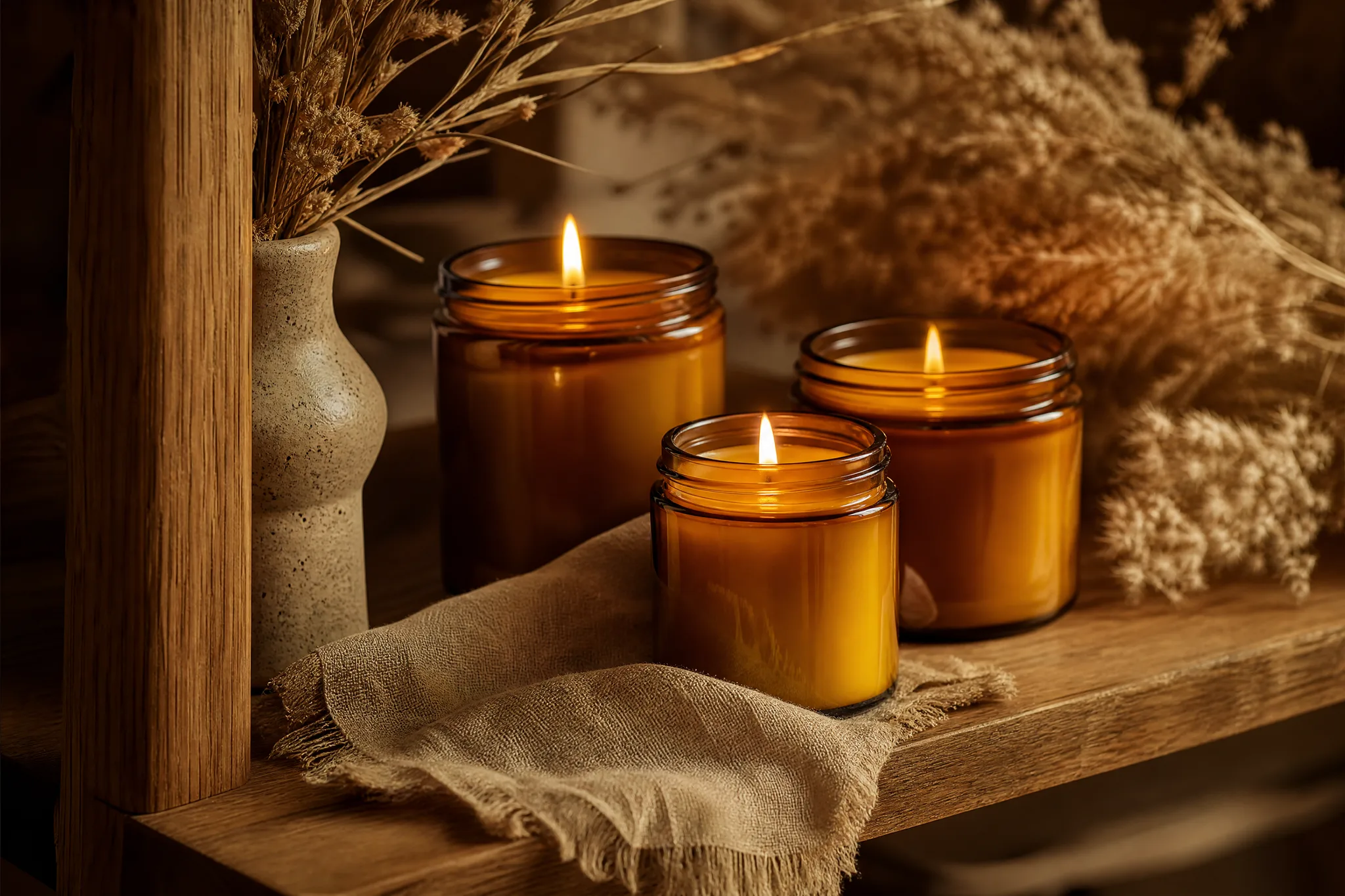
AfterPhotograph a candle, a mug or a necklace once, then use Image to Image in the AI image tools to try a wooden shelf, a linen backdrop or warm window light. Check the product looks right before adding the picture to your listing.
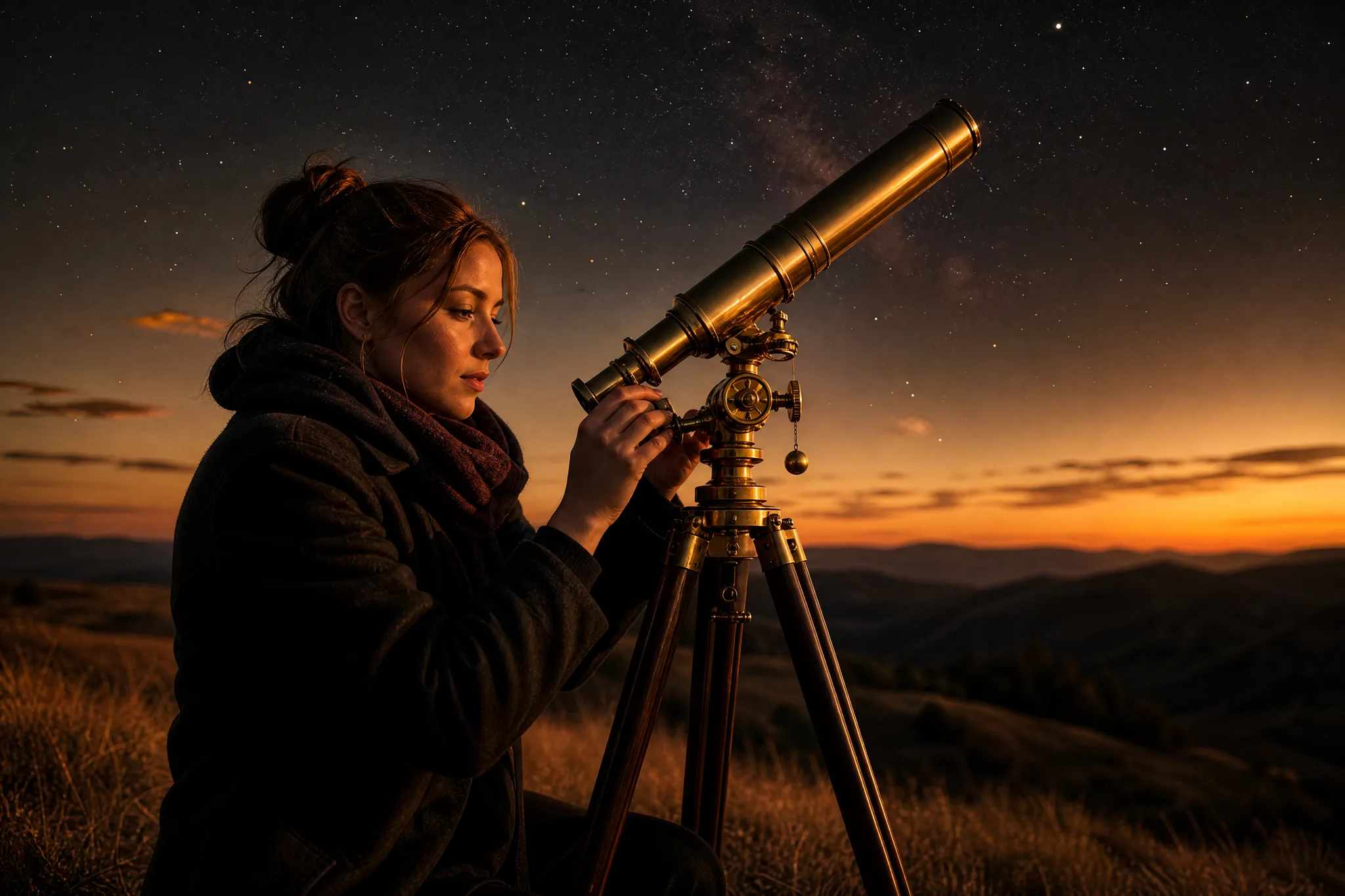
Describe the scene behind your article, such as a stargazer on a hilltop at dusk, and you get a header picture from the AI image tools that fits both the topic and the mood.
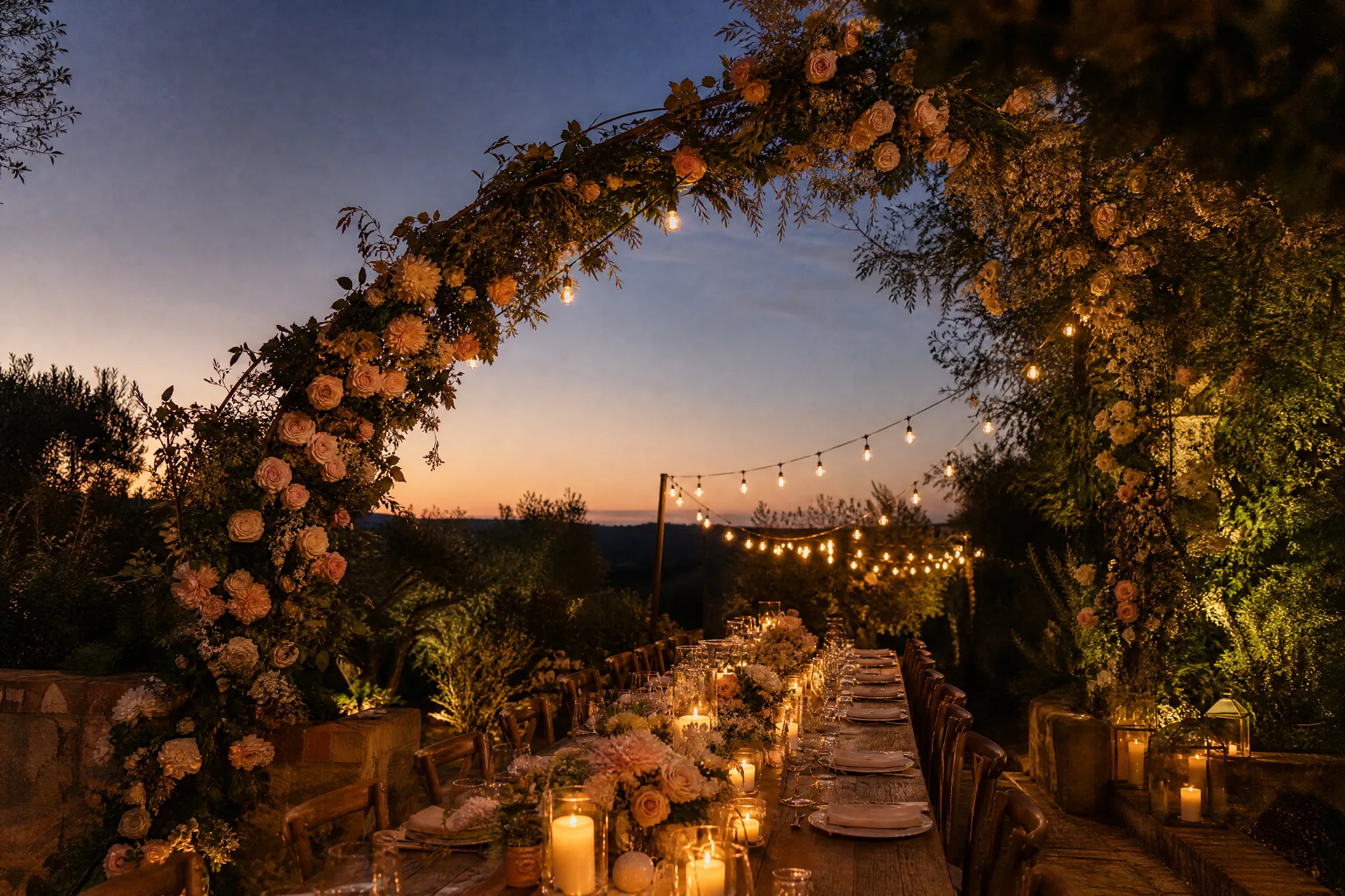
Picture the garden dinner, the rose arch or the winter party before booking anything. Pick a version with open sky or blank space for the invitation text, then add names and dates in your design app.
You can make a picture with the AI image tools in four steps, whether you begin with a sentence or with a photo from your camera roll.
Pick Text to Image when you only have an idea, or Image to Image when you want to change a photo you took. In the AI image tools, the model picker then shows the models that work with that choice.
Write who or what is in it, the setting and the style, for example “my golden retriever as a Renaissance portrait”. Choose a ratio and resolution from the options your model offers.
Press Generate to create your image, and run up to 4 separate generations when you want options. Each result appears in the AI image tools as it finishes, so compare colour, faces and detail before you download one.
Download the pictures you like. They also stay in My images and your Asset Library, ready to open again in the AI image tools for an edit or a video.
Four common projects for the AI image tools, each starting from a photo or an idea someone already has.
A creator types the topic of this week’s video into the AI image tools and gets back a bold thumbnail background plus a matching story graphic. The title text and a face cut-out go on top in the editor they already use.
A ceramicist uploads one plain photo of a vase and asks for a sunny windowsill, a dinner table and a shelf of books. With the AI image tools, the listing gets three settings without three separate shoots.
A short-film maker sketches a character and a location with the AI image tools, then uses the frames to plan shots, or joins two of them with start and end frames for a moving test.
Turn a holiday photo into a watercolour postcard, give a pet portrait a royal costume or imagine your garden in autumn. Your original picture stays the starting point for every new version.
Every vase I sell had been photographed on the same grey kitchen counter. With the AI image tools I kept one plain shot of each piece and tried a sunny windowsill, a linen tablecloth and a bookshelf around it. My shop finally looks like a collection, and two listings made their first sales that month.
Answers on what the AI image tools do, which models you can start with for free, how many pictures you can make at once and where they are saved.
The AI image tools create new pictures from a written prompt and make new versions of photos you upload. Use Text to Image for an idea you can only describe, and Image to Image when a photo already holds the subject and layout you want.
Image to Image changes a photo through your description rather than a brush: ask to clear a busy background or to widen a beach scene, and Image to Image creates a new version that follows the request. For pixel-exact retouching, finish in your usual photo editor.
This AI image generator is free to start: you get free credits when you create an account, and a daily check-in adds more, with the streak reward reaching 4x on day 7. Spend them on pictures from Z-Image Turbo. Other models open with paid access through a plan or credit pack.
A photo is a great starting point: switch to Image to Image, upload a JPG, PNG or WebP file and describe the new background, style or season. How many photos you can add depends on the selected model, with some accepting up to 16 images, and the picker lists the models that support editing.
The best free AI image generator here is the one that suits your picture, and you can start with Z-Image Turbo. Z-Image Turbo uses the fewest credits per generation, so it makes a good first stop for testing a prompt before you try the others.
You can run up to 4 generations at once in the AI image tools, and some models return more than one image per generation. Every result is saved to your Asset Library, where you can compare them and keep the best.
You can use the AI image tools in any modern browser on a phone, tablet or computer, with no app to download. On mobile you can upload straight from your camera roll.
Finished pictures appear in My images beside the workspace and under the Image filter in your Asset Library, where you can open and download them again.
2026/07/18
How to Make a Video Out of Photos (Free AI Guide)
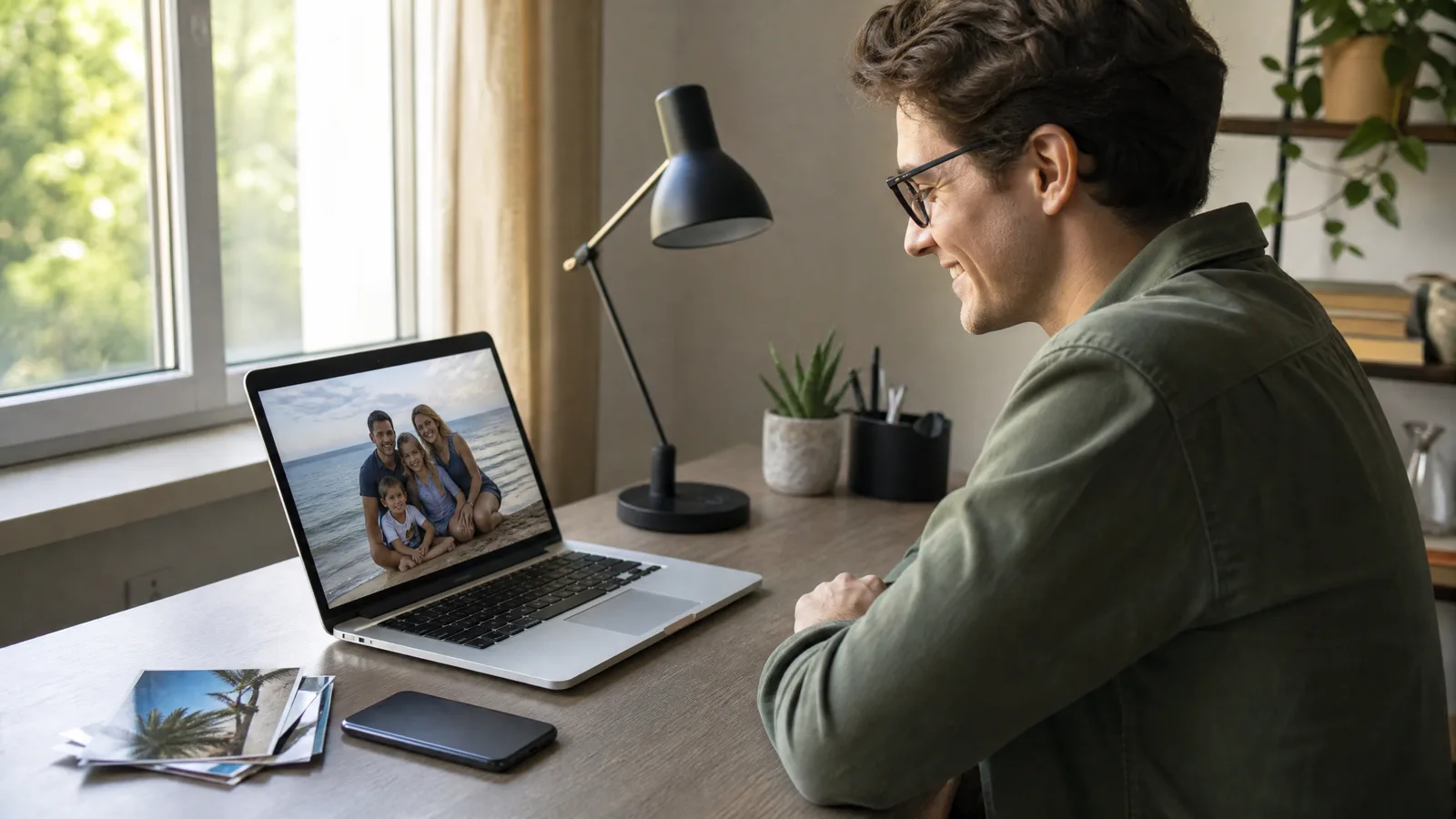
How to make a video out of photos: upload one clear picture, describe a single motion, pick an AI model and download an MP4 for Reels, family or shop pages.
2026/07/18
What Is Image to Video? How AI Animates a Photo (2026)
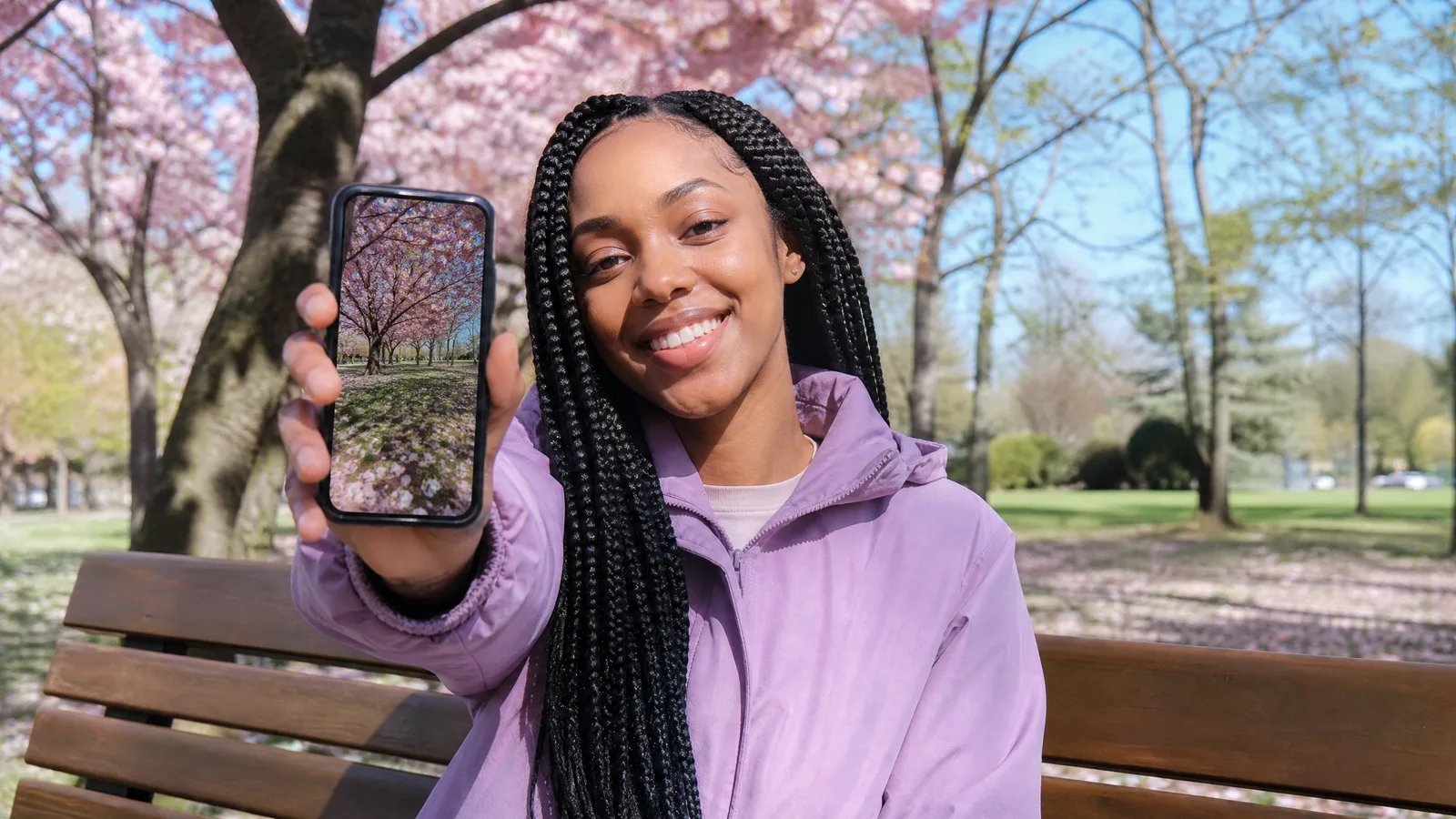
What is image to video? An AI model reads one still photo plus a motion prompt and generates a short clip. See which photos move best and how to start free.
Bring a portrait, a product shot or just a sentence, choose a model in the AI image tools and download the picture that fits your shop, invite or feed.