























Hailuo
First frame
Last frame
Prompt
0/7000
Video Length8s
Resolution
Number of outputs
Public Visibility
Required credits
128
Sample videos

Hailuo AI Image to Video: Moving Photos with Their Own Sound

Every MiniMax H3 clip arrives with generated sound

Hailuo AI image to video brings a portrait, a cosy room or a harbour at dawn into motion. MiniMax H3 renders 4 to 15 seconds at 768p or 2K, with sound in every clip.

Try Hailuo Image to Video
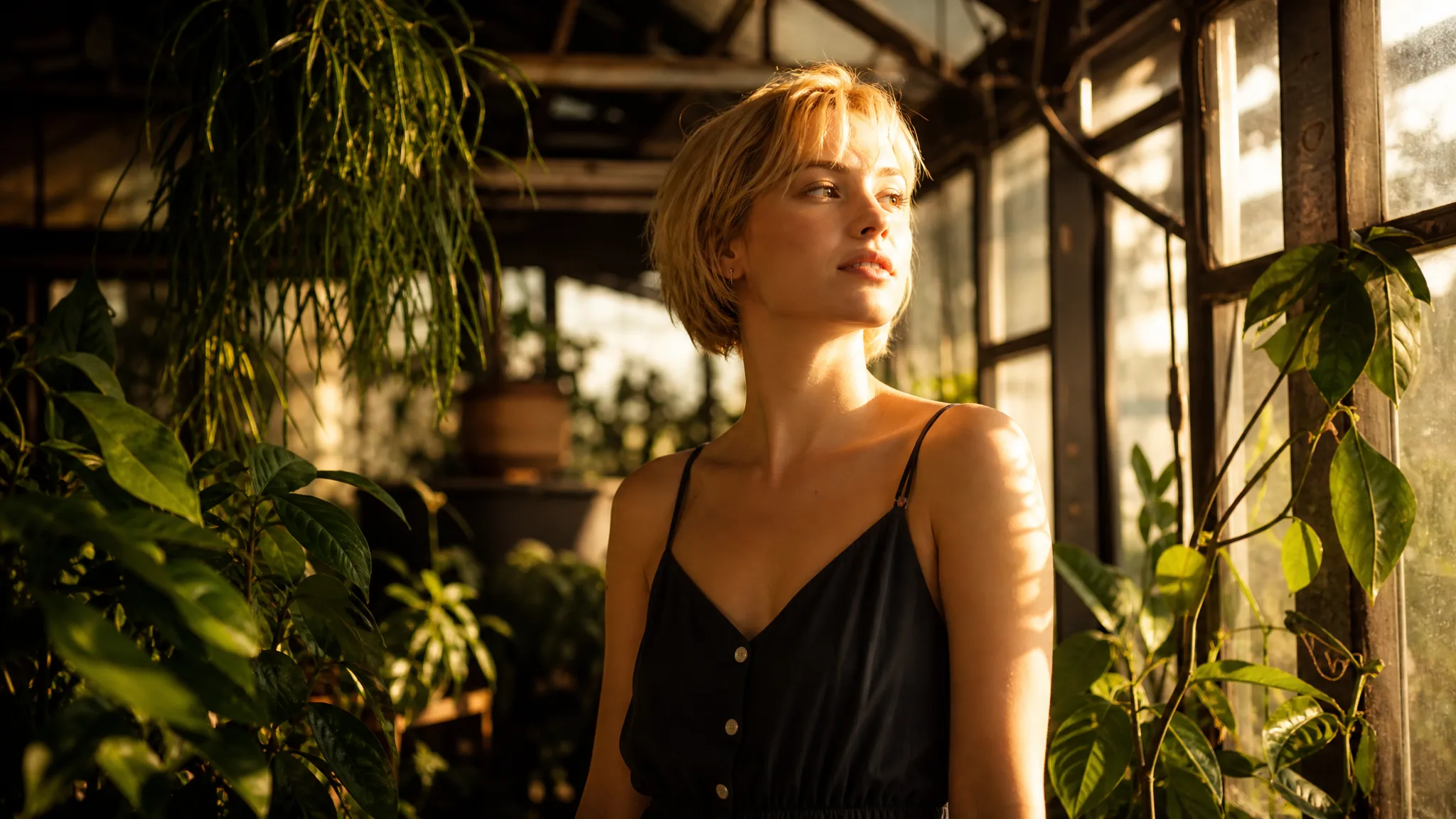
Short-haired blonde woman among lush plants in an old glasshouse, turning her face to late sun pouring through the panes
Generated sound in every clip|Portraits, interiors and landscapes|4- to 15-second clips at 768p or 2K|Free to start at 768p

How to Use Hailuo AI Image to Video with MiniMax H3

Hailuo AI image to video on PicVideo runs in three steps: choose a photo with atmosphere, describe the moment for MiniMax H3, then watch and listen to the take.

1

Choose a photo with atmosphere

Upload a portrait, a room, a garden or a harbour scene with a clear focal point and natural light. Hailuo AI image to video starts every take from that photo and keeps its framing, so crop it to the shape you plan to post before uploading.

2

Describe the moment and set the length

Write what moves and how the camera behaves, for example rain running down the cabin window while firelight flickers on the walls. Then choose a clip length from 4 to 15 seconds and a 768p or 2K resolution for your Hailuo AI image to video take.

3

Watch, listen and keep the best take

Start the job and follow its progress in the workspace. MiniMax H3 delivers each clip with generated sound, so play it with the volume up and check faces, edges and how the sound fits the scene. Download the take you like, and mix or replace the sound later in your editor if the project calls for it.

What MiniMax H3 Brings to Your Photos

Hailuo AI image to video gives each photo a little life and a layer of sound: a craftsman’s smile, a misty garden, a boat leaving harbour, a bottle catching the light.

A portrait that turns and smiles

An older carpenter in his workshop turns from the window and breaks into a gentle smile. Hailuo AI image to video works best with small, believable actions like this, which keep the likeness close to the original photo. It suits portraits of grandparents, makers and colleagues, and each clip arrives with generated sound for the scene.

A garden waking up at dawn

Landscapes and gardens hold motion everywhere: haze lifting, flowers swaying, sun rays brightening between the trees. Describe the light and the breeze, and Hailuo AI image to video turns a still of a cottage garden into a calm establishing shot for a holiday video, a property tour or a relaxing loop on a screen.

A departure that opens a story

A fisherman steering a wooden boat away from a stone quay at dawn reads like the first shot of a film. Use travel and holiday photos the same way: choose 2K for a sharp opener, set a length that matches the pace you want, and let Hailuo AI image to video play the moment out before your other clips.

A product shot with a sweep of light

Skincare, candles and glassware look richer when light moves across them. Start from a clean product photo, describe a slow sweep of warm light, and MiniMax H3 reveals the curve of the bottle and the liquid inside. Check the label and edges in the preview before using the clip on a shop page.

Amber dropper bottle on a rough dark stone tray beside dried grass, a thin beam of warm light gliding over the glass

Hailuo AI Image to Video for Homes, Food, Family and Travel

Hailuo AI image to video suits photos where atmosphere matters as much as movement, and where a clip that already has sound saves a step.

Holiday rental hosts

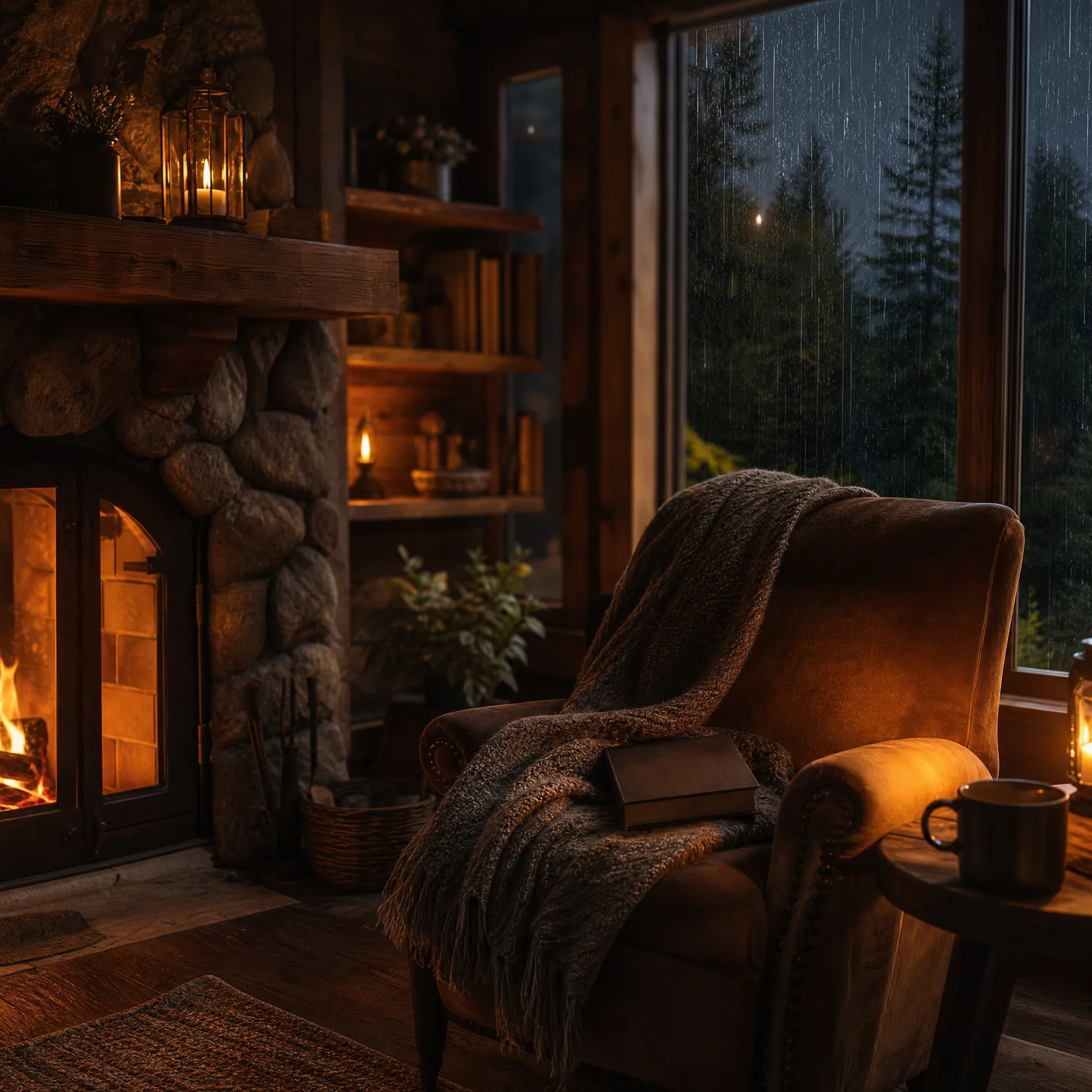
A cabin or cottage host can turn a listing photo of a glowing fireplace and a rain-streaked window into a slow, cosy clip with Hailuo AI image to video. The short video, sound included, makes a booking page or a social post feel like an invitation to stay.

Family historians

Someone keeping the family archive can bring a portrait of a grandparent into a gentle turn and smile. Hailuo AI image to video keeps the motion small and close to the photo, giving relatives a moving keepsake to share at a reunion or a birthday dinner.

Cafés and home cooks

A café owner or food blogger can describe rising steam and soft window light around a dish photo. The short MiniMax H3 clip, with its generated sound, works as a menu-board loop, a delivery-app story or the opening of a recipe post.

Travel creators

A traveller can take the harbour, garden or mountain photo from a trip and ask Hailuo AI image to video for drifting mist, moving water and a slow camera drift. A 2K take opens a travel reel with a scene that already carries its own atmosphere.

Stories from People Who Tried It on Their Photos

Guests book our cabin for rainy weekends, and my best photo shows the fire lit and rain on the window. Hailuo AI image to video turned it into a ten-second clip with flickering firelight and streaking rain, and the sound came with it. It now sits at the top of our listing, and two guests quoted it in their messages.

Fiona G.
Cabin Rental Host

Hailuo AI Image to Video Questions and Answers

Answers about Hailuo AI image to video on PicVideo: MiniMax H3 and Hailuo 2.3, free use, clip settings, generated sound and the other input modes.

Hailuo AI image to video turns a photo into a short moving clip with sound using MiniMax H3 from MiniMax. You upload a photo, describe the moment and download a clip of 4 to 15 seconds, ready for a reel, a listing or a family chat.

Hailuo 2.3 is the older Hailuo version many people still search for, and this page now runs MiniMax H3 instead. H3 creates 4- to 15-second clips at 768p or 2K with generated sound, so plan your Hailuo AI image to video take around those H3 settings rather than Hailuo 2.3 guides.

Hailuo AI image to video is free to start: collect free credits when you sign up, check in daily as a streak lifts the reward to 4x on day 7, and spend them on your first scenes with sound. The Hailuo free tier on PicVideo runs MiniMax H3, and its 2K and longer takes run on a plan or credit pack.

Photos with something that moves and makes a sound give Hailuo AI image to video the most to work with: rain on a cabin window, a crackling fireplace, a harbour at dawn or a person turning toward the light. A sharp subject and an uncluttered background help MiniMax H3 keep the likeness steady through the clip.

Every MiniMax H3 clip on PicVideo comes with generated sound, and there is no switch to turn it off. Listen to each Hailuo AI image to video take before you use it; you can keep the sound, lower it or replace it in any video editor.

Hailuo AI image to video with MiniMax H3 creates clips from 4 to 15 seconds at 768p or 2K. Image-to-video keeps the framing of your uploaded photo, so crop it to the shape you want before starting.

MiniMax H3 in the PicVideo workspace also offers text-to-video, start-and-end-frame and reference-to-video modes, each with its own inputs. This page opens Image to Video, and you can switch modes in the workspace when an idea needs them.

The Hailuo AI image to video clips you generate are yours to the extent the law allows, as set out in the PicVideo Terms. For a holiday-let reel or a café promo, use room and harbour photos you took or licensed, and listen to the generated sound as carefully as you watch the picture, since every H3 clip carries one.

The photos you add to Hailuo AI image to video stay unpublished. MiniMax H3 clips made by visitors and free accounts keep Public Visibility on, so a rainy-window or fireside scene may be chosen for Explore after review.

Bring a Photo to Life with Sound Using MiniMax H3

Choose a portrait, a cosy room or a travel scene, describe the moment you remember, and Hailuo AI image to video creates a MiniMax H3 clip of 4 to 15 seconds with generated sound. Start free, then share the take or finish it in your editor.

Create My H3 Clip
Timber cabin at dusk with a glowing stone fireplace, a blanket and open book on an armchair, rain on the pine-view window