
























Street Light Slide AI

Use the street light slide AI video generator with one adult portrait. The prepared night path carries your subject from a distant slide into a close-up under the lamp in a five-second vertical video with sound.

Upload Your Portrait0/1

JPG / PNG / WebP · 1 file · Max 20 MiB per file

Styling note (optional)
0/300
Resolution
Number of outputs
Public Visibility
Required credits
48
Sample videos

Street Light Slide AI Video Generator From One Photo

One photo. A night path. Your close-up arrival.

Add one clear adult portrait to the street light slide AI video generator and arrive in a night-time close-up. The prepared scene starts on a distant path beneath a street lamp, follows the slide toward the camera and finishes on your face in a five-second vertical video with sound.

Use the sudden arrival for a group-chat entrance, a short personal post or a playful reply to a friend. Your portrait supplies the identity and outfit, while the template supplies the night path, movement and framing. Choose your photo and make that far-to-near moment with the street light slide AI video generator.

Make My Street Light Slide
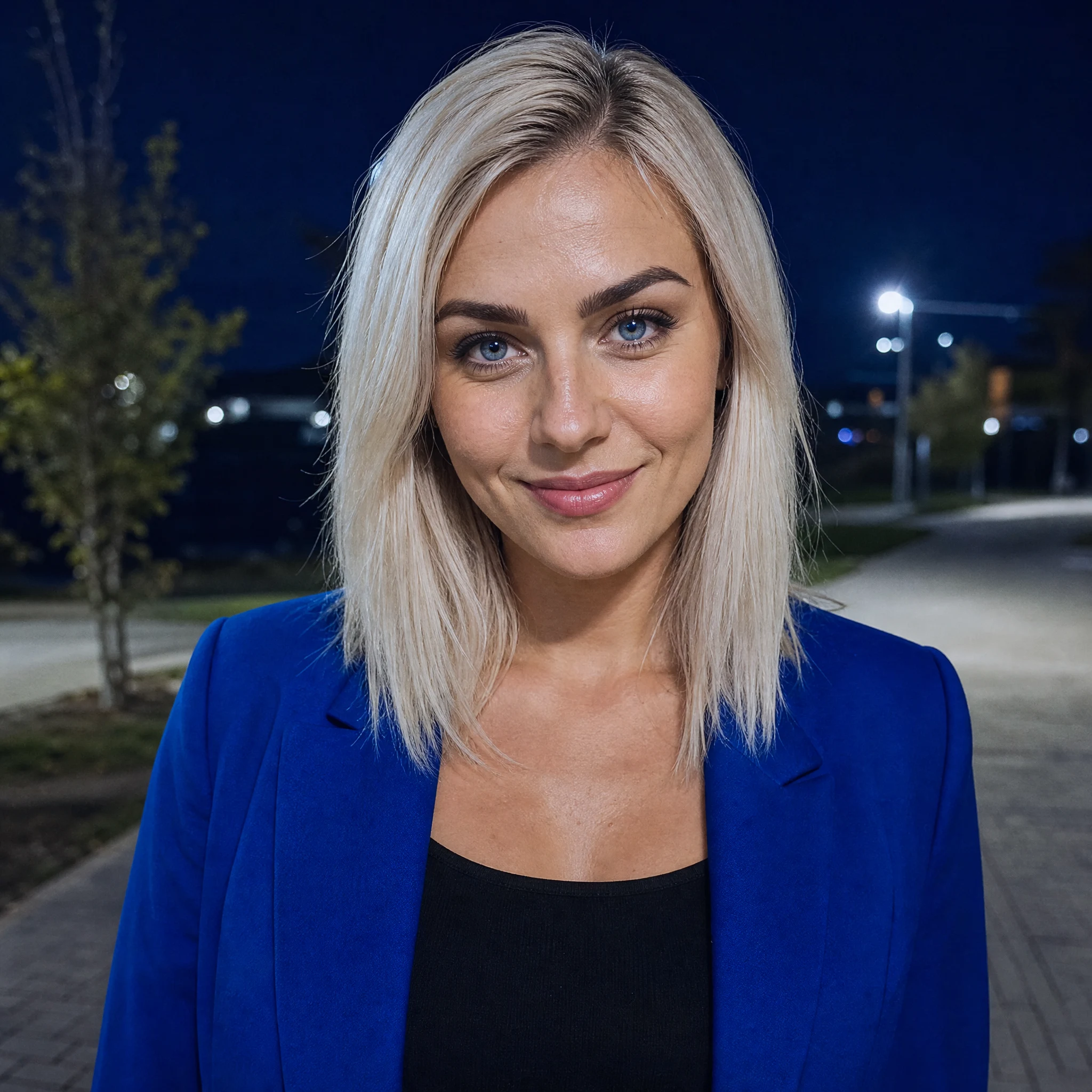
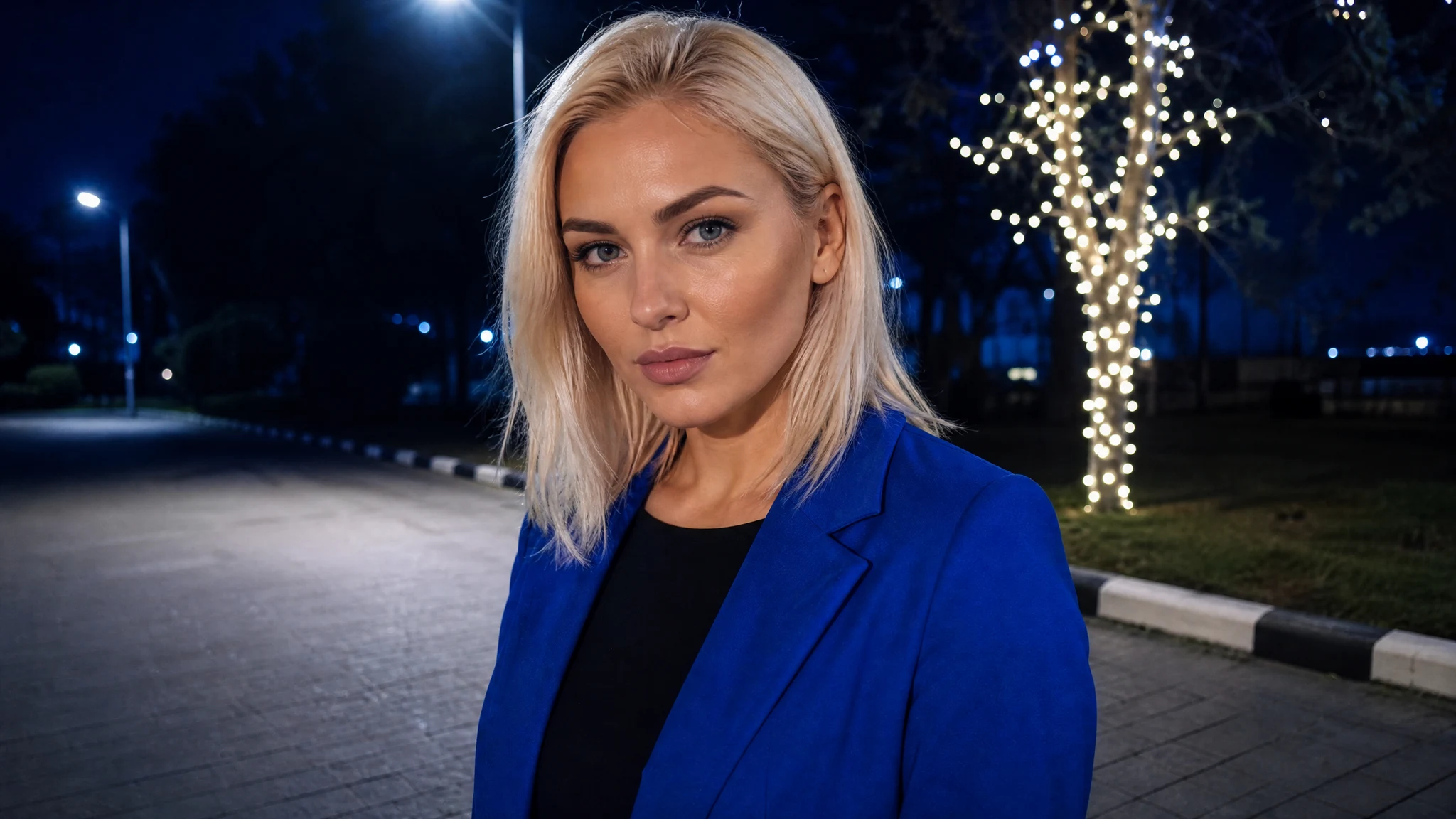
A striking platinum-blonde woman in a cobalt jacket looking into the camera on a cool-lit night path
One Adult Photo|Far-to-Near Slide|5 Seconds With Sound|Prepared Night Scene

How to Make a Street Light Slide AI Video

Make your Street Light Slide AI video by choosing a portrait, using the prepared scene and watching the complete result.

1

Choose a Clear Adult Portrait

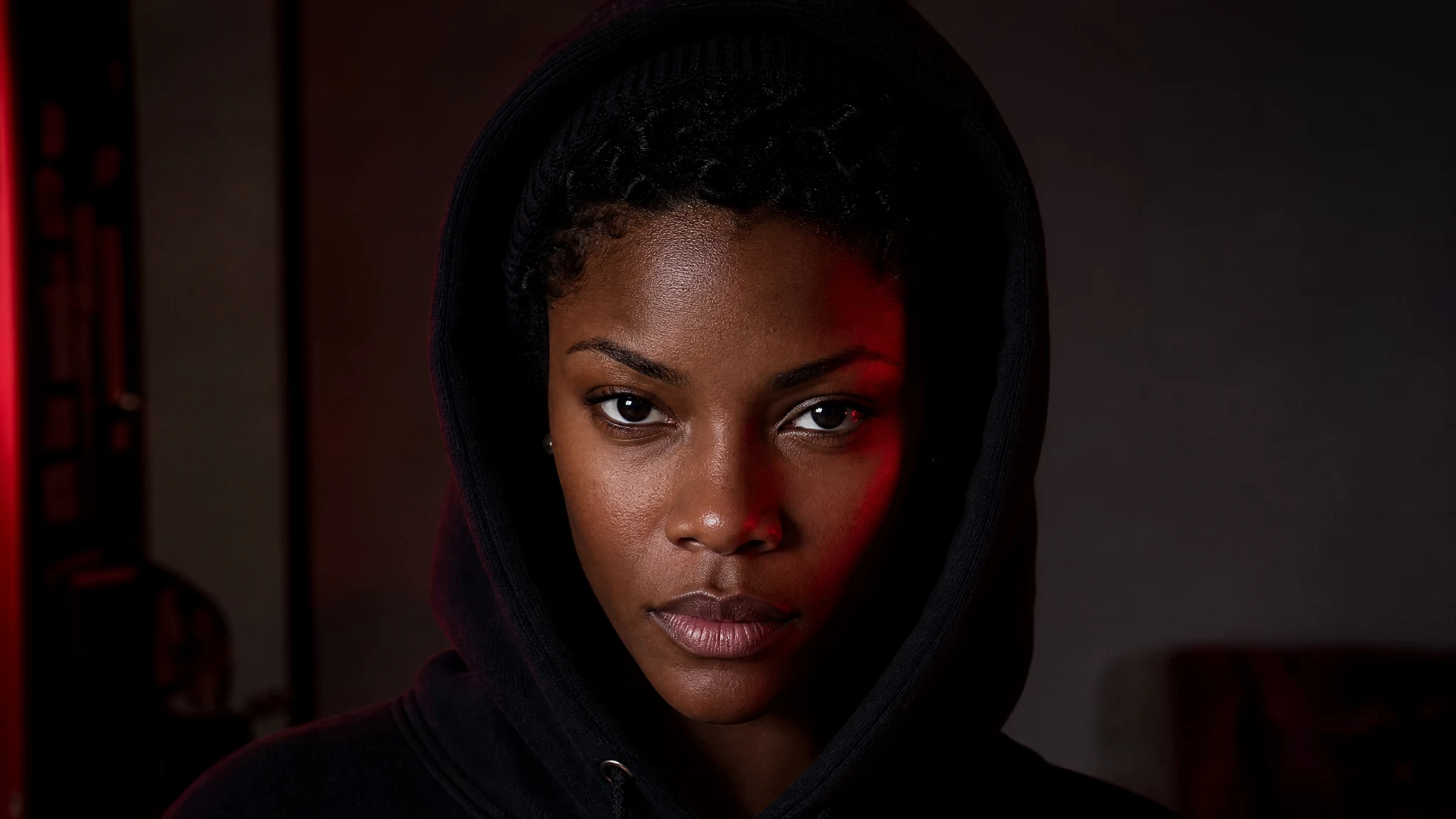
Pick a sharp portrait for the street light slide AI video generator, with the face, hair and upper-body outfit clearly visible. A chest-up or waist-up view gives the street light slide AI scene useful detail for the final close-up. Choose an expression you would like to bring into that arrival under the lamp.

2

Add Your Photo to the Night Scene

Upload the portrait to the single photo slot in the street light slide AI video generator. The street light slide AI template supplies the path, lamp and far-to-near movement, while your image supplies the person and outfit. You can begin with an ordinary portrait rather than photographing the night scene yourself.

3

Generate the Five-Second Slide

Use the prepared night-path scene for your portrait. The street light slide AI video generator already has the scene and movement prepared. Start the clip when your portrait is ready, then let the complete slide play through to its close-up ending.

4

Preview the Arrival and Save

Watch the distant start, the moving subject and the final face under the light. Play your street light slide AI video with sound before saving it. The short vertical format fits an entrance joke, a story or a reply that gets straight to the close-up.

Street Light Slide AI: Far Away to Face to Face

See how street light slide AI connects your portrait with the opening, movement and final close-up.

Your Portrait in the Street Light Slide AI Video Generator

The personal detail comes from your portrait: the face, hair and outfit viewers recognize. Those details give the close-up its connection to the person in the photo. The street light slide AI video generator combines that identity with the prepared night scene, so the arrival feels like your own entrance into a familiar visual format.

A clear adult portrait with visible eyes and an unobstructed face

A Distant Start With Space for the Slide

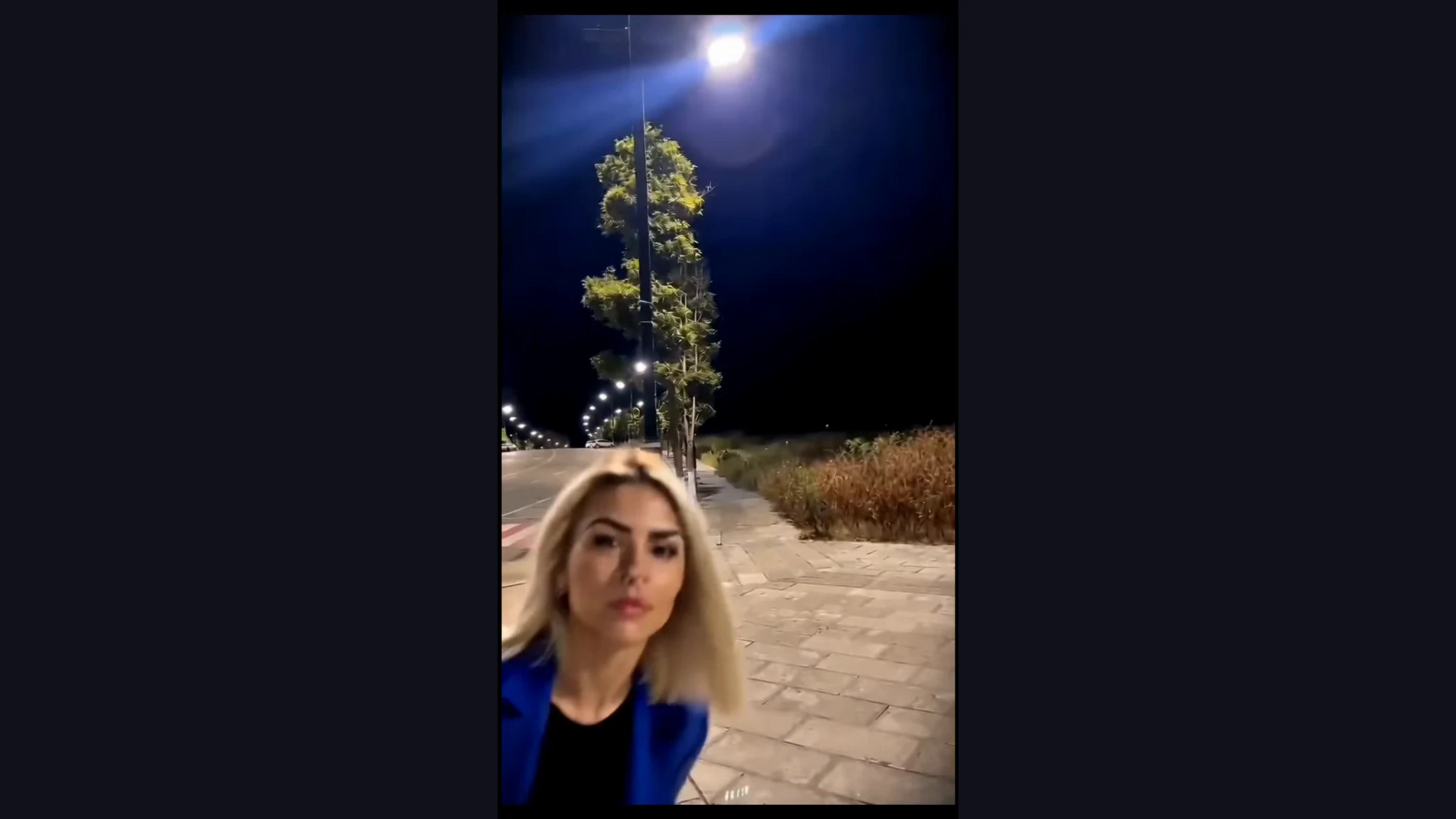
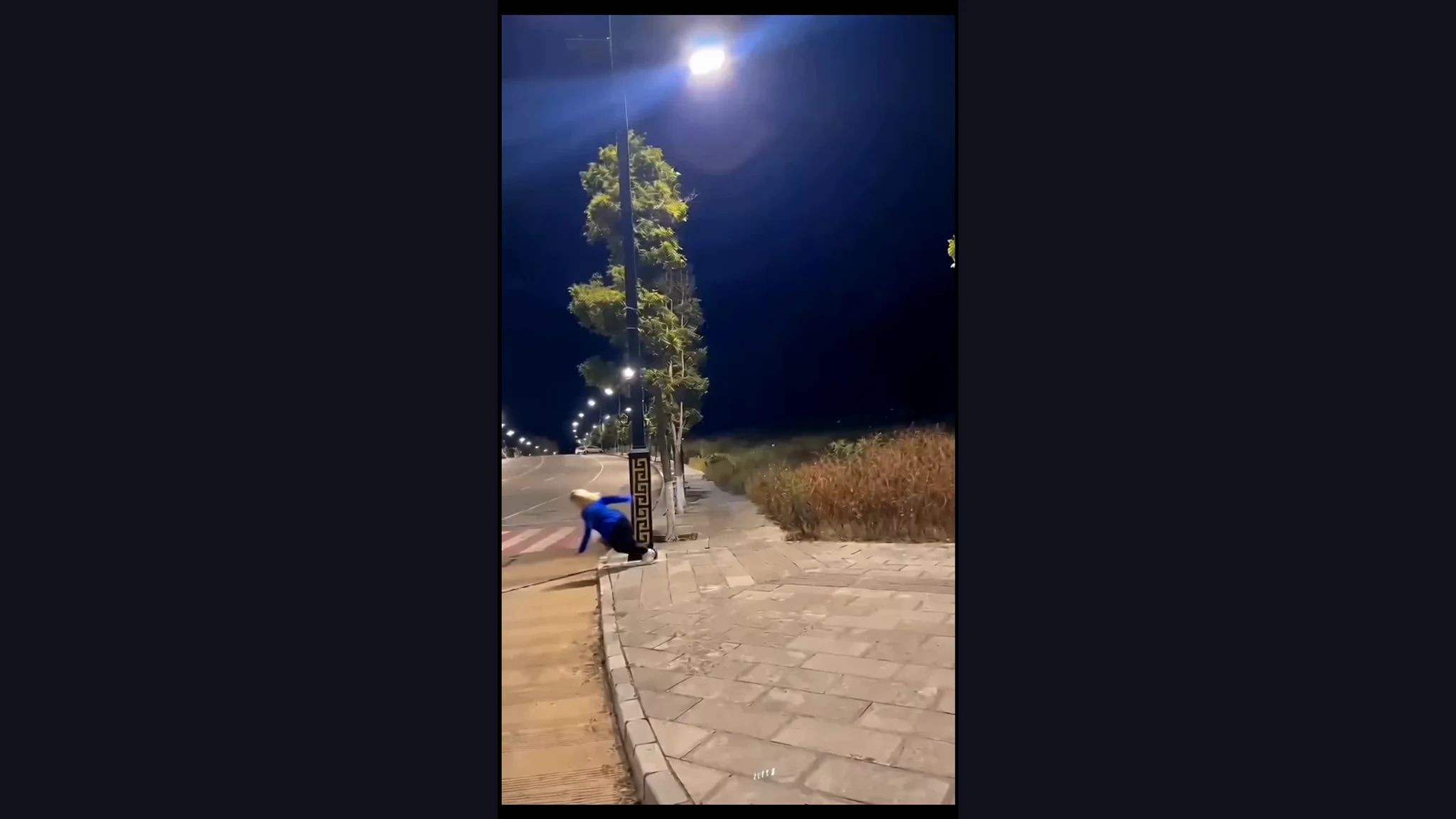
The open path creates the distance that makes the arrival work. A small figure begins far away beneath the street lighting before moving toward the camera. The street light slide AI video generator uses that depth to give the close-up somewhere to come from, connecting the distant figure with the portrait at the end.

A distant person beneath a street lamp on a night path

The Subject Moves Toward the Camera

The slide carries the person along the path and into the foreground. The movement of the subject is the central beat of the clip, connecting the distant start with the face at the end. In the street light slide AI video generator, that complete approach gives the entrance its playful, slightly unexpected energy.

A person sliding toward the foreground on a night path

A Close-Up Beneath the Night Light

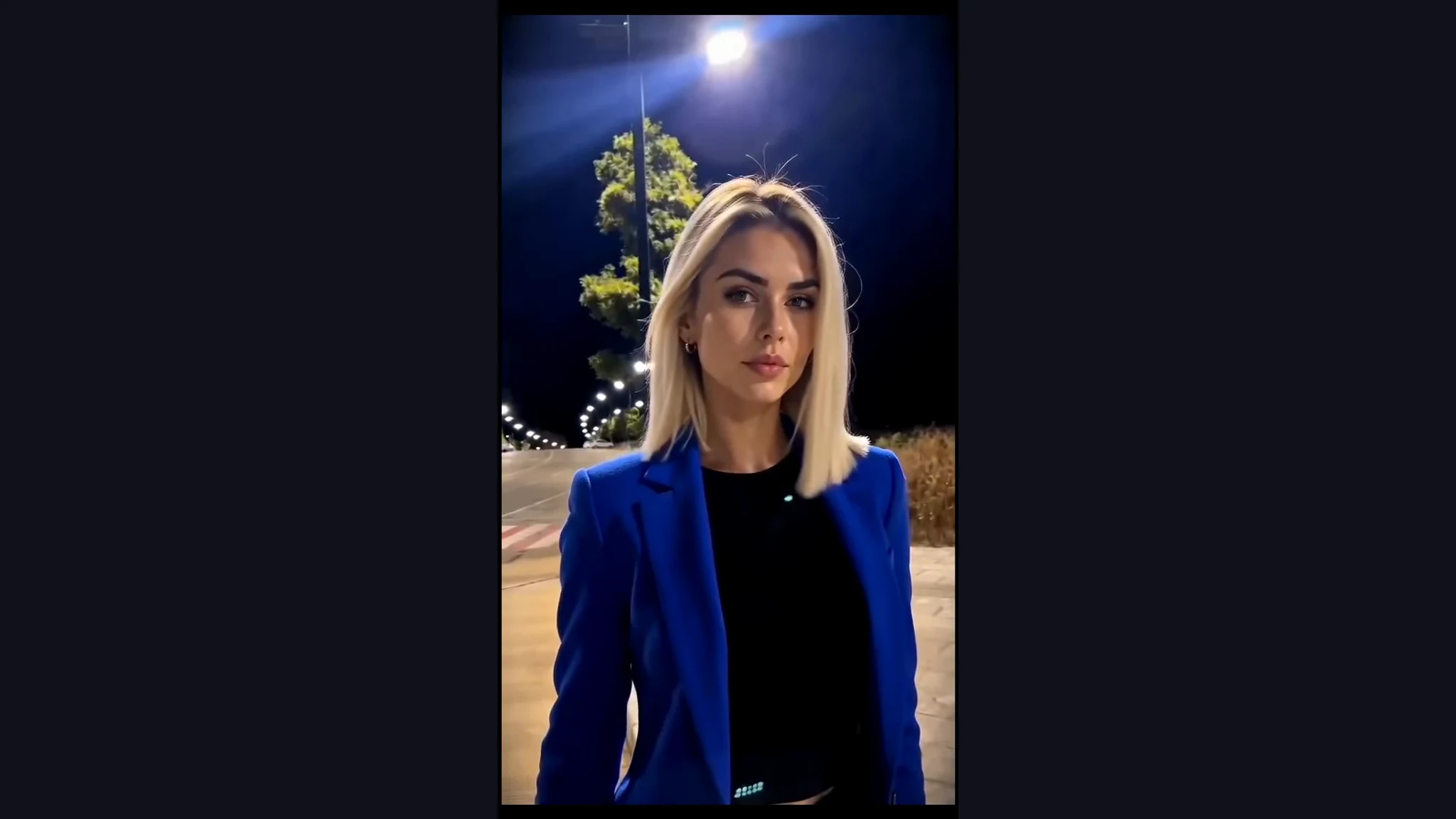
The last view brings attention to the face, hair and upper-body outfit under the lamp. The cool night setting gives the arrival a different atmosphere from the original portrait. Watch the street light slide AI video through its ending to see how the short movement settles into a frame you can pair with your own caption.

A face-to-camera close-up beneath cool street lighting

Street Light Slide AI Ideas for Short Posts

Give street light slide AI a place in your own conversations, short posts and shared jokes.

Your Entrance to the Group Chat

Make an entrance with the street light slide AI video generator when you have something to add to the conversation. The distant start and sudden close-up turn an ordinary portrait into a visual arrival. Send the short clip with a message that fits the moment in your chat.

A Short Personal Story

Use a familiar portrait in the street light slide AI video generator for a story about showing up for the evening. The night path gives the clip a setting, while your outfit keeps the post personal. Add a brief caption and let the five-second approach lead into your close-up.

A Friend’s Night-Out Reply

Choose an adult friend’s portrait with their agreement and use the street light slide AI video generator for a reply about your plans together. Their face arriving beneath the lamp supplies the joke. Share the finished clip with them so they can use it in the conversation or their own post.

An Opening for a Social Post

Give a short personal post a clear first moment with the street light slide AI effect. The subject moving from far away into view makes an immediate entrance. Use the completed clip as the opening, then add your caption or continue the story in your preferred editor.

Street Light Slide AI Videos People Make

I chose a portrait in my blue jacket for the street light slide AI video generator because I wanted the outfit to be part of the arrival. The night path gave the post a setting, and the close-up gave me a simple place to land my caption.

Sofia B.
Fashion Blogger

Street Light Slide AI Video Generator Questions

Get ready to use the street light slide AI video generator with answers about portraits, the prepared template and the finished clip.

The street light slide AI video generator turns one adult portrait into a five-second night-path video. The person slides from a distant position toward the camera and ends in a close-up beneath the lamp. The completed clip is vertical and includes sound.

The street light slide AI trend uses a night path, a distant figure and a slide into a face-to-camera close-up. The distance at the start sets up the arrival. Your photo supplies the person for the prepared sequence under the street lighting.

Free credits are available for street light slide AI: sign up to collect them and check in daily for more. Continued check-in streaks earn larger rewards. Use the credits to create images and videos, then choose a clear portrait to make your night-path arrival.

A clear adult portrait showing the face, hair and upper-body outfit works well for the street light slide AI effect. Choose even lighting and a sharp chest-up or waist-up view. The prepared template supplies the path and night lighting for the finished scene.

The street light slide AI generator already contains the scene and movement instructions. Add your portrait and choose the available quality to begin. The optional note can highlight an appearance detail, while the template supplies the path, the slide and the close-up ending.

You can make a street light slide AI video using a clear portrait of an adult friend who wants to take part. Pick an outfit and expression they would like in the close-up, then share the finished night-path arrival with them.

Street light slide AI creates a five-second 9:16 vertical clip with sound. Preview the movement and listen to the result before saving. The short format suits stories, short-form feeds and personal messages, with the quality options displayed in the workspace.

Choose a sharp photo with visible facial features to give street light slide AI a clear identity for the close-up. Keep the face and hair easy to read and include the upper-body outfit you want to use. Watch the entire approach as well as the final frame.

Make Your Street Light Slide AI Video

Choose one clear portrait for the street light slide AI video generator and give your next post a night-time entrance. The prepared path, far-to-near slide and face-to-camera ending become a five-second vertical clip with sound, ready for a caption that makes the arrival your own.

Make My Street Light Slide
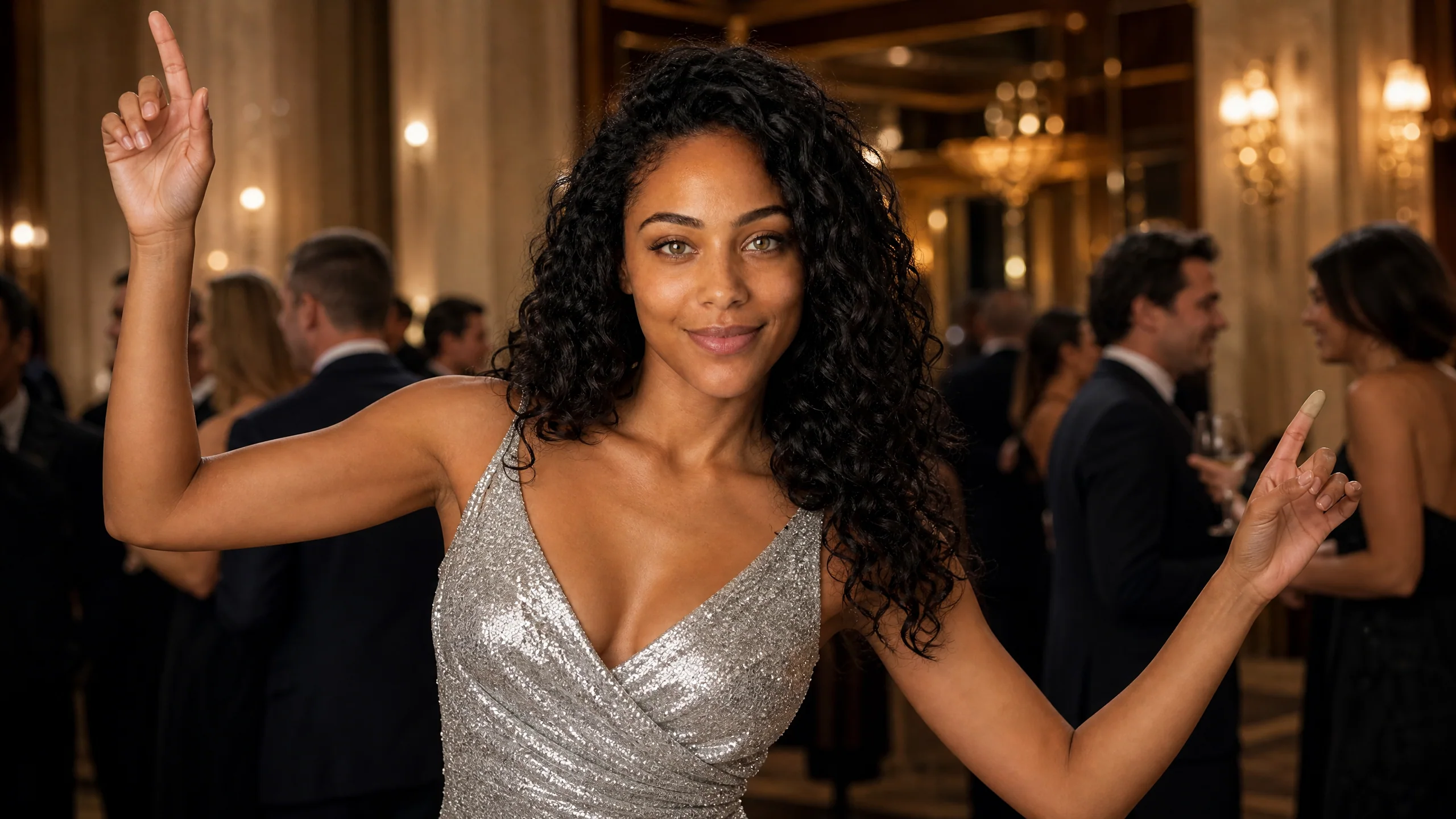
A confident adult woman in the completed Street Light Slide scene