























Seedance 2.5 Video Generator for Photo Stories That Need Time

Give a photo room to unfold, or join two photos in one move

ByteDance Seedance 2.5 builds clips of up to 30 seconds from one photo, a pair of frames or a written scene. Use the Seedance 2.5 video generator when a moment needs time to play out.

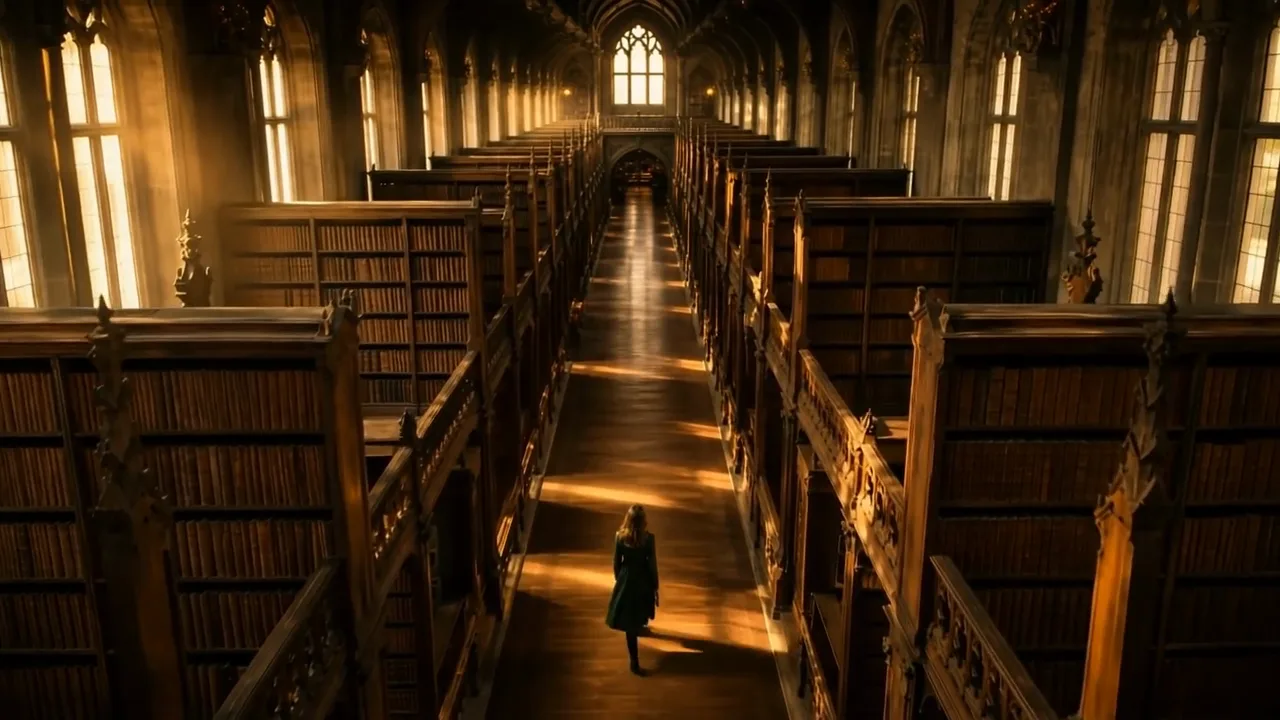
Seen from above, a woman in a green coat walks along a tall library aisle lit by early morning light
Clips up to 30 seconds
Photo-led openings
Two-photo transitions
Up to 10 reference audio clips
Seedance 2.5
First frame
Last frame
Image references
Video references
Audio references
Prompt
0/20480
Return last frame
Generate audio
Resolution
Aspect ratio
Duration
Web search
Number of outputs
Public Visibility
Required credits
280
Sample videos

Where Seedance 2.5 Fits Your Photo Story

Some photos need more than a few seconds: the walk from the trailhead to the view, a room before and after the move-in, a garden from morning to dusk. The Seedance 2.5 video generator lets a single photo, a pair of photos or a short written scene grow into a clip of up to 30 seconds, so the change has time to read on screen.

Start with Seedance 2.5
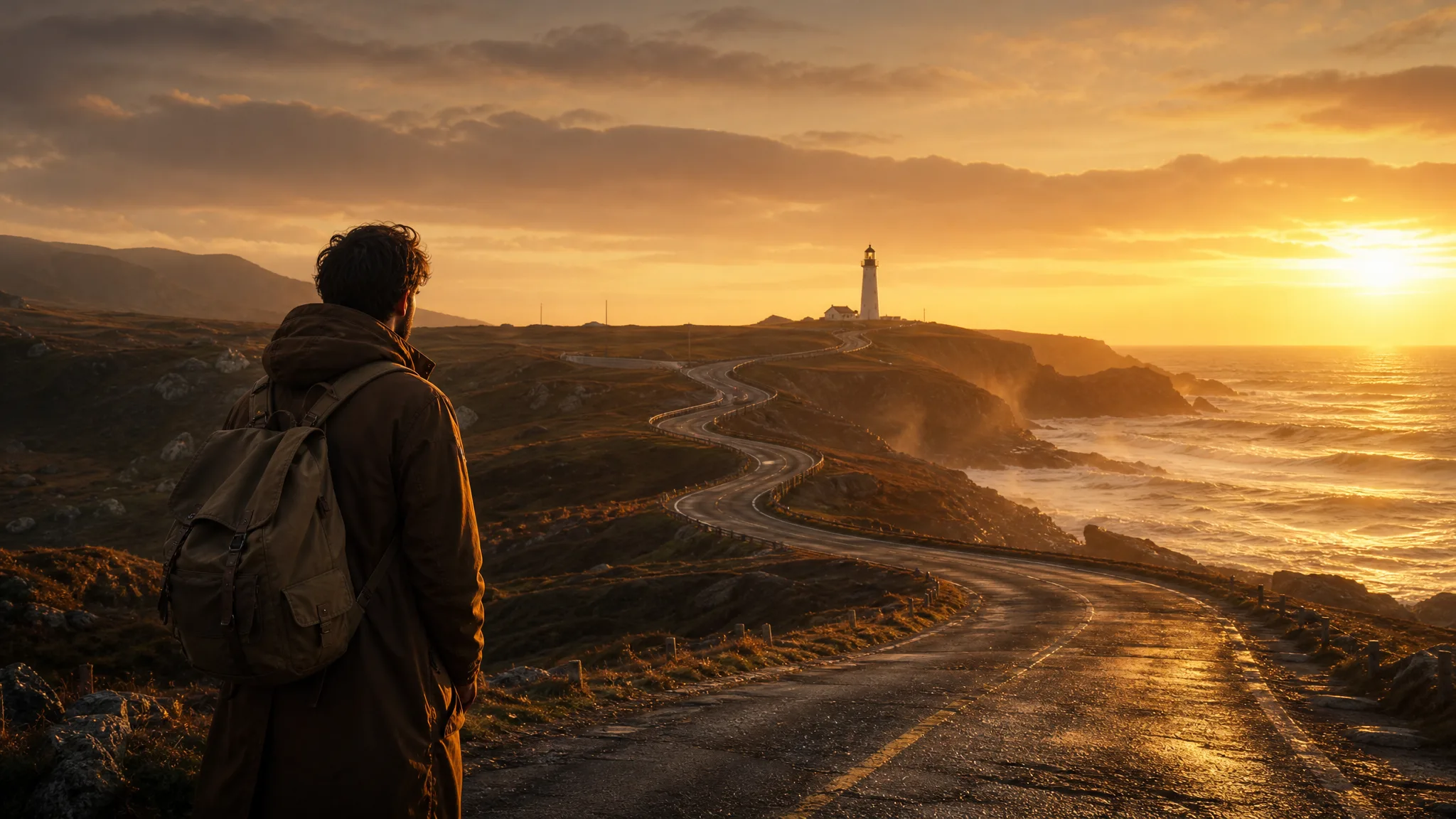
Backpacker at the foot of a coastal road that winds toward a lighthouse on a far headland at sunrise

How to Use the Seedance 2.5 Video Generator

The Seedance 2.5 video generator turns a photo, a frame pair, a written scene or a set of references into a longer clip in four steps.

1

Choose how the clip begins

Pick text, image, start and end frame or reference mode in the Seedance 2.5 video generator. Text suits an idea with no photo yet, one photo fixes the opening frame, two photos set where the clip starts and lands, and references lend it a look, a motion or a sound.

2

Describe the change over time

With up to 30 seconds to fill, describe a sequence that grows rather than repeats: a hiker walks up the path, the camera rises and the bay opens below. Name what must stay recognizable, such as a face or a logo, so the Seedance 2.5 video generator keeps it in view.

3

Set length and frame

Choose a length between 4 and 30 seconds, a resolution up to 1080p and a frame shape from 9:16 to 21:9. Give the Seedance 2.5 video generator enough time for the motion you described, then start the render.

4

Watch the whole take, middle included

Long clips can change course halfway, so play the Seedance 2.5 result from start to finish rather than checking only the ends. Keep the take that holds together, download it and build titles or narration around it in your editor; if one moment slips, adjust that line of the prompt and try again.

Four Ways to Start a Seedance 2.5 Clip

Each Seedance 2.5 mode answers a different question: what if there is no photo yet, what happens after this photo, how do two photos connect, and what can reference images, videos or audio lend the clip?

Start from words when there is no photo

Sometimes the picture exists only in your head: a woman crossing a grand library at dawn, seen from the balcony above. Describe the place, the person and one camera position, and the Seedance 2.5 video generator builds the scene from text. Read the result as a first sketch of the idea and refine the wording wherever it drifts from what you pictured.
Continue the moment inside a photo

A workshop photo of hands stitching leather already tells you what comes next. With Seedance 2.5 image to video the photo becomes frame one, and your prompt carries the action forward: the needle passes through, the thread tightens, the maker looks up. Check the hands and the shoe across the clip, because fine detail is what viewers study in a craft video.

Join a before and an after

Two photos taken from the same spot can become one continuous change: a hillside village at dusk, then the same view with every window glowing. Load both into the Seedance 2.5 video generator and say whether the light, the camera or the subject drives the change. The same idea works for a renovated room or a garden photographed in two seasons.

Steer the clip with reference images, video and audio

Reference mode lets the Seedance 2.5 video generator borrow from material you already have: up to 30 reference images for a face, an outfit or a place, up to 10 video clips for a movement or camera style, and up to 10 audio clips for rhythm or mood. A porch guitarist at dusk, for example, can take his look from a few photos and his feel from a short recording of the song.

Seedance 2.5 Video Generator Projects

The Seedance 2.5 video generator suits projects where a photo needs time, a second photo or a written scene to tell the whole story.

Home stagers showing a before and after

A home stager can pair a photo of the empty living room with one taken after styling, then ask the Seedance 2.5 video generator for a slow camera move that carries viewers from bare walls to the finished room. The clip opens a listing video or a post about the project.

Shop owners opening the box

A shop owner can load a closed-box photo and an open-box photo into the Seedance 2.5 video generator and describe the lid lifting. Check the label and the product shape in the middle frames before adding the price and launch text in an editor.

Travel bloggers with a long reveal

A travel blogger can start from a single photo at the trailhead and describe the climb toward the view over 20 or 30 seconds. The longer length lets the reveal breathe, so the recap opens with one continuous shot instead of a quick cut.

Parents animating a child’s drawing

A parent can photograph a crayon drawing of a rocket and describe it lifting off past paper stars. The Seedance 2.5 video generator gives the drawing a short adventure the child can watch again and again, with the original drawing shown first.

Event planners sketching a venue

An event planner can describe a candlelit dinner hall in text mode before any photos exist, then share the clip with a couple to agree on lighting and mood. The written-scene option is useful while the venue is still only an idea.

Cafés running a calm screen loop

A café owner can turn a photo of the counter into a 30-second clip of steam rising and light shifting across the cups, made with the Seedance 2.5 video generator for the screen by the till. A longer clip repeats less often, so the motion feels calm.

Stories from People Who Tried It on Their Photos

Before-and-after photos of a staged living room never quite show the change. I loaded the empty room and the finished one into the Seedance 2.5 video generator as start and end frames and asked for a slow walk-in. The twenty-second clip now opens every listing tour I send to agents.

Grace L.
Home Stager

Seedance 2.5 Video Generator FAQ

What the Seedance 2.5 video generator accepts, how long its clips run, how sound works and what to check before you publish.

The Seedance 2.5 video generator turns text, one photo, a pair of frames or a set of references into a clip of 4 to 30 seconds. PicVideo runs ByteDance’s Seedance 2.5 model for stories that need time to unfold, such as a walk toward a view or a room going from day to night.

Use Seedance 2.5 image to video when one photo already shows the opening you want, like a child at the start of a garden path or a product on a table. Describe what happens next and how the camera follows; switch to text mode when you have an idea but no photo yet.

Give Seedance 2.5 an opening photo and a closing photo, then write the change between them, for example the same street at dusk and after every window lights up. Photos taken from a similar viewpoint join most smoothly. Watch the middle of the clip closely, since that is the part the model fills in.

The Seedance 2.5 video generator delivers picture-only clips on PicVideo, ready for the narration, room tone or score you lay over them in your editor after download.

Seedance 2.5 clips on PicVideo run from 4 to 30 seconds at 480p, 720p or 1080p. Frame shapes are 16:9, 9:16, 1:1, 4:3, 3:4, 21:9 and adaptive. Longer settings suit slow reveals, while a shorter clip keeps a quick gesture tight.

Play the Seedance 2.5 take in full and look at faces, logos and the middle of any transition. Make sure you have permission for the photos you used and the people in them, then download the clip and add titles or a voiceover in your editor.

Photos you upload to the Seedance 2.5 video generator stay unpublished. On a free account, finished Seedance 2.5 clips remain publicly visible and may appear in Explore after review; a subscription or one-time pack makes new generations private from the start.

Create a Longer Clip with the Seedance 2.5 Video Generator

Bring one photo, two frames or a written scene, describe how the moment changes, and the Seedance 2.5 video generator returns a clip of up to 30 seconds. Review the middle frames, keep the best take and place it where the story needs room.

Make a Seedance 2.5 Clip
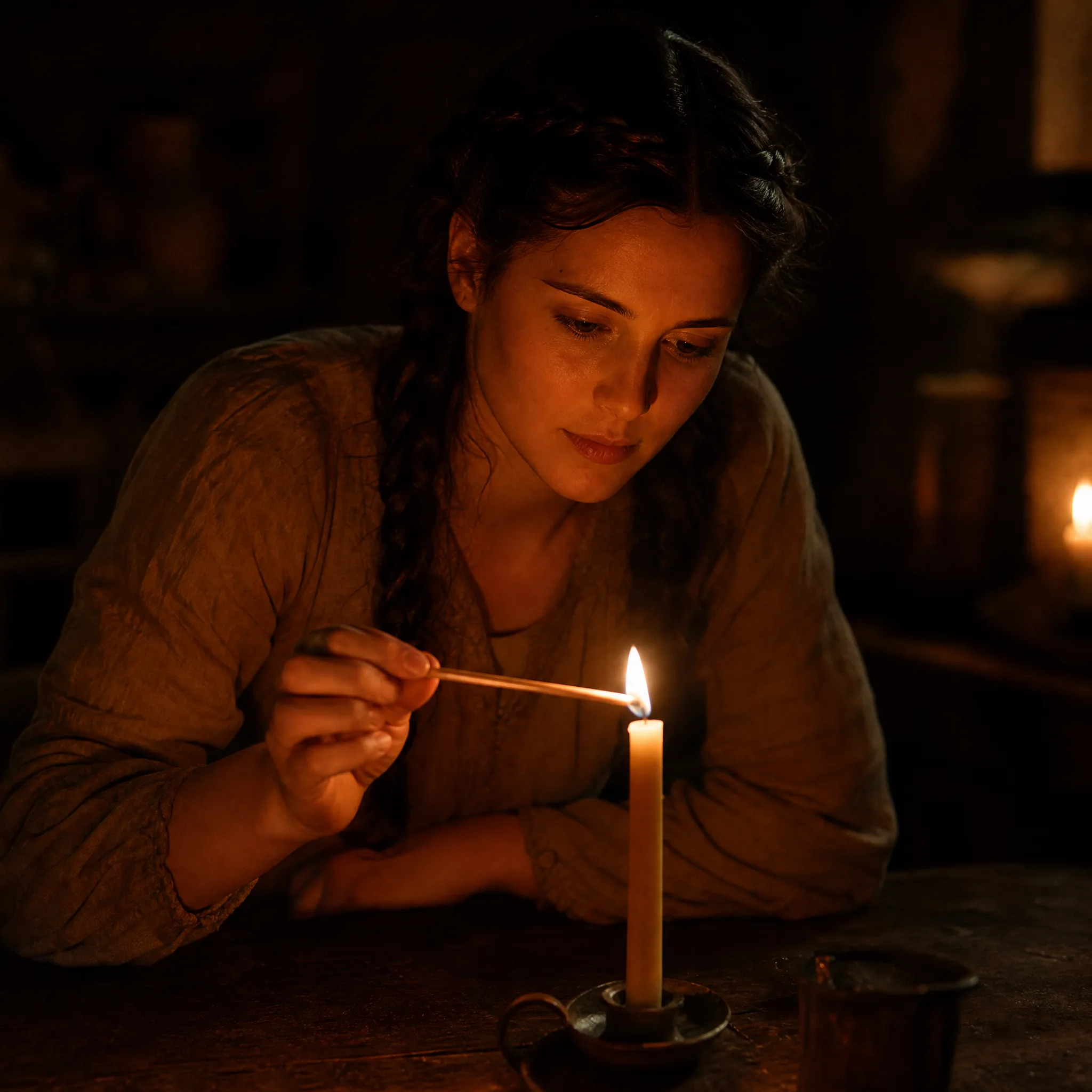
Woman with a dark braid striking a long match to light one candle on a dark wooden table