

























Tiny Desk AI Video Generator

Use the Tiny Desk AI video generator with one clear adult portrait to replace the close-up lead singer. The prepared scene supplies the backing band, microphone, sax break and ten-second ending.

Upload Your Lead Singer0/1

JPG / PNG / WebP · 1 file · Max 20 MiB per file

Styling note (optional)
0/300
Resolution
Number of outputs
Public Visibility
Required credits
96
Sample videos

Tiny Desk AI Video Generator for Your Solo Lead Moment

One portrait. Your moment at the microphone.

The Tiny Desk AI video generator turns one portrait into a ten-second concert clip with your face as the lead singer. Upload a clear photo to join the intimate studio scene, with a singing close-up, a saxophone break and a band finale in one vertical video with sound.

Give a friend the spotlight, turn a favourite selfie into a musical reply or make a birthday message feel like a tiny live session. The prepared scene supplies the backing band, room and performance, so you can focus on choosing your lead with the Tiny Desk AI video generator.

Make My Concert Clip
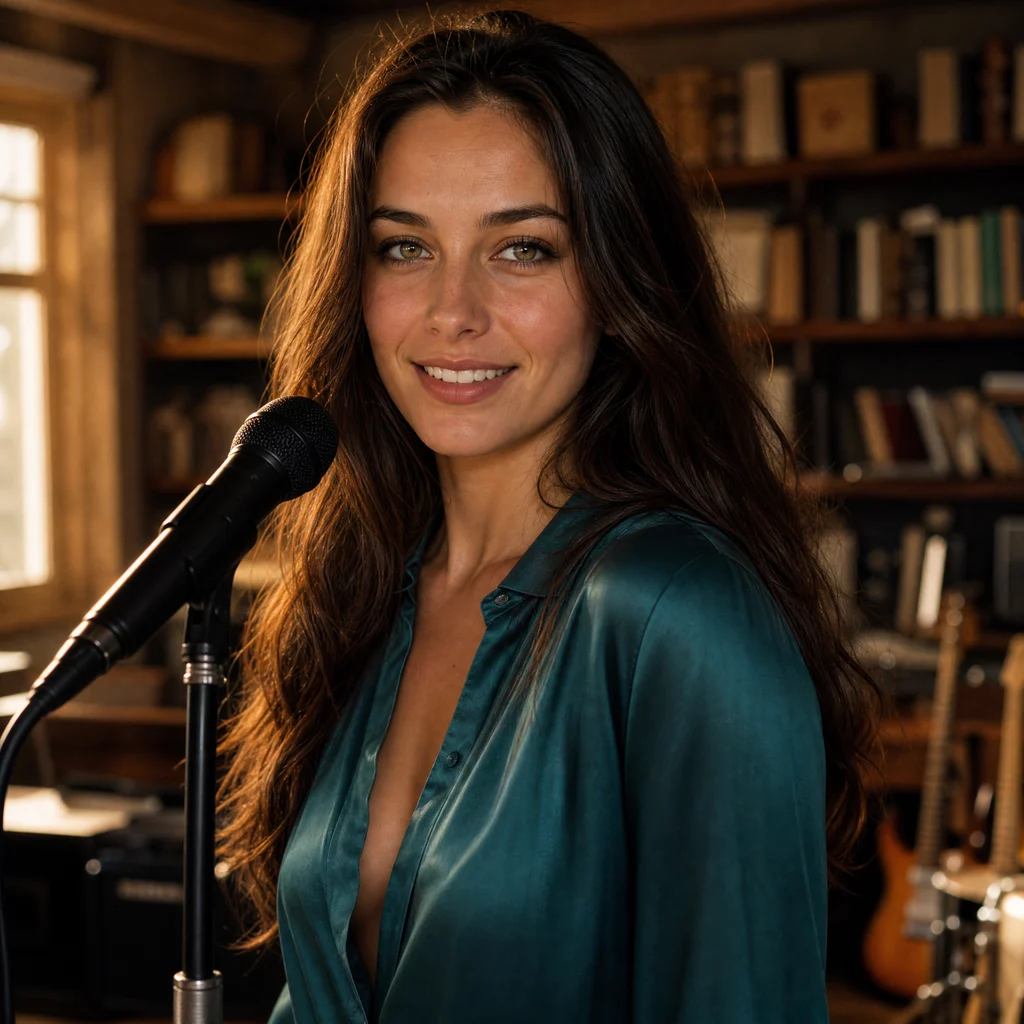
A dark-haired woman in teal at a microphone in a book-lined Tiny Desk AI studio
One Portrait|Singing With Sound|10-Second Performance|Ready-Made Scene

How to Make a Tiny Desk AI Video

Make a Tiny Desk AI video by choosing your lead, adding one photo and previewing the complete concert moment.

1

Choose Your Lead Portrait

Pick one well-lit adult portrait with clear eyes, an unobstructed face and visible hair. A relaxed head-and-shoulders photo gives the Tiny Desk AI video generator a readable identity for the singing close-up. Choose the person you want at the microphone before uploading, and check that the image contains just that lead.

2

Upload One Photo to the Concert Scene

Add the portrait to the lead-singer slot. The prepared scene supplies the backing band, bookshelves and microphone, while your photo defines the close-up performer. With the Tiny Desk AI video generator, one portrait is enough to begin; you can add a short appearance note if there is a detail you want to emphasize.

3

Generate Your Singing Moment

Choose the available quality for your concert clip. The Tiny Desk AI video generator uses the prepared performance, so you do not need to build a concert prompt or upload a second scene. Start generation when your portrait and settings are ready, then wait for the completed clip to appear.

4

Watch, Listen and Save the Whole Clip

Play the finished Tiny Desk AI video with sound. Watch the singer through the smile and laugh, then let the saxophone shot and band ending finish before downloading. Save the complete vertical file for a personal message or short post, and choose a caption that fits the person you put in the spotlight.

Tiny Desk AI: Your Singing Close-Up and Band Finale

Tiny Desk AI puts your chosen singer into a compact performance with a close-up, a musical handoff and a complete band ending.

Your Photo Leads the Tiny Desk AI Video Generator

Your portrait gives the lead singer a familiar face while the room and supporting performers come from the prepared scene. The Tiny Desk AI video generator keeps the task focused on one close-up role, so a good selfie can become a concert moment without collecting a separate photo for every person in the band.
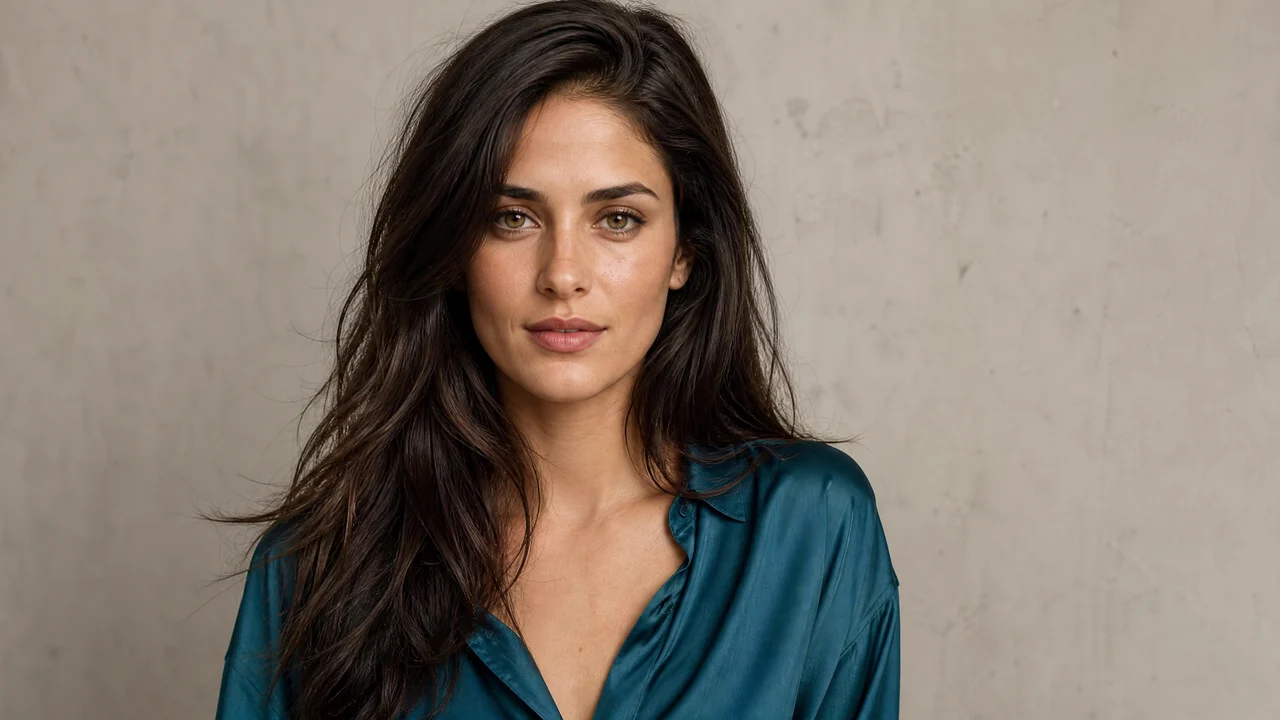
A clear portrait of a dark-haired adult woman in a teal blouse

A Singing Close-Up With Personality

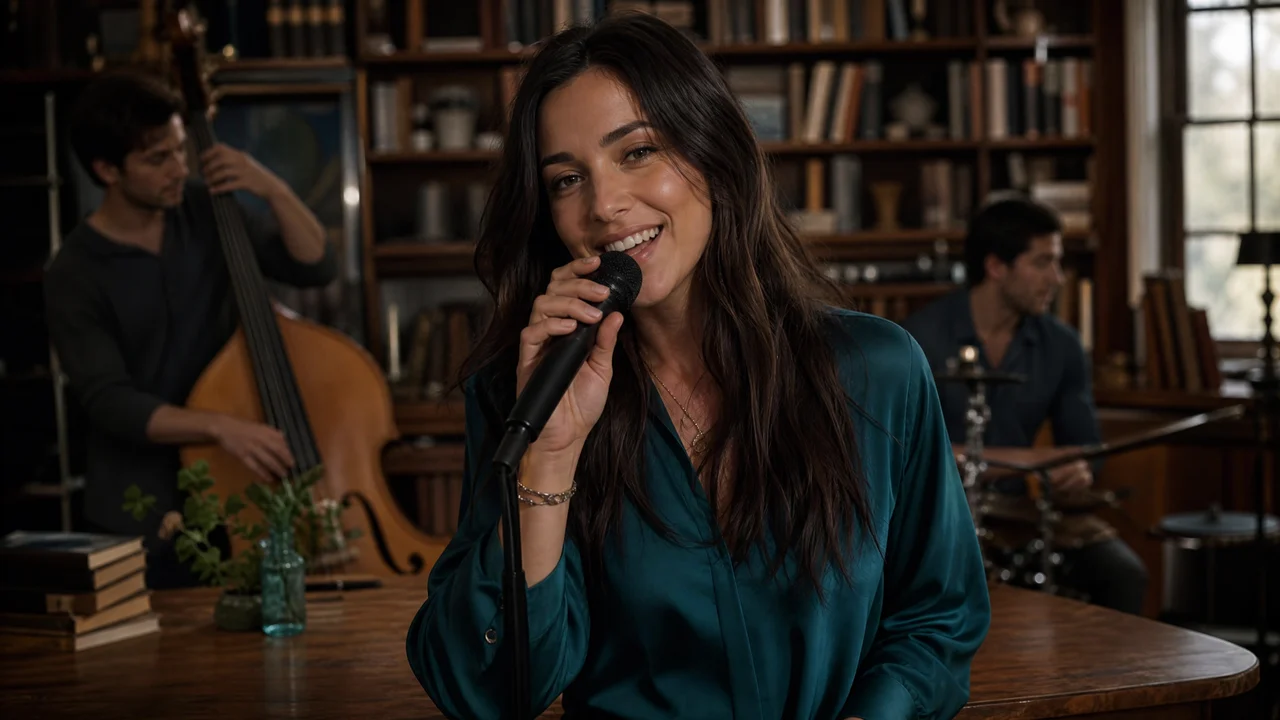
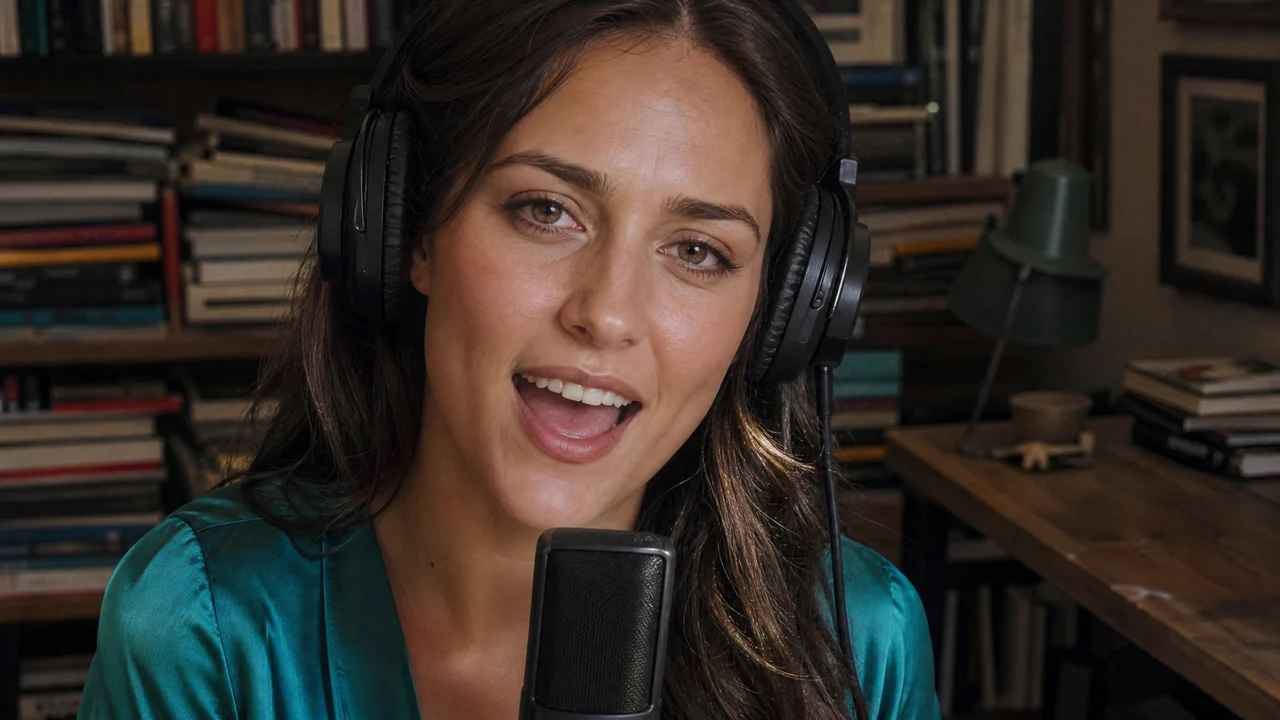
The smile, laugh and movement around the microphone give the performance its character. With the Tiny Desk AI video generator, the lead moment is more than a still portrait placed over a stage: your chosen face becomes part of the intimate studio framing. Preview the expression changes to find the moment you most want friends to see.

An adult woman singing and smiling beside a studio microphone

A Sax Break That Carries the Scene

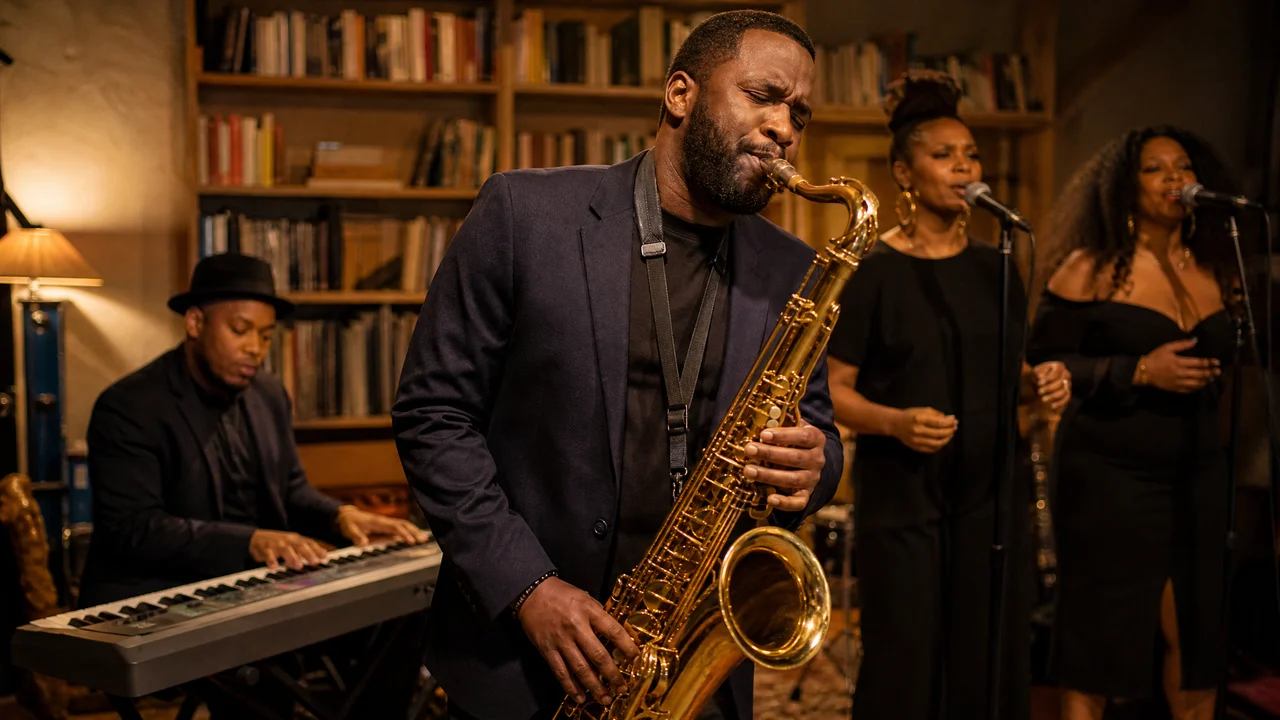
The camera hands the performance over to the saxophonist before returning to the wider band. That change of shot gives the Tiny Desk AI video generator its concert rhythm, with the supporting musicians remaining separate from your lead singer. Let the musical handoff play through when you preview, so the clip feels like a small performance rather than an isolated face shot.

A saxophonist playing in a book-lined room with supporting musicians

A Complete Band Finale With Sound

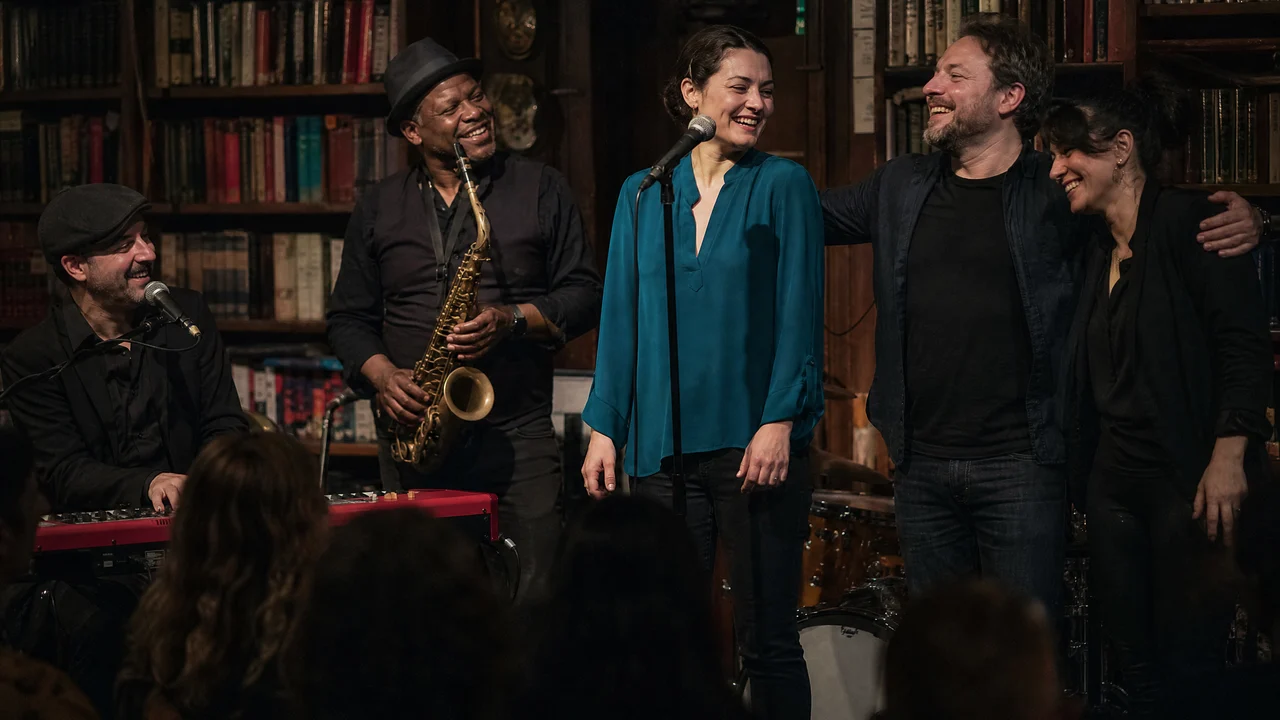
The ten-second vertical video includes a band ending and sound, ready to watch as one small musical scene. Tiny Desk AI gives your close-up a place within that performance, from the first expression to the final shot. Download the whole clip when you want to send a musical reply or add a concert moment to your next personal post.

A small band finishing a performance in a book-lined studio

Tiny Desk AI Video Ideas for Friends and Group Chats

Use a Tiny Desk AI video when a familiar face and a short musical scene say more than another text reply.

A Birthday Spotlight for a Friend

Give the birthday person the lead-singer role and send the clip with your own greeting. The Tiny Desk AI video generator turns one clear portrait into a small concert moment, so the message can feel personal even when your friends are celebrating in different places.

The Group Chat’s New Lead Singer

Cast the friend who always takes over the playlist and drop the finished performance into your next music conversation. A Tiny Desk AI video generator clip gives the chat a specific person, expression and ending to react to, instead of another forwarded concert screenshot.

A Musical Reply to Good News

Turn a favourite selfie into a cheerful reply when someone shares a new job, a finished project or weekend plans. The Tiny Desk AI video generator gives the message a short performance you can send with a few words of your own, keeping the celebration centred on the people in your conversation.

A Playful Post for Music Friends

Make a Tiny Desk AI clip for the friends who recognise the desk-concert setting and enjoy a performance joke. Save the vertical file, watch it with sound and add your own caption before posting. The close-up and sax break give the short video a beginning and a musical handoff to enjoy.

What People Make With the Tiny Desk AI Video Generator

I picked a portrait from our rehearsal break for the Tiny Desk AI video generator. The singing close-up was the part I wanted, but I liked having the sax shot afterwards too. I watched it with sound and sent the whole clip to the friends who are always asking when I am performing next.

Maya Bennett
Music Teacher

Tiny Desk AI Video Generator Questions

Find quick answers about the Tiny Desk AI video generator, from choosing a portrait to saving your concert clip.

The Tiny Desk AI video generator turns one adult portrait into a ten-second vertical concert video. Your photo supplies the close-up lead singer, while the prepared scene supplies the microphone, backing musicians, saxophone break, band ending and sound.

The Outstanding Tiny Desk AI trend places a familiar face inside an intimate desk-concert performance. This version focuses on one lead singer, followed by a saxophone shot and a band finale, so you can join the scene using a single portrait.

Sign up to receive free credits for the Tiny Desk AI video generator, then collect more through daily check-ins. Consecutive check-ins bring bigger rewards. Use your credits to make your concert clip, and choose a quality setting in the workspace to see the current estimate before you start.

A clear adult portrait with visible eyes, face and hair works best for a Tiny Desk AI video. Use even lighting and a front or gentle three-quarter view. A head-and-shoulders image with one person gives the close-up singer a clear identity to follow.

This Tiny Desk AI maker has the prompt and reference performance already prepared in the template. Upload your portrait and choose the available quality to begin. An optional note can highlight an appearance detail, but you do not need to describe the band, camera cuts or musical setting from scratch.

You can use a clear adult portrait of the friend you want to cast as the lead singer. The Tiny Desk AI video uses one uploaded identity for that close-up role, with the supporting band supplied by the scene. Choose a portrait that makes your friend easy to recognise.

Your Tiny Desk AI video is a ten-second vertical clip with sound. It runs from the lead-singer close-up through the saxophone break to the band ending. Play the full preview with sound before downloading the file you want to share.

Start with a sharp portrait where the face is large enough to see clearly. For your Tiny Desk AI video, choose even light, visible eyes and uncovered facial features. Check the singer during the smile and laugh when you preview, as those moments show how the face moves.

Create Your Tiny Desk AI Video

Choose the portrait you want at the microphone and bring a familiar face into the concert. The Tiny Desk AI video generator prepares the scene and supporting band, so your next step is to upload one lead photo and make your musical moment.

Upload My Lead Portrait
An adult woman singing and smiling beside a studio microphone