AI Face Dance Generator

Add one clear portrait and watch that face point, wave and grin through an upbeat routine to music.

Upload Your Portrait0/1
Styling note (optional)
0/300
Aspect ratio
Resolution
Number of outputs
Public Visibility
Required credits
368
Sample videos

AI Face Dance Generator for Upbeat Hand-Gesture Clips

Your portrait leads a cheerful hands-and-face routine aimed right at the lens

Got a selfie with a big smile or a clean headshot from work? Upload it and that face becomes the dancer in a sunny white room, a tall window on one side and a green plant on the sill. To an upbeat track, the person points both fingers at the camera, waves, turns open palms outward and switches between playful expressions, every move landing on the beat. The routine, the eye-level framing and the music are already set, so there is nothing to describe. Send the 15-second result as a birthday hello, a channel opener or a group-chat reaction from the AI face dance generator.

Make Your Photo Dance
Young woman with long dark hair in a light blue shirt grinning and pointing both index fingers at the lens in a white room
Routine Already Choreographed|One Portrait, One Dancer|Track Plays Along|Points, Waves and Palms

How to Make Your Photo Dance in Three Steps

The AI face dance generator needs one portrait and three short steps: upload, start the built-in routine, then pick the take you want to share.

1

Upload one front-facing portrait

Choose a photo of one person looking into the lens, with eyes, mouth and hairline in clear light, and add it to the upload box. The AI face dance generator turns exactly this face into the dancer, so a close, sharp selfie works better than a far-away holiday shot.

2

Adjust the options and start

The white room, the eye-level camera, the hand-gesture routine and the music are part of the template, and MiniMax H3 renders the dance. Add a styling note of up to 300 characters if you want, pick 768P or 2K, an aspect ratio such as 9:16 and one to four videos, then start the AI face dance generator.

3

Check the takes and download

A status card follows every video as it renders. Play each take with sound, check that the points, waves and expressions read clearly and that the face still looks like you, then download your favourite and add a caption in any editor.

Give One Portrait a Full Hands-and-Face Routine

The AI face dance generator turns one still face into a lively routine aimed at the camera. Here is how the portrait, the moves, the music and the sharing fit together.

The AI face dance generator starts with your face

Everything begins with one clear portrait, such as a studio headshot, a selfie by a window or a creator profile picture. When the eyes and mouth are visible and the light is even, the AI face dance generator can keep that face recognizable through every grin and gesture, so friends know who is dancing straight away.
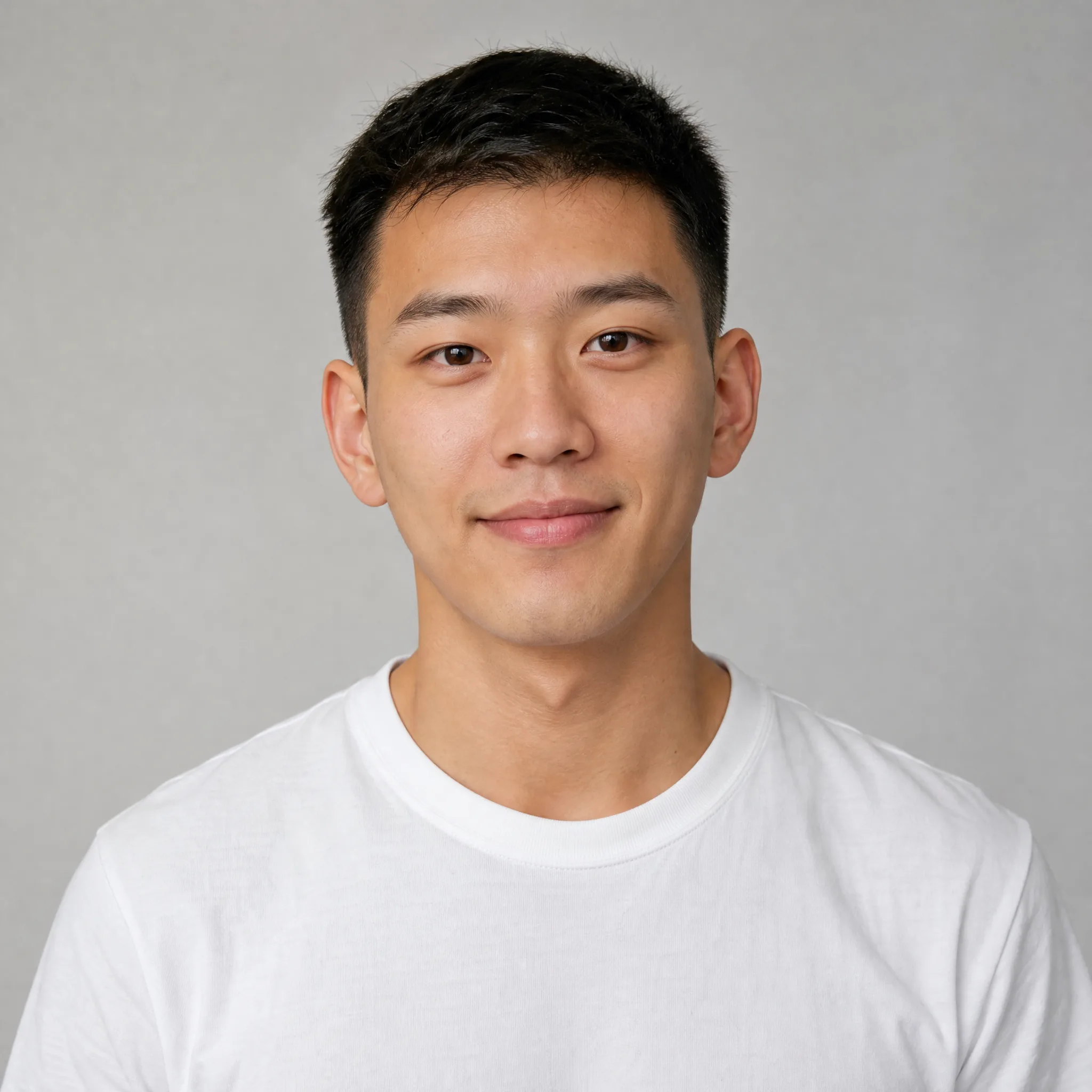
Young man with short black hair and a faint smile in a white t-shirt, facing the camera against a grey studio backdrop

Points, waves and open palms

The routine is built from hands and expressions rather than footwork: quick finger points at the lens, friendly waves, palms flipped open and a run of cheeky faces. Dressed in a light blue button-up shirt, your portrait performs every move, and the AI face dance generator keeps the gestures big enough to read on a small phone screen.

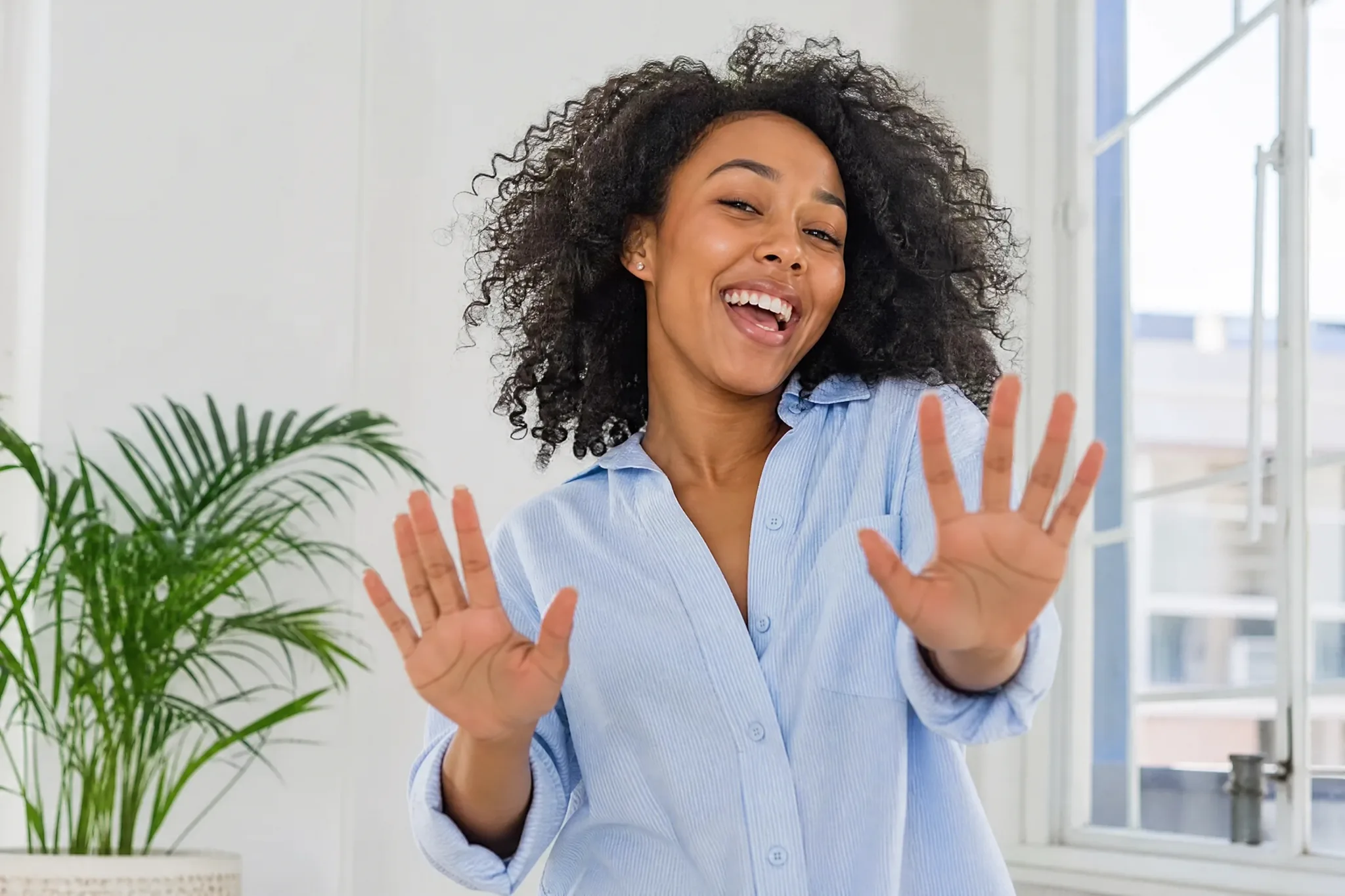
Curly-haired young woman in a light blue shirt holding both palms up to the camera with a wide grin in a white room

A photo to dance video that follows the music

Every photo to dance video carries the routine’s track, and each gesture lands in time with it for the full 15 seconds. A fixed eye-level camera, window daylight and a plain white room keep attention on the dancer, which is why an AI face dance generator clip stays easy to follow on any screen.

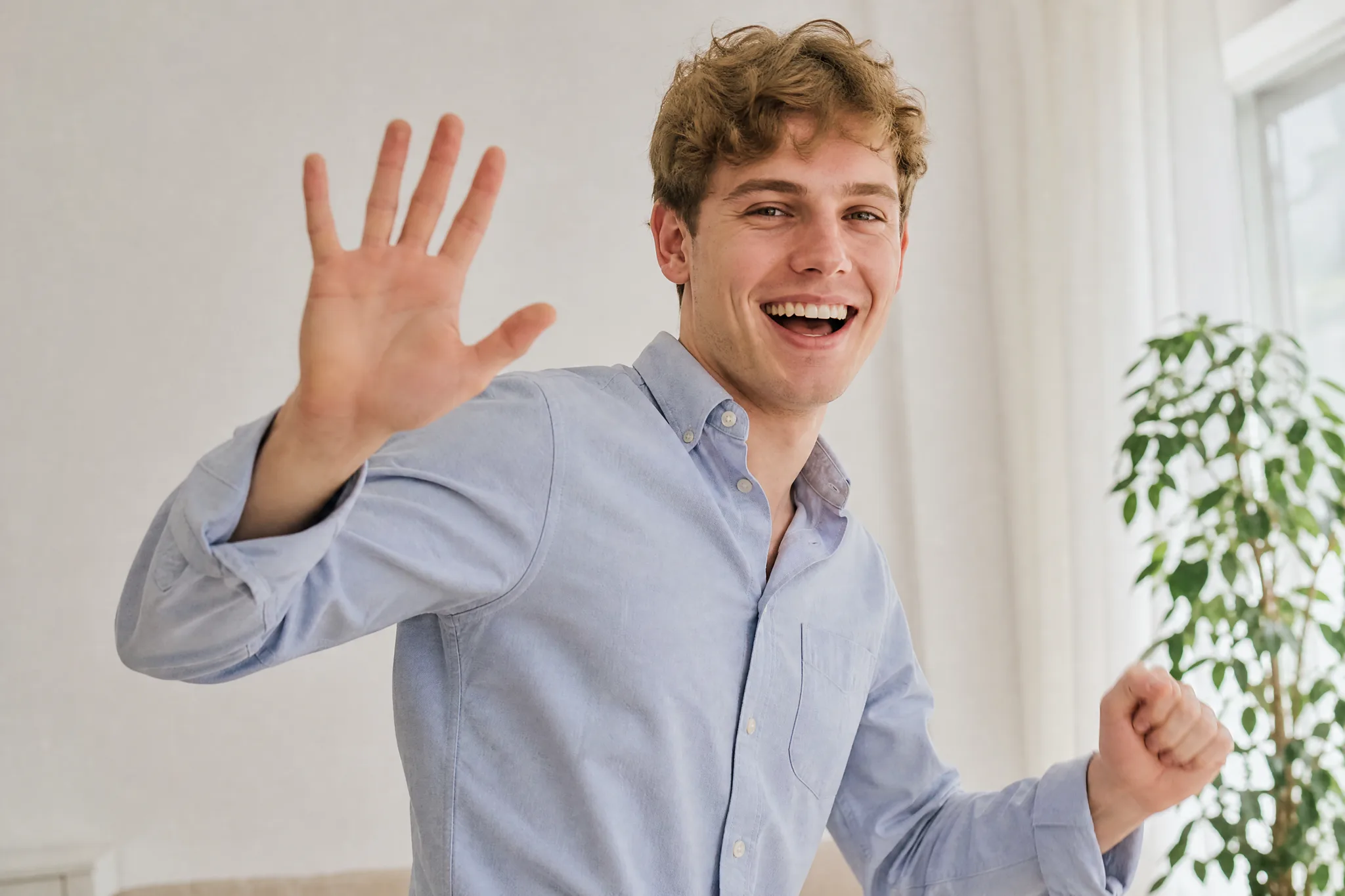
Laughing young man with wavy light brown hair waving one open hand at the camera in a bright room beside a window

Ready for chats, reels and birthdays

Send the finished dance to a group chat, use it to open a reel or post it as a birthday shout-out with the person’s name. Download your favourite take from the AI face dance generator, add a caption in any editor and share it wherever your friends already spend their time.

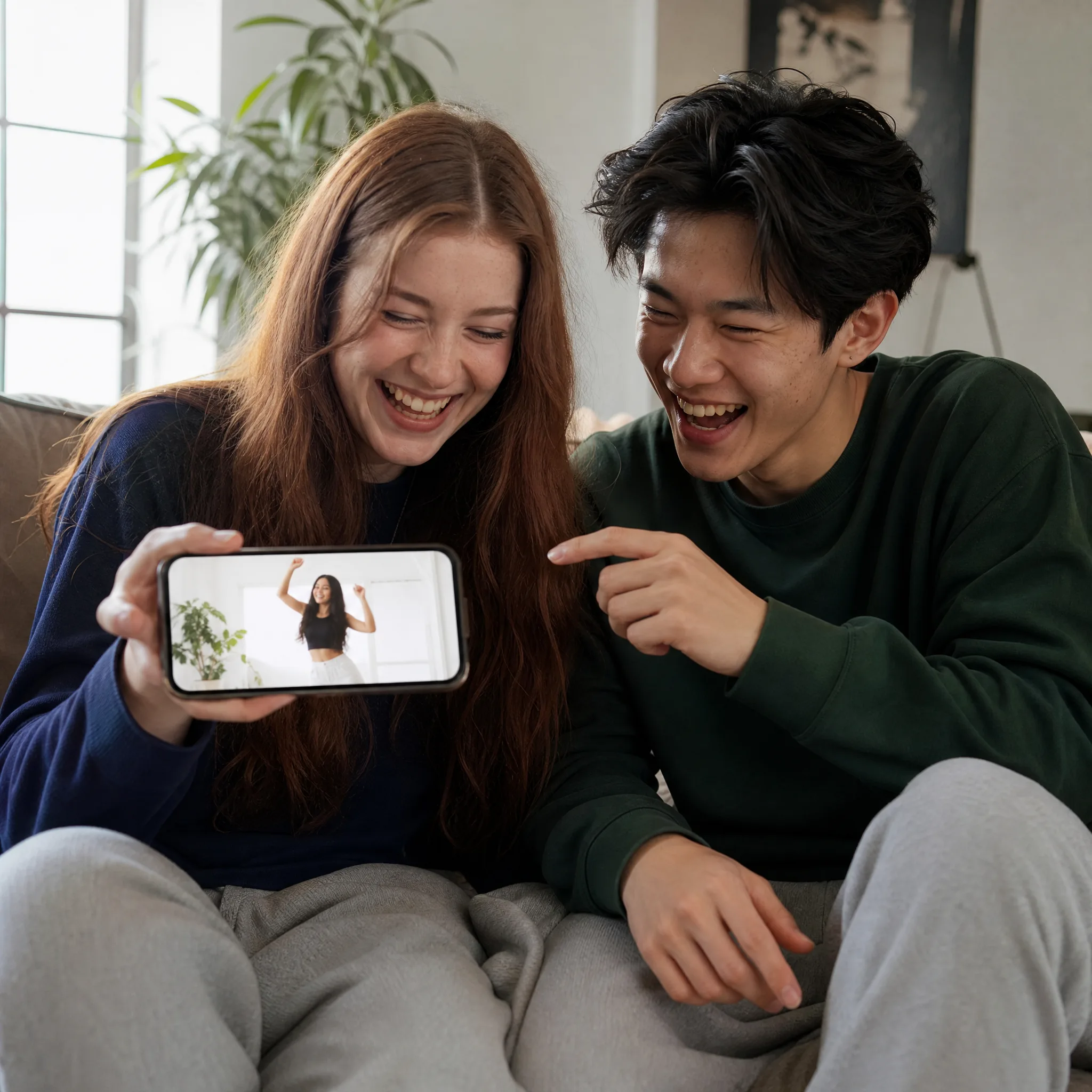
Two friends on a beige sofa laughing at a phone that plays a woman dancing with raised hands in a white room

Fun Ways to Use the AI Face Dance Generator

One portrait and the AI face dance generator can cover a birthday greeting, a channel intro, a class or team series and a ready-made reaction. Pick the occasion first, then the photo.

Birthday greetings with a grin

Instead of a plain text, send the birthday person a clip of their own photo pointing and waving at them. Use a picture friends know well and the AI face dance generator turns it into a greeting that is easy to forward around the family chat.

Channel intros and reel openers

Creators can open a vlog, a short or a link-in-bio video with 15 seconds of their own face dancing to the beat. Choose 9:16 for shorts or 16:9 for a channel, generate with the AI face dance generator and add your title text in the editor.

Team and class spotlight series

Run each colleague’s or classmate’s portrait through the same routine, one person per video, and post the set as a spotlight series or a farewell montage. Matching rooms and moves make the AI face dance generator clips feel like one collection.

A reaction clip saved for later

Make your photo dance once and keep the clip ready for good news, weekend plans or a long-running group joke. The grin and the open palms say what a typed reply cannot, and you can drop it into any chat whenever the moment comes.

Stories from People Who Tried It on Their Photos

Our recital promo needed something parents would actually share. I collected a headshot from each teacher and ran them through the AI face dance generator one by one, so all six of us pointed and waved to the same track. The series went into our story highlights and made enrolling feel playful.

Chloe D.
Dance Studio Owner

AI Face Dance Generator Questions

Answers about the AI face dance generator: what the effect makes, starting free, picking a portrait, the built-in routine, dancing with other photos, clip format and tips.

The AI face dance generator is a photo effect that turns one portrait into a short dance clip with music. The person from your photo stands in a bright white room and performs a cheerful hand-gesture routine to the camera, with finger points, waves, open palms and big expressions.

You can begin for free: sign up and free credits land in your account, and the daily check-in adds more, with consecutive days multiplying the reward up to 4x on day 7. Spend them on AI face dance generator clips or on other image and video creations.

A front-facing portrait of one person with visible eyes and mouth, even light and the whole head in frame works best when you make your photo dance. A natural smile helps the grins and expressions look like the real you.

A photo to dance video here only needs your portrait, because the routine, the room, the camera and the music come with the template and MiniMax H3 renders them. An optional styling note of up to 300 characters can adjust small details such as glasses or a hair clip.

Any clear portrait can star in the routine, one person per clip. Make a dance for each friend, sibling or grandparent, and line the AI face dance generator clips up as a series for a party or a group chat.

Each clip runs about 15 seconds and plays the routine’s music. MiniMax H3 renders it at 768P or at sharper 2K, with Auto framing or a set ratio among 21:9, 16:9, 4:3, 1:1, 3:4 and 9:16 for shorts, stories and chats.

Start with a sharp portrait in soft, even light and keep hats, hands and sunglasses away from the face. A relaxed smile blends best with the grins in the routine. Generate up to four videos per run and keep the one where the face matches your photo most closely.

Turn Your Portrait into a Dance to the Beat

Upload one portrait and the AI face dance generator makes that person point, wave and grin to music in a sunny white room. Pick the take you like most, download it and send it to someone who could use a smile.

Make Your Photo Dance