





























Skull Cap AI

Use the skull cap AI video generator with one adult portrait. Your face carries through the playful opening, cap-on transition and dark hoodie reveal in a twelve-second vertical scene with sound.

Upload Your Portrait0/1

JPG / PNG / WebP · 1 file · Max 20 MiB per file

Styling note (optional)
0/300
Resolution
Number of outputs
Public Visibility
Required credits
116
Sample videos

Skull Cap AI Video Generator for Your Mood Switch

One portrait. Two attitudes. A cap-on reveal.

Upload one clear adult portrait and turn a playful expression into a dark, hooded close-up with the skull cap AI video generator. Your photo supplies the person, while the prepared scene supplies the cap, the transition and the twelve-second vertical sequence with sound.

Make a dramatic reply for the group chat, give a friend a serious alter ego or put your own face into the goofy-to-cold mood switch. The bright opening sets up the joke; the cap and hood deliver the reveal. Choose your portrait and make both sides of the moment with the skull cap AI video generator.

Make My Skull Cap Video
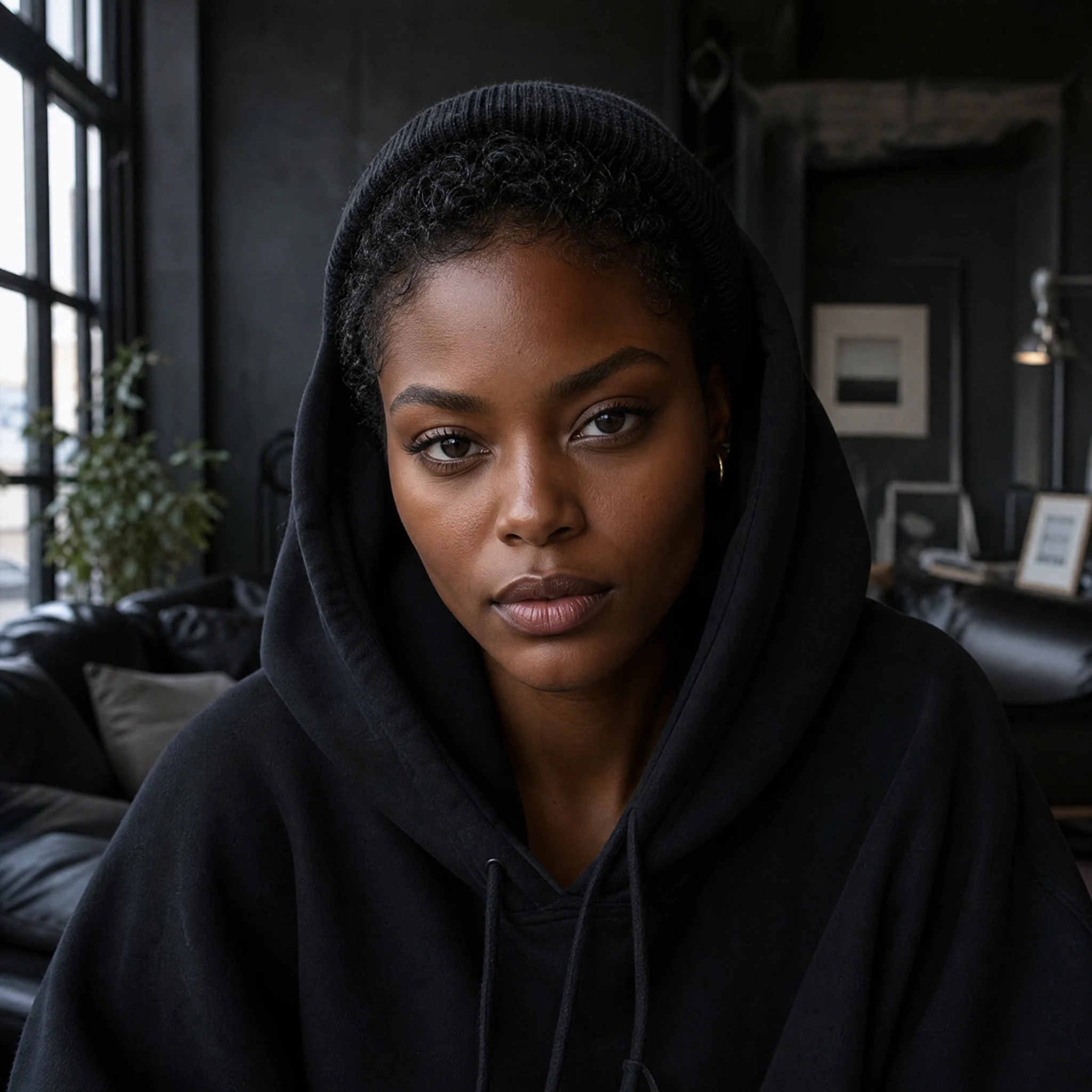
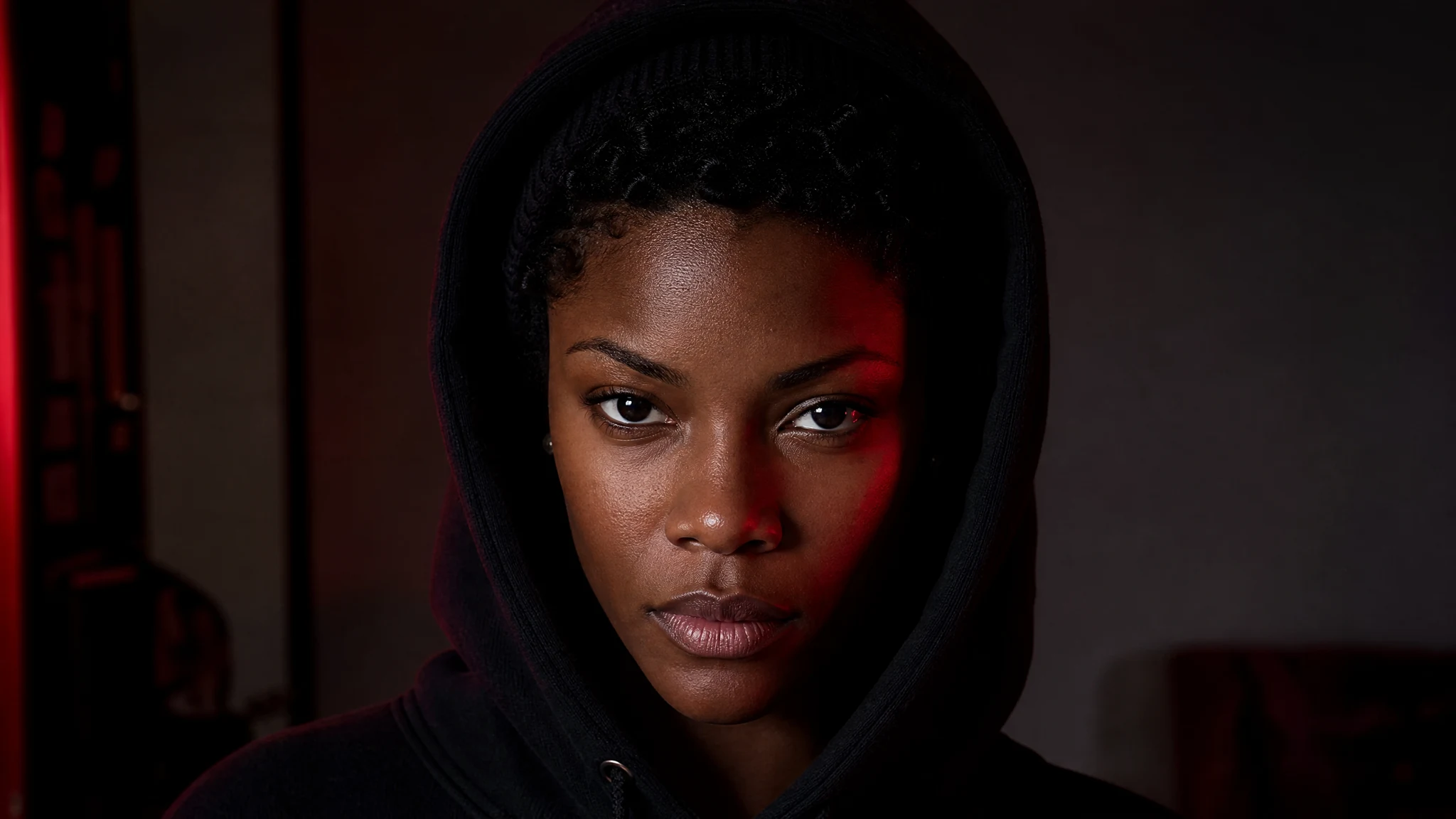
A striking dark-skinned woman in a black knit cap and hoodie looking directly at the camera in red side light
One Adult Portrait|Complete Mood Switch|12 Seconds With Sound|Ready-Made Template

How to Make Your Skull Cap AI Video

Make your Skull Cap AI video by choosing a portrait, using the prepared scene and watching the complete result.

1

Choose a Portrait With Personality

Choose a sharp adult portrait for the skull cap AI video generator, with a face that is easy to recognize. Keep both eyes visible and leave room around the head and shoulders. A relaxed expression gives the skull cap AI scene a clear starting identity, while the prepared performance supplies the playful opening and the later serious look.

2

Add Your Photo and Make the Switch

Upload your portrait to the skull cap AI video generator. The skull cap trend AI template already contains the cap, the hoodie reveal and the shot sequence. Start your clip with the prepared movement and sound.

3

Watch Both Looks and Save Your Clip

Play the twelve-second result from the opening through the final stare. Notice how your face carries across the cap movement and into the dark hoodie close-up. Save your skull cap AI video for a group-chat reply, a personal post or a short reaction with your own caption.

Skull Cap Trend AI: The Complete Mood Switch

See how skull cap trend AI connects your portrait with the opening, movement and final close-up.

Your Portrait Leads the Skull Cap AI Video Generator

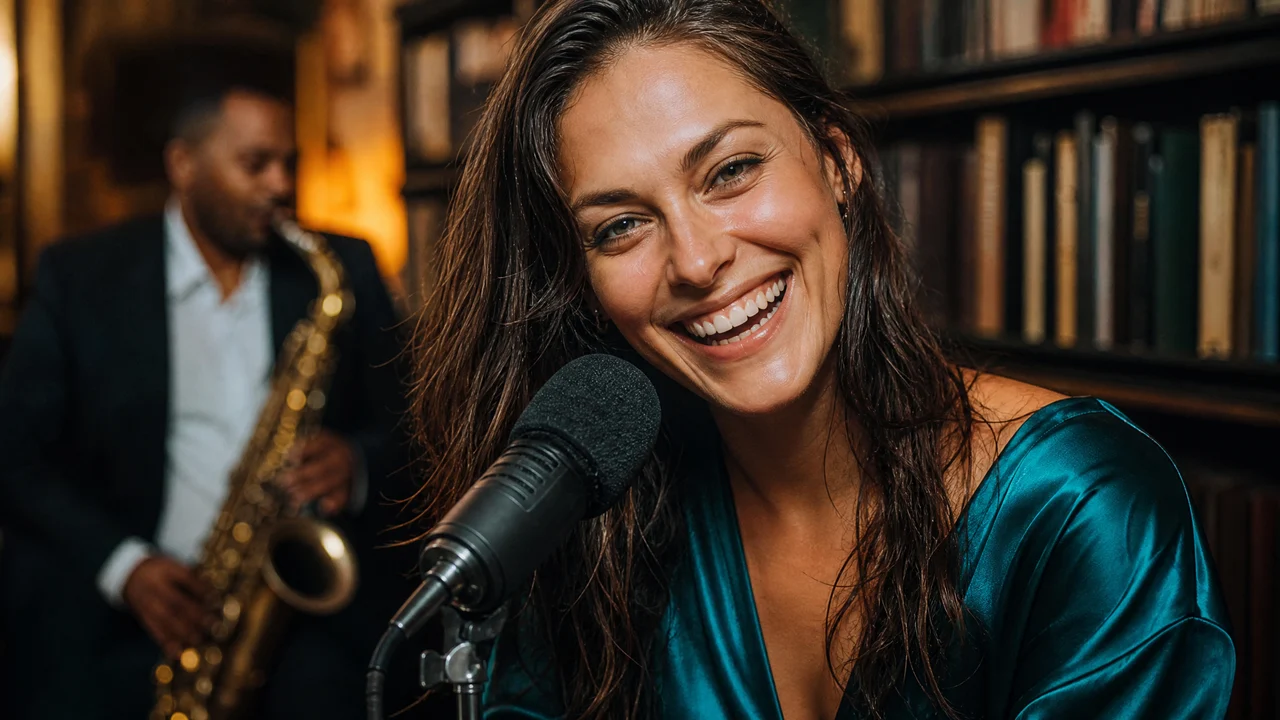
The face in your photo gives the clip its personal connection. Clear eyes, facial shape and skin tone make the reveal feel like your own change of attitude. The skull cap AI video generator uses that portrait across the opening and the hooded ending, so the two looks belong to one recognizable person rather than two unrelated characters.
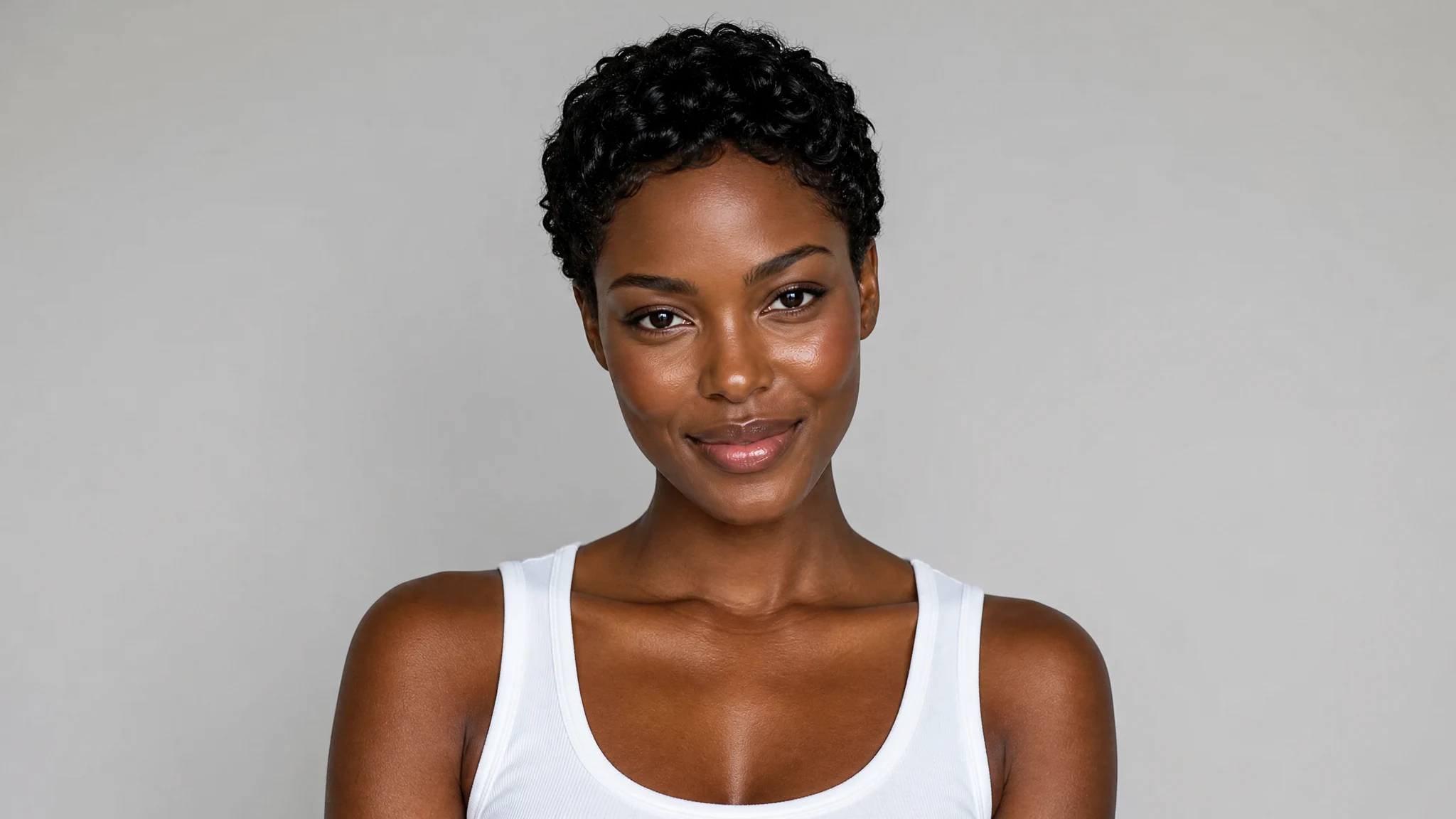
A clear adult portrait with visible eyes and an unobstructed face

A Playful Opening That Sets Up the Reveal

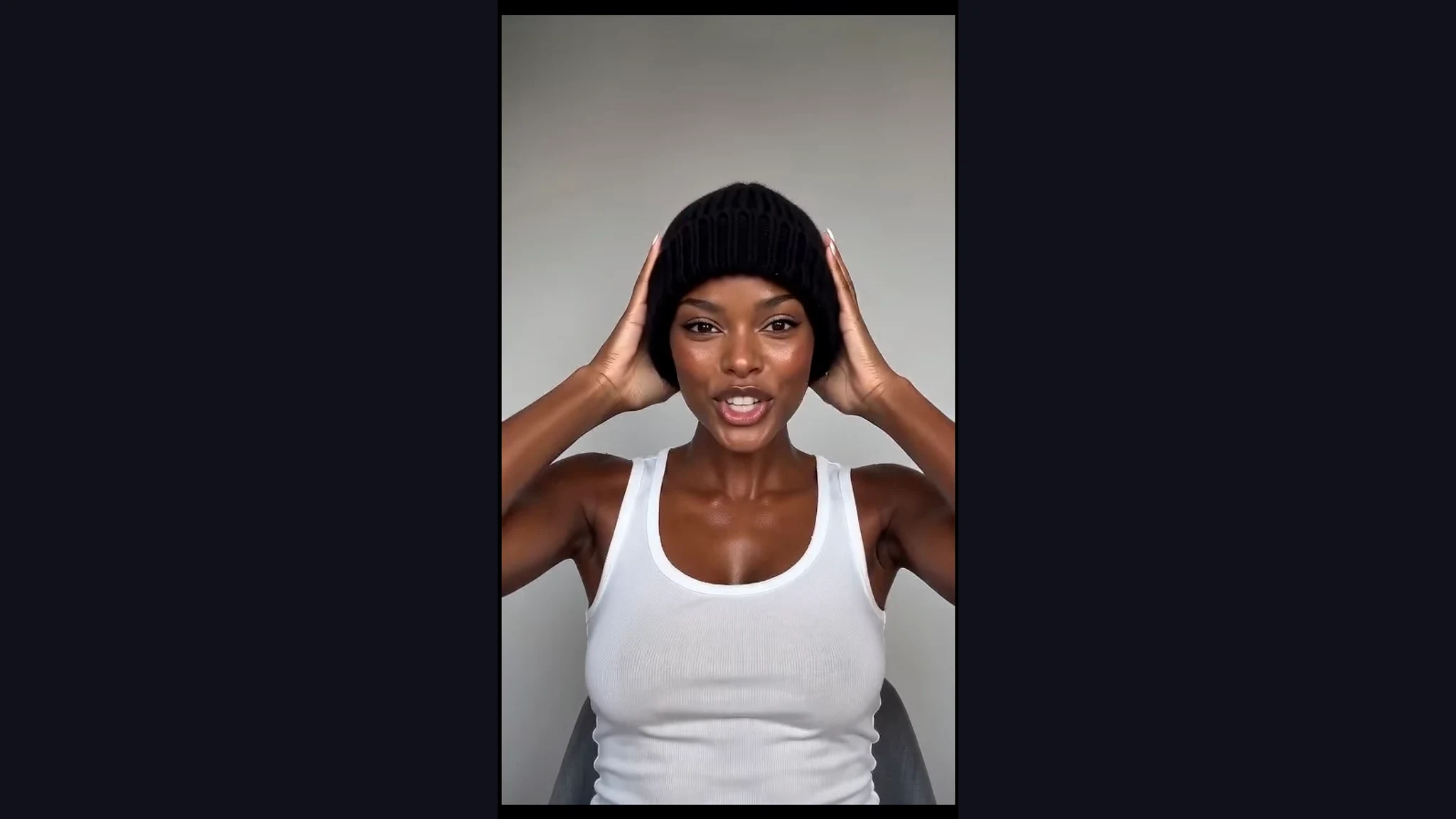
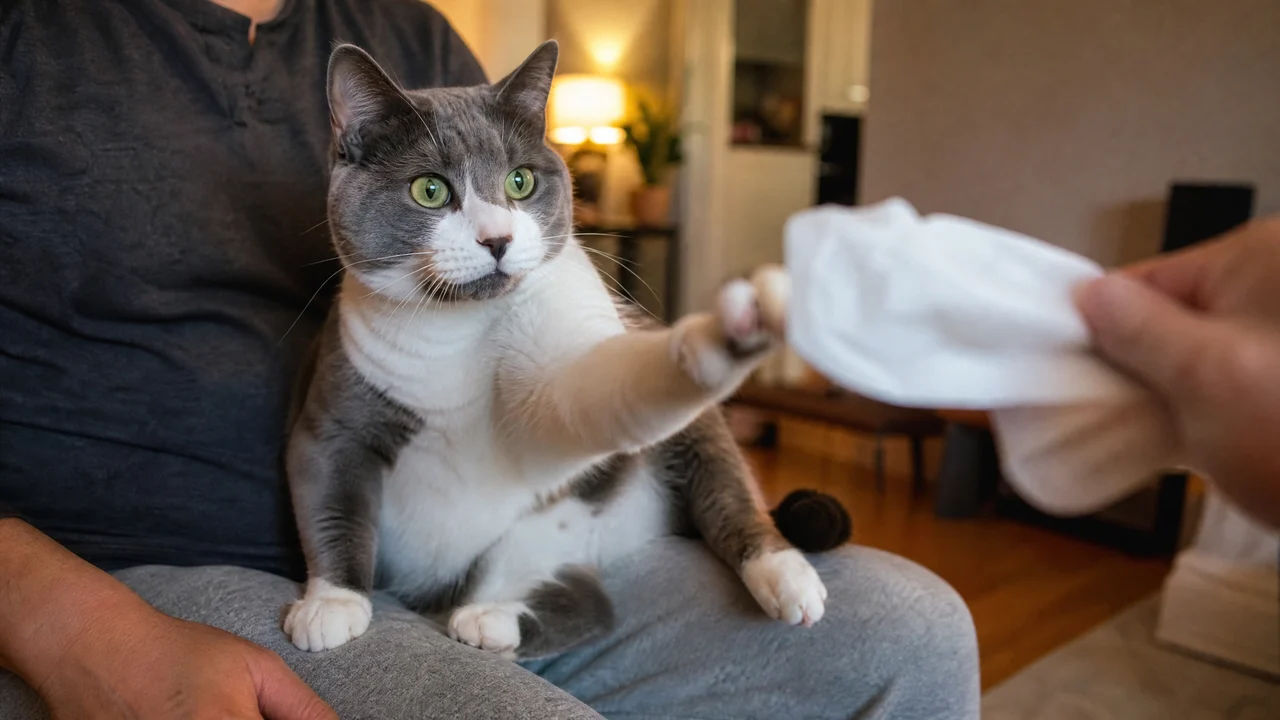
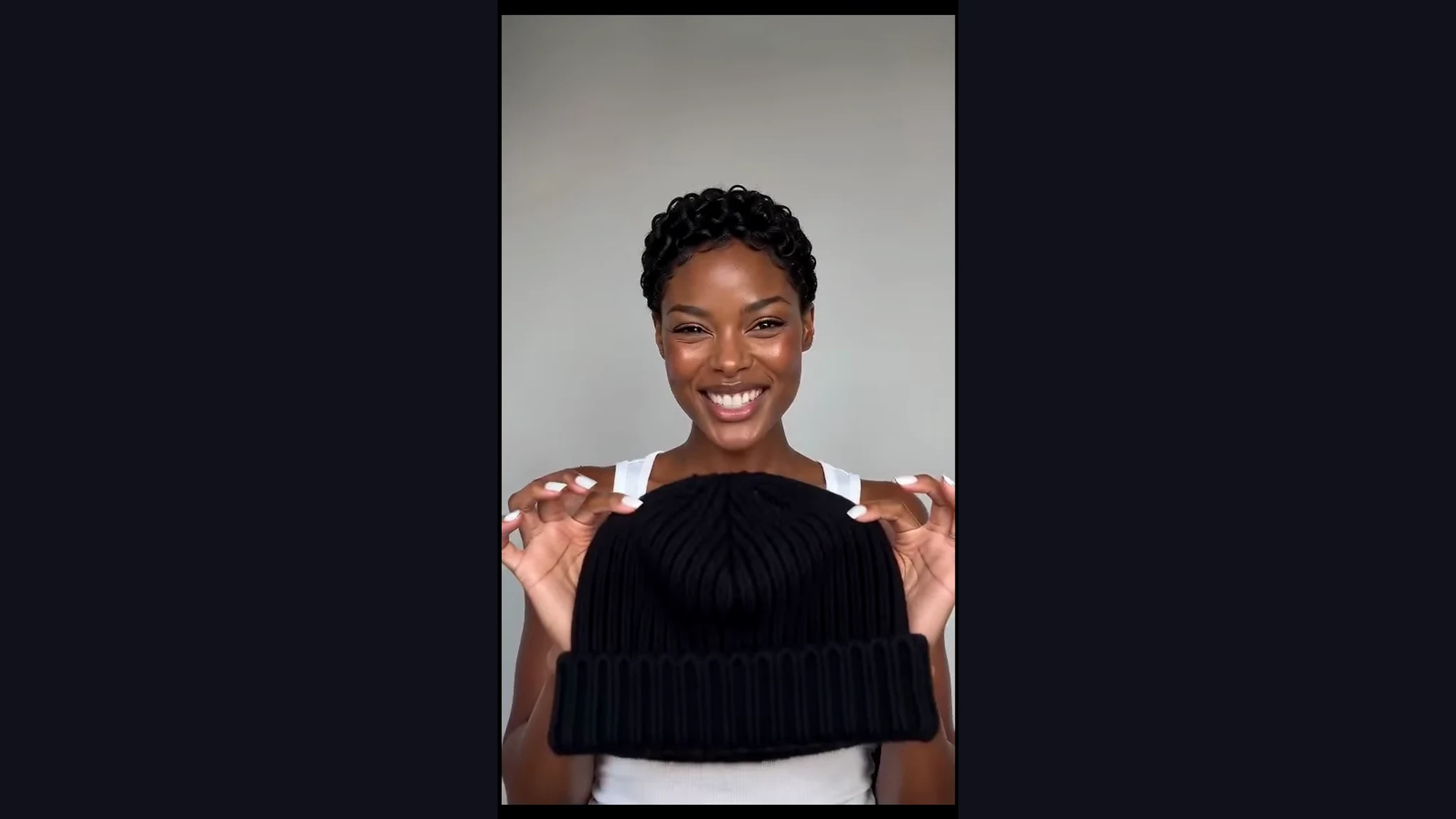
The first scene gives the mood switch something to work against: an open expression, a cap in hand and a brighter room. That small performance makes the later stare read as a joke instead of a simple fashion portrait. In the skull cap AI video generator, the opening is part of the complete clip you create from your photo.

The playful bright-room opening with a black knit cap

The Cap Movement Connects Both Looks

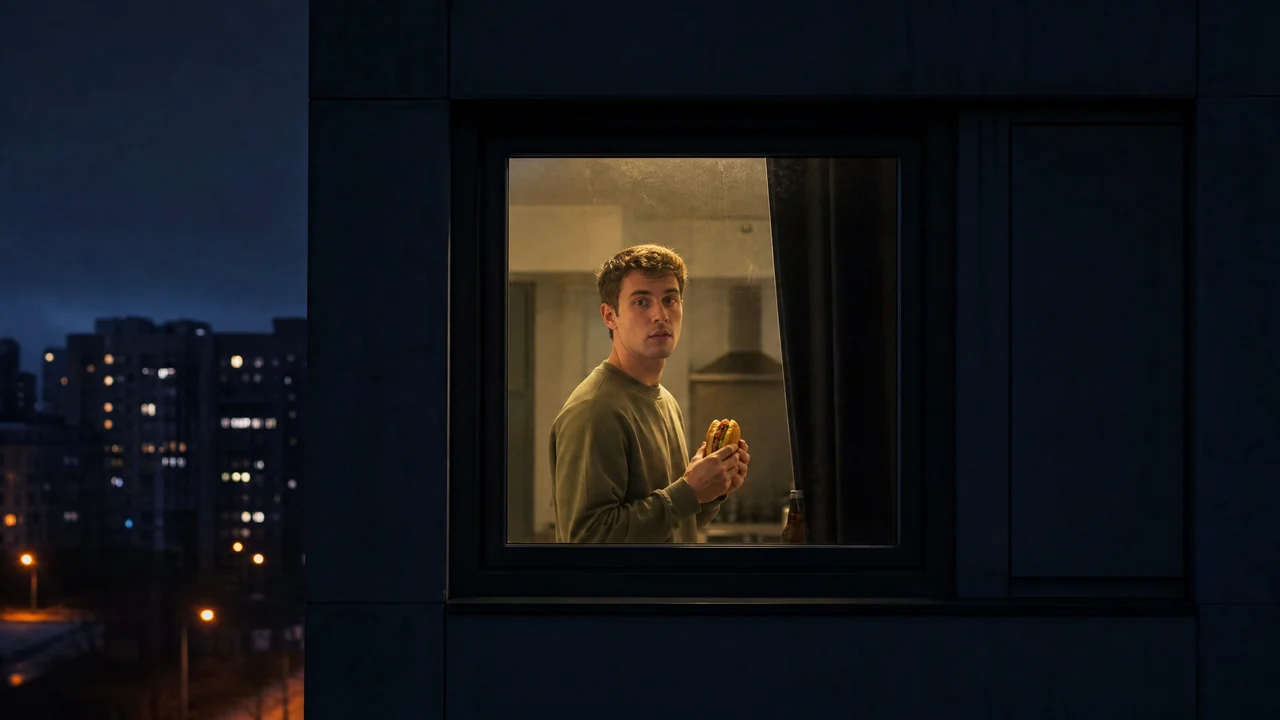
The black cap provides the visual cue between the two attitudes. Its movement leads into the darker hooded scene, giving the transformation a clear middle as well as a beginning and an end. Watch the hands and face through that moment to see how the skull cap AI video generator carries the performance into its reveal.

The cap-on movement before a dark hoodie reveal

A Dark Hoodie Ending With Presence

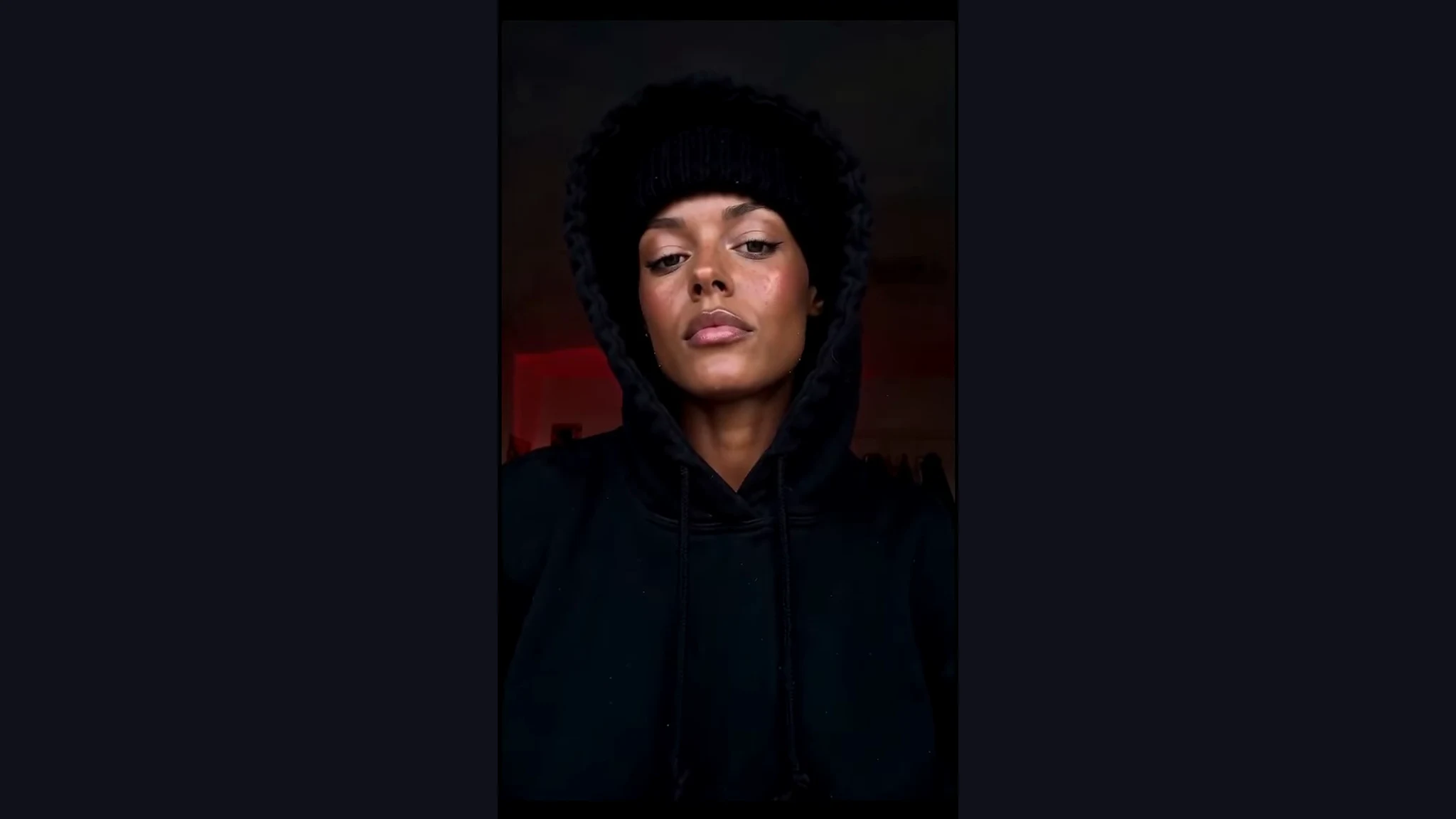
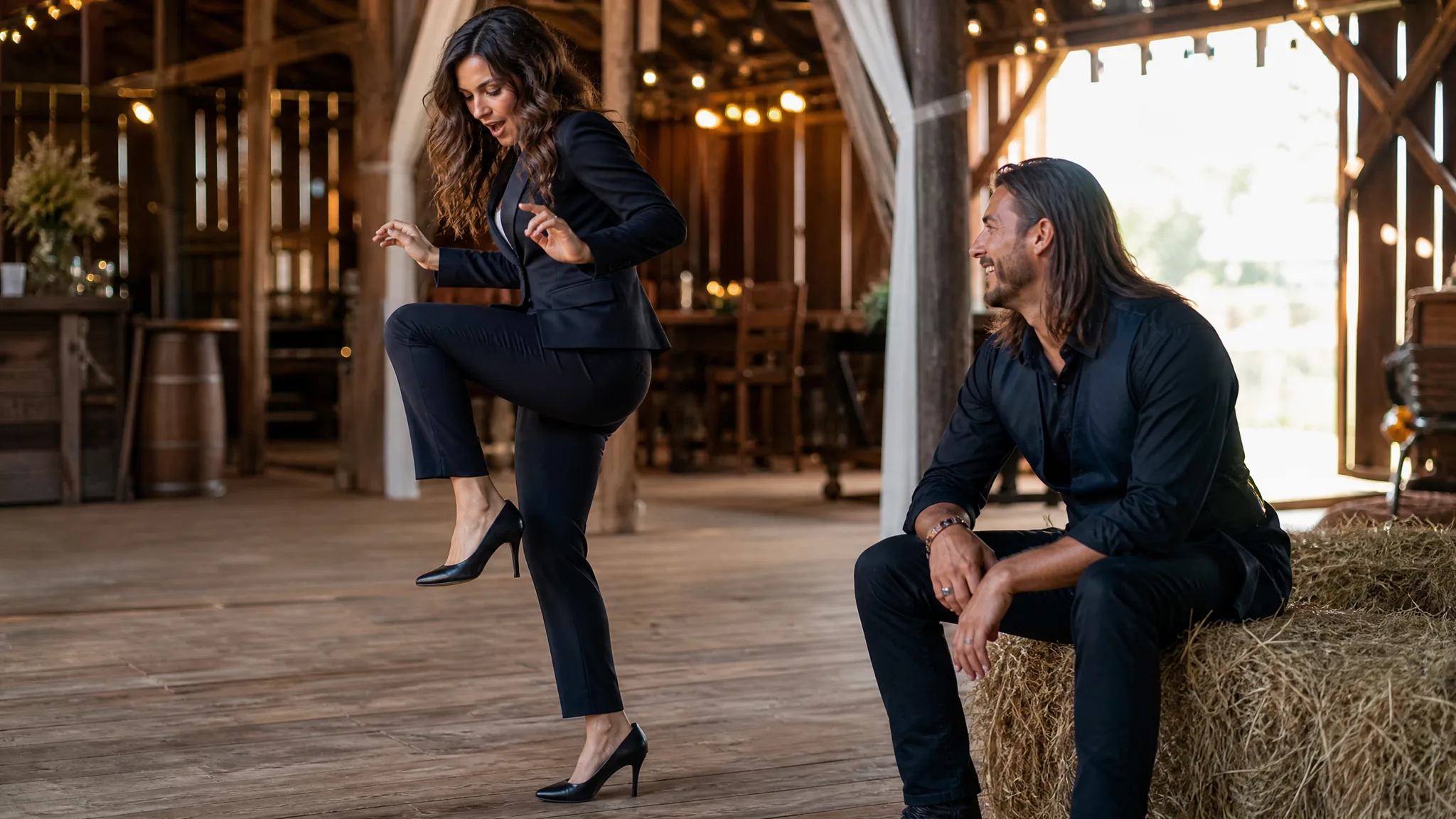
The final close-up holds attention on the face beneath the cap and hood. Dark clothing and directional light give the serious expression a strong contrast with the playful opening. The skull cap AI video ends with that composed look, leaving room for a short caption when you share it as a reaction or a personal mood-switch post.

A recognizable face beneath a black hood in the final close-up

Skull Cap AI Ideas for Your Next Post

Give skull cap trend AI a place in your own conversations, short posts and shared jokes.

A Reply for the Group Chat

Put your portrait into the skull cap AI video generator when the conversation calls for a dramatic change of attitude. The playful opening and serious ending give the joke a clear setup and payoff, making the short clip easy to send with a one-line message.

Your Before-the-Weekend Post

Use a familiar portrait in the skull cap AI video generator for a post about switching from everyday mode into going-out mode. Let the visual transformation carry the idea, then add a caption that fits your plans. The vertical clip is shaped for a short social feed.

A Friend’s Serious Alter Ego

Choose a portrait of an adult friend who wants to join the joke and give them a reveal with the skull cap AI video generator. Their recognizable face makes the contrast personal. Send the finished clip to them first so they can choose the caption and share their version.

A Pre-Game Mood Switch

Turn a teammate’s adult portrait into a playful-to-focused skull cap AI clip for a team chat. The hooded stare gives the post its locked-in feeling, while the opening keeps it lighthearted. Pair the finished video with a message about the match ahead.

Skull Cap AI Videos People Make

I wanted a post where the expression did the work. I used a bright portrait in the skull cap AI video generator and watched the cheerful opening turn into the hooded stare. The change of attitude gave me a simple visual joke to pair with my weekend caption.

Maya Rossiter
Fashion Content Creator

Skull Cap AI Video Generator Questions

Get ready to use the skull cap AI video generator with answers about portraits, the prepared template and the finished clip.

The skull cap AI video generator turns one adult portrait into a twelve-second mood-switch video. The sequence moves from a playful opening through a cap-on transition to a dark hoodie close-up, with your face as the subject and sound included in the vertical clip.

The skull cap trend AI video recreates the goofy-to-serious transformation associated with putting on a black knit cap and pulling up a hood. The contrast between the bright opening and the composed final stare is the central visual joke.

Free credits are available for skull cap AI: sign up to collect them, then check in each day for more. A continued check-in streak earns larger rewards. Use those credits to create images and videos, and bring a clear portrait to start your mood-switch clip.

A sharp, well-lit adult portrait works best for skull cap AI. Choose a photo with both eyes visible, a readable face and space around the head and shoulders. A straightforward portrait gives the template useful facial detail for the opening, transition and hooded ending.

The skull cap AI template already contains the scene and movement instructions. Upload your portrait and choose the available quality to begin. You can use the optional note for a facial detail you want to emphasize while the prepared template supplies the transformation.

You can create a skull cap AI clip from a clear portrait of an adult friend who wants to take part. Pick a photo with a recognizable expression, then share the finished mood switch with them for a reaction post, a birthday message or a group-chat joke.

The skull cap AI video generator makes a twelve-second vertical 9:16 video with sound. Watch the complete scene in the preview, then save the clip for short-form posts, stories or messages. The workspace displays the quality options available for your generation.

Start with a clear portrait and let the skull cap AI performance supply the change in attitude. Even lighting and visible facial features help make the person recognizable. Watch the opening, cap transition and final stare together when choosing the result you want to share.

Create Your Skull Cap AI Video

Bring one clear portrait to the skull cap AI video generator and turn your everyday expression into a playful setup, a cap-on switch and a composed hoodie reveal. Make your twelve-second vertical clip with sound, then give the moment a caption of your own.

Make My Skull Cap Video
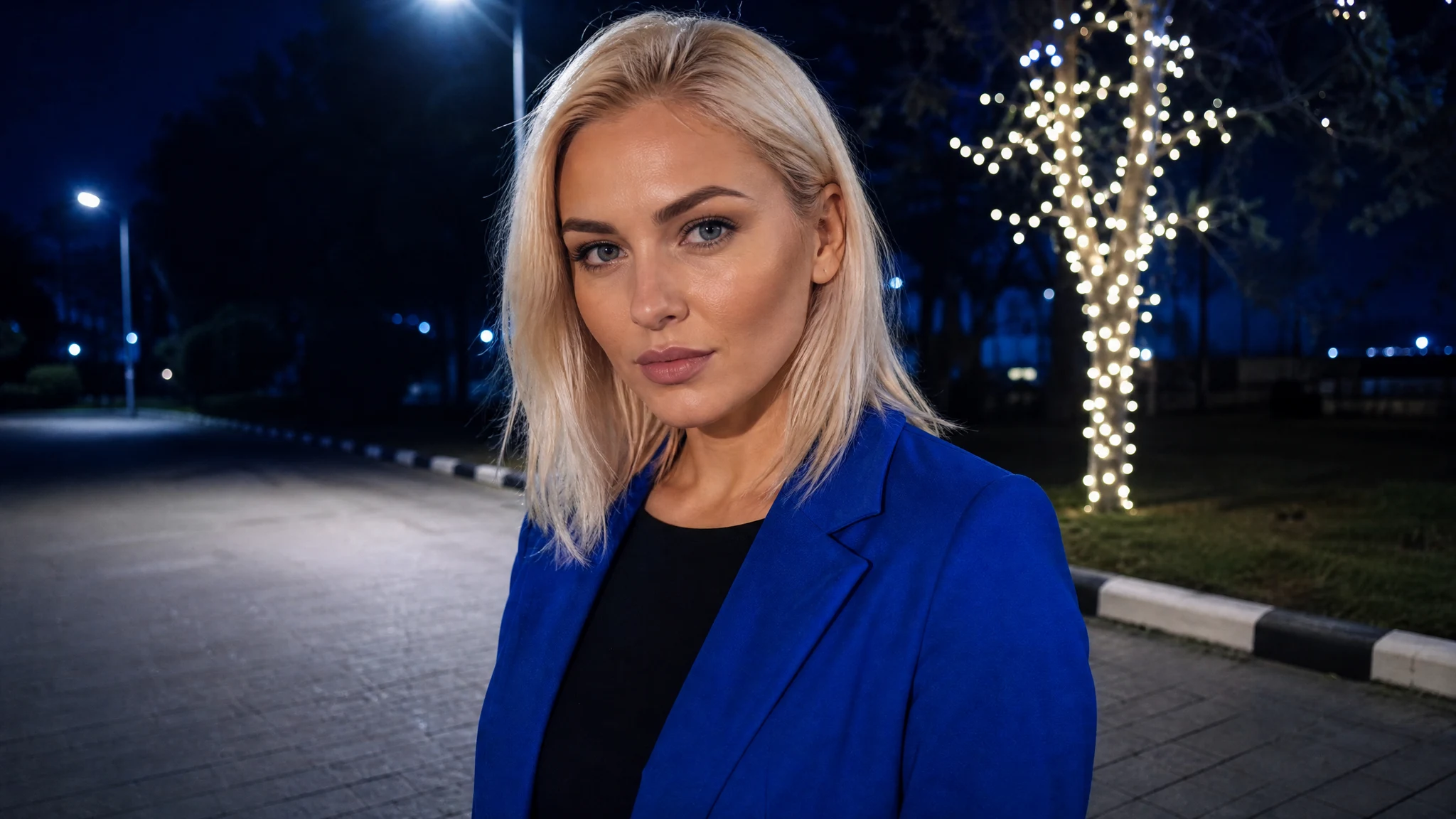
A confident adult woman in the completed Skull Cap scene