Nano Banana Pro
Prompt
0/20000
Reference images

This media input is not available yet.

Aspect ratio
Resolution
Number of generations
Public Visibility
Required credits
16
Examples
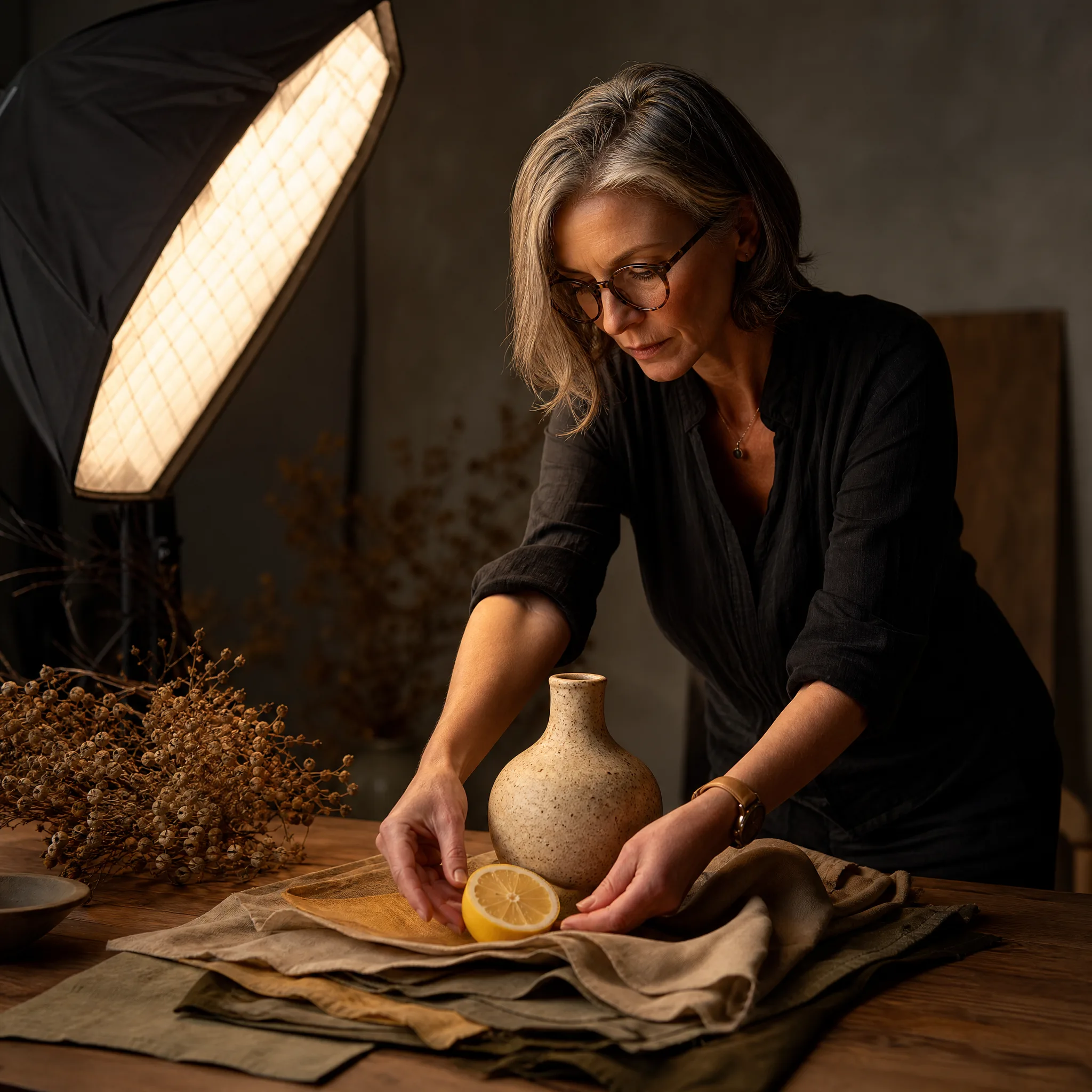
Art director styling a tabletop photo set with a lemon, a ceramic vase and linen swatches

Nano Banana Pro Image Generator

Product shots and portraits built from your references

Google's Nano Banana Pro turns a written brief, or up to 8 photos of the same product, person or place, into one carefully detailed still. Say what the viewer should see first, write out any words that belong in the picture, and choose 1K, 2K or 4K so the Nano Banana Pro result fits a phone screen or a printed page.

Generate with Nano Banana Pro
Art director styling a tabletop photo set with a lemon, a ceramic vase and linen swatches
Up to 8 reference photos|1K, 2K or 4K output|Lettering planned into the scene|Product, portrait and paper-craft looks

How to Make a Nano Banana Pro Image from Your Photos

Nano Banana Pro can start from words alone or from a handful of reference photos. Follow these four steps to brief it, frame the shot, read the first result and keep the take that holds up at full size.

1

Gather the Reference Photos

Pick photos that carry what must stay true: the product from two angles, a face in good light, the room you want as a backdrop. Nano Banana Pro takes up to 8 references in image-to-image mode, so add one line per photo saying what it contributes and which detail to keep.

2

Write the Brief and Pick a Size

Open with what the viewer notices first, then add surface, light and mood. If a label, a shop sign or a greeting belongs in the picture, write the exact words in quotes. Choose the aspect ratio and a 1K, 2K or 4K output in the Nano Banana Pro panel before generating.

3

Read the First Take Closely

Compare the Nano Banana Pro take with your references one detail at a time: product shape, logo position, skin tone, the spelling of any lettering. When a single element drifts, change only the sentence that describes it and run again, so you learn which instruction made the difference.

4

Keep the Take That Holds Up

Open the chosen image at full size and inspect hands, stitching, reflections and small text before you download it. A 4K Nano Banana Pro still leaves room to crop a banner or a close-up from one frame; set prices, legal lines and logos afterwards in your layout file.

Image Tools for Prompts and Photo Edits

Start a picture from words, or change the style or setting of one you already have.

Where Nano Banana Pro Pays Attention

Nano Banana Pro rewards a brief that decides composition, group staging and fine detail up front. The three rows below show each decision with a sample image and the wording behind it.

One Figure in a Big Space

A single red umbrella crossing an empty, rain-slick plaza works because the brief fixed the camera high and the subject small. Tell Nano Banana Pro where the figure sits, how much ground surrounds it and which colour should stand out. The same approach turns a solo travel photo into a cover image with plenty of quiet space for a title.
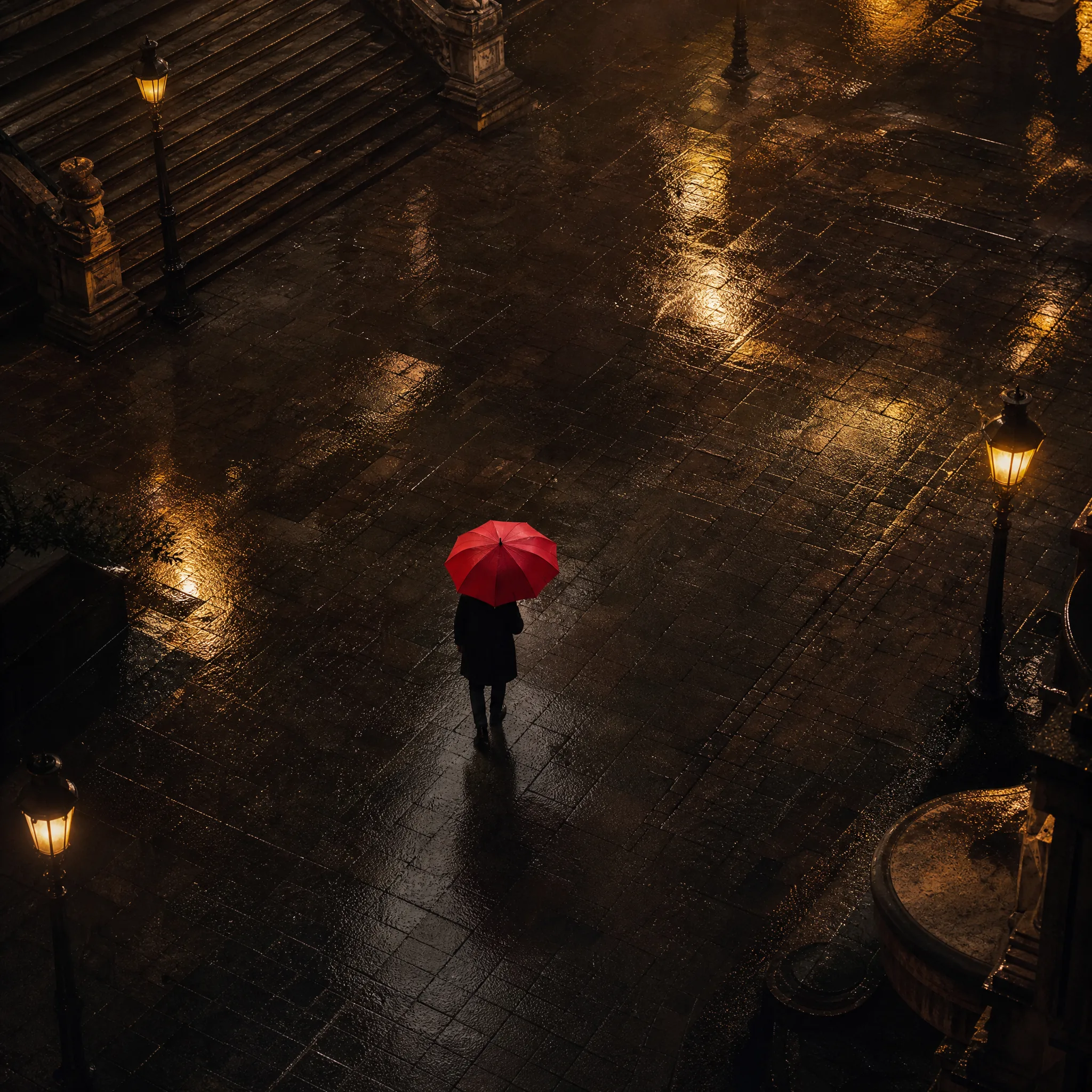
Seen from above, one man with a red umbrella walks across a wet, empty stone square

Group Scenes with Room for Words

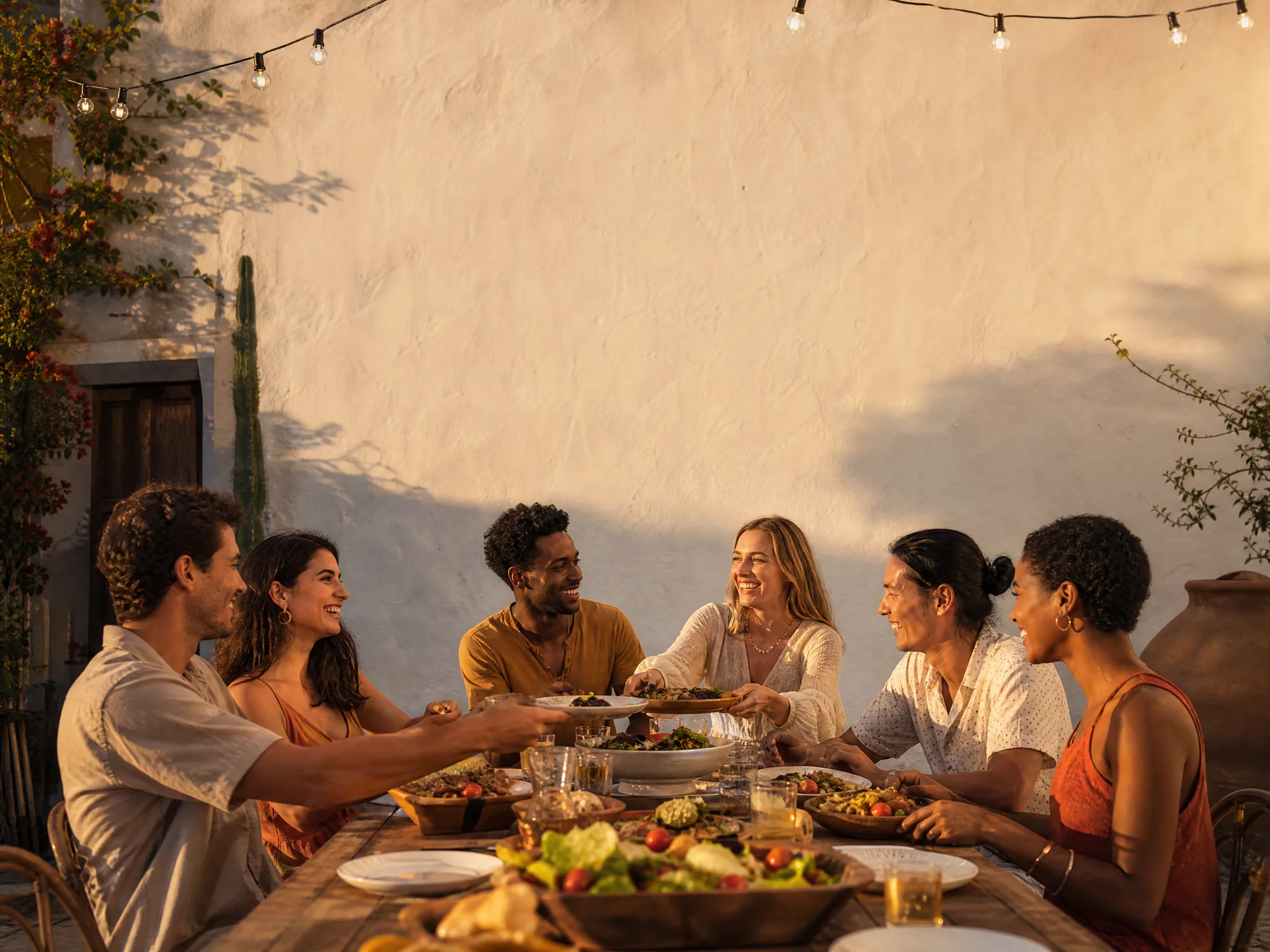
Six friends at a courtyard dinner table with a plain wall above them: that empty band is where a menu line, a wedding date or a greeting can go later. Ask Nano Banana Pro for the group, the table and the clear area in one brief, then decide whether to letter it in the image itself or in your design tool.

Long courtyard dinner table with six friends eating together below a bare plastered wall

Detail That Survives a 4K Crop

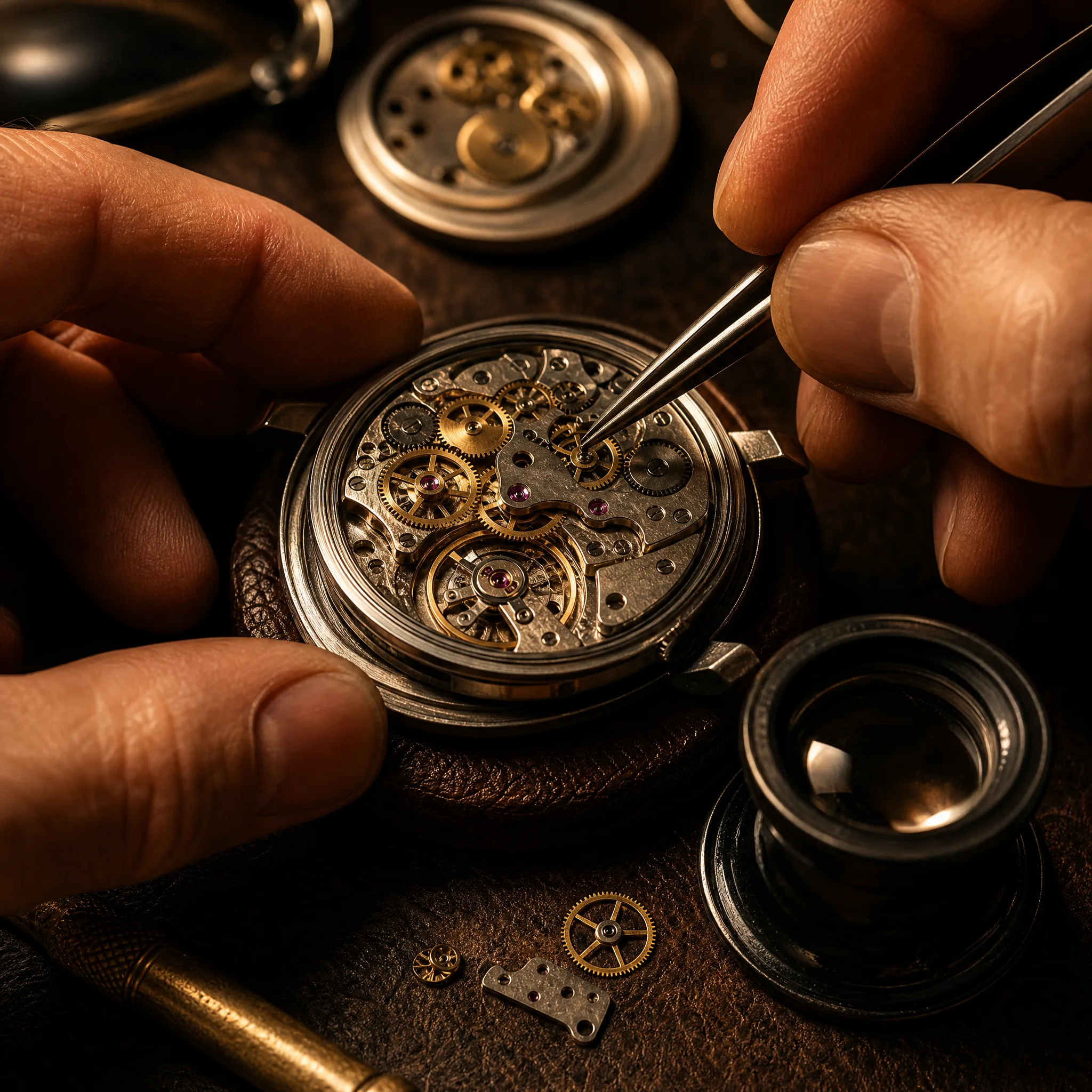
Close work such as a watch movement, a jewellery clasp or embroidery needs crisp edges and believable metal. Describe the tool, the light and the material, generate the Nano Banana Pro image at 4K, and crop into the area that matters. The extra pixels give you room to cut a shop close-up or a print detail from the full frame.

Tweezers adjusting the brass gears of an open mechanical watch movement under a warm work lamp

Four Looks to Brief in Nano Banana Pro

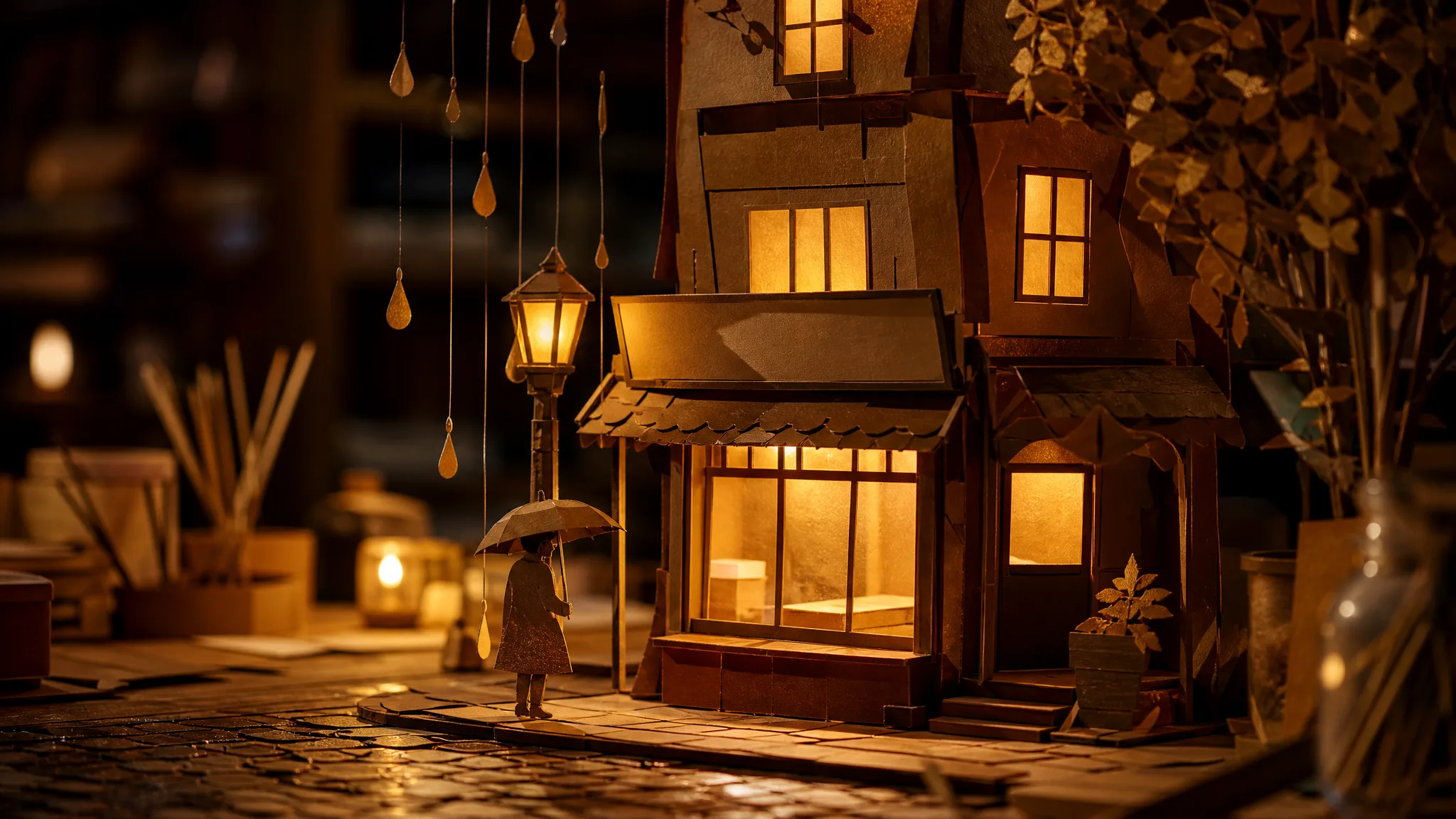
Nano Banana Pro text to image prompts can aim at a product shot, a character portrait, a handmade paper scene or a wide layout. Switch tabs to see each look and how to ask for it.

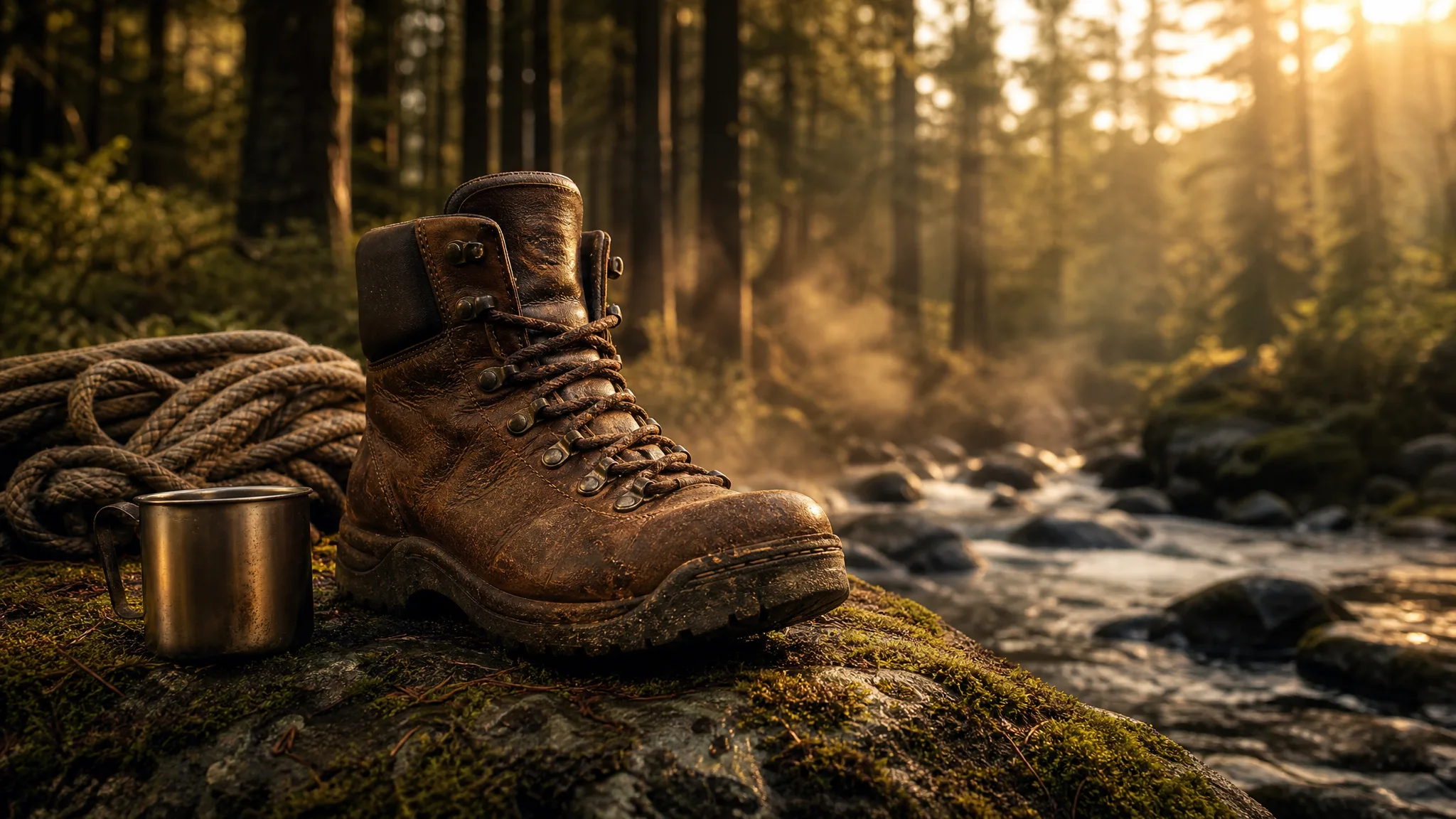
Weathered leather hiking boot resting on a moss-covered rock next to a misty mountain creek

Outdoor Product Shots

Place gear where it gets used: a worn hiking boot on a mossy rock beside a mountain stream, with mist behind it. Upload a photo of your own product, ask Nano Banana Pro to keep its stitching and colour, and describe the location in one sentence. The result gives an online shop a lifestyle image without hauling samples outdoors.

Nano Banana Pro Use Cases for Shops, Families and Makers

Nano Banana Pro fits jobs where several photos have to agree in one picture. Below are six people, the references they bring and what they do with the finished still.

Online Shop Owners

A shop owner can upload three phone shots of a new tote bag and ask Nano Banana Pro for the bag on a café chair in morning light. The 4K still becomes the hero image of the listing, and the same brief with a fresh backdrop fills out the rest of the gallery.

Family Photo Keepsakes

A grandchild can attach a faded photo of the grandparents' first house and ask Nano Banana Pro for a warm illustrated version of the same street. The still is printed as an anniversary card and framed next to the original snapshot at the family dinner.

Wedding and Event Stationery

Planners can brief Nano Banana Pro with a venue photo and the couple's colour palette, asking for a watercolour scene with a blank band for names and the date. Final lettering goes on in the design tool, so every invitation prints with the right spelling.

Recipe and Food Bloggers

Food writers can photograph a finished dish on the kitchen counter and ask Nano Banana Pro to restage it on a rustic table with soft side light. The styled hero shot sits at the top of the recipe, and the real process photos stay in the method steps below.

Teachers and Picture-Book Authors

A teacher can turn a story the class wrote into one Nano Banana Pro illustration, such as a paper-cut harbour town at night, and use it as the cover of a printed class book or as the slide that opens the next reading lesson.

Pet Groomers and Pet Owners

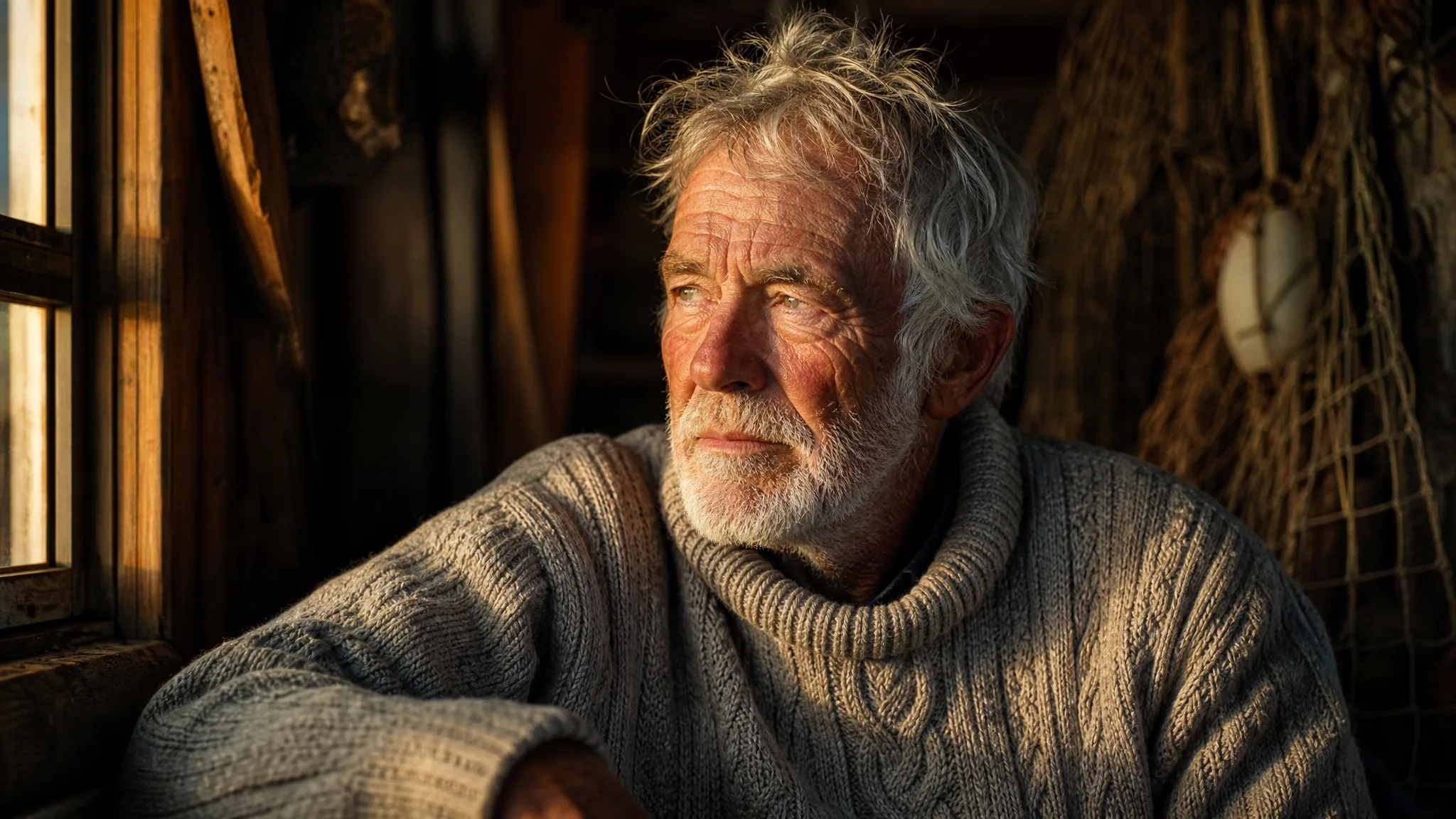
A groomer can upload a client's dog photo and ask Nano Banana Pro for the same dog in a knitted sweater beside a fireplace for a holiday card. The owner receives a keepsake image, and the salon gets a seasonal post that features a real regular.

Stories from People Who Tried It on Their Photos

Three phone photos of our new canvas tote were all we had before launch. I gave them to Nano Banana Pro as references and asked for the bag hanging on a café chair in morning light. The 4K still became the first image on the listing, and cropping a stitching close-up from it saved us a second shoot.

Alicia M.
Online Boutique Owner

Nano Banana Pro FAQ

Nano Banana Pro answers on references, prompts, access, sizes, ads, series, motion and final checks, written for people who start from their own photos.

Nano Banana Pro is a Google image model that produces one detailed still from a written brief or from up to 8 reference images. PicVideo offers it in the image workspace with 1K, 2K and 4K output, which suits product listings, portraits and print work.

Nano Banana Pro image to image takes up to 8 reference photos at once. Give them different jobs, for example one for the product, one for the person and one for the backdrop, and say in the brief which photo supplies which part of the scene.

Phrase a Nano Banana Pro prompt as a short scene description: subject, action, place, light, then style. Put any words that should appear in the picture inside quotes and keep them short. Three or four clear sentences are easier to adjust than a long list of effects.

Reuse the same reference photos and copy the core sentences of your Nano Banana Pro brief from one image to the next, changing only the setting or the pose. Lay the takes side by side before publishing, because faces, fabrics and small props can still shift between generations.

A Nano Banana Pro product shot or portrait can be framed as 1:1, 2:3, 3:2, 3:4, 4:3, 4:5, 5:4, 9:16, 16:9 or 21:9. Most frames render at 1K, 2K or 4K, and the workspace greys out the odd pairing it skips. A 4:5 frame fills a feed, 9:16 a story, and 21:9 leaves room for lettering across a shop banner.

The images you generate with Nano Banana Pro are owned by you, within what the law permits, under the PicVideo Terms. A packaging or ad mock-up built from your references still carries the rights of what appears in it, so use product and model photos you are cleared for and set legal text in your design software.

Before you use a Nano Banana Pro image, check faces and hands, product proportions, the spelling of any lettering and the edges where the frame might be cropped. View it at the size it will be printed or posted, then tidy small issues in your editor.

Your free sign-up credits and daily check-in rewards, which climb to 4x on a seven-day streak, are ready to spend on free models such as Z-Image Turbo. Nano Banana Pro runs on a PicVideo plan or credit pack, and its 4K product shots and portraits cost more credits than 1K or 2K.

Nano Banana Pro creates still images only. To animate one, download the still and open PicVideo's image to video tool, choose a video model and describe the movement you want, such as a slow push-in on the product or a smile and a turn of the head.

Send the take back through Nano Banana Pro in image-to-image mode with a one-line change: warmer light, a different background, a closer crop. Small single edits keep what already works, while rewriting the whole brief tends to change everything at once.

Nano Banana Pro keeps every take out of public view from the start, which suits unreleased products and client portraits. The references you attach are not displayed anywhere. If a finished still deserves an audience, mark it public and the Explore gallery can pick it up.

Turn Your Idea into a Nano Banana Pro Still

Start from a few reference photos or just an idea, write two or three sentences about the scene, and let Nano Banana Pro render it at 1K, 2K or 4K. Check the details, download your favourite take and put it to work in a listing, a card or a print.

Make an image with Nano Banana Pro
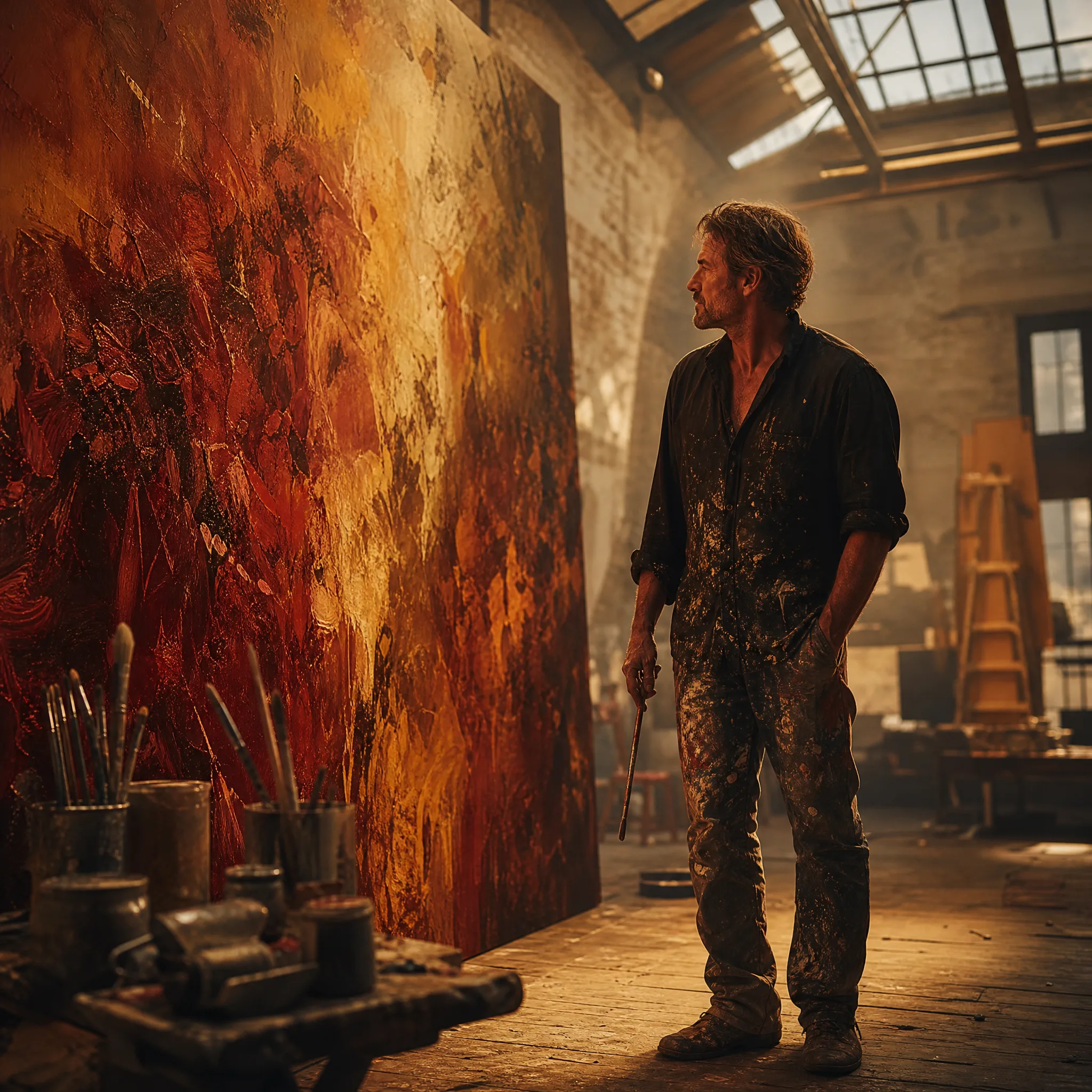
Artist stepping back to look at a big warm-coloured abstract painting in a studio with a skylight