
























Tiptoeing In My Jordans AI Video

Upload two portraits and cast your own pair in a playful barn dance with straw bales, a suited tiptoeing lead and a seated spectator.

Upload Two Portraits0/2
Styling note (optional)
0/300
Aspect ratio
Resolution
Number of outputs
Public Visibility
Required credits
368
Sample videos

Tiptoeing In My Jordans AI Video Generator for Your Dance Duo

Bring two portraits into a playful barn dance with straw bales, a suited tiptoeing lead and a seated spectator, with the sequence and sound prepared.

A playful tiptoe entrance works best when the two faces mean something to you. Add two separate portraits: one for the suited dancer and one for the seated character watching the performance. The prepared barn scene supplies the straw bales, close views, quick footwork and comic reaction. Your photos provide the two identities, in the order shown by the upload slots. Preview the fifteen-second clip with sound, then download it for a friendship post, a birthday greeting or a short reaction edit. Turn your own duo into the scene with the Tiptoeing In My Jordans AI video generator.

Create My Video
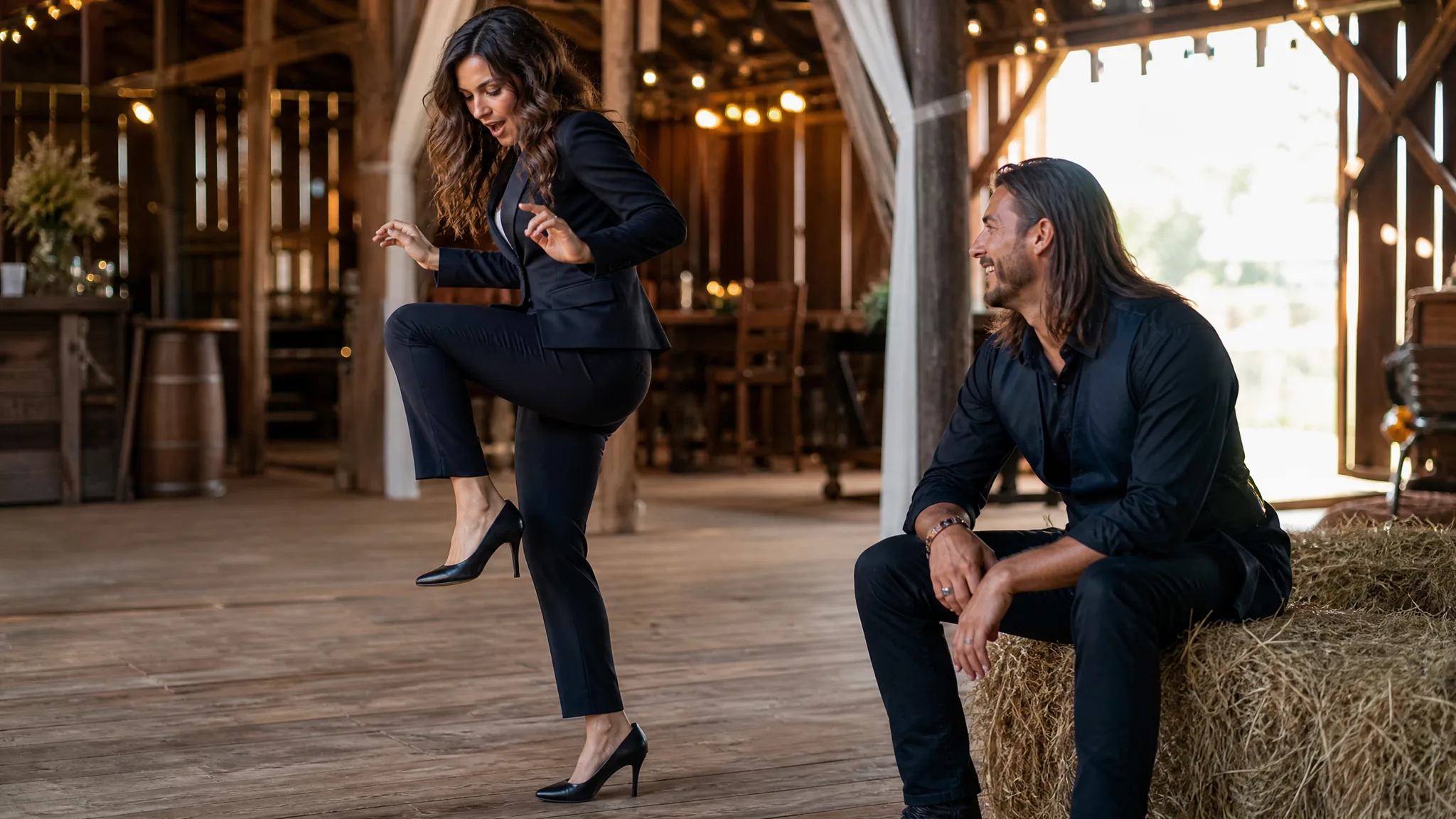
A woman in a dark suit tiptoeing in a barn while a long-haired man watches from a straw bale
Two Portraits|Prepared Sequence|Scene Sound

How to Create Your Tiptoeing In My Jordans Video

Create a barn entrance with the Tiptoeing In My Jordans AI Video Generator: choose a dancer, cast the seated watcher and preview the full exchange.

1

Choose the Two Portraits

Choose a portrait for the suited performer in the Tiptoeing In My Jordans AI video generator, then a separate photo for the seated watcher. Faces should be unobstructed, with enough detail to compare against the moving result.

2

Match the Upload Slots

Put the dancer in the first slot of the Tiptoeing In My Jordans AI video generator and the spectator in the second. Review both thumbnails before submitting; their order determines who performs the entrance and who watches beside the straw.

3

Generate the Prepared Sequence

The Tiptoeing In My Jordans AI video generator already includes the barn sequence and sound. Select 768P or 2K, keep Auto for the reference framing, then start your duo’s barn performance with the selected output options.

4

Preview and Download the Video

Play the entire fifteen-second performance, including the seated reaction and the close views of the dancer. Look for consistent faces across cuts and readable toe-first steps, then download the version you want to include in your greeting or edit.

Build Your Own Tiptoeing In My Jordans Moment

Give the Tiptoeing In My Jordans AI Video Generator your own cast for the footwork, close-up expressions and seated reaction in the barn.

Give the Tiptoeing Lead Your Face

In the Tiptoeing In My Jordans AI video generator, the first portrait supplies the suited lead’s identity. The first uploaded photo becomes the suited lead, carrying the close-up expression and the quick tiptoe movement through the barn scene. A clear view of the face gives the template a useful identity reference as the camera moves between the performer and the footwork.

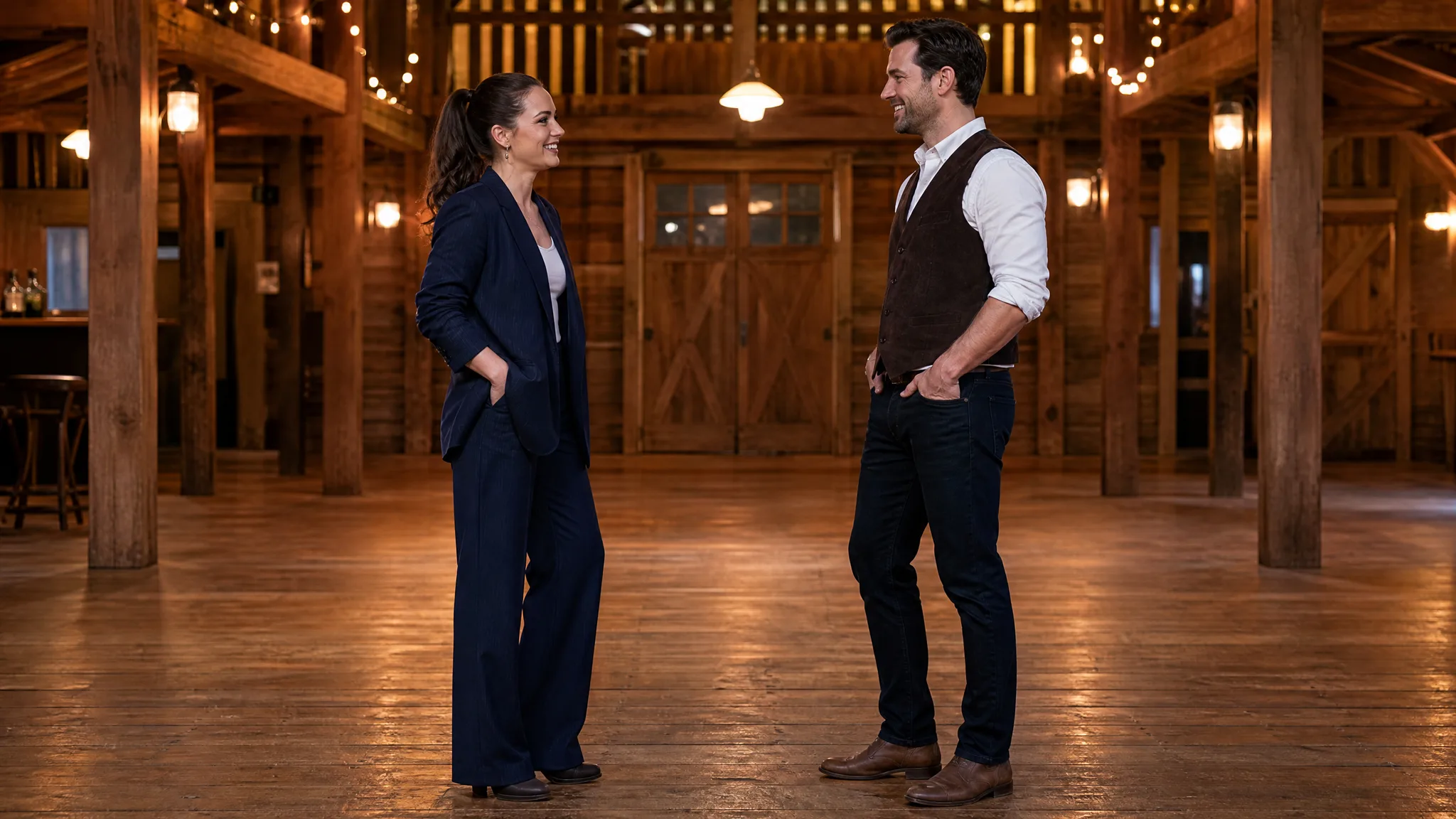
A dark-haired woman in a navy blazer smiling in a timber dance hall

A Second Portrait for the Reaction

The Tiptoeing In My Jordans AI video generator gives the seated watcher a separate portrait input. Add a different portrait in the second slot to create a familiar pairing: friends, partners or a favorite comedy duo. Keep the two photos separate so the Tiptoeing In My Jordans AI template receives a distinct identity for each role.

A woman in a navy suit facing a man in a brown vest in a timber dance hall

Keep the Recognizable Tiptoe Sequence

The Tiptoeing In My Jordans AI video generator follows a prepared entrance with toe-first steps. The prepared reference carries that sequence into your generated clip. You can follow the example framing with Auto or choose a supported frame shape for the version you want to post.

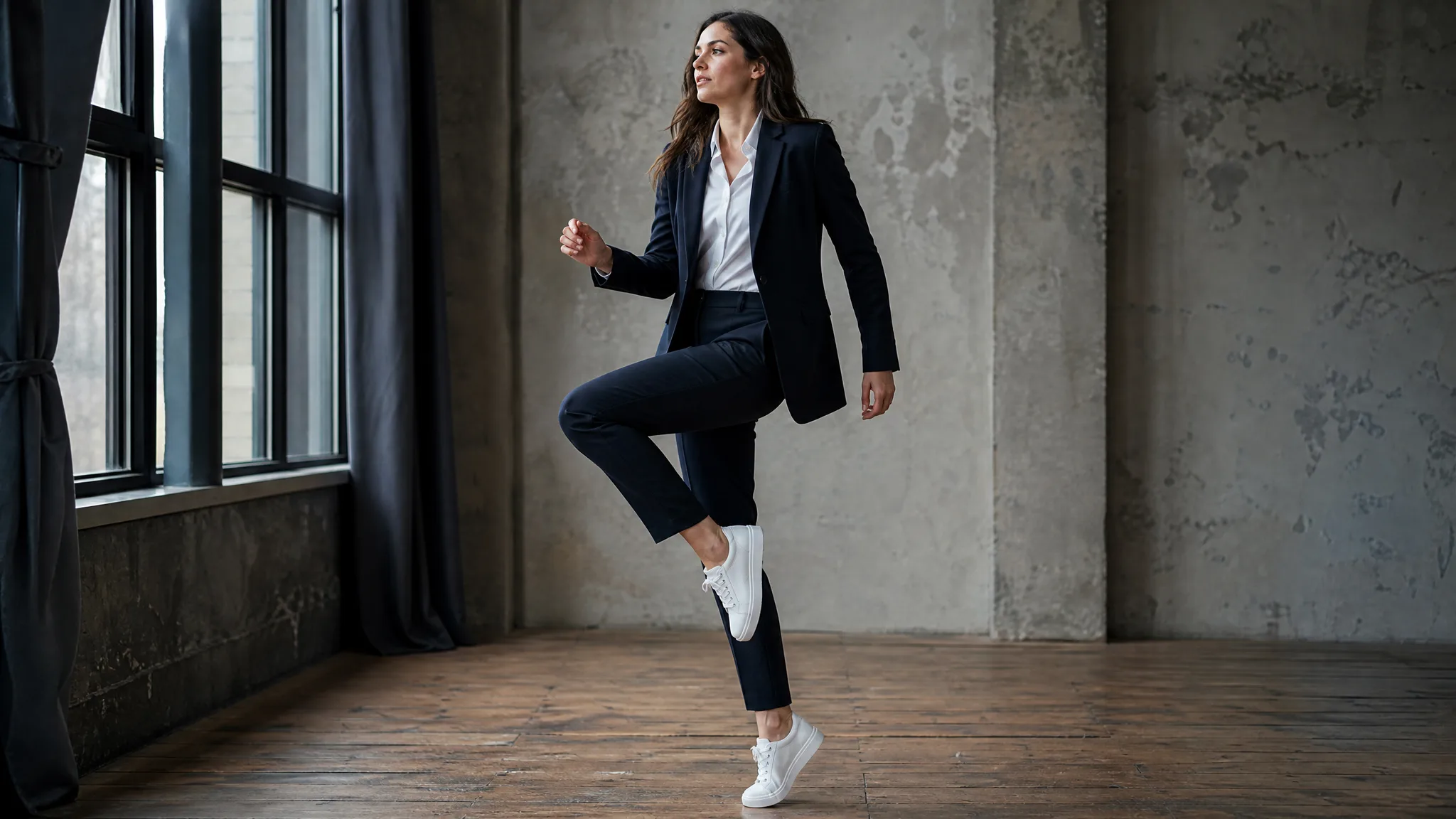
A woman balancing with a raised knee, wearing a dark suit and white sneakers

Let the Reaction Complete the Joke

A dance clip can also work as a short exchange between two familiar faces. The scene sound and the seated character’s expression give your Tiptoeing In My Jordans video a punchline. Play the whole result with sound before downloading, then add a short caption around the moment in your usual social editor.

A smiling man in a brown vest watching a performance beside straw bales

Ideas for Your Tiptoeing In My Jordans Clip

Make the Tiptoeing In My Jordans AI Video Generator part of a birthday greeting, a couple’s joke or a reaction edit where the two roles carry the punchline.

A Friend’s Birthday Entrance

Use the Tiptoeing In My Jordans AI video generator to give a birthday greeting a comic entrance. Cast the birthday person as the performer and a close friend as the watcher, then place your personal message after the seated reaction.

A Two-Person Reaction Post

The Tiptoeing In My Jordans AI video generator can stage a familiar friendship dynamic in a barn. Pick the friend who would make the grand entrance and the one who would watch in disbelief; add your own context around that exchange after downloading.

A Playful Couple’s Clip

Make a playful anniversary opening with the Tiptoeing In My Jordans AI video generator. One partner performs the footwork while the other watches from the straw bale. Follow the scene with your own photographs so the joke leads into a personal memory.

An Opening for a Comedy Edit

Introduce a longer comedy edit with the dancer’s first glance or raised knee. Download the full fifteen-second scene and choose a cut that preserves the setup and response, leaving room for your own footage to deliver the next beat.

Stories from People Who Tried It on Their Photos

For my sister’s birthday edit, I wanted a funny entrance before the family photos. I put her portrait in the dancing slot and mine in the watcher slot of the Tiptoeing In My Jordans AI video generator. The barn scene gave the greeting its opening joke, and I placed our message immediately after the seated reaction.

Mira Lorne
Birthday Video Editor

Tiptoeing In My Jordans Generator Questions

Answers about casting the suited dancer and seated spectator, choosing Tiptoeing In My Jordans AI output options, and reviewing the finished barn clip.

The Tiptoeing In My Jordans AI video generator casts two uploaded portraits in a barn dance: a suited lead performs toe-first steps while a second character watches beside straw bales. Its built-in reference provides the camera sequence and scene sound.

The format pairs a showy tiptoe entrance with a seated spectator’s reaction. This Tiptoeing In My Jordans AI page lets you assign those two roles to your own portraits, using the sample to judge the scene and its comic timing.

You can start a Tiptoeing In My Jordans AI video with available free credits. Daily check-ins add credits, with growing streak rewards. Check the displayed quote for your resolution and available balance before submitting the fifteen-second dance.

For Tiptoeing In My Jordans AI, use a separate, sharp photo of each person. The first portrait belongs to the dancer and the second to the spectator; avoid covered eyes or a group photo that leaves the intended face ambiguous.

The Tiptoeing In My Jordans AI video generator has the choreography and barn setting prepared. You only need to upload the two portraits and select output options. A brief optional styling note can refine the look without designing the dance from scratch.

Different clear portraits can fill the two Tiptoeing In My Jordans AI roles. Choose faces you can recognize in both close and wide shots, and review the finished clip rather than assuming that every facial detail will remain unchanged.

A Tiptoeing In My Jordans AI clip runs for fifteen seconds with scene sound. Its MiniMax H3 workspace begins at 768P and offers 2K; Auto follows the reference composition, while supported fixed frame shapes can suit a different posting format.

For a clearer Tiptoeing In My Jordans AI result, compare the dancer and spectator with their upload thumbnails across the full clip. If a face drifts or a step looks unclear, choose a sharper portrait or revise the styling note before deciding whether to generate again.

Create Your Tiptoeing In My Jordans Video

Cast your dancer and seated spectator with the Tiptoeing In My Jordans AI video generator. Choose two clear portraits, preview the prepared barn performance, and download your personal entrance with sound.

Create My Video
A woman in a navy dress and a man in a dark shirt celebrating after a barn dance