

Comic Book Generator
Prompt
0/5000
Aspect ratio
Image size
Number of generations
Public Visibility
Required credits
7
Examples
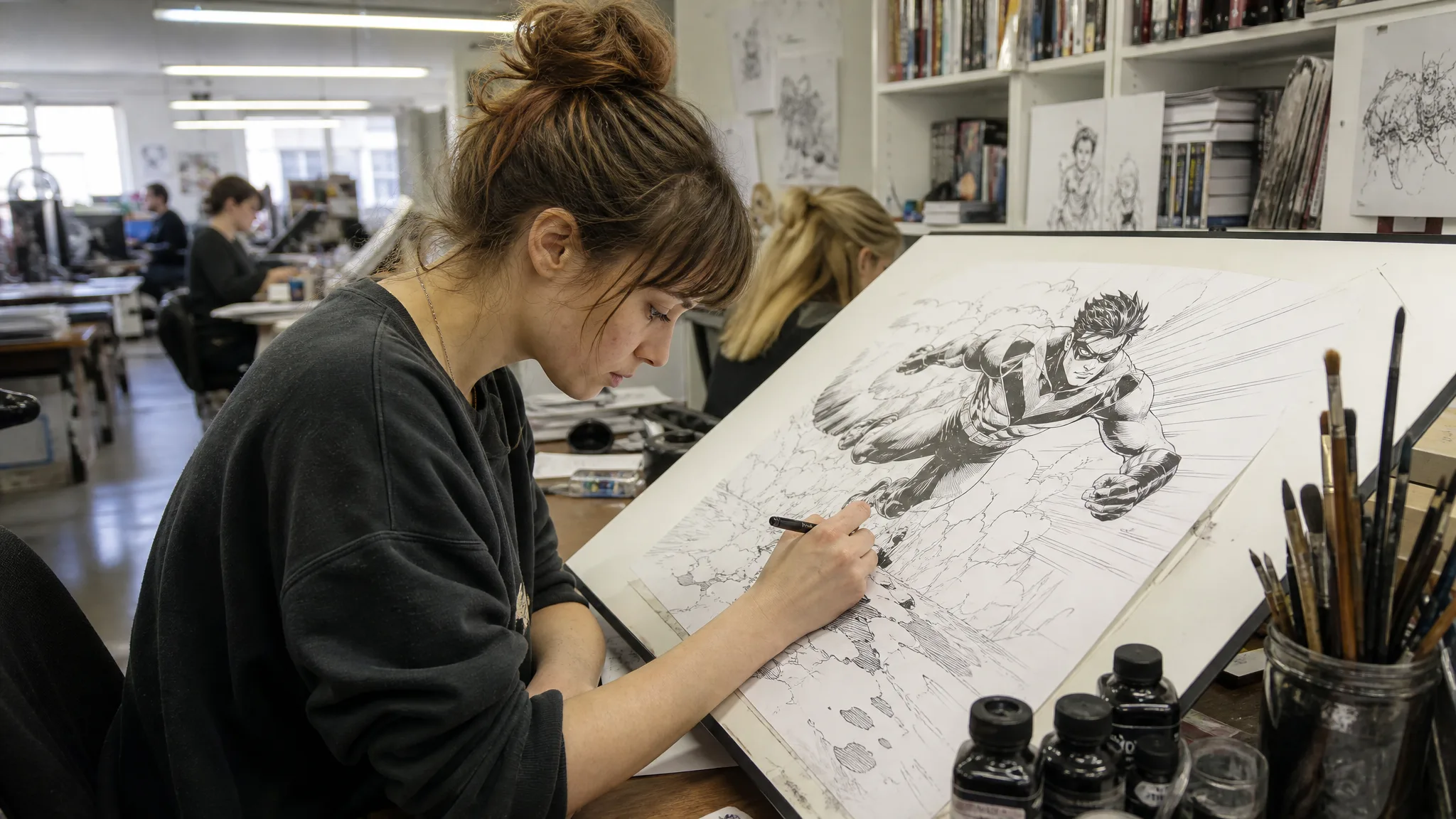
Woman with a messy bun inking a running superhero on a tilted drafting table in a fluorescent-lit shared studio

Comic Book Generator for Story Panels from Your Photos

Your people, your pets and your plot, drawn one panel at a time

Write one story beat, add a clear photo of a child, partner or pet when the model takes references, and the comic book generator draws a comic-style panel to letter, arrange and share.

Start Your Comic Panel
Woman with a messy bun inking a running superhero on a tilted drafting table in a fluorescent-lit shared studio
One panel per story beat|Photo references welcome|Recurring character notes|Lettering in your editor

How to Make a Comic Panel with the Comic Book Generator

Every comic starts with one readable moment. Pick that moment, describe it in the comic book generator, generate the panel and check it before you letter it.

1

Pick one beat from your story

Choose a single moment, like your son spotting a giant puddle or the cat stealing a sock, and write who is in it, where it happens and what they do. List the outfit, hair and colours you want repeated, and save dialogue for later, because the comic book generator draws the picture while you write the words.

2

Add a photo and generate the panel

Select an image model; if its mode takes a reference, upload a clear photo of the person or pet so the drawing starts from their real look. Name a style such as clean ink or soft watercolour, press Generate in the comic book generator and follow the job until the panel appears.

3

Check the panel, then build the page

Open the finished image at full size and compare faces, props and colours with your notes. Redraw any beat that reads unclearly, then place the comic book generator panels you keep in a layout editor, where you add balloons, captions and the reading order of the page.

Image Tools for Prompts and Photo Edits

Start a picture from words, or change the style or setting of one you already have.

Story Ideas and Photos That Make Strong Comic Panels

Strong panels come from a clear beat, a believable setting and characters drawn from people you know. These four ideas show how to brief the comic book generator so each image tells part of the story.

Start from a story small enough for one panel

Try this beat in the comic book generator: a girl with a black bob waits at a bus stop in the rain and tips her navy umbrella over a small brown dog, letting her own shoulder get soaked. One subject, one kind act, one setting. Add the drawing style you want, warm clean lines for example, and repeat the same coat, umbrella and colours in every later prompt.
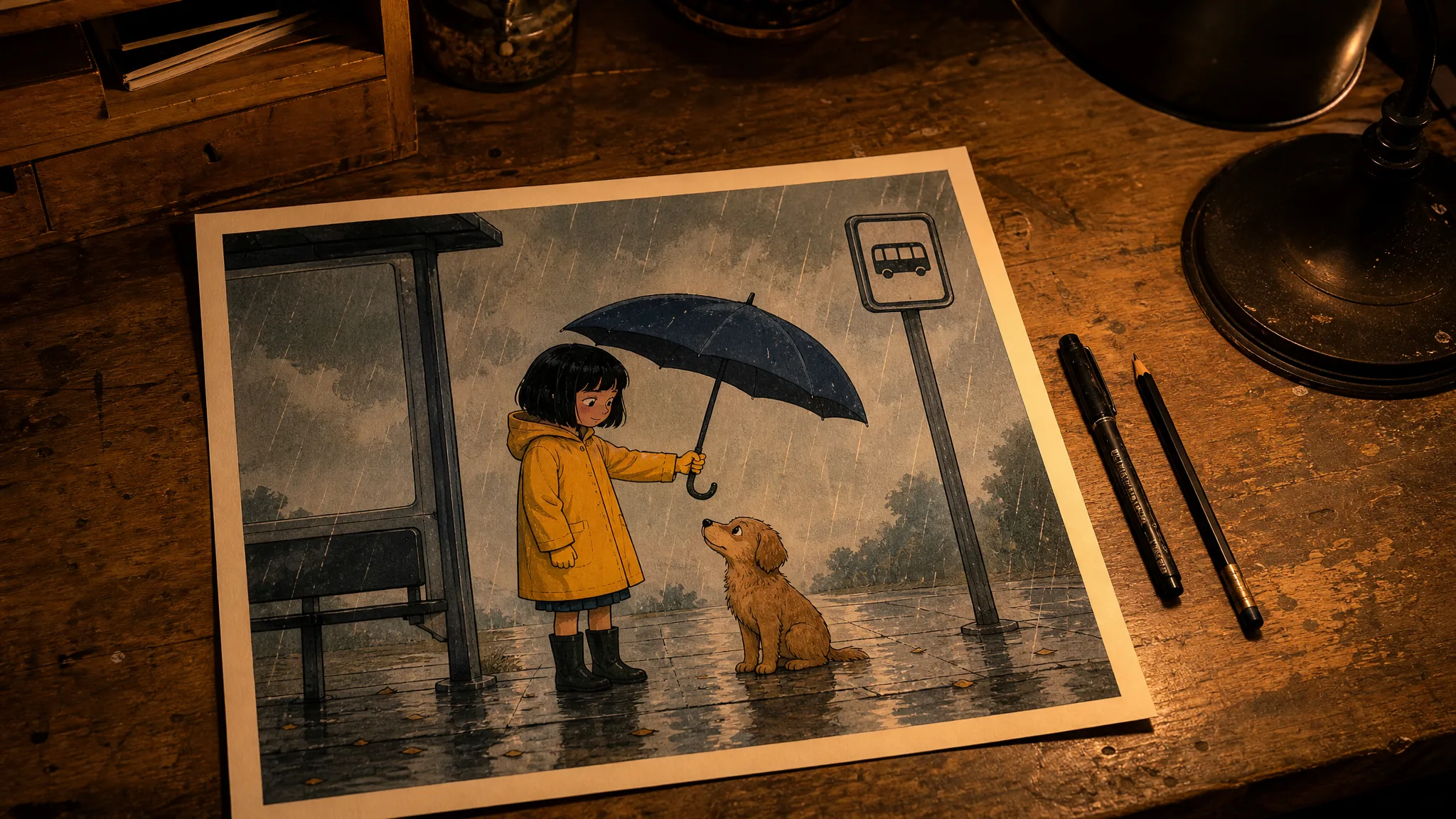
Comic illustration on a wooden desk: a girl in a yellow raincoat shelters a brown dog with a navy umbrella in the rain

Move the same story to a new world

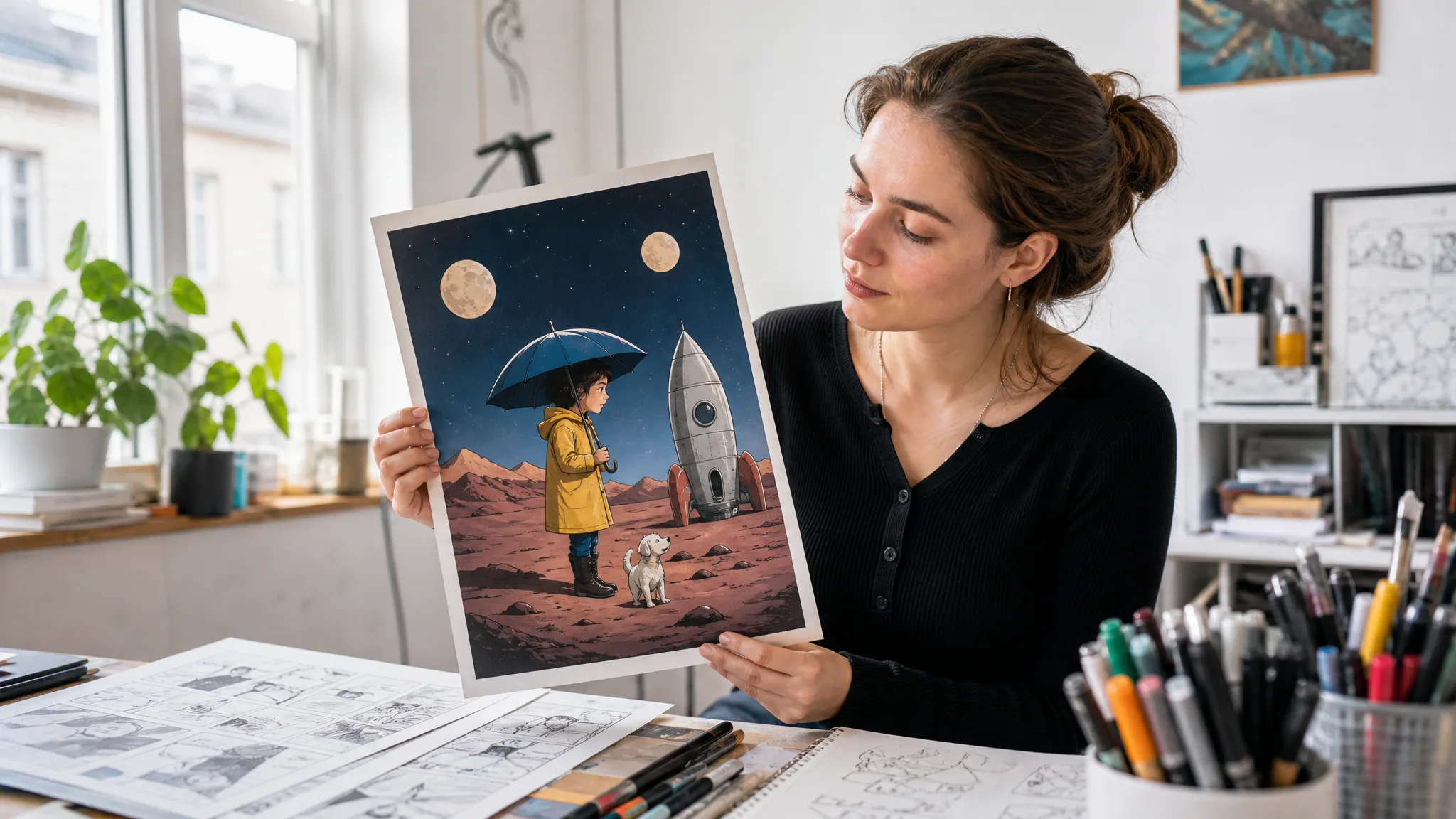
Keep the beat and change the backdrop. The comic book generator can put the girl, the dog and the umbrella on a planet with two moons and a parked rocket, or outside your own school gate or in your grandparents’ garden. Because the characters and their choice stay the same, readers still follow the moment, and you learn which setting suits the tone of your strip.

Artist at a bright window studying a printed comic of the raincoat girl and her dog under two moons beside a rocket

Turn a half-formed idea into a plot

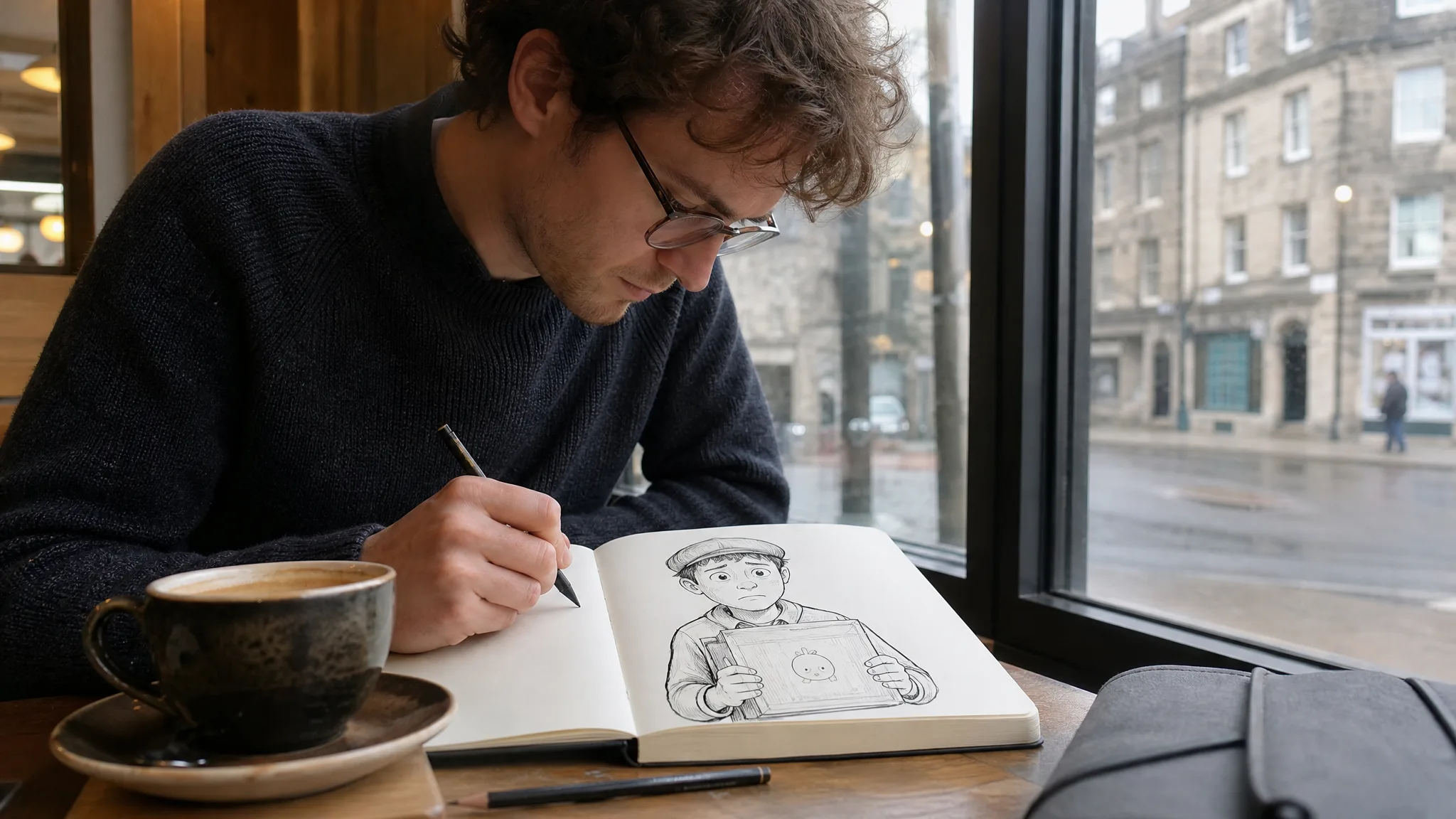
Stuck for a story? Give the comic book generator from text three ingredients: a character, a problem and a surprise. A jittery courier, an address that does not exist, a parcel that suddenly grows a face. Name the hero, pick a title that hints at the trouble, such as “Return to Sender,” and write the opening beat as a panel prompt; the next beats follow from what you see.

Man with glasses at a café table drawing a worried courier whose brown parcel has a cartoon face in an open sketchbook

Draw family, friends and pets as recurring characters

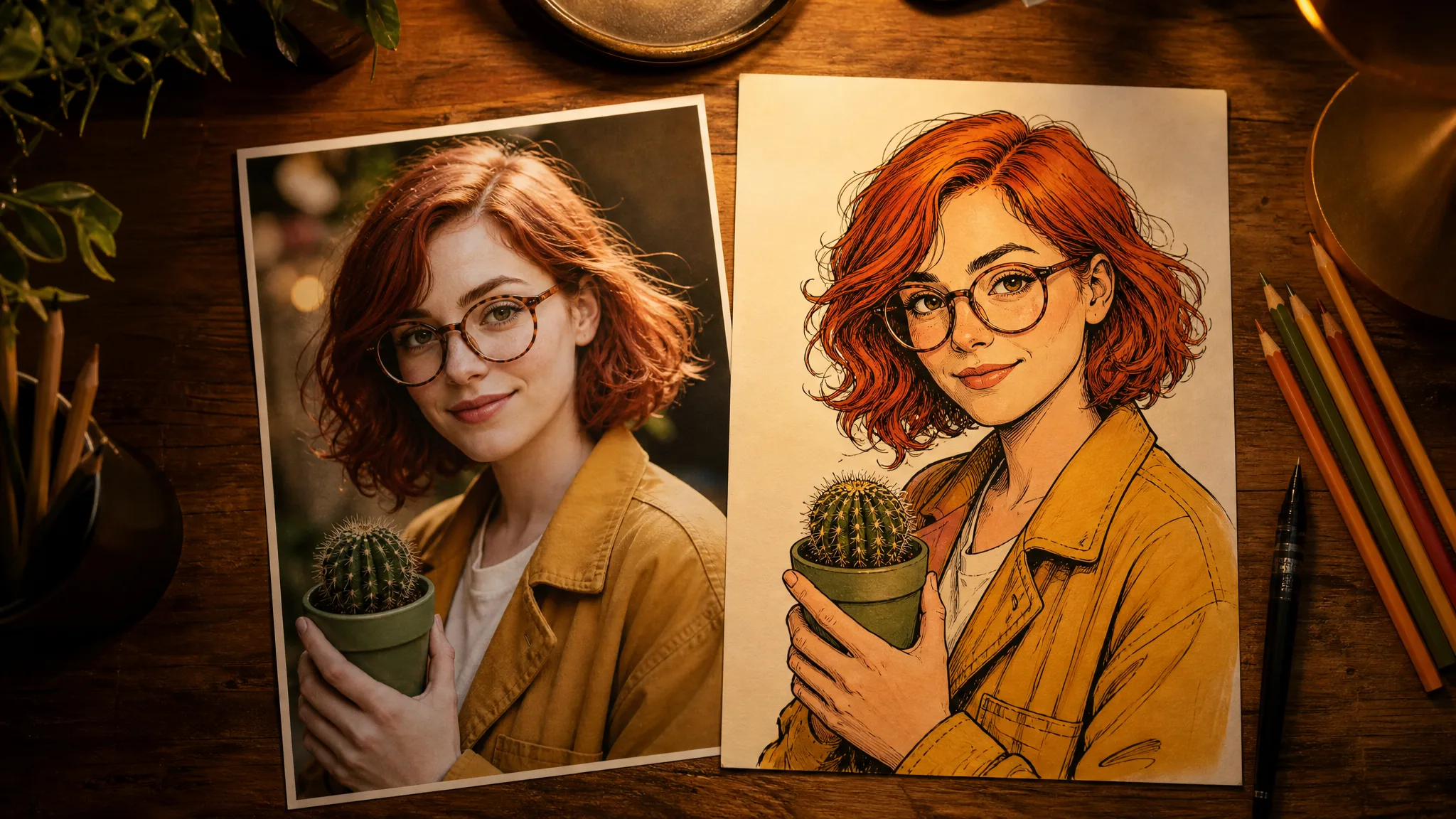
Photos make the best character sheets. Pick a sharp picture of your partner, your child or the family dog and list what makes them recognisable: round glasses, red curls, a mustard jacket, a favourite cactus. Attach the photo where the model accepts one, repeat those details in each comic book generator prompt and compare every panel with the original picture before you keep it.

Printed photo of a red-haired woman in round glasses holding a cactus next to an inked comic version of her

Turn Comic Book Generator Panels into a Finished Page

Good panels become a comic once they are ordered, lettered and framed. These finishing choices turn comic book generator images into a page readers can follow, whether it is a birthday strip, a class zine or a webcomic.

Order panels so the eye moves easily

Lay out a first strip as three panels read left to right: setup, turn and payoff. Check that each comic book generator panel shows its action at a glance and that props stay on the same side from frame to frame. When a beat needs a caption to make sense, redraw that panel rather than explaining it.

Keep space for balloons

Speech reads best in short lines placed above heads and away from hands. Favour comic book generator panels with open sky, wall or floor where a balloon can sit, then read the lettering at phone size before sharing, so a joke meant for grandma or a class reader stays legible.

Letter the page in your own editor

Balloons, fonts and sound words like SPLASH or BONK belong to the layout stage. Place them in an editor where you can resize each bubble, aim its tail at the speaker and pick a comic font; the comic book generator supplies the drawing underneath, which keeps your text crisp and easy to change.

Pick one panel for the cover

A cover needs one image that sums up the story, such as the girl sheltering the dog rather than every scene at once. Choose that panel, leave a clear band for the title and your name, add both as text layers and check the thumbnail before printing or posting it.

Stories from People Who Tried It on Their Photos

Twenty-four kids, one field trip to the aquarium. Back in class each child picked a photo from the day, and we used the comic book generator to draw them as heroes of a three-panel strip about losing and finding the class penguin toy. They wrote the speech bubbles themselves, and the strips now line the corridor outside our room.

Hannah K.
Primary School Teacher

Comic Book Generator Questions

Short answers about photos, characters, lettering and cost when you use the comic book generator for story panels.

A comic book generator turns a written story moment, and sometimes a reference photo, into a comic-style picture. You describe the characters, place and action for one panel, generate it, then arrange the panels you like and add lettering in a layout tool.

Write the panel as a short scene: who appears, where they are, what they do and from which angle. The comic book generator from text reads that description as the picture brief, so keep dialogue in a separate note and add it to balloons once the art is ready.

You can use a clear photo as a character reference in the comic book generator whenever the selected model accepts one. Choose a well-lit shot that shows the face or the pet’s markings, then describe a scene so the drawing places them in a story instead of copying the portrait.

Reuse the same photo and a short list of fixed details, such as hair, glasses and jacket colour, in every prompt. After each panel, compare the face, outfit and props with that list and redraw any panel that drifts before you place it on the page.

Drawing skills are optional, because the comic book generator online handles the artwork from your description. Your part is the storytelling: choosing the beats, writing the dialogue and picking which panels make the final strip for a class project, a gift or a webcomic.

The comic book generator online is free to start: sign up to collect free credits, then check in every day for more, with the streak bonus reaching 4x on day 7. Spend them on Z-Image Turbo, the free-tier image model, and draw the opening panel of your story.

You own the comic book generator panels you create, as set out in the Terms, and the characters you invent and the photos you upload stay yours. Letter the panels, lay out the pages and publish the finished strip as a webcomic, a zine or a printed gift book.

Reference photos you upload to the comic book generator stay unpublished. Each finished panel follows the Public Visibility setting shown in the workspace.

Draw Your First Panel with the Comic Book Generator

Pick the moment your story begins, add a photo of the person or pet who stars in it and let the comic book generator draw the panel. Keep the version that reads best, then letter it and line it up with the next beat in your editor.

Draw My First Panel
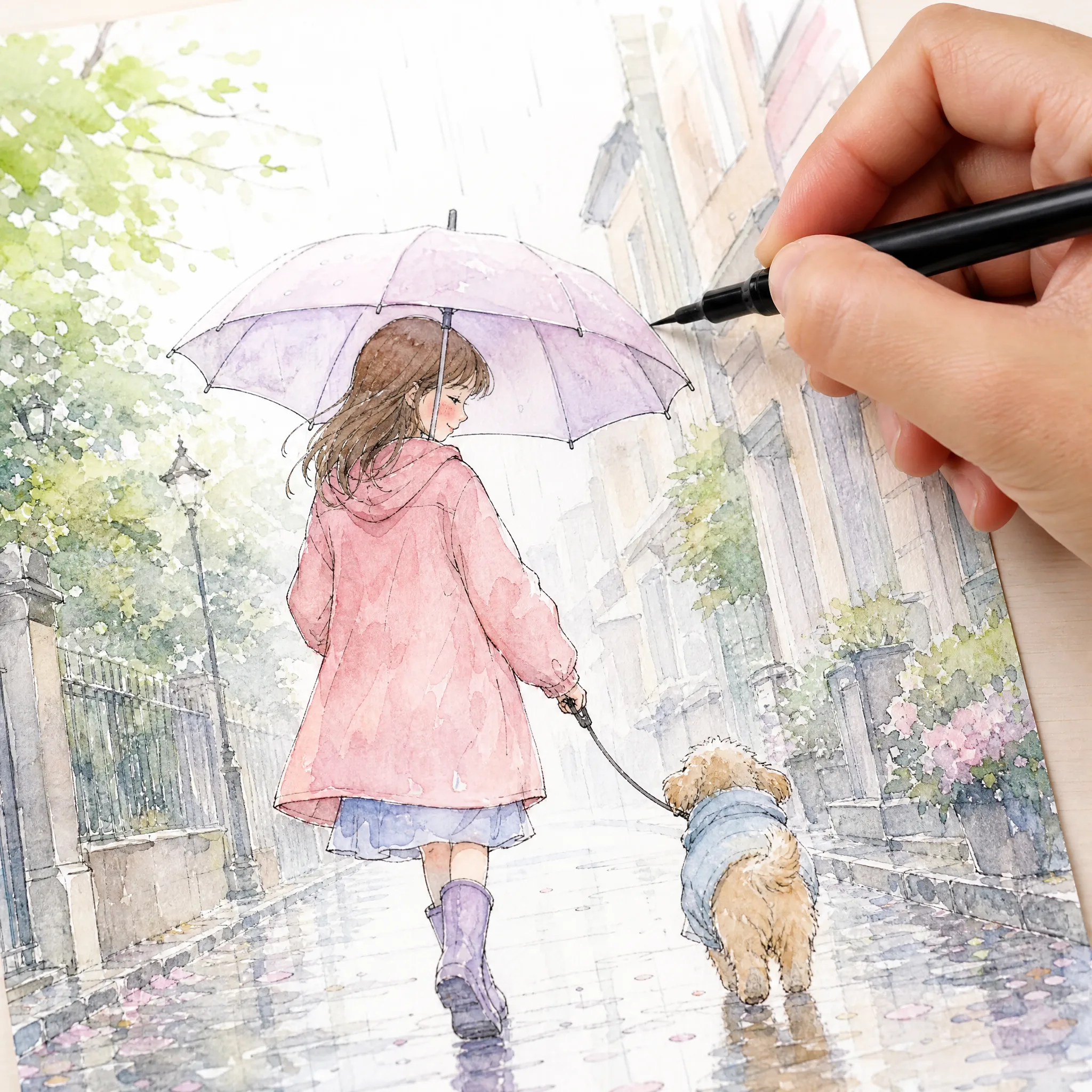
Brush pen adding a last ink line to a pastel comic of a girl and a little dog sharing an umbrella on a wet street