











Photo to Anime

Add one clear portrait and appear as an anime character on a lantern-lit street in the evening rain.

Upload Your Portrait0/1
Styling note (optional)
0/300
Aspect ratio
Resolution
Number of outputs
Public Visibility
Required credits
208
Sample videos

Anime AI Image to Video: You, Hand-Painted, Under a Red Umbrella

One selfie, redrawn as a hand-painted anime evening in the rain

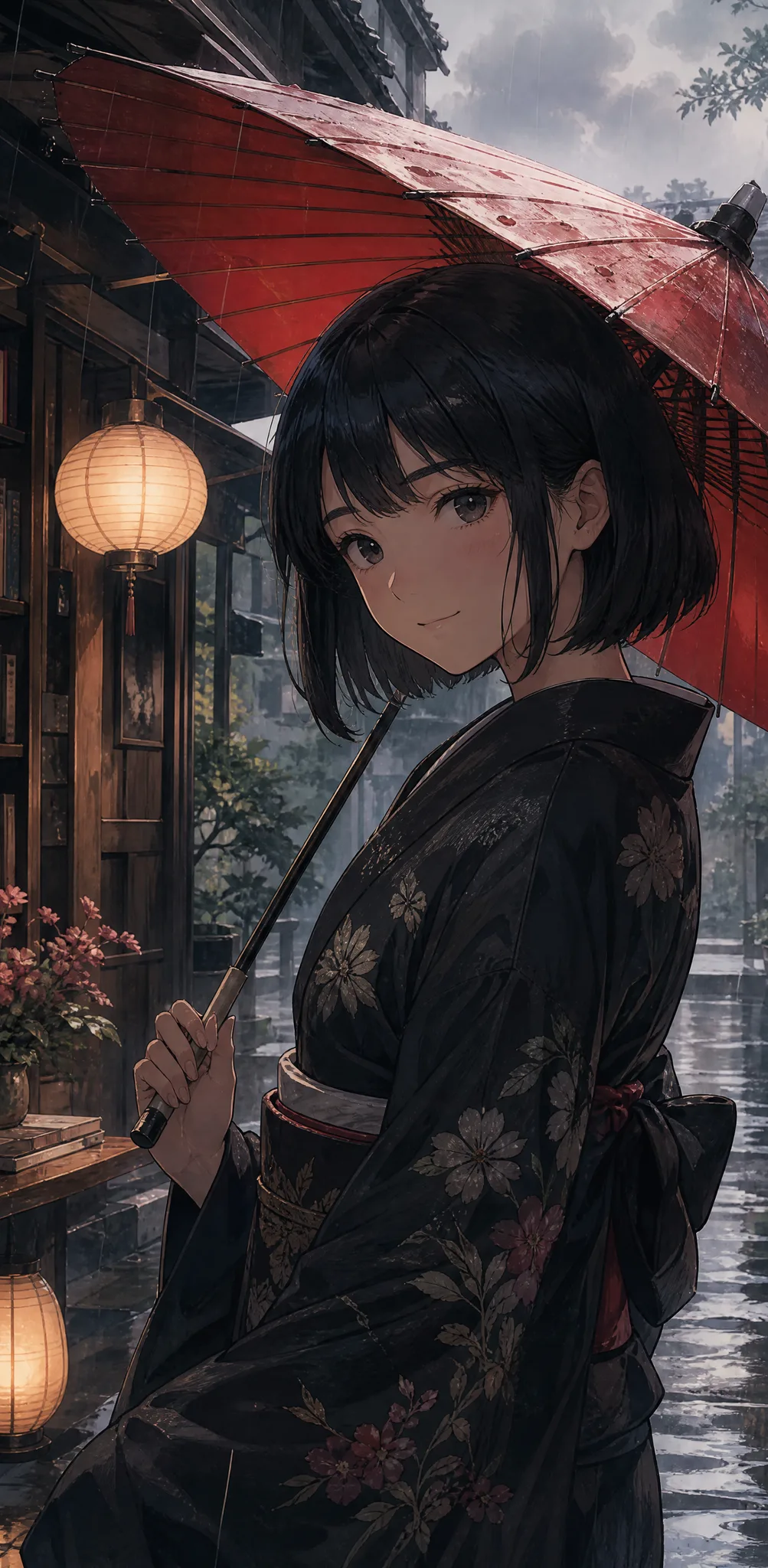
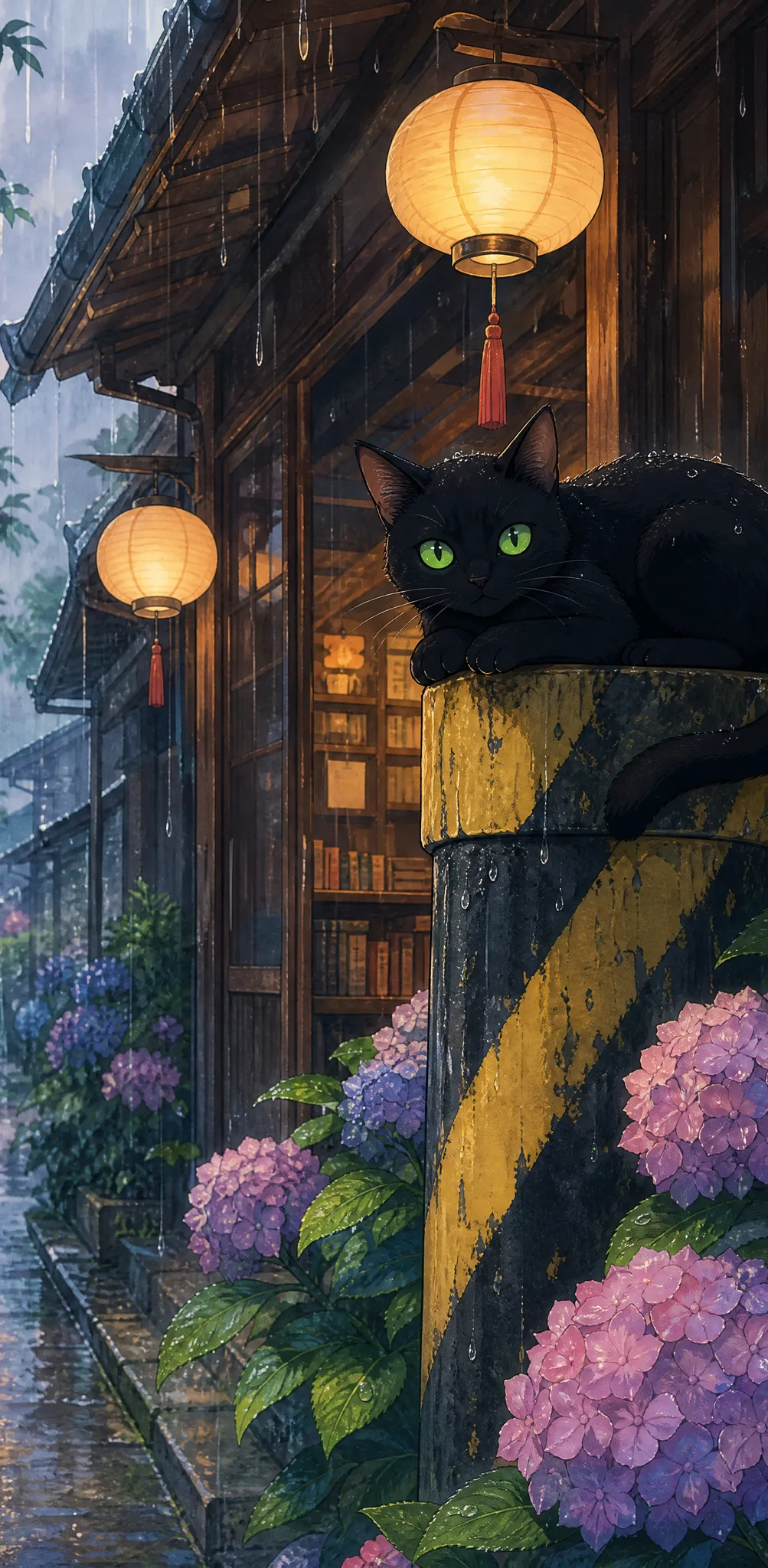
Start with a single clear portrait, a selfie or a holiday photo, and the effect redraws that person in soft, hand-painted anime lines. Your character stands on a wet street at dusk in a dark kimono, holding a red paper umbrella, with an old wooden bookshop behind, its round paper lanterns glowing, hydrangeas by the door and a black cat watching from a striped pole. Rain falls, and you can hear it. Style, scene and sound are ready, so there is nothing to write: just upload and play your 5-second anime AI image to video.

Make My Anime Clip
Anime woman in a dark purple kimono with a red umbrella outside a lantern-lit wooden bookshop in evening rain
Skip the Prompt|Selfie to Anime Character|Lantern-Lit Rainy Street|Rain Sound Included

How to Use Anime AI Image to Video in Three Steps

Anime AI image to video needs one portrait and three steps: upload, generate, then choose the take that looks most like you.

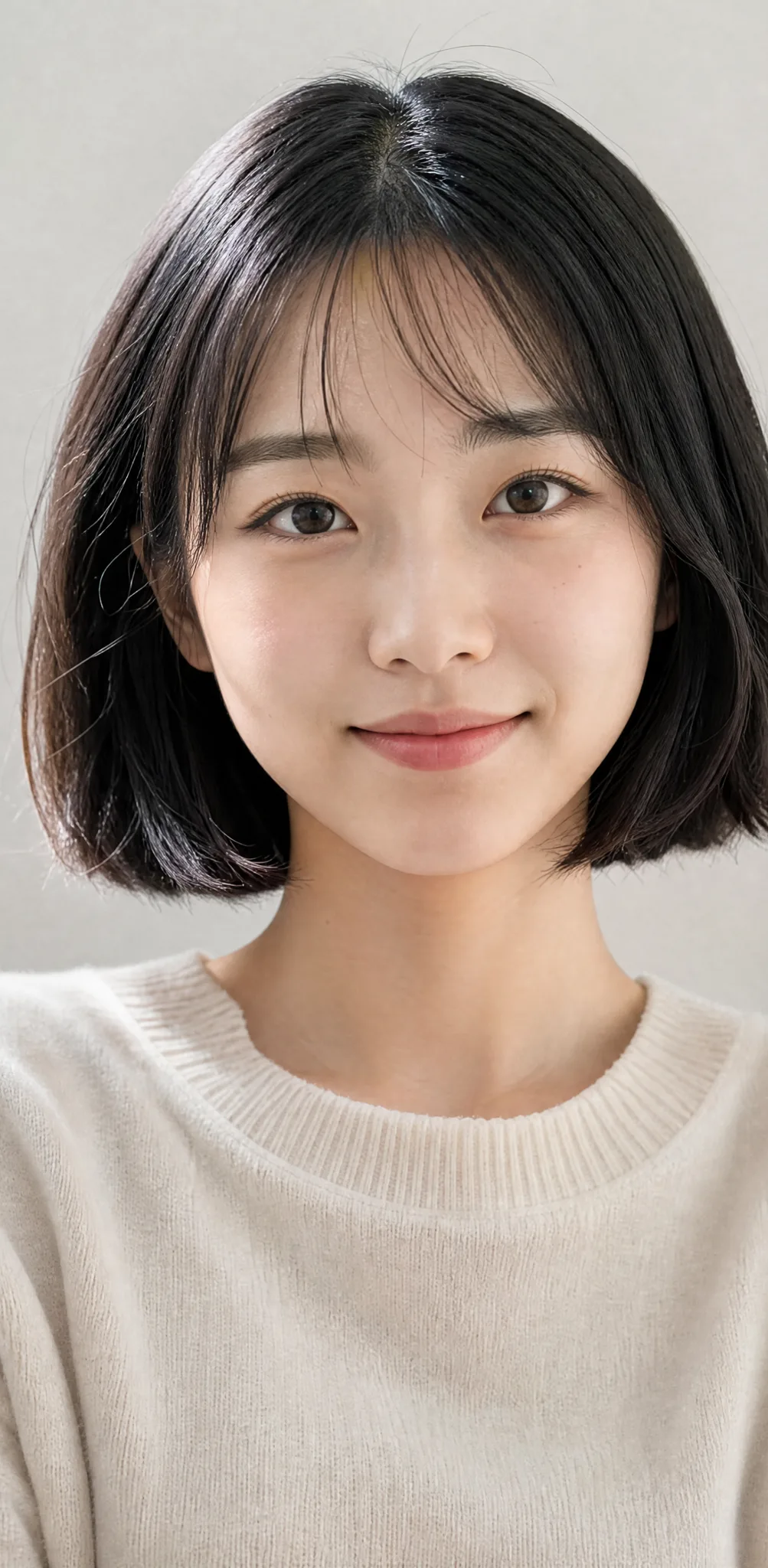
Young woman with a glossy black bob and a gentle smile facing the camera in soft window light

Upload one clear portrait

Pick a photo of one person facing the camera, with eyes, hairstyle and hair color easy to see; soft window light like the example here works nicely. Anime AI image to video carries those features into the character, so the clearer the face, the stronger the likeness on the rainy street.

Your Face, a Red Umbrella and a Lantern-Lit Street

Every anime AI image to video clip combines three things: your likeness in anime form, a richly detailed rainy street and a short clip with sound to share.

Anime AI image to video keeps your features

Face shape, hairstyle, hair color and eye color all carry over from your portrait, then the effect redraws them with clean lines and soft shading. A young man with round glasses and wavy brown hair stays instantly himself, just dressed in a navy kimono with a red umbrella in hand, which is what makes anime AI image to video feel personal.
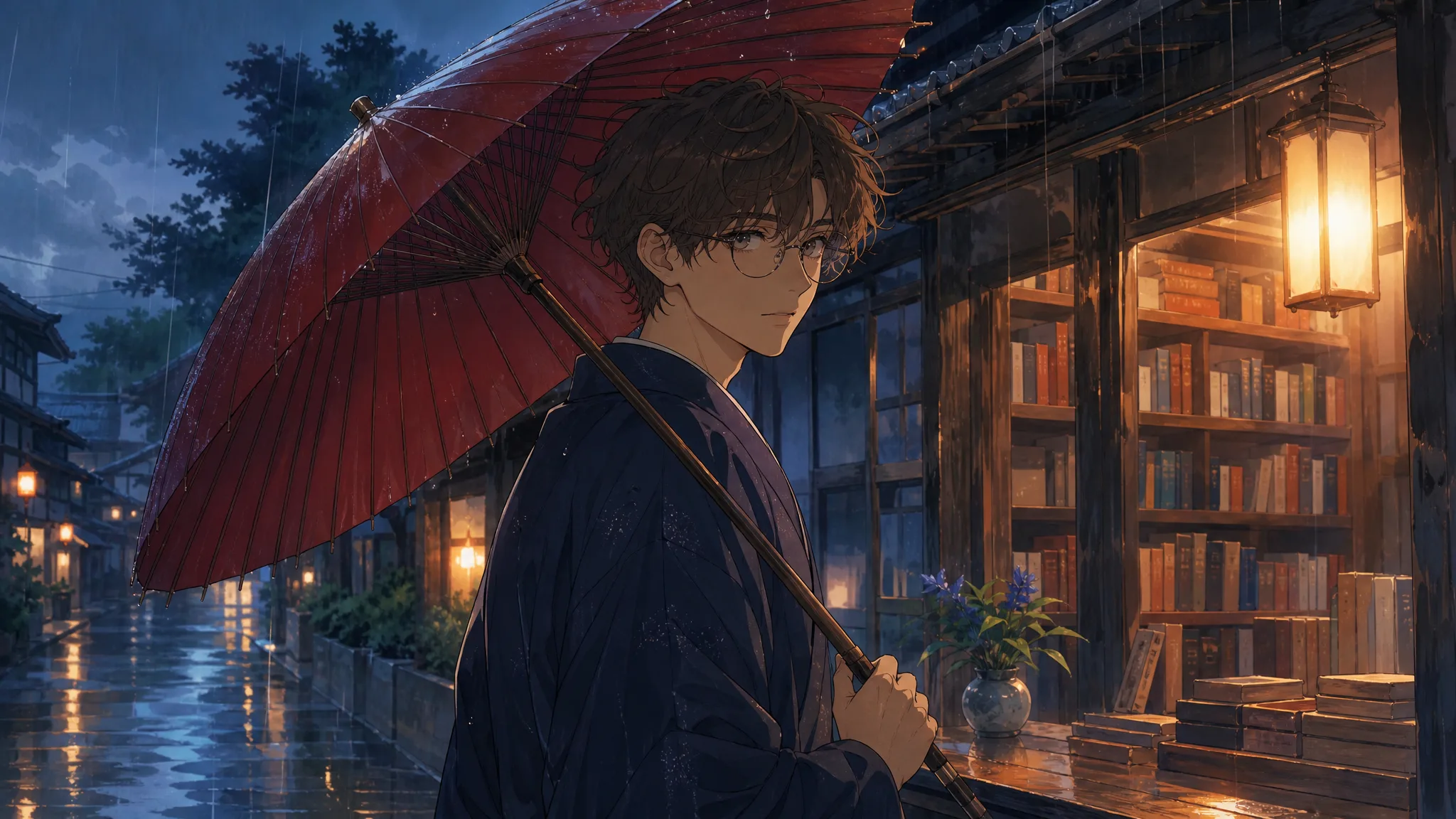
Young man in round glasses and a navy kimono, drawn in anime style, holding a red umbrella on a rainy lit street

A street that rewards a second look

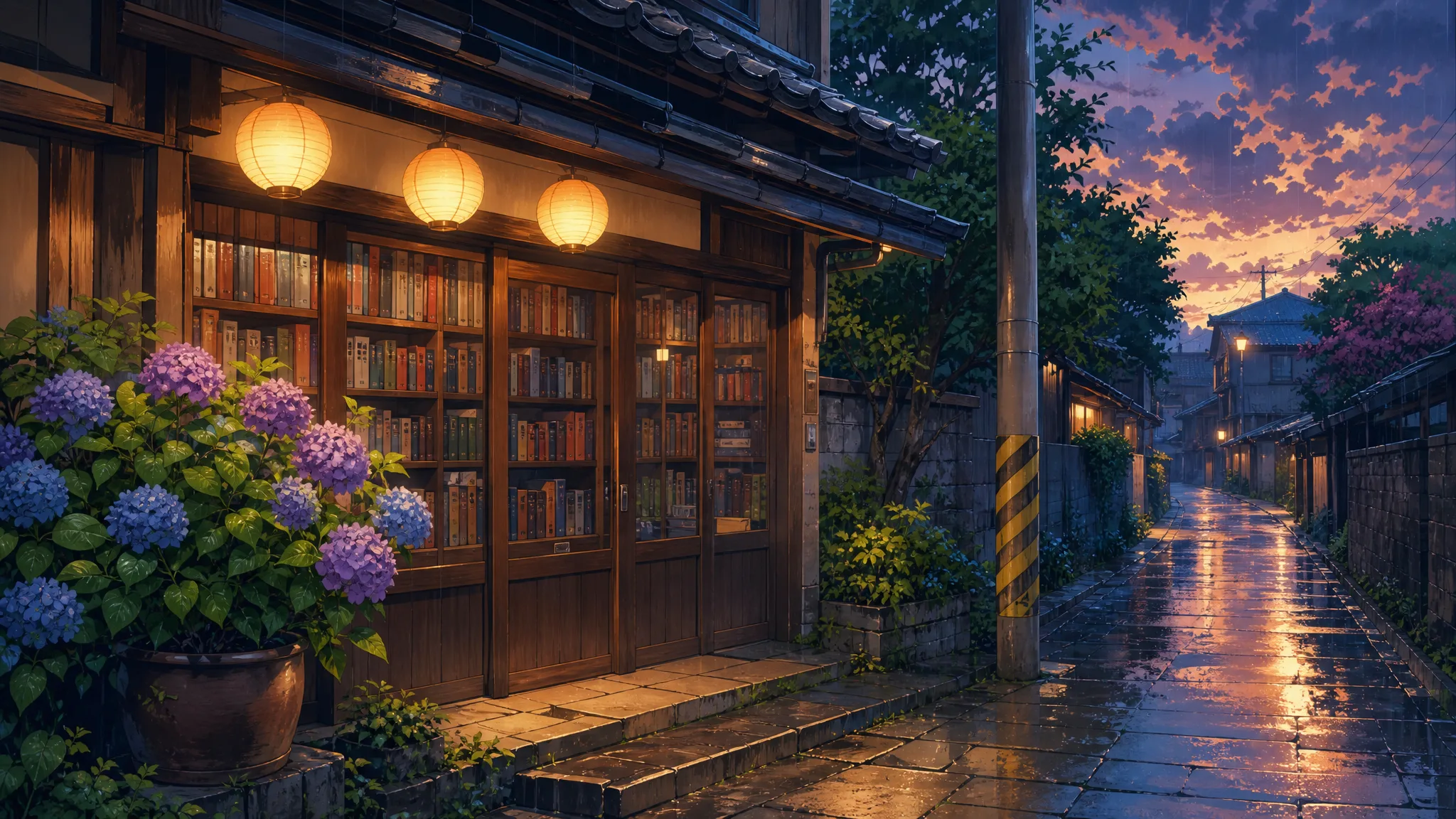
Behind you, an old wooden bookshop glows: shelves of colorful spines behind glass doors, three round paper lanterns under the eaves, purple and blue hydrangeas in a clay pot and a yellow-and-black striped pole. Light rain wets the stone pavement and catches the lantern light, giving each anime AI image to video clip a quiet, filmic mood.

Anime bookshop at dusk with glowing round paper lanterns, hydrangeas in a clay pot and rain on the stone pavement

A 5-second clip with the sound of rain

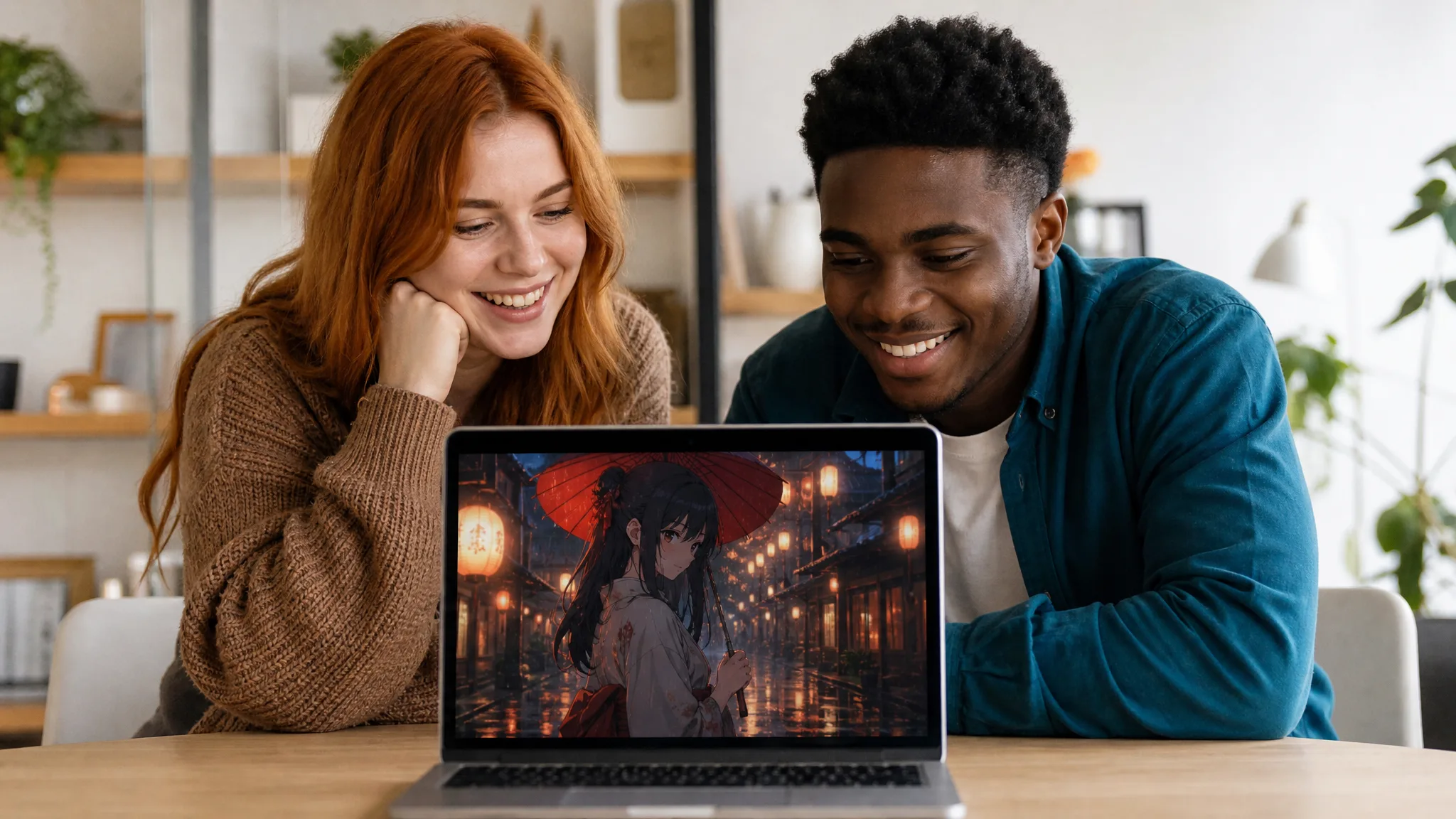
Every clip runs about 5 seconds and carries soft rain sound, so it works as a profile video, a birthday surprise for an anime fan or a calm opener for a vlog. It suits anyone looking for an AI anime video generator with nothing to set up, and you can add a title or caption in your editor afterwards.

Two friends at a wooden desk smiling at a laptop playing an anime clip of a woman with a red umbrella in rain

What Makes This Anime AI Image to Video Worth Sharing

Anime AI image to video skips drawing and prompting: a real photo goes in, and a frame that could come from a hand-painted film comes out.

Photo to anime in one go

One upload covers both the redraw and the motion. Anime AI image to video keeps your likeness while adding the clean outlines, soft color and gentle shading of hand-painted anime, so the character on screen still reads as you.

A mood straight out of a film

Rain, glowing lanterns, a shelf of old books and a black cat on watch give the scene a hushed, cinematic feel. Paired with a red umbrella and a dark kimono, every anime AI image to video take looks like a still from a favorite evening scene.

Works with photos on your phone

A selfie, a profile picture or a portrait from a trip all make good starting points. Choose the one where your face and hair are clearest, and the anime AI image to video character will look most like you.

Ready to post, sound and all

The rain sound comes with each clip from the AI anime video generator, so it is ready for a profile, a story or a reel. Choose a tall or wide ratio for where you post, and stay at 768P or step up to 2K for sharper detail.

Stories from People Who Tried It on Their Photos

Customers kept saying our shop looked like an anime background, so I tried anime AI image to video with my staff photo. There I was under a red umbrella outside a bookshop much like ours, rain falling past the lanterns. We posted it on the shop's page with this month's reading list underneath.

Yuki T.
Bookshop Clerk

Anime AI Image to Video FAQ

Answers about anime AI image to video: what it makes, starting free, which photo to use, prompts and the clip you download.

Anime AI image to video is an effect that redraws the person in one photo as a hand-painted anime character and animates them in a short clip. Your character stands under a red umbrella in a dark kimono outside a lantern-lit bookshop on a rainy evening.

This AI anime video generator is free to start, with free credits waiting when you sign up. Daily check-ins add more, and a seven-day streak lifts the reward to 4x. Upload your portrait and step onto the rainy bookshop street.

A single clear photo of one person facing the camera works best for anime AI image to video. Visible eyes, a defined hairstyle and soft, even light help the anime character keep your face shape, hair color and eye color.

Your real photo is enough, because anime AI image to video handles the drawing and the scene. The template sets the style, street, umbrella and kimono, MiniMax H3 runs it, and an optional note of up to 300 characters keeps details like glasses or earrings.

A friend’s or partner’s portrait works the same way as yours: upload one person per run, and the effect redraws them on the same lantern-lit street. Fans after the best image to video AI for anime pairs often run two photos one after the other, then post the matching clips side by side.

Each anime AI image to video clip lasts about 5 seconds and comes with the sound of rain. MiniMax H3 renders at 768P or 2K, and the aspect ratio stays on Auto or switches to 21:9, 16:9, 4:3, 1:1, 3:4 or 9:16 for profiles, stories and reels.

Use a sharp, front-facing portrait in soft daylight, with nothing covering the face. Bold features such as bangs, colored hair or glasses make the anime version easy to spot, and generating up to four videos in one run lets you keep the take that looks most like you.

Create Your Anime AI Image to Video Scene

Upload one portrait and anime AI image to video draws that person under a red umbrella on a rainy street lined with lanterns and books. Play the takes, keep your favorite and share it as a profile clip or a gift for a friend who loves anime.

Redraw Me in Anime
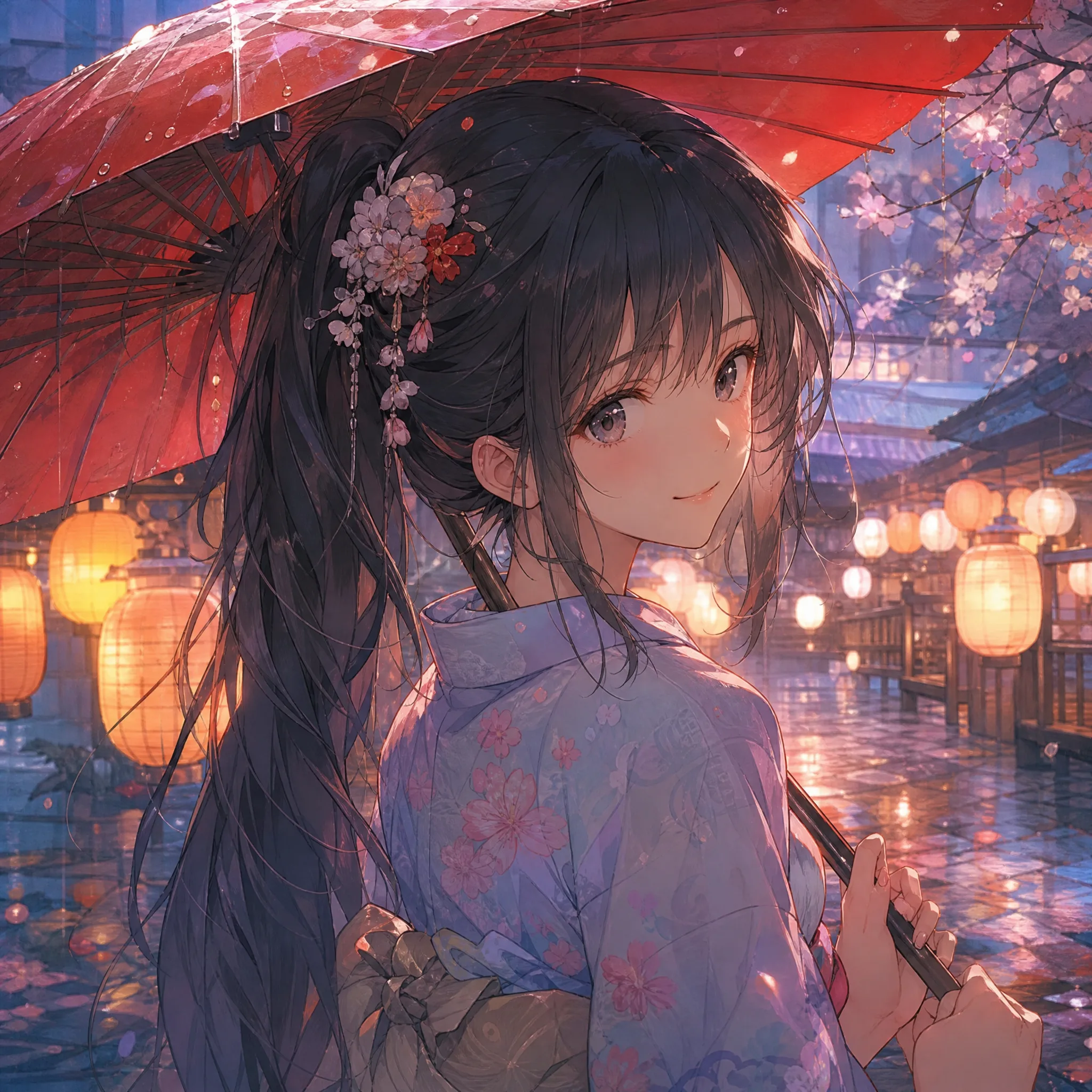
Smiling anime girl with a long dark ponytail holding a red paper umbrella, lanterns glowing behind her in the rain