




















Victoria Secret AI Video Generator

Upload one portrait and take the lead in a winged runway performance.

Upload Your Portrait0/1
Styling note (optional)
0/300
Aspect ratio
Resolution
Number of outputs
Public Visibility
Required credits
368
Sample videos

Victoria Secret AI Video Generator for Your Runway Debut

Make a personal winged catwalk clip from one portrait, with the stage, performance and sound already prepared.

Picture your own entrance beneath bright runway lights, with white feather wings framing the walk. Upload one clear portrait and step into the prepared fashion scene: the camera changes distance as you raise your arms, pose and walk toward the lens. The stage, costume and performance come with the template, and the finished 15-second clip includes the scene’s sound. Choose Auto framing to follow the example or a supported ratio for your post. Play the result, turn on its audio and download your personal show moment with the Victoria Secret AI video generator.

Create My Runway Video
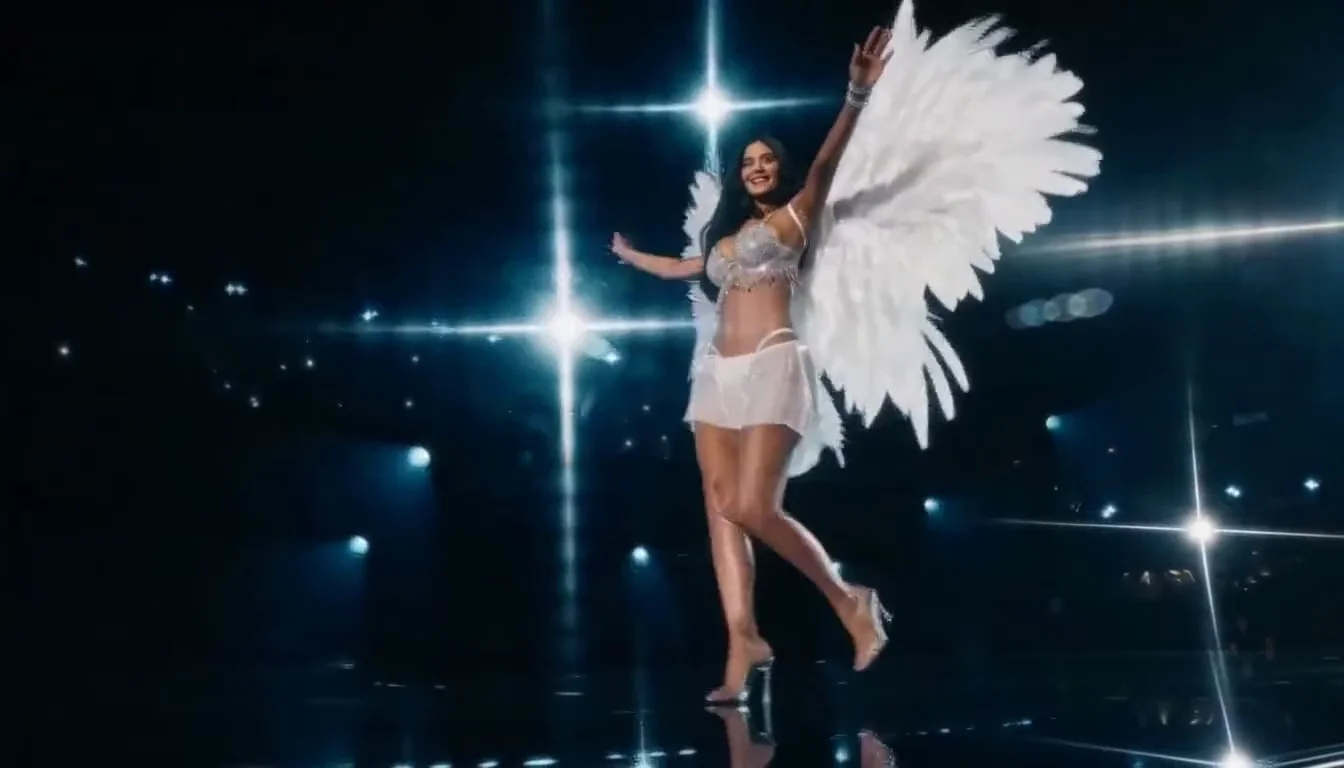
A fictional young woman in silver stagewear and white feather wings on a cool-lit catwalk
One Portrait|Winged Runway Scene|15 Seconds with Sound|Ready-Made Performance

How to Create Your Victoria Secret AI Video

Follow four steps with the Victoria Secret video generator, from choosing a portrait to downloading a personal runway performance.

1

Choose a Clear Portrait

Pick a sharp photo of one person facing the lens, with the eyes, hair and cheeks visible. Even daylight or soft studio lighting makes a useful starting image. Keep the portrait centered so the Victoria Secret AI video generator has a clear identity reference.

2

Add Your Photo to the Template

Upload the portrait in the workspace above. The winged outfit, runway setting and performance direction are already prepared in the Victoria Secret AI template. Keep the photo focused on the person you want to see leading the walk, then check the upload preview.

3

Choose the Frame and Generate

Start with Auto framing to follow the example, or choose a supported aspect ratio for your post. Keep the standard 768P option or select 2K, then generate your clip. The Victoria Secret AI video generator builds the performance around your uploaded portrait.

4

Play Your Runway Moment

Open the result, turn on sound and watch the full walk and poses. Check the face in both the close and wider shots, then download your favorite take. Add the clip to a reel or a personal fashion story using the Victoria Secret AI video generator.

Build Your Victoria Secret AI Runway Moment

The Victoria Secret AI template brings a personal face, feather wings, stage lighting and a prepared performance into one fashion clip.

Your Portrait Leads the Walk

Bring a photograph with clear eyes, a visible hairline and natural skin detail. The Victoria Secret AI video generator uses that person as the lead performer in the runway scene. Your uploaded identity becomes the focus of the close views and the full-body walk, giving the finished fashion clip a personal connection.
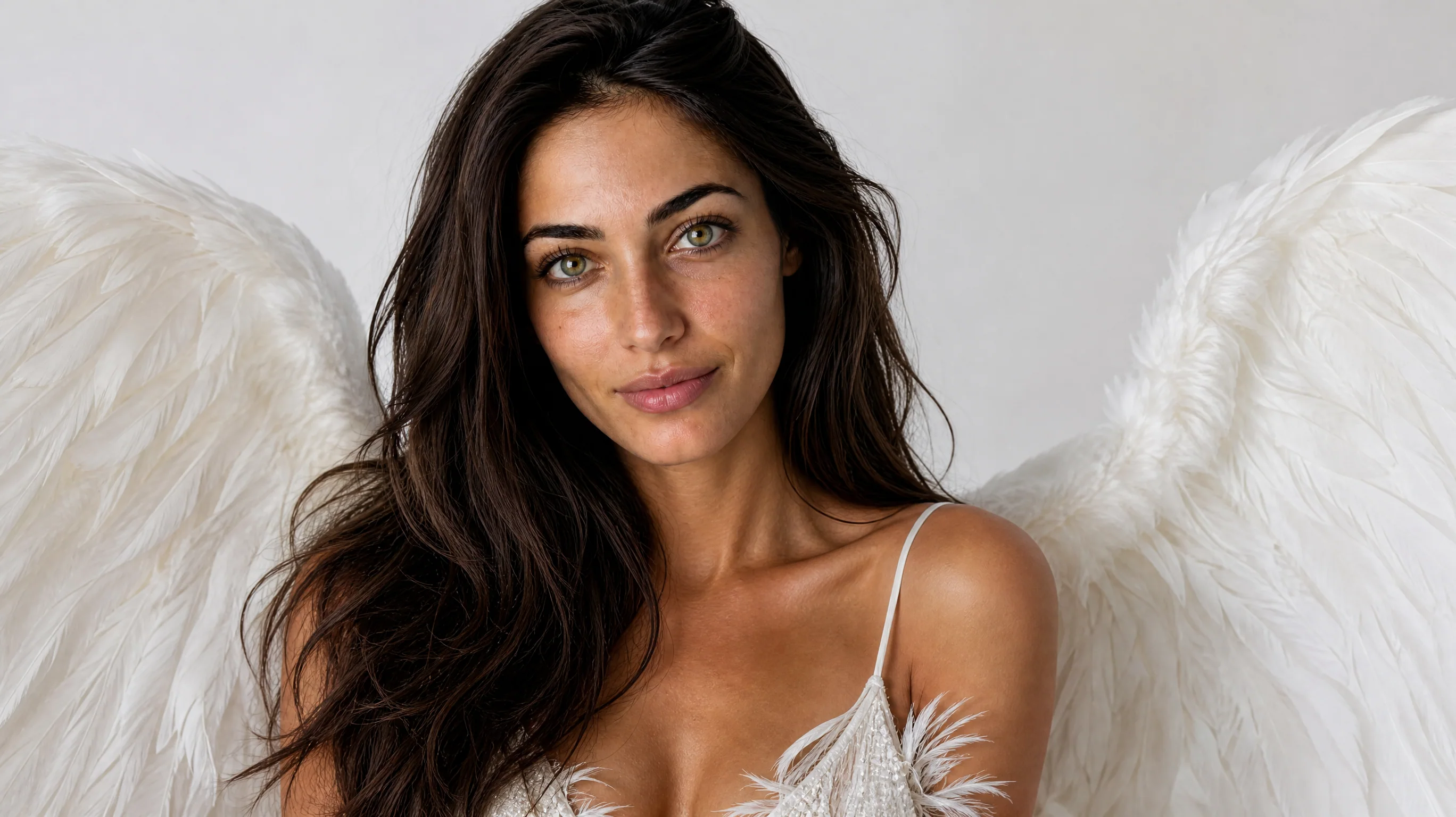
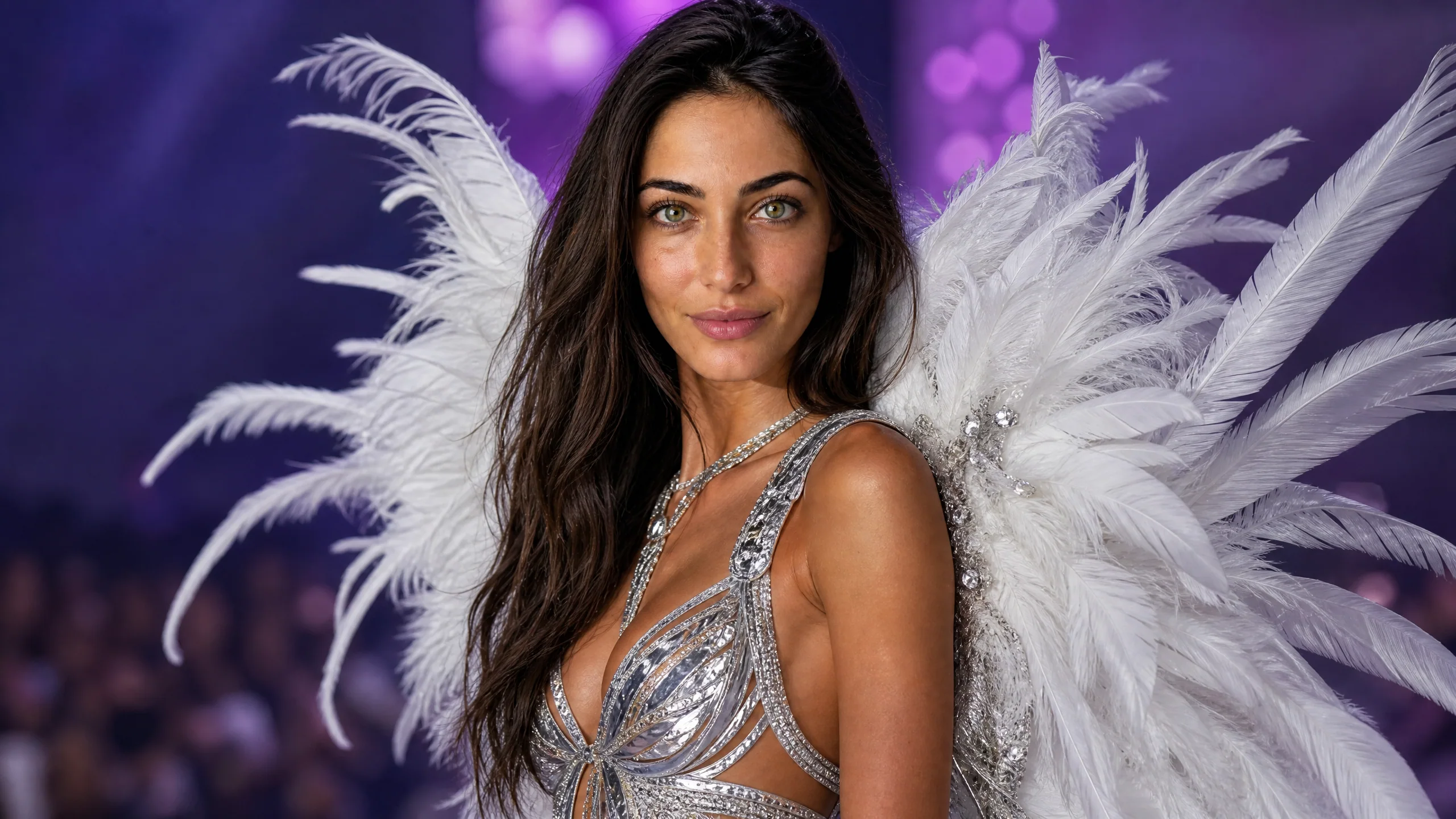
Close view of a fictional dark-haired woman wearing white feather wings under neutral studio lighting

Feather Wings Fill the Stage

White feathers frame the performer against a dark runway and bright stage lights. The Victoria Secret AI video generator builds the winged costume and show setting into the scene, so your photo starts a complete fashion moment. A wide view gives the wings room while the closer shot brings attention back to the face.

Full-length fictional model with large white feather wings on a blue-lit runway

Follow the Runway Performance

The ready-made sequence brings together the forward walk, raised-arm poses and changing camera distance seen in the example. Use this Victoria Secret AI template to make a fashion performance from a still portrait. Watch how the face, costume and feather silhouette read as the performer moves toward the camera.

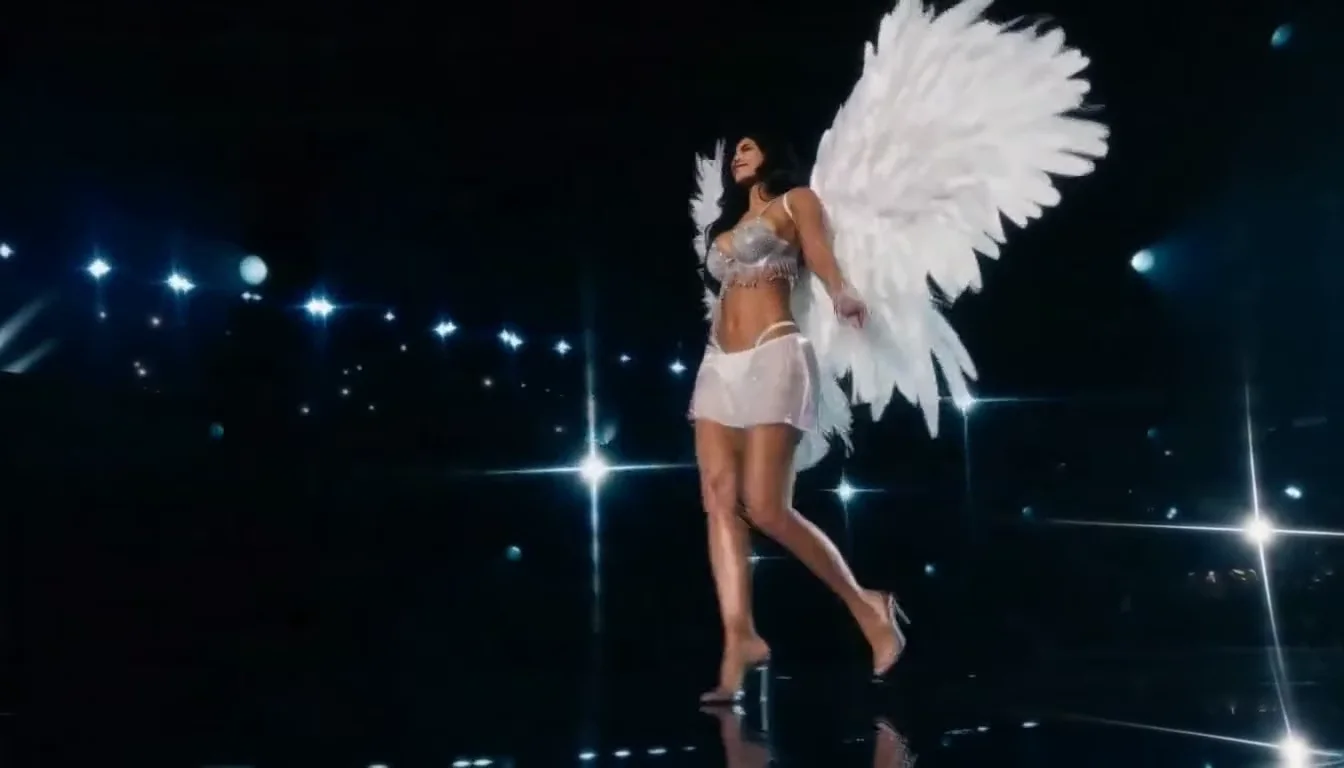
Fictional winged runway performer walking toward the camera on a cool blue stage

Keep the Show’s Sound and Atmosphere

Light reflections, the runway setting and scene sound give the clip its show atmosphere. The Victoria Secret AI video generator creates a short performance you can play with sound and download from the workspace. Choose your framing for the post, then pair the finished clip with a caption in your usual editor.

Fictional winged performer posing against a violet-lit stage with distant audience silhouettes

Ways to Share Your Victoria Secret AI Video

Use the Victoria Secret video generator for personal fashion posts, moving moodboards, matching friend clips and celebrations with a runway theme.

Your First Runway Post

Turn a favorite portrait into an entrance for a fashion-themed reel. The Victoria Secret AI video generator supplies the winged stage and performance, leaving you to choose the photo and the caption. Use the clip as the opening moment before your own outfit photos.

A Fashion Moodboard in Motion

Give a styling board a moving focal point with a winged catwalk scene. The Victoria Secret AI video generator combines a personal portrait with a prepared performance. Place the clip beside fabric swatches, silhouette sketches or event inspiration to communicate the mood of a fashion concept.

A Matching Friends Series

Give each friend a separate runway moment using one portrait per generation. This Victoria Secret AI video generator keeps the show theme consistent while the faces change. Arrange the individual clips into a story sequence, with a different caption introducing each person’s entrance.

A Celebration with Stage Presence

Add a fashion-show reveal to a birthday message or a personal milestone post. Choose a clear photo of the person you want to feature and make a Victoria Secret AI video. The feather wings, stage lights and forward walk give the greeting its visual centerpiece.

Stories from People Who Tried It on Their Photos

The feather silhouette was the missing piece in my fashion mood reel. I started with a clean studio portrait and used the Victoria Secret AI video generator for the runway entrance. The closer face shot and the wider walk gave me two different visual beats to place before the fabric details and outfit photographs.

Mira Voss
Fashion Photographer

Victoria Secret AI Video Generator Questions

Find answers about the Victoria Secret AI trend, the right portrait, getting started, the prepared template and the finished catwalk video.

The Victoria Secret AI video generator turns one portrait into a winged runway performance. Your photo supplies the lead person, while the prepared template supplies the feather costume, stage, camera sequence and sound. Generate the scene in the workspace and download the finished fashion clip.

The Victoria Secret AI trend brings personal portraits into fashion-show scenes with runway walks, feather wings and stage lighting. This template focuses on a winged catwalk performance, giving you a personal version of the show-style look from a single clear photo.

Yes, you can start with free credits on PicVideo and use them for the Victoria Secret video generator. Daily check-in adds more credits, with consecutive check-ins increasing the reward up to 4x by day seven. The workspace shows the credit quote before you generate.

A clear, front-facing portrait of one person suits the Victoria Secret AI template. Choose even lighting, visible eyes and natural facial detail. A head-and-shoulders image or a clean upper-body portrait gives the model a strong view of the person who will lead the performance.

The catwalk prompt is built into the Victoria Secret AI video generator. Your portrait is the required input; the template already directs the winged outfit, runway atmosphere, performance and camera sequence. An optional short styling note can add creative direction while you keep the same show theme.

Create a personal runway series by generating a separate clip for each portrait. The Victoria Secret AI template gives the clips a shared winged-show theme. Keep the same framing across the set, then introduce each person with a caption when you assemble the posts.

Each Victoria Secret AI video generator clip runs for 15 seconds and includes scene sound. The standard resolution is 768P, with 2K available in the workspace. Auto follows the reference framing, and supported fixed ratios let you choose a layout for reels, stories or wider posts.

Start the Victoria Secret video generator with a sharp portrait in soft, even light. Keep the eyes and hairline visible and choose a natural expression. Play the result through its close and wider shots, checking the face, hands and feather silhouette before choosing the clip to share.

Make Your Own Winged Runway Entrance

Choose your portrait and let the Victoria Secret AI video generator place you in a feather-winged fashion performance with stage lights and sound. Make it yours.

Start My Runway Walk
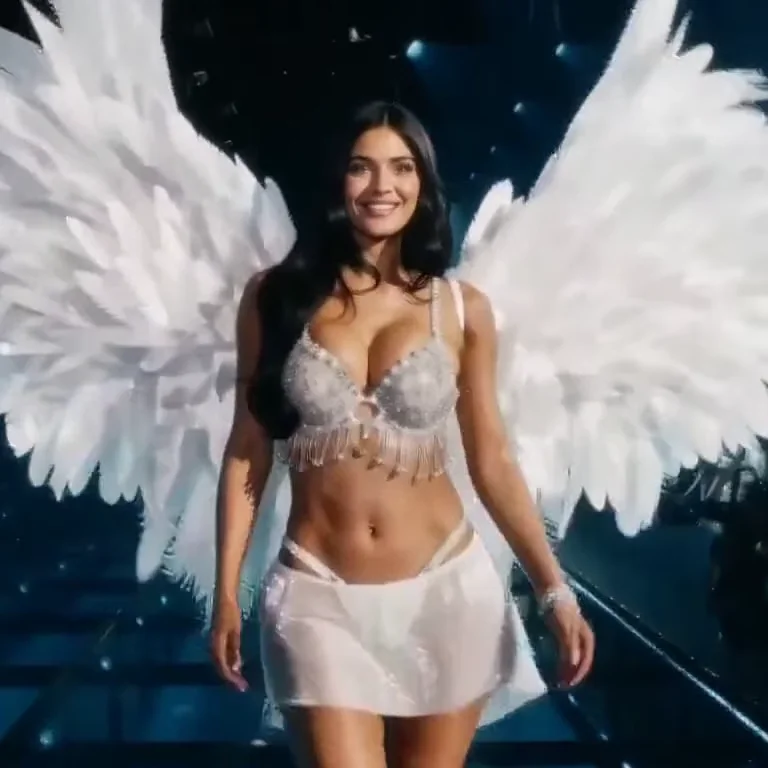
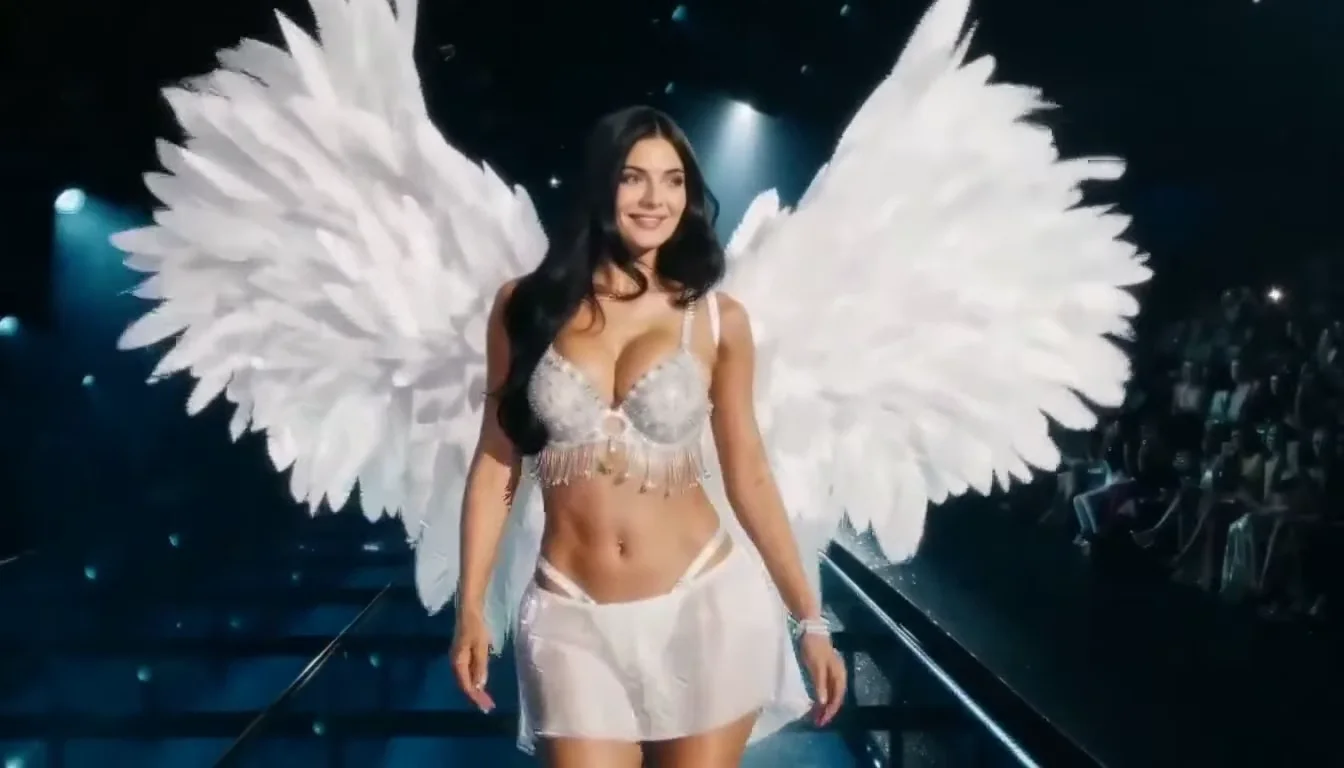
A fictional woman smiling in white feather wings on a cool-lit runway