Text to Image
Prompt
0/5000
Aspect ratio
Image size
Number of generations
Public Visibility
Required credits
7
Examples
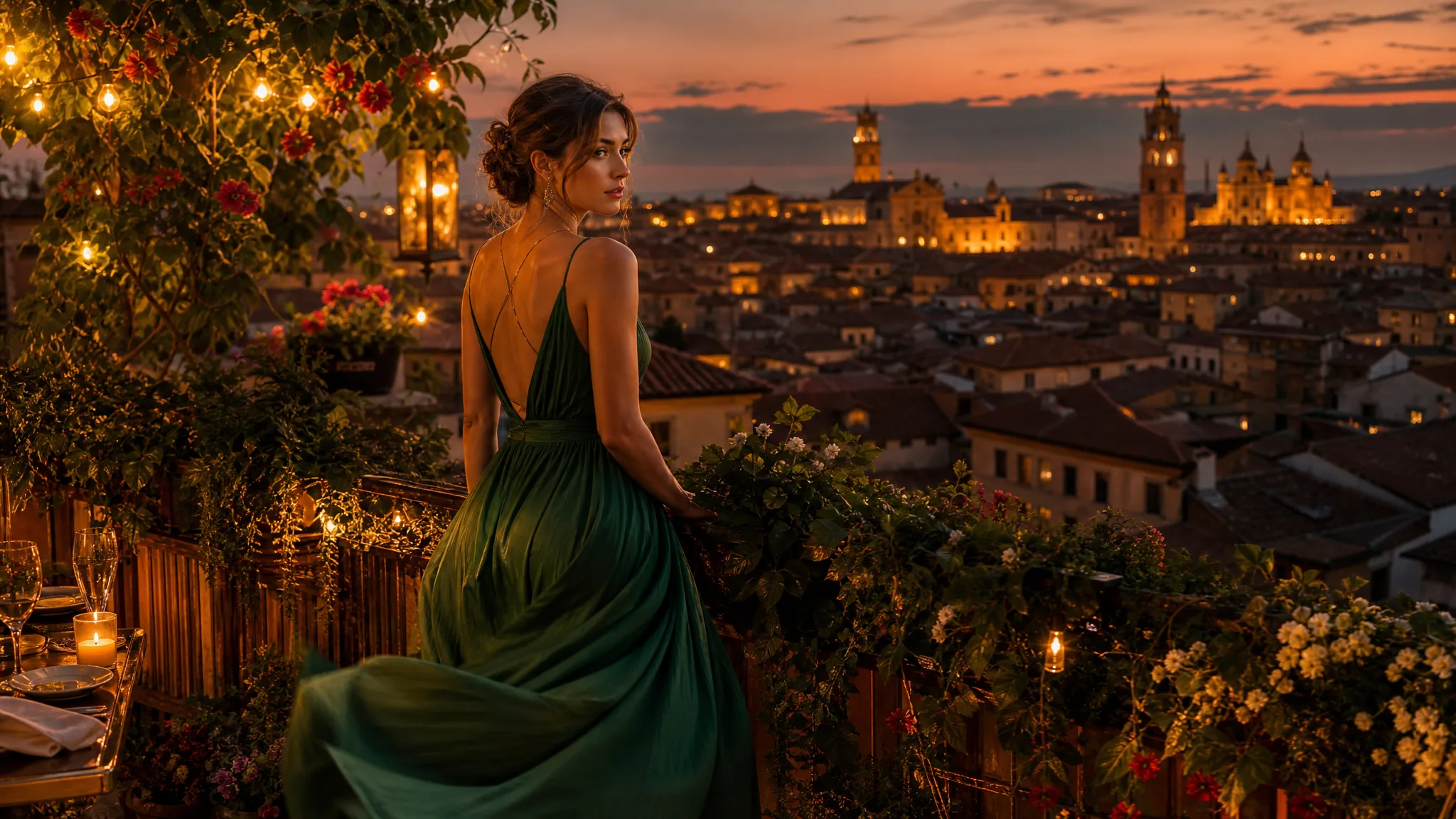
Woman in a flowing emerald dress on a rooftop garden strung with warm lights, looking over terracotta roofs at dusk

Text to Image Generator: Picture the Scene You Describe

Type the portrait, product or place you have in mind and see it drawn

Write who or what you want to see, where it sits and how the light falls. The text to image AI generator renders portraits, product scenes and travel views you can post, pitch or animate next.

Write Your First Prompt
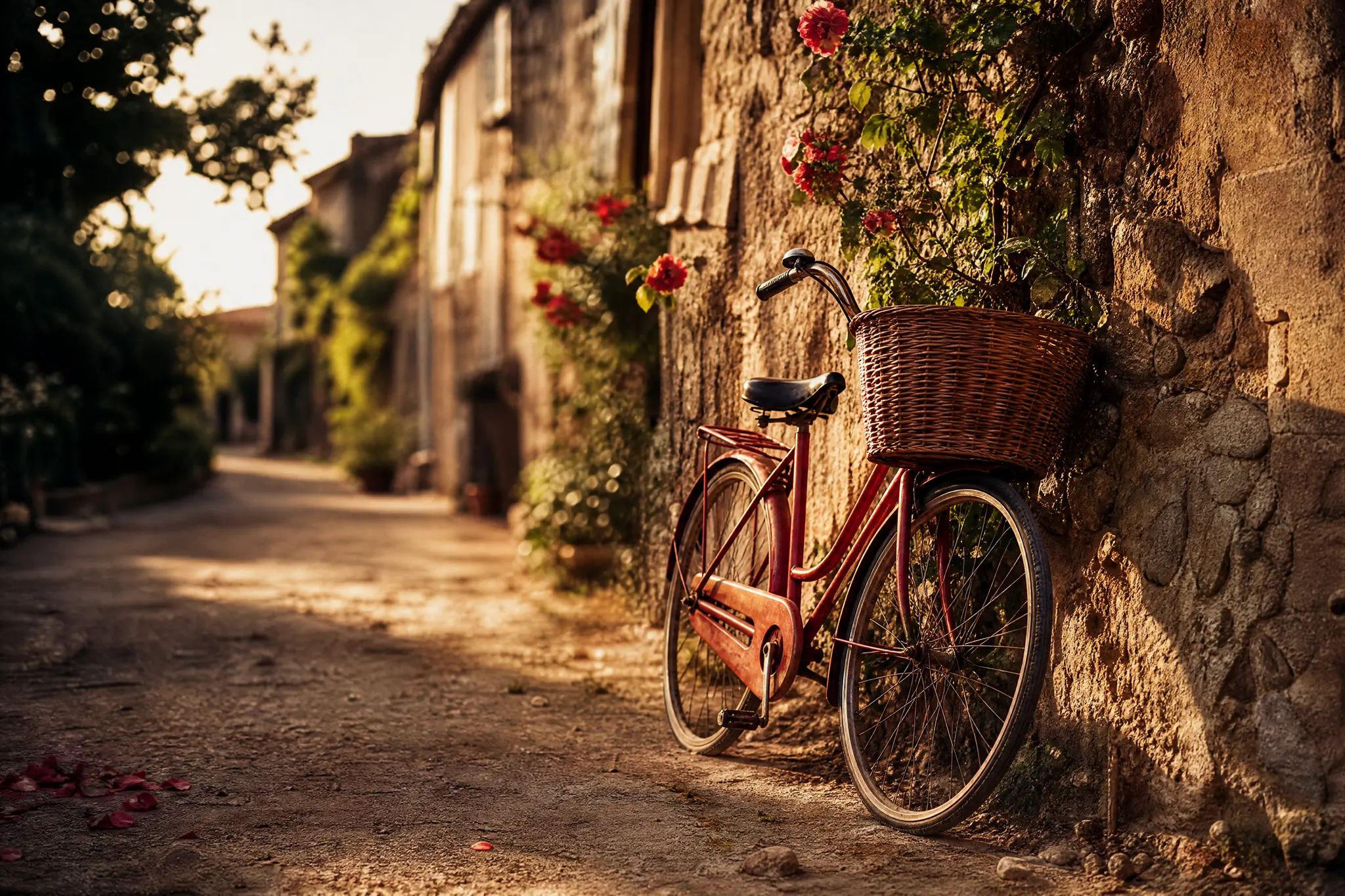
Vintage red bicycle with a wicker basket against an old stone wall with climbing roses, in grainy film-photo light
Portraits, products, places|21 text-capable image models|Multiple takes per prompt|Saved to your Asset Library

How to Write a Text to Image Prompt That Works

Text to image needs only words to begin: describe the picture, pick a model and a frame shape, then generate and check what comes back.

1

Describe subject, place and light

Start with the main subject, then add where it is, the time of day and the look you want. “A golden retriever on a beach at sunset, low angle, warm film tones” gives text to image far more to build on than “a dog”, and it tells you exactly what a good result should show.

2

Pick a model and frame shape

Choose a text to image AI model from the list and set the shape for where the picture will live: square for a feed post, tall for a story, wide for a slide or banner. Keep the prompt focused on one idea so the result is easy to judge against it.

3

Generate, compare and download

Set how many generations to run, read the total shown in the workspace and press Generate. Every run is its own text to image job, and some models return two pictures. Open each result at full size, look closely at hands, eyes and any lettering, then download your pick.

Image Tools for Prompts and Photo Edits

Start a picture from words, or change the style or setting of one you already have.

Shape Every Text to Image Prompt Around a Clear Picture

Three habits make text to image results easier to use: one subject doing one thing, a named style and a frame planned for its final place.

Give your subject a place and an action

A portrait prompt gets stronger when the person does something somewhere. Instead of “a woman explorer”, write that she lifts a brass lantern while stepping through a mossy stone arch in a misty forest at dusk. The text to image creator then has a pose, a light source and a setting to compose, and you get a picture with a story inside it.
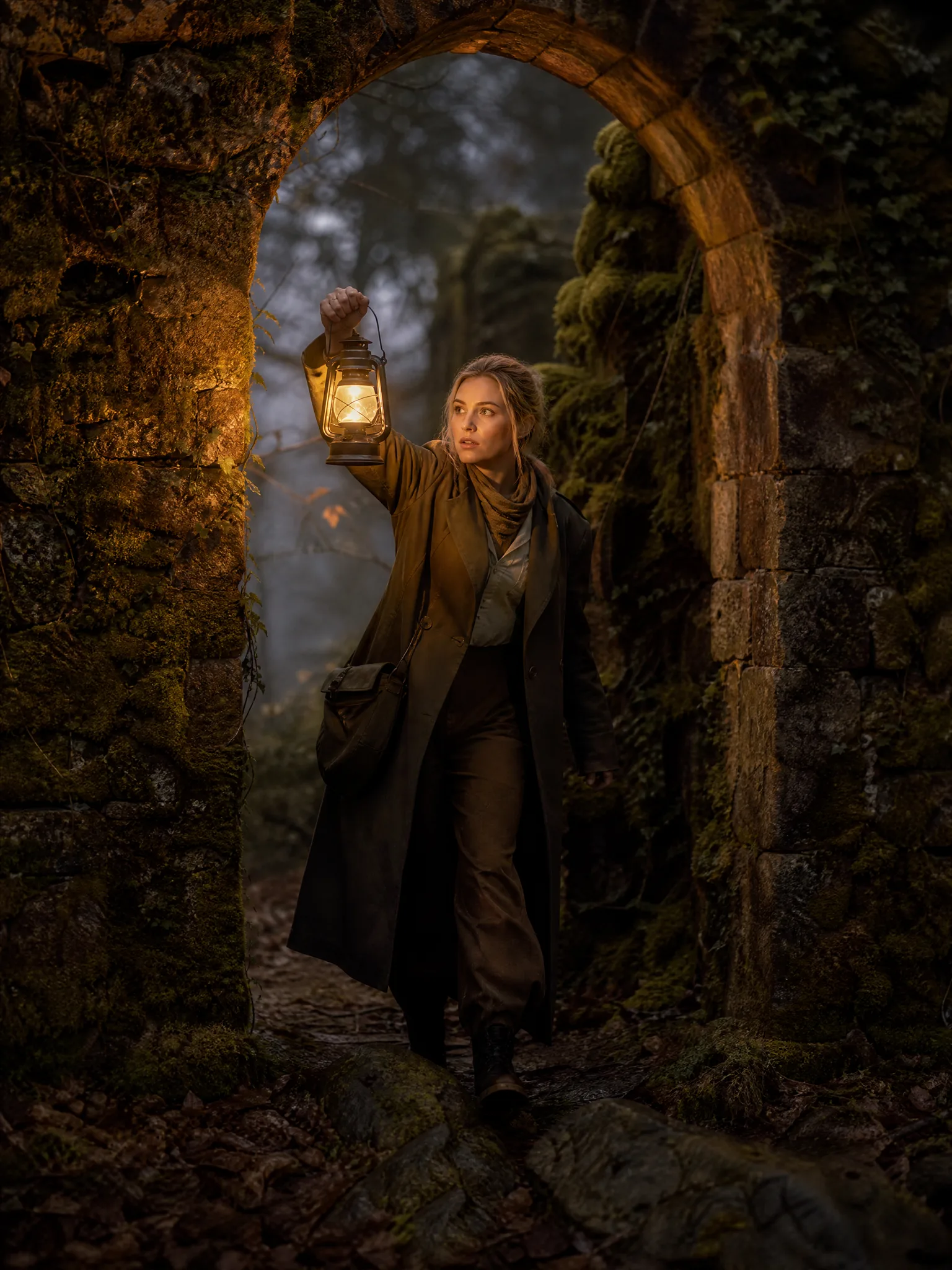
Explorer in an olive field coat holding up a brass lantern under a moss-covered stone arch in a foggy forest at dusk

Name the style as clearly as the subject

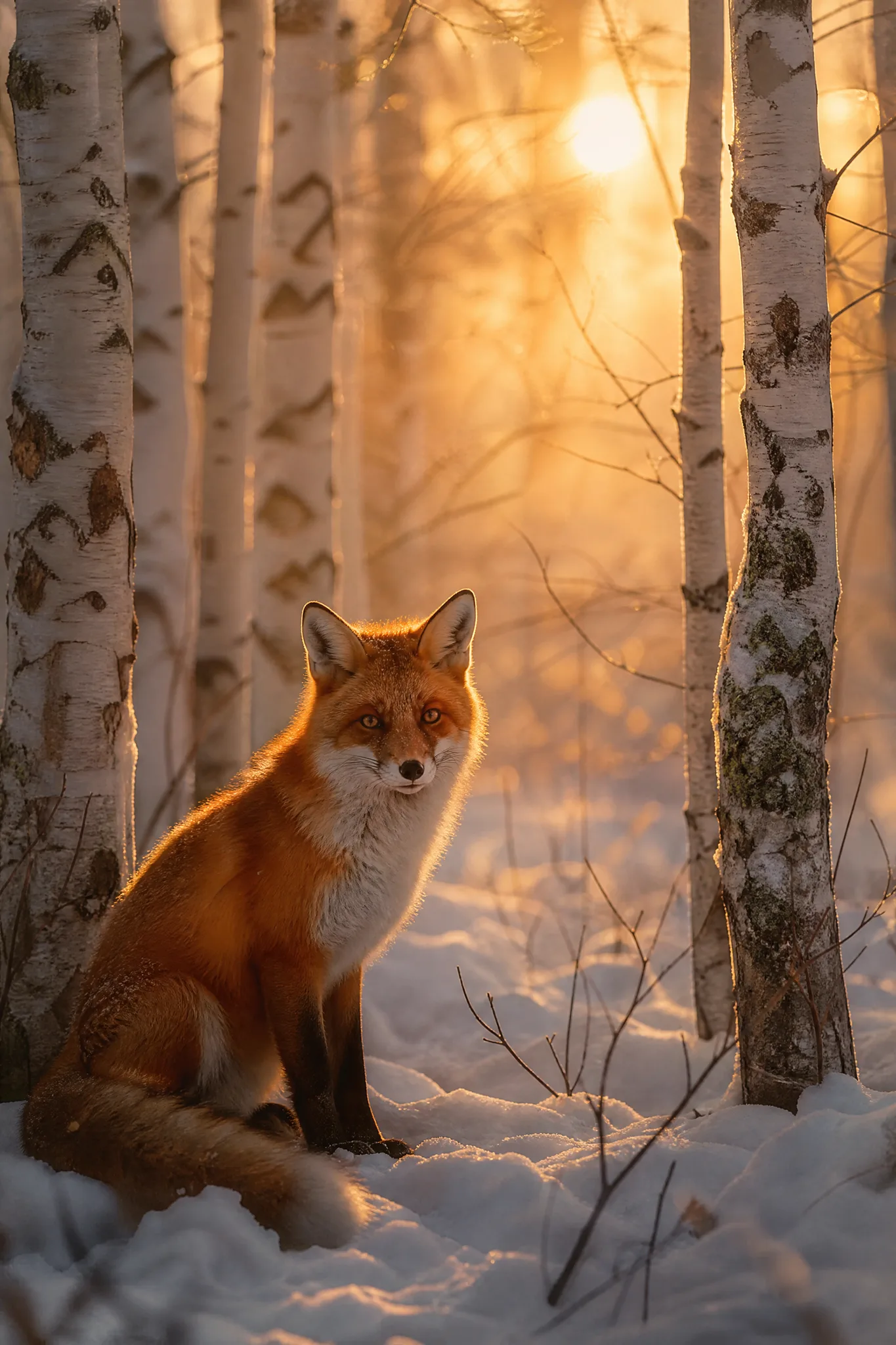
The same animal can look like a nature documentary still, a children’s-book painting or a crisp ink drawing. Put the style in the text to image prompt, along with mood words such as haze, pastel gold or film grain, and compare a few takes. Pet owners can use this to try a dreamy portrait of their own dog or cat before choosing one to print.

Red fox seated in fresh snow between white birch trunks at sunrise, with hazy pastel-gold light and soft film grain

Plan the frame for where the picture goes

A shop banner, a blog header and a travel post need empty room in different places. Ask for the subject on one side and calm space on the other, choose a square, tall or wide shape, and the text to image AI generator leaves an area for your headline or price. The best text-to-image model for this job is the one whose shapes fit your layout.

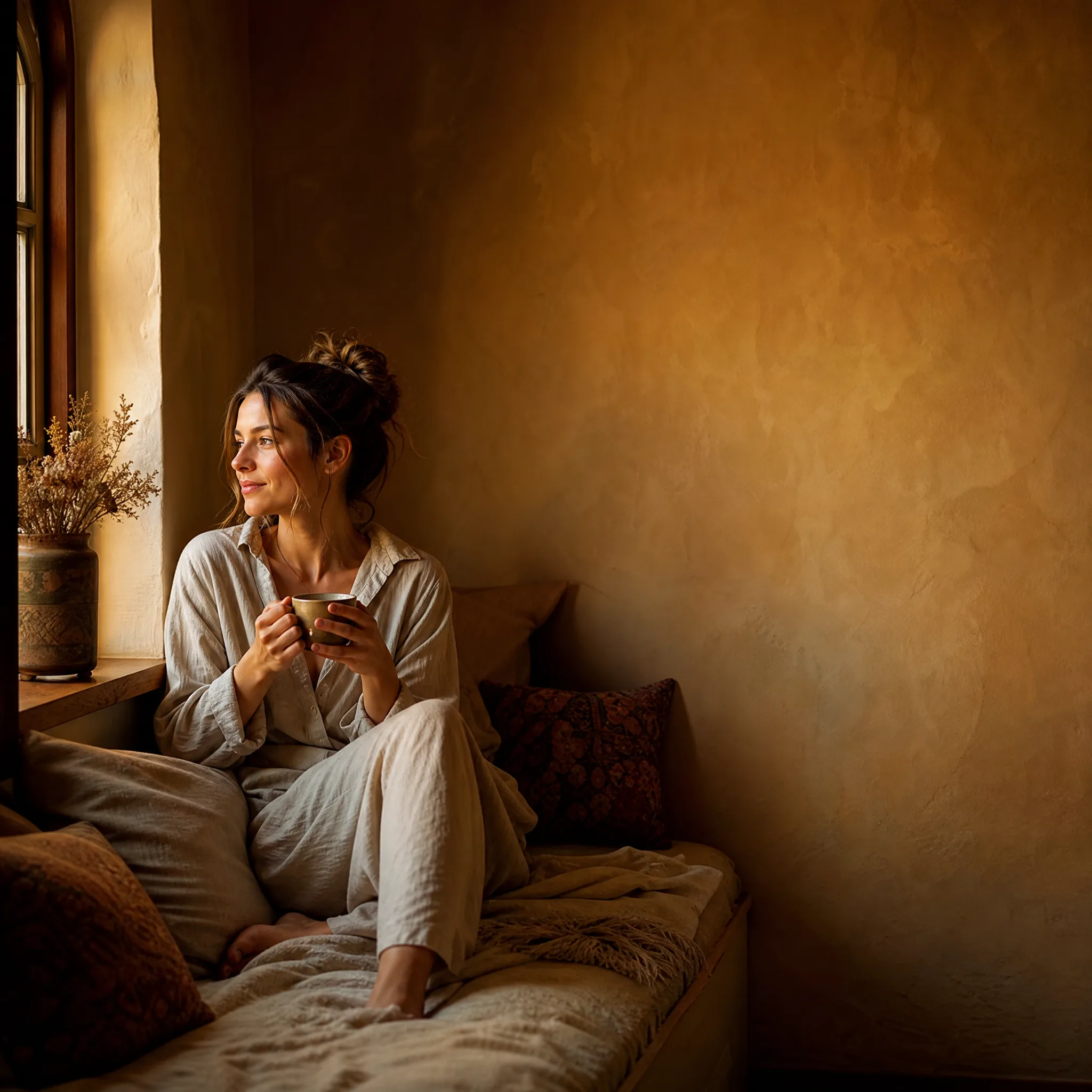
Woman holding tea on a cushioned window seat in the lower left of a square frame, a bare warm plaster wall to the right

What Text to Image AI Makes Easier

Text to image AI earns its place when a picture would otherwise mean a photo shoot, a stock search or a long explanation.

Show an idea before anyone shoots it

Planning a product launch or a family reunion invitation? Text to image gives the group one concrete picture to react to, so a café owner can test a latte-art hero shot and a florist can see a bouquet on a doorstep before booking a photographer or buying stock.

Start a video from a still

A picture you create can become the first frame of a clip in Image to Video. Ask the text to image prompt for room to move, such as sky above a hiker or an empty road ahead of a car, then describe the motion in the video workspace.

Picture places you have no photo of

Some scenes are missing from your camera roll: the cabin you hope to rent, your grandparents’ village as it looked in 1950, a product in a colour not yet made. Text to image AI builds them from description and light, which helps with travel boards, family stories and early product ideas.

Keep every take within reach

Finished results land in your Asset Library, so you can reopen yesterday’s version, set it beside today’s and download whichever reads better. Comparing two text to image directions never means generating the older one again.

Change one detail at a time

When a result is close, edit only the part that misses: the expression, the backdrop or the hour of day. Swapping a single phrase in the text to image prompt shows clearly what that phrase does, which makes the next take easier to steer.

Finish the picture for its job

Download the image you chose and add the headline, price or caption in your design tool, where type stays sharp and editable. Look over small details such as fingers and any lettering the model drew before the picture goes onto a menu, a shop page or a printed card.

Stories from People Who Tried It on Their Photos

I sell hand-hammered silver rings and needed lifestyle shots for a winter collection before the samples were finished. With text to image I described a ring on a mossy stone beside a steaming mug, tried four lighting ideas and kept the frosty morning one. It became the banner for my shop page until the real photographs arrived.

Nadia Rahman
Jewelry Maker

Text to Image Questions

Answers on prompts, models, starting free and photo editing for anyone starting out with text to image.

Text to image AI is a model that draws a brand-new picture from a written description. You state the subject, setting, light and style; the model reads those words and returns an image that follows them, from a realistic portrait to a painted landscape.

There is: you receive free credits when you create an account. Check in daily for more, with the streak bonus reaching 4x on day 7, then spend them on the first picture from your prompt.

Seedream 5.0 Flash opens as the default and suits most text to image prompts. Switch models when you need a particular shape, resolution or look, then compare the results side by side; the best text-to-image model is simply the one that matches your picture.

Each run of the text to image generator is one take, and you choose how many takes to start in the workspace. Grok Imagine returns two pictures per take; every other model returns one. All finished images collect in your Asset Library for comparison.

Editing your own photo happens in Image to Image, the sister tool to this page. Upload the picture there and describe the change, such as a new background or outfit, while this text to image page starts from words alone. How many reference photos you can add depends on the editing model.

Text to image pictures can support commercial work such as ads, shop listings and client mood boards once you review them for real people’s likenesses, trademarks and readable text. Add exact logos and product names yourself in a design tool so the final version matches your brand.

Text to image results are never posted automatically. Free accounts and visitors keep Public Visibility on, so a good result may be chosen for Explore after review, while subscriptions and one-time packs start as private. Prompts go to the selected model provider, so read the Privacy Policy before writing sensitive details.

Start Text to Image with One Sentence

Describe a portrait, a product on a table or a place you want to visit, and text to image turns the words into a picture. Keep the take that fits, download it and use it in a post, a pitch or as the opening frame of a video.

Create My Picture
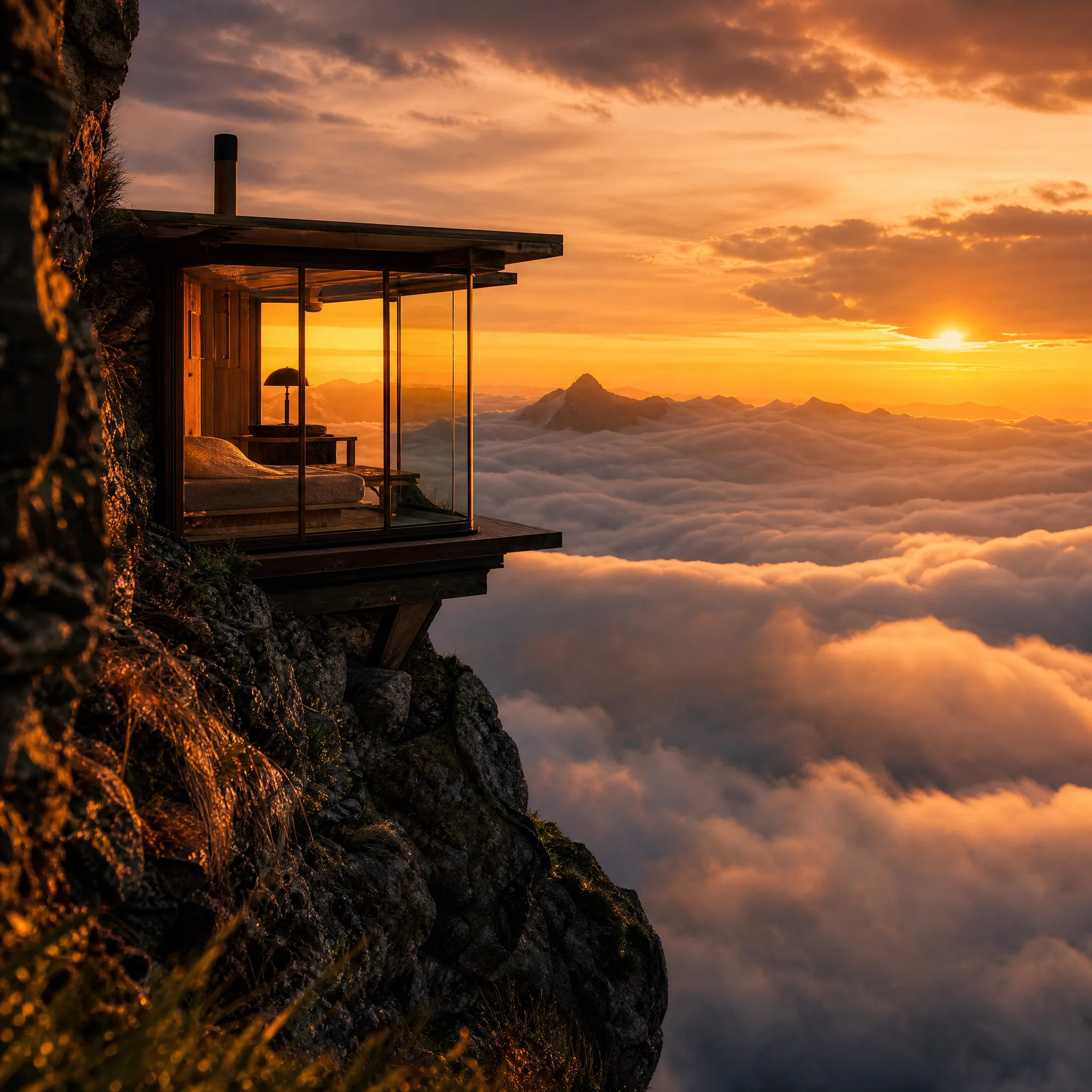
Small glass cabin lit from inside on a rocky mountain ledge, with a sea of clouds below glowing in the sunset