























Photo to Cartoon
Reference images
Prompt
0/4000
Duration
Resolution
Aspect ratio
Translate prompt
Number of outputs
Public Visibility
Required credits
30
Sample videos

Turn Photo Into Cartoon Animation for Waves, Winks and Greetings

Your cartoon self, ready to wave, wink or react

First give your photo a cartoon look, chibi, bold-outline or soft 3D, in Image to Image or any editor you like. Then bring that still here, describe one small action and generate. A chibi girl can wave from a pastel bedroom, a mustached diner regular can raise his eyebrows and give a thumbs-up, and a cartoon commuter can glance up at a rainy bus stop. Download the clip for a birthday message, a profile intro or a reaction post. Two short stages, prepare then animate, are how you turn photo into cartoon animation.

Animate My Cartoon
Father and daughter laughing at a kitchen table over a printed bold-outline cartoon portrait of the two of them
Two-Stage Workflow|Chibi or Bold Outlines|One-Line Motion Prompts|Clips for Greetings

How to Turn a Photo Into a Cartoon Animation in Three Steps

To turn a photo into a cartoon animation, you make the cartoon still first, then give it one action and keep the take that stays on-model.

1

Make a cartoon still from your photo

Open Image to Image or your favorite editor and restyle the photo as a chibi, bold-outline or 3D cartoon. Settle the look before you come back: this stage decides how you turn a photo into a cartoon animation, because the video keeps the style of the still you upload.

2

Upload it and describe one action

Add the cartoon image here and write a single movement: a wave, a head tilt, a surprised glance or a slow camera push. One readable action is easier to judge than three at once. Veo 3.1 Lite is the default model; switch if you need a different length or resolution.

3

Generate, compare and download

Start the run and follow the job status. Watch the face, the outlines and the colors across the whole clip, and keep the take where the character still looks like your drawing. Download it to turn a photo into a cartoon animation for a greeting, an avatar intro or a social post.

Three Cartoon Looks Ready for a Small Performance

Whichever style you prepare, the cartoon video maker gives your character one clear moment; these three looks show the range.

AI chibi cartoon video effect: a cheerful wave

Chibi characters have a big head, a small body and lots of expression, so tiny actions read well. Prepare the chibi still, then ask for a wave and a head tilt, like the girl in the mustard sweater here. It is a sweet way to turn a photo into a cartoon animation for a greeting or a profile intro.
AI American cartoon video effect: a big reaction

Bold outlines and flat color suit broad, readable gestures. Start from a mustached diner regular in a red flannel shirt and describe raised eyebrows and a thumbs-up. The AI American cartoon video effect keeps the crisp lines through the motion when you turn a photo into a cartoon animation built on a strong silhouette.

A small story beat in a 3D cartoon

Give the character a reason to move. A 3D cartoon commuter in a green raincoat at a rainy bus stop turns to the camera, looks surprised, then smiles. Describe the action and the camera view together, keep the motion on the character, and the AI cartoon video generator returns a short scene that stays on-model.

Turn Photo Into Cartoon Animation for Greetings, Avatars and Pets

People turn a photo into a cartoon animation when a plain picture feels too serious; here are four everyday reasons.

Profile and channel intros

Creators can turn a photo into a cartoon animation of themselves and use the waving clip as the first second of a channel trailer or a profile video. It introduces the person behind the account in a friendlier way than a headshot.

Reaction clips for group chats

A cartoon version of you with raised eyebrows or a wink says more than an emoji. Make the reaction once, download it and drop it into the family chat, a Discord server or a team thread whenever the moment comes up.

Birthday and holiday greetings

Prepare a cartoon portrait of the birthday person, then turn the photo into a cartoon animation with a smile and a small wave. Add the greeting text around the clip and send it to the family chat on the day.

Pet characters

Pet owners can draw their beagle or tabby as a cartoon first, then turn the photo into a cartoon animation with a curious look or a happy wiggle. The clip makes a playful channel intro or a birthday post for the pet.

Stories from People Who Tried It on Their Photos

Every September I send families a welcome video, and this year I wanted the class mascot in it. I drew our classroom bunny as a chibi from a photo, uploaded the drawing and asked for a big wave to turn the photo into a cartoon animation. The kids now ask the bunny to say hello every morning.

Lena L.
Kindergarten Teacher

Turn Photo Into Cartoon Animation FAQ

Answers on how to turn a photo into a cartoon animation here: the two stages, starting free, which still to prepare and how to direct the action.

It is a two-stage workflow: you restyle your photo as a cartoon still first, then generate motion from that still. Use Image to Image or another editor for the look, then upload the cartoon here to turn a photo into a cartoon animation with one action.

You can start free with the credits that come when you sign up. Check in every day for a few more and build a streak, which raises the day-7 reward to 4x, then spend them on Veo 3.1 Lite, the default free-tier model here, and set your cartoon in motion.

Prepare a still with a clear face, crisp outlines and a simple background, with some space around the character for movement. The cartoon video maker follows the look of that image, so finish the style first and then upload it.

Veo 3.1 Lite is already selected for the AI cartoon video generator, and one short line of motion is enough: a wave, a glance or a slow camera reveal. You can switch to another video model in the workspace when you want a different length or resolution.

An AI chibi cartoon video effect animates a chibi-style still with a big head, a small body and a bright expression. Prepare that look first, then ask for a small wave, a head tilt or a happy bounce for a greeting or an introduction.

An AI American cartoon video effect brings a bold-outline, flat-color still to life with a broad gesture, such as raised eyebrows or a thumbs-up. Strong silhouettes and expressive features keep the outlines crisp while the character moves.

Yes — once the cartoon still is ready, the cartoon video maker works for a pet, a mascot, a creator avatar or a family portrait. Add a curious look, a warm smile or a wave, then use the clip for a birthday greeting, a channel intro or a reaction post.

Ask for one action at a time and mention the camera view that frames it. Compare takes for steady outlines, colors and facial features, and keep the one where the character still matches the cartoon still you prepared.

Give Your Cartoon Character Its First Move

Prepare a cartoon still of yourself, a friend or your pet, upload it and describe one action. That is how you turn a photo into a cartoon animation here: a wave, a wink or a glance becomes a short clip for a greeting, an intro or a post.

Animate My Cartoon Still
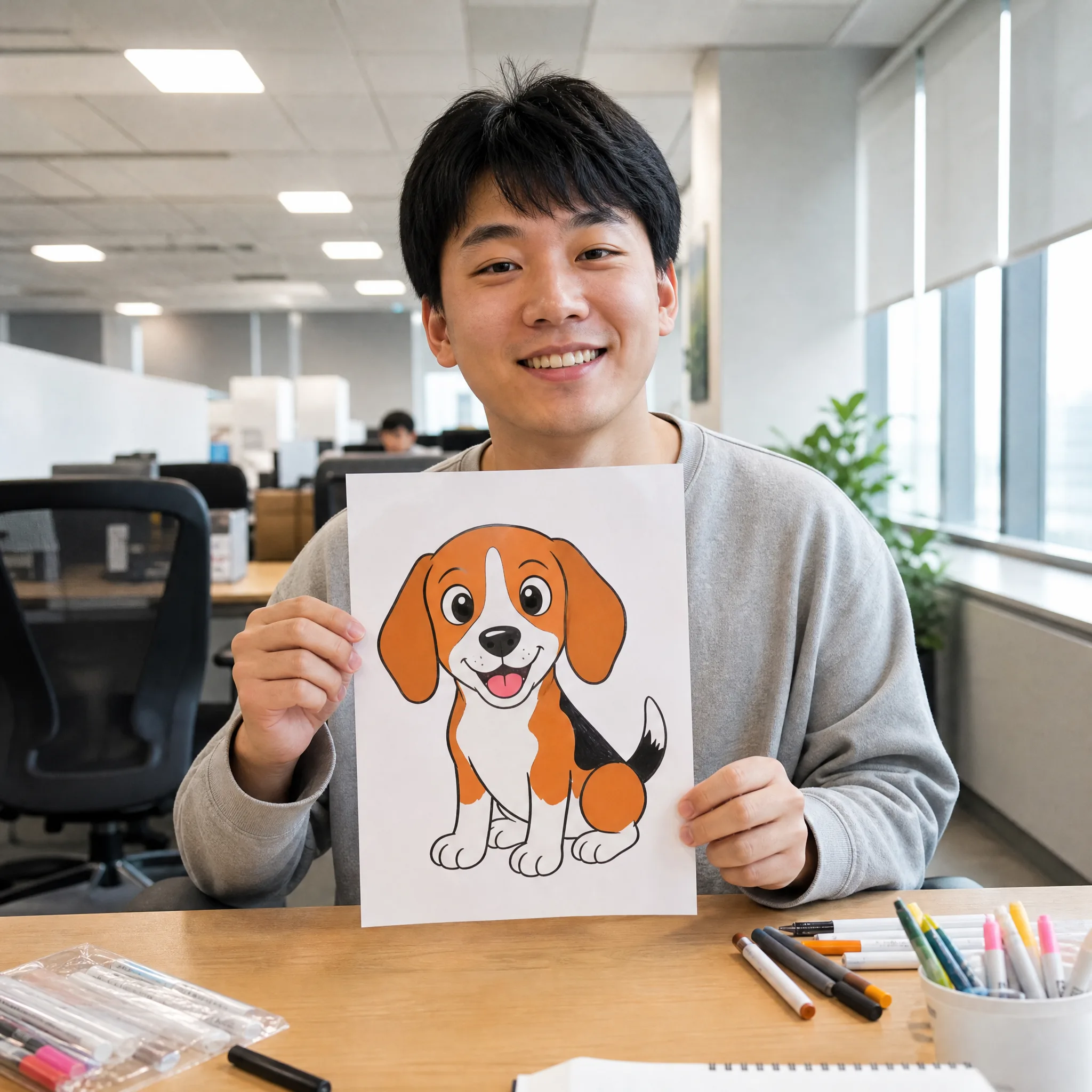
Smiling young man at an office desk holding up a bright cartoon drawing of a happy beagle with bold outlines