Z-Image Turbo
Prompt
0/1000
Aspect ratio
Number of generations
Public Visibility
Required credits
2
Examples
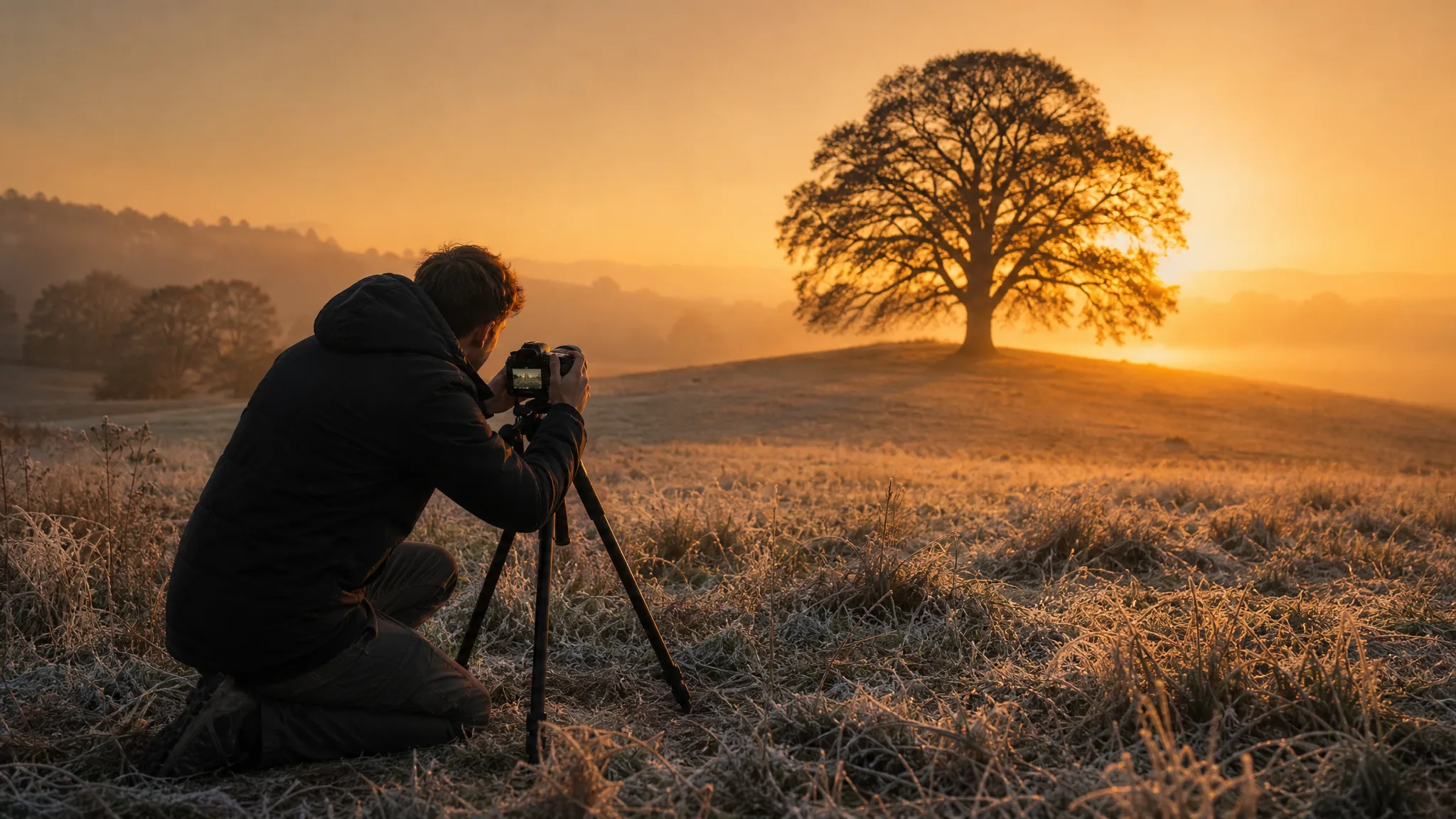
Photographer setting up a tripod camera aimed at a lone oak in a frosty field at dawn

Z-Image Turbo Image Generator

Free text-to-image drafts from a short prompt

Z-Image Turbo turns a short written prompt into an image draft, and it is the PicVideo image model you can run free. Describe a subject, its light and its mood in up to 1,000 characters, pick a square, wide or tall frame, and use the Z-Image Turbo draft for a mood board, a post or a first look at an idea.

Generate with Z-Image Turbo
Photographer setting up a tripod camera aimed at a lone oak in a frosty field at dawn
Short prompts, clear subjects|Light and texture in words|Tall and wide frames|Extra takes to compare

How to Use Z-Image Turbo for Free Drafts

Z-Image Turbo works from text alone. Three steps cover writing the prompt, choosing the frame and keeping the draft you like.

1

Write a Focused Prompt

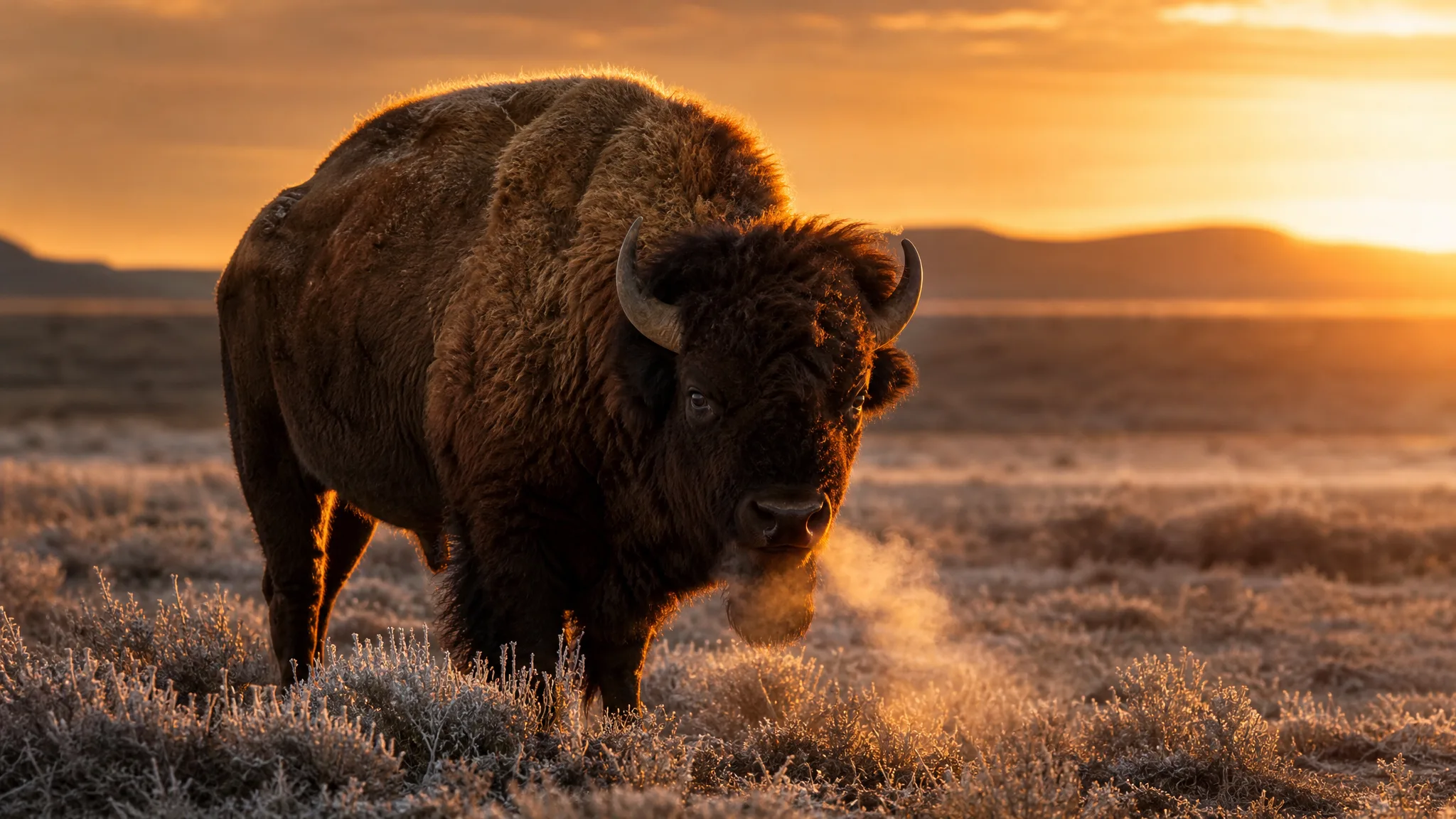
Describe one subject in one place: a lone bison in a frosty prairie at sunrise, with golden rim light. Z-Image Turbo accepts prompts up to 1,000 characters, so lead with the subject and the light and leave out anything that belongs in a different picture.

2

Choose the Frame and Generate

Pick 1:1 for a feed tile, 4:3 or 16:9 for a slide or banner, and 3:4 or 9:16 for a portrait or story. Run Z-Image Turbo and look at the draft: is the subject clear, and is the light where you wanted it? Change one phrase if not.

3

Compare Takes and Download

Run the same Z-Image Turbo prompt a few times or tweak one word between runs, then line the drafts up and keep the strongest. Check faces, hands and edges, download the one that works and add any text in your editor.

Image Tools for Prompts and Photo Edits

Start a picture from words, or change the style or setting of one you already have.

Four Ways to Prompt Z-Image Turbo

Z-Image Turbo text to image prompts land best when they set a subject, a texture, a frame and a reason to compare. Each tab shows one approach.

Single bison breathing steam on a frost-covered prairie, rim-lit gold by the rising sun

One Subject, One Sentence

A lone bison steaming in a frosty prairie at sunrise needs only one sentence: the animal, the place, the hour and the rim light. Z-Image Turbo turns that sentence into a draft you can judge at a glance, which makes it a handy first step before you build a longer brief around the idea.

Three More Z-Image Turbo Looks

The Z-Image Turbo image generator also suits three everyday looks: product stills, moody portraits and handmade craft scenes.

Product Stills in Season

An unlabelled bottle of craft cider on an apple crate in a golden-hour orchard is a product idea written in one line. Describe your bottle, jar or box, the season and the setting, and Z-Image Turbo drafts the scene for a launch post or a market-stall sign before any real shoot.
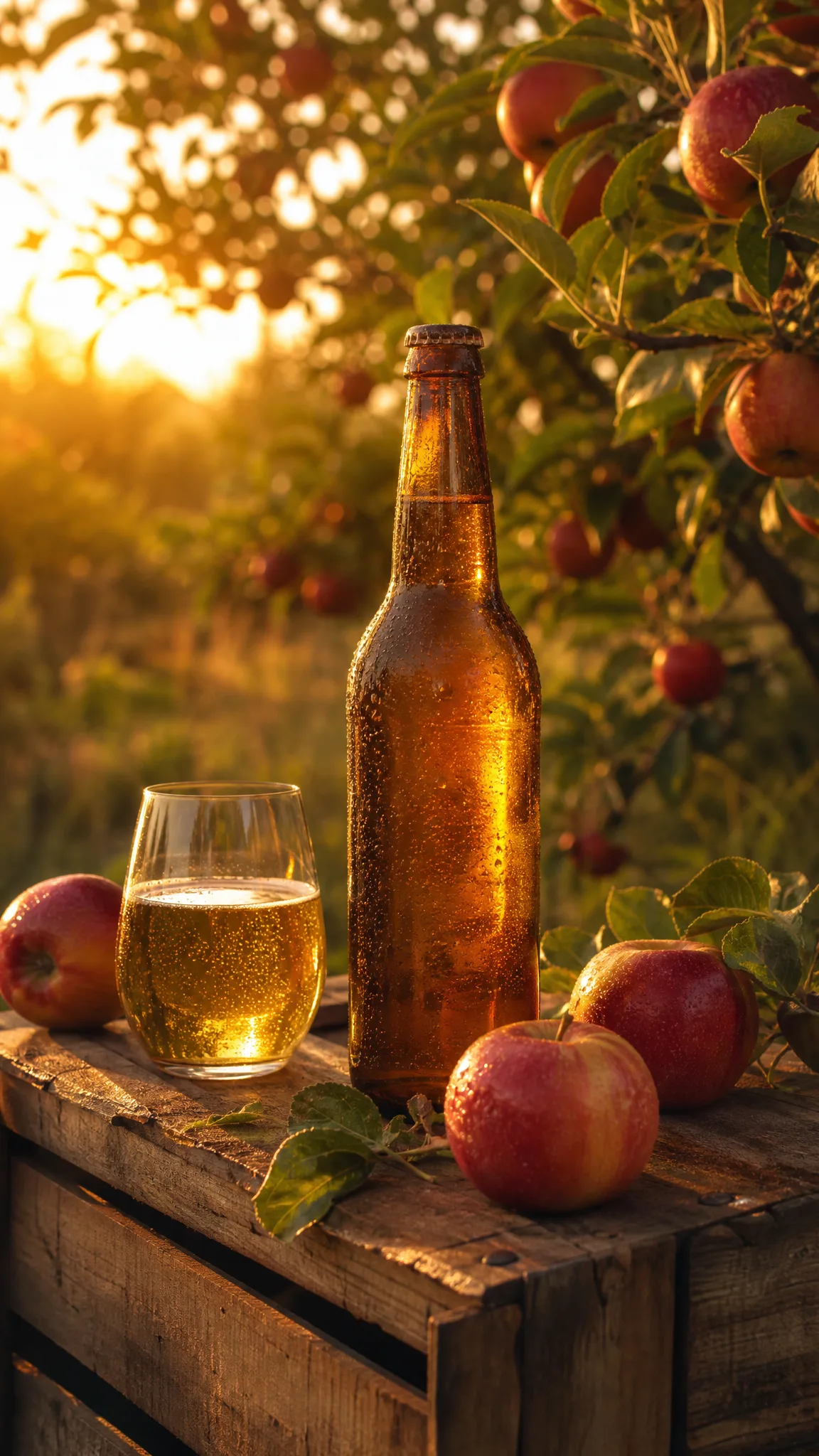
Unbranded craft cider bottle on an apple crate in an orchard at golden hour

Moody Window-Lit Portraits

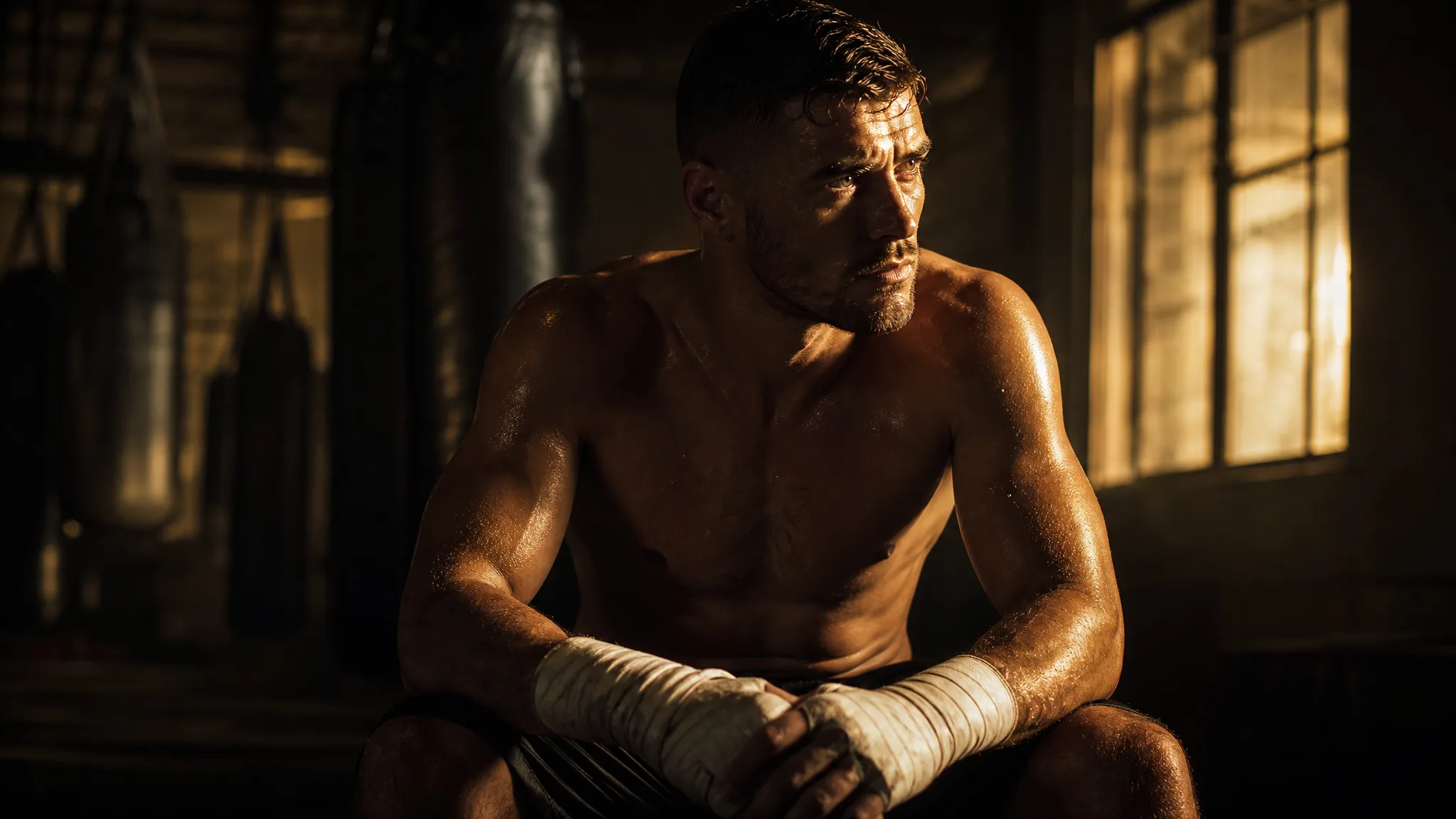
A boxer with taped hands in a dim gym, window light across his face, shows how a single light source can carry a portrait. Give Z-Image Turbo the person, the place and the direction of the light, and use the draft as a mood reference for a photo session or a poster.

Determined boxer with taped hands in a dark gym, a band of window light across his face

Embroidery and Craft Looks

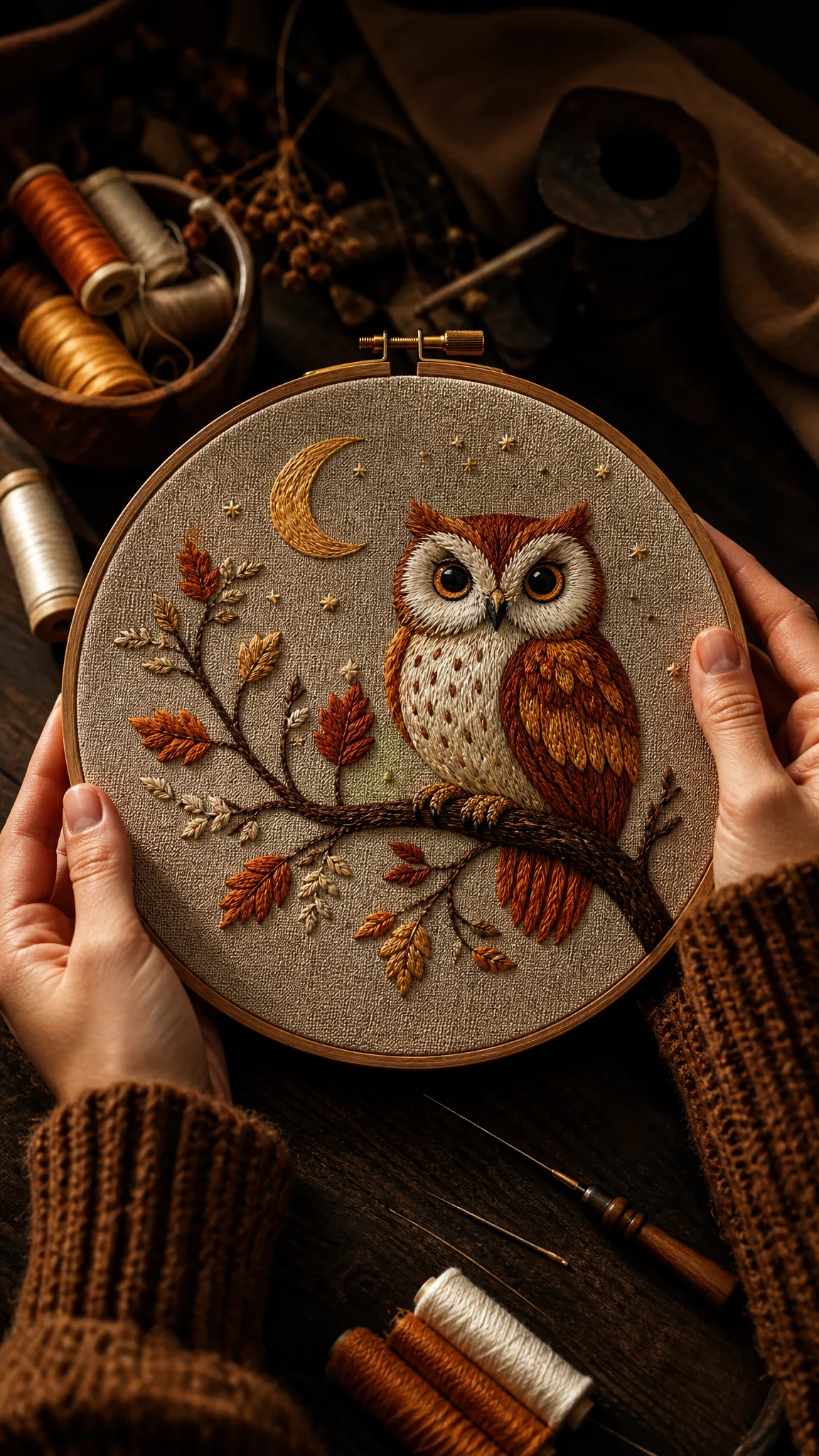
Hands holding an embroidery hoop with a stitched owl on a moonlit branch suit craft blogs, workshop flyers and gift tags. Name the craft, the thread colours and the motif, and Z-Image Turbo renders the stitched texture for a pattern preview or a class poster.

Hands holding an embroidery hoop stitched with an owl perched on a moonlit branch

Z-Image Turbo Use Cases for Everyday Ideas

Z-Image Turbo suits anyone who wants to see an idea early and try several directions for free. Six examples follow.

First-Time PicVideo Users

Someone new to AI images can type a simple Z-Image Turbo prompt, a bison at sunrise, and watch how the wording changes each draft. It is an easy way to learn prompt writing for free before moving on to photo-based models.

Bakers and Café Owners

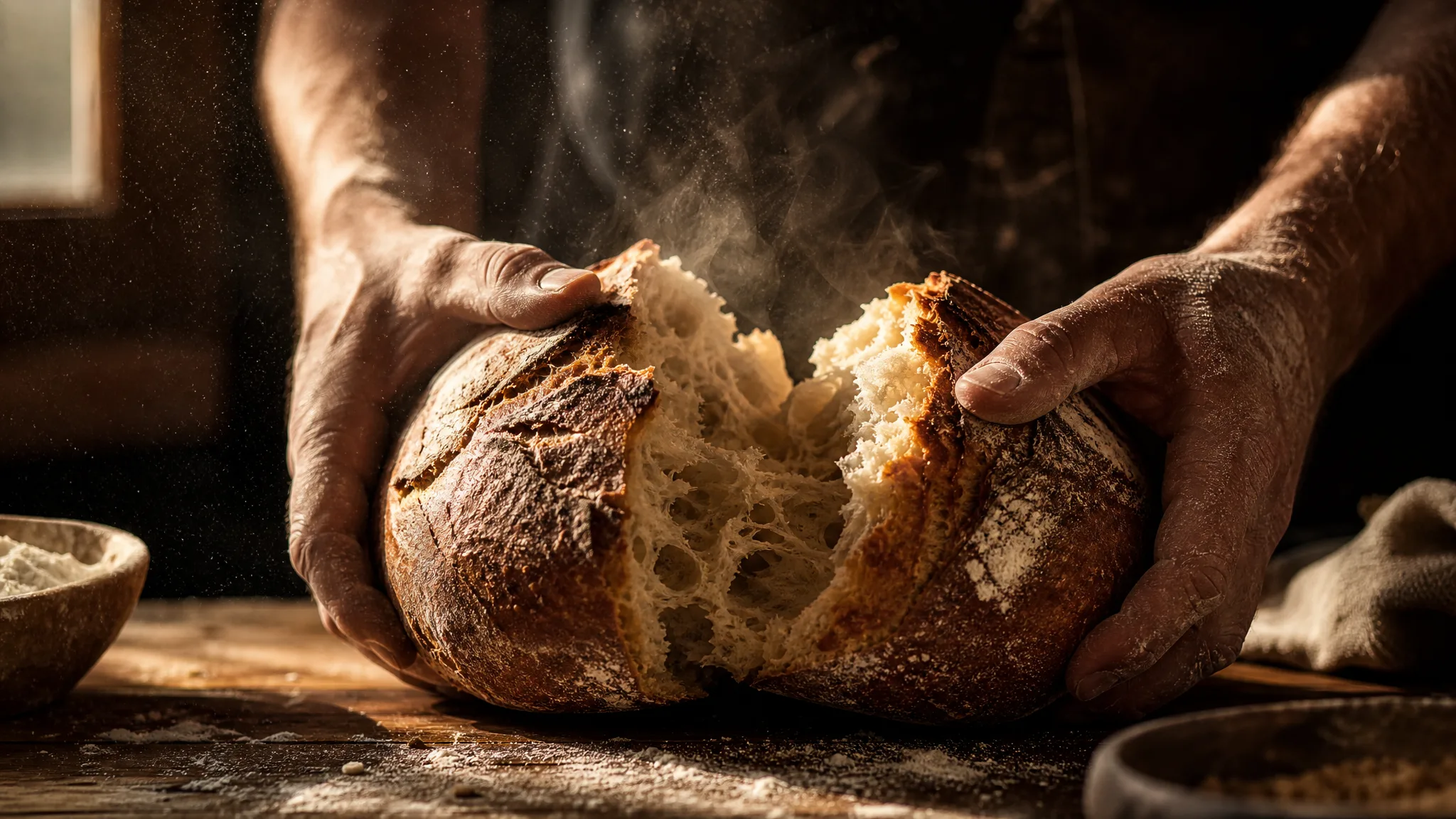
A baker can describe tomorrow's special, sourdough torn open in morning light, and use the Z-Image Turbo draft for the shop's social post while the real loaf is still proving. The real photo replaces it once the bake is done.

Mood Boards for Photo Shoots

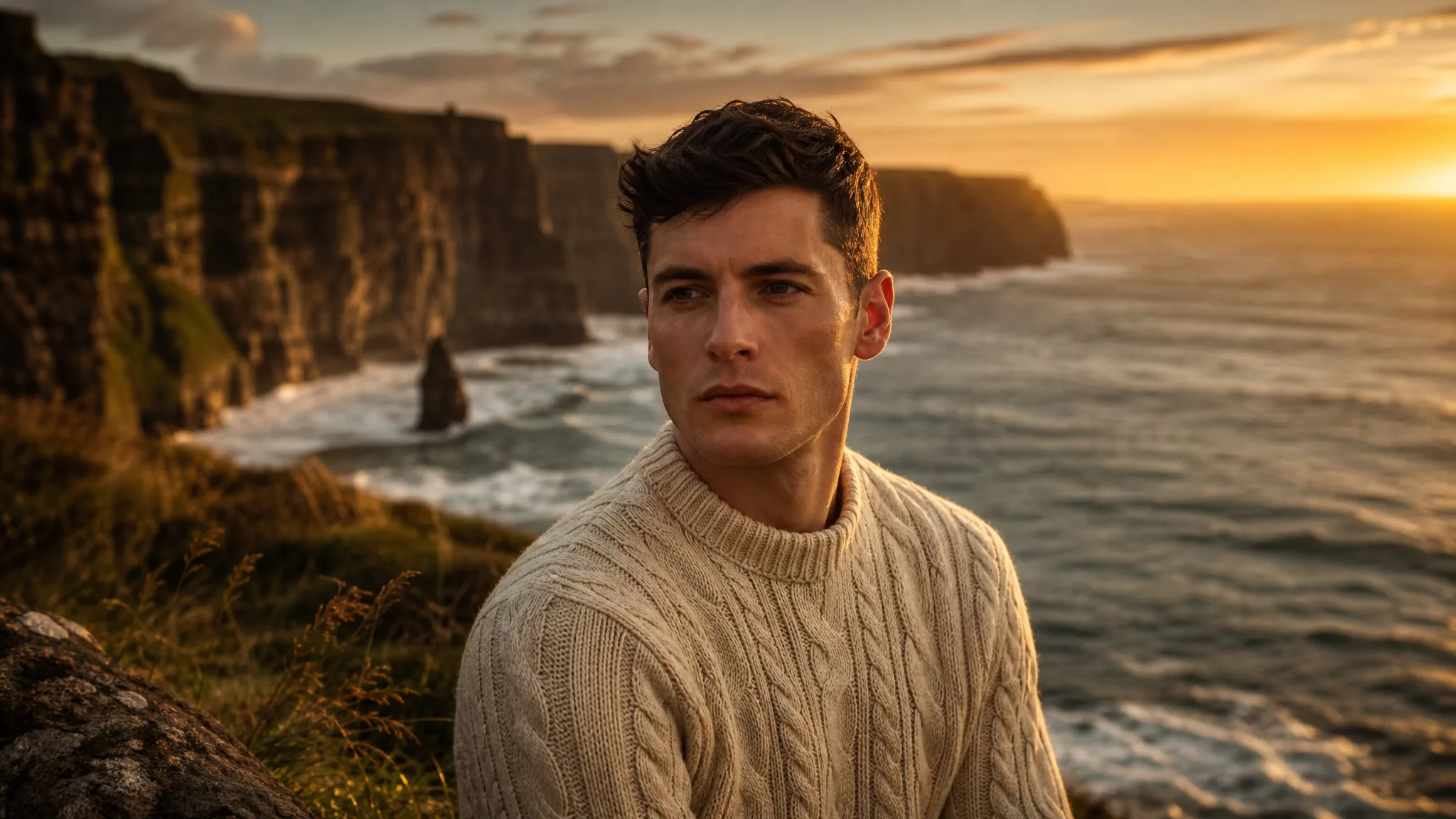
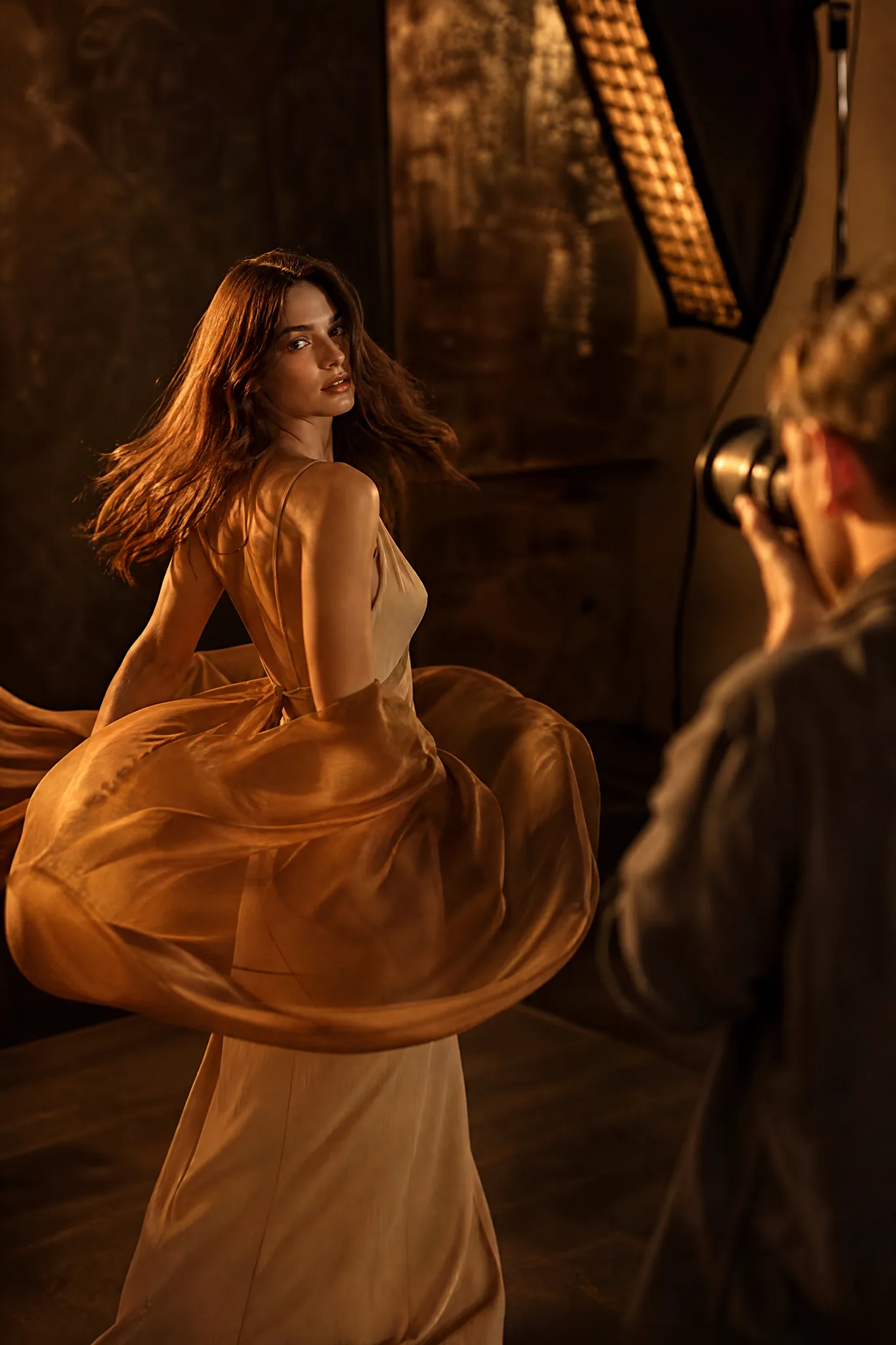
Photographers can draft four or five Z-Image Turbo images of a boxer, a dancer or a model in amber silk and pin them to a mood board. The client sees the intended light and pose before the shoot is booked.

Phone Wallpapers and Story Backgrounds

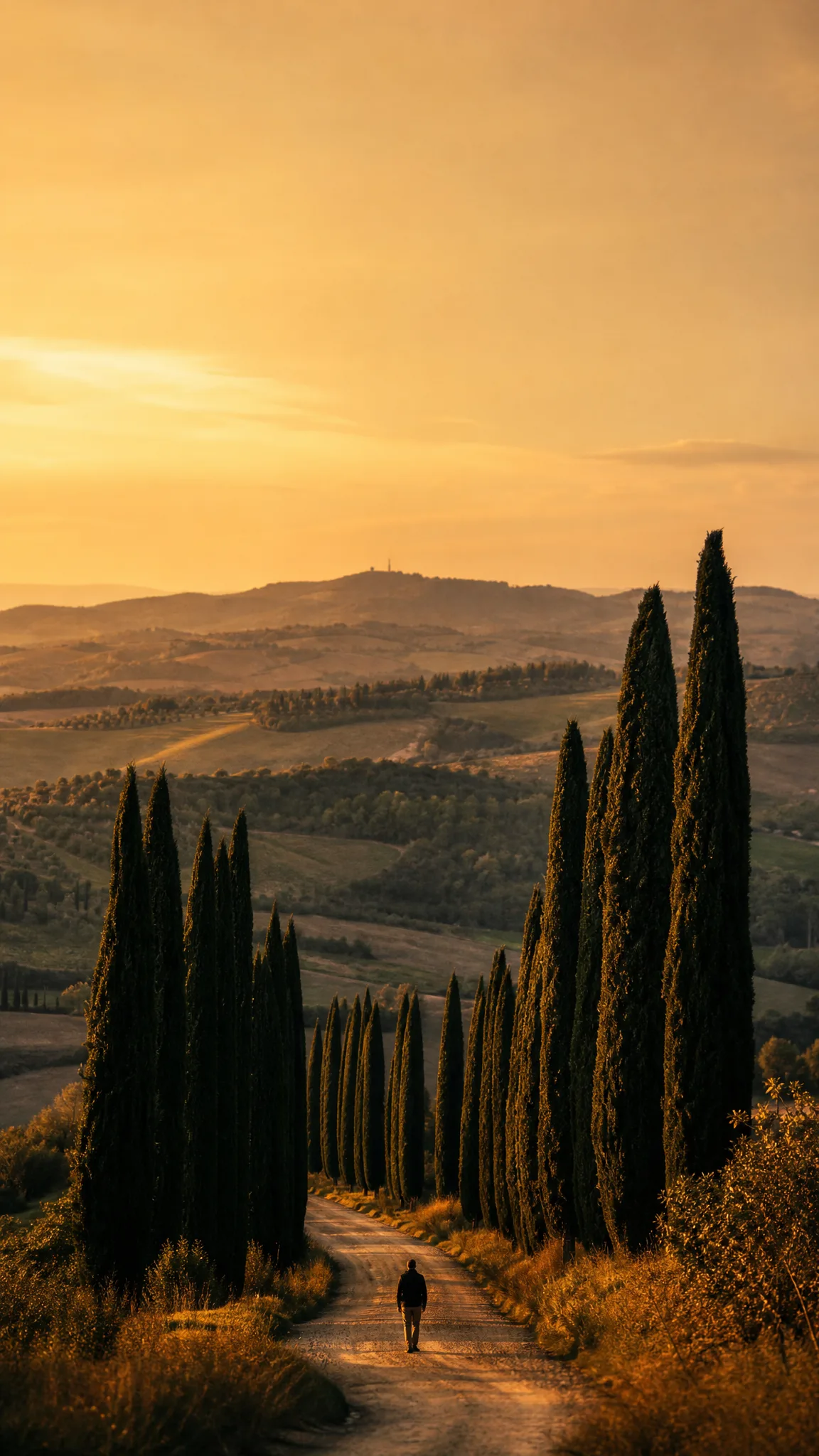
Anyone can write a cypress avenue under a tall sky, pick 9:16 and get a Z-Image Turbo draft for a lock screen or the background of a story. Rerunning the prompt with a different season turns it into a matching set.

Craft Sellers and Workshop Hosts

An embroidery teacher can describe the owl pattern for next month's class and use the Z-Image Turbo draft on the sign-up flyer. Students see the finished look before they buy the kit and book a seat.

Small Drink and Food Brands

A cider maker can write a bottle on an apple crate in an orchard and use the Z-Image Turbo draft to test a label colour or plan a product shoot. The final photo then follows the composition the team picked.

Stories from People Who Tried It on Their Photos

Tomorrow's special is always a secret until the loaves come out. Now I describe it the night before, sourdough torn open in morning light with flour in the air, and post the Z-Image Turbo draft as a teaser. The real photo replaces it at eight, and regulars have started guessing the bake.

Carla J.
Bakery Owner

Z-Image Turbo FAQ

Z-Image Turbo answers on the model, photo input, prompts, free use, frames, commercial use, series and motion.

Z-Image Turbo is a text-to-image model that turns a short written prompt into one image draft. On PicVideo it runs in the image workspace with five aspect ratios and prompts up to 1,000 characters, which suits idea sketches, mood boards and social posts.

Z-Image Turbo is free to run on PicVideo. Sign up to collect free credits, then check in each day for more, with the streak bonus reaching 4x on day 7, and spend them on quick drafts of a poster idea, a phone wallpaper or a pet portrait.

A good Z-Image Turbo prompt is short and concrete: one subject, one place, one light source and a mood. "A baker tearing sourdough in raking morning light, flour in the air" works better than a list of style tags. Change one phrase per run to learn what each word does.

Z-Image Turbo works from text only, so describe your subject in words: colours, materials, light and setting. When the picture must match a real photo, a reference-based model such as Seedream 5 or Qwen Image 2.1 is the better route.

A Z-Image Turbo draft can use 1:1, 4:3, 3:4, 16:9 or 9:16. Tall 9:16 and 3:4 frames suit phone wallpapers and portraits, 16:9 a blog banner and 1:1 a feed post, so draft in the shape you will use and compare takes side by side.

Keep one sentence fixed for the style, light and palette, paste it into every Z-Image Turbo prompt and change only the subject. Generate the set, compare the drafts side by side and rerun any image that drifts away from the others.

Z-Image Turbo makes still images. To animate a draft, download it and open PicVideo's image to video tool, choose a video model and describe the motion, such as breath steaming from the bison or the silk scarf swirling.

Each Z-Image Turbo draft you make is yours, as far as the law allows, under the PicVideo Terms. A quick draft often becomes the starting point for a flyer or a social ad, so look for lookalike logos or faces before it runs and add the final branding in your design tool.

Z-Image Turbo drafts made on a free account or as a visitor are shared with Public Visibility on, so a finished draft may be picked for the Explore gallery after review. Nothing is posted outside PicVideo.

Try Z-Image Turbo Free

Type a short prompt with a subject, a light and a mood, choose a square, wide or tall frame and let Z-Image Turbo draft the image. Compare a few takes, download your favourite and use it for a mood board, a post or the next step of your idea.

Make an image with Z-Image Turbo
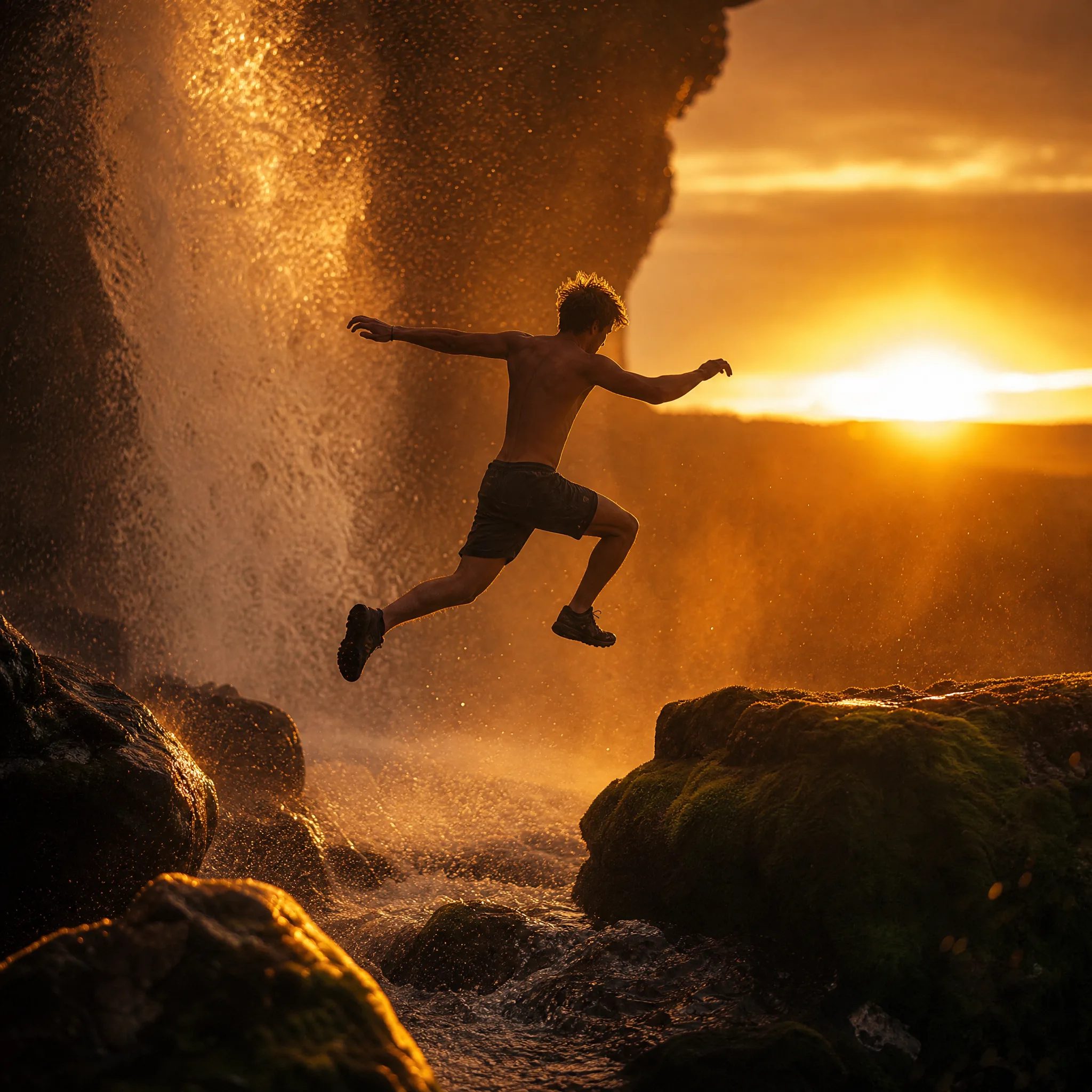
Young man jumping across boulders beneath a waterfall lit by the setting sun