FLUX.2 Image Generator

Several reference photos steering one still

FLUX.2 from Black Forest Labs builds one still from a written brief or from up to 8 reference photos, which helps when a product, a pet or a model has to look like the real thing. Combine your photos, describe the scene and the light, choose the Pro or Flex variant at 1K or 2K, and compare the FLUX.2 result with your references.

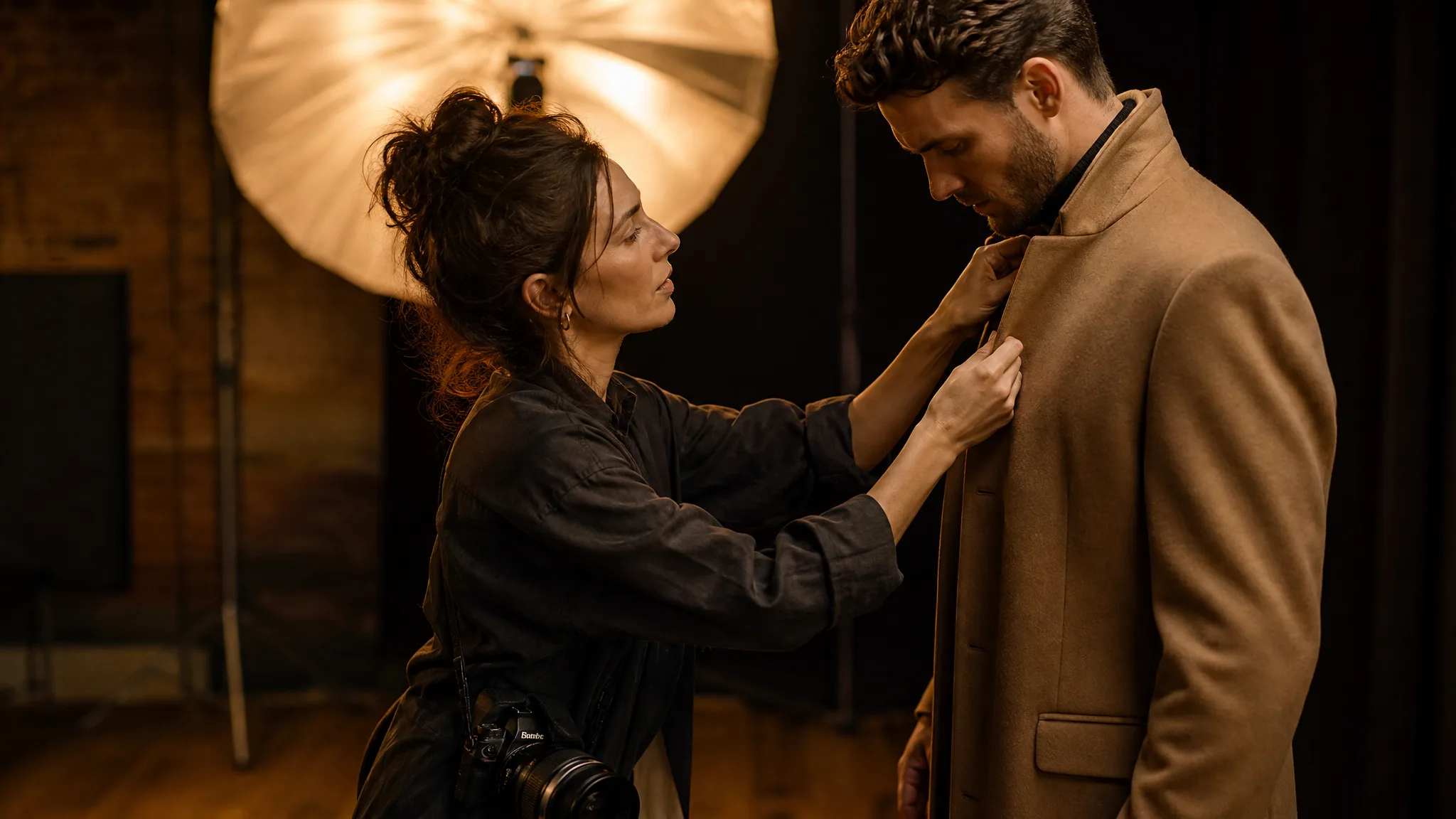
Fashion photographer straightening a model's coat collar in a warm studio
Up to 8 references in one brief
Furniture and product room sets
Centred portraits of people and animals
Warm window and studio light
Pro or Flex at 1K or 2K
FLUX.2
Prompt
0/5000
Aspect ratio
Resolution
Number of generations
Public Visibility
Required credits
28
Examples
Fashion photographer straightening a model's coat collar in a warm studio

Build FLUX.2 Stills on Your Own Reference Photos

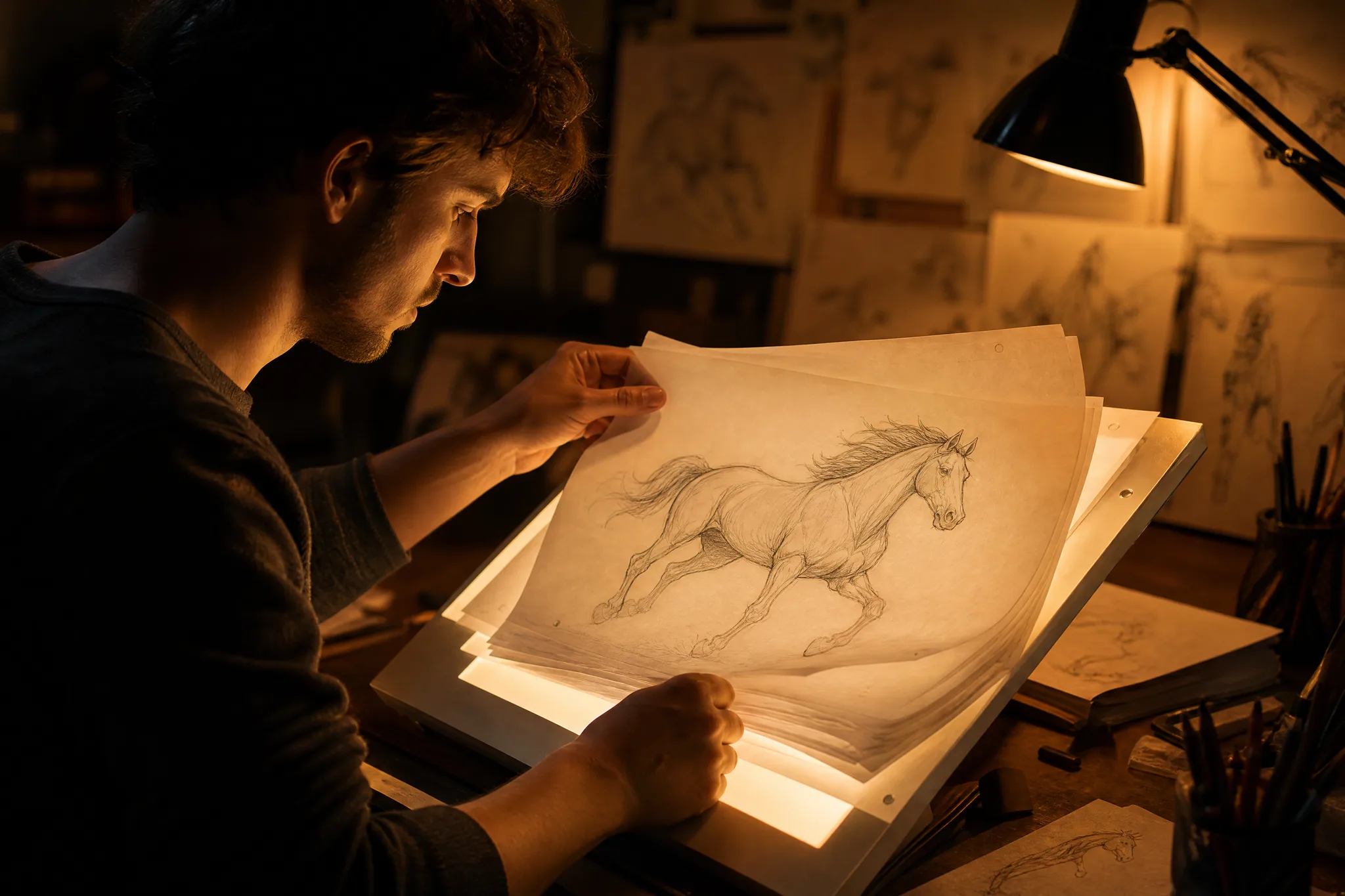
An animator flips through pencil drawings of a galloping horse on a light table, checking each pose against the last. FLUX.2 gives your photos the same role: line up references for the subject, the outfit and the setting, describe how they meet, and judge each still against the pictures you started with.

Generate with FLUX.2
Animator flipping through pencil drawings of a running horse on a lit light table

How to Use FLUX.2 with Several Reference Photos

FLUX.2 works from a written brief alone or with up to 8 reference photos. These four steps cover choosing references, writing the brief, picking the variant and reviewing the result.

1

Choose the Reference Photos

Pick photos with distinct jobs: the product from the front, a close-up of the fabric, the room you want as a backdrop. FLUX.2 accepts up to 8 references in image-to-image mode. A few clear photos usually beat many similar ones, so drop any that repeat the same information.

2

Describe How the References Meet

Write the FLUX.2 brief as a scene: the armchair from photo one in the loft from photo two, lit by afternoon sun from the left. Label each reference by its role so the model knows which details to copy, and add the mood and the camera distance at the end.

3

Pick Pro or Flex and a Resolution

Choose FLUX.2 Pro or FLUX.2 Flex, an aspect ratio from square to 16:9 or 2:3, and 1K for drafts or 2K for the final, then generate. Compare the takes side by side and keep the one whose light and detail match your photo.

4

Review Against Every Reference

Lay the FLUX.2 still beside each reference and check what carried over: the shape of the product, the pattern of the fabric, the face or the coat markings. If one detail slipped, mention that reference again in the brief and run once more before you download.

Image Tools for Prompts and Photo Edits

Start a picture from words, or change the style or setting of one you already have.

Five Ways to Steer a FLUX.2 Still

FLUX.2 text to image and reference-based runs respond to five choices: the setting, the named details, the position of the subject, the light and the order of your changes. Each row shows one.

A New Room for Your Furniture

Photograph an ochre velvet armchair in your shop and ask FLUX.2 to place it in a sunlit loft beside a brass lamp. The chair comes from your reference and the room comes from the brief, which gives furniture sellers and interior stylists a room-set image without hiring a location for the day.
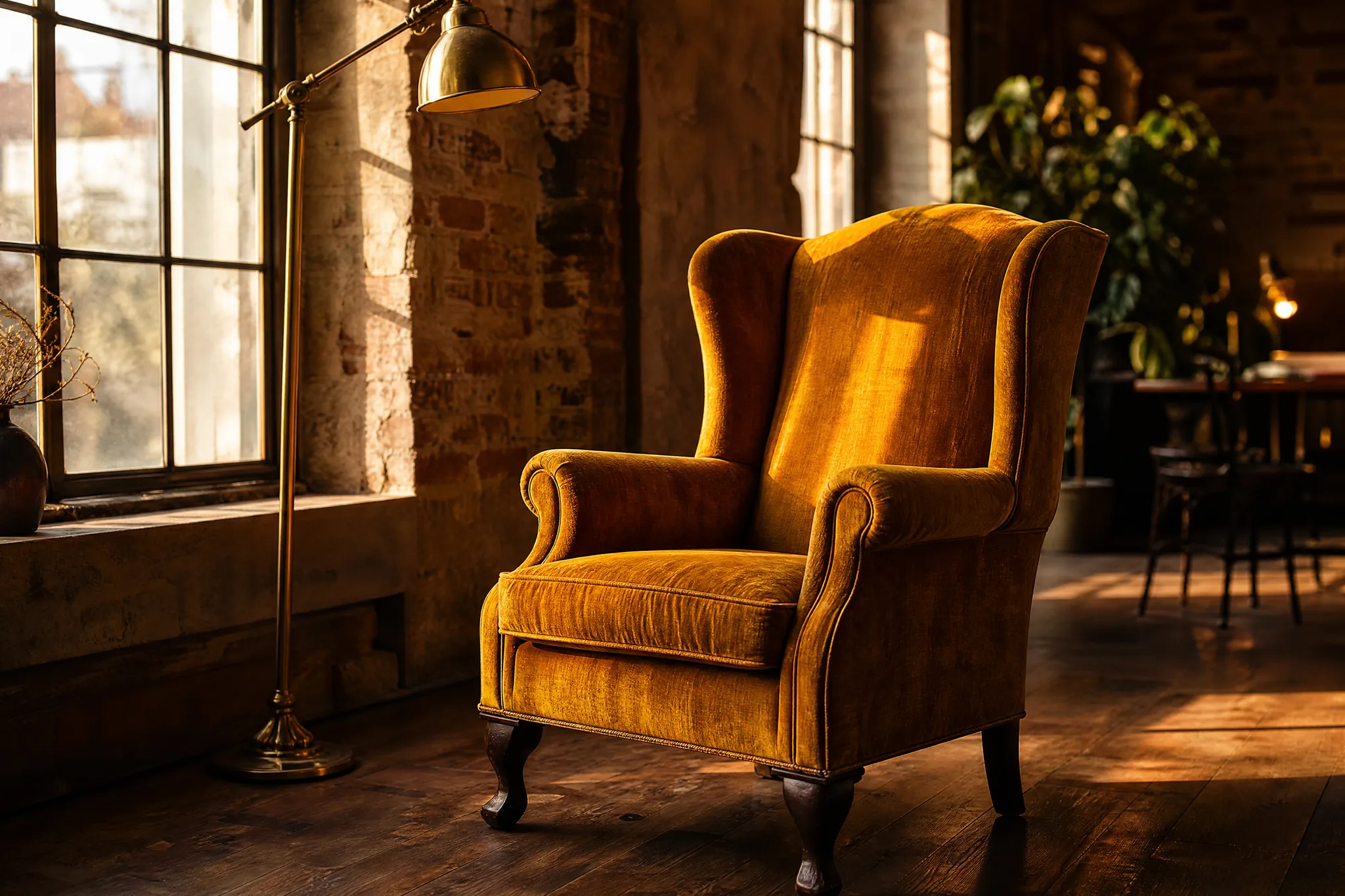
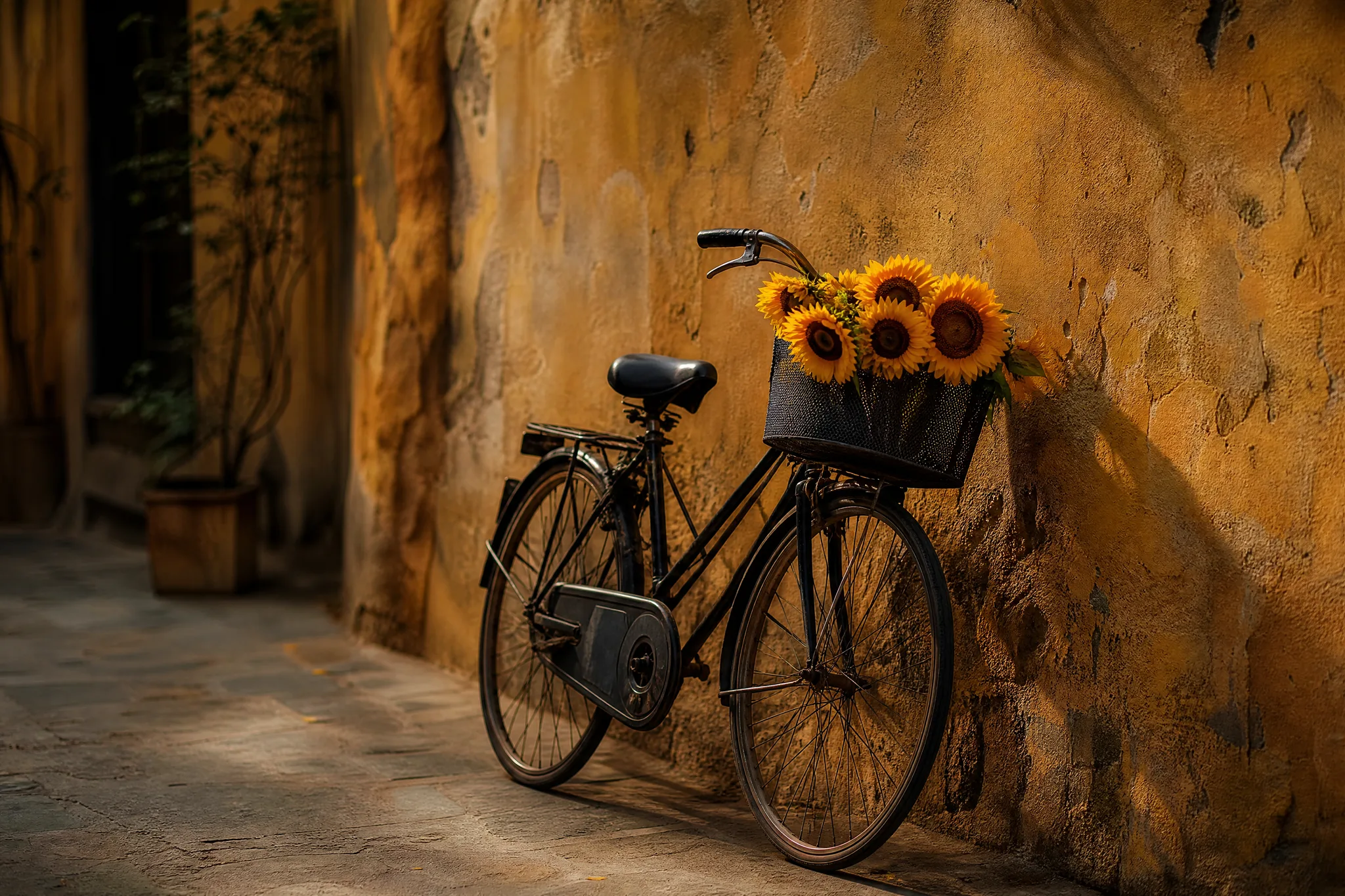
Ochre velvet wingback armchair beside a brass lamp in a sun-filled loft

Name the Details That Matter

A black bicycle against an ochre wall with sunflowers in its basket depends on two named details: the frame colour and what fills the basket. Spell out each one in your FLUX.2 prompt, and add a reference photo of your own bike or flowers whenever the exact object matters to the picture.

Black bicycle leaning on an ochre wall, its basket packed with sunflowers

Centred Portraits of Animals and People

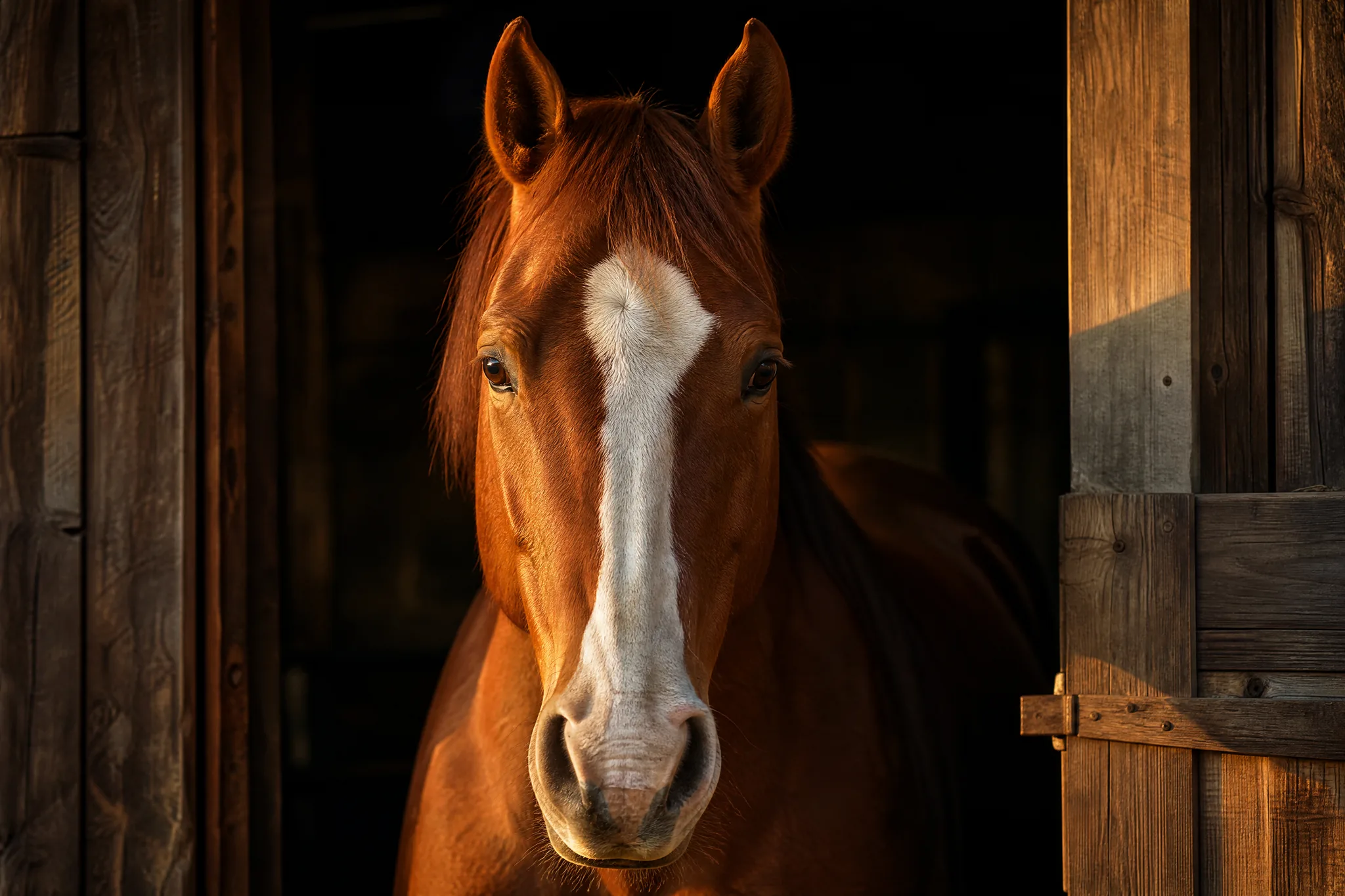
A chestnut horse with a white blaze looking out of a stable doorway, framed dead centre, shows how a clear position anchors a portrait. Tell FLUX.2 where the subject sits and how much of the frame it fills, then upload a photo of your own horse, dog or child for the face and markings.

Chestnut horse with a white blaze peering out of a stable door, framed in the centre

Window Light with Strong Colour

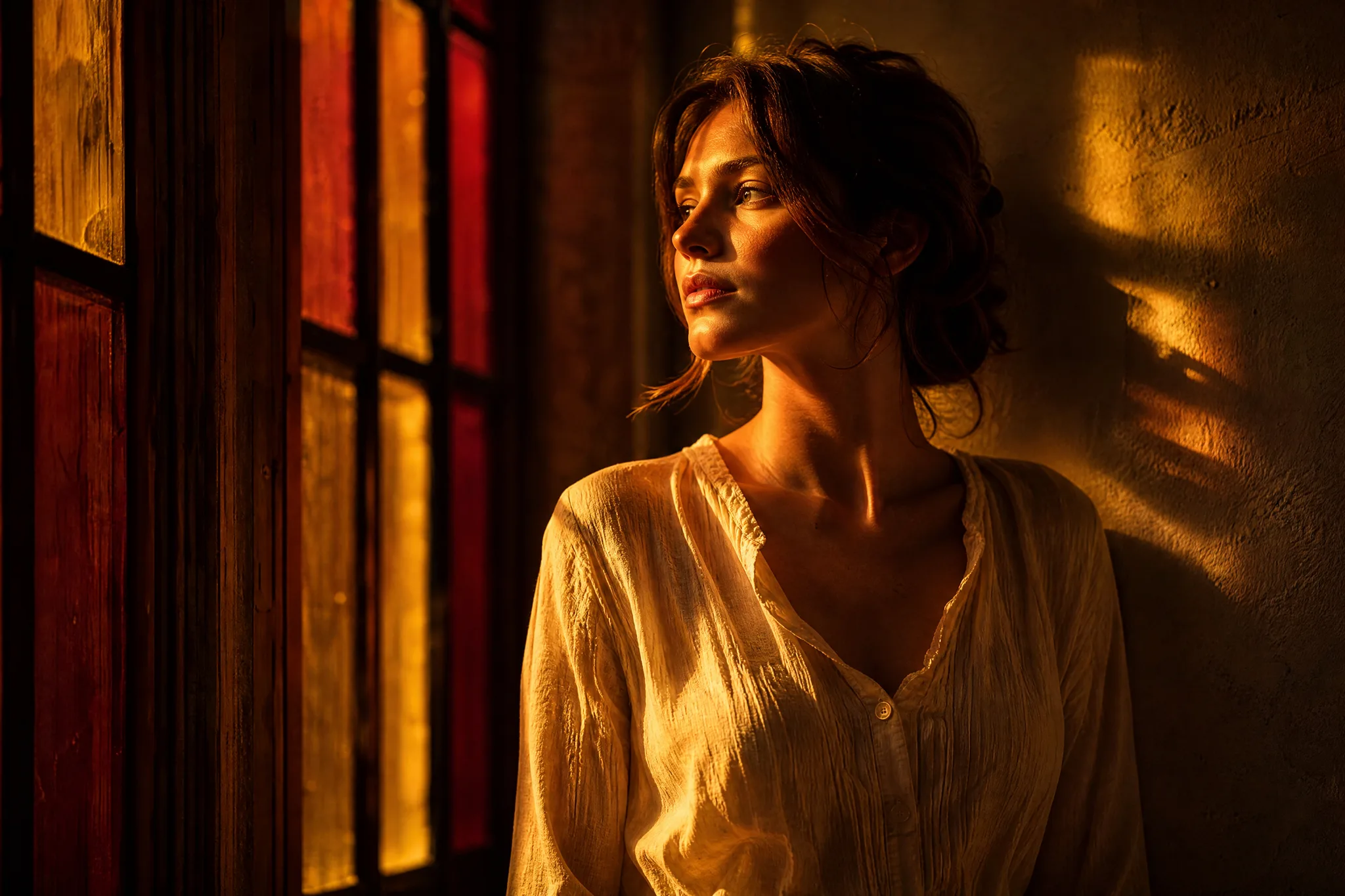
Amber and crimson evening light falling across a woman by a tall window turns a simple portrait into a mood. Describe the light colours, their direction and the time of day in your FLUX.2 brief, or attach a portrait as the reference so the person stays recognisable while the light changes around her.

Woman standing at a tall window washed in amber and crimson evening light

One Lighting Change at a Time

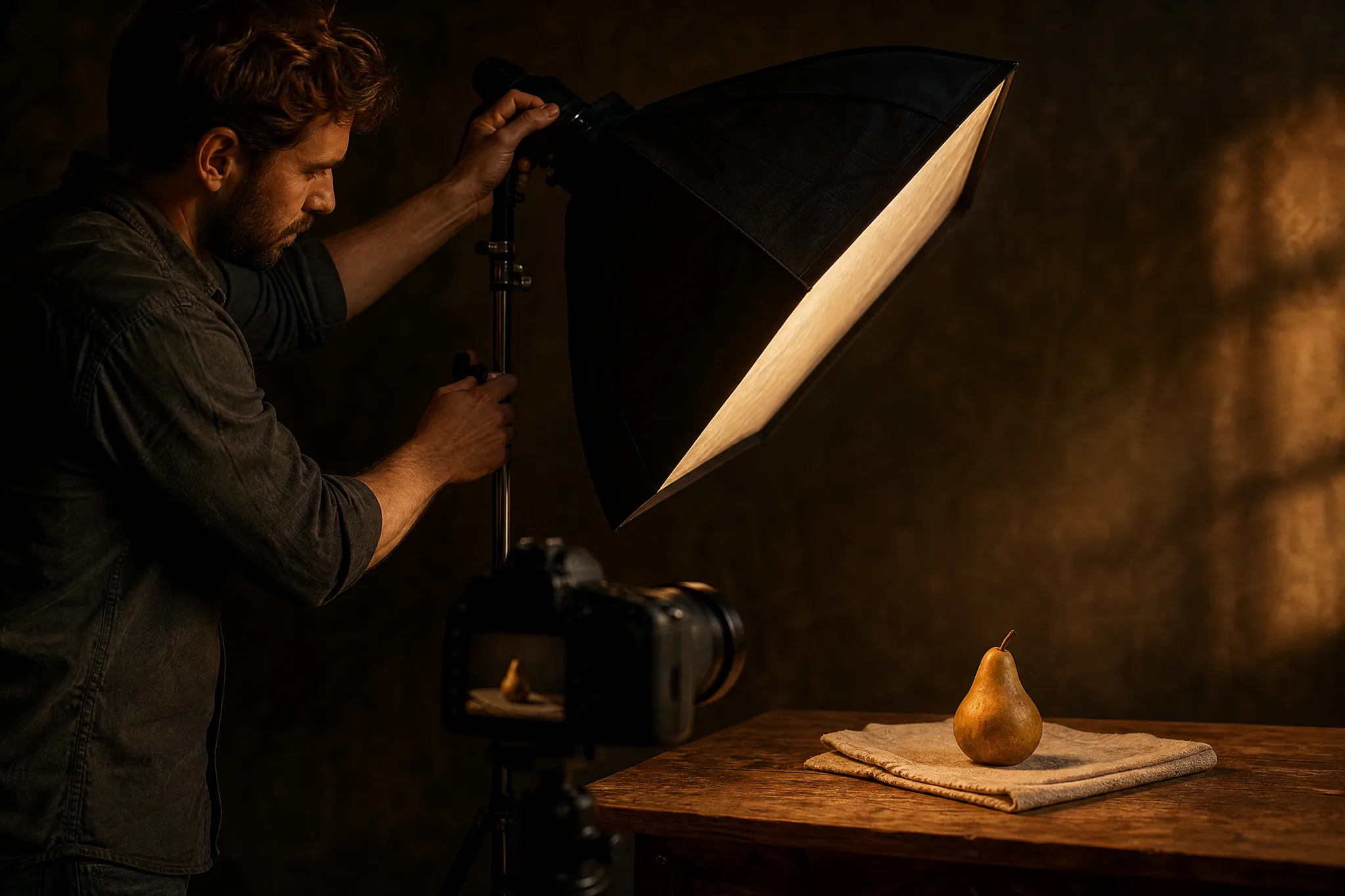
A photographer angling a single softbox toward a pear on linen tests one variable before touching the next. Use FLUX.2 the same way: change the light, then the background, then the crop, each in its own run, so you can see exactly which edit improved the still and which one can be dropped.

Photographer angling one softbox at a single pear on a linen still-life table

FLUX.2 Use Cases for Catalogs, Pets and Lookbooks

FLUX.2 fits work where several real photos have to show up in one picture. Six examples follow.

Furniture and Homeware Shops

A homeware shop can upload product photos of a lamp, a rug and an armchair and ask FLUX.2 to arrange them in one living room. The room set becomes the collection banner, and each product page still shows its own real photos.

Fashion Photographers and Lookbooks

A photographer can combine a model's portrait with photos of three garments and ask FLUX.2 for each outfit in the same studio light. The drafts set the lookbook order before the shoot, so the day runs from a ready shot list.

Pet and Horse Portraits

Owners can upload a few photos of a horse or a dog and ask FLUX.2 for a centred portrait in a stable doorway or a sunlit field. Rendered at 2K, the still becomes a framed gift or the cover of a riding-club calendar.

Animators and Concept Artists

An animator can upload character sheets and ask FLUX.2 for key poses in a new environment. The stills guide colour and lighting decisions before frames are drawn, and the references keep costume details in view throughout.

Food and Still-Life Photographers

A still-life photographer can describe the softbox position, the linen and the fruit, then compare FLUX.2 drafts before setting up the real lights. The chosen draft becomes the lighting plan for the session and saves test shots on the day.

Hosts Making Invitations

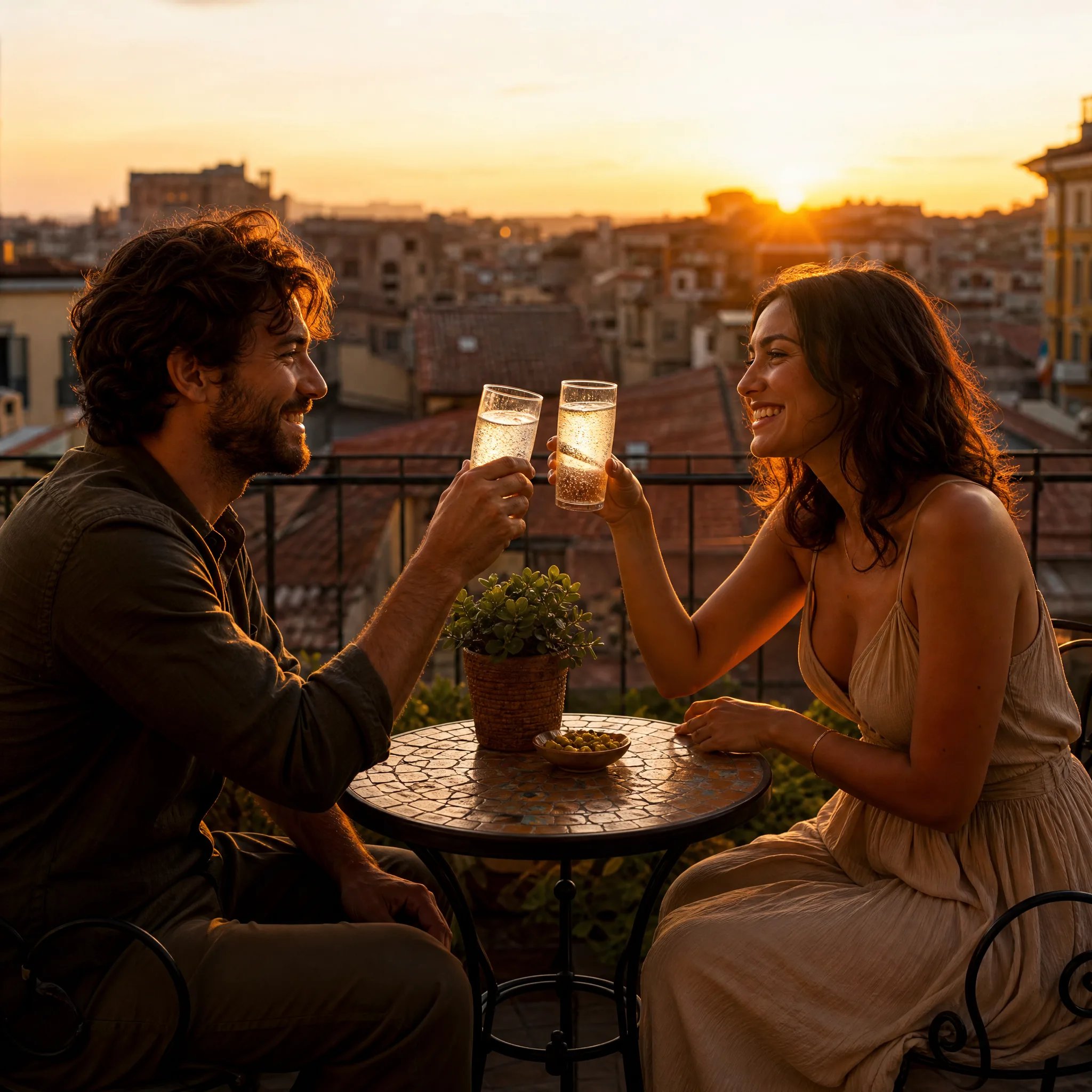
A host planning a rooftop dinner can upload a venue photo and ask FLUX.2 for two friends toasting at sunset above terracotta roofs. The image tops the invitation, with the date and dress code added in a card template.

Stories from People Who Tried It on Their Photos

Our autumn collection had a lamp, a rug and an ochre armchair, all photographed separately. I gave the three photos to FLUX.2 and asked for them together in a sunlit loft. The room set became the collection banner, and each product page still shows its own real photos underneath.

Grant M.
Homeware Shop Owner

FLUX.2 Questions

FLUX.2 answers on the model, reference photos, writing a brief, access, frames and commercial use.

FLUX.2 is a Black Forest Labs image model that generates stills from a written brief or from several reference photos. On PicVideo you can run its Pro or Flex variant in the image workspace, with 1K or 2K output and seven aspect ratios.

FLUX.2 image to image combines up to 8 reference photos in a single brief. Give each one a job, such as the product, the fabric, the face or the location, and name those jobs in the brief. A text prompt without photos works too.

Write a FLUX.2 brief as one scene that says which reference supplies what, then add position, light and camera distance. For example: the bike from photo one against the ochre wall from photo two, low morning sun. Keep unrelated ideas for a separate run.

The PicVideo Terms put ownership of your FLUX.2 images with you, so far as the law allows. A catalog page assembled from several references inherits their rights, so use product, model and location photos you are cleared for, and check that each item keeps its true colour and shape.

FLUX.2 can render a still in 1:1, 4:3, 3:4, 16:9, 9:16, 3:2 or 2:3, at 1K or 2K. A room set built from furniture photos fits 3:2 or 16:9, a centred portrait of a person or pet 3:4 or 2:3, and a product tile for a shop grid 1:1.

Begin with the free credits PicVideo adds at sign-up and through daily check-ins, which build to 4x on day 7, and use them on free models such as Z-Image Turbo while you gather your reference photos. FLUX.2 Pro and Flex run on a PicVideo plan or credit pack, with Flex and 2K costing more.

FLUX.2 room sets and portraits stay in your library on Pro and Flex, and every reference photo you upload stays out of view. A finished still goes public only when you switch it, which is also what lets the Explore gallery feature it.

Build a Still from Your Photos with FLUX.2

Upload up to 8 reference photos of the product, pet or person, describe how they come together and let FLUX.2 render the still at 1K or 2K. Check every detail against your references and download the version that matches.

Make an image with FLUX.2
Two friends raising glasses on a balcony over terracotta roofs as the sun sets