Nano Banana 2 Image Generator

Photos and ideas reshaped for any frame, even 8:1

Google's Nano Banana 2 makes a still from a short description or from your own photos, and it can frame the result anywhere from a square to tall 1:8 strips and wide 8:1 banners. Upload a pet, a product or a holiday picture, name the new setting, and compare Nano Banana 2 takes until one fits the space you are filling.

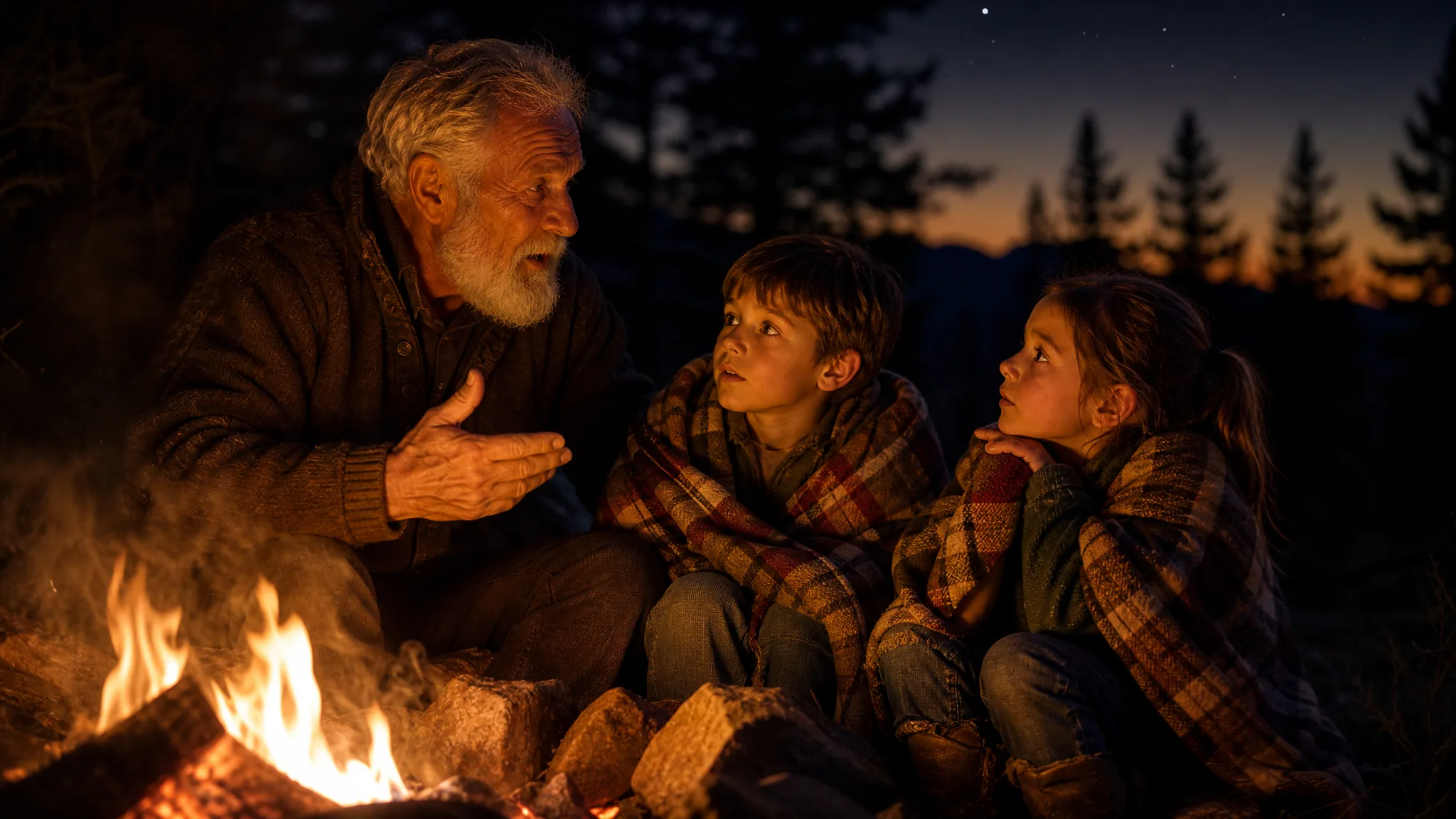
Two children listening to their grandfather tell a story beside a campfire at dusk
Ideas typed in plain words
Reference photos restaged
Strip frames from 1:8 to 8:1
Several photos in one brief
Nano Banana 2
Prompt
0/20000
Reference images

This media input is not available yet.

Aspect ratio
Number of generations
Public Visibility
Required credits
6
Examples
Two children listening to their grandfather tell a story beside a campfire at dusk

See the Full Layout First with Nano Banana 2

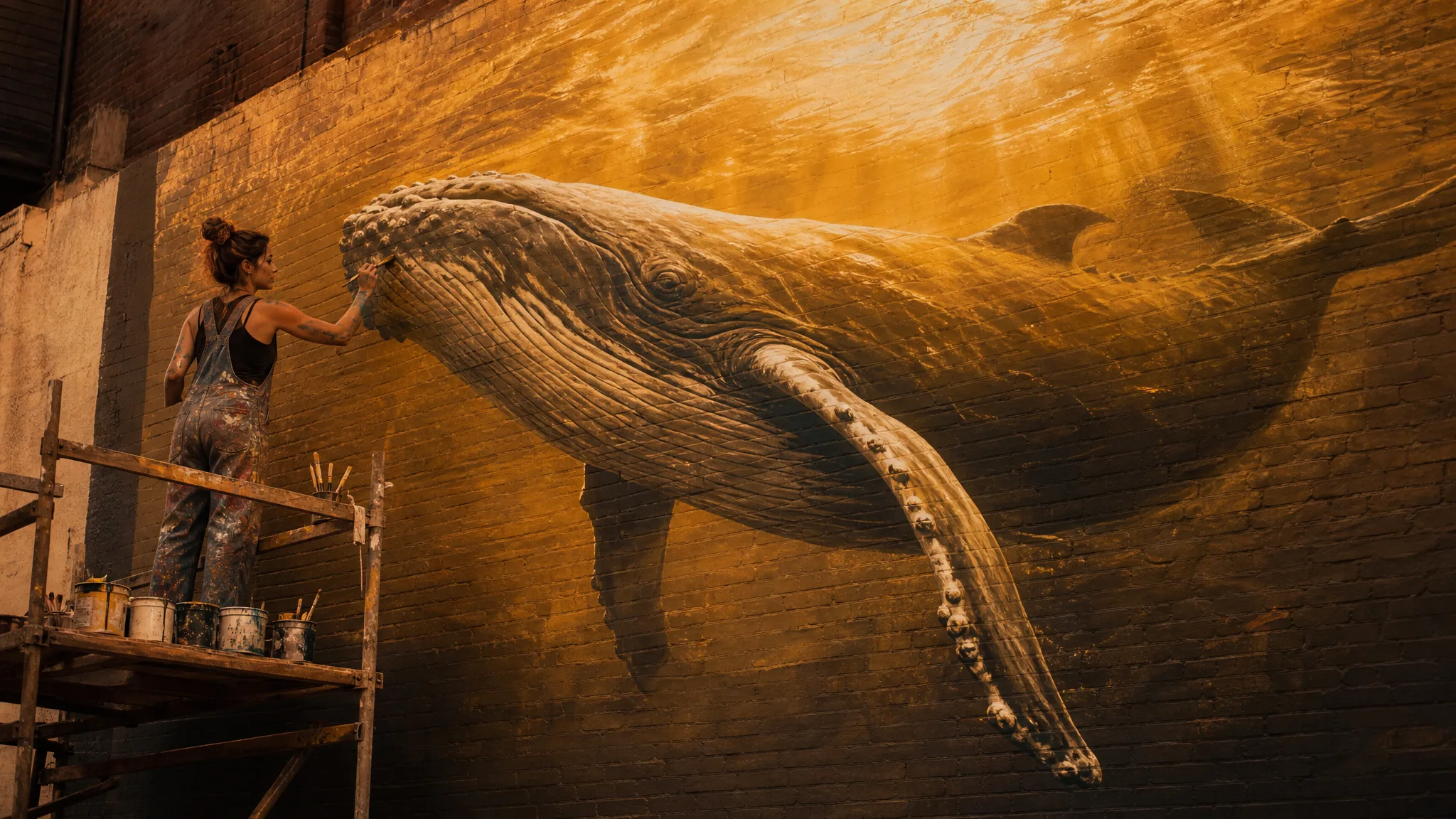
A muralist on scaffolding needs to know where the whale's tail ends before the first stroke. Nano Banana 2 gives you that overview for smaller jobs: describe the subject and the exact shape of the space, whether a shop-window strip or a phone wallpaper, and see the composition before you commit to it.

Generate with Nano Banana 2
Painter on scaffolding working on a huge humpback whale mural across a sunny courtyard wall

How to Use Nano Banana 2 with Photos or a Brief

Nano Banana 2 accepts a typed idea, one photo or a whole set of references. These four steps cover the input, the frame, the first comparison and the check before you download.

1

Describe the Idea or Upload Photos

Write two or three sentences for Nano Banana 2 about who is in the picture, where they are and the mood. To build on real pictures, switch to image-to-image and attach as many as 10 references, noting what each one supplies: the face, the outfit or the room.

2

Choose a Frame That Fits the Space

Match the frame to its destination. Nano Banana 2 offers square and 16:9 alongside 4:1 and 8:1 banners and 1:4 or 1:8 tall strips, which suit website headers, shelf signs and bookmarks. Keep the subject away from the edges where a caption or a crop will land.

3

Compare the Take with Your Plan

Put the first Nano Banana 2 result beside your references and check each one: is the dog's coat the right colour, did the shop sign stay readable, does the subject sit where the layout needs it? Adjust a single instruction and run again so every change can be traced.

4

Download and Finish the Layout

Open your chosen take at full size and look at faces, paws, hands and anything near the crop line. Download it, then add captions, prices or names in your editor; the Nano Banana 2 image supplies the picture while your layout tool handles the type.

Image Tools for Prompts and Photo Edits

Start a picture from words, or change the style or setting of one you already have.

Four Starting Points for Nano Banana 2

Nano Banana 2 text to image and image-to-image modes cover four common starting points. Each tab pairs a sample picture with the way to brief it.

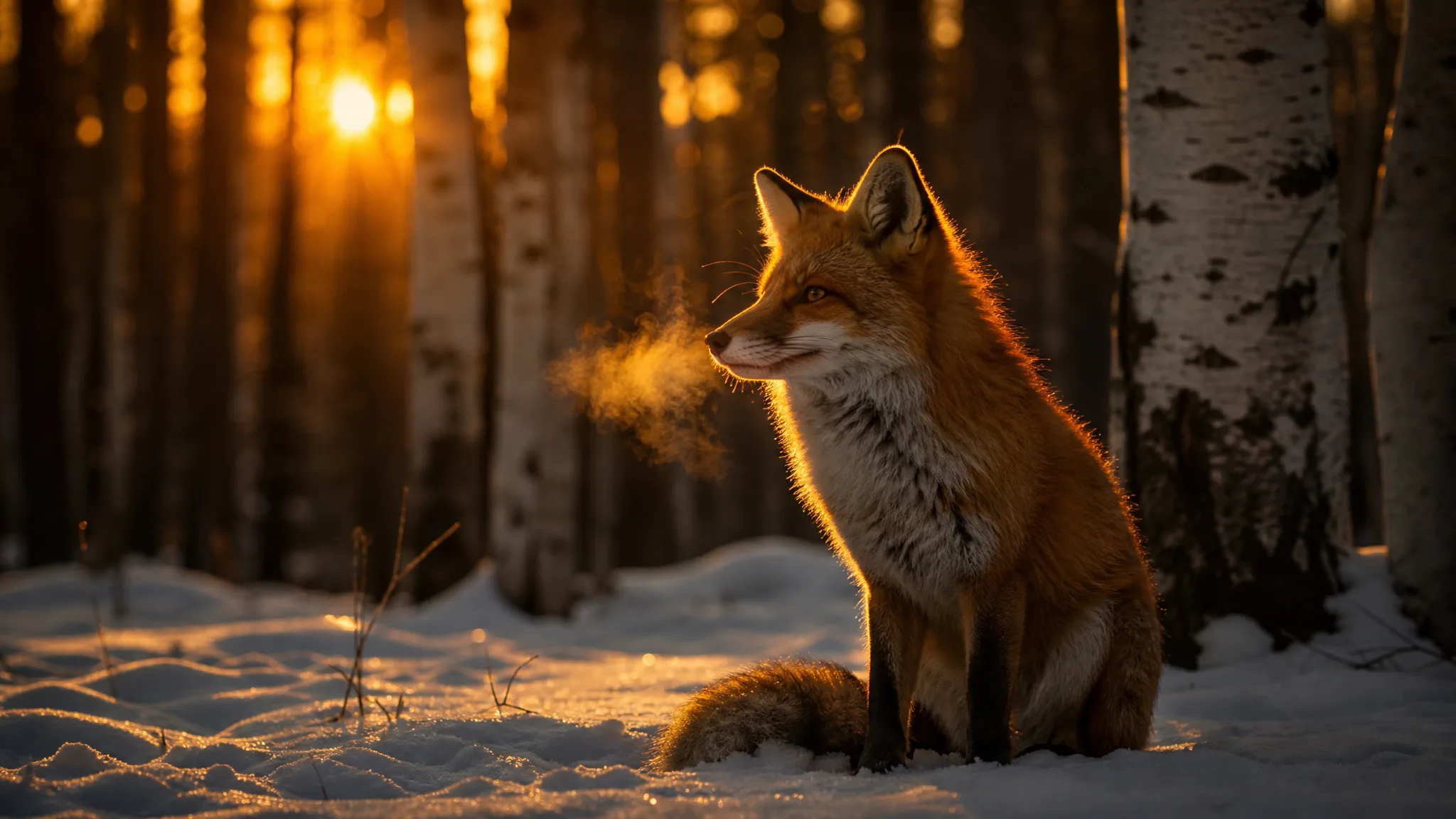
Red fox sitting in new snow between birch trunks in the warm light of twilight

From a Sentence Alone

No photo needed: write a red fox sitting in fresh snow among birch trees at twilight, and Nano Banana 2 composes the whole scene from those words. Naming the time of day and one colour accent gives the image its mood. Wildlife lovers and greeting-card makers can start every idea this way and only add references later.

More Nano Banana 2 Looks to Try

Beyond the four starting points, Nano Banana 2 image to image work often lands in three styles: still lifes for shops, quiet portraits and handmade miniatures.

Shop Still Lifes

A brass coffee grinder on a sunlit limestone ledge with olive-branch shadows shows how a plain product photo can gain a setting. Upload your item photographed on a simple table, describe the surface and the pattern of the light, and Nano Banana 2 builds the scene around it for a listing or a newsletter header.
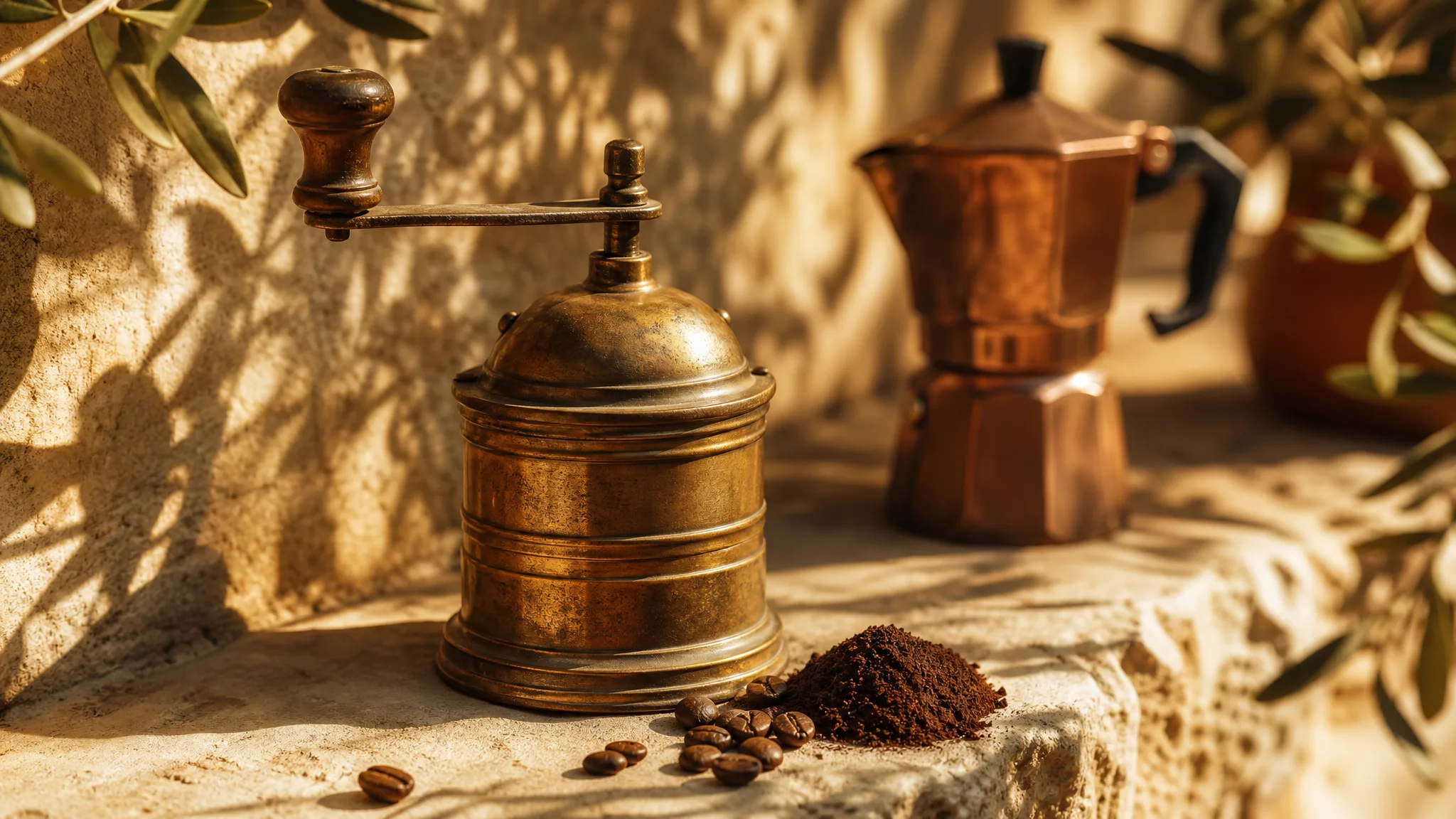
Antique brass coffee grinder on a sunny limestone ledge patterned with olive-branch shadows

Quiet Window Portraits

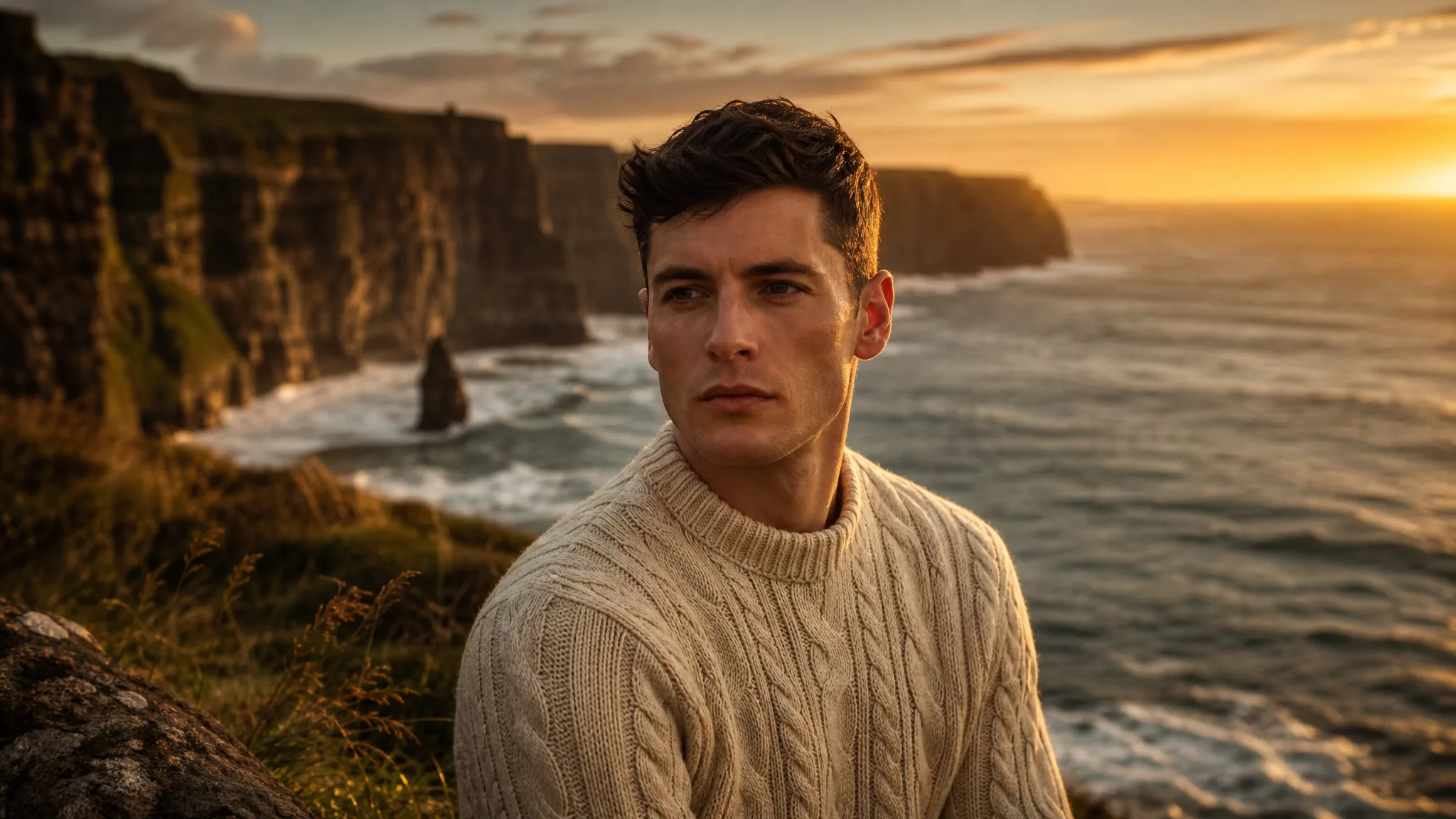
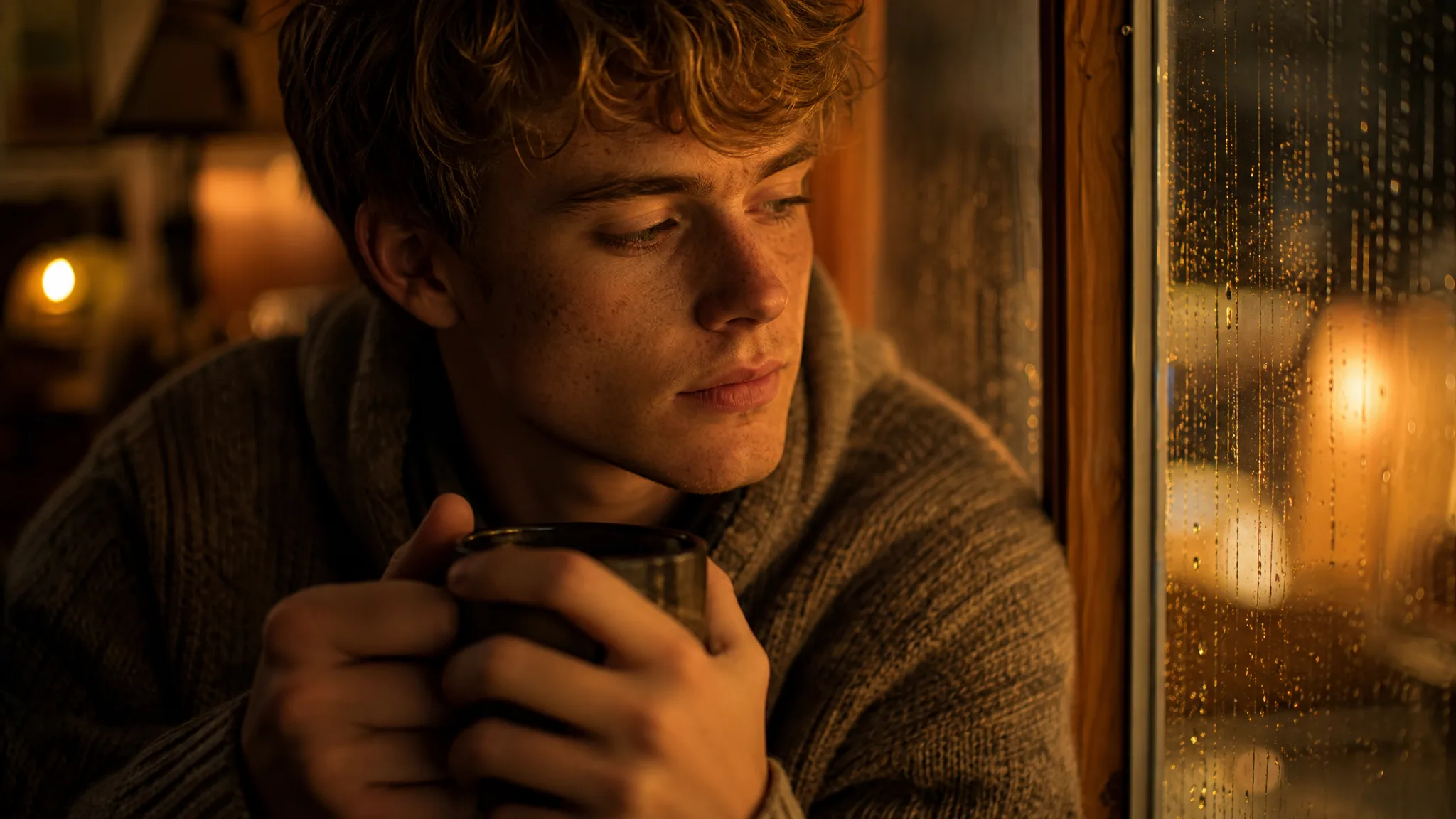
Rain on the glass, warm lamp light and a mug held close: small comforts like these give a portrait its mood. Start from a friend's photo or a written character, ask Nano Banana 2 for the same rainy-window scene, and keep the take whose expression feels the most natural to you.

Young freckled man holding a mug beside a rain-streaked window in warm lamplight

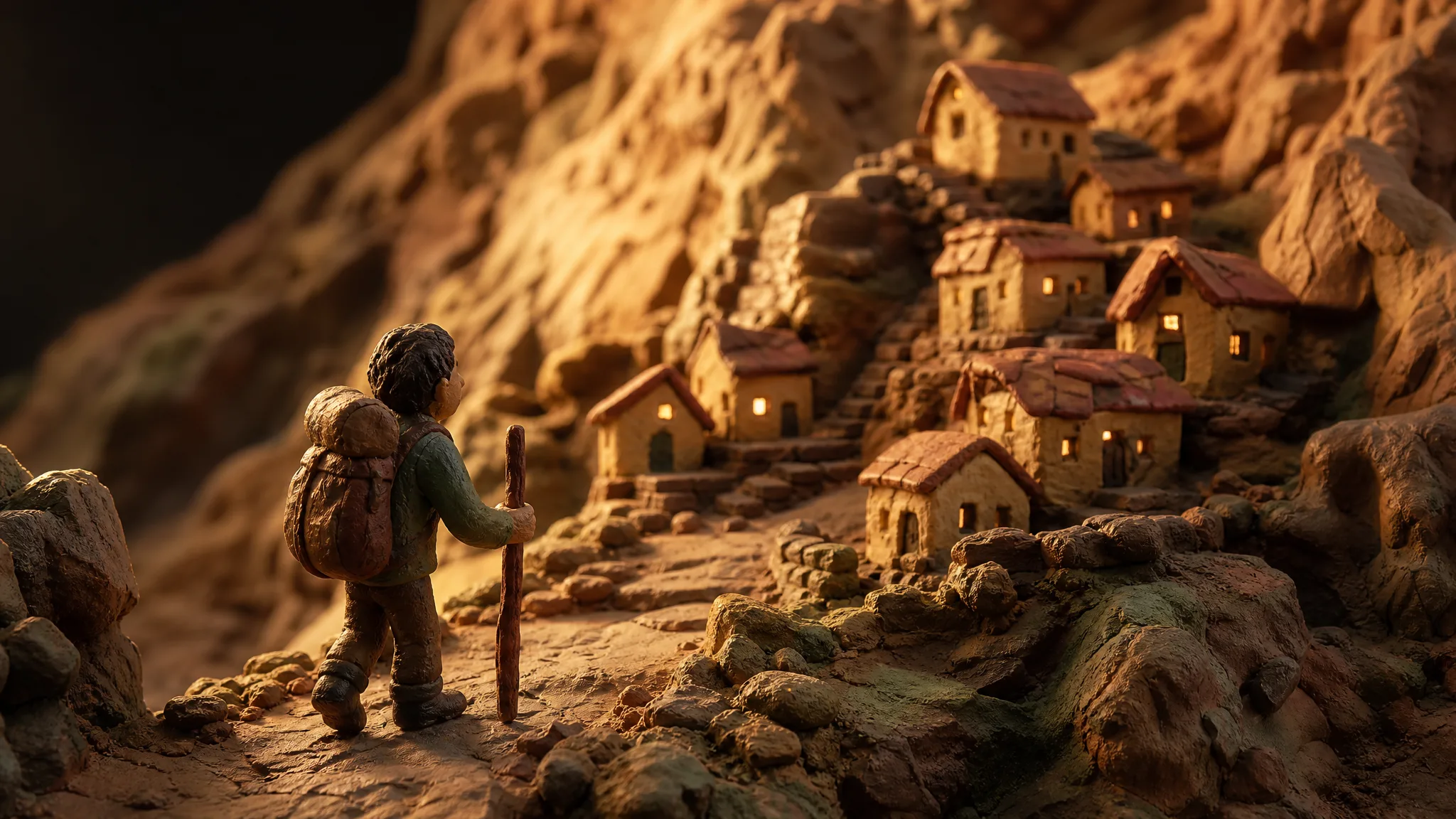
Clay and Plasticine Worlds

Ask for plasticine figures and a tiny mountain village, and Nano Banana 2 renders the scene with the soft, handmade texture of modelling clay. Parents and teachers use the look for birthday invitations, story slides and classroom posters that should feel playful rather than photographic.

Plasticine figure of a traveller walking toward a tiny clay mountain village

Nano Banana 2 Use Cases from Pets to Shop Banners

Nano Banana 2 helps when a picture must fit an unusual space or blend several photos. Here are six people and what they make with it.

Pet Owners

A cat owner can upload three photos of a tabby and ask Nano Banana 2 for the cat curled in a basket of autumn leaves. The still becomes a 9:16 phone wallpaper and, cropped square, a birthday post for the pet’s own account.

Small Shops and Cafés

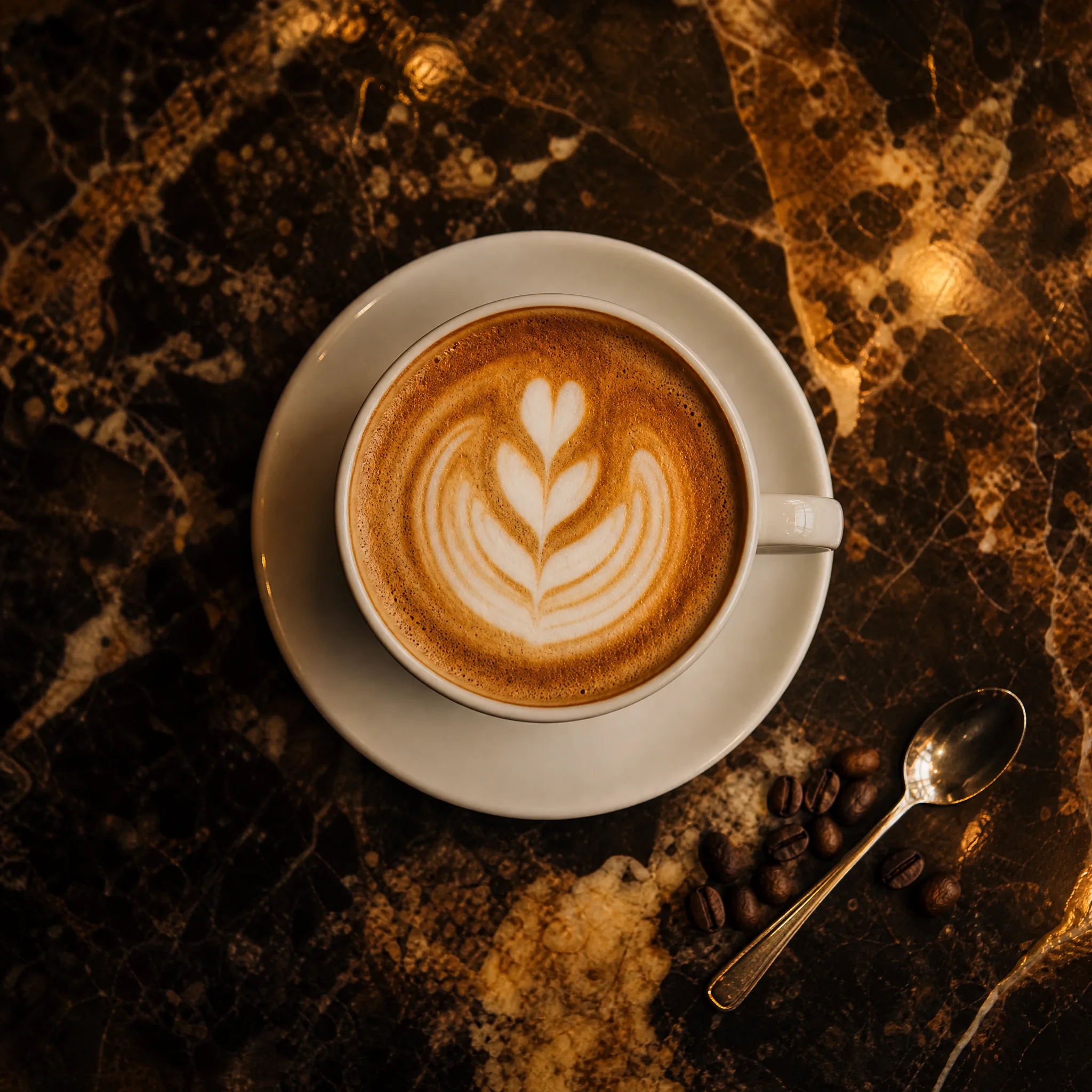
A café can photograph its signature drink on the counter and ask Nano Banana 2 for the cup on dark marble with open space to one side. The 4:1 version runs as a website banner, and a square crop goes on the menu screen by the till.

Families Making Keepsakes

Grandchildren can combine a photo of their grandfather with a few lines about the family's camping trips and get a Nano Banana 2 scene of him telling stories by a campfire. Printed as a card, it suits a birthday or a reunion invitation.

Travel Bloggers

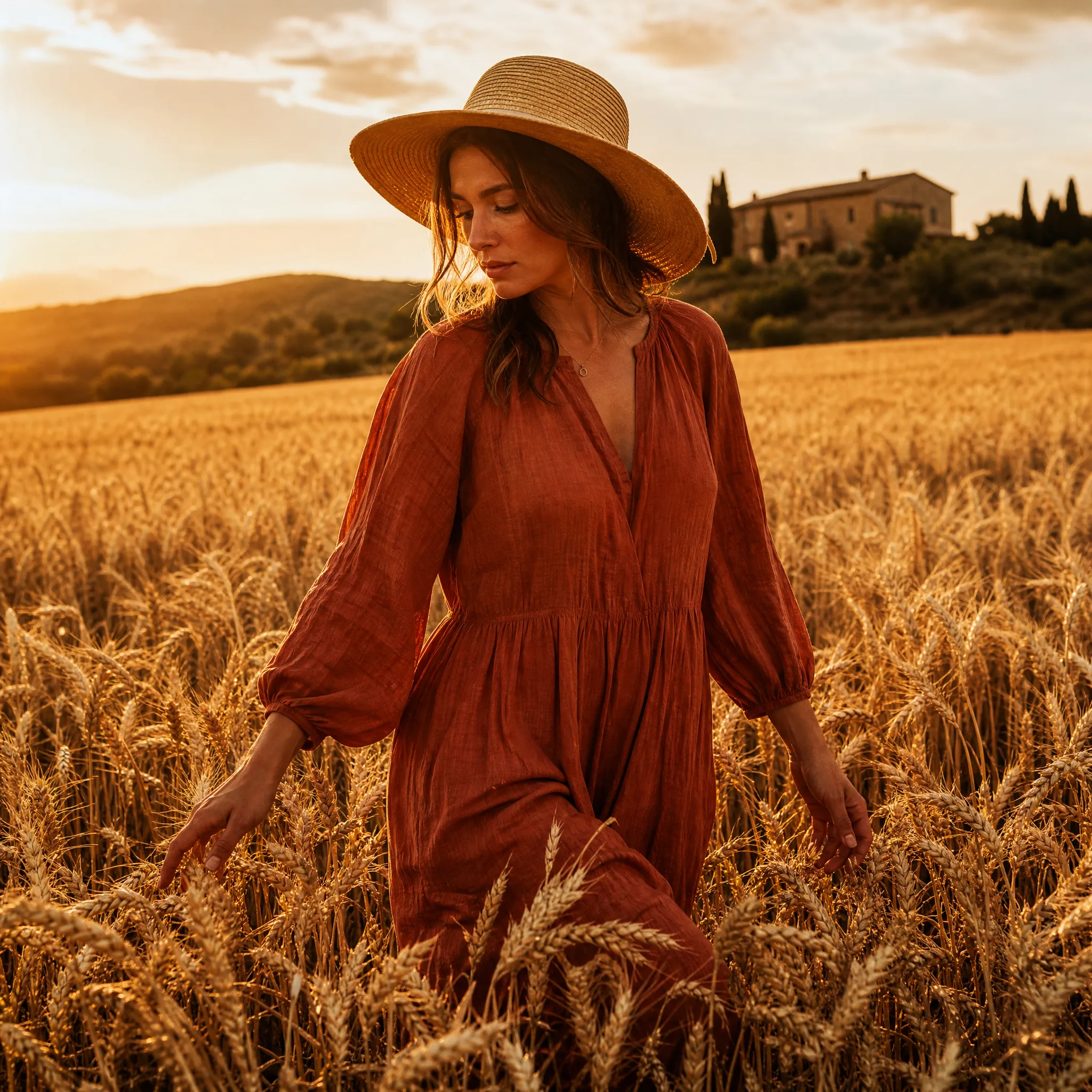
A blogger can fold the mood of a whole trip into one long 8:1 Nano Banana 2 panorama, with vineyards, a hill town and the coast at dusk described in one brief. It runs as the header of the travel guide, with the real photos in the article below.

Teachers and Librarians

A librarian can describe a fox carrying a lantern through snowy woods and let Nano Banana 2 produce a tall 1:4 image for a bookmark or a reading-corner poster. The class then writes the story that belongs with the picture.

Social Media Managers

One Nano Banana 2 brief built around a single product photo can yield a 9:16 story, a 1:1 feed post and a 16:9 video thumbnail. The manager reviews each crop on its own, keeps the strongest and writes the captions in the scheduling tool.

Stories from People Who Tried It on Their Photos

Our website header is a long, thin strip, and no photo ever fit it. I photographed our pistachio latte on the counter and asked Nano Banana 2 for the cup on dark marble in an 8:1 frame with space on the left. It finally fills the banner, and a square crop runs on the screen by the till.

Chloé V.
Café Owner

Nano Banana 2 Questions and Answers

Nano Banana 2 questions people ask before uploading photos: inputs, prompts, cost, frames, rights, series, motion, edits and final checks.

Nano Banana 2 is a Google image model that creates stills from text or from reference photos. On PicVideo you can run the standard version or Nano Banana 2 Lite in the image workspace, with frames that reach from square to tall 1:8 and wide 8:1 strips.

Write a Nano Banana 2 prompt like a caption for the picture you want: subject, setting, light, then style. Mention what the frame is for, such as a banner with space on the left. Keep the brief to one idea so you can tell which change improved the result.

Nano Banana 2 image to image works from one photo or many, and the variant you have open takes up to 10. One clear photo is enough for a restyle, while several let you combine a person, an outfit and a place. A brief without photos works as well.

Nano Banana 2 lets you pick 1:1, 1:4, 1:8, 2:3, 3:2, 3:4, 4:1, 4:3, 4:5, 5:4, 8:1, 9:16, 16:9 or 21:9 for a frame, so one brief can fill a square post or an 8:1 strip for a shelf edge or website header. Choose the shape before you write, because the layout of the scene follows it.

Upload the same reference photos each time and repeat the describing sentences of your Nano Banana 2 brief word for word, changing only the scene. Check each result against the photos, since coat markings, freckles or jewellery can shift slightly between takes.

Free credits arrive when you sign up, and each daily check-in adds more, rising to 4x by day 7 of a streak, so you can try a pet portrait or a banner idea on free models such as Z-Image Turbo first. Nano Banana 2 and its Lite variant run on a PicVideo plan or credit pack, and Lite spends fewer credits per image.

Run the take back through Nano Banana 2 in image-to-image mode and describe only the change: a brighter sky, a different collar, a tidier table. Leaving the rest of the brief untouched keeps the parts you already like.

Review faces, paws, hands, product shapes and any lettering in the Nano Banana 2 image at the size you will use it. Look closely along the ends of long strip frames, where small faults are easy to miss, then download the take that passes.

Nano Banana 2 images you create belong to you as far as the law permits, per the PicVideo Terms. When a campaign image blends several reference photos, each photo keeps its own rights, so work from pictures you took or have permission for and check the result for real brands or faces before it runs.

Nano Banana 2 keeps new images in your library only, on both variants, and the pet or family photos you add as references stay out of sight. Making a finished image public is your call, and only a public image can be featured in the Explore gallery.

Nano Banana 2 makes still images. For motion, take the downloaded still to PicVideo's image to video tool, pick a video model and describe what should move, like a wagging tail, drifting snow or a slow pan along the banner.

Make Your Next Banner, Card or Post with Nano Banana 2

Upload a few photos or type a short scene, pick a frame from square to an 8:1 strip and let Nano Banana 2 render the still. Compare the takes, download the one that fits and drop it into your banner, card or post.

Make an image with Nano Banana 2
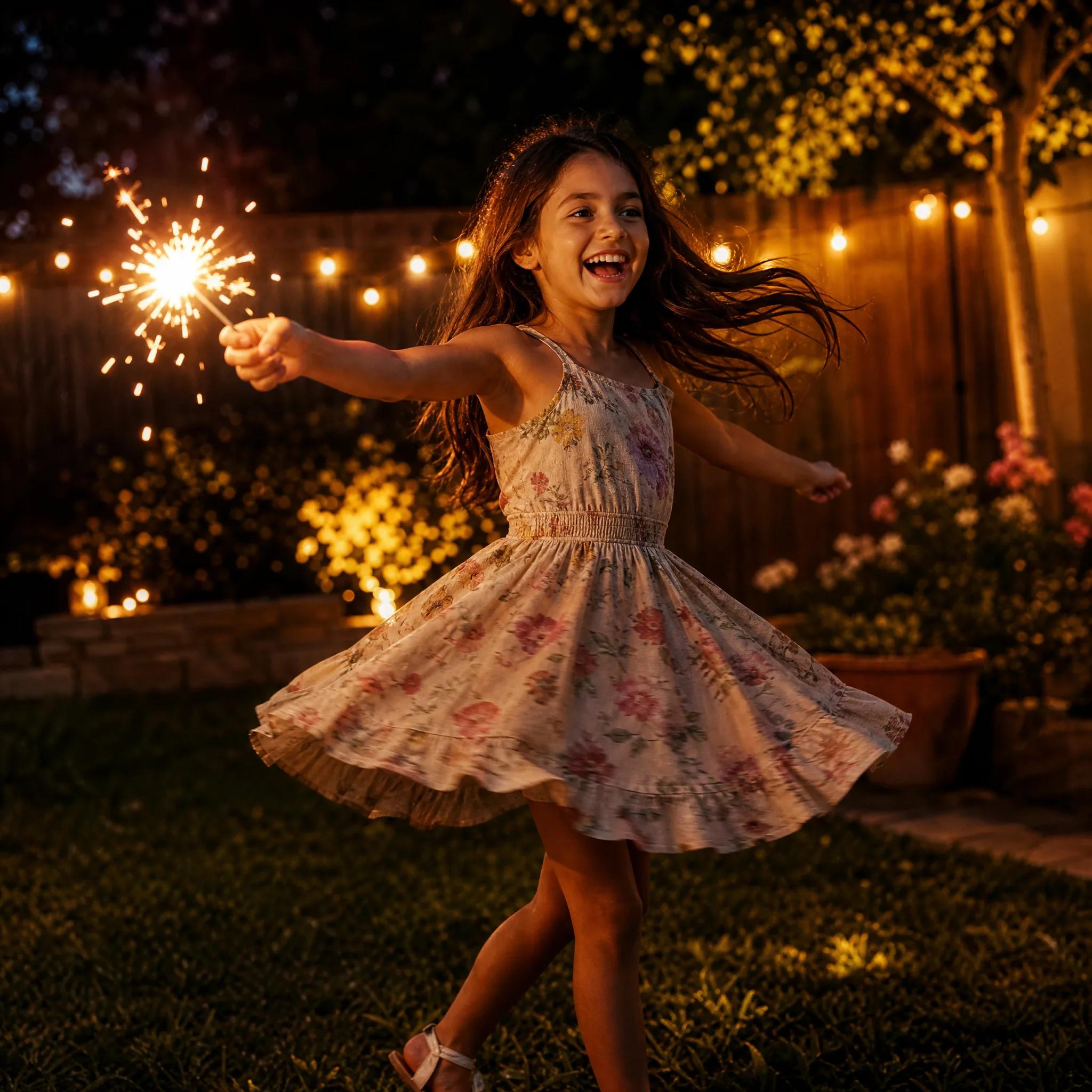
Girl laughing as she spins a sparkler in a backyard at dusk