Seedream 5 Image Generator

Restage a photo or write a scene from scratch

ByteDance's Seedream 5 builds a detailed still from a sentence or from a photo you already took. Upload a holiday snapshot, a portrait or a product picture, say what the new scene should look like, and compare the Seedream 5 version with your original before you print or post it.

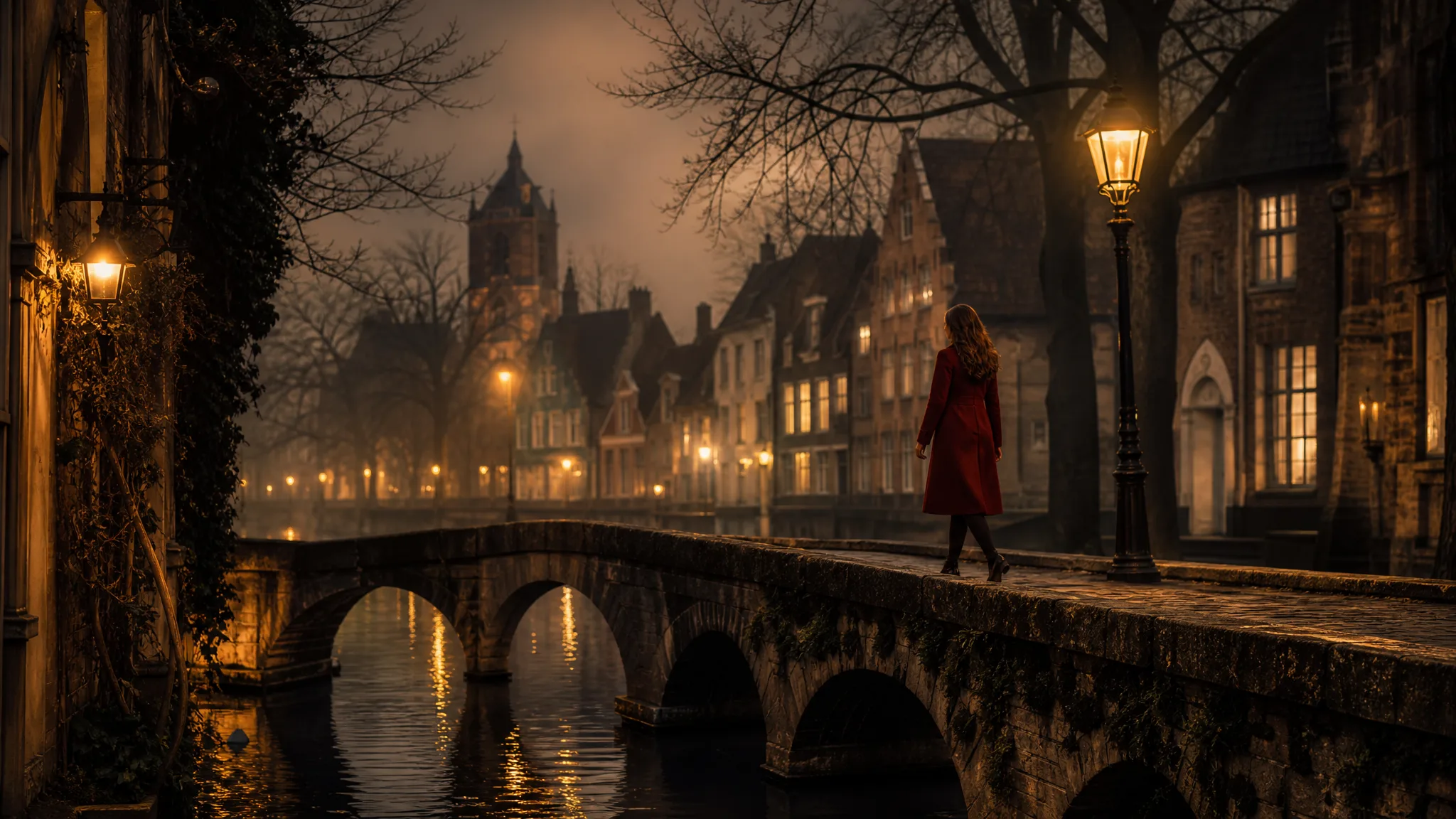
Woman in a red coat walking over a stone canal bridge in a lamplit old town on a misty evening
Travel and portrait photos restaged
Frames from square to 21:9
Flash, Pro and Lite variants
Seedream 5
Prompt
0/2995
Aspect ratio
Quality
Number of generations
Public Visibility
Required credits
11
Examples
Woman in a red coat walking over a stone canal bridge in a lamplit old town on a misty evening

Plan a Seedream 5 Scene Before the Shoot

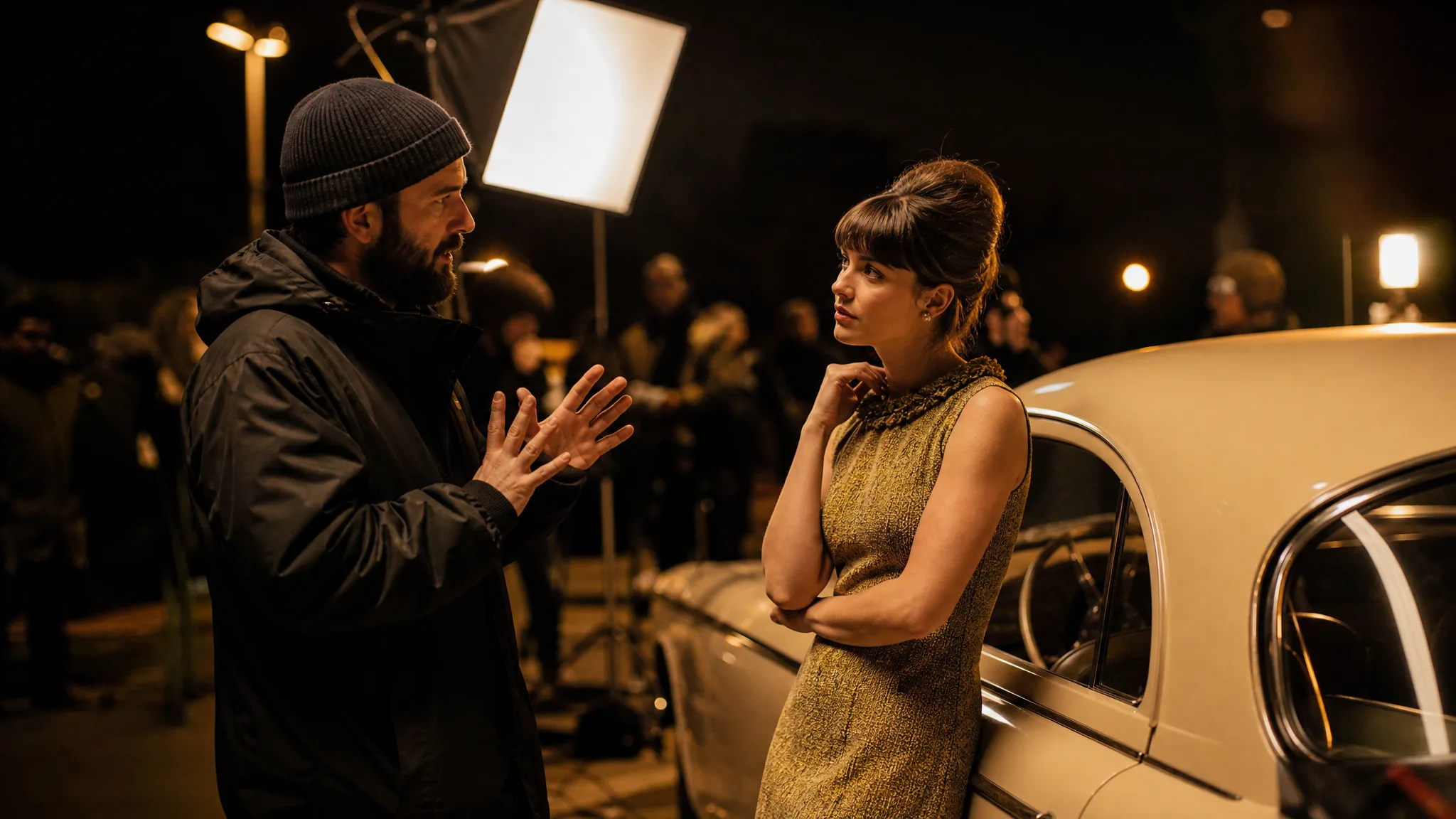
On a night set, a director checks the car, the lamp and the actress's mark before the camera rolls. Seedream 5 lets you make those decisions first: describe the light, the place and the pose, or attach the photo you want to build on, then judge the still against the picture in your head.

Generate with Seedream 5
Director talking through a scene with an actress next to a vintage car on a warm night set

How to Use Seedream 5 on a Photo or a Prompt

Seedream 5 starts from either a typed scene or a reference photo. The four steps below take you from that starting point to a still you have checked at full size.

1

Bring a Photo or a Sentence

Decide what Seedream 5 should build on. For a trip photo, a portrait or a product shot, switch to image-to-image and upload up to 14 references with the variant you picked. For a brand-new scene, stay in text mode and name the subject first, then the place, the light and the feeling.

2

Set the Frame and Variant

Choose the aspect ratio before you generate, since Seedream 5 composes for the shape you pick: 9:16 for a phone story, 3:4 for a printed portrait, 21:9 for a panoramic travel banner. Then pick Flash, Pro or Lite; the workspace lists the resolutions each one offers.

3

Generate and Compare

Run the first Seedream 5 take and put it next to your reference or your notes. Is the face still recognisable, did the sunset land where you wanted it, does the jacket keep its colour? When one thing is off, rewrite only that phrase so the next take shows what the change did.

4

Check Details, Then Download

Zoom in on eyes, hands, writing on signs and the edges of the frame before you keep a Seedream 5 image. Download the take that passes, then crop it, add a caption or place it in an album, print layout or post with the editor you already use.

Image Tools for Prompts and Photo Edits

Start a picture from words, or change the style or setting of one you already have.

Light, Genre, Layout and Crowds in Seedream 5

Seedream 5 responds to concrete choices about light, genre, layout and crowd detail. Each row pairs one of those choices with a sample picture and shows how to phrase it in your own brief.

Window Light on Real Materials

Seedream 5 text to image prompts work best when the light has a source and the surface has a texture. Describe one shaft of window light falling on wet clay, worn denim or a ceramic mug, and say how close the camera sits. The mood then comes from how light meets material, so the still reads like a real photograph rather than a pile of adjectives.
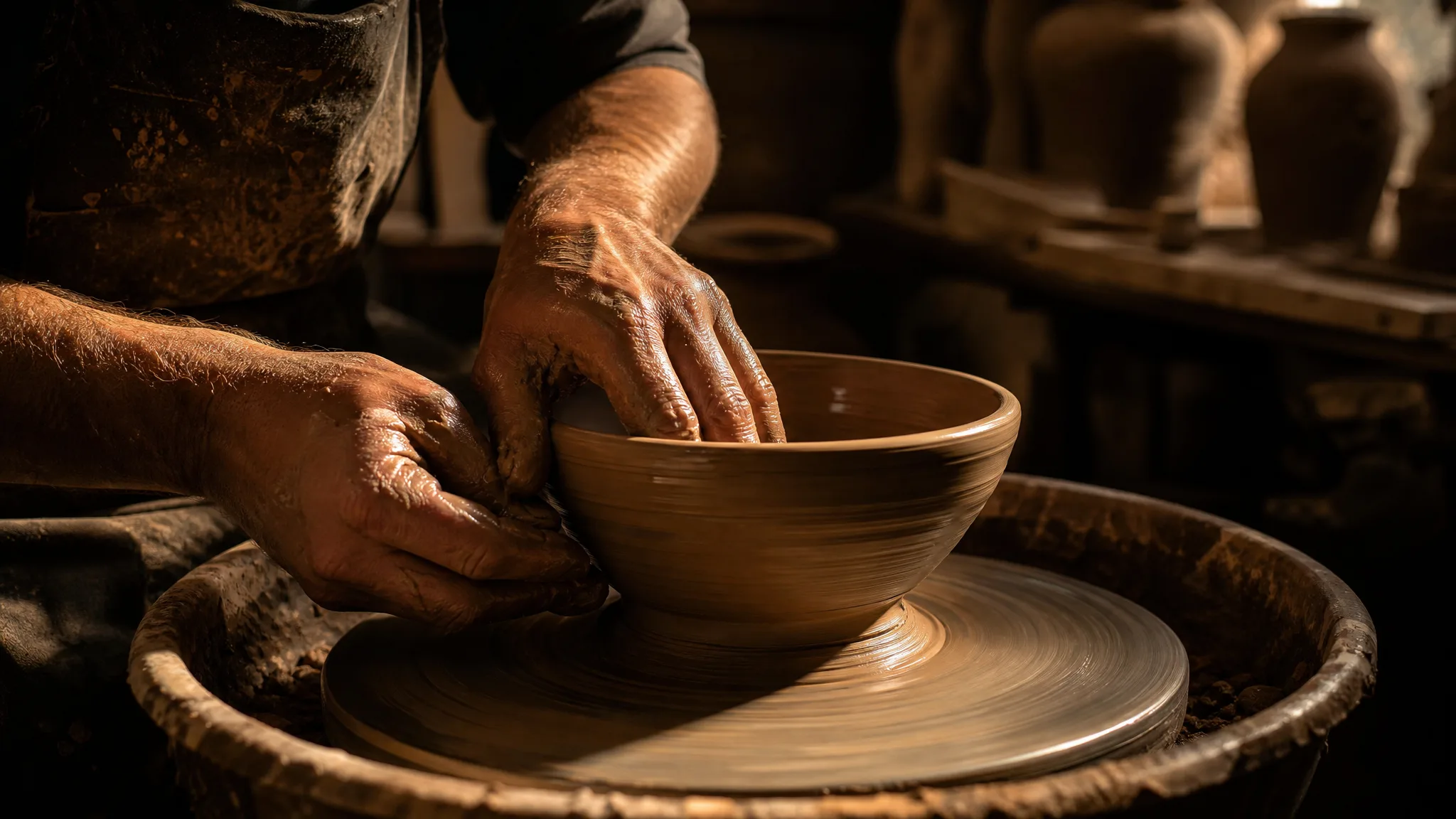
Close view of hands forming a shiny wet clay bowl on a potter's wheel under one beam of window light

A Cinematic Wide Shot

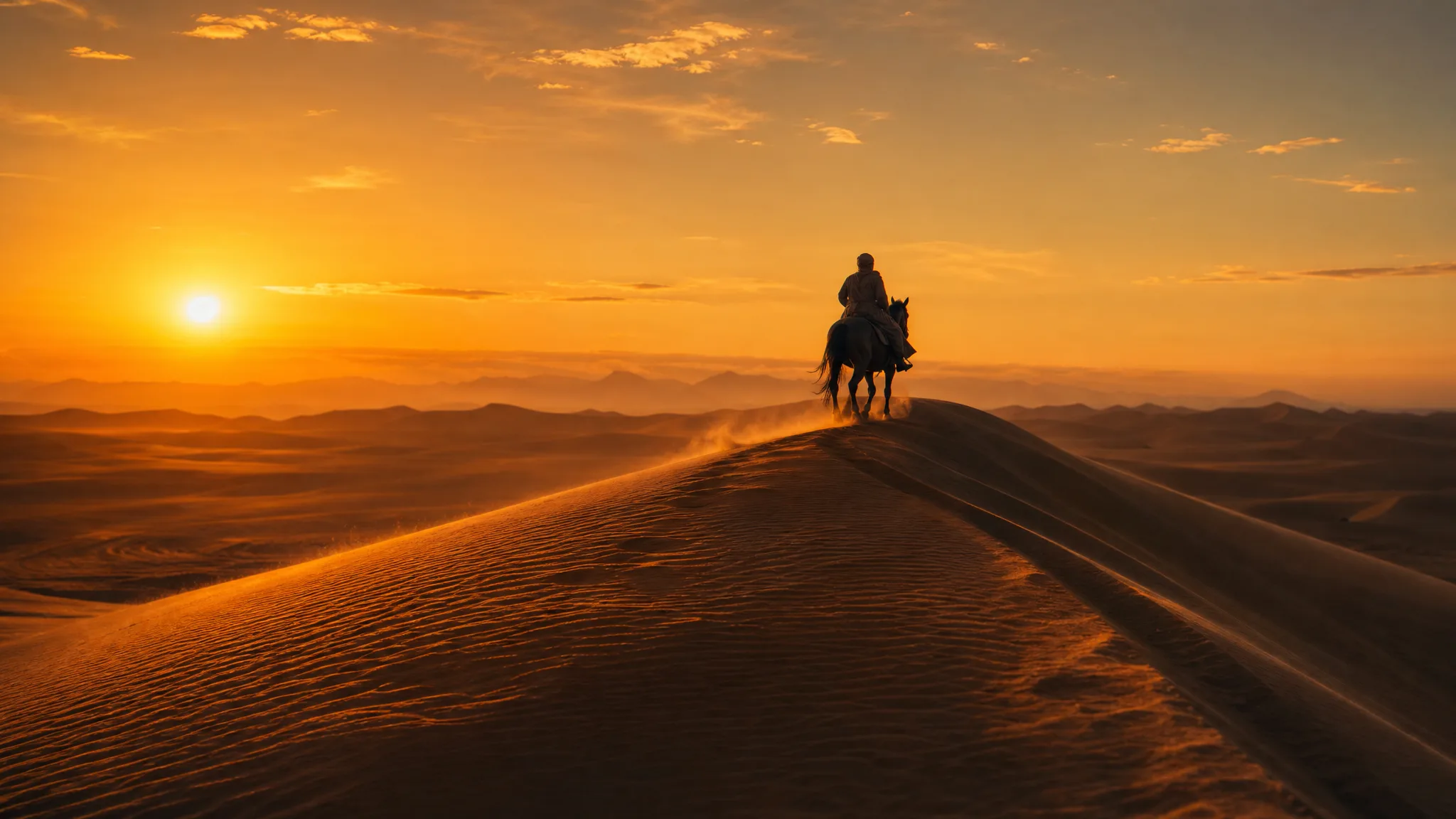
Name a genre and a lens distance and Seedream 5 stages the scene around them. A lone rider cresting a dune at sunset turns into a film still when you ask for a wide shot, a low sun and long shadows. Try the same idea as a close-up afterwards and compare which version tells the trip story you want to share.

Wide cinematic shot of a single horse rider topping a sand dune against the setting sun

Room for a Headline

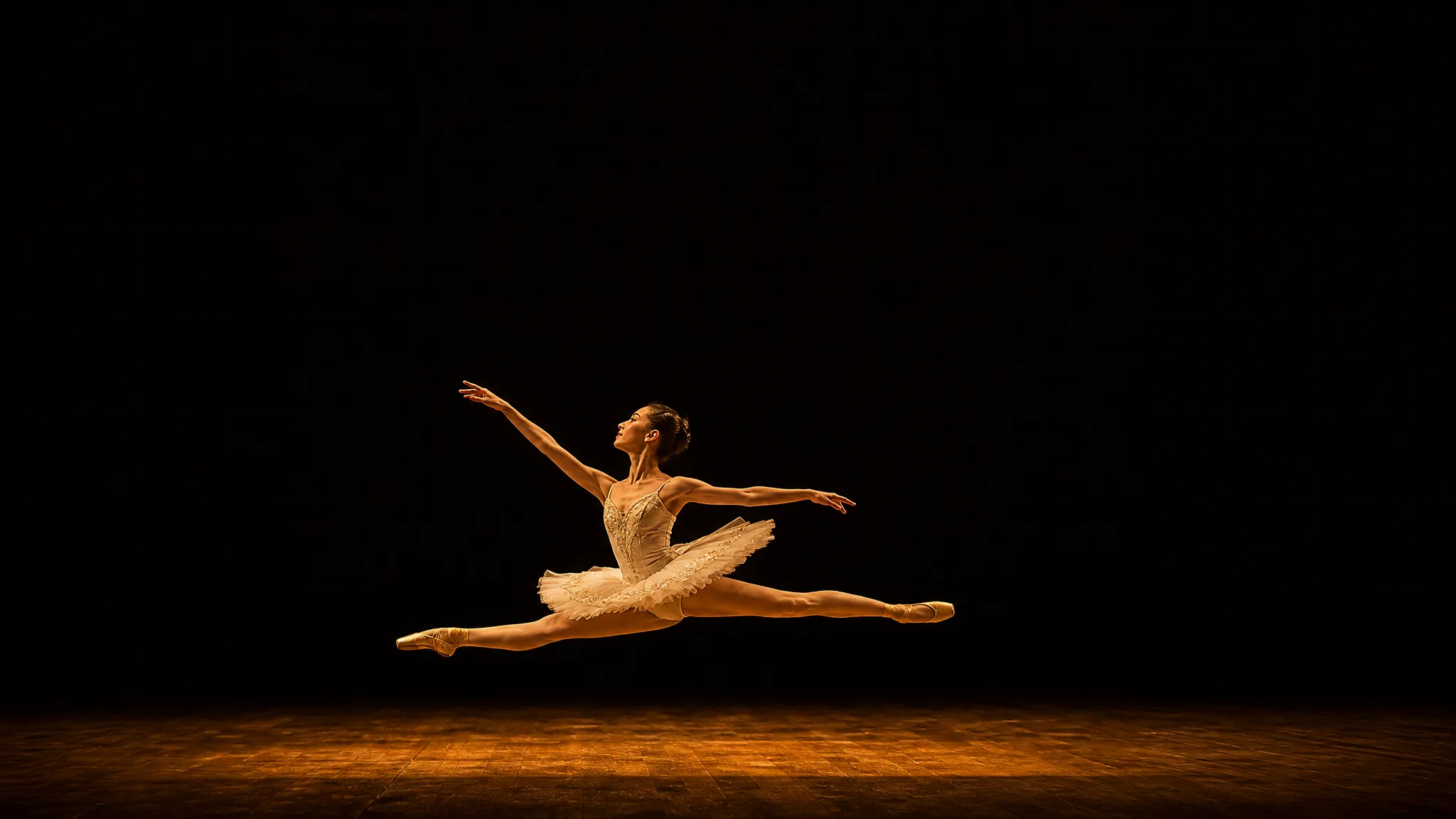
Posters, event flyers and printed invitations need empty space. Ask Seedream 5 to keep the dancer, the couple or the product in the lower third and leave a calm, dark area above, then shrink the result to thumbnail size to check that the subject still reads. Type the real title in your layout tool afterwards so the spelling is exactly right.

Ballet dancer leaping across the lower third of a bare stage with dark open space above

Busy Scenes with One Clear Focus

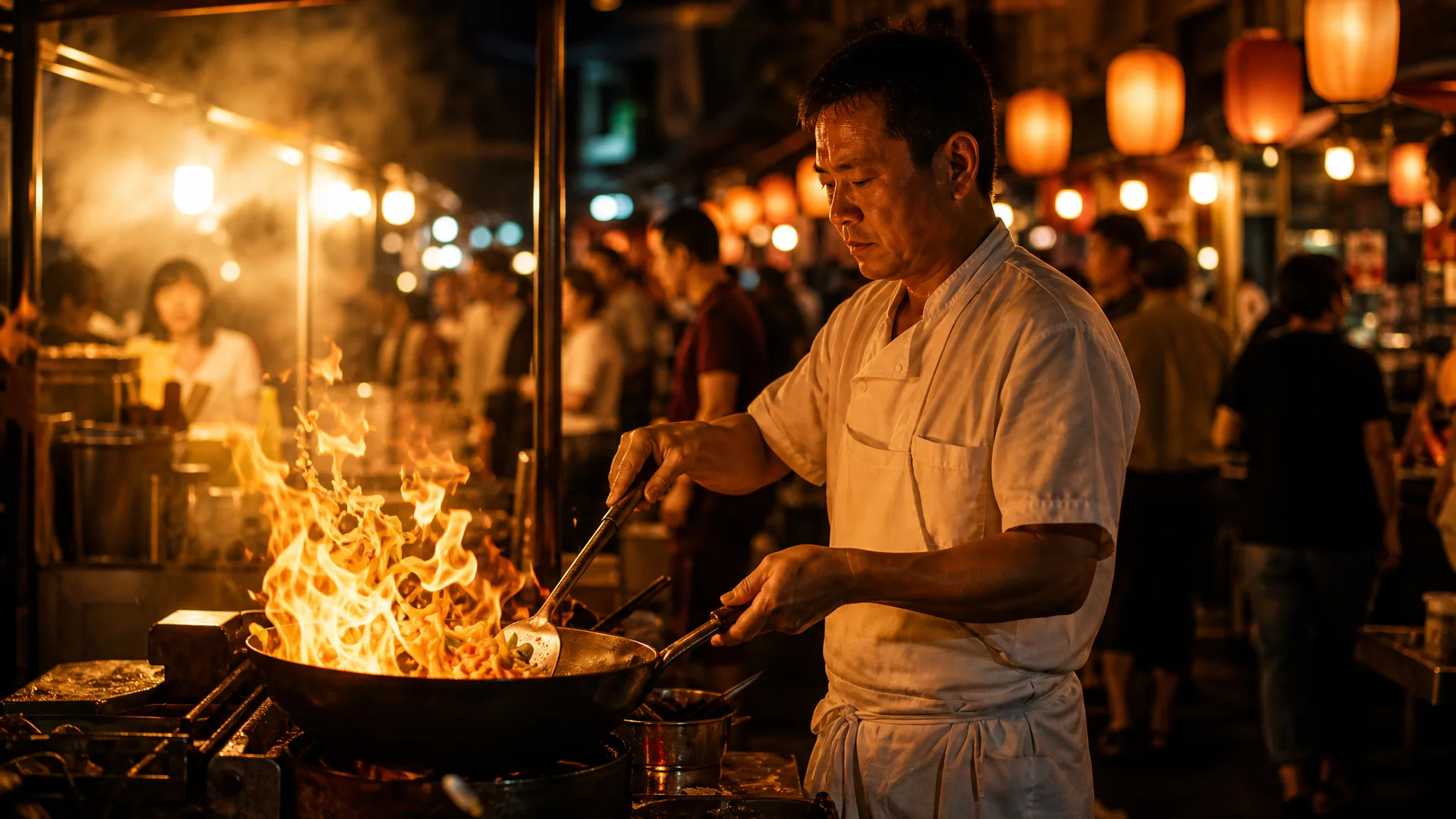
Night markets, family reunions and street festivals fall apart when everything competes for attention. Give the Seedream 5 image generator an order to follow: the main person and the action first, then the setting, then the crowd and the lights behind. Supporting detail stays soft around the subject, as with the chef tossing vegetables over a flaming wok here.

Night-market cook tossing vegetables in a flaming wok, lanterns and shoppers soft in the background

Seedream 5 for Travel, Portrait and Product Photos

Most Seedream 5 projects begin with a picture someone already has. These four cases show who uploads what, what they ask for and where the finished still ends up.

Travel Photos with a Better Sky

A travel blogger can upload a flat midday shot of a canal bridge to Seedream 5 and ask for the same scene at dusk, with lamps lit and mist on the water. The restaged version becomes the cover of the trip post, while the original stays in the album as the true record.

Portrait Lighting Tests

Portrait photographers can describe a client's outfit, hair and location to Seedream 5 and try window light, golden hour and a moody studio look before the session. Sending the client three takes settles the direction in one message and gives the shoot a clear reference.

Handmade Product Shots

A ceramicist or candle maker can turn a phone photo of a new piece into a styled Seedream 5 image to image scene with linen, morning light and a wooden shelf. The result works as a listing mock-up or as a brief, so the photographer knows the look before setting up.

Short-Film and Music-Video Frames

Students and indie directors can write each key moment of a short film as a Seedream 5 still, from the meeting by a vintage car to the last wide shot at sunrise. Printed in order, the frames help cast and crew agree on light, costume and framing before anyone rents gear.

Stories from People Who Tried It on Their Photos

Our Venice photos came back flat and grey, shot at noon in drizzle. I uploaded the best canal-bridge frame to Seedream 5 and asked for the same scene at dusk with the lamps lit and mist on the water. That version became the cover of my itinerary post, and I kept the honest midday shot in the gallery below.

Lena H.
Travel Blogger

Seedream 5 Questions

Short answers about Seedream 5: what it is, how photos and prompts work, which frames and variants you can pick, who can use it and where your images stay.

Seedream 5 is ByteDance's image model for building detailed stills from a typed scene or from reference photos. On PicVideo it runs in the image workspace with Flash, Pro and Lite variants, so you can restage a photo, plan a shoot or illustrate an idea in one place.

Seedream 5 image to image restages a photo you upload, and the variant open in the workspace takes as many as 14 references in one request. Describe what should change, such as the sky, the outfit or the season, and name what must hold, like the face or the product label. A prompt with no photo works too.

Seedream 5 can frame a restaged travel or portrait photo as 1:1, 4:3, 3:4, 16:9, 9:16, 2:3, 3:2 or 21:9, rendered at 1K, 2K or 3K. Settle on the album page, print or post first, because the new sky, season or crowd is composed to fill exactly that shape.

A good Seedream 5 prompt names the subject, then the place, the light and the camera distance, in that order. "A grey cat on a sunny windowsill, close-up, soft morning light" beats a list of style words. Change one phrase per take so you can see what each word does.

Ownership of the Seedream 5 images you make rests with you as far as the law allows, which is how the PicVideo Terms describe it. For a listing or campaign, build restages on product and travel photos you shot or licensed, scan the new scene for stray logos or strangers, and add prices and brand marks in your editor.

PicVideo adds free credits when you sign up and more at every daily check-in, with a streak bonus that reaches 4x on day 7, so you can start creating today with free models such as Z-Image Turbo. When the holiday photo is ready to restage, Seedream 5 runs on a PicVideo plan or credit pack, on Flash, Pro and Lite alike.

A Seedream 5 restage lands in your own library and stays there until you decide otherwise. The holiday snapshots and portraits you upload as references are kept out of public view. Switch a finished still to public when you want to share it, and it becomes a candidate for the Explore gallery.

Start a Seedream 5 Scene from Your Photo

Upload a travel shot, a portrait or a product photo, or type the scene you have in mind, pick the frame and let Seedream 5 build a detailed still. Compare it with your original, keep the best take and use it in a post, a print or your next shoot plan.

Make an image with Seedream 5
Two people on a grassy clifftop, backs to the camera, facing a golden sunrise over the ocean