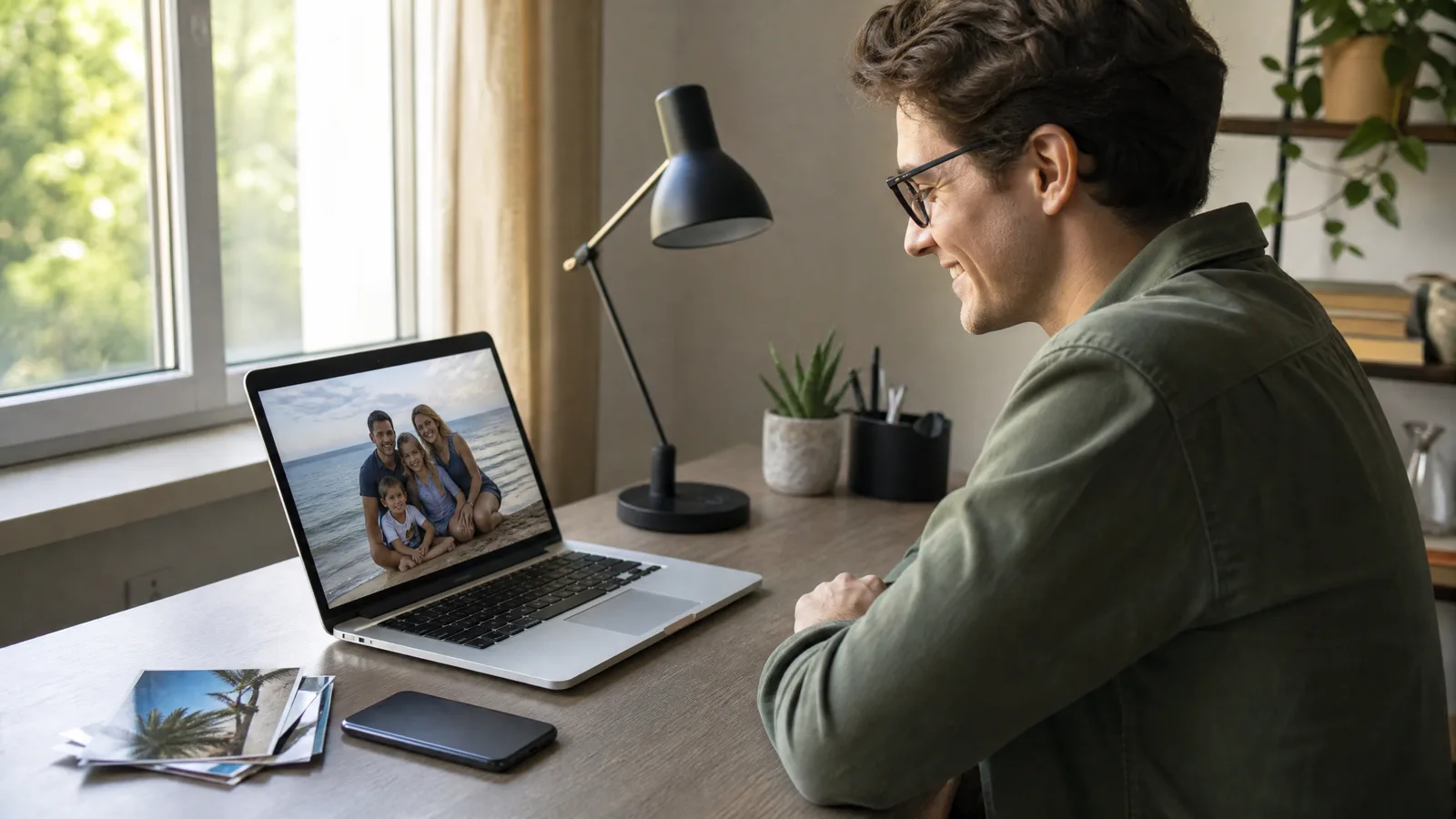
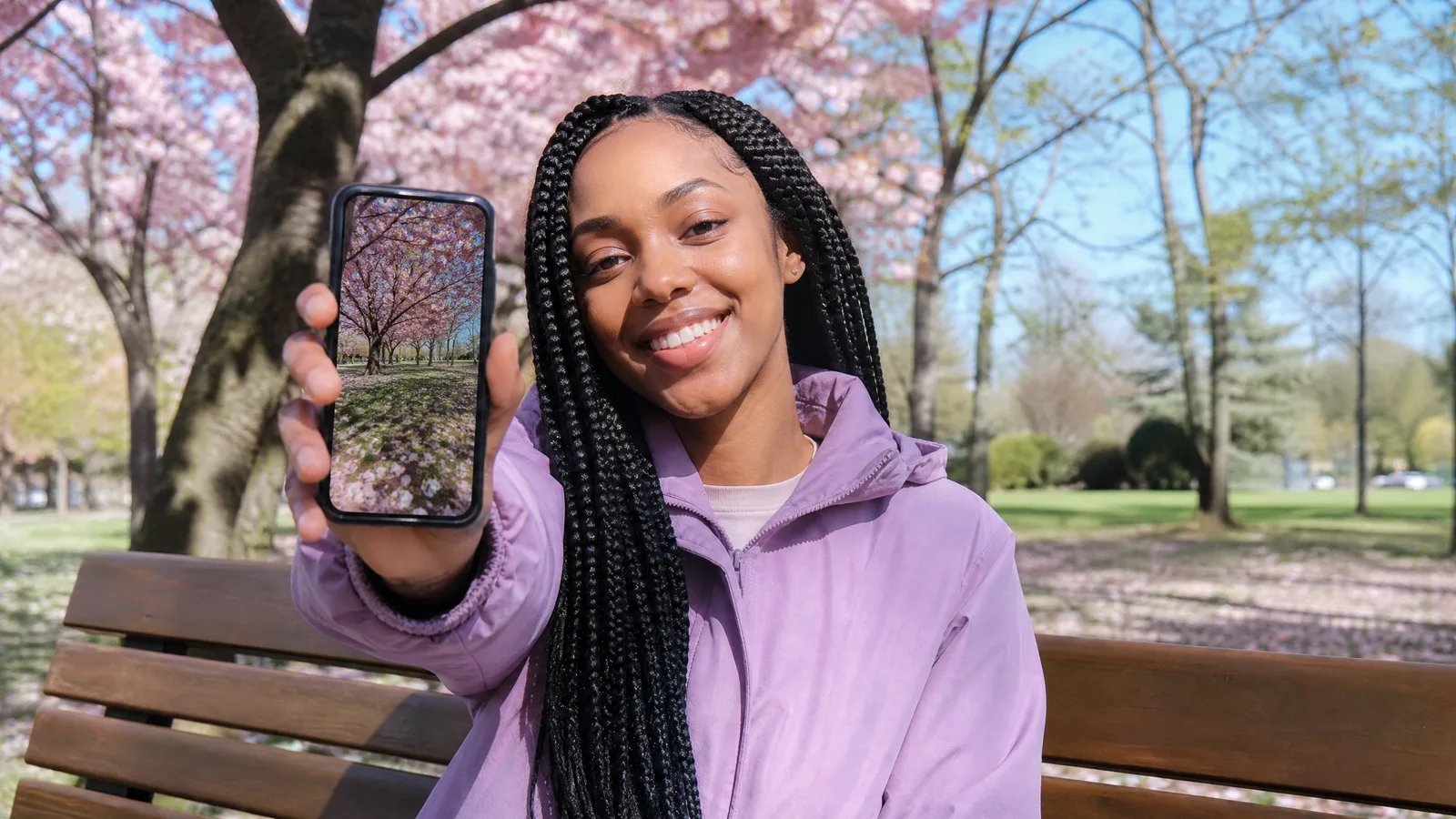
Image to video is a type of generative AI that turns one still photo into a short moving clip. You supply the picture and a sentence describing the motion, and the model creates the frames that come next, so a grandmother's portrait can smile or a puppy can wag its tail.
This guide explains the idea without jargon, shows which photos respond best, and ends with a first run you can try in a browser.
What Does Image to Video AI Actually Do?
In one line, what is image to video: a model that looks at a single picture and predicts a few seconds of believable motion inside it. The photo locks in who and what appears, and your prompt decides how they move.
Treat your photo as frame one of a scene nobody filmed. The model studies the subject, the lighting and the background, then fills in what would plausibly happen next: a veil lifting in the wind, a tide sliding up the sand, a camera creeping toward a birthday cake.
Its closest relative is text to video, which starts from words alone. The difference that matters is control. With a photo, the face, the outfit, the product or the room are already settled, and the AI only adds the motion.
Who builds these models?
Several labs and video companies now ship engines that keep a scene coherent across many frames, among them Google Veo, Kling, Seedance, Wan and Runway. Browser tools put those engines behind an upload button, so a phone photo is all the input you need.
Keep the image to video workspace open in another tab if you want to test ideas while you read.
How Does a Still Photo Turn Into Motion?
The model uses your photo as a condition, so every frame it creates must agree with that picture and with your prompt. Engines differ inside, but many belong to the diffusion family and move through four broad stages.
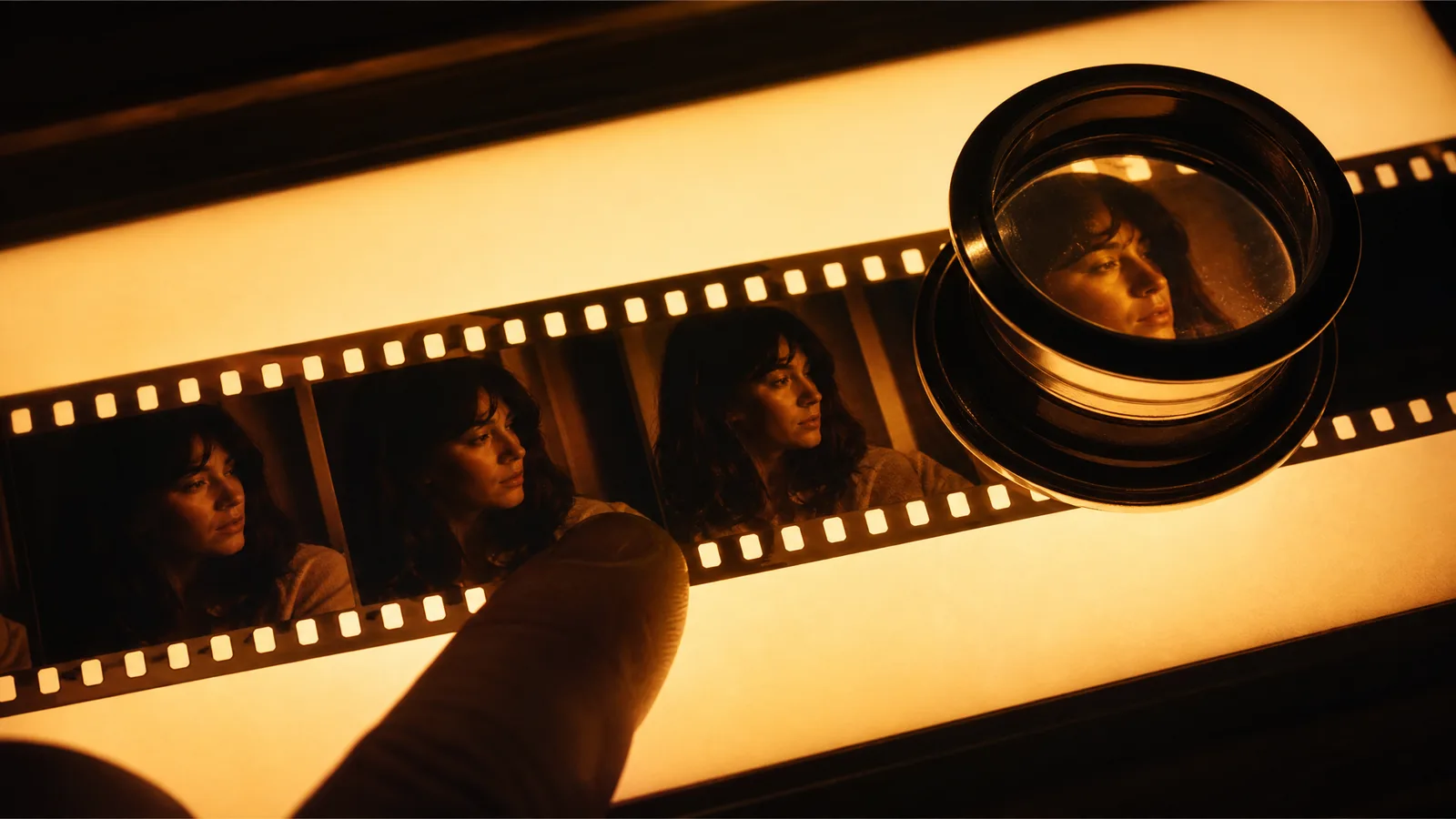
- Encode. The photo is squeezed into a compact internal format the model can reason about.
- Condition. Your prompt, plus any extra images the mode accepts, says what should change and what must stay fixed.
- Denoise. Beginning from random noise, the model refines the whole sequence together until the frames match each other and your photo.
- Decode. The frames are turned back into pixels and saved as an ordinary video file you can download.
A documented case: Google Veo
As of October 11, 2026, Google's Veo documentation treats the input image as the first frame of the generated clip. Veo 3.1 also accepts an optional last frame and up to three reference images that steer style and content.
That page lists 24 frames per second, 16:9 or 9:16 framing and 720p, 1080p or 4K output, with audio generated alongside the picture. Read it as one engine's specification rather than a rule for all of them. On PicVideo, Veo 3.1 Lite is the default engine in the image to video generator, and the Veo image to video page compares the Veo 3.1 tiers.
How do the engines differ?
PicVideo puts many engines behind the same upload box, and their controls vary in ways worth knowing:
- Length. As short as 1 second on PixVerse V6 or Grok Imagine Video 1.5, and as long as 30 seconds on Seedance 2.5 or Wan 3.0.
- Resolution. From 360p drafts on PixVerse V6 or Gemini Omni Flash 1.1 up to 4K on Veo 3.1.
- Sound. Veo 3.1 and Seedance 2.0 can create audio together with the picture.
- Extra modes. Start and end frame to video lets you set both an opening and a closing picture, and reference to video helps keep a character steady across shots.
Watch a still photo start to move
Bring one picture and one idea for how it should move; PicVideo hands back a short clip for a story, a card or a post.
Try it freeWhich Photos Work Best With Image to Video AI?
Clear photos with one obvious subject work best: portraits, pets, family snapshots, old prints, travel shots and product photos are the usual starting points. Short, focused moments animate better than busy action.
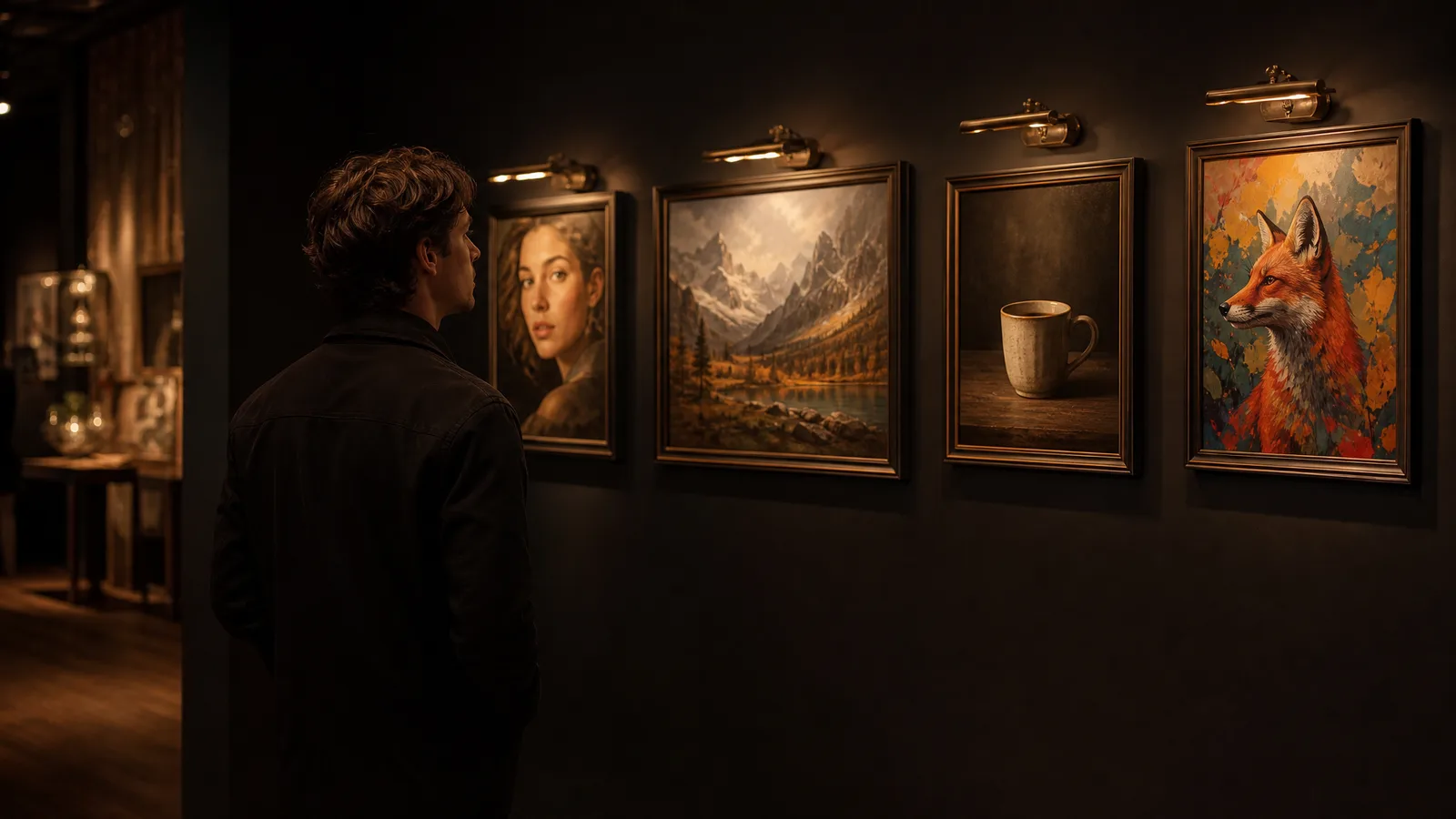
Photo subjects that animate well
- Portraits and selfies. A headshot can glance sideways, smile or tip toward the light, which suits profile videos and intros.
- Pets. A cat on the sofa can stretch and flick its tail; one small action such as "the dog perks up its ears" reads well.
- Weddings and family moments. A first dance, a birthday table or a group hug gains a soft camera move and a little life in the background.
- Old photos. A faded print of grandparents can blink and breathe again; the old photo animation page is tuned for scanned and archival pictures.
- Travel shots. Clouds can drift over a mountain lake, and waves can wash over the beach you visited last summer.
- Products. A flat photo of a perfume bottle or a pair of sneakers becomes a slow turn for a store listing or an ad.
If you simply want to animate the photos already on your phone, the homepage is the quickest place to try photo to video AI free: upload a picture, describe the motion and generate.
How long is each clip, and how do you plan around it?
Each generation is one shot, so plan a longer video in beats. A ten-second family montage might use three clips, a close-up, a wide view and a laugh, joined in any editor. One action per prompt also keeps hands, faces and lettering sharper.
To choose an engine for a specific job, run the same photo through two models and compare the results side by side.
Animate your own photo next
Choose a face, a pet or a scanned print, describe one movement and keep the result once it feels right.
Get startedHow Is Image to Video Different From Text to Video?
Image to video begins with a picture you provide, while text to video builds the entire scene from a written description. Choose image to video when the look is already decided, and text to video when you are still exploring.
| Image to Video | Text to Video | |
|---|---|---|
| Starting input | One photo and a motion prompt | A written prompt only |
| Who sets the look | Your photo fixes the subject, clothes and place | The model interprets your words |
| Typical source | A portrait, pet, product or old print you own | An idea or a mood described in text |
| Best at | Keeping the subject you picked | Inventing scenes from scratch |
| Clip length and resolution | Set by the chosen model | Set by the chosen model |
| Skill that matters most | Picking a strong photo | Writing a detailed scene |
Plenty of creators combine the two. They draft a scene in the text to video workspace, save a frame they like, then animate that frame with image to video for a more controlled second pass.
How Can You Try Image to Video AI Free?
Sign up to claim free credits, upload a photo to the image to video generator, write a one-line motion prompt and generate. Check in daily for more credits; a 7-day streak raises the reward up to 4x.
A good first session runs like this:
- Pick the photo. Choose something sharp and evenly lit with one subject, such as a pet portrait or a product on a plain table.
- Describe one movement. For example, "the camera drifts closer while the curtains sway."
- Set the options. Choose a model, then its duration, aspect ratio and, where offered, sound.
- Generate and adjust. Watch the result, change one word, and run it again until the motion feels natural.
Start with small, calm motion such as a blink, a breeze or a slow push. Once that works, add a second action in the next run; changing one thing at a time shows which word made the difference.
For a step-by-step walkthrough that covers several photos, read our guide to making a video out of photos.
Image to Video AI FAQ
What does image to video AI mean in simple terms?
Image to video AI means software that takes one still photo and generates a short clip in which that scene moves. You upload the picture, describe the motion in a sentence, and the model creates the frames, so a portrait can smile or a pet can turn its head.
Can I use image to video AI for free?
You can start free on PicVideo by signing up to claim free credits, then checking in daily for more; a streak raises the reward up to 4x on day 7. Spend those credits on image to video clips, text to video scenes or AI images.
How many seconds does an image to video clip last?
A clip lasts anywhere from 1 to 30 seconds, depending on the model: PixVerse V6 starts at 1 second, Veo 3.1 offers 4, 6 or 8 seconds, and Seedance 2.5 reaches 30. For a longer video, generate several clips and join them in an editor.
What kind of photo should I start with?
Start with a clear, evenly lit photo of one main subject, such as a face, a pet, a product or a simple landscape. A tidy background and one motion per prompt, like a blink or a slow camera push, give the steadiest result.
Does image to video work on old family photos?
Old family photos animate well once they are scanned or photographed flat and in focus. A gentle prompt such as "she smiles and blinks slowly" keeps the moment natural, and the old photo animation page is set up for archival prints.
When should I pick text to video instead of image to video?
Pick text to video when you have an idea but no picture yet, because it builds the whole scene from words. Pick image to video when you already own the photo, since your picture then fixes the subject, the outfit and the setting.
Does image to video work in a phone browser?
Image to video runs in the browser, so a phone works fine: choose a photo from your camera roll, type a short prompt and generate. Processing happens on the server, and you download the finished clip when it is ready.