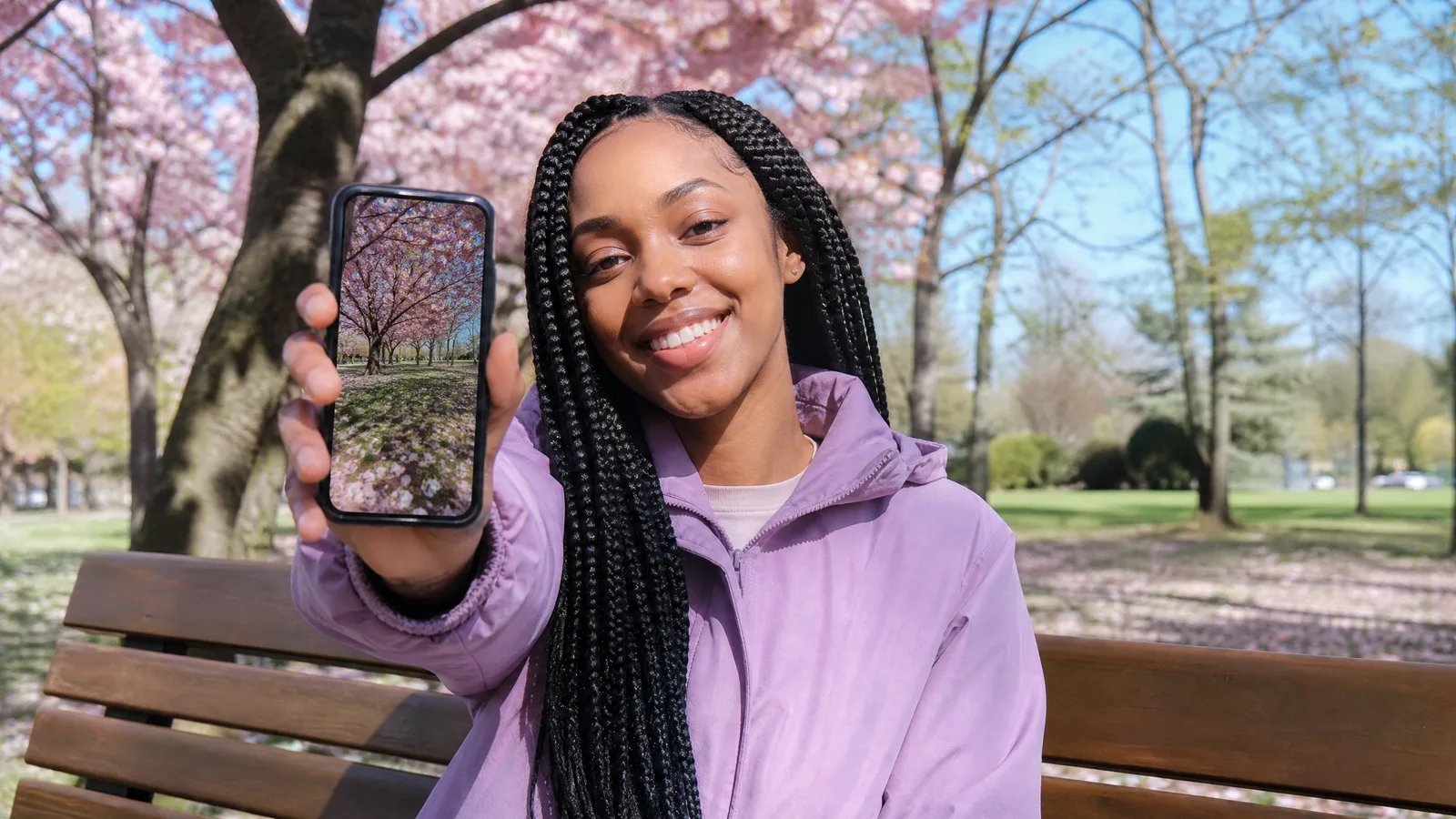
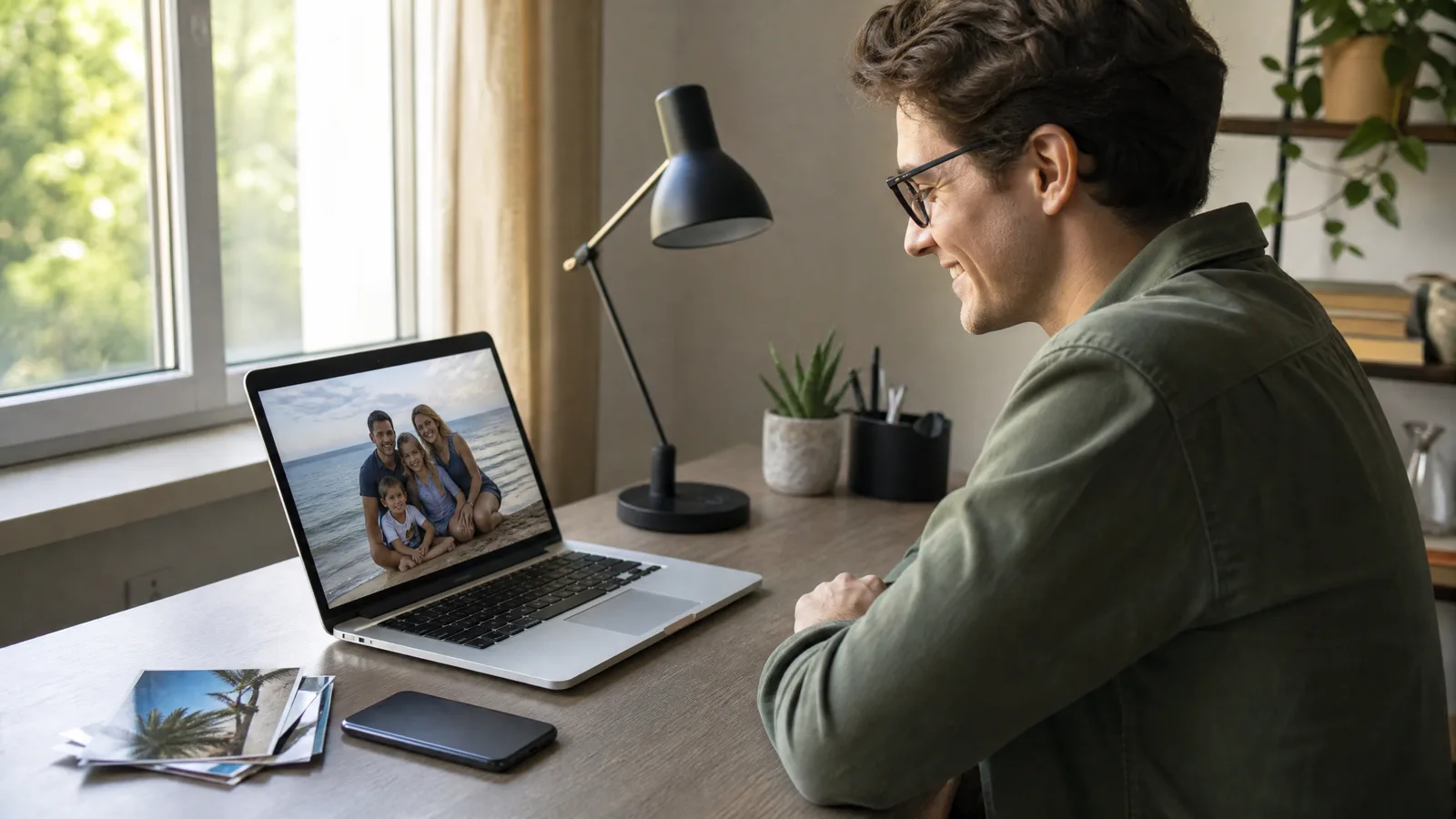
To make a video out of photos, upload one clear picture to an AI image-to-video tool, type a single line about the motion, pick a model and generate an MP4. For a longer piece, repeat that for each photo and join the clips in any editor.
It works on pictures already sitting in your camera roll: a wedding portrait that turns toward the lens, a cat that stretches, a beach shot where the waves roll in, or a sneaker that slowly spins for your shop.
How Do I Turn a Photo Into a Video?
Give an AI model your photo as the opening frame plus one sentence about what moves, and it draws the frames that follow. Every new frame is built from your picture, so the faces, colors and setting stay the ones you captured.
The quickest place to start is the PicVideo homepage, where you can try photo to video AI free in three moves: upload, describe, generate. The walkthrough below slows that flow down and adds the small choices that decide whether a clip looks natural or strange.
How to Make a Video Out of Photos, Step by Step
Choose the photo, write the motion, then generate and review: that is how to transform an image into video, whatever the picture. Each step lists what to check before you move on, so problems get caught early.
Step 1: Choose the Photo That Will Lead
The photo matters more than any setting, so spend your effort here. Open the image to video workspace in a phone or laptop browser and drop the file onto the upload area; there is nothing to install.
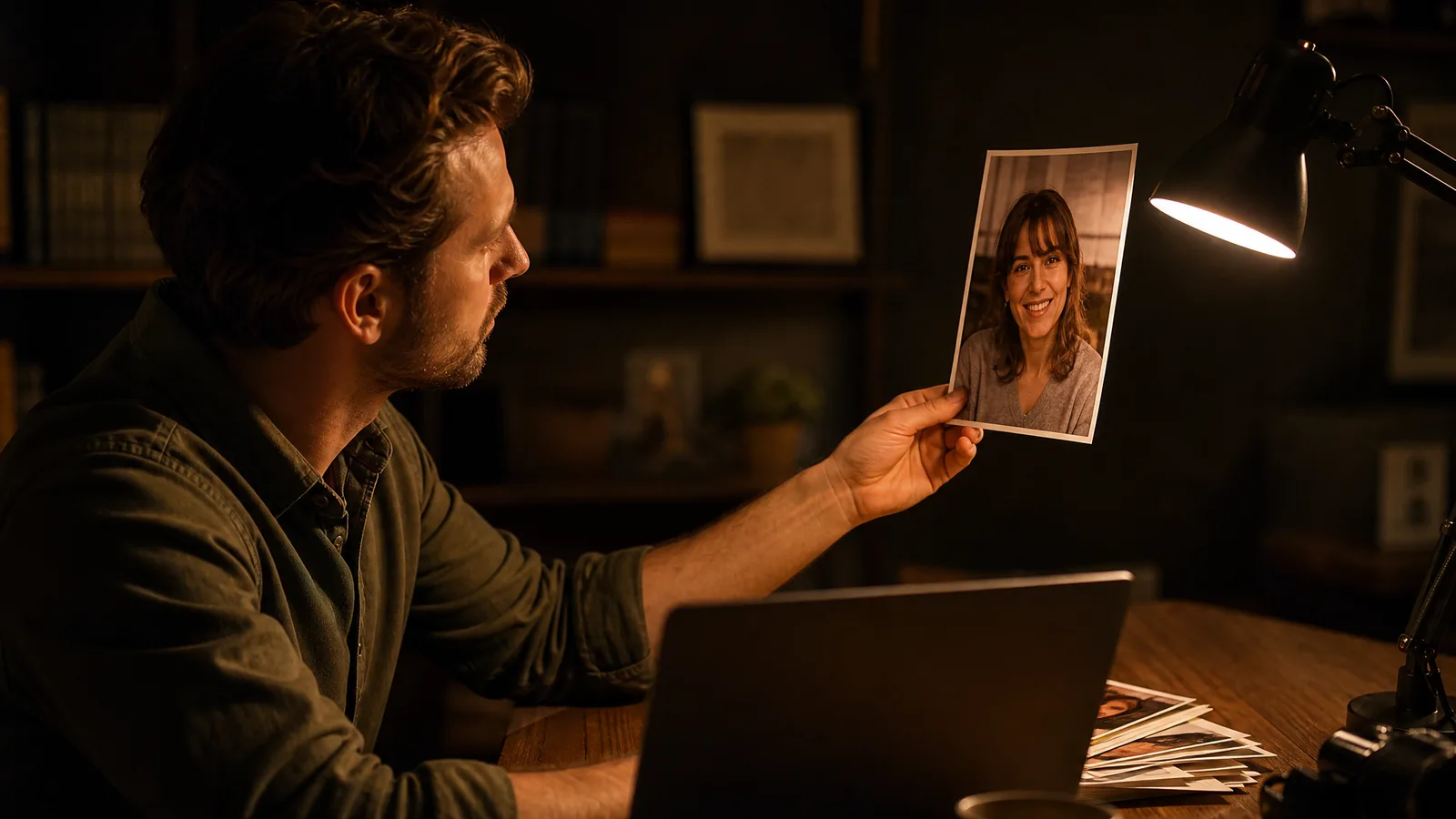
JPG and PNG are accepted by the widest range of models. The upload area also shows the formats and size limits of the model you selected, so read that note before converting a file.
Run through this short checklist before uploading:
- Sharp focus on the subject. Eyes, whiskers or a product label should still look crisp when you zoom in on your phone.
- Gentle, even light. Daylight from a window or a cloudy afternoon beats direct flash and hard midday shadows.
- One star of the shot. A single child on a swing, one dog on the grass or one ring box on velvet animates more cleanly than a crowded table.
- Enough pixels. A long edge of roughly 1024 pixels or more leaves headroom for 720p or 1080p output.
- Small hands and text. Fingers and lettering are the details most likely to bend, so keep them small in the frame.
Different photos suit different first motions:
| Photo you have | One motion to ask for | Where it usually ends up |
|---|---|---|
| Wedding or engagement portrait | The couple turns toward each other | Anniversary posts, wedding websites |
| Kid or pet photo | A head tilt, a yawn or a wagging tail | Family chats, Stories |
| Scanned old print | A slow sideways drift with soft grain | Memorial slideshows, reunions |
| Travel snapshot | Clouds drifting and water moving | Trip recap Reels |
| Product photo | A slow turn on a clean surface | Shop listings, ads |
Working from an old print? Lay it flat under even light, trim the album border and let the faces fill as much of the frame as possible. Leave a margin around the subject too, because a moving camera needs room. To see how the model reads your picture, try our plain-English image to video explainer.
Watch a still photo start to move
Bring one picture and one idea for how it should move; PicVideo hands back a short clip for a story, a card or a post.
Try it freeStep 2: Describe One Movement in Plain Words
Write one short line naming the movement you want. A single clear action keeps faces and shapes stable, while a list of several actions tends to blur together.
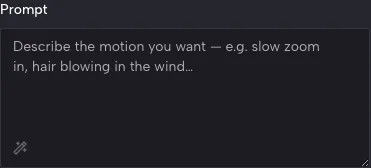
Starting lines you can copy and adjust:
- "The bride glances up and smiles, veil moving lightly": wedding and engagement portraits.
- "The kitten yawns, then blinks slowly": pet photos taken at home.
- "Camera eases forward over the birthday table, candles flickering": kids' parties and family snapshots.
- "Slow pan left across the old print, soft grain, faces steady": scanned pictures from the family album.
- "Waves roll onto the sand while clouds drift": travel and beach photos.
- "The watch rotates slowly on a marble slab": product photos for a store.
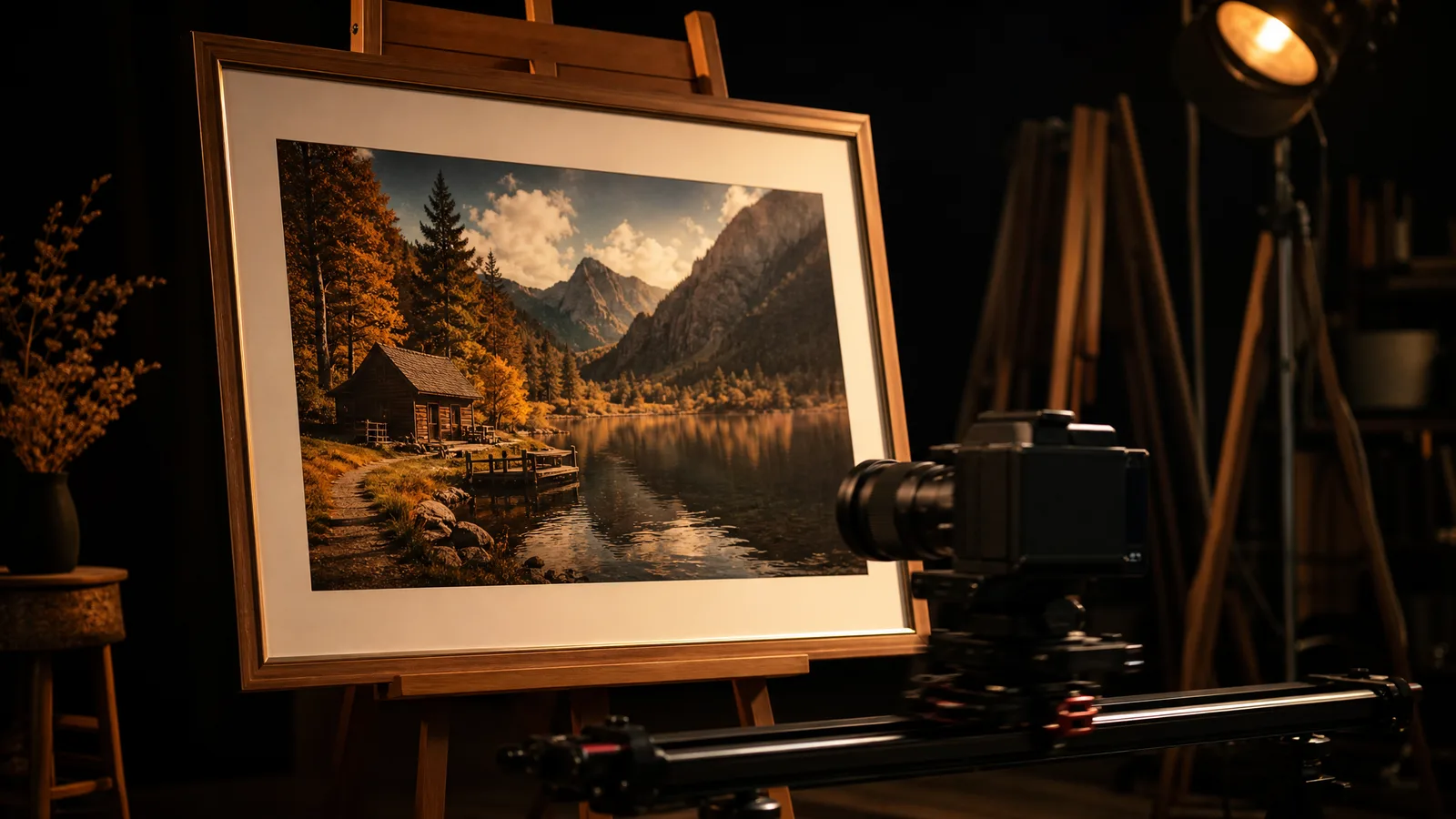
Next, open the model picker and choose an engine that takes a photo as input. Each engine lists its own duration, resolution, aspect ratio and, on some models, sound. Seedance 2.5, for example, runs from 4 to 30 seconds, while Veo 3.1 offers 4, 6 or 8 seconds at up to 4K.
Match the frame to where the clip will live: 9:16 suits Reels and TikTok, and 16:9 suits YouTube or a TV screen at a family gathering.
Animate your own photo next
Choose a face, a pet or a scanned print, describe one movement and keep the result once it feels right.
Get startedStep 3: Generate, Review and Keep the Best Take
Press Generate and let the model work; how long it takes depends on the engine and the queue. You can leave the tab open and come back once the preview appears.
Watch the preview a few times and check four things:
- Identity. The same face, the same fur markings and the same logo from the first frame to the last.
- Pace. Slow, steady motion looks filmed; jerky motion gives the trick away.
- Edges. Zoom in on hair, fingers and any lettering.
- Ending. A calm final frame loops and cuts far more easily.
When it looks right, download the MP4, typically at 720p or 1080p depending on the model and settings. Post it to Instagram, TikTok or YouTube Shorts, drop it into the family chat, or open it in an editor to add music.
What Should You Fix When a Clip Looks Wrong?
Name the problem, change one word or one setting, and generate again. Keep the same photo and every other choice, so the next result shows exactly what helped.
| Problem you see | Next thing to try |
|---|---|
| A face warps or melts | Use a sharper photo where the face fills more of the frame |
| Too many things move at once | Shorten the prompt to one small action |
| Fingers or lettering bend | Crop them out, or choose a frame where they are tiny |
| The subject slides out of frame | Re-crop with extra space on every side |
| A vintage print looks plastic | Add "soft film grain" and slow the motion down |
Keep a note of the model, settings and prompt behind every clip you like. The next time you animate a similar portrait or pet photo, start from that note rather than a blank prompt box.
Is It Free to Make a Video Out of Photos?
You can: sign up to claim free credits, then check in every day for more. A daily check-in streak keeps raising the reward, reaching 4x on day 7.
The same credits cover images and videos on PicVideo, so you can animate a school portrait of your kid today and a scanned photo of your grandparents tomorrow.
How Do You Create a Video From Pictures Instead of One Photo?
Animate each picture as its own short clip, then arrange the clips in a simple video editor. One generation produces one shot, and the editor turns several shots into a story; that is the simplest answer to how to create a video from pictures.
Picture a wedding day told in three frames: the rings, the first dance and the confetti exit. Give each photo its own motion line, place the clips in order, add a song and trim the cuts. That is how to make a video with pictures that plays like a short film rather than one moving moment.
Ready for the first one? Open the AI image to video tool and begin with the picture you would most like to see move.
How to Make a Video Out of Photos: FAQ
Can a complete beginner transform an image into a video?
A complete beginner can do it, because the whole job is picking a photo and typing one sentence. Upload in the browser, write a cue such as "slow push in," and the AI handles the movement, with no timeline or keyframes to learn.
Can I make a video out of photos on my phone?
Your phone browser is enough: open the image to video page, pick a picture from your camera roll, add a one-line motion cue, then generate and save the MP4 to your gallery. Rendering happens on remote servers, so a steady connection matters more than the phone model.
How do I combine several pictures into one video?
Animate each picture on its own, then line the clips up in a basic editor and add music. Three to five photos, such as the cake, the candles and the group hug from a birthday, make a montage that fits a Reel or a family chat.
How do I bring an old family photo to life?
Scan or photograph the print flat in soft light, crop away the album edge and keep the faces large in the frame. Then ask for a slow drift with light film grain, which adds gentle movement while keeping the vintage look.
How long will a video made from one photo be?
The length comes from the model you pick: each engine lists its own durations, from 1 second on PixVerse V6 up to 30 seconds on Seedance 2.5 or Wan 3.0. When you want something longer, generate several clips and join them in an editor.
What makes a photo good for animation?
A good photo for animation is sharp, evenly lit and built around one subject, like a close portrait, a pet at eye level or a product on a plain table. Clear shapes give the model something to follow, so the motion stays smooth and the subject stays recognizable.