Imagen 4 Image Generator

Photo-style scenes written entirely in words

Google's Imagen 4 creates a still from text alone: no upload, just a description of the subject, the light and the setting. Write a product scene, a portrait or a painted village, choose square, wide or portrait framing and the standard, Fast or Ultra variant, then compare the Imagen 4 result with the picture you described.

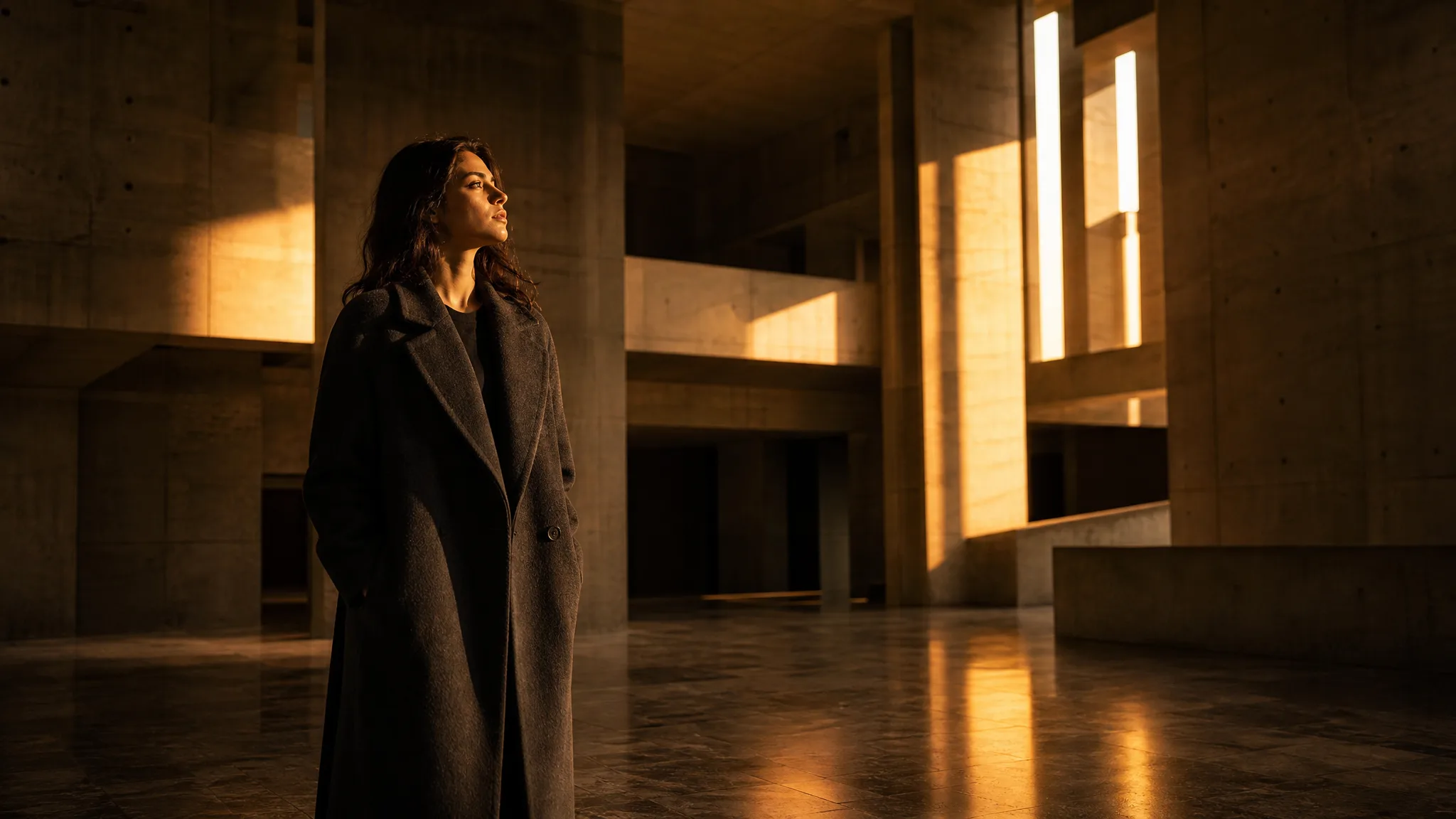
Woman in a charcoal coat standing in a concrete atrium cut by beams of golden light
Product scenes described in words
Portraits in natural light
Painted and printmaking looks
Standard, Fast and Ultra variants
Imagen 4
Prompt
0/5000
Negative prompt
Aspect ratio
Seed
Number of generations
Public Visibility
Required credits
24
Examples
Woman in a charcoal coat standing in a concrete atrium cut by beams of golden light

Describe the Shot Like a Cinematographer in Imagen 4

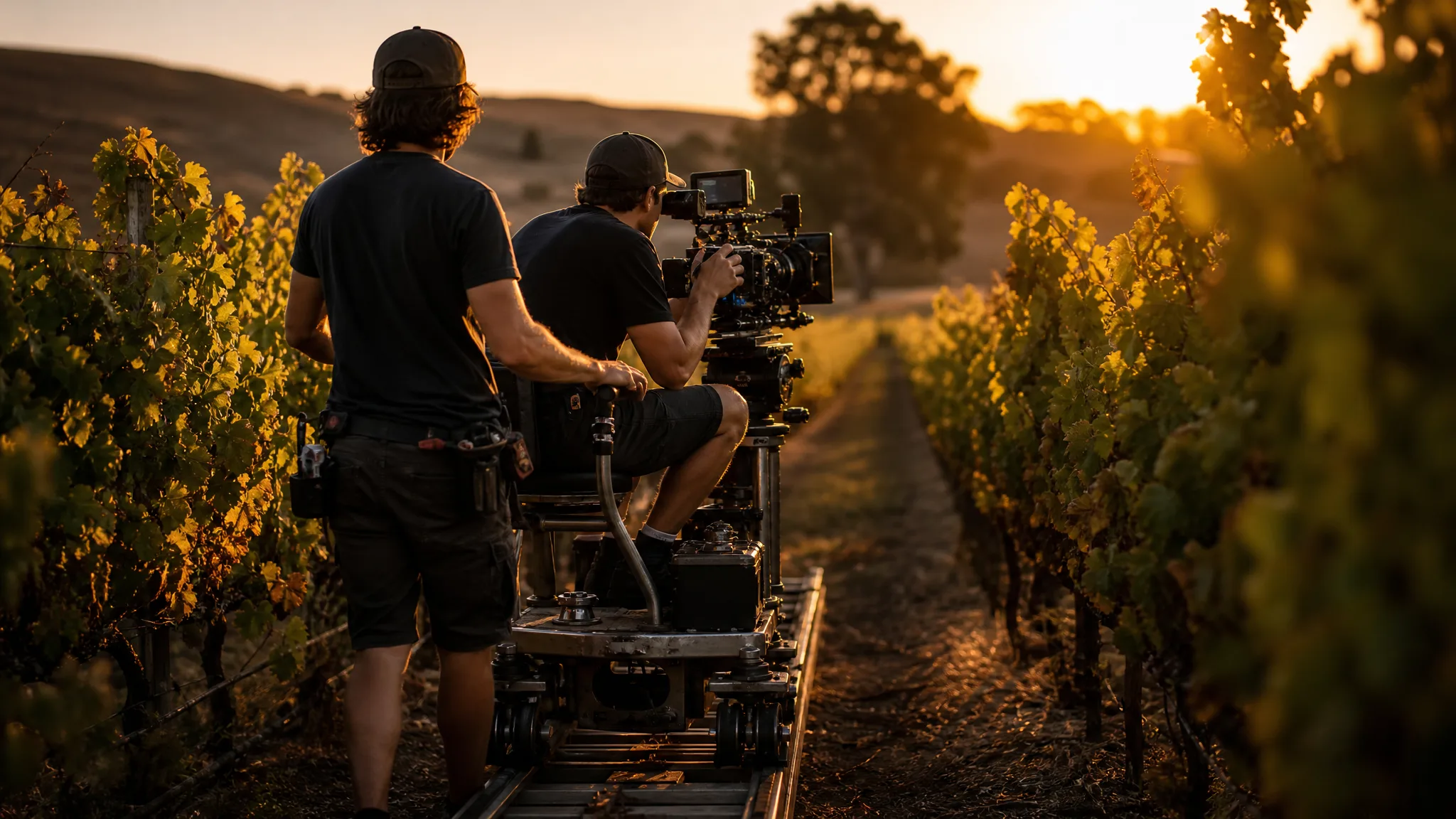
A cinematographer on a dolly between vineyard rows knows the lens, the hour and the direction of travel before rolling. Imagen 4 rewards the same planning in writing: say where the camera is, what the light is doing and what sits in the frame, and the still is built from that description.

Generate with Imagen 4
Cinematographer riding a camera dolly between rows of vines at golden hour

Why Imagen 4 Suits Written Scenes

Imagen 4 text to image works without a reference photo, so the description carries everything. These three examples show what a precise written scene gives you.

Product Scenes Without a Photo Shoot

A saffron silk scarf draped over a marble block beside an amber glass vase in a sunbeam was written, not photographed. Describe your product's colour, material and surface in an Imagen 4 prompt and get a styled scene to test packaging, a shop banner or a catalogue layout before booking a studio.
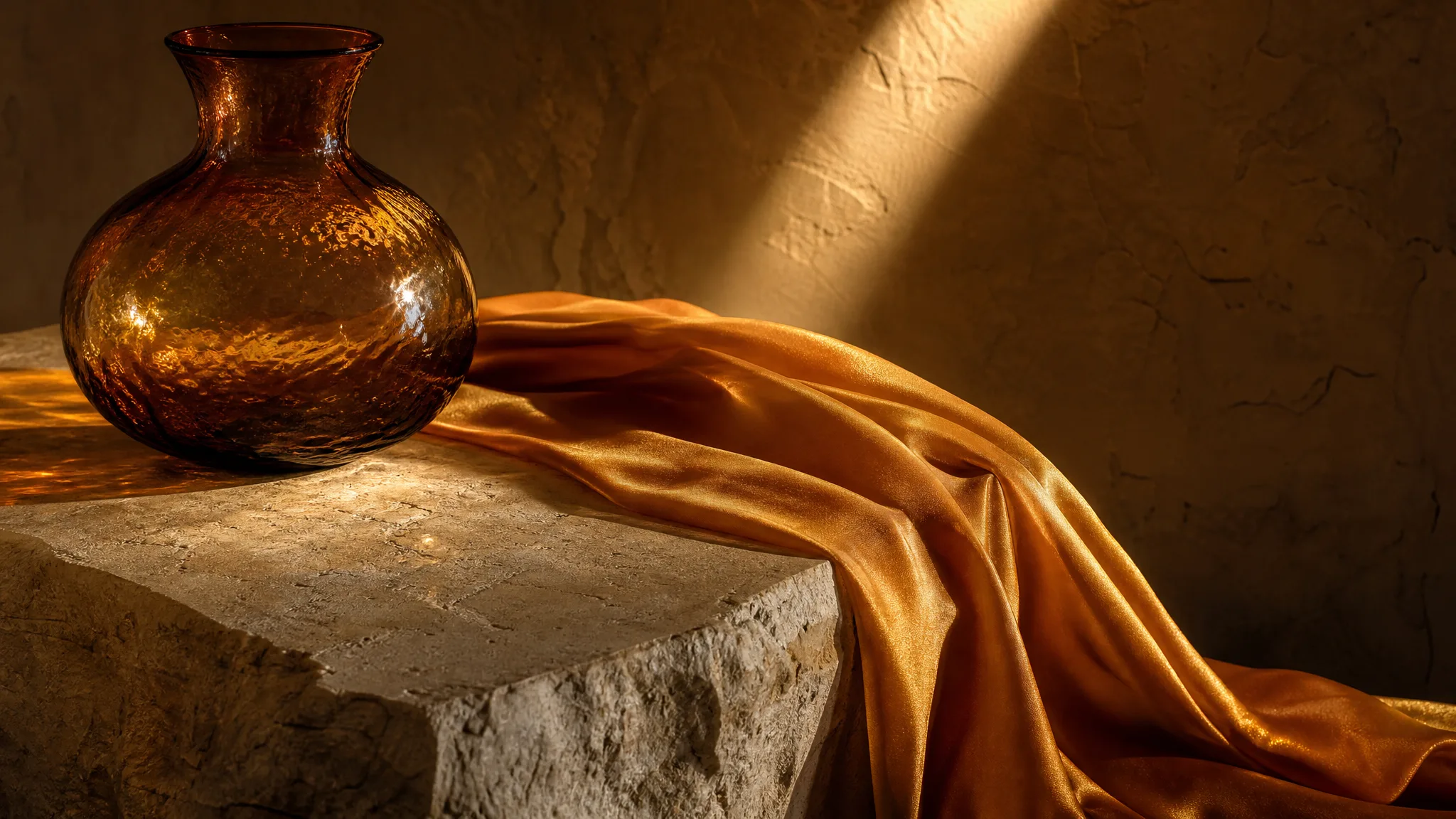
Saffron silk draped over marble next to an amber glass vase, lit by a beam of sun

Portraits Framed by Place

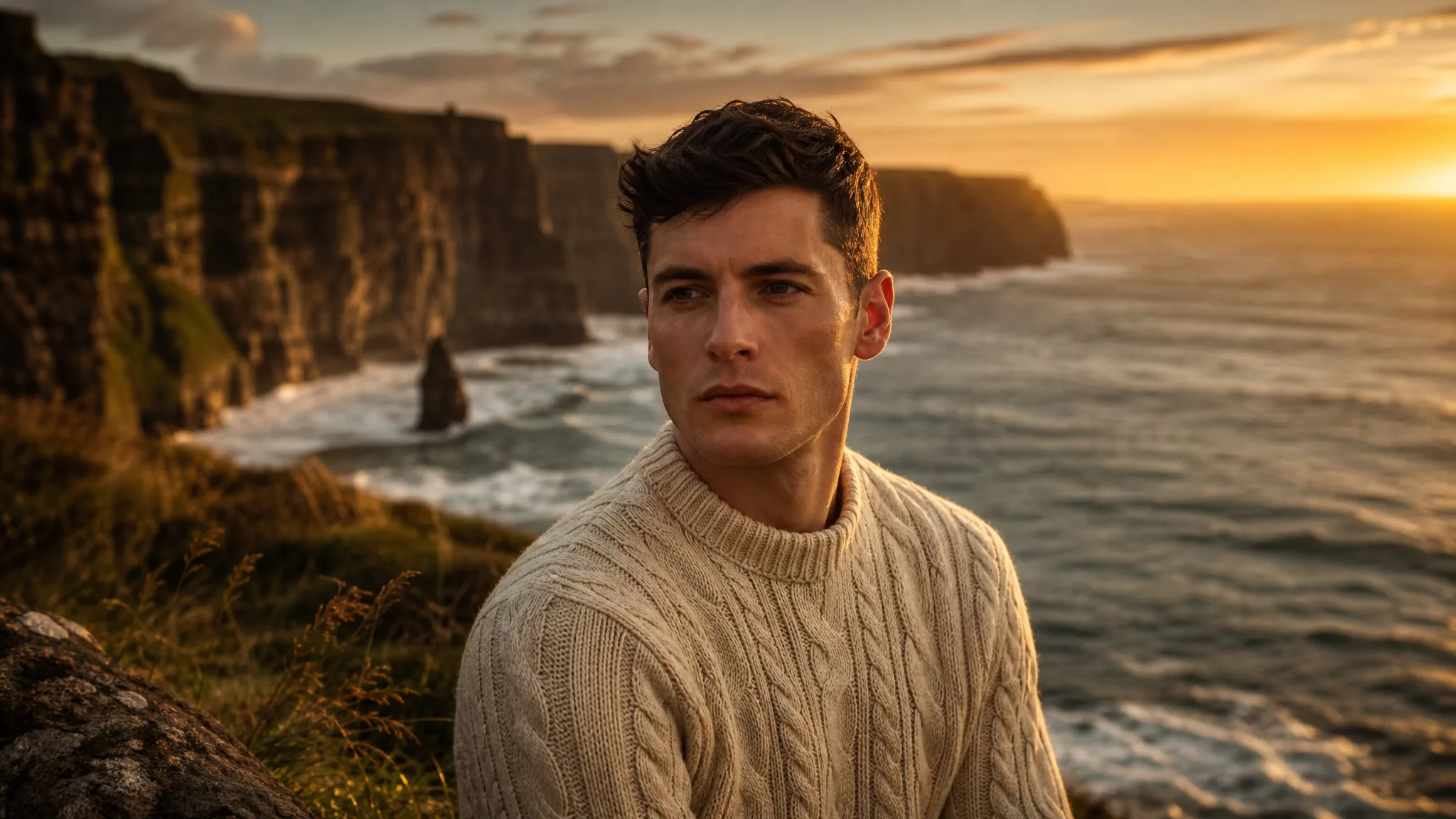
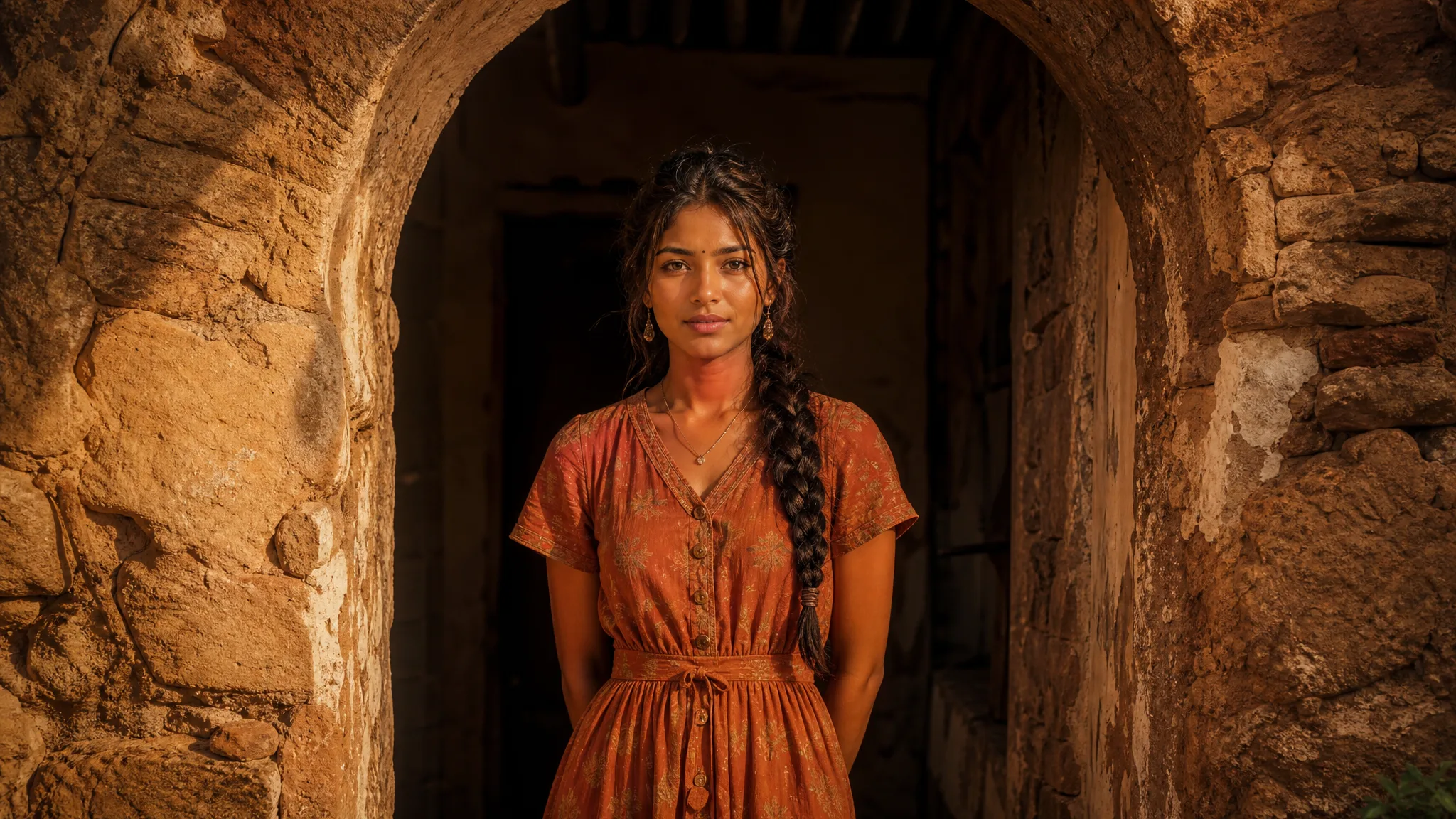
A young woman in a terracotta dress framed by an arched stone doorway shows how architecture can shape a portrait. Imagen 4 builds the person, the arch and the warm stone from your words, which helps photographers plan a location shoot or writers picture a character.

Young woman in a terracotta dress standing under an arched stone doorway

Paintings and Story Scenes

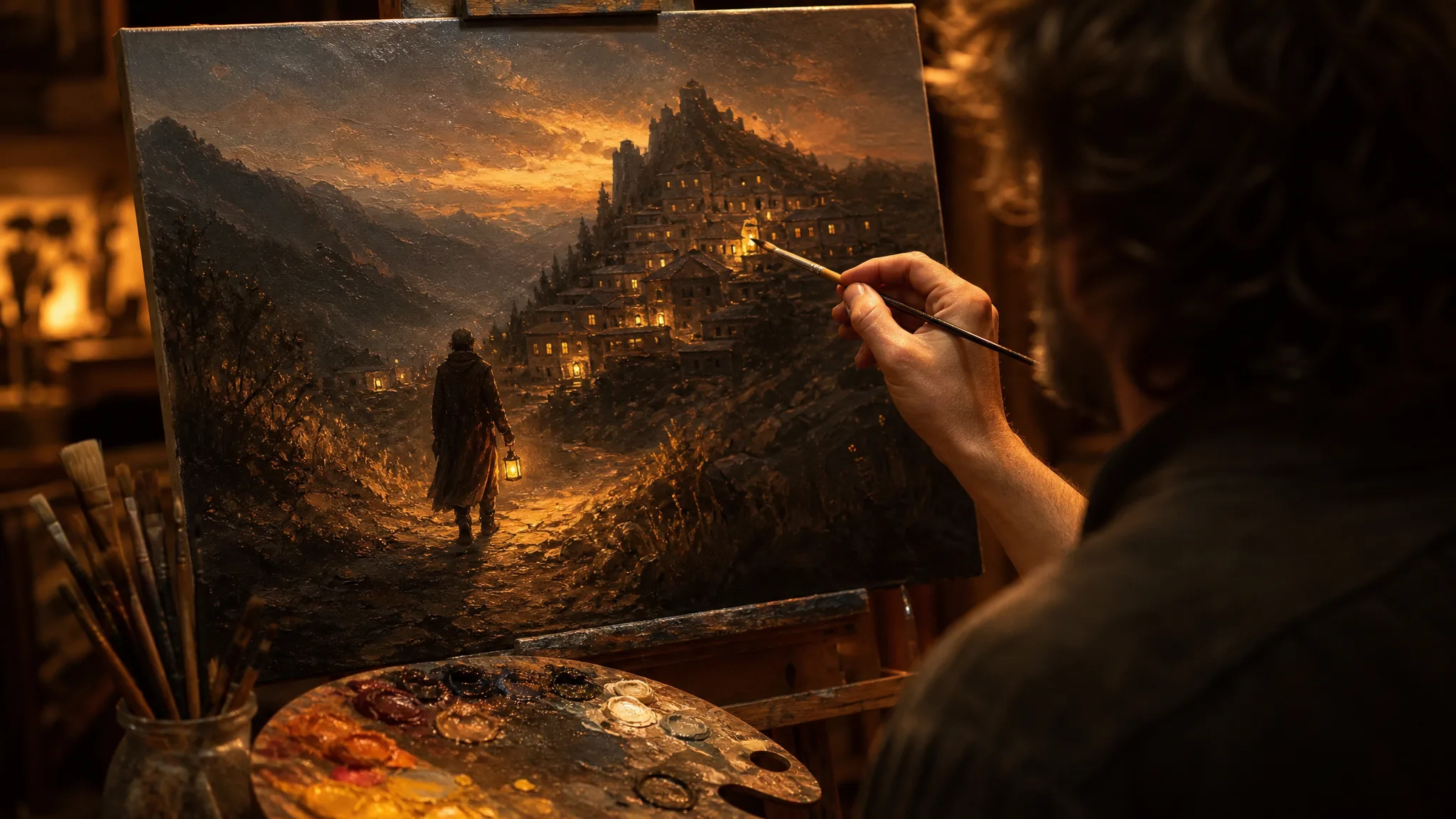
Ask for an oil painting of a traveller approaching a mountain village and Imagen 4 renders the brushwork and the scene together. Picture-book authors, teachers and gift makers use it to try a painted look before commissioning or painting the final artwork themselves.

Painter highlighting an oil painting of a traveller walking toward a mountain village

Image Tools for Prompts and Photo Edits

Start a picture from words, or change the style or setting of one you already have.

Three Imagen 4 Looks to Write For

The Imagen 4 image generator handles three looks that come up again and again: product close-ups, candid portraits and handmade print styles. Switch tabs to see each one.

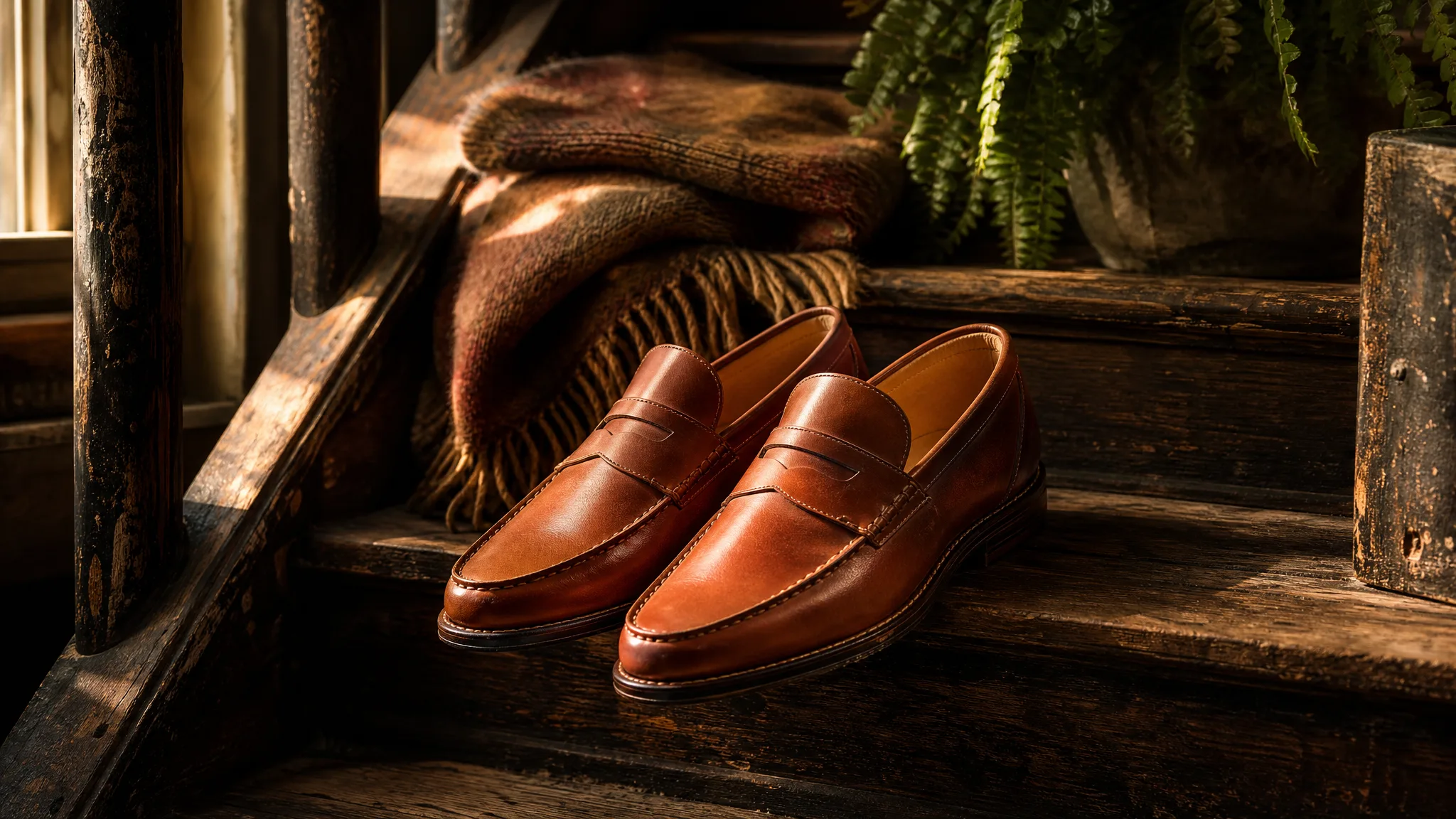
Cognac leather loafers set on worn wooden stairs in soft morning light

Leather, Wood and Morning Light

A pair of cognac leather loafers on a worn wooden staircase in morning light is a product still made from one paragraph. Name the material, the wear, the surface and where the light enters, and Imagen 4 composes the scene for a shoe shop, a menswear blog or a seasonal gift guide.

Imagen 4 Use Cases for Shops, Writers and Families

Imagen 4 suits people who know exactly what they want to see but have no photo of it yet. Four examples follow.

Small Brands Planning a Shoot

A shoe or accessories brand can write the product scene it wants, leather on old wood in morning light, and compare Imagen 4 stills before hiring a photographer. The chosen still then becomes the brief for the real shoot.

Novelists and Game Writers

Writers can describe a character in a terracotta dress under a stone arch and see how Imagen 4 interprets the scene. The still sits on the writing wall as a reference, and the prompt can be revised as the character changes.

Families Recording Stories

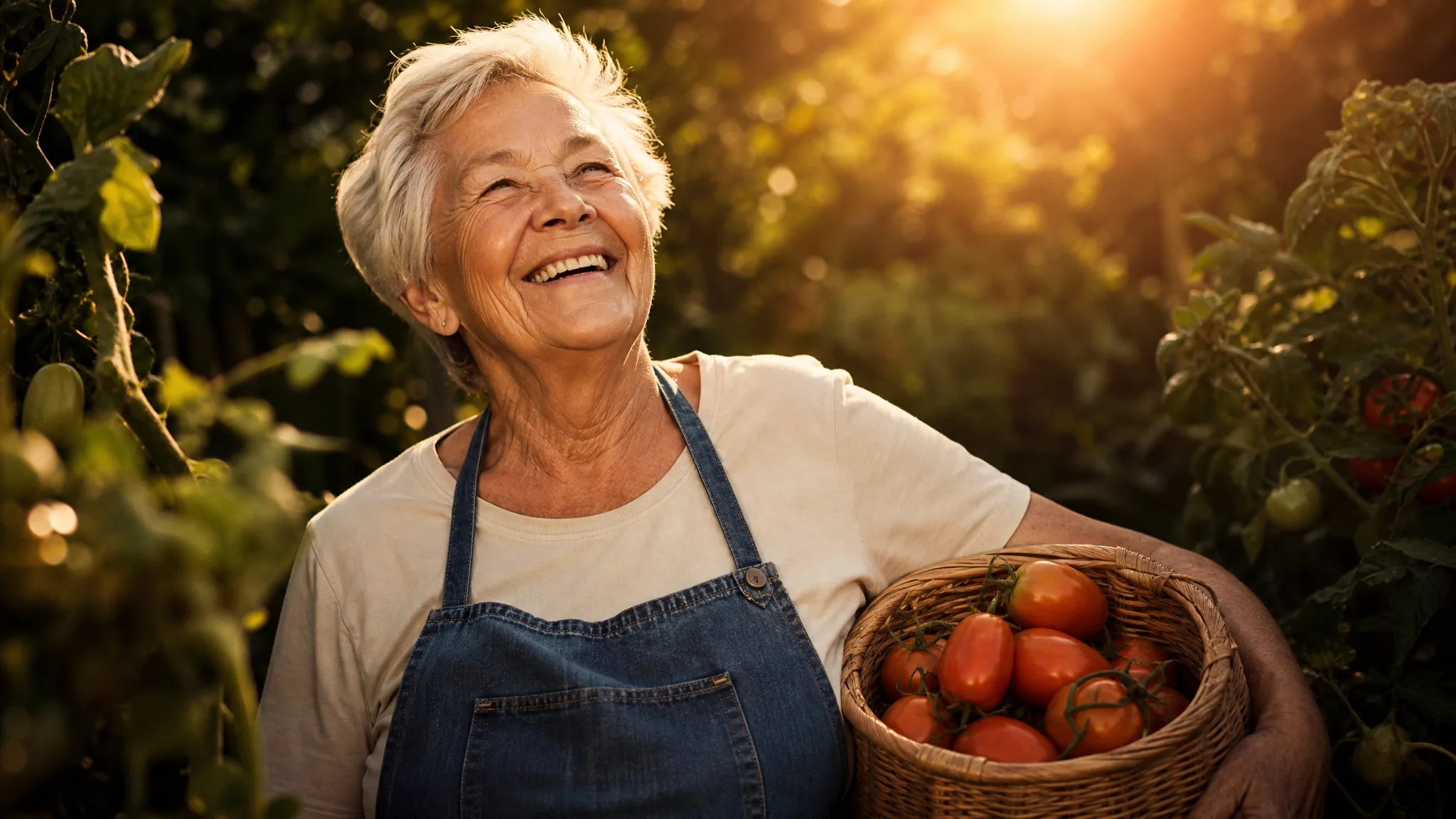
A family writing down a grandmother's memories of her garden can describe each scene and use Imagen 4 to illustrate it. The images run alongside the text in a printed family book, clearly marked as illustrations.

Teachers and Workshop Leaders

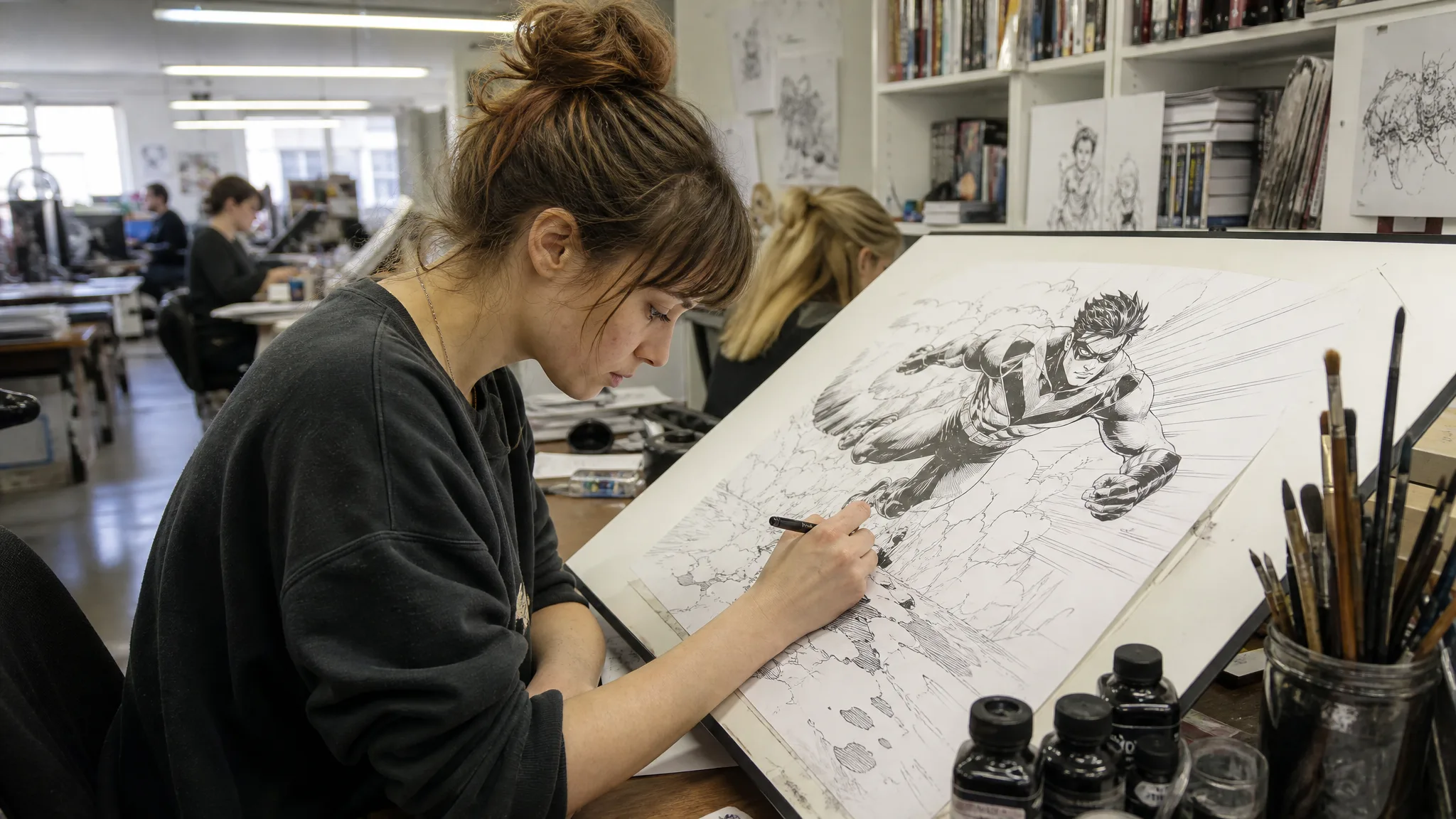
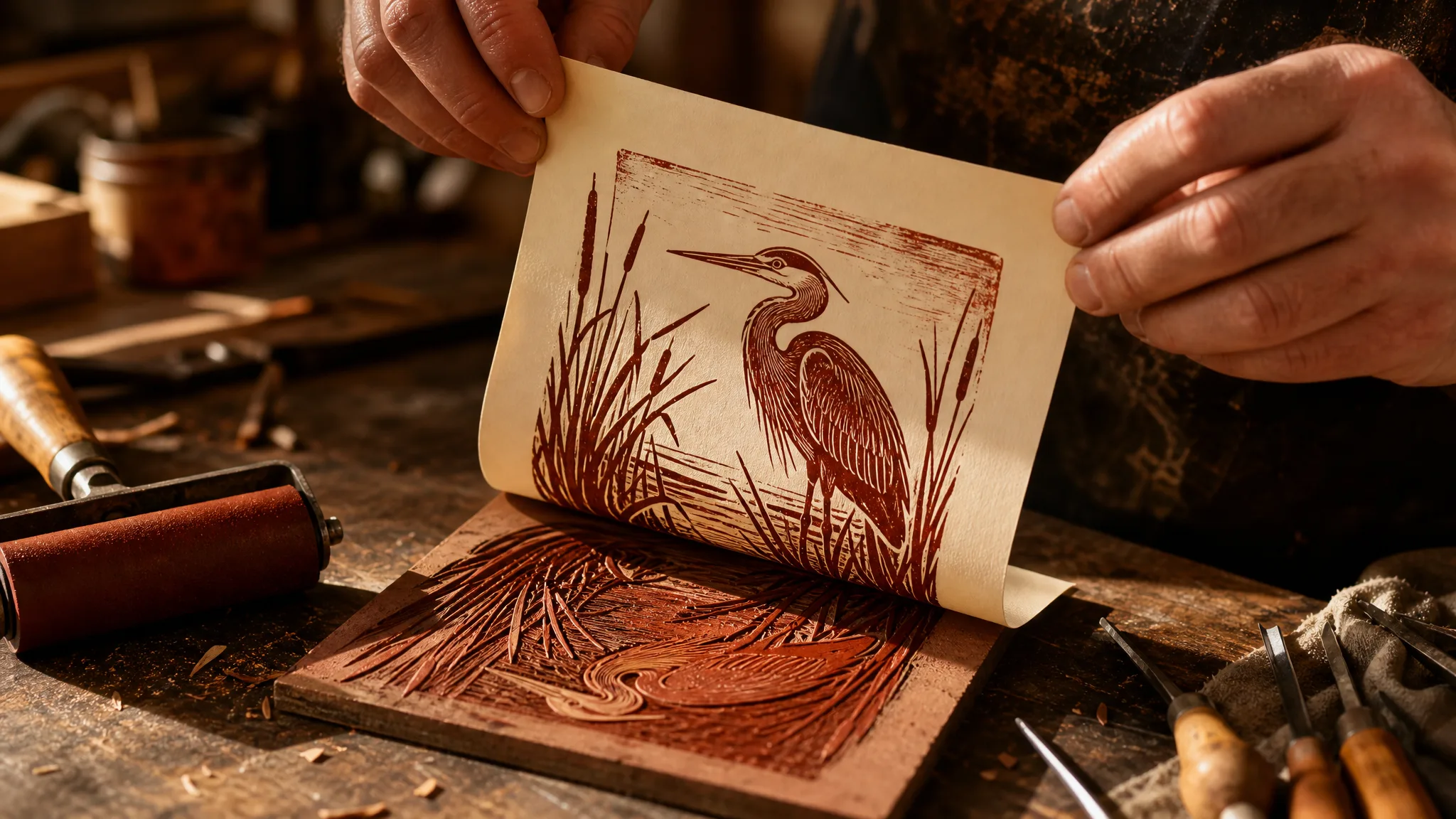
A printmaking teacher can describe a linocut heron and use the Imagen 4 still as a demonstration poster, while a geography teacher can illustrate a mountain village for a lesson slide. Each image starts from a sentence the class can read.

Stories from People Who Tried It on Their Photos

Before paying for a shoot, I wanted to know which setting suited our cognac loafers. I wrote three scenes into Imagen 4, worn wooden stairs, a stone step and a parquet floor, and compared the stills with my co-founder. The stairs won, and our photographer recreated that morning light for the launch.

Theo W.
Shoe Brand Founder

Imagen 4 Questions Answered

Imagen 4 answers on what it is, whether it takes photos, writing prompts, access and frames, plus commercial use and visibility.

Imagen 4 is Google's text-to-image model for creating stills from a written description. On PicVideo it comes in three variants, the standard model, Fast and Ultra, and all of them work from text in the image workspace.

Write an Imagen 4 prompt as a full scene: subject, action, setting, light and camera position, in plain sentences. Specific nouns like cognac leather or worn oak steps carry more than adjectives. Change one detail per run so you can tell what each word does.

Imagen 4 is text only on PicVideo and does not accept reference images. Describe the look in words instead, such as colours, materials, age, clothing and setting, or switch to a reference-based model like Nano Banana Pro when the picture must match a real photo.

An Imagen 4 scene can be framed as 1:1, 16:9, 9:16, 3:4 or 4:3. Since everything comes from your words, name the frame early: 3:4 for a natural-light portrait, 4:3 for a product on a kitchen table, 16:9 for a banner and 9:16 for a phone story.

Imagen 4 keeps each new scene in your library on all three variants, and nothing is posted on your behalf. Switch a finished scene to public if you want it in the running for the Explore gallery.

You own the Imagen 4 images you generate, within what the law allows, as PicVideo's Terms put it. Because the scene comes only from your description, check it for anything that resembles a real brand, a real person or a product feature you do not sell before it appears in a shop banner or ad.

Signing up brings free credits, and a daily check-in adds more, with a streak worth up to 4x on day 7, all ready for free models such as Z-Image Turbo. Imagen 4 runs on a PicVideo plan or credit pack; Fast costs the fewest credits and Ultra the most.

Write Your Scene and Let Imagen 4 Picture It

Describe the product, person or painted scene in a few sentences, choose square, wide or portrait framing and pick the standard, Fast or Ultra variant. Let Imagen 4 generate, compare the still with what you imagined and download the take you want to use.

Make an image with Imagen 4
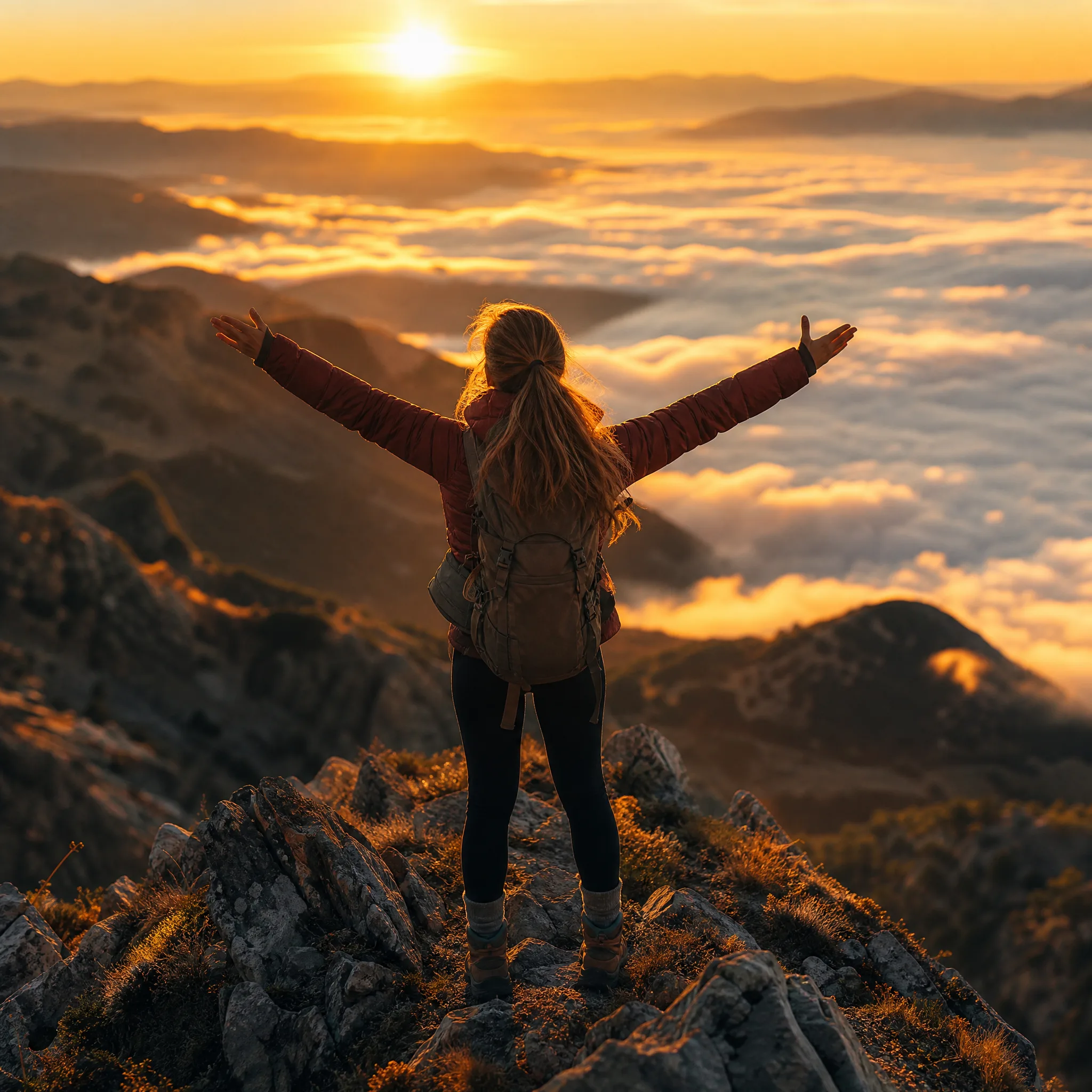
Hiker with arms spread on a mountain ridge at sunrise, a sea of clouds below