Qwen Image 3 Image Generator

Story moments written in words or drawn from your photos

Qwen Image 3 turns a written moment, or up to 3 reference photos, into a still that feels like a frame from a story. Describe who is there, what they are doing and the light, pick the 3.0 or Pro variant, and use the Qwen Image 3 result for a picture book, a travel post or a pitch deck.

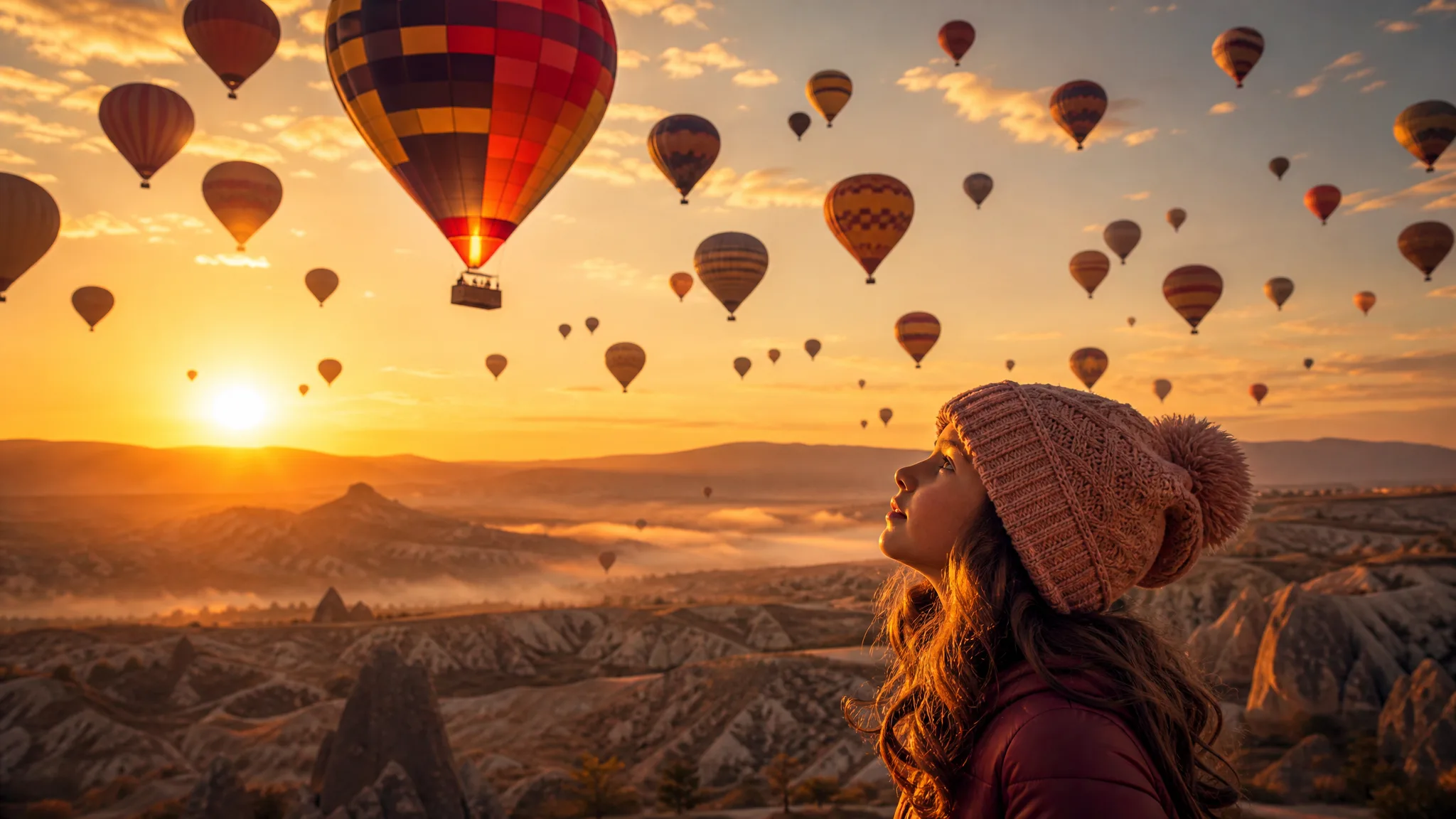
Girl gazing up at dozens of hot-air balloons lifting over a misty valley at sunrise
Whole scenes from a paragraph
Photo or painterly moods
Space planned for text
Up to 3 reference photos
Qwen Image 3
Prompt
0/5000
Resolution
Image size
Extend prompt
Negative prompt
Seed
Number of generations
Public Visibility
Required credits
13
Examples
Girl gazing up at dozens of hot-air balloons lifting over a misty valley at sunrise

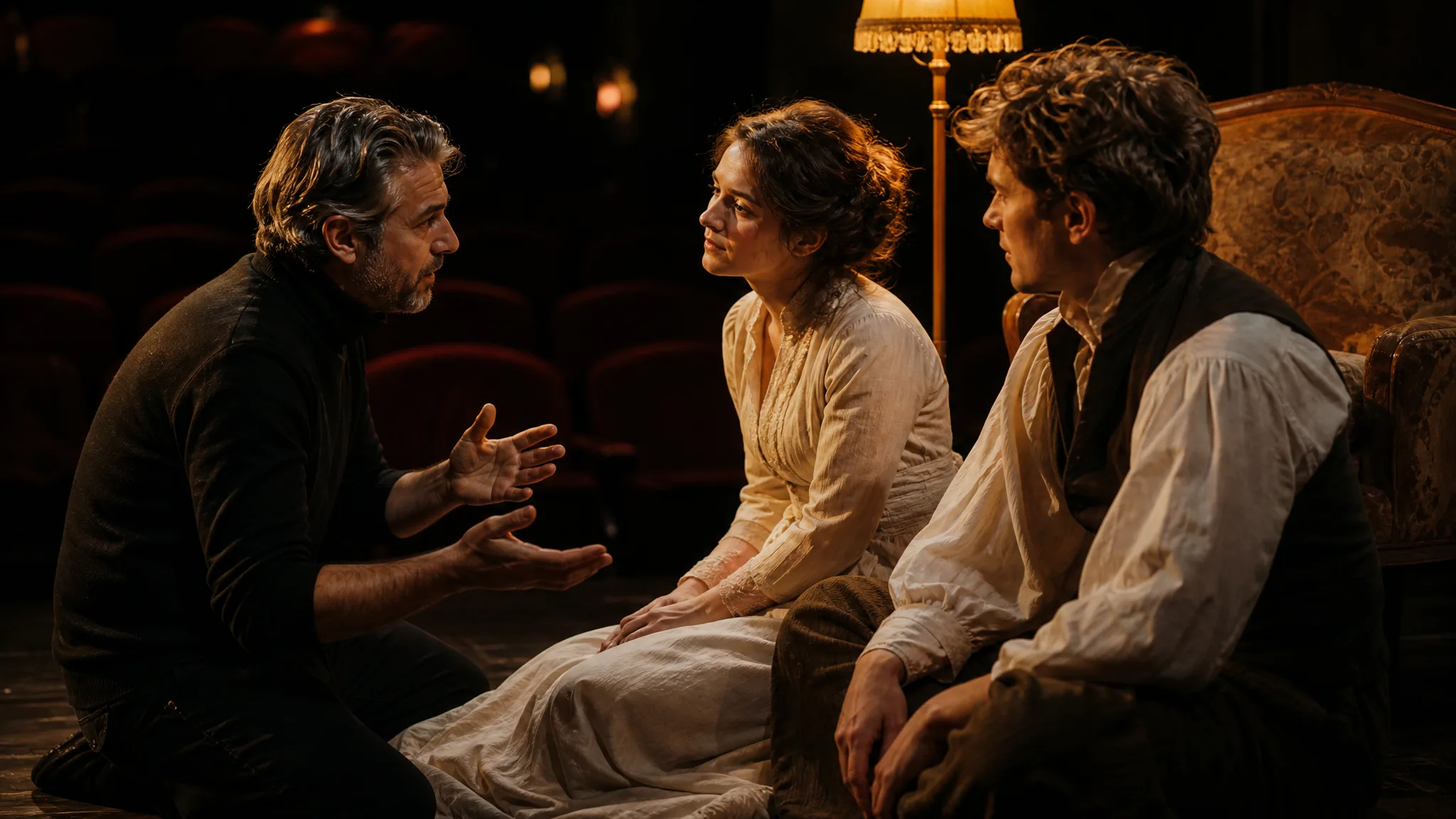
Direct the Scene Like a Rehearsal in Qwen Image 3

A theatre director moves two actors a step to the left and asks for warmer lamps until the stage picture feels right. Qwen Image 3 works the same way on the page: describe the characters, their positions and the light, run a take, then adjust one direction at a time until the moment reads clearly.

Generate with Qwen Image 3
Theatre director guiding two actors in costume on a stage lit by lamps

How to Create a Story Scene in Qwen Image 3

Qwen Image 3 works from a written scene or from up to 3 photos. These four steps go from the first sentence to a still you would put in front of readers.

1

Write the Moment

Describe a single moment for Qwen Image 3: a young man paddling a canoe with his terrier on a misty lake at dawn, seen from the water. Name the characters, the action, the place and the light in that order, so the model knows what matters most in the frame.

2

Add Photos If the Subject Is Real

If the dog, the person or the jacket really exists, switch to image-to-image and upload up to 3 reference photos. Tell Qwen Image 3 what each photo is for, such as the face, the pet or the outfit, and keep the rest of the scene in the written brief.

3

Pick the Frame and Generate

Choose an aspect ratio for the destination, 3:2 for a printed page, 9:16 for a story or 21:9 for a wide header, and a 1K or 2K output. Run Qwen Image 3 and read the take against your sentence: is everyone in the right place, and is the light right?

4

Review and Keep the Best Take

Look at faces, paws, hands and the background at full size before you keep a Qwen Image 3 still. If one detail drifted, rewrite that phrase alone and generate again. Download the take that tells the moment best and add text or page layout in your editor.

Image Tools for Prompts and Photo Edits

Start a picture from words, or change the style or setting of one you already have.

What a Qwen Image 3 Brief Can Control

Qwen Image 3 text to image prompts can set the whole scene, the mood, the layout and the link to a real photo. The four rows show each one with an example.

A Complete Scene from Words

With no photo at all, Qwen Image 3 can stage a canoe, a terrier, a misty lake and a low dawn sun from one paragraph. Specify the camera height, here water level, and the scene feels as if you were there. Writers, and families planning a cabin-trip post, use this to picture a moment before or after it happens.
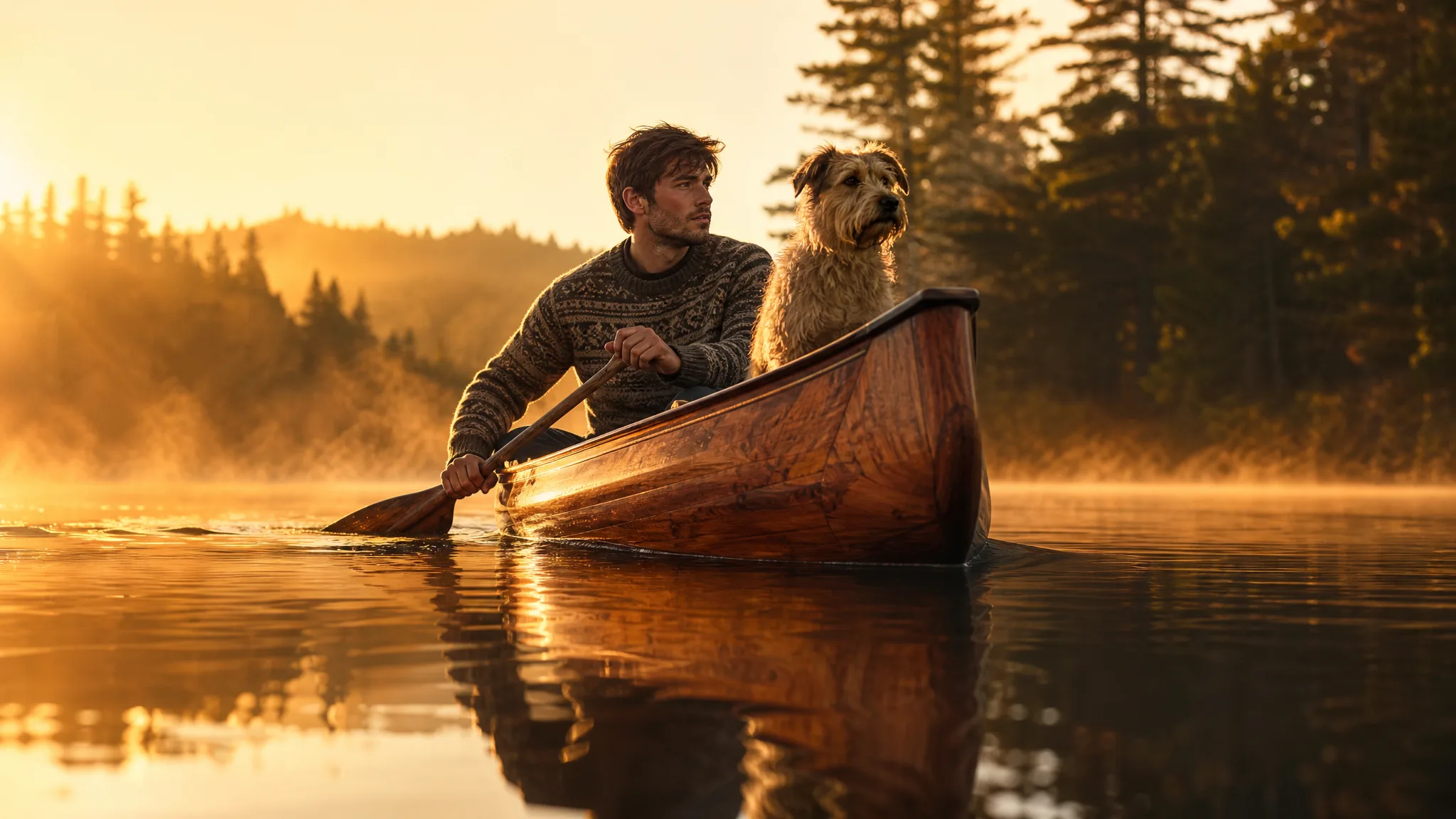
Water-level view of a young man paddling a wooden canoe with his terrier across a misty lake at dawn

Photographic or Painterly Mood

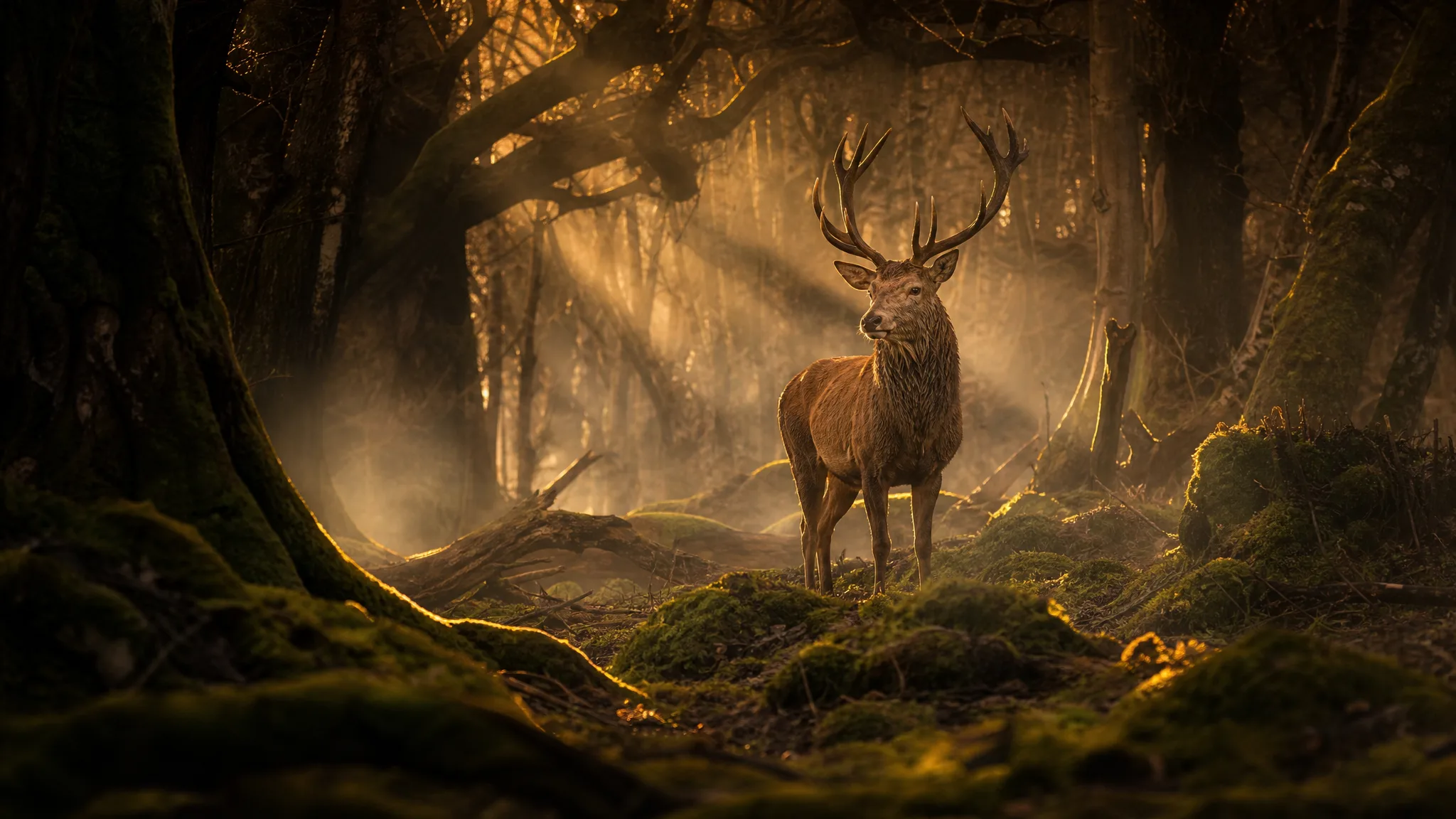
A red deer stag in a foggy forest under shafts of golden light can be a nature photograph or a watercolour plate. Tell Qwen Image 3 which treatment you want and how thick the fog should be, then compare both versions. Wildlife fans, card makers and teachers each tend to pick a different one.

Red deer stag standing in a misty forest crossed by beams of golden light

Layouts with Space for Copy

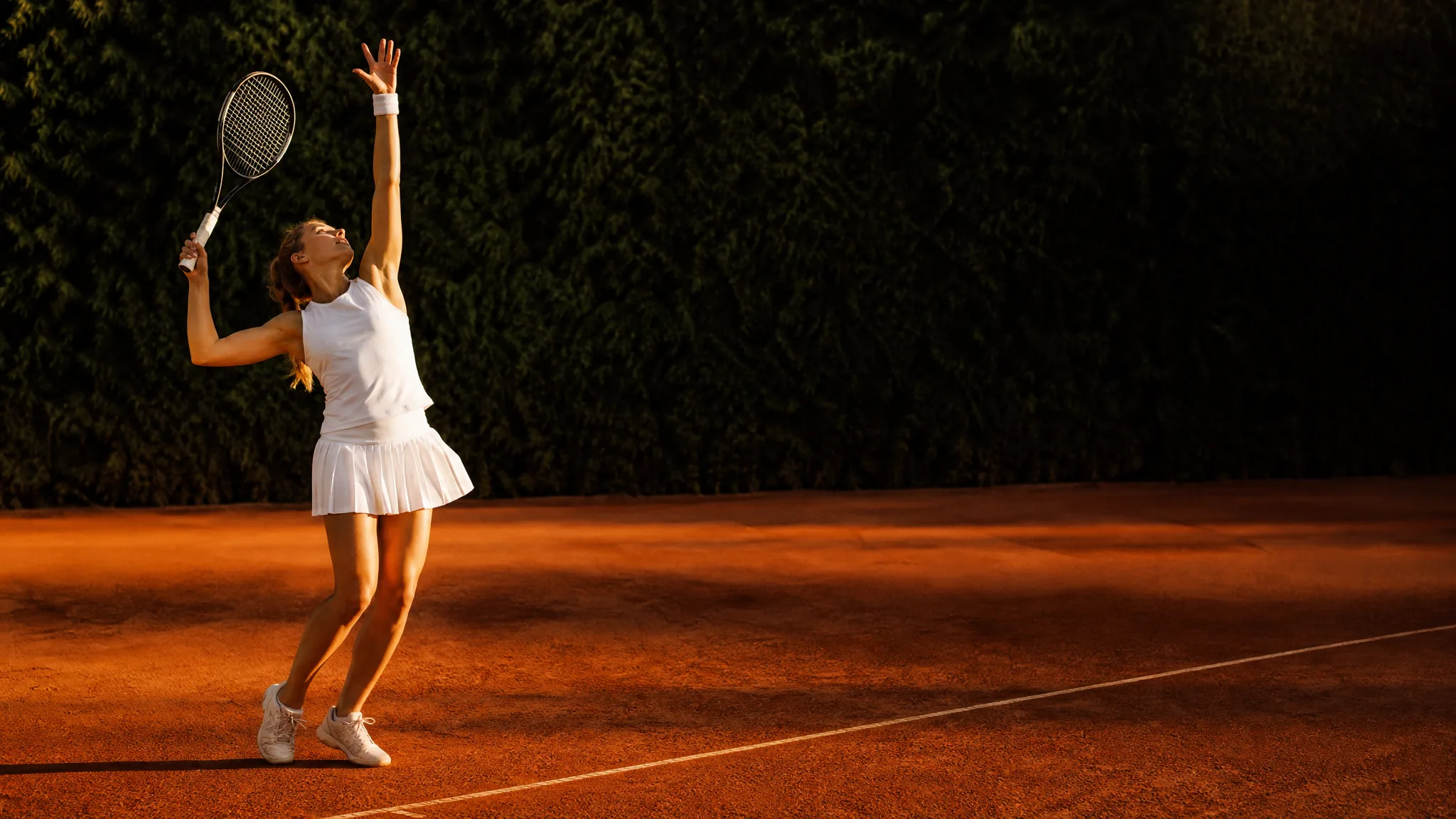
A tennis player mid-serve on the left of a warm clay court leaves the right side free for a club announcement. Ask Qwen Image 3 for the subject position and the clear area in the same brief, choose 16:9 or 3:2, and add the dates and the club name later in your design tool.

Tennis player serving on the left of a warm clay court, with open space on the right

Build on a Reference Garment or Face

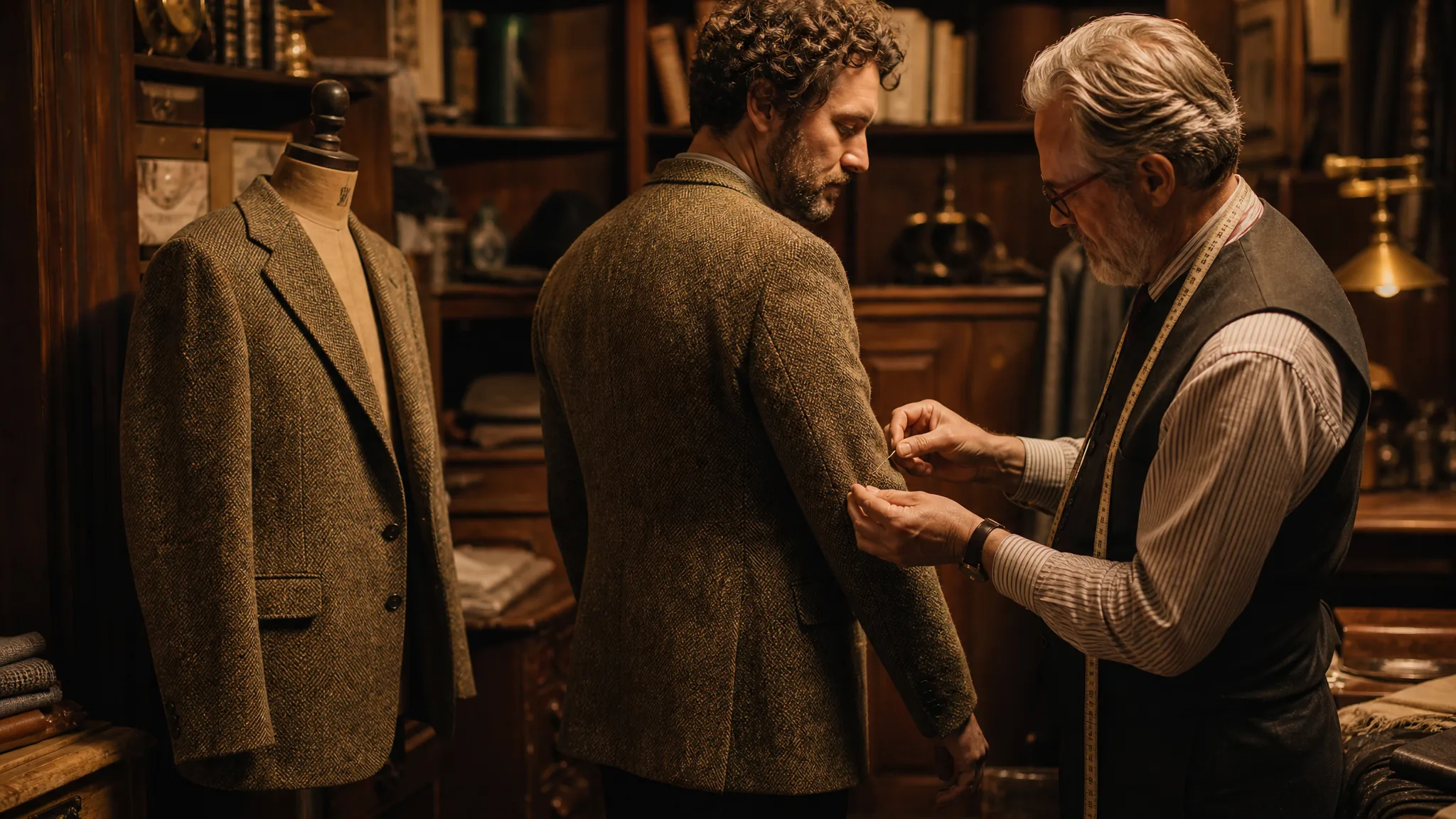
A tailor pins a new tweed jacket on a client while an older jacket hangs on the dress form as the reference. Qwen Image 3 image to image works the same way: upload the original jacket, pet or portrait, describe the new version, and compare the take with the reference before you show it to anyone.

Tailor pinning a tweed jacket on a client, an older jacket on a dress form as the reference

Qwen Image 3 Use Cases for Stories and Photo Projects

Qwen Image 3 fits projects built around a moment or a character. Here are six examples of who uses it, with what input and for what result.

Picture-Book Parents

A parent can describe a bedtime story's key scene, a girl watching hot-air balloons rise over a valley at dawn, and get a Qwen Image 3 illustration for each page. Bound as a small printed book, it becomes a gift for the child who inspired it.

Pet Adventure Posts

Dog owners can upload two photos of their terrier and ask Qwen Image 3 for the dog in a canoe on a misty lake. The still becomes the pet account's weekend post, and the same references help keep the dog recognisable in the next adventure.

Road-Trip Planners and Bloggers

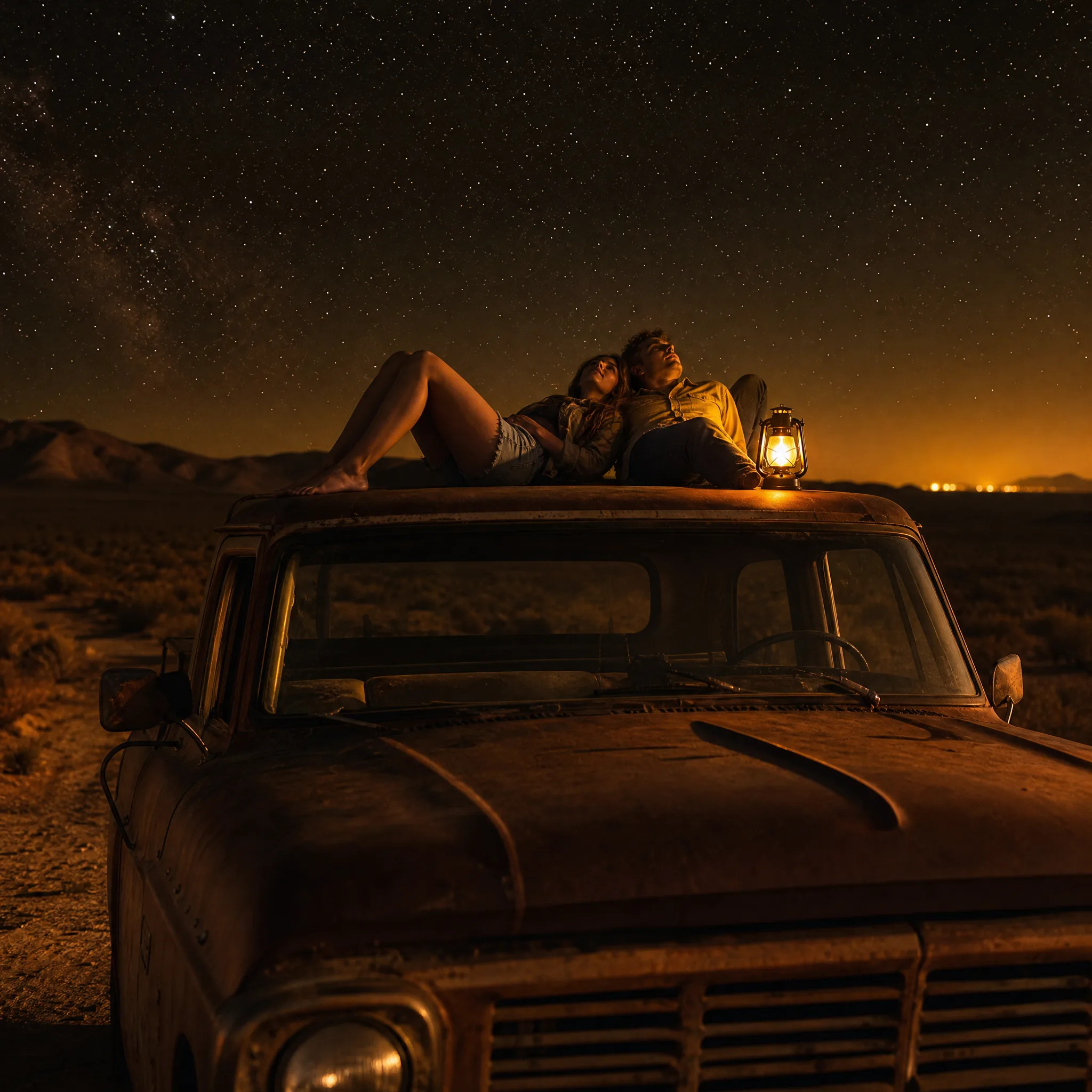
Before a road trip, a blogger can write the moments they hope to capture, like two friends on a pickup roof under desert stars, and use Qwen Image 3 stills as a shot list. Afterwards, the real photos replace the drafts in the published guide.

Community Clubs and Events

A tennis club secretary can brief Qwen Image 3 for a player mid-serve with clear space on one side, then add the tournament dates in a flyer template. The same image is cropped for the newsletter and the club's social account.

Tailors and Small Fashion Labels

A tailor can upload a photo of a client's favourite old jacket and ask Qwen Image 3 for a new tweed version in the same cut. Showing the client the still before cutting any fabric makes the design conversation quicker.

Drama Teachers and Theatre Groups

A drama teacher can describe a scene from the school play, two costumed actors on a lamp-lit stage, and use the Qwen Image 3 still for the poster, the programme cover and the rehearsal noticeboard.

Stories from People Who Tried It on Their Photos

My son asked for a story about the hot-air balloon festival we watched last spring. I wrote the key moment, a girl looking up as balloons rise at dawn, and Qwen Image 3 illustrated each of the eight pages. We had it printed as a little hardback, and he asks for it every night.

Clara W.
Nurse

Qwen Image 3 Questions

Qwen Image 3 answers for first-time users: the model, reference photos, writing prompts, access, frames, commercial use and keeping a series consistent.

Qwen Image 3 is an image model that creates stills from a written scene or from reference photos. On PicVideo it runs in the image workspace as two variants, Qwen Image 3.0 and Qwen Image 3 Pro, both with 1K or 2K output and eight aspect ratios.

Write a Qwen Image 3 prompt as one moment: characters, action, place, light and camera position. A phrase like "seen from water level" or "wide shot from behind" changes the feel more than extra adjectives. Keep each prompt about a single scene so the result stays focused.

Reuse the same reference photos and copy the character description word for word into every Qwen Image 3 prompt, changing only the action and the place. Compare the pages side by side, since hair, clothing details and markings can vary from take to take.

Qwen Image 3 image to image draws on as many as 3 reference photos. Use them for the parts that must look real, such as a face, a pet or a garment, and describe the rest of the scene in words. A prompt without photos works too.

Free credits from sign-up and from daily check-ins, which rise to 4x on day 7, let you start on free models such as Z-Image Turbo while you write out the story scene. Qwen Image 3 and Qwen Image 3 Pro run on a PicVideo plan or credit pack, and Pro costs more per image.

Qwen Image 3 frames a story page as 1:1, 3:2, 2:3, 4:3, 3:4, 16:9, 9:16 or 21:9, at 1K or 2K. A picture-book spread sits well in 3:2, a single illustrated page in 2:3, and a 21:9 frame leaves a calm strip of sky where a chapter title can go.

The Qwen Image 3 scenes you generate are owned by you to the degree the law permits, which is what the PicVideo Terms state. When a scene is built from reference photos of real people or places, make sure you have their permission, and add the campaign copy in your design file.

Qwen Image 3 keeps story scenes in your library on both variants, and your reference photos are not put on display. Turn a finished scene public when you want readers to see it; public scenes are the ones the Explore gallery can feature.

Write Your Next Story Scene in Qwen Image 3

Describe a moment or upload up to 3 photos of the people, pets or things in it, choose the frame and let Qwen Image 3 render the scene. Review the take, keep the best one and use it in a book, a post or a pitch.

Make an image with Qwen Image 3
Couple lying on the roof of a pickup under a starry desert sky next to a glowing lantern