
























Wan Image to Video for Photos, Drawings and Short Loops

Your photo keeps its frame while the moment inside it moves

Alibaba’s Wan 2.7 animates a photo or illustration for 2 to 15 seconds and keeps the shape of the picture you upload. Use Wan image to video for character art, street scenes and product loops.

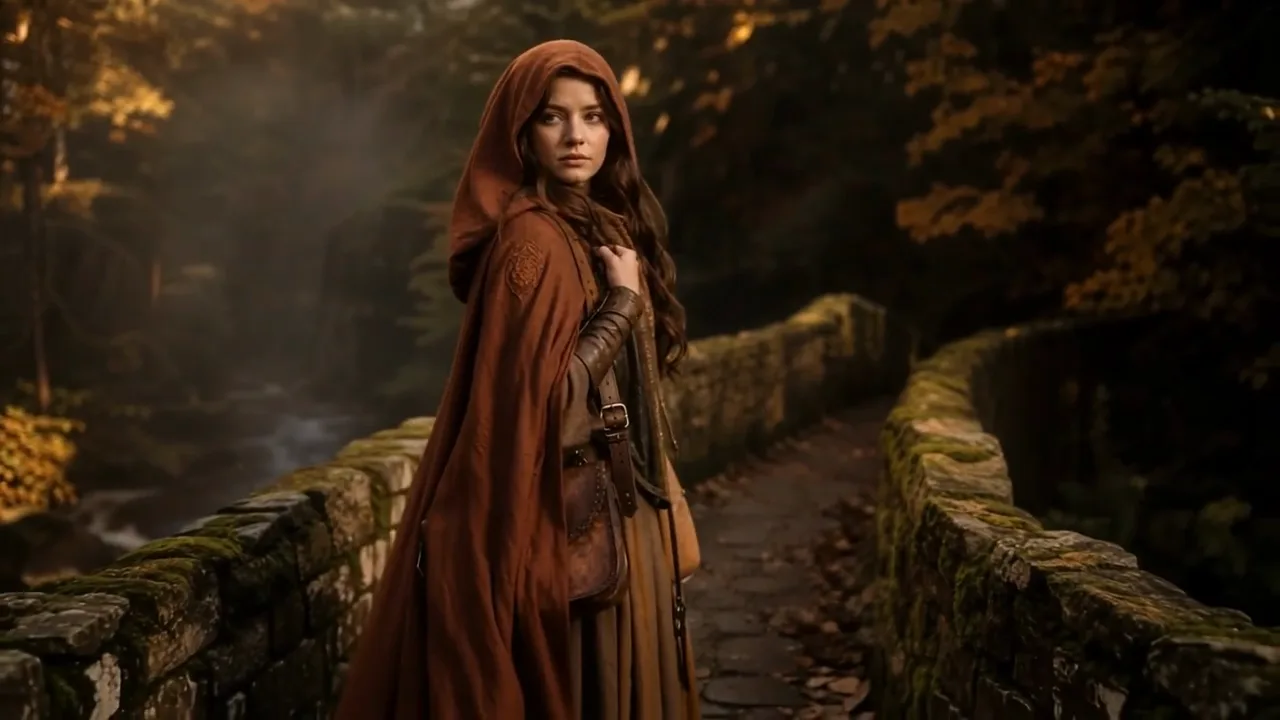
Woman in a rust-red hooded cloak on a mossy stone bridge turning her head to the camera and stepping forward
Keeps your photo’s framing
Clips from 2 to 15 seconds
Character art in motion
Quick product loops
720p or 1080p output
Wan
First frame
Last frame
First video clip
Driving audio
Prompt
0/5000
Negative prompt
Resolution
Duration
Extend prompt
Seed
Number of outputs
Public Visibility
Required credits
160
Sample videos

Bring a Photo or Drawing to Life with Wan

Wan image to video keeps the picture as you framed it, whether that is a tall phone portrait, a square sketch or a wide street photo, and adds one clear movement inside it. The Wan video generator behind this page, Alibaba’s Wan 2.7, runs from a two-second loop to a fifteen-second scene, so one tool covers a quick looping post and a slower story beat.

Animate a Photo with Wan
Woman in a pale-yellow dress walking through ripe wheat at sunset while the breeze lifts her hair

How to Use Wan Image to Video

Wan image to video takes four steps: frame the photo, describe one action, choose length and resolution, then compare the clip with the original.

1

Frame the photo before you upload

Wan image to video keeps the shape of the uploaded picture, so crop it to the final frame first: tall for stories, square for a feed, wide for a banner. Center the face, pet or object that matters and trim busy edges that could start moving on their own.

2

Describe one action in plain words

Write the single movement you want, like a girl in a cloak turning toward the camera or clouds sliding over a ridge. Wan image to video reads one clear action more reliably than a chain of events, so a single sentence is often the whole prompt.

3

Choose the length and resolution

Pick any length from 2 to 15 seconds and 720p or 1080p output. Two or three seconds suits a looping post, while ten or more gives a slow camera reveal time to finish. The frame shape comes straight from your photo, so crop it to the final shape first.

4

Compare the clip with your photo

Play the Wan image to video take beside the original and check faces, clothing, labels and the path of the camera. Add narration or ambience in your editor once you have chosen the version to keep, timed to the movement you liked.

What Wan 2.7 Can Do with One Picture

Wan image to video turns character art, landscapes, product photos and story panels into short clips without changing the frame you chose.

Move a character without redrawing it

A character portrait or illustration can take one step, turn its head or lift a hand. Name the details that define the look in your prompt, such as a rust-red hood or a scar, and Wan image to video carries them through the motion. Compare the result with the original art, and keep the action short on a first try so the character stays on model.
Let a landscape breathe

Landscape photos need no performer: clouds crossing a ridge, wind through meadow grass and a slow glide toward a lake already make a scene. Wan image to video animates the setting while keeping your composition, which makes it a natural fit for a phone wallpaper, a hiking post or the opening of a trip video.

Give a product photo a slow pass

Shop photos come alive with a restrained move: a camera arc around a watch on a walnut stand, a highlight sliding across the case. Wan image to video starts on your exact packshot, so the product keeps its framing; check the logo and the hands of the dial in the preview before using the clip on a listing or a banner.

Build a sequence one panel at a time

A short story can start as five or six stills: a street at dusk, a cyclist leaving, a door opening. Run each through the Wan video generator separately, choose a length that suits the beat, then arrange the clips in your editor with titles and sound. The result works as a moving storyboard for a pitch or a short social series.

Wan Image to Video Ideas for Photos and Art

Wan image to video helps illustrators, shop owners, hikers, families and social creators give a single picture a short, focused movement.

Illustrators testing a character

An illustrator can feed a character sheet into Wan image to video and ask for a head tilt or a wave. The clip shows a client or publisher how the character might move before any frame-by-frame animation is planned.

Shop owners making listing loops

A shop owner can turn a square product photo into a three-second loop of a slow highlight across the item. Because Wan image to video keeps the square frame, the loop drops straight into a listing gallery or a feed post.

Hikers sharing a summit view

A hiker can animate the summit photo with clouds drifting below and grass moving in the wind, keeping the tall frame the phone captured. The clip opens a trail report or sits at the top of a weekend post.

Families animating a child’s drawing

A parent can photograph a child’s drawing of a dragon and ask Wan image to video for flapping wings and a puff of smoke. The short clip becomes a bedtime surprise, shown right after the drawing itself.

Social creators with a quick hook

A creator can pick one satisfying action in a photo, like coffee pouring or a skateboard pop, and render a two-second clip as the hook of a reel. Captions and the rest of the edit follow in the creator’s usual app.

Artists presenting work in motion

A painter can add moving water or a candle flicker to a photo of a finished canvas with Wan image to video, then show the clip next to the painting on a portfolio page or a gallery screen.

Stories from People Who Tried It on Their Photos

My publisher wanted to see the fox character move before approving a trailer. I gave Wan image to video the cover painting, uncropped and tall, and asked for one ear twitch and a glance over the shoulder. The clip kept my framing and the brushwork, and the trailer went ahead on the strength of that three-second loop.

Mia K.
Children's Book Illustrator

Wan Image to Video FAQ

Answers about Wan image to video on PicVideo: starting free with the Wan video generator, clip length, sound, rights and who sees your clips.

Wan image to video animates a single photo or illustration with Alibaba’s Wan 2.7 and a short motion prompt, keeping the frame of the picture you upload. The same workspace also lists the other Wan 2.7 modes when you need them.

Wan image to video takes the character’s look from your picture, so a clear, well-lit image gives it the best start. Mention key details such as hair color or a costume in the prompt, keep the action short, and compare face and clothing with the original before using the clip.

Wan image to video on PicVideo makes Wan 2.7 clips from 2 to 15 seconds at 720p or 1080p. The frame shape comes from your uploaded image, so crop the photo to its final shape before you upload it.

Wan image to video makes picture-only clips, so plan each one as a visual piece. Add narration, ambience or effects in your editor after you pick the take, which also lets you time them to the version you keep.

Editing experience is not needed: the Wan video generator runs in your browser and works from one photo plus a sentence about the motion. Download the take you like and trim or caption it later in any editor.

Wan image to video is free to start: sign up for free credits and check in daily, since a streak lifts the reward to 4x on day 7. Wan 2.7 then runs at its free-tier settings, 720p and up to 5 seconds, whenever you have sufficient credits, and longer or sharper takes run on a PicVideo plan or credit pack. Free generations include a PicVideo watermark.

You own the Wan image to video clips you generate, to the extent the law allows, under the PicVideo Terms. Wan often animates illustrations and character art, so if the drawing came from another artist or a commissioned piece, settle the use with them before the clip fronts a campaign or a client edit.

Photos uploaded for Wan image to video are not published. Finished Wan clips from free accounts are shown with Public Visibility on, so an animated illustration or portrait may be chosen for Explore after review.

Animate Your Photo with Wan Image to Video

Upload a photo or drawing framed the way you want it, describe one action, and Wan image to video makes a 2- to 15-second Wan 2.7 clip that keeps that frame. Compare it with the original, add your own sound in the editor and share the version you like.

Make a Wan Clip
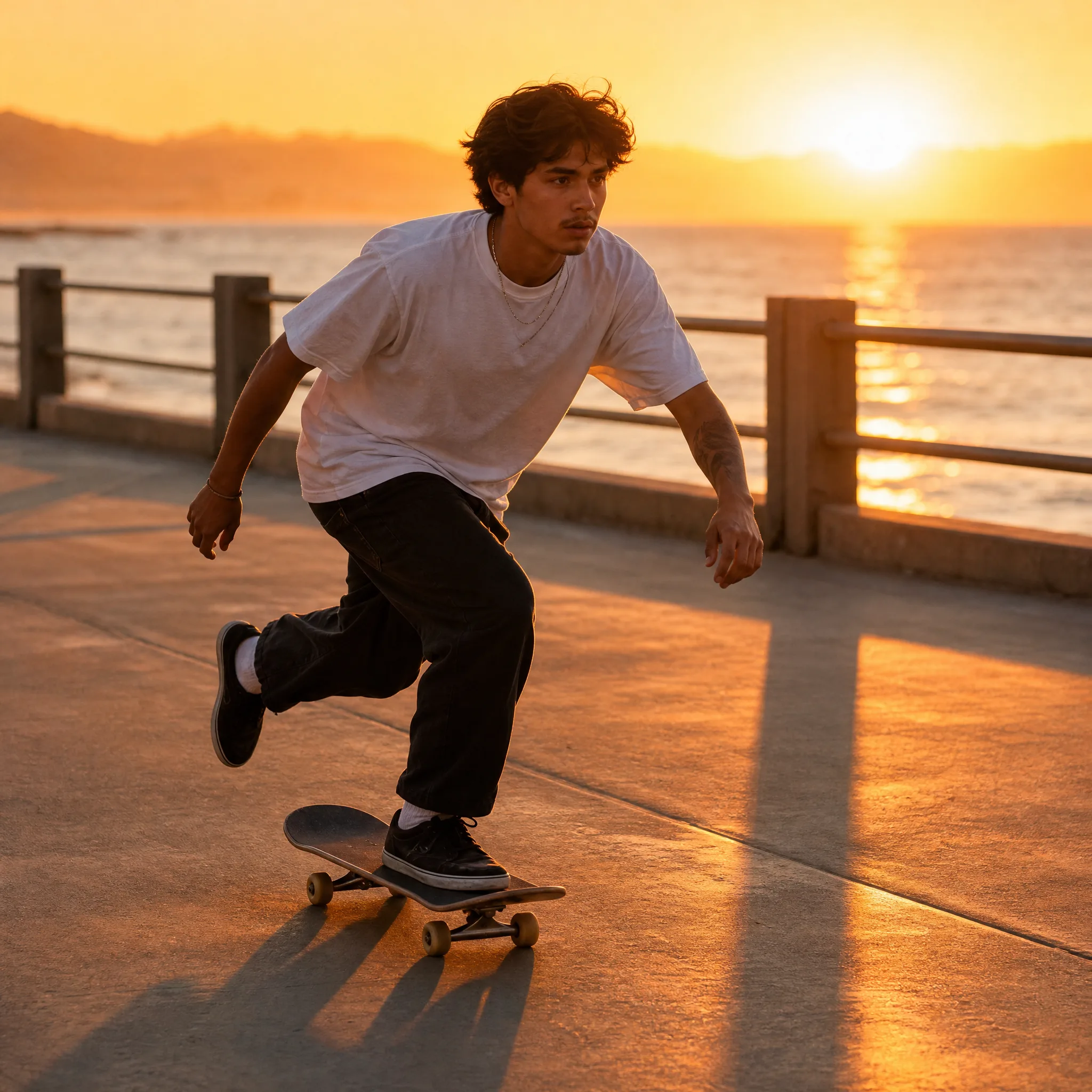
Young skater in a white tee rolling along a seaside promenade with the sunset glowing beyond the railing