























Runway AI Image to Video for Cinematic Photo Shots

Plan one camera move and let your photo carry the scene

Runway AI image to video gives a portrait, street photo or product shot one directed camera move. Runway Gen-4 Turbo starts from your still and follows your note on action, pace and light.

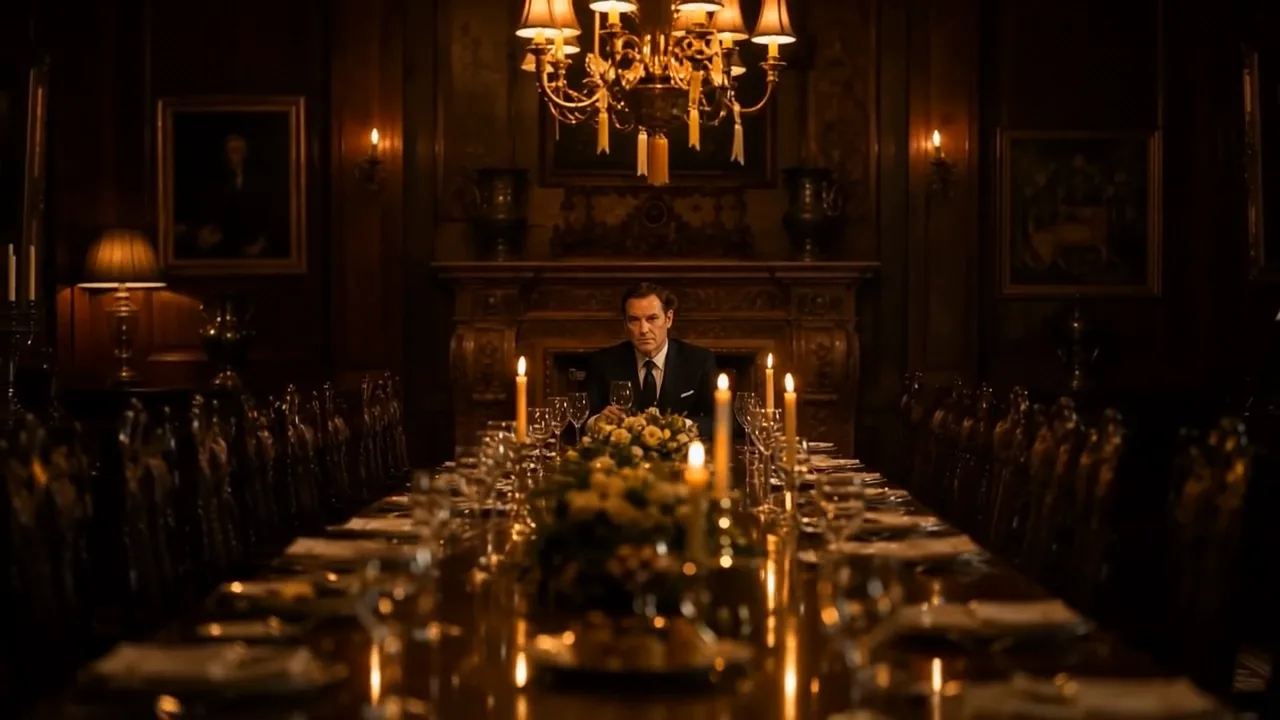
The view retreats down a candlelit table, revealing a wood-panelled dining room and chandelier around a lone seated man
Directed camera moves from one photo
Portrait, street and product shots
5- or 10-second Gen-4 Turbo clips
Frames that keep your photo’s shape
Free to start on Gen-4 Turbo
Runway
Reference image
Prompt
0/1800
Duration
Quality
Number of outputs
Public Visibility
Required credits
24
Sample videos

From a Single Photo to a Directed Runway Shot

Runway AI image to video is made for the photo that already looks like a film still. The frame you upload becomes the opening frame, and Runway Gen-4 Turbo follows a short note about where the camera travels and what changes in the scene. A rainy street portrait can gain a slow push-in, a sleeping dog a breeze through the curtains, a product shot a pass of light across its surface.

Try Runway Image to Video
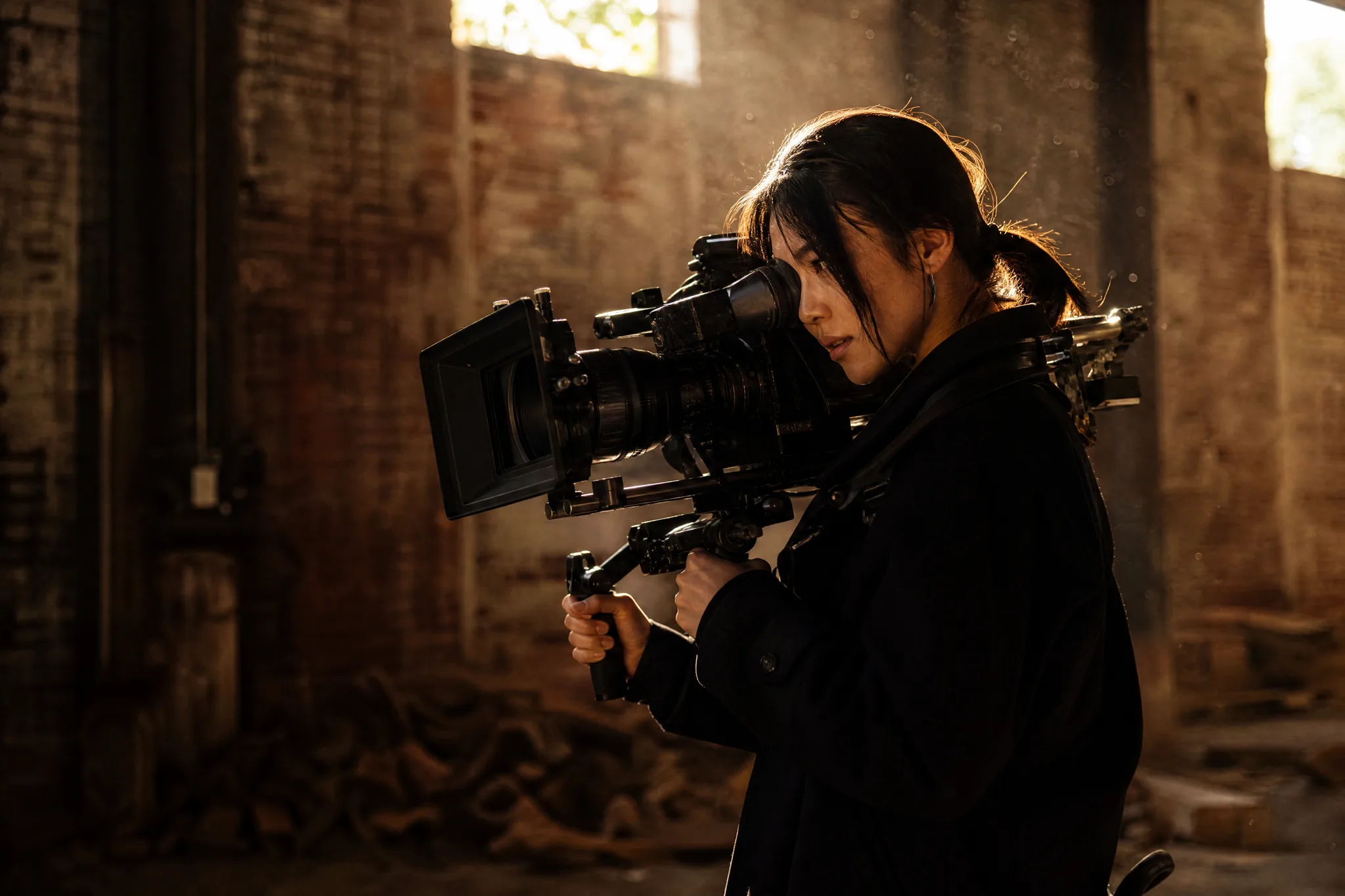
Cinematographer leaning into the viewfinder of a shoulder-rig camera as sunlight and floating dust fill a brick warehouse

How to Use Runway AI Image to Video on a Photo

Runway AI image to video takes three steps: pick the frame, write a camera note, and keep the take that holds up from the first second to the last.

1

Pick a photo that already looks like a frame

Upload a JPG, PNG or WebP image, whether a portrait, a street scene, a product on a table or a scanned print. Runway AI image to video keeps the composition you upload, so crop it to the final shape first and make sure the main subject is sharp and well lit.

2

Write a short camera and action note

Say what the camera does and what changes in the scene, for example a slow push toward the musician as drizzle falls through the lamplight. Then set the Runway AI image to video clip to 5 or 10 seconds at 720p, or 5 seconds at 1080p.

3

Check the take and download it

Start the generation and follow its progress in the workspace. Play the finished clip from start to end, comparing faces, hands and edges with your photo. Download the take you like for a reel, a slideshow or a client preview, or change one phrase in the note and run another.

Runway Shot Ideas Built from One Photo

Runway AI image to video turns photos you already have into shots with a purpose: a reveal, a human moment or an insert for a longer edit.

Reveal the room around your subject

Start close and let the camera pull away. In this example a man sits at the end of a long candlelit table, and the pullback slowly uncovers the panelled dining room around him. Runway AI image to video handles this kind of reveal well when the photo has depth, so choose interiors, hallways or landscapes with layers that can open up as the lens retreats.
Give a portrait a small, human moment

Portraits come alive through tiny actions. The dancer finishes tying her pointe-shoe ribbon and looks toward the window with a calm smile, nothing more. Ask Runway AI image to video for one gesture like that, keep the face unobstructed in your photo, and compare the eyes, hands and hair with the original before you keep the take.

Turn a product photo into an insert shot

A product picture can become a five- or ten-second cutaway. Here, leather hiking boots rest on a mossy rock while the stream runs past and sunlight flickers over them. Describe the movement of the setting rather than the product, so the item itself stays steady, then place the downloaded Runway Gen-4 Turbo clip between your other shots.

Choose What Moves in Your Runway Shot

With the Runway video generator, each take works best with one clear instruction. Decide whether the subject acts, the camera travels, the light and air change, or the photo plays out its next moment.

Let a single gesture lead the shot

Pigeons scatter, a boy looks up

A photo with one clear subject gives Runway AI image to video something specific to animate. In the rooftop example the boy simply lifts his gaze as the pigeons scatter into the sunrise. Name that gesture, the direction it travels and its pace, and Runway Gen-4 Turbo keeps the rest of the frame calm so the action reads at a glance.

Runway AI Image to Video for Photographers and Creators

Runway AI image to video fits anyone holding a strong photo who needs a few seconds of motion: a gallery opener, a travel post, a shop listing or a portfolio.

Event and concert photographers

An event photographer can take the night shot of a musician under a lantern and ask Runway AI image to video for a slow push-in as drizzle falls through the light. The short clip promotes the next gig on a venue page or poster screen, built from a frame the client already approved.

Travel photographers

A travel photographer can bring a rainy street, a harbour at dusk or a mountain view into motion with drifting cloud, moving water or a sideways camera glide. Runway AI image to video turns the hero photo of a trip into the opening shot of a travel reel or blog post.

Small online shops

A shop owner can give a product photo a measured light pass or a gentle orbit. The five-second Runway Gen-4 Turbo clip works as a cutaway in a listing video or a story ad, while the original photo remains the reference for colour and shape.

Pet owners

A pet owner can take the photo of a dog asleep in a sunbeam and ask Runway AI image to video for a breeze through the curtains and a twitching ear. The result is a calm little clip to send to family or keep as a moving wallpaper.

Illustrators and artists

An illustrator can upload finished artwork and describe restrained motion that respects the composition, such as hair drifting or a lantern flickering. Placed beside the still on a portfolio page, the Runway AI image to video clip shows how the scene could feel on screen.

Short-form creators

A creator can crop a photo to vertical, upload it and direct one visible moment for the first seconds of a Reel or TikTok. Runway Gen-4 Turbo supplies that opening shot, and captions, cuts and the rest of the story come together in a phone editor.

Stories from People Who Tried It on Their Photos

A jazz club wanted something moving to promote its Friday nights, but all I had were stills. I picked my shot of the saxophonist under a lantern on the wet street and used Runway AI image to video for a slow push-in as drizzle fell through the light. The club opened its next poster campaign with that ten-second clip.

Marcus R.
Concert Photographer

Runway AI Image to Video FAQ

Answers about Runway AI image to video on PicVideo: starting free, the Gen-4 Turbo model, clip settings, choosing a photo and where your shots can go.

Runway AI image to video turns one photo into a short directed shot with Runway Gen-4 Turbo. You upload the image, describe the camera move and the action, and PicVideo returns a 5- or 10-second clip you can download.

Free credits come with sign-up, and a daily check-in adds more, with the streak bonus climbing to 4x on day 7. Runway Gen-4 Turbo is one of PicVideo's free-tier models, so those credits can go straight into your first Runway AI image to video shots. Its longer and sharper settings run on a plan or credit pack.

Start from a sharp portrait with even light, ask Runway AI image to video for one small gesture and a slow camera move, and keep quick turns of the head out of the prompt. Calm motion around the face makes the likeness easier to hold, so compare two takes and keep the steadier one.

This page runs Runway Gen-4 Turbo, and every Runway AI image to video shot here uses it. Plan your shot around the settings shown in the workspace: the duration, the resolution and your written note about the camera and the action.

Runway AI image to video on PicVideo makes Gen-4 Turbo clips of 5 or 10 seconds at 720p, or 5 seconds at 1080p. Image input keeps the shape of your uploaded photo, so crop it to the frame you want first. Text-to-video offers 16:9, 4:3, 1:1, 3:4 and 9:16.

A sharp photo with one clear subject and some depth behind it gives the Runway AI video generator the most to work with. Portraits, street scenes, interiors, products and scanned prints all suit it, and good light with an uncluttered background makes the motion easier to read.

Describe one camera move and one change in the scene, in plain words and in the order they happen, for example: slow push-in toward his face, drizzle falls through the lamplight. Short, specific notes help Runway AI image to video keep the subject steady.

You own the Runway AI image to video shots you generate, as the PicVideo Terms set out, to the extent the law allows. A gig promo or a shop cutaway is built from your photo, so use pictures you took or were licensed, and get a nod from the musician or model before their face leads a paid ad.

The Runway video generator workspace runs in your mobile or desktop browser, with no app to download. Upload a picture from your camera roll, write the camera note and download the finished clip straight to your phone.

The photos you upload for a Runway shot are not published. Finished Runway AI image to video clips from free accounts start with Public Visibility on, which means a strong take may be picked for the Explore gallery after review.

Start a Runway Shot from Your Favourite Photo

Choose the photo that already feels cinematic, write one camera move and one change in the scene, and Runway AI image to video turns it into a Gen-4 Turbo shot of 5 or 10 seconds. Watch it, keep the best take and give your portrait, trip or product its moving moment.

Create My Runway Shot
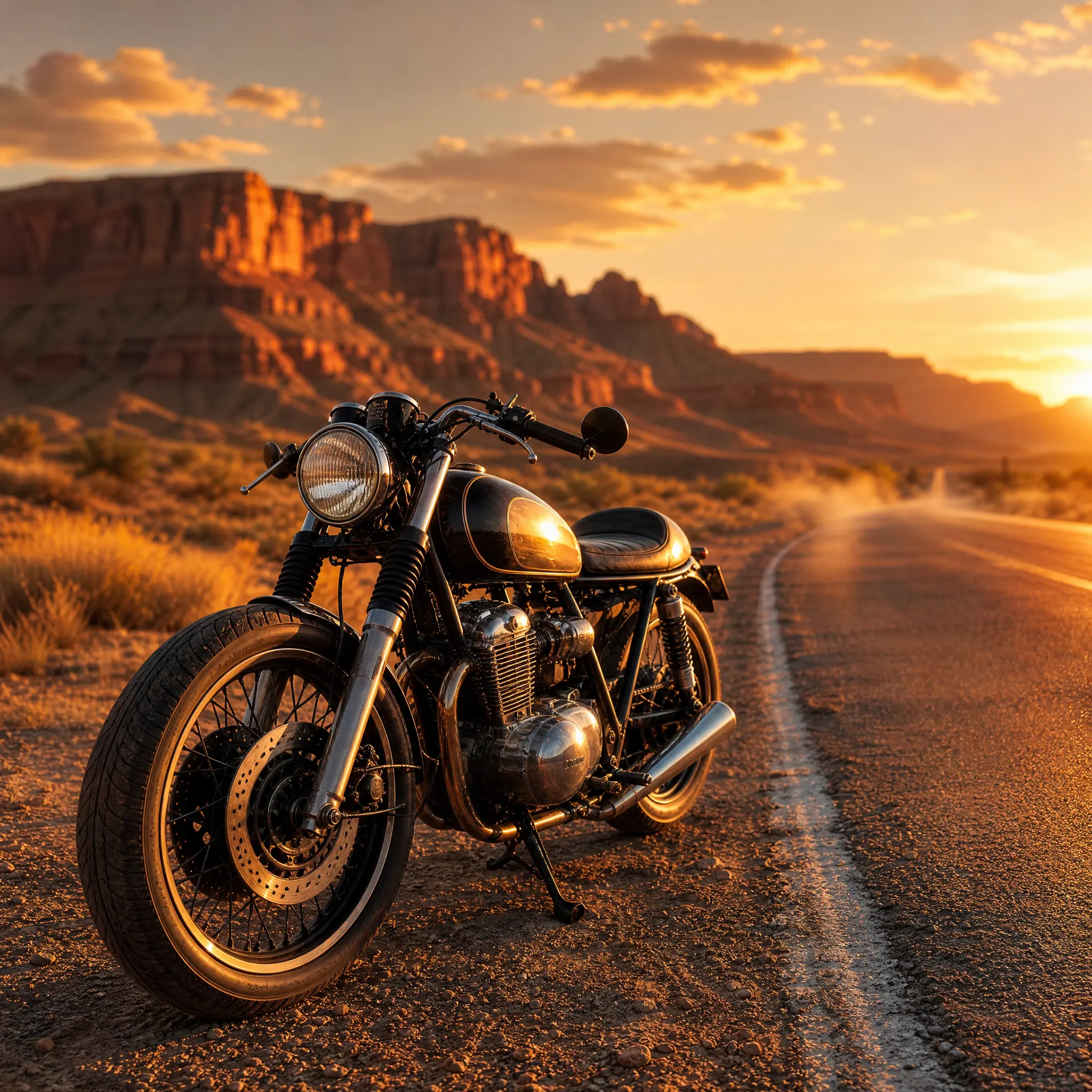
Café-racer motorcycle resting on the shoulder of an empty desert highway as sunset lights red mesas and drifting dust